
Monster
-
Posts
1,103 -
Joined
-
Last visited
-
Days Won
10
Content Type
Profiles
Warranty Claims
Downloads
Forums
Store
Services
Downloads Plus Support
DOWNLOADS EXTRA
Everything posted by Monster
-
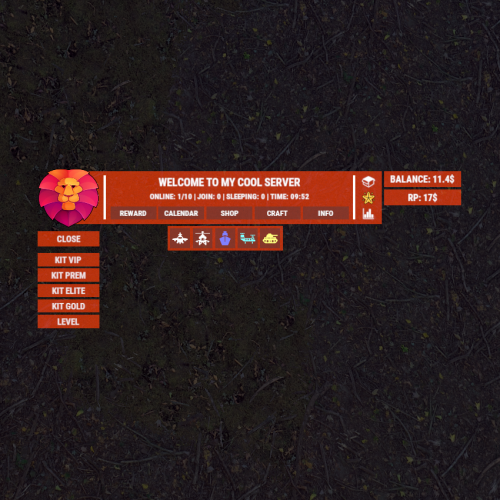
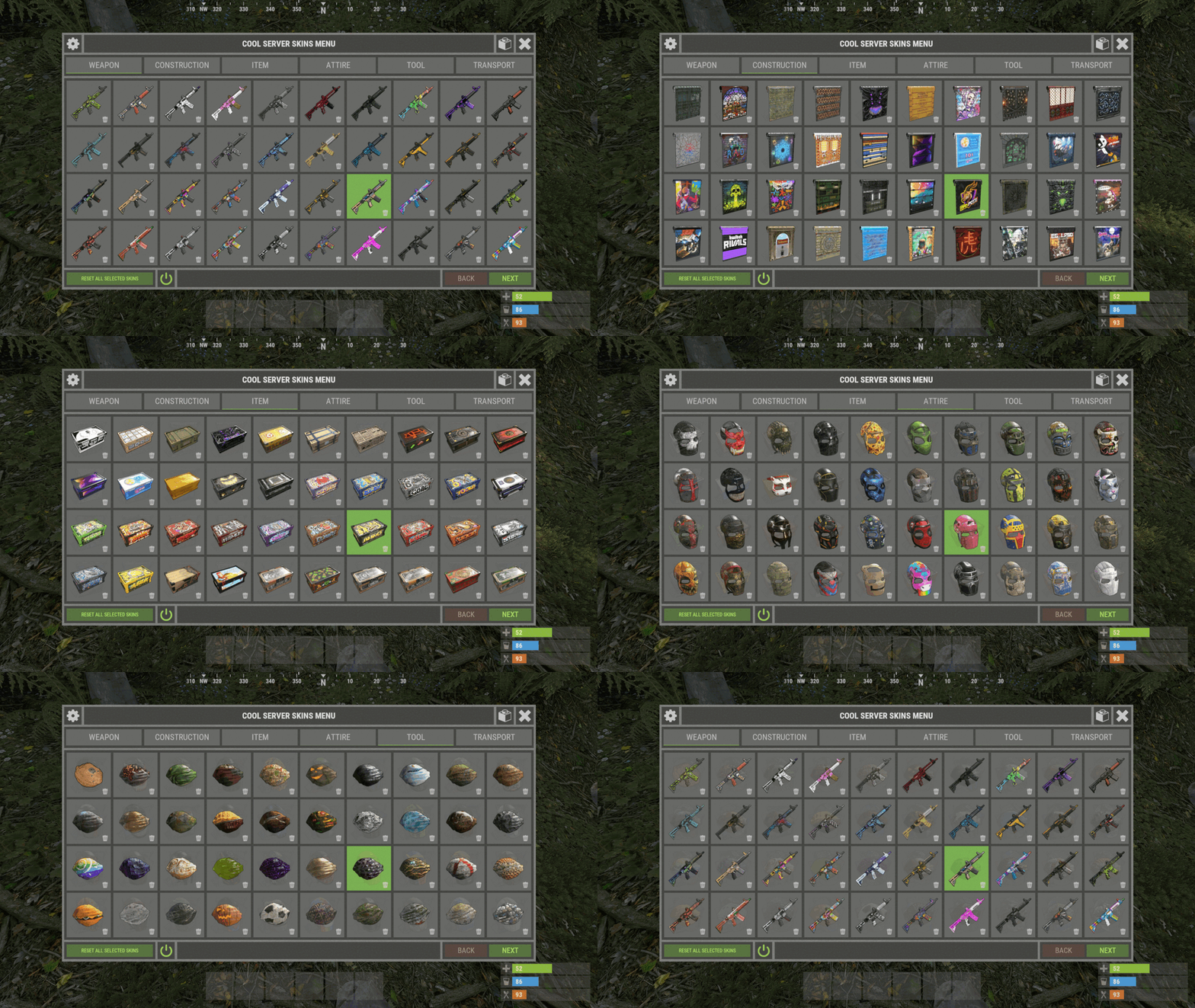
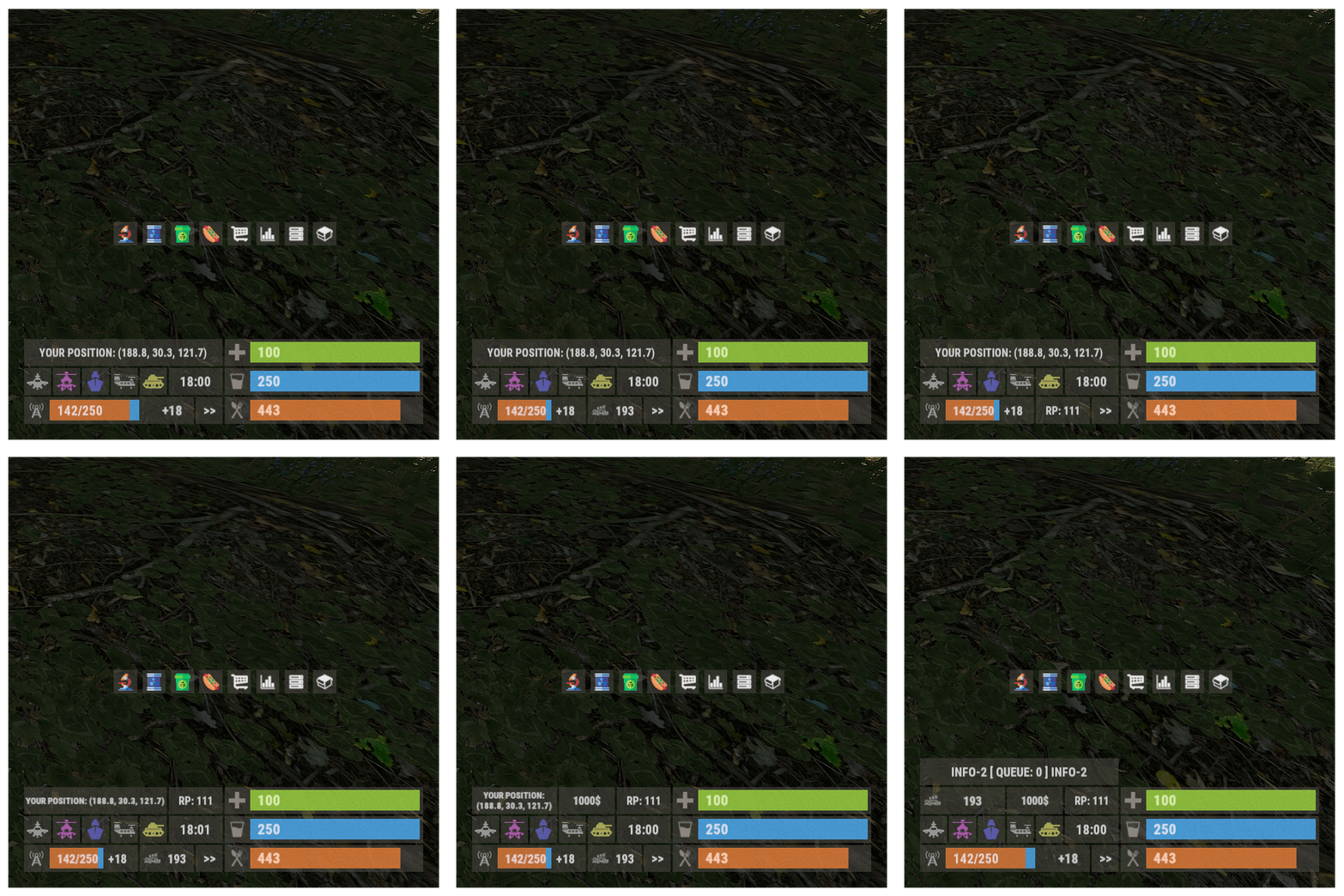 The default plugin is configured as shown in the screenshot. You need to change the location of the elements yourself, for this all the coordinates are in the config. You can check out the gif, it shows several panel configurations. Also I don't see you buying a plugin.
 -
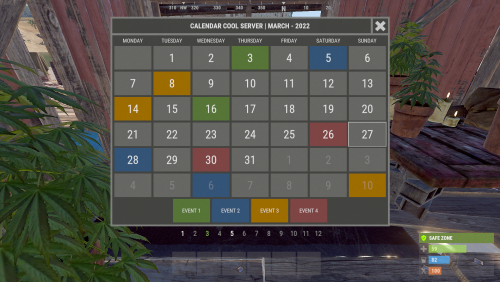 Yes. What makes you think it doesn't work?
 -
Server calendar. Server events schedule for the whole year.
-
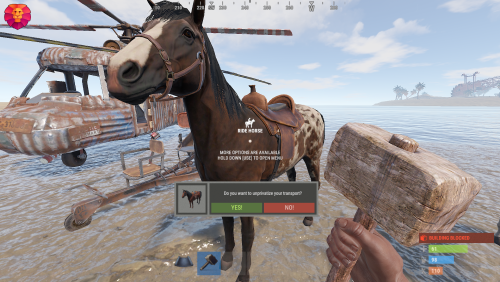 I think I'll add in an update.
 -
No, there wasn't.
-
Yes, of course. All UI settings in configuration.
-
He didn't exist. There is no localization in the plugin. In the config, you set up the desired message text yourself.
-
Update ImageLibrary.
-
 Hello. Yes, I am planning to add various activities in the prison. (earnings or redemption for currency). I think I will implement your suggestions as soon as I get back to developing and updating plugins.
 -
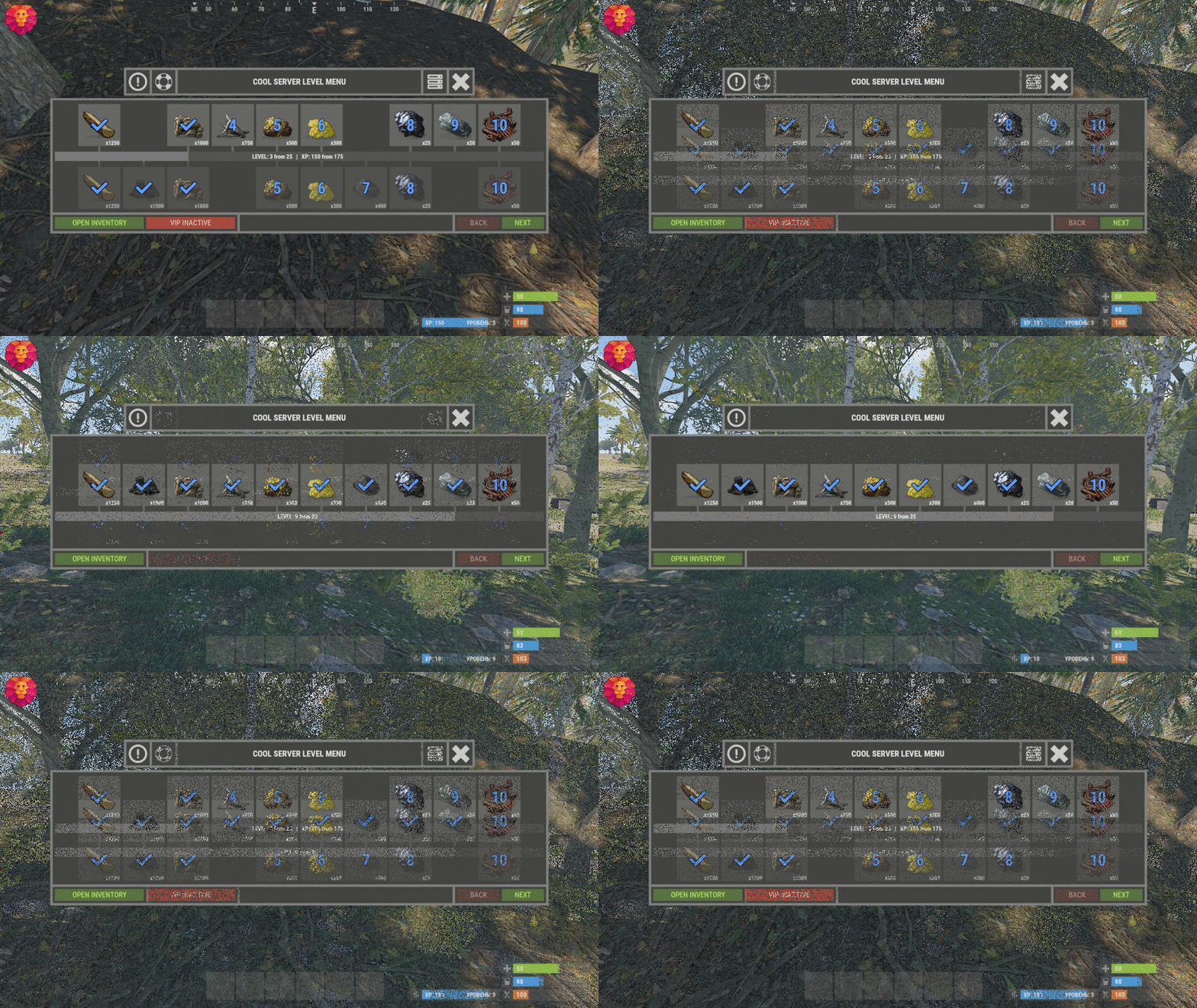 Hello. Yes, you can change the location, the config contains UI coordinates that you can change.
 -
1. Everyone on your team can use the vehicle you have privateed. So you can use the transport of your team. And yet, there is a team through which you can add a player outside your team and he will also be able to use your transport. 2. If you leave a private vehicle, it will be private until destroyed.
-
 I will add it.
 -
The plugin executes commands only at the specified time. I will add a separate list of commands that can be executed after the server has started.
-
The plugin can only turn off the server, but not start it in any way. Therefore, you need to find instructions or software on the Internet, how to start the server after restarting. Usually hostings have built-in this software.
-
 Not at the moment. I'll add it in an update.