.gif.5aced85c052e08582f33d15d71720580.gif)
-
Posts
505 -
Joined
-
Last visited
-
Days Won
14
Content Type
Profiles
Warranty Claims
Downloads
Forums
Store
Support
DOWNLOADS EXTRA
Services
Everything posted by RobJ
-
ok after looking into it turns out their no bug theirs just stupid me I set the wrong version number for the config so sorry will not happen again.
-
Changed Status from Pending to Not a Bug
-
Hello, the plugins you mentioned need a little update so they are global::WallPaperPlanner if you need anymore info contact @Razor
-
It shouldn’t have done that at all we thought of that and that was specifically something we tested. Do you have a back up or anything? I do apologise I’ll have to try and re-create this and find out what’s going on.
-
 New wallpaper Added
- 68 comments
-
- 2
-

-
- #wallpaper
- #wall
- (and 5 more)
-
Could I ask have you added any skins of your own?
-
Changed Fixed In to Next Version
-
Already added in the next version that getting tested now
-
Changed Status from Pending to Not a Bug
-
Changed Status from Pending to Fixed Changed Fixed In to 1.0.3
-
When we updated, we mistakenly left it out. It is now back in
-
Changed Status from Pending to Not a Bug
-
Hello that is an old wallpaper that needs updating basically when face punch added ceilings and floors the tag on the steam workshop changed from wallpaper to wallpaper.wall wallpaper.ceiling wallpaper.floor only Wallpapers uploaded correct tags and item numbers will work

-
I like this idea and will look into adding it
-
Is it putting down grey carpet or is it your wallpaper without colour?
-
New Wallpaper Added
- 68 comments
-
- 2
-

-
-
- #wallpaper
- #wall
- (and 5 more)
-
The plug-in is designed for use with the update tommrow. If you would like to test it before then you need to use staging branch.
-
Version 2.2.6
1,543 downloads
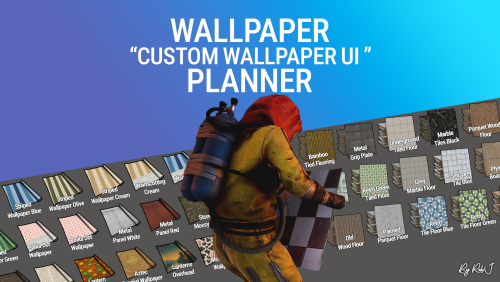
Welcome to Wallpaper Planner a lightweight, fast, and user-friendly extension for Rust that enhances the default wallpaper tool with a powerful custom skin selector. Features Custom UI: Access a sleek, in-game wallpaper selector by middle-clicking (FIRE_THIRD) while holding the wallpaper tool. The plugin automatically detects whether you're aiming at a wall, floor, or ceiling and opens the correct category. Favourites System: Mark your favourite skins in each category, then easily toggle a view that shows only your most liked wallpapers. VIP Skins (New): Offer exclusive VIP-only wallpapers, floors, and ceilings to supporters or special groups. Create unlimited VIP tiers in the config (e.g. wallpaperplanner.vip, wallpaperplanner.vip1, wallpaperplanner.vip2, etc.). Assign unique skins to each tier. Players with the matching permission automatically see their extra VIP skins in the UI. 100% Custom All wallpapers are exclusively made for this plugin. No DLC or official skins are used, though some designs may be inspired by existing skins. More Skins Incoming: New exclusive custom wallpapers are added regularly. You can also import your own Workshop skins with ease. Permissions wallpaperplanner.use — Grants access to the wallpaper planner UI. wallpaperplanner.outside — Allows use of wallpapers outside of a player’s base. (Please note: This is currently in Beta. Not all skins perform perfectly on exterior surfaces or Armoured Tier walls.) wallpaperplanner.admin — Enables admin-only tools to rename, delete, or manage skins directly through the UI. Chat Commands /wallpaperplanner — Use this if you prefer a custom keybind instead of the middle mouse button. Must be used while holding the wallpaper planner. Example: Bind to H key Open console (F1) and enter: bind H "chat.say /wallpaperplanner" List of input keys to use in config that rust accepts. BACKWARD LEFT RIGHT JUMP DUCK SPRINT USE FIRE_PRIMARY FIRE_SECONDARY RELOAD FIRE_THIRD DISABLED DISABLED Input Key (New): Server owners can now disable the UI keybind system entirely. In the config, set: "UI input key": "DISABLED" This prevents the menu from opening with FIRE_THIRD, allowing admins to enforce custom binds (e.g. /wallpaperplanner only).$21.99- 68 comments
- 7 reviews
-
- 9
-
-
-
- #wallpaper
- #wall
- (and 5 more)
-
RobSpawn.cs here is the newest released one 2.2.5
-
its a beta and has now become rob spawn 2 when its released i will send it you
-
Ok seems to be a new bug. Not a lot I can do about it. Take it a restart doesn’t bring it back ? I’ll remove the elevator add stairs if needed. Let me know Thanks
-
so its not above on a different floor pressing the red button doesn't bring it down ? thanks
-
I’m pretty sure that is the servers trash pile. If it looks like it’s bang in the centre of the map, then it definitely is. It’s how face punch programmed the trash collection to work it’s pretty normal. The problem is getting close to it when it’s normally deep on the ground but the river means we’re at sea height.
-
 Noob question here what's the Explosive Costs part used for and does what thanks "Additional Bases": { "EasyBase1": { "CopyPaste Options": [ { "Option": "stability", "Value": "false" }, { "Option": "autoheight", "Value": "false" }, { "Option": "height", "Value": "1.0" } ], "Explosive Costs": [ { "Item Shortname": "explosive.satchel", "Amount": 16, "Enabled": false }, { "Item Shortname": "ammo.rifle.explosive", "Amount": 256, "Enabled": false } ] },
 -
Version 1.0.2
25 downloads
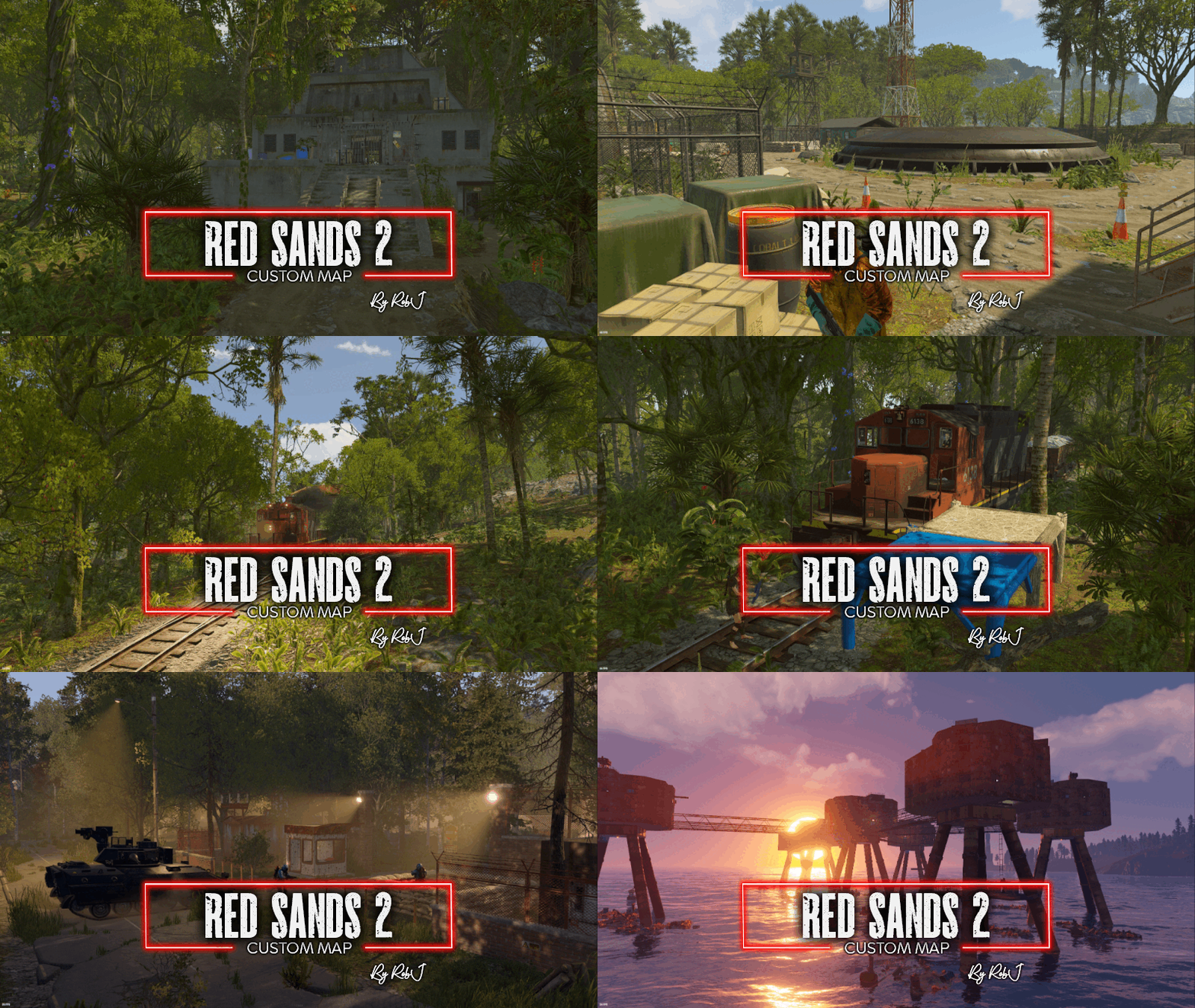
Welcome to my newest map! What started as a full remaster of one of my previous maps has evolved into something much greater. Not only have all the monuments been completely remastered, which took quite a bit of time, but the entire map has been transformed. Biomes have been shifted, and a brand-new jungle biome has been introduced. I've also replaced the railway with the new version railway on the surface. I've given it all new paths. I've updated all the tunnels. And there is now multiple branches leading off that are building-enabled. So you can actually build a base, use a high external gate, and your train can actually enter your compound Size: 3050 Custom NPCs I've substituted the default RustEdit Scientists with a variety of NPCs representing different factions within the Rust universe: Normal Scientist, Arctic Scientist, Tunnel Dweller, and Underwater Dweller. If these NPCs don't suit your preferences, you can easily remove the plugin and replace them with any bot plugin of your choice. Map Editing Yes, you are allowed to edit the map and add stuff etc. Monuments Jungle Ziggurat Jungle Ruins x3 Airfield Bandit Town Fishing Village Gas Station Harbor Horse Stable Junkyard Launch Site Lighthouse Military Tunnels Oil Rig Large Oil Rig Small Outpost Sewer Branch Sphere Tank Supermarket Trainyard Underwater Labs Desert Military Base Arctic Research Base Sulphur Quarry Nuclear Missile Silo Ferry Terminal Rad Town HQM Quarry M.O.T Centre Train Station Maunsell Forts Colbalt Vaults Railway Junction Help and Contact If you need to contact me discord is best: RobJ2210 For help/support my discord group is best: Join RobJ Maps Discord$41.99
.thumb.gif.b68fcc45abe70ab7d7235dffc8a0c770.gif)