
About Ultimate Combatlog
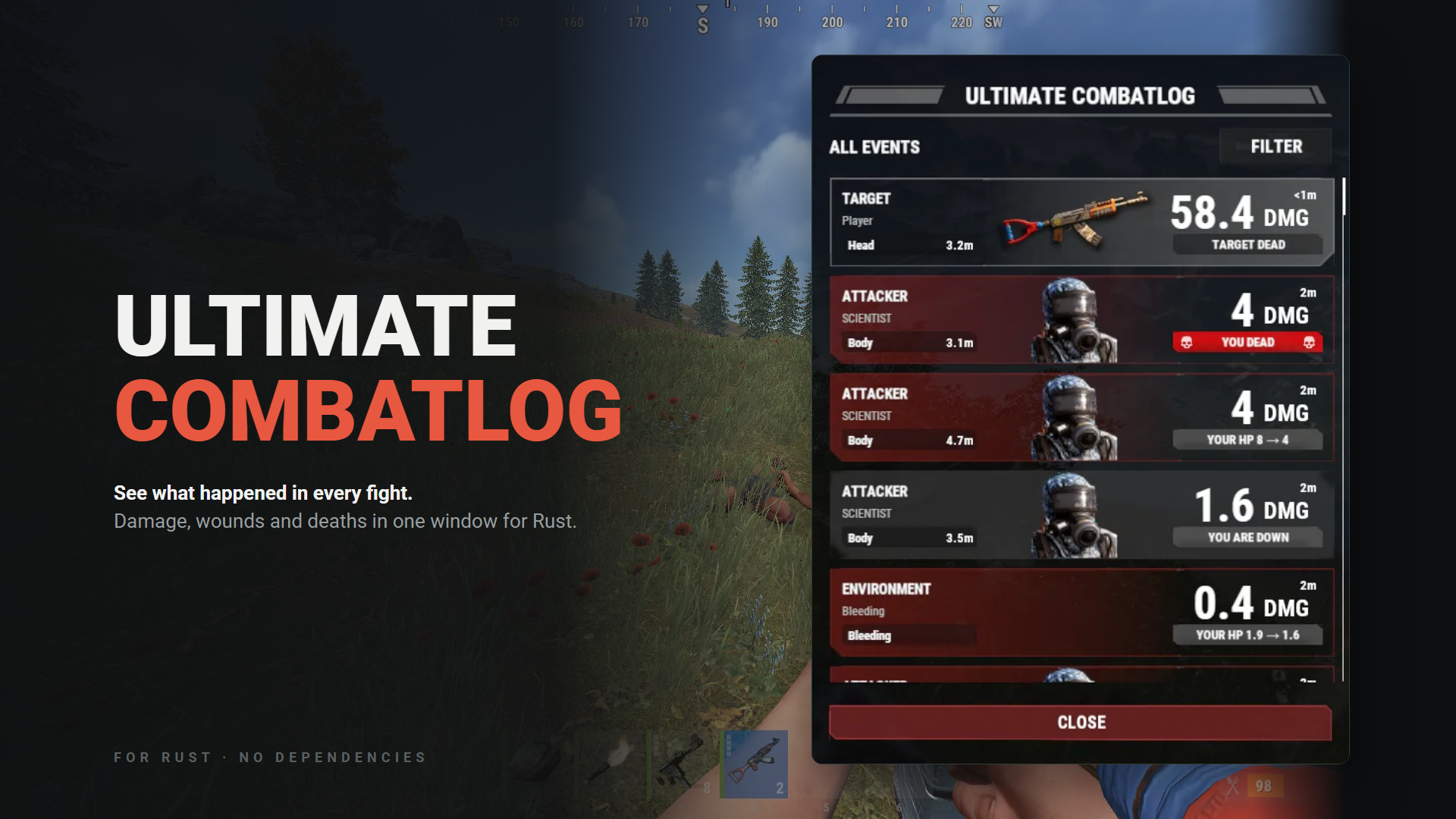
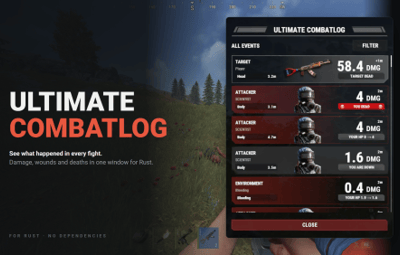
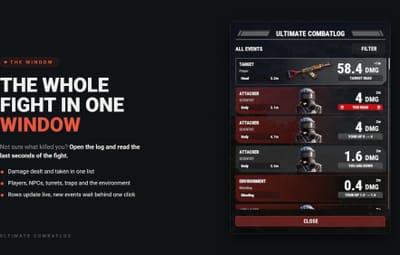
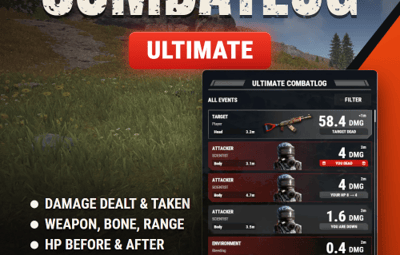
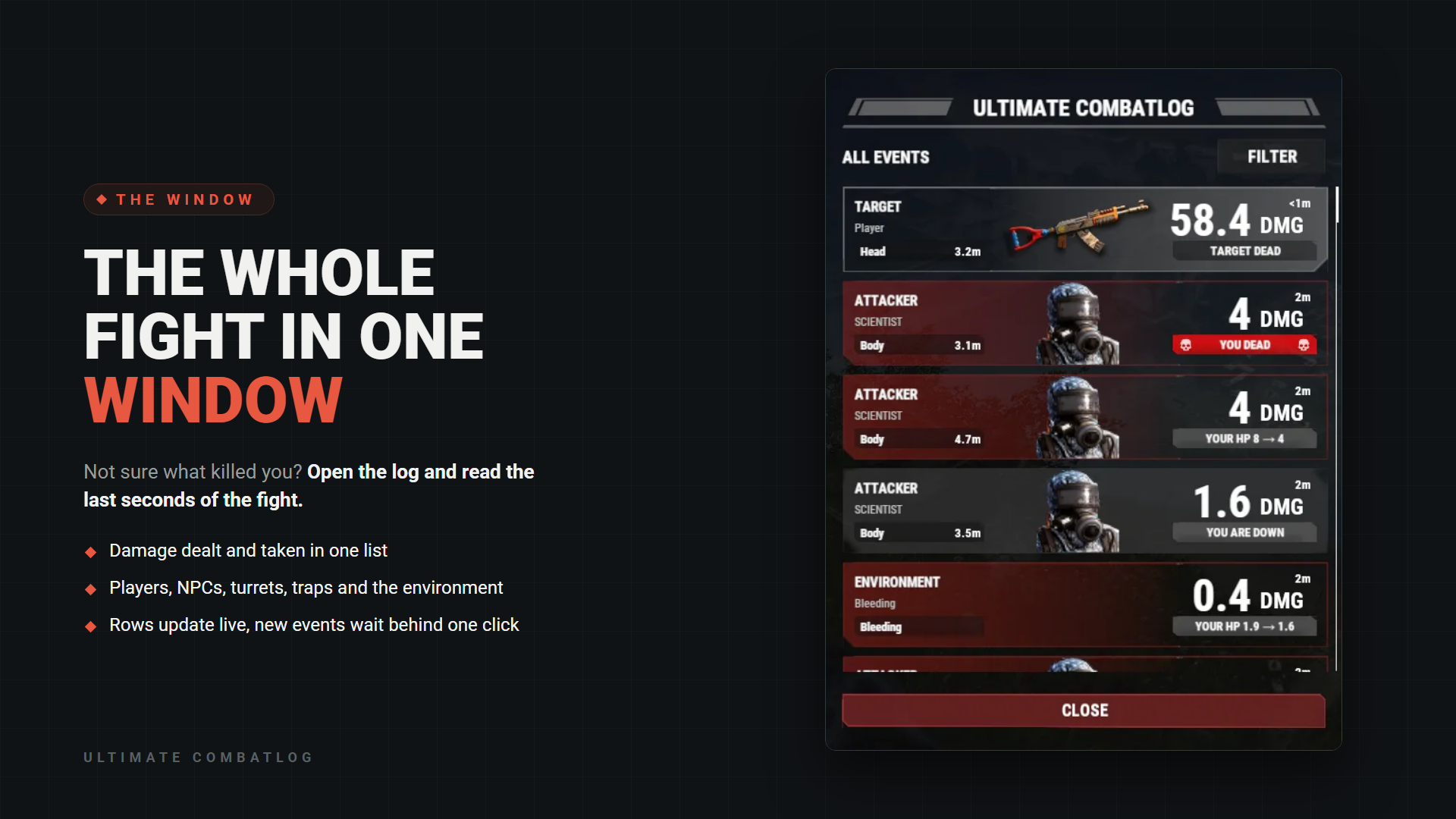
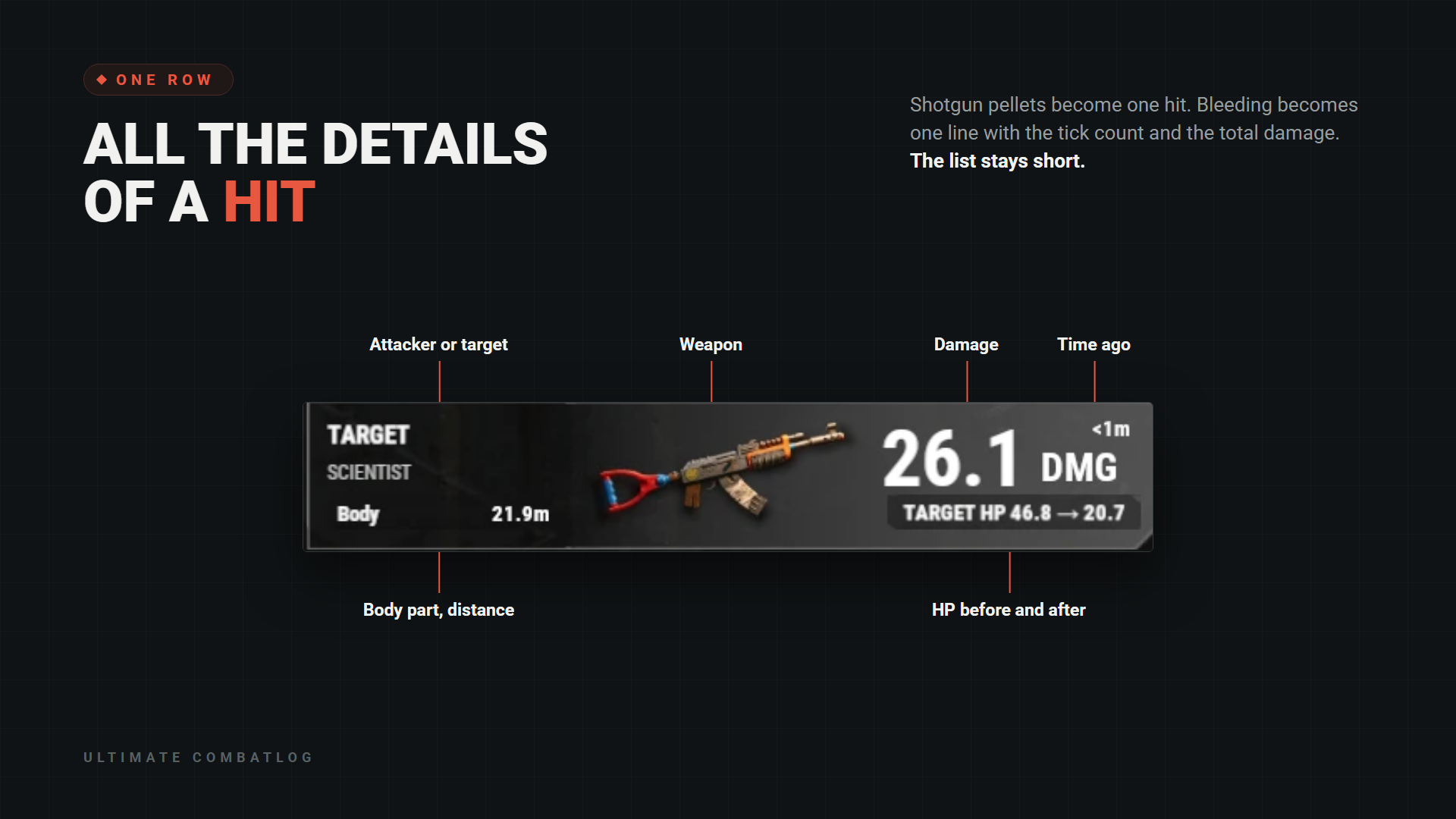
UltimateCombatlog shows players what happened in a fight. Type /combatlog and a window opens with recent damage dealt and taken: the weapon, body part, distance, HP before and after. History is kept for up to 24 hours, 100 entries per player by default. Other players' names stay hidden unless you allow them. It has filters and works in English and Russian with no additional plugins.
HOW THE LIST WORKS
Rows already in the list update by themselves. New events wait behind the UPDATE LIST button, so the row you are reading does not jump away.
Sources: players, NPCs, turrets, traps, falls, cold, radiation and bleeding. Wounded players, deaths and destroyed objects are marked.
Incendiary and HV ammo get a mark on the row. Hover over the time for the exact date and time in UTC.
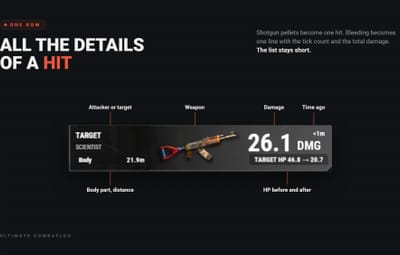
Repeated events are combined: shotgun pellets become one hit, a burst at one object becomes one row, and bleeding becomes one line with the tick count and the total damage.
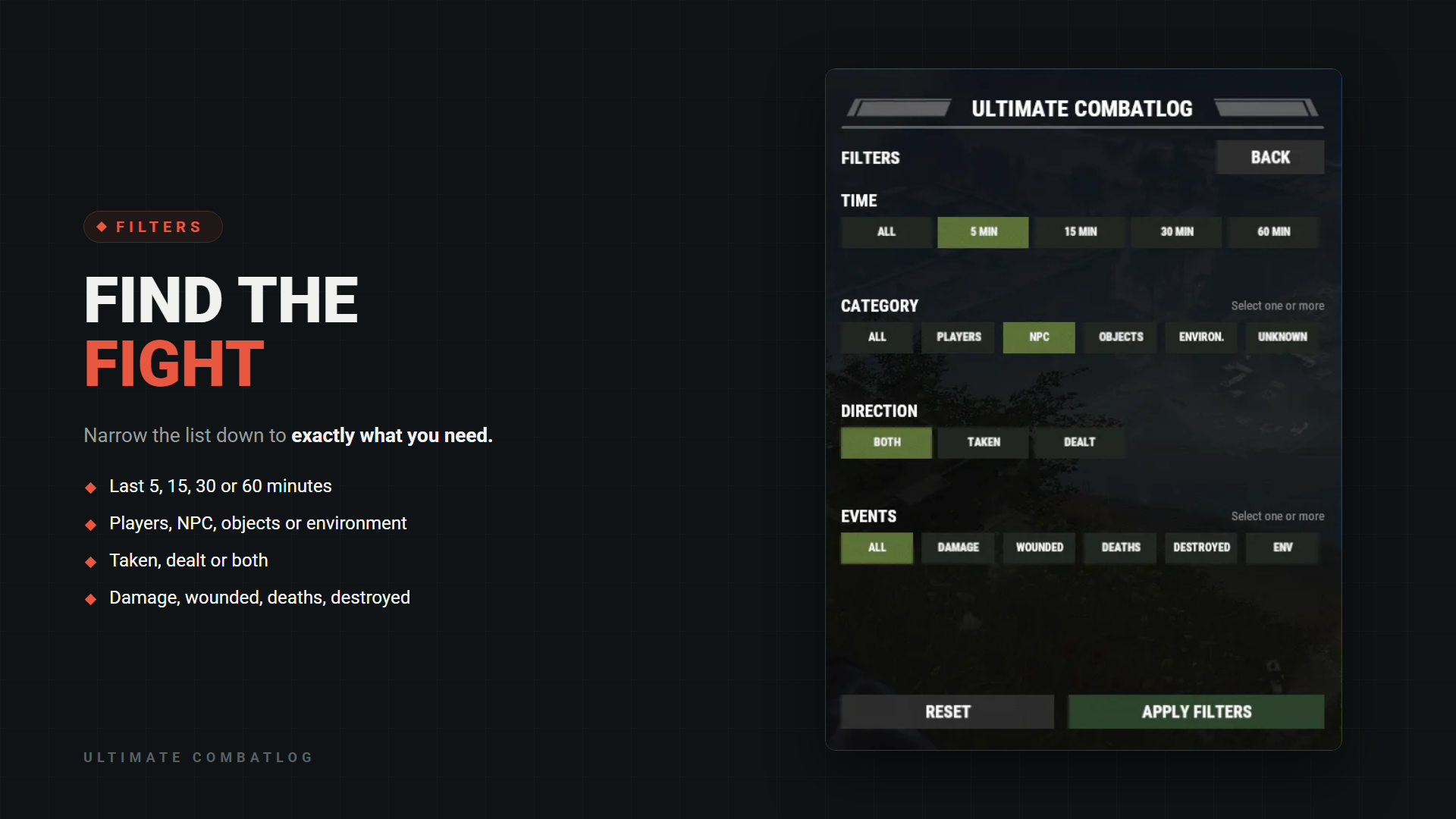
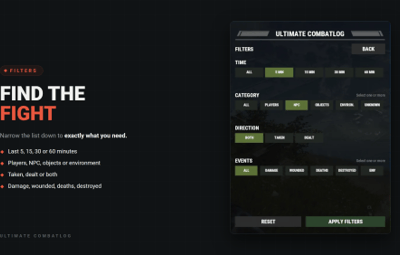
Category and events accept several values at once. A player's filters stay until their history is cleared.
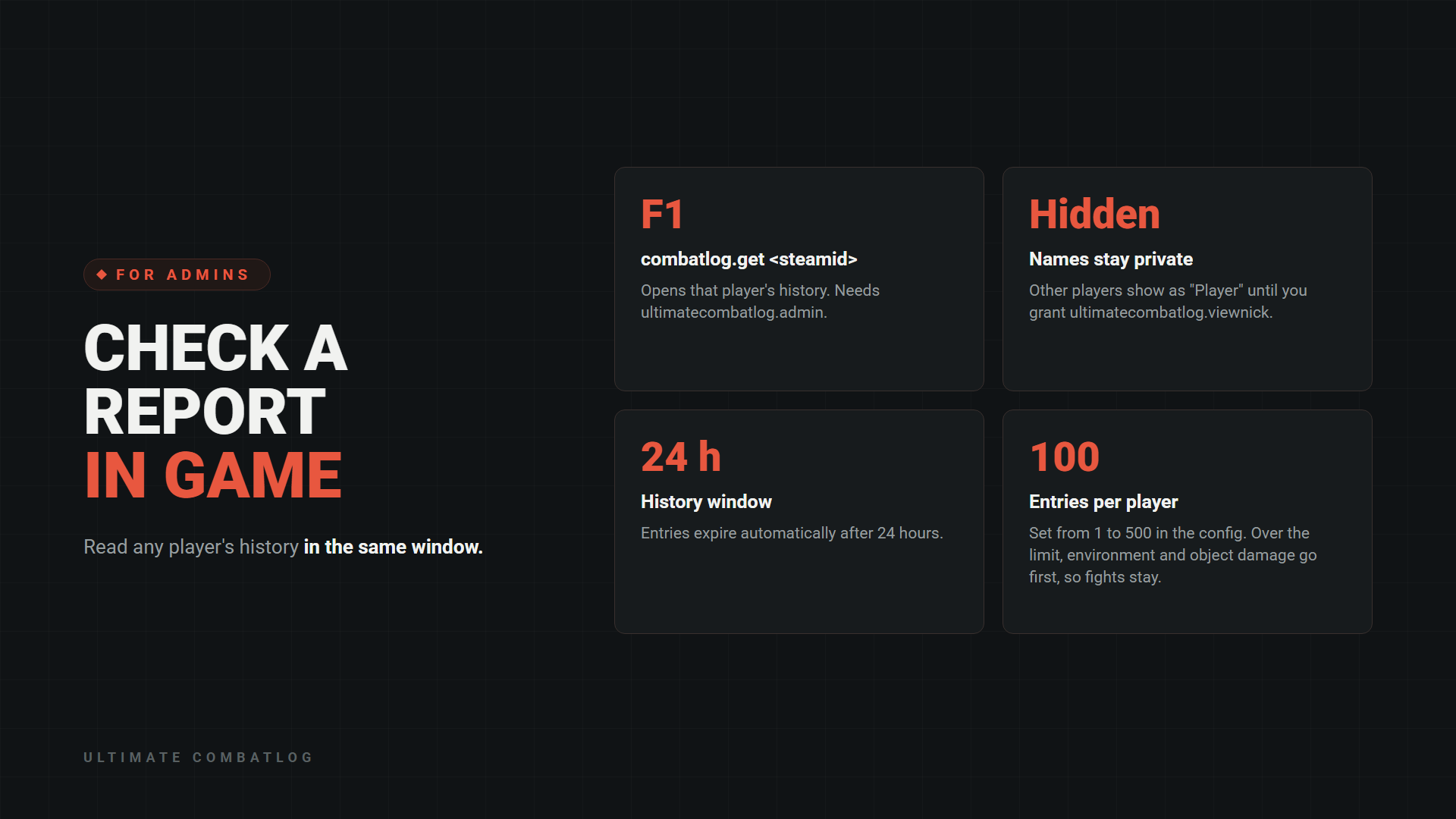
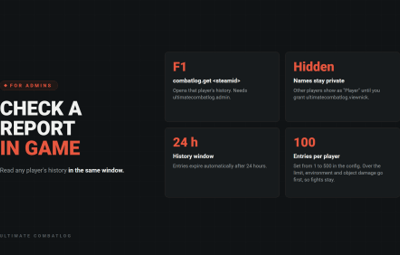
Type this in the F1 console to read a player's history in the same window:
combatlog.get <steamid>
ultimatecombatlog.admin - use combatlog.get
ultimatecombatlog.viewnick - see the names of other players (grant it to the group "default" to show names to everyone)
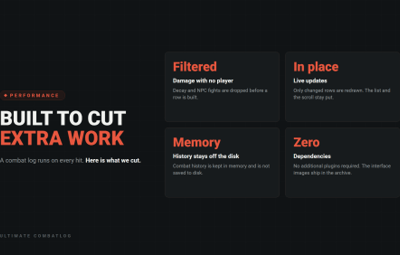
Combat history is kept in memory and is not saved to disk: a plugin reload or a server restart clears it.
LONG-RANGE KILLS IN DISCORD
Off by default. Paste a webhook URL, turn it on, and kills from 150 metres or more are posted with both names, SteamIDs, weapon, damage, body part and distance. Change the distance and exclude weapons or players in the config. No additional plugins required.
Name hiding applies to the in-game window. Enabled Discord reports include player names and SteamIDs.
INSTALLATION
1. Copy the data folder from the archive into oxide/ (carbon/ on Carbon).
2. Copy UltimateCombatlog.cs into oxide/plugins/ (carbon/plugins/ on Carbon).
3. Players open the window with /combatlog.
4. Grant permissions if you need them:
oxide.grant user <steamid> ultimatecombatlog.admin
oxide.grant group admin ultimatecombatlog.viewnick
On Carbon use c.grant.

Message us on Discord (Simil3x or _cashr_) or Telegram (@Simil3x_dm). Updates and support are included. Support is available through Discord and Codefling private messages.