
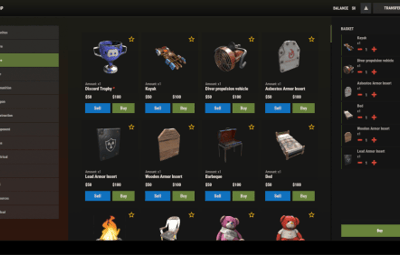
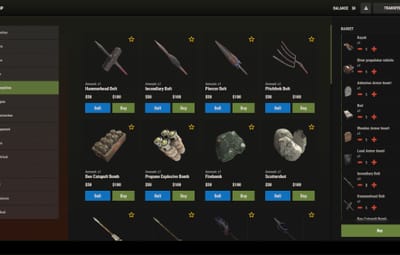
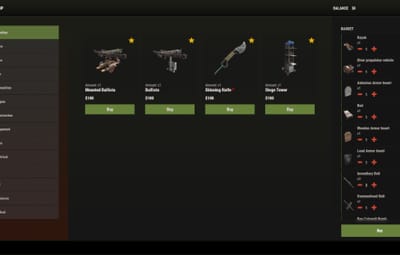

About RUST STYLE THEME for SHOP
Installation:
1. Make sure you have the latest version of the SHOP plugin installed.
2. Download the theme archive.
3. Extract the contents of the archive into \data\Shop folder.
4. Reload plugin (o.reload Shop or c.reload Shop)
Done - your new interface is live!
To make everything work correctly, you must use the “Mevent Rust Styled” template.
If you are using the “Mevent Old Style” template, run the shop.reset template command in the console, then install the required template using the /shop.install command in the in-game chat.
(You must have the shop.admin permission.)