|
CASHR × Design Crew · Rust plugin
Rust server
menu
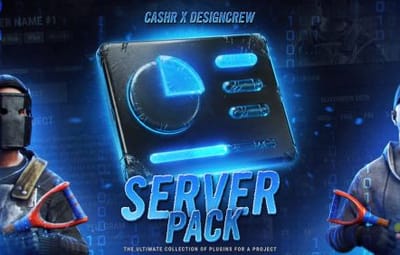
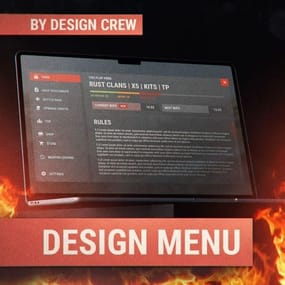
A complete in-game menu for your Rust server: server info, battle pass, cases and cart. One product, ready to install.
|
6 sections
|
|
One system
|
|
Install without a coder
|
|
|
01 / Why you need it
One purchase.
The whole menu.
Usually a server owner builds a menu piece by piece: one coder for the info panel, another for the battle pass, a third for cases. Here it all comes as one product.
|
01
Everything in one menu
Info, rules, plugins, wipe calendar, battle pass, cases, statistics and cart in a single interface.
|
|
02
Built as one system
Every screen is made together in one style, so the sections fit each other.
|
|
03
No extra coders
No need to hire different developers and wait for each of them. One purchase covers the whole menu.
|
|
04
Install it yourself
Upload the files, fill in the config and the menu is live. No outside help needed.
|
|
|
02 / Main page
Server
info
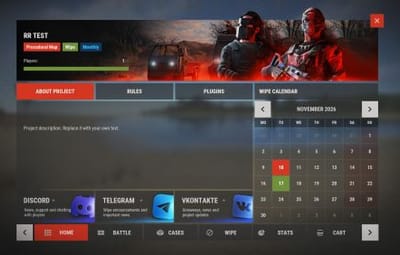
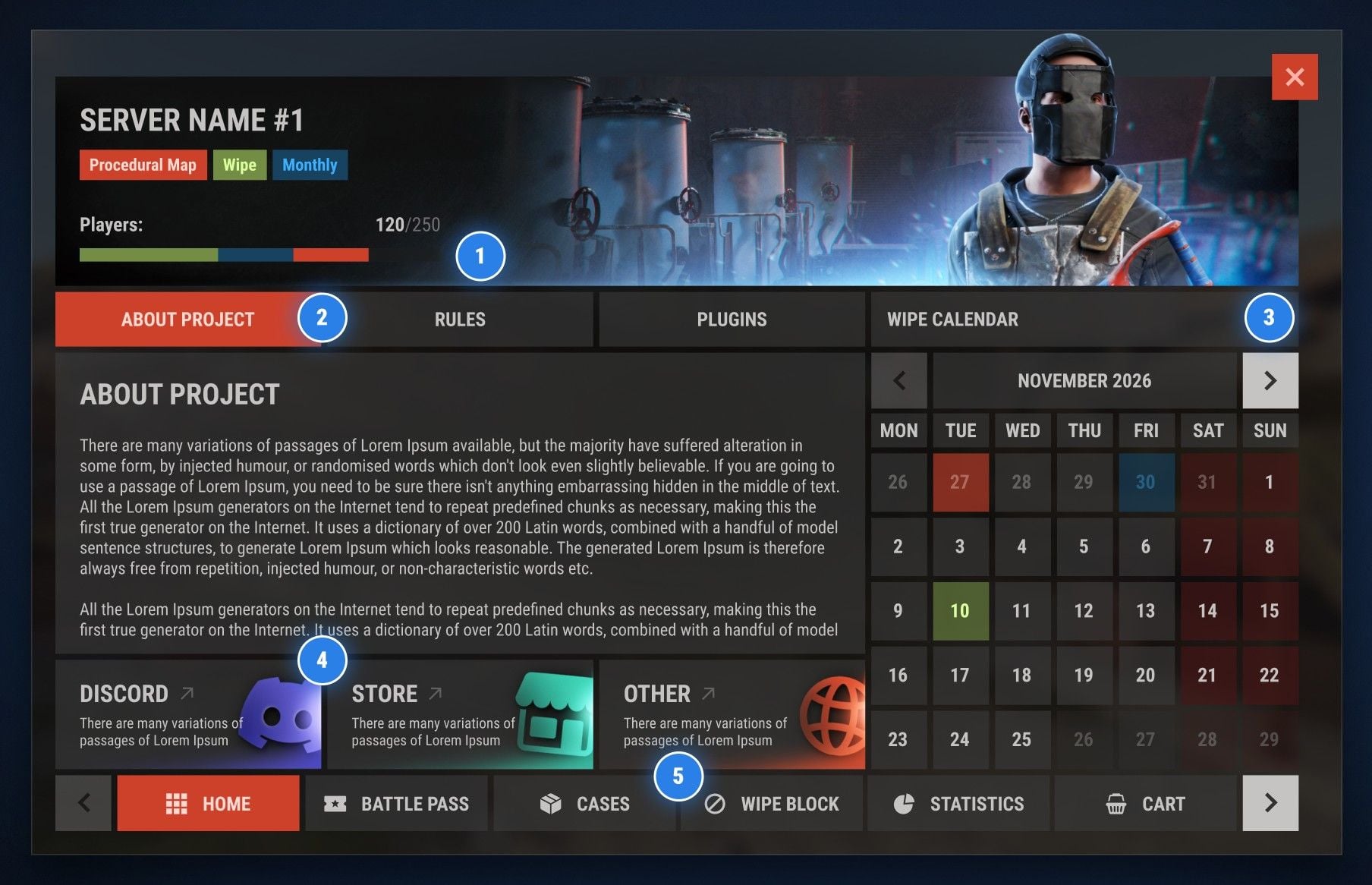
The first screen players see. Everything about your server in one place.

|
|
Server header
Name, map type, wipe tags and a live online bar 120/250. The header banner is easy to replace with your own.
|
|
|
|
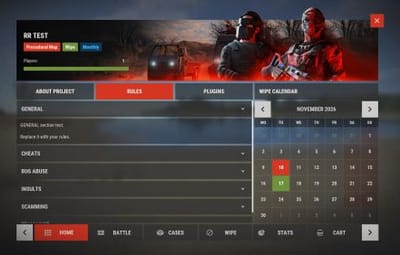
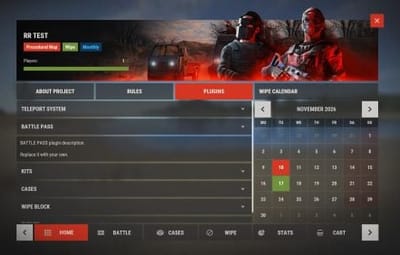
About, rules, plugins
Three tabs with text blocks. Rules open as an accordion.
|
|
|
|
Wipe calendar
Month view with colored days, so players know when the next wipe is.
|
|
|
|
Social links
Discord, Store and Other cards with your descriptions.
|
|
|
|
Bottom navigation
Six sections, scroll arrows, active tab in red.
|
|
|
|
03 / Battle pass
Battle
pass
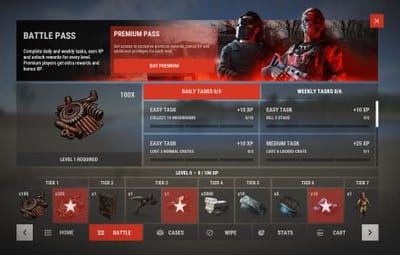
A season progression that brings players back to the server every day.
|
|
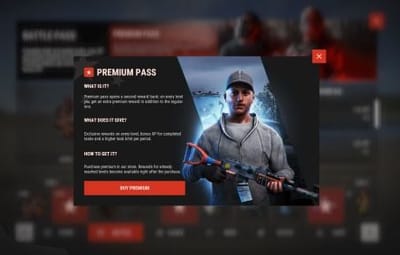
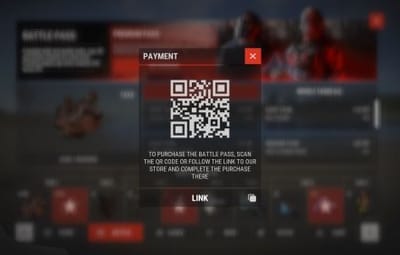
Premium banner
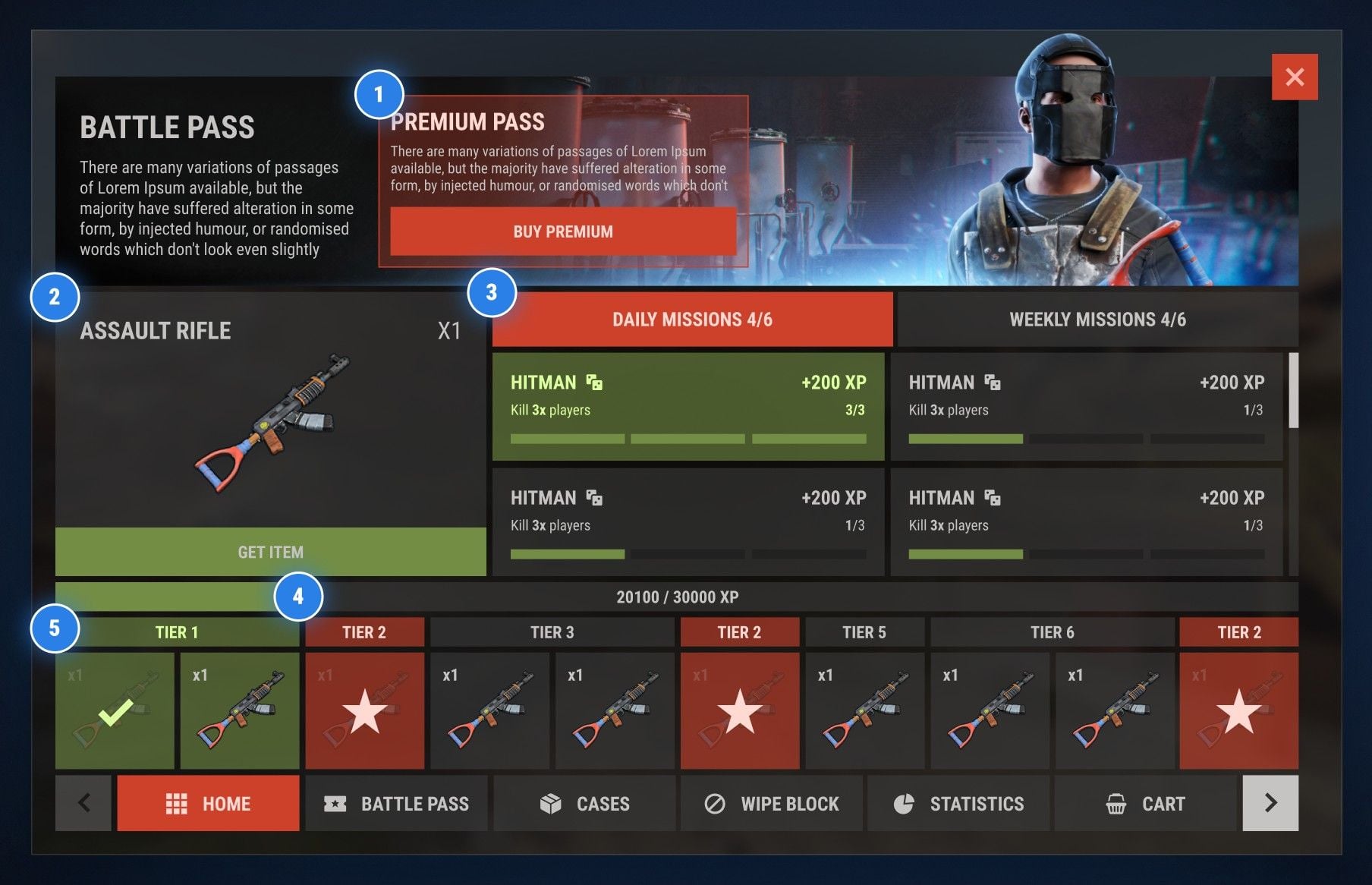
Promo block with a buy button right in the header.
|
|
|
|
Reward preview
Selected item with its amount and a Get item button.
|
|
|
|
Daily & weekly missions
Tasks with XP rewards and progress for each one.
|
|
|
|
XP progress
The season bar shows how far the player is: 20100 / 30000 XP.
|
|
|
|
Tier track
Free and premium rewards, claimed items get a check mark.
|
|
|
|
04 / Cases
Case
shop
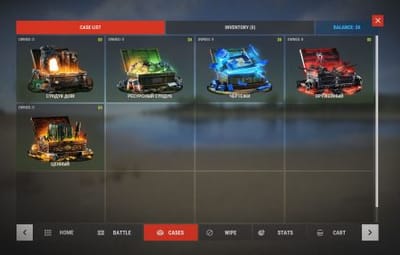
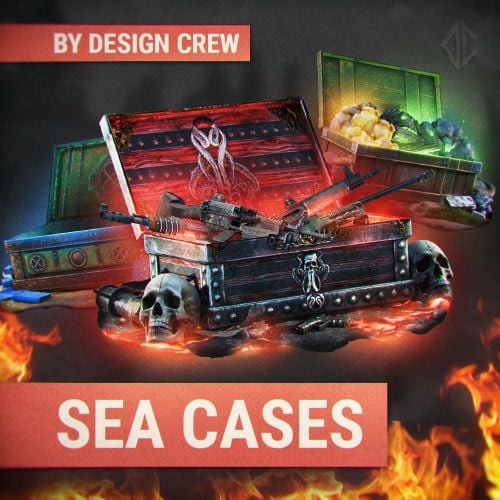
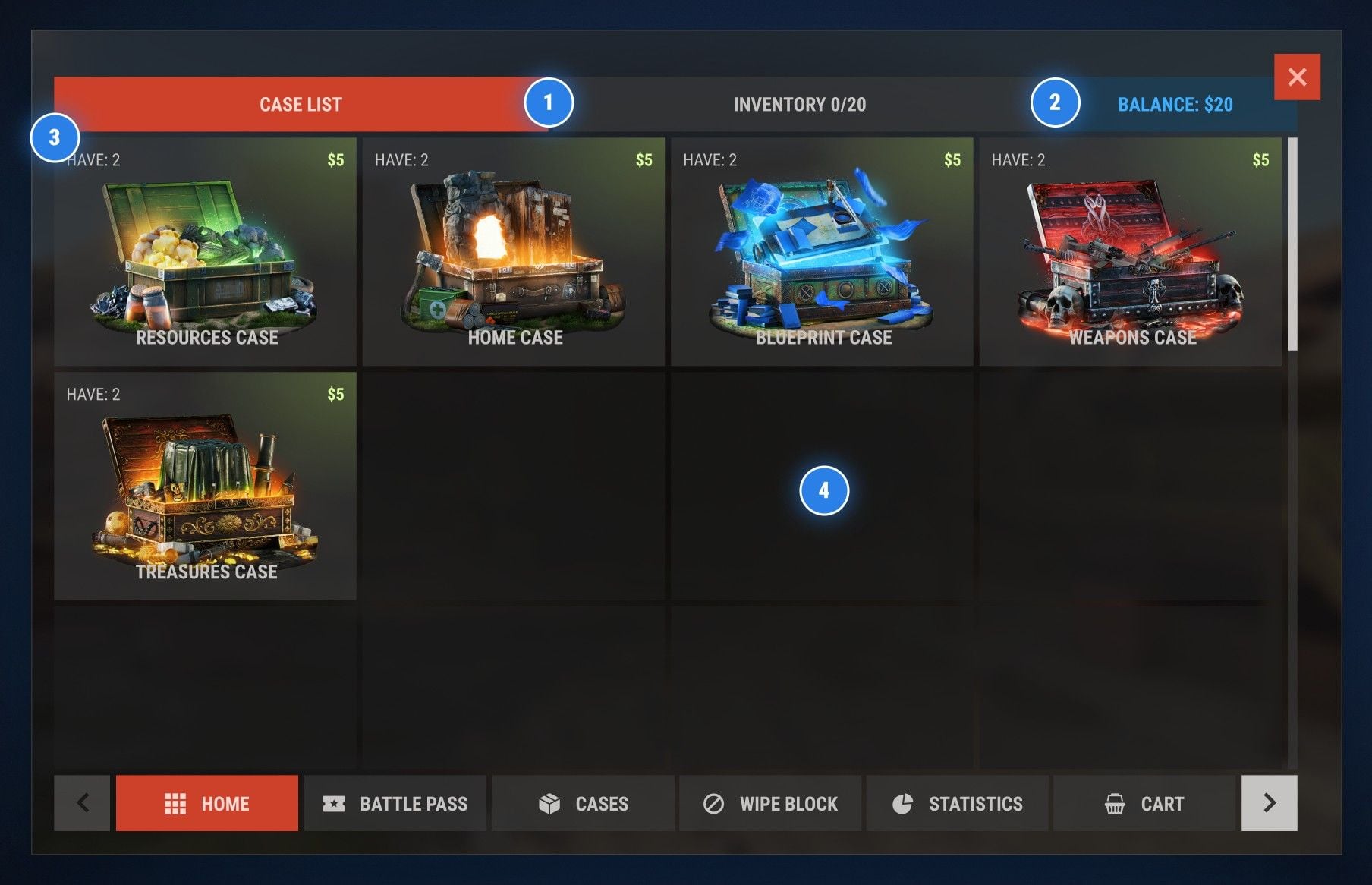
A case store with art for every type. Players see the price and how many they own.
|
|
Cases & inventory
Two tabs: the shop and the player items, 0/20 slots.
|
|
|
|
Balance
The current balance is always visible in the corner.
|
|
|
|
Case card
Art, name, $5 price and how many cases the player has.
|
|
|
|
Room for more
Scrollable grid, add as many case types as you need.
|
|
|
|
05 / Cases · Case page
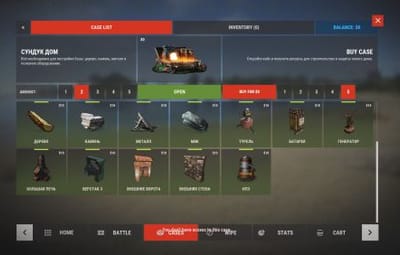
Open
a case
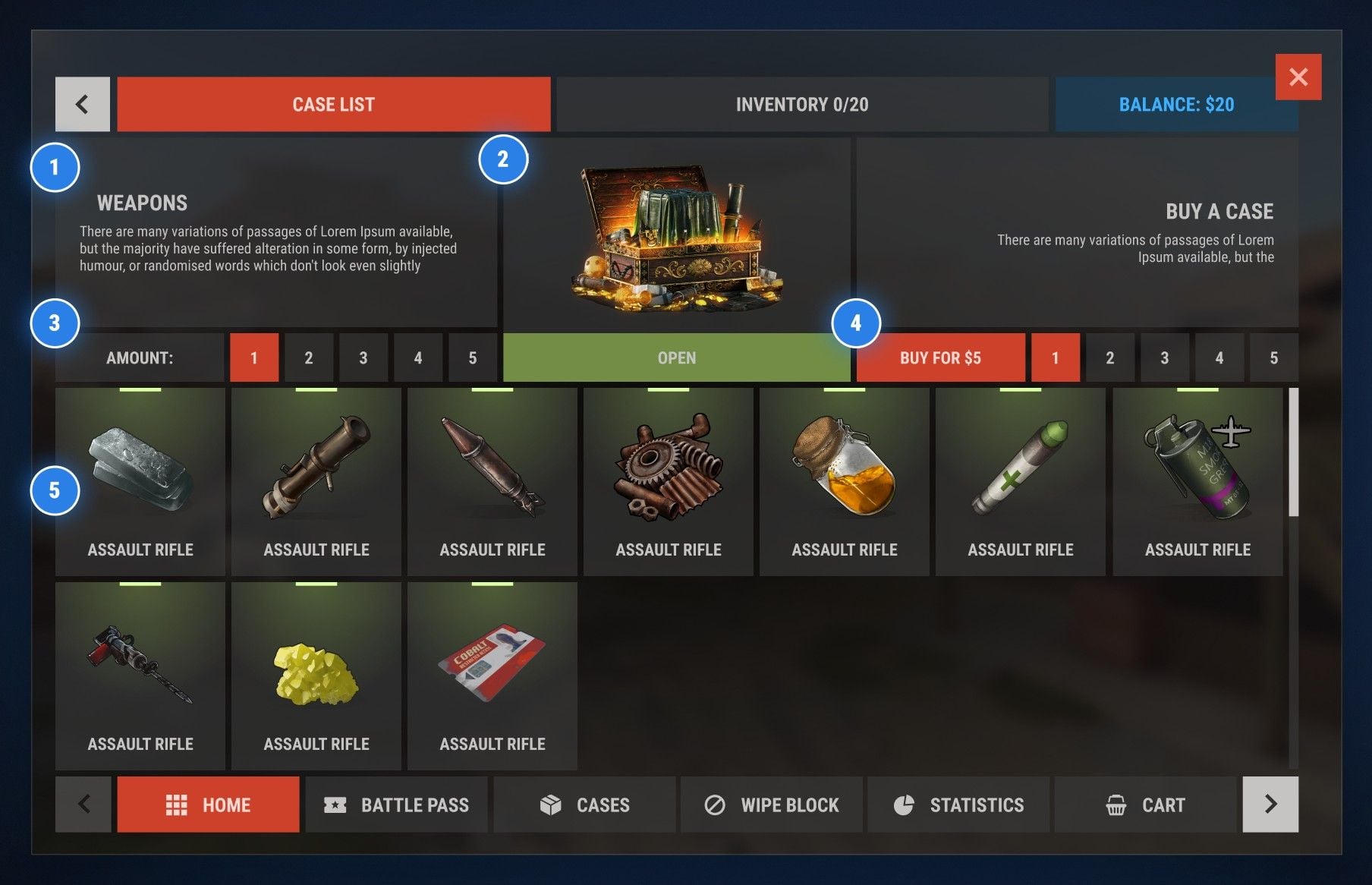
Everything about one case on a single screen: what is inside, open it or buy more.
|
|
Description
Case name and a short text about it.
|
|
|
|
Open button
Big case art, amount and a green Open button.
|
|
|
|
Open several at once
Pick from 1 to 5 cases and open them in one go.
|
|
|
|
Buy right here
Buy for $5 and pick the amount without leaving the page.
|
|
|
|
Loot list
Every possible item with an icon and a rarity strip.
|
|
|
|
06 / Cart
Cart
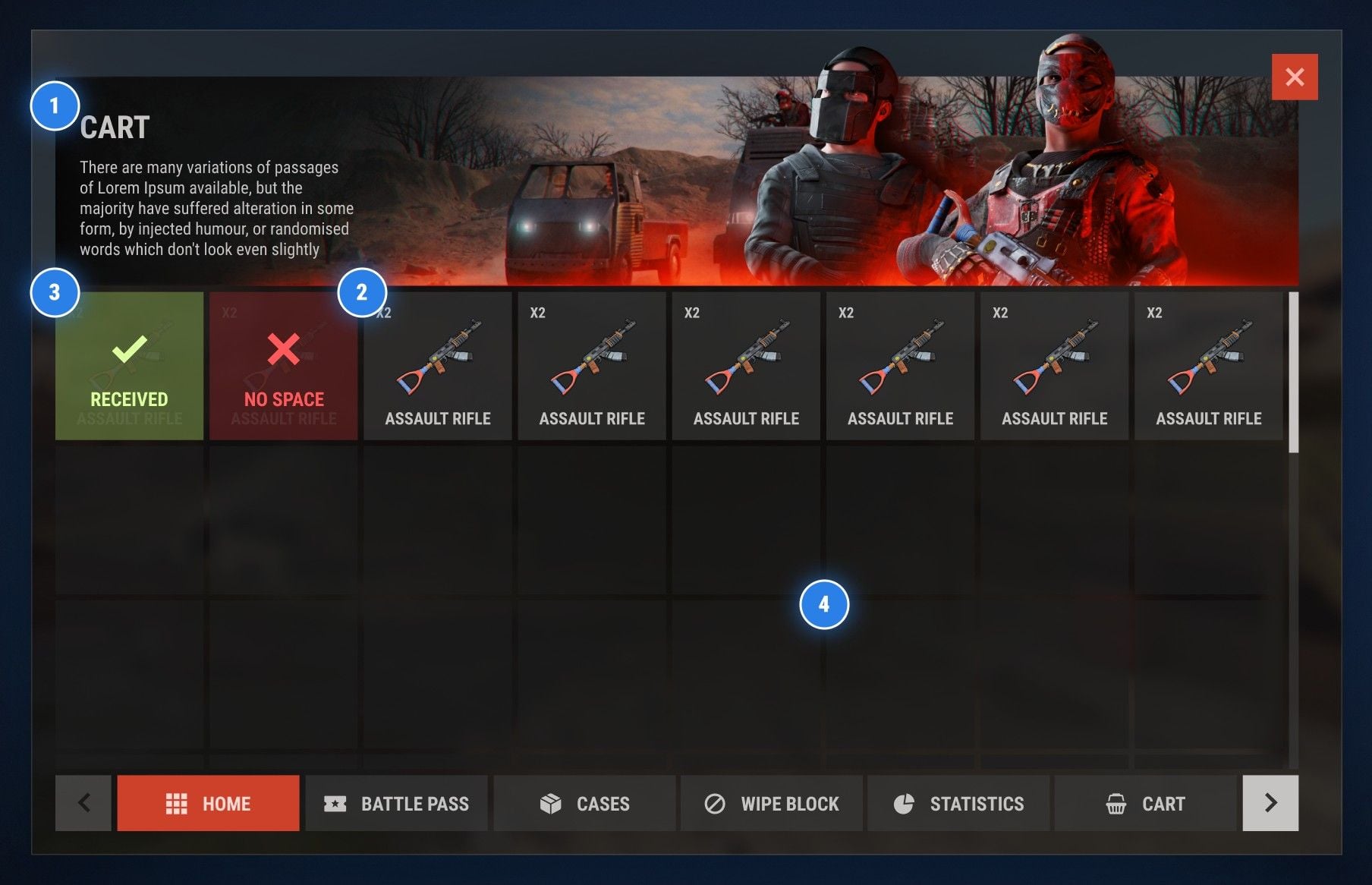
Bought items wait here until the player takes them in game.
|
|
Header
Section title and a short hint for the player.
|
|
|
|
Item cells
Every purchase shows the item, its name and amount.
|
|
|
|
Clear statuses
Green when received, red when the inventory has no space.
|
|
|
|
Big grid
Scroll through all purchases, nothing gets lost.
|
|
|
|
07 / All-in-one
Why build it
piece by piece?
|
The usual way
|
✕
|
A separate coder for every section
|
|
✕
|
Different styles that do not match
|
|
✕
|
Plugins from different authors can conflict
|
|
✕
|
You pay each coder separately
|
|
|
|
|
This menu
|
✓
|
Six sections in one product
|
|
✓
|
One style across every screen
|
|
✓
|
One payment, install it yourself
|
|
|
|
|
08 / Installation
Set it up
yourself
No coder needed. Three steps and the menu is on your server.
|
01
Download
Get the files right after the purchase.
|
|
02
Upload
Put the plugin and the images on your server.
|
|
03
Configure
Write your server name, links, prices and cases in the config.
|
|
|
|
|
CASHR × Design Crew · Rust server menu
|