|
|
|
|
▌ Design studio · Est. 2015 · Magic grenade
|
About the product
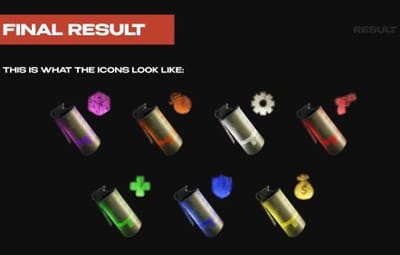
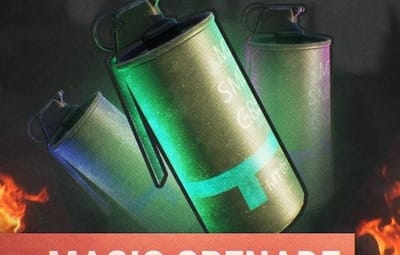
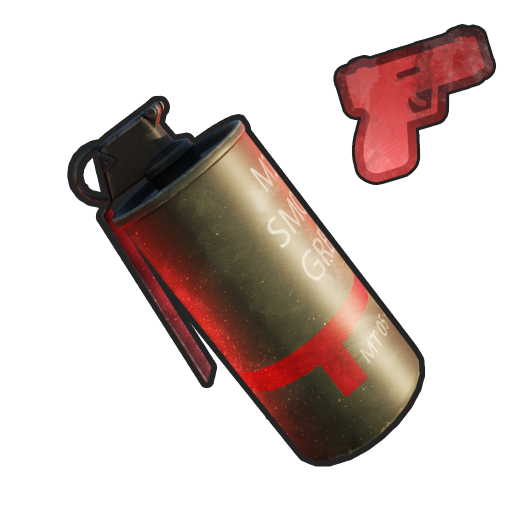
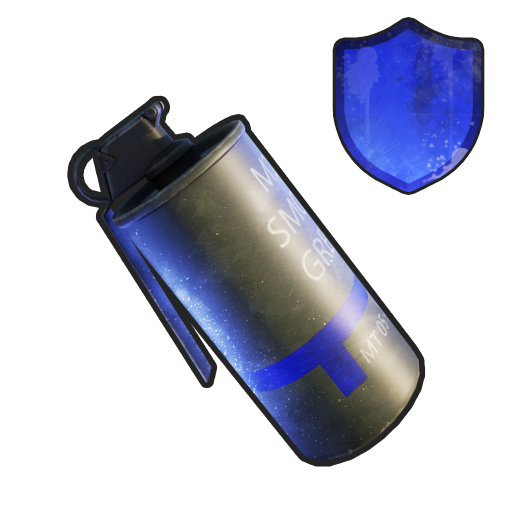
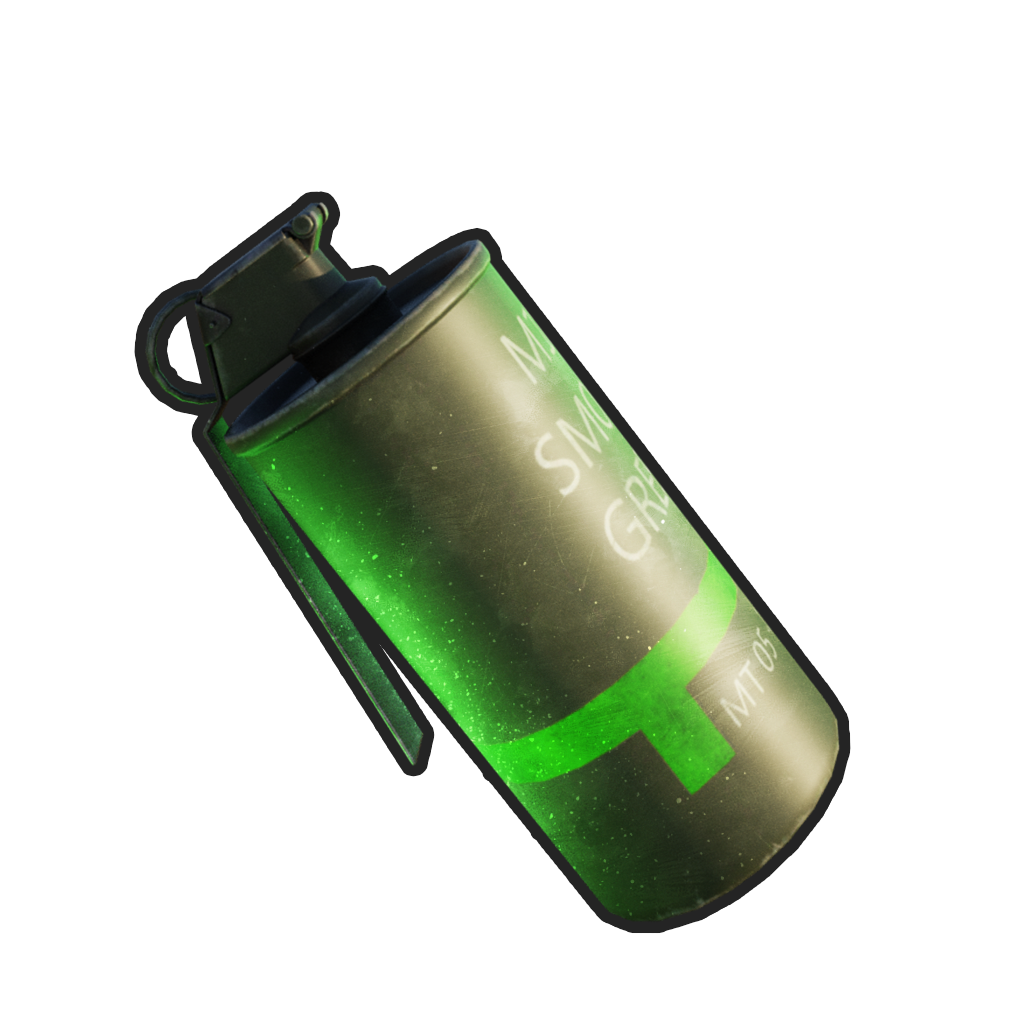
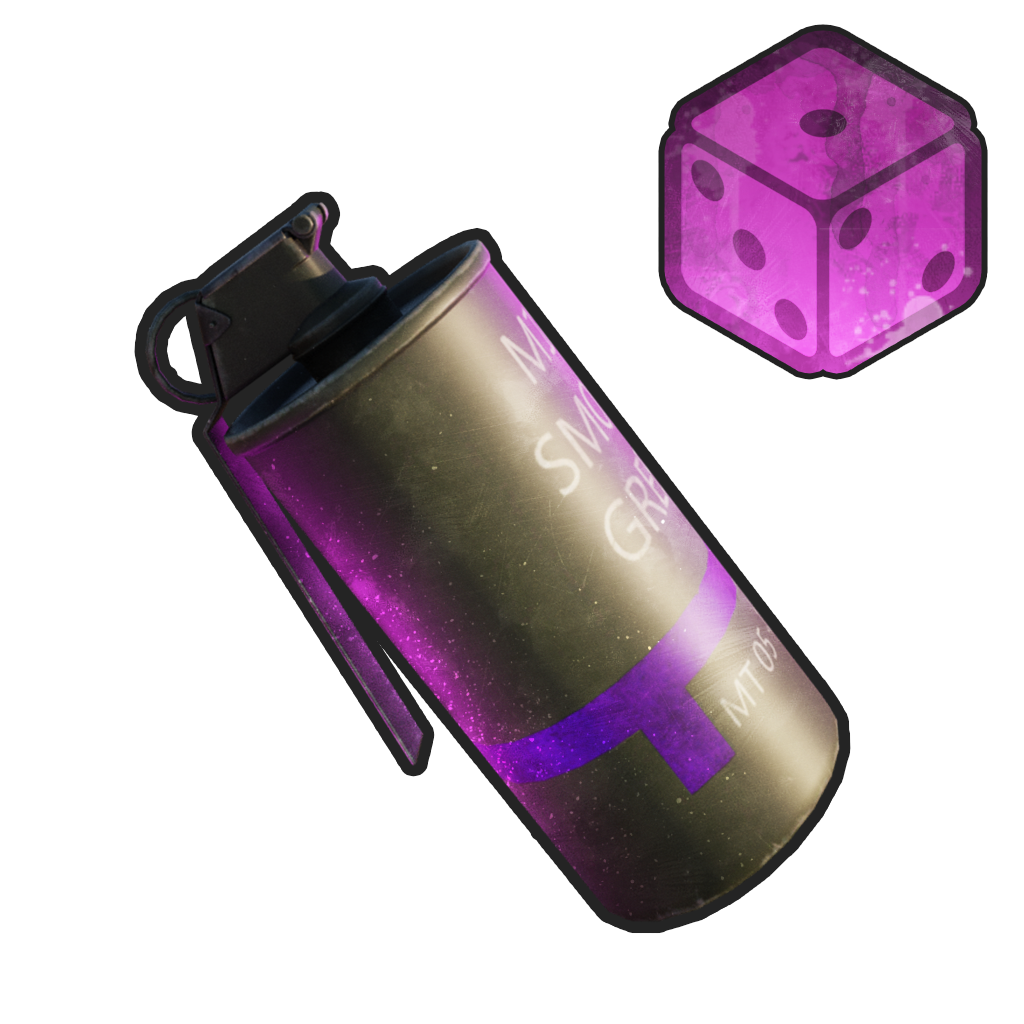
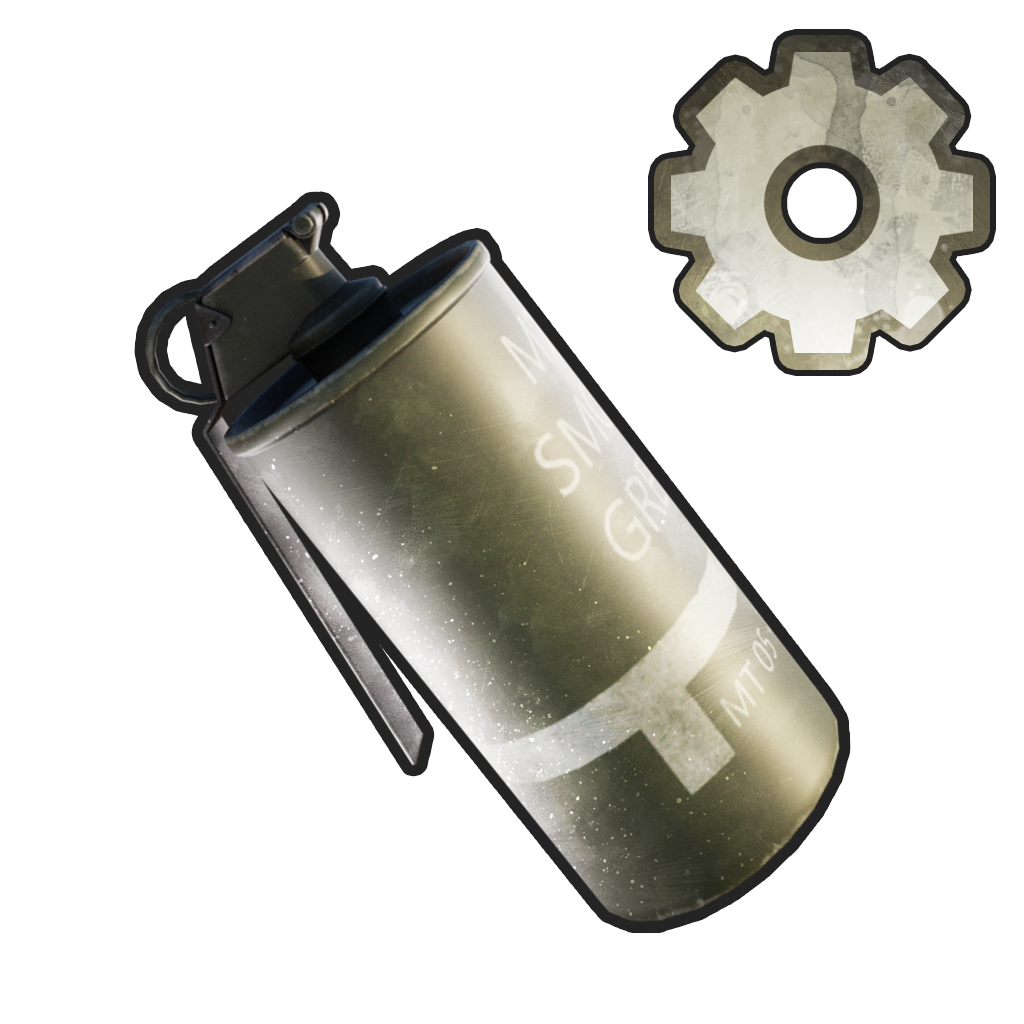
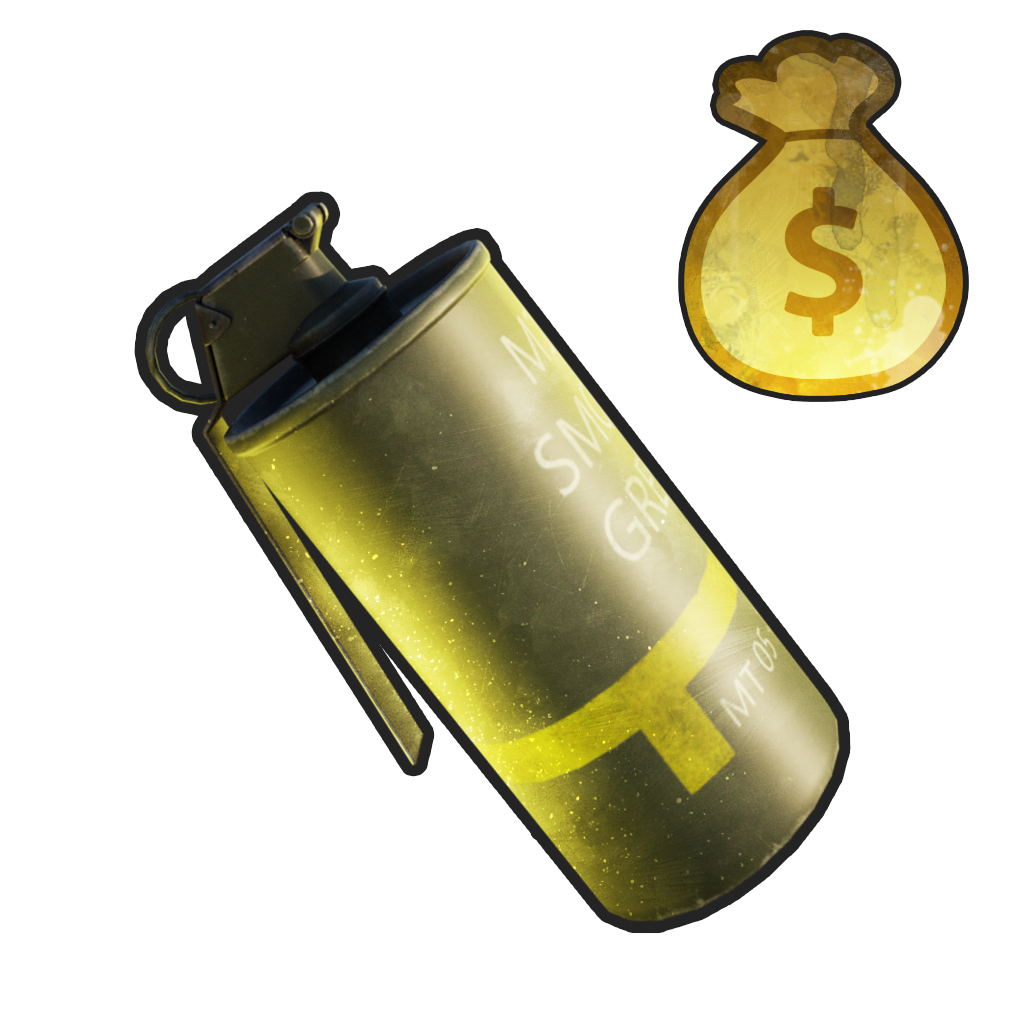
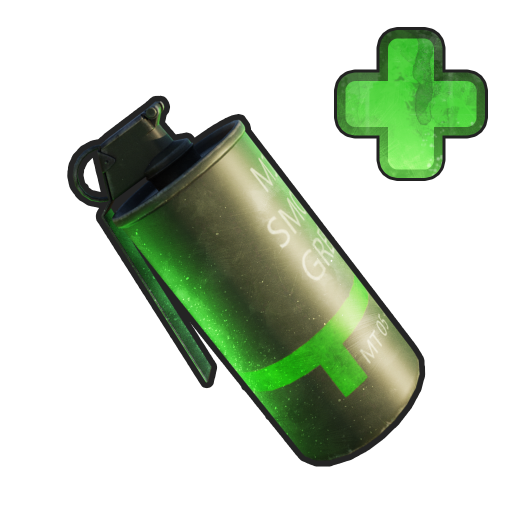
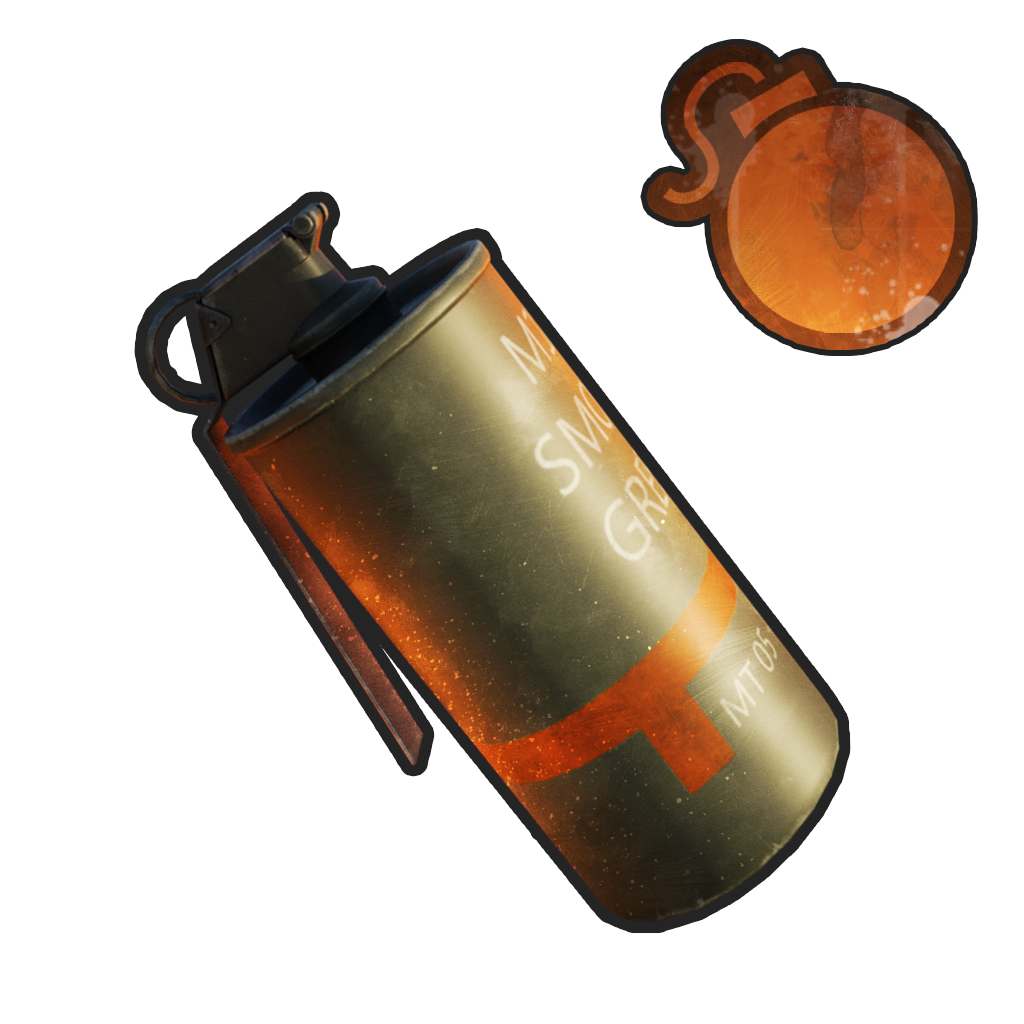
Seven grenade icons, each with its own effect icon: gun, shield, dice, gear, cross, money and bomb. Make your own unique grenade icons in a Photoshop template.
|
|
Table of contents
Jump to any section of this page
|
|
|
|
|
|
▌ Grenade icons
Overview
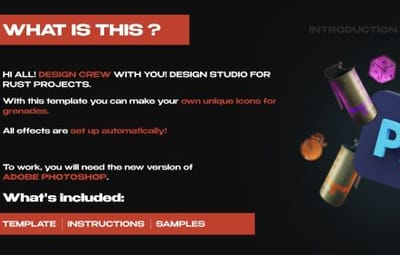
With this template you can make your own unique grenade icons. You can use them for your plugins or in your project. All effects are set up automatically!
|
PS
|
|
7 grenade icons
|
|
|
|
Editable colours
|
|
Auto effects
|
|
|
What you need
▸ Adobe Photoshop (new version)
|
|
What is included
▸ Editable PSD template
▸ Seven grenade icons with effect icons
|
|
Highlights
▸ Gun, shield, dice, gear, cross, money, bomb
▸ Change the body and icon colour
▸ Effects set up automatically
|
|
|
|
|
|
▌ Why it stands out
Built to look great
|
FEATURE 01
Seven grenades
Red, blue, green, purple, white, yellow and orange grenades with effect icons.
|
|
|
FEATURE 02
Your own set
Choose the body colour and the icon colour to make your own set.
|
|
|
FEATURE 03
Automatic effects
All effects are set up automatically in the template.
|
|
|
|
▌ Instructions
How to use the template
|
01
Open the template
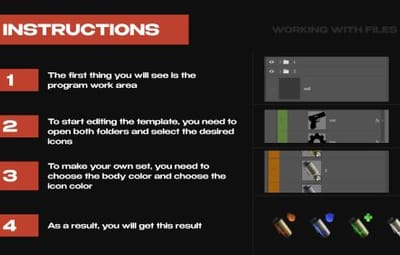
Open the PSD in Adobe Photoshop (any new version). In the Layers panel you will see two folders: one with the icons and one with the grenade bodies. All effects are already set up.
|
|
|
|
02
Choose the icon
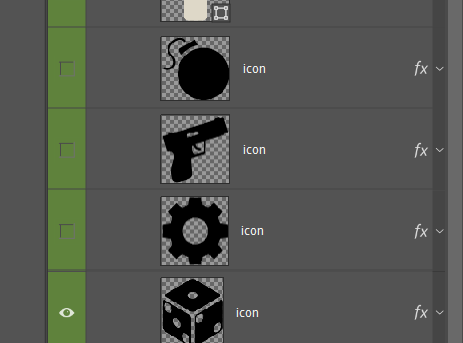
Open the icons folder: gun, shield, gear, dice, money, cross, bomb and others. Turn on the eye next to the icon you need and hide the rest.
|
|
|
|
|
|
03
Choose the body colour
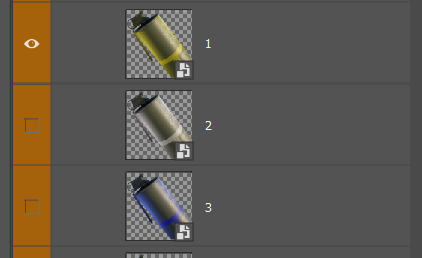
Open the folder with the grenade bodies. Each numbered layer is one colour. Show the one that fits your icon and hide the others.
|
|
|
|
04
Save the grenade
Go to File → Export → Export As and save it as PNG. Repeat to make the whole set.
|
|
|
|
|
▌ Full gallery
Every grenade in one place
|
|
▌ Contents
What's included
|
Item
|
Details
|
|
Template
|
Editable Photoshop PSD
|
|
Grenades
|
7 colours with effect icons
|
|
Archive size
|
45.98 MB
|
|
Price
|
$3.00
|
|
|
▌ Updates
Changelog
|
1.0.0
|
January 24, 2025 — Initial release.
|
|
|
▌ Stay in touch
Questions, custom work, new releases
|
|
DESIGN CREW · DESIGN STUDIO SINCE 2015 · THANK YOU FOR YOUR SUPPORT
|