
Jump to content

3 Screenshots

  • 3k
  • 1
  • 22.25 MB
  • Update details
    v1.0.0
    Released
    Download size 22.25 MB
    Total versions 1
    Freshness Updated 554 days ago
EASTER ICONS / PSD
                                                               

▌ Design studio  ·  Est. 2015  ·  Easter icons

About the product

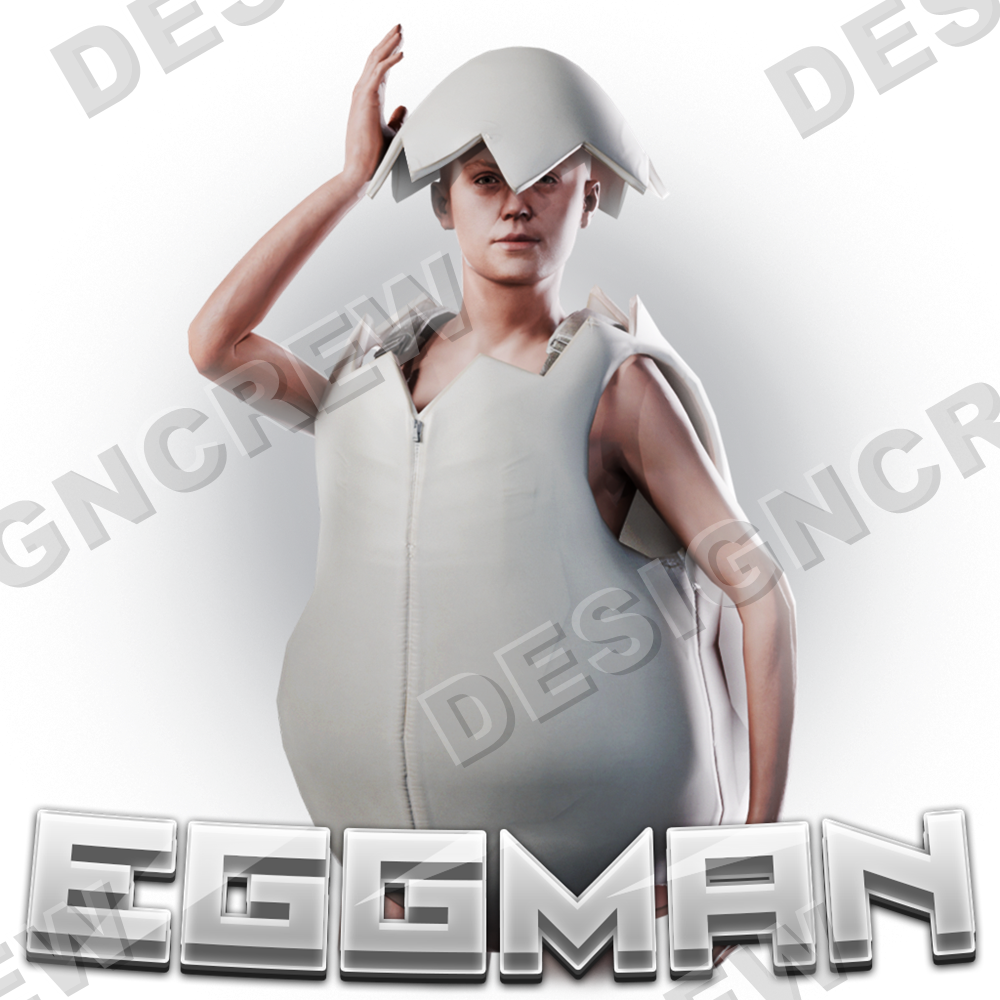
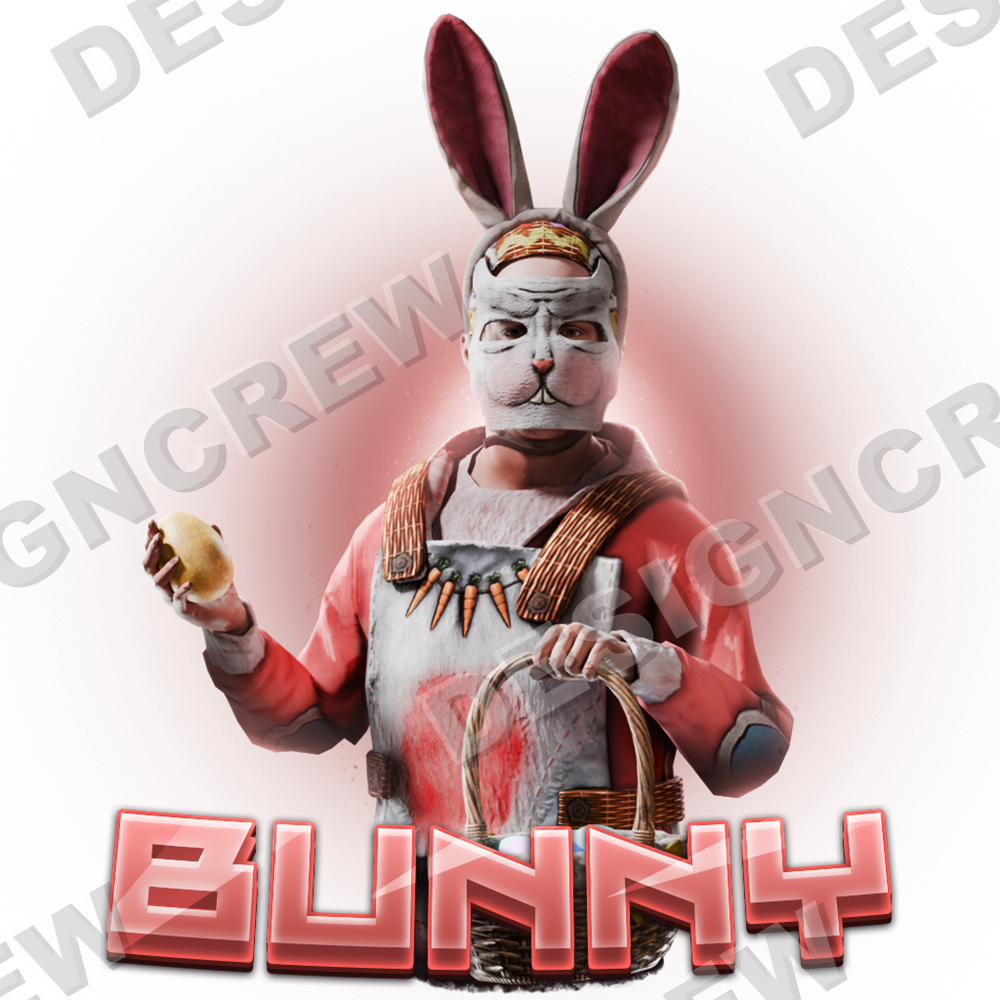
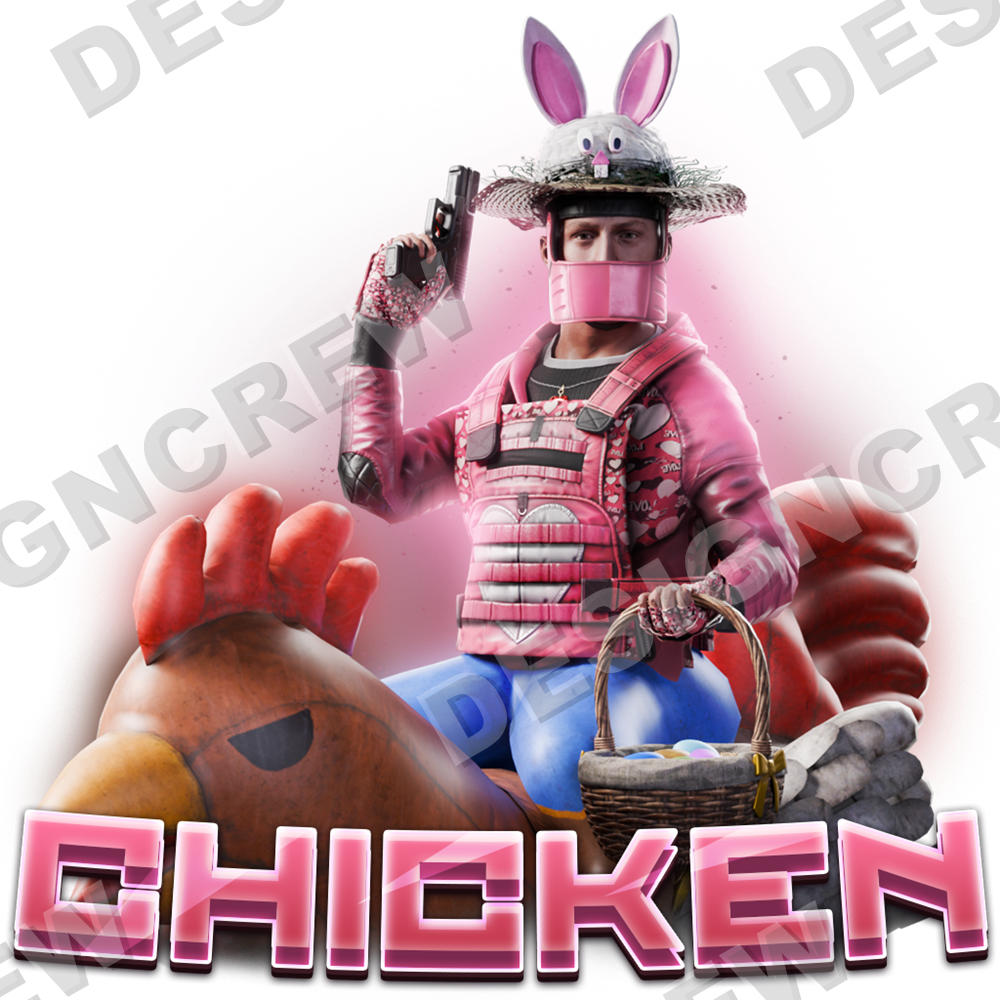
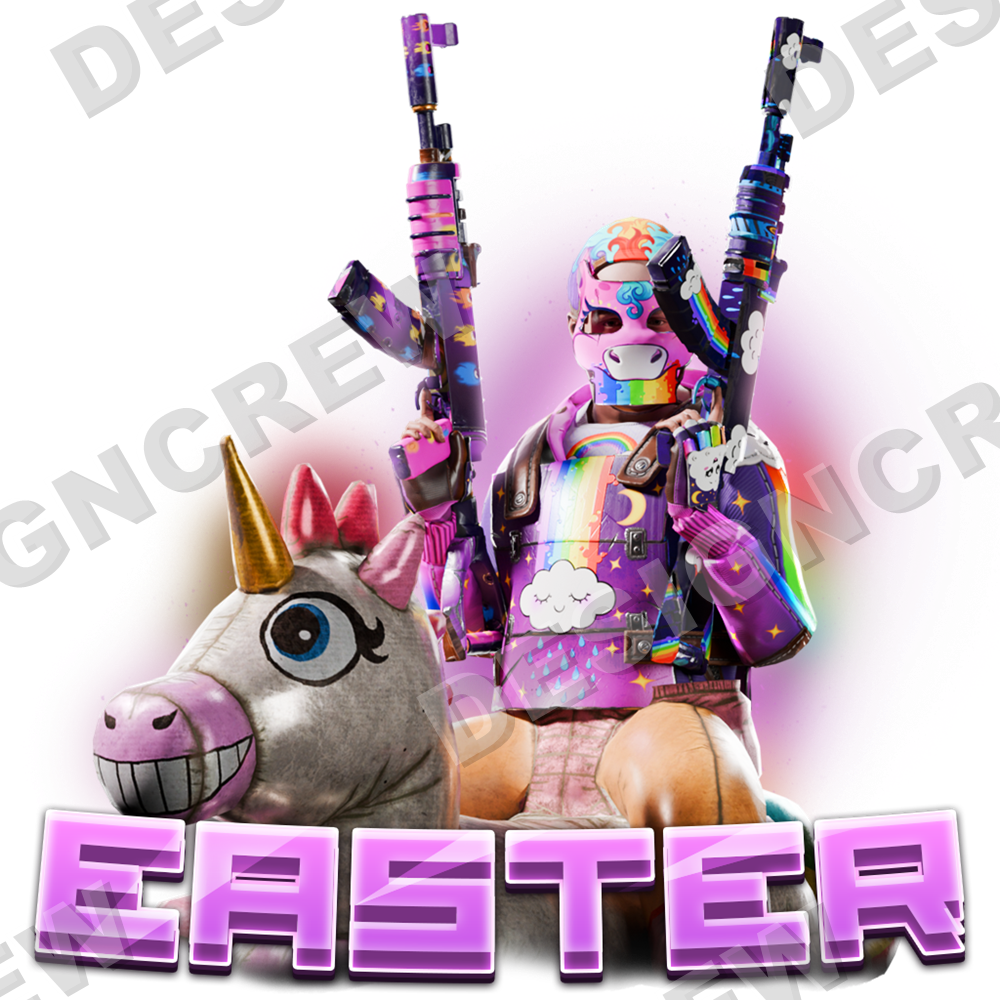
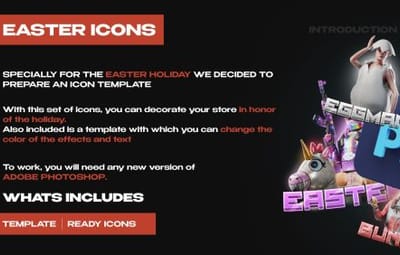
An Easter icon set for your store: Eggman, Bunny, Chicken and Easter, plus a Photoshop template to change the colours of the effects and the text.


Table of contents

Jump to any section of this page

01  Overview 02  Features 03  How to use 04  Gallery
05  What's included 06  Changelog

▌ Easter icons

Overview

Specially for the Easter holiday we prepared an icon template. With this set you can decorate your store in honour of the holiday. The template lets you change the colour of the effects and the text.

PSD   Ready icons
 
Editable colours   Editable text

What you need

▸  Adobe Photoshop (any new version)


What is included

▸  Editable PSD template

▸  Ready Easter icons: Eggman, Bunny, Chicken, Easter


Highlights

▸  Eggman, Bunny, Chicken, Easter

▸  Change the colour of effects and text

▸  Template with layers


▌ Why it stands out

Built to look great

FEATURE 01

Four Easter icons

Eggman, Bunny, Chicken and Easter, ready to use in your store.

FEATURE 02

Editable template

Change the colour of the effects and the text in Photoshop.

FEATURE 03

Five colour versions

Default orange, default without effects, and custom red, green and blue.

▌ Instructions

How to use the template

Pick a colour version

01

Pick a colour version

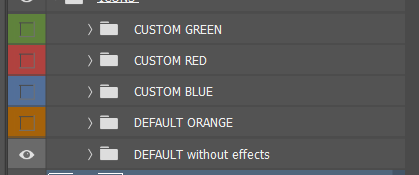
Open the PSD in Adobe Photoshop. In the Layers panel there are five groups: DEFAULT ORANGE, DEFAULT without effects, CUSTOM RED, CUSTOM GREEN and CUSTOM BLUE. Turn on the eye next to the one you need and turn off the others.

▸ Any new version of Photoshop


02

Choose the icon

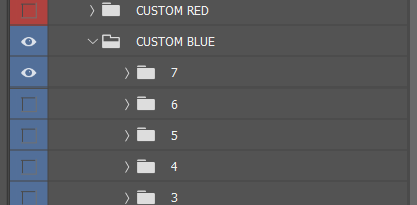
Open the colour group. Every numbered folder inside is one icon. Show the folder of the icon you need and hide the rest.


Choose the icon
 
Set your own colour

03

Set your own colour

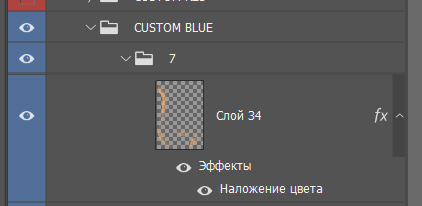
In a CUSTOM group, open the icon layer and double-click the Color Overlay effect under it. Pick any colour, the glow changes with it.

▸ Effects → Color Overlay


04

Save the icon

Go to File → Export → Export As and save the icon as PNG. Repeat for the other icons: Eggman, Bunny, Chicken and Easter.


▌ Full gallery

Every icon in one place

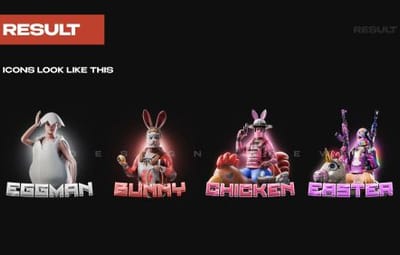
Eggman Bunny Chicken Easter

▌ Contents

What's included

Item Details
Template Editable Photoshop PSD
Icons Eggman, Bunny, Chicken, Easter
Archive size 22.25 MB
Price $8.00

▌ Updates

Changelog

1.0.0 April 17, 2025  —  Initial release.

▌ Stay in touch

Questions, custom work, new releases

Discord · DesignCrew ↗   Discord · MadMappers ↗   VK · DesignCrew ↗   Telegram · DesignCrew ↗
DESIGN CREW  ·  DESIGN STUDIO SINCE 2015 · THANK YOU FOR YOUR SUPPORT
  • Like 1

DesignCrew
DesignCrew's Collection
Explore more files from this creator.

User Feedback

About Us

Codefling is the largest marketplace for plugins, maps, tools, and more, making it easy for customers to discover new content and for creators to monetize their work.

Downloads
3.2m
Total downloads
Customers
12.3k
Customers served
Files Sold
174.2k
Total sales
Payments
3.8m
Processed total
×
×
  • Create New...

Important Information

We have placed cookies on your device to help make this website better. You can adjust your cookie settings, otherwise we'll assume you're okay to continue.