|
|
|
|
▌ Design studio · Est. 2015 · Menu GUI
|
About the product
A full menu design for a Rust server in Figma: all the pages a server needs, a case template as a gift, and bilingual instructions. It is a layout, not a plugin.
|
|
Table of contents
Jump to any section of this page
|
|
|
|
|
|
▌ Menu GUI
Overview
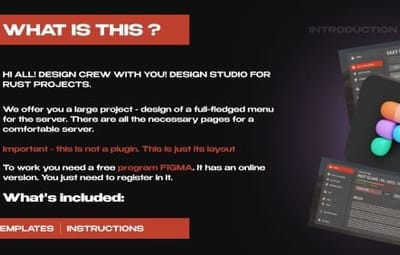
We offer you a large project: the design of a full menu for your server. All the pages a comfortable server needs are here. This is not a plugin, it is only its layout.
|
Figma
|
|
11 pages
|
|
|
|
Case template
|
|
Bilingual guide
|
|
|
What you need
▸ Figma (free program, online version available)
|
|
What is included
▸ Figma menu project with 11 pages
▸ Case template as a gift
▸ Bilingual instructions
|
|
Highlights
▸ Home, shop, store, top players, battle pass, settings and more
▸ Change the main colour in 30 seconds
▸ Case template included
|
|
|
|
|
|
▌ Why it stands out
Built to look great
|
FEATURE 01
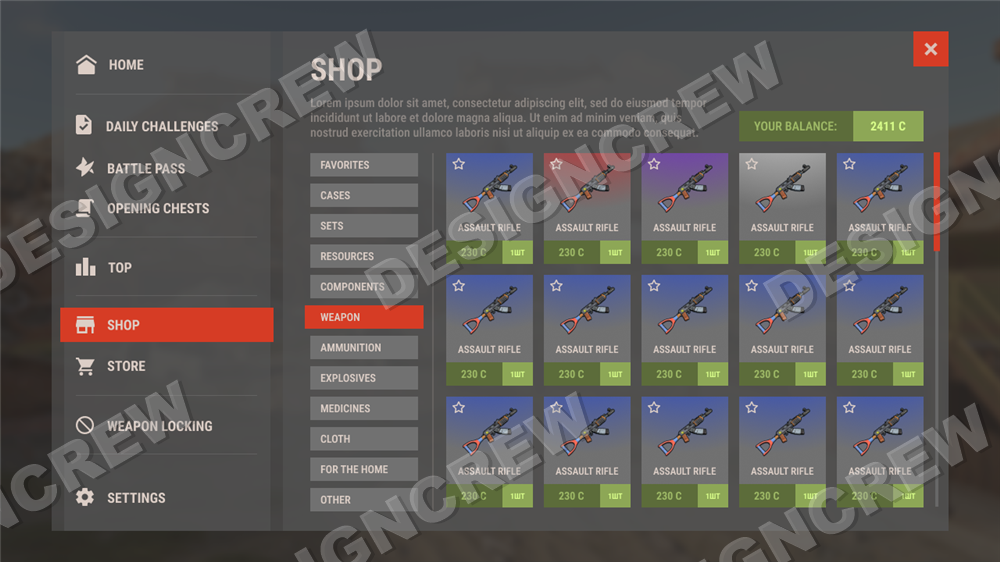
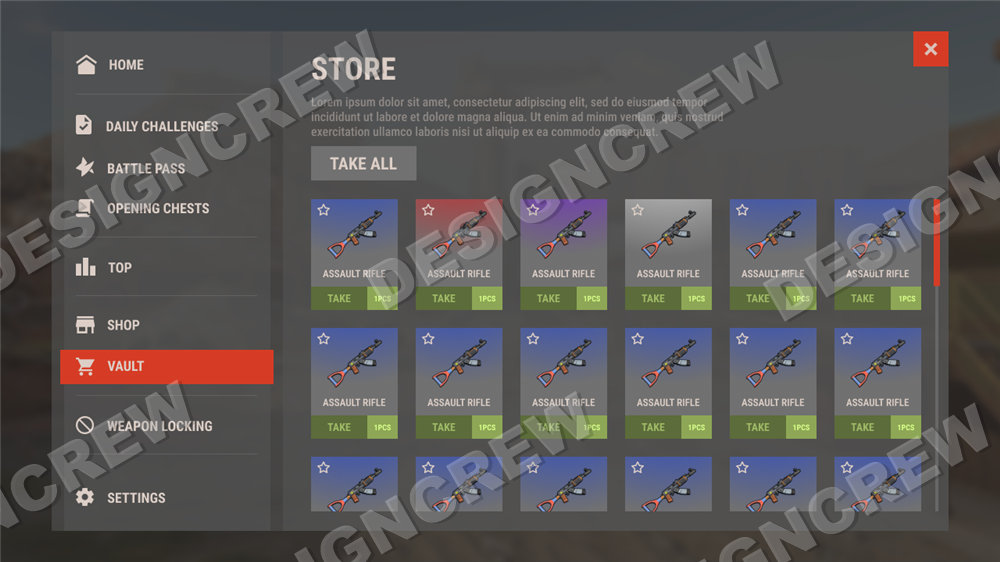
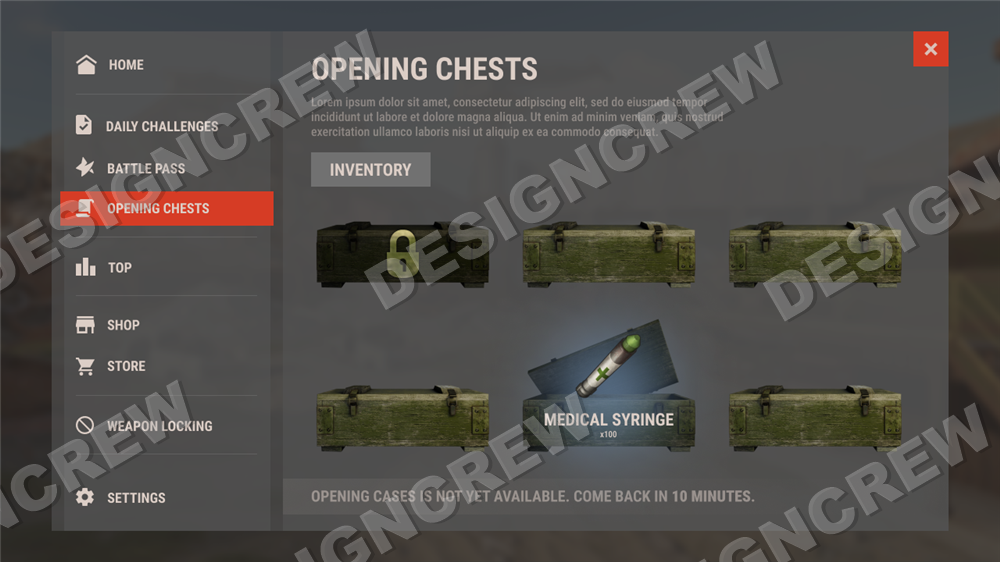
11 menu pages
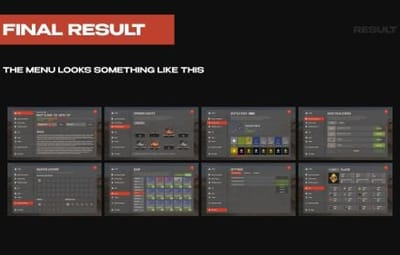
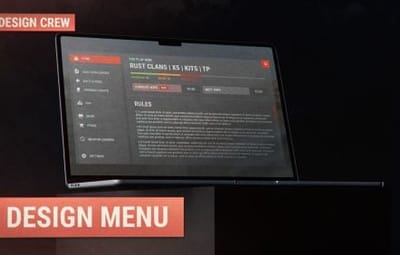
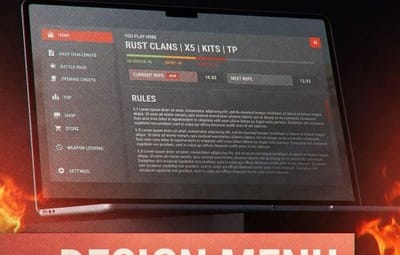
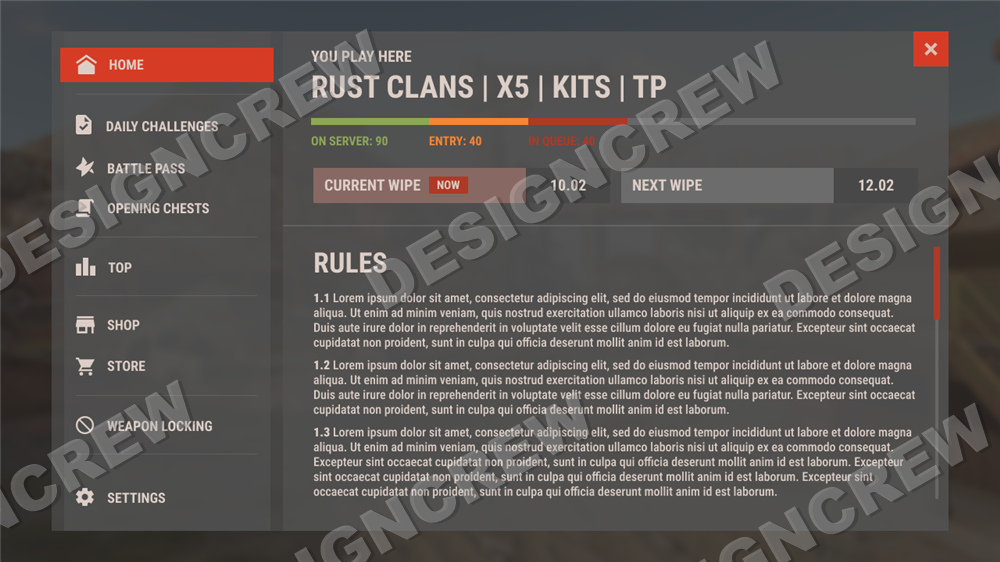
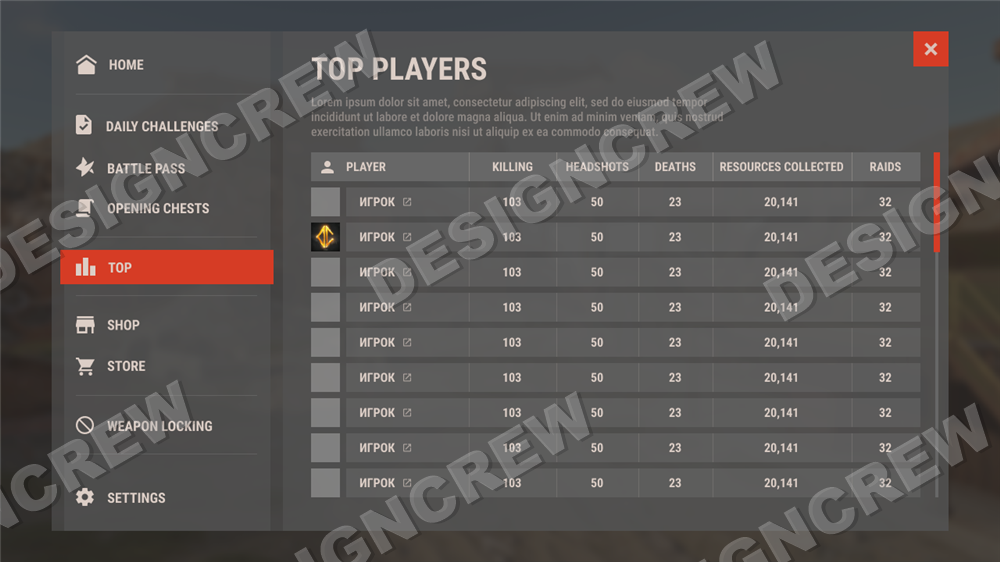
Home, shop, store, top players, weapon locking, battle pass, daily challenges, opening cases, settings, notifications and info panel.
|
|
|
FEATURE 02
Change the main colour
Change the main colour of the plugin to the one you like in about 30 seconds.
|
|
|
FEATURE 03
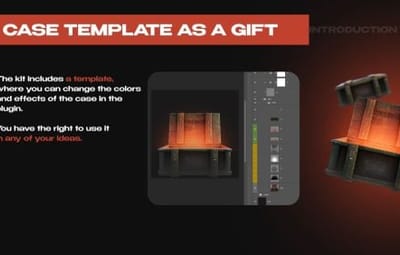
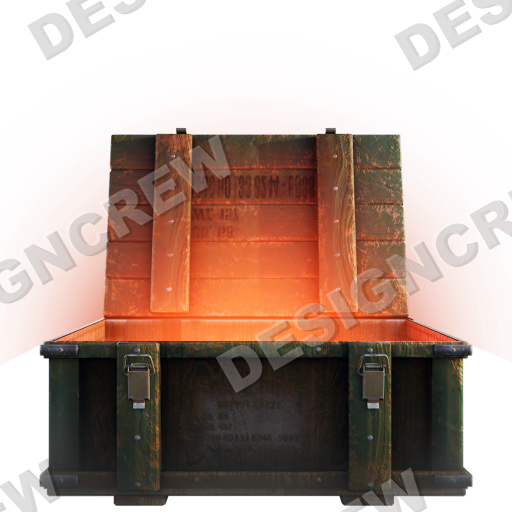
Case template as a gift
The kit includes a template where you can change the colours and effects of the case. Use it in any of your ideas.
|
|
|
|
▌ Instructions
How to use it
|
01
Install Figma
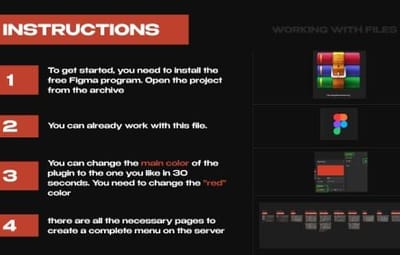
Figma is free. Download the desktop app from figma.com or use it right in the browser. Unpack the archive you got with this product.
|
|
|
|
02
Open the project
In Figma, click Import (or just drag the .fig file from the archive into the window). The project opens with all 11 menu pages laid out side by side.
|
|
|
|
|
03
Change the main colour
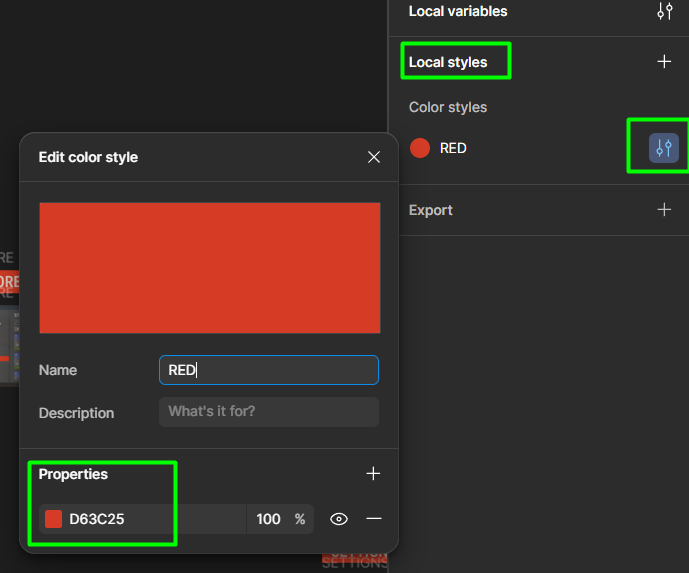
Click an empty spot on the canvas. In the right panel open Local styles, then click the settings icon next to the RED colour style. In Properties, type your own colour code. Every page updates at once, it takes about 30 seconds.
▸ Local styles
▸ RED colour style
▸ Properties: your colour code
|
|
|
|
04
Use the pages
Pages included: Home, Challenges, Battle pass, Opening cases, Top players, Shop, Vault, Weapon locking, Settings, Notify and Info panel. Edit texts and items, then export the frames as PNG for your coder.
|
|
|
|
|
05
Case template as a gift
The archive also has a Photoshop template of the case. Turn the layer groups on and off to change the colour of the case and its glow. You can use it in any of your projects.
|
|
|
|
06
Need a coder?
This is a design, not a ready plugin: a coder has to build it for your server. If you do not have one, write to us in direct messages, our developer will set it up quickly.
|
|
|
|
|
▌ Full gallery
Every page in one place
|
|
▌ Contents
What's included
|
Item
|
Details
|
|
Pages
|
11 menu pages
|
|
Format
|
Figma project
|
|
Extras
|
Case template
|
|
Archive size
|
39.23 MB
|
|
Price
|
$35.00
|
|
|
▌ Updates
Changelog
|
1.0.0
|
August 22, 2026 — Initial release.
|
|
|
▌ Stay in touch
Questions, custom work, new releases
|
|
DESIGN CREW · DESIGN STUDIO SINCE 2015 · THANK YOU FOR YOUR SUPPORT
|