|
|
|
|
▌ Design studio · Est. 2015 · Halloween pack
|
About the product
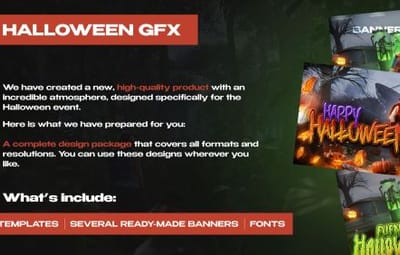
A full Halloween design kit for your Rust project: header banner, Discord and server list banner, invite wallpaper, post banners in two formats, logos and four one-click text templates.
|
|
Table of contents
Jump to any section of this page
|
|
|
|
|
|
▌ Halloween pack
Overview
We made this pack for the Halloween event, and Rust celebrates it with us. Inside is a full design kit for every format and every resolution, so you can use it anywhere you like.
|
PSD
|
|
2560×1440
|
|
|
|
1920×1080
|
|
1080×1080
|
|
|
|
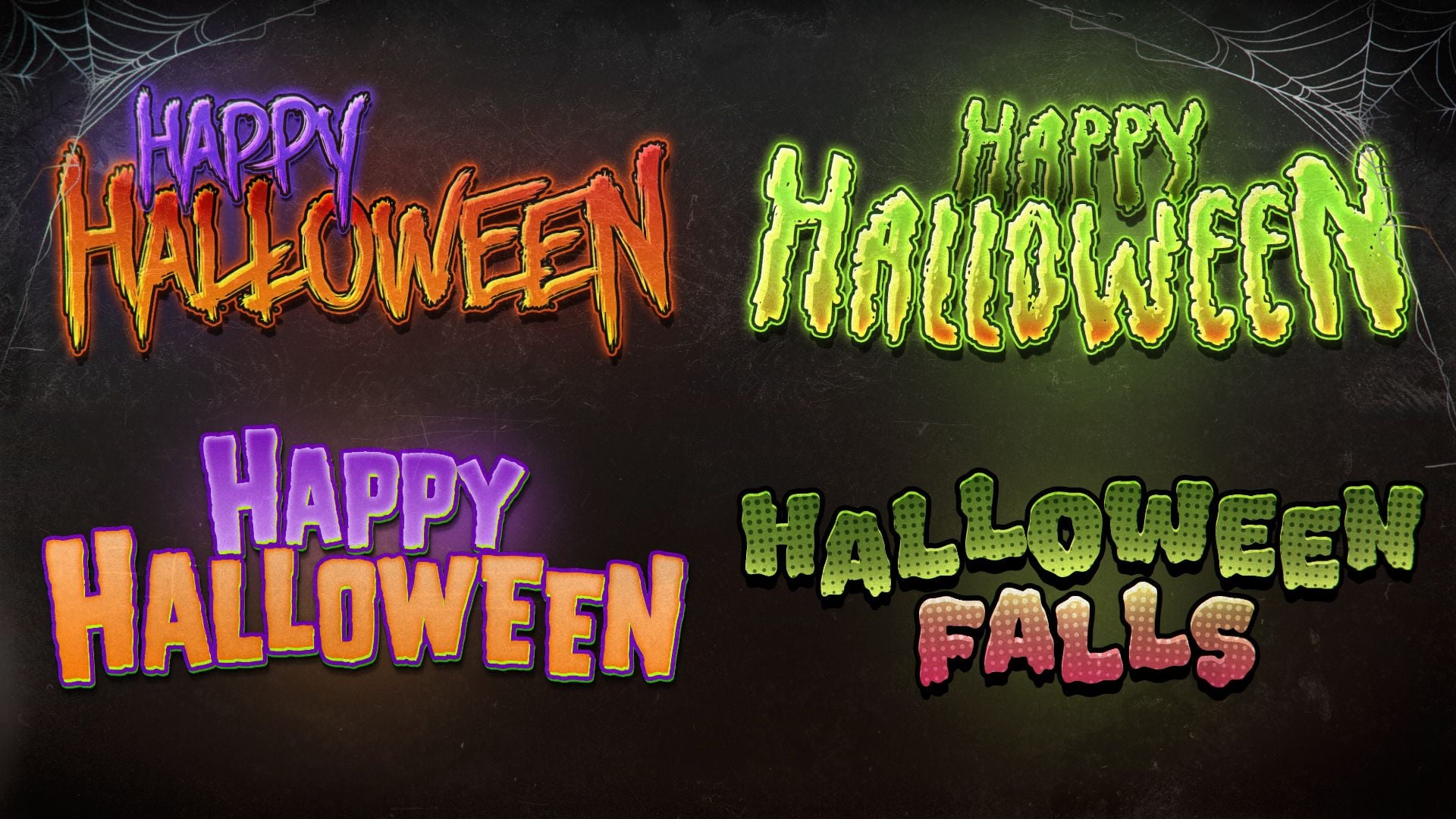
4 text templates
|
|
|
What you need
▸ Adobe Photoshop and about 20 minutes
|
|
What is included
▸ 6 PSD files
▸ 4 text templates
▸ 4 fonts
▸ All finished works as images
|
|
Highlights
▸ One-click text effects
▸ Every format for socials and Discord
▸ Ready for the Halloween event
|
|
|
|
|
|
▌ Why it stands out
Built to look great
|
FEATURE 01
Every format
Header banner in 2560×1440, banner for Discord and the server list, invite wallpaper, and posts in 1920×1080 and 1080×1080.
|
|
|
FEATURE 02
Four text templates
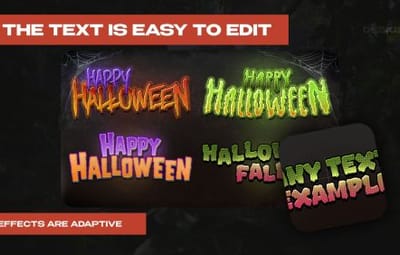
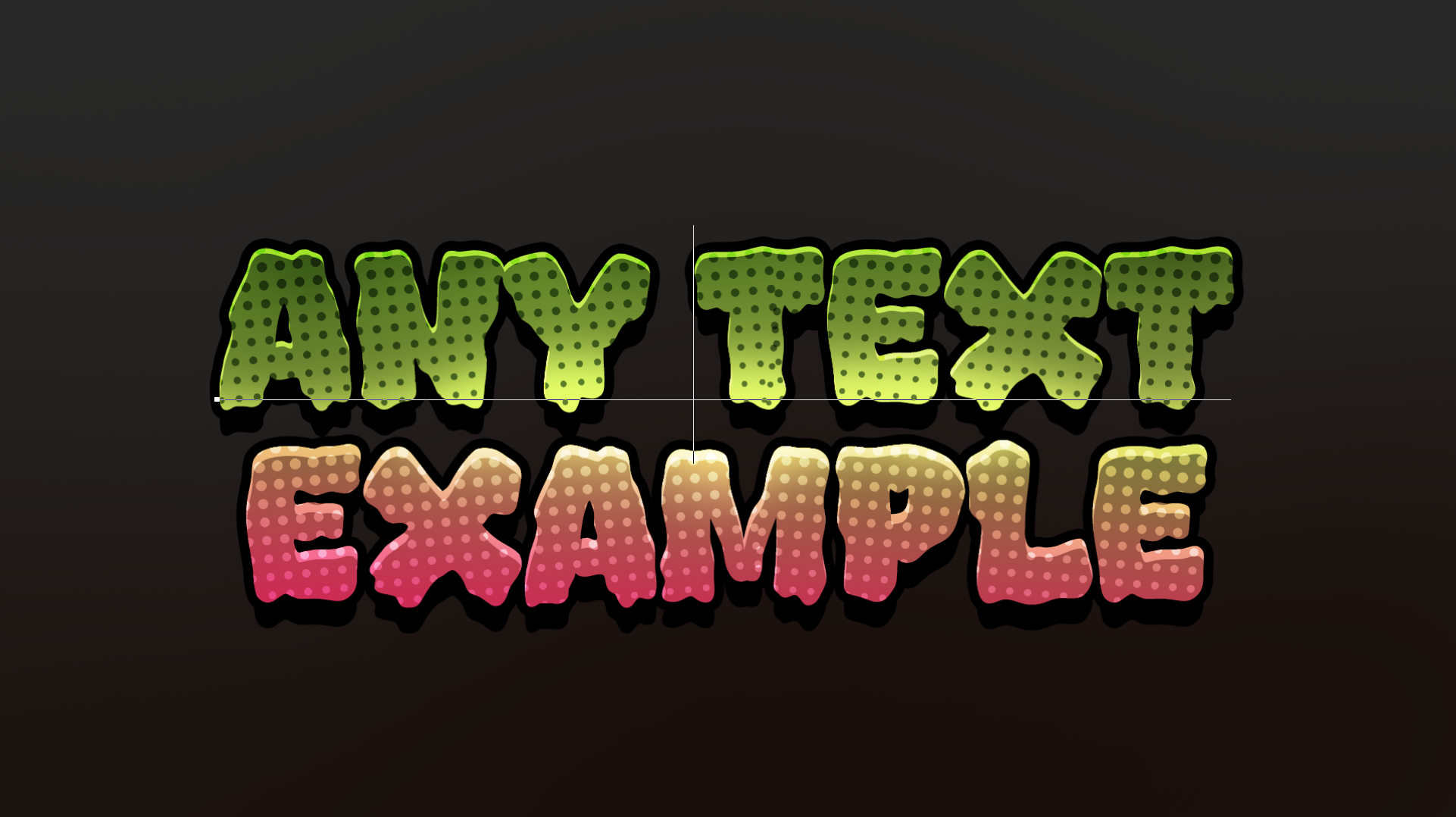
Fully automatic: no need to look for a font, pick colours or play with effects. Type your text and it is done, faster than any AI.
|
|
|
FEATURE 03
Logos and pfp
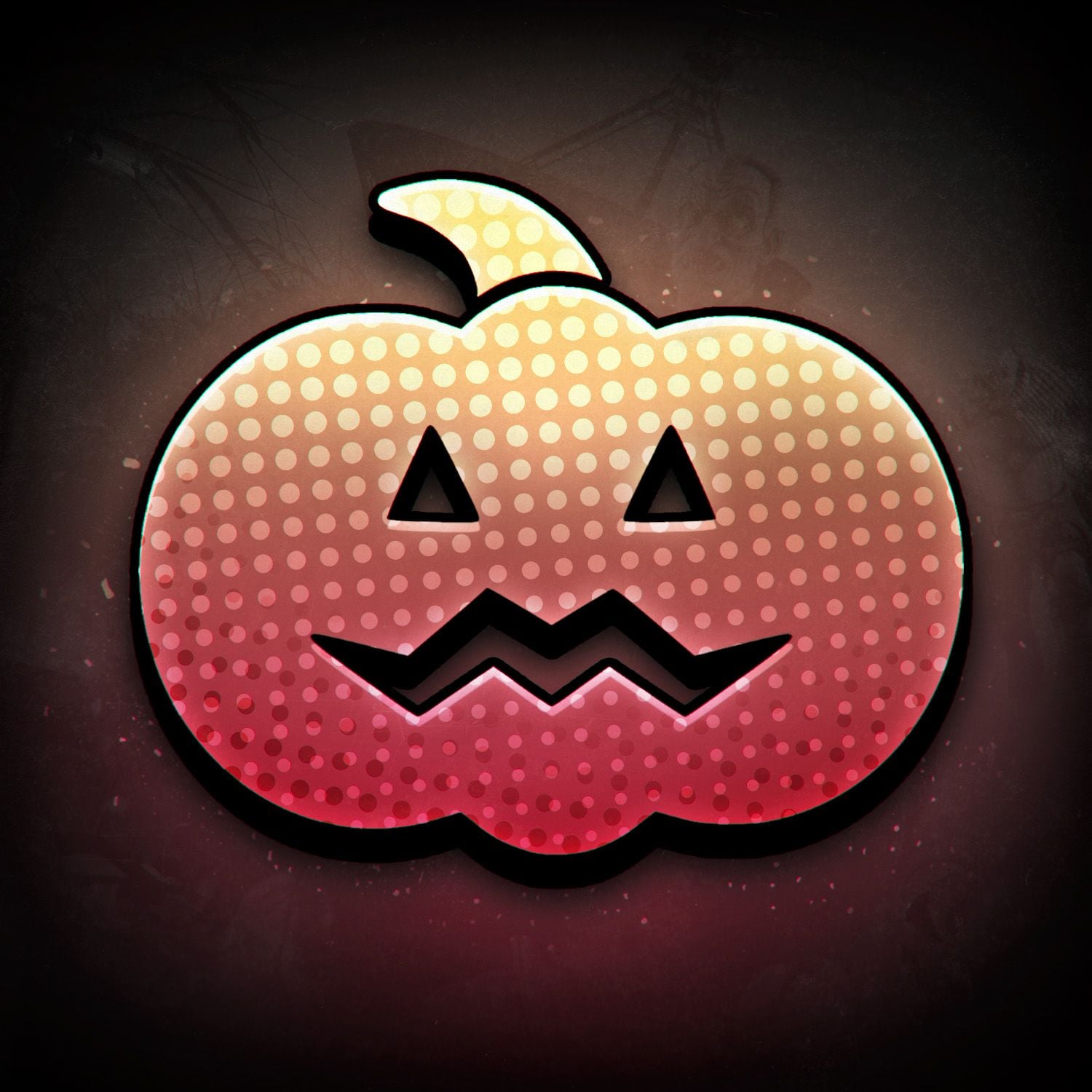
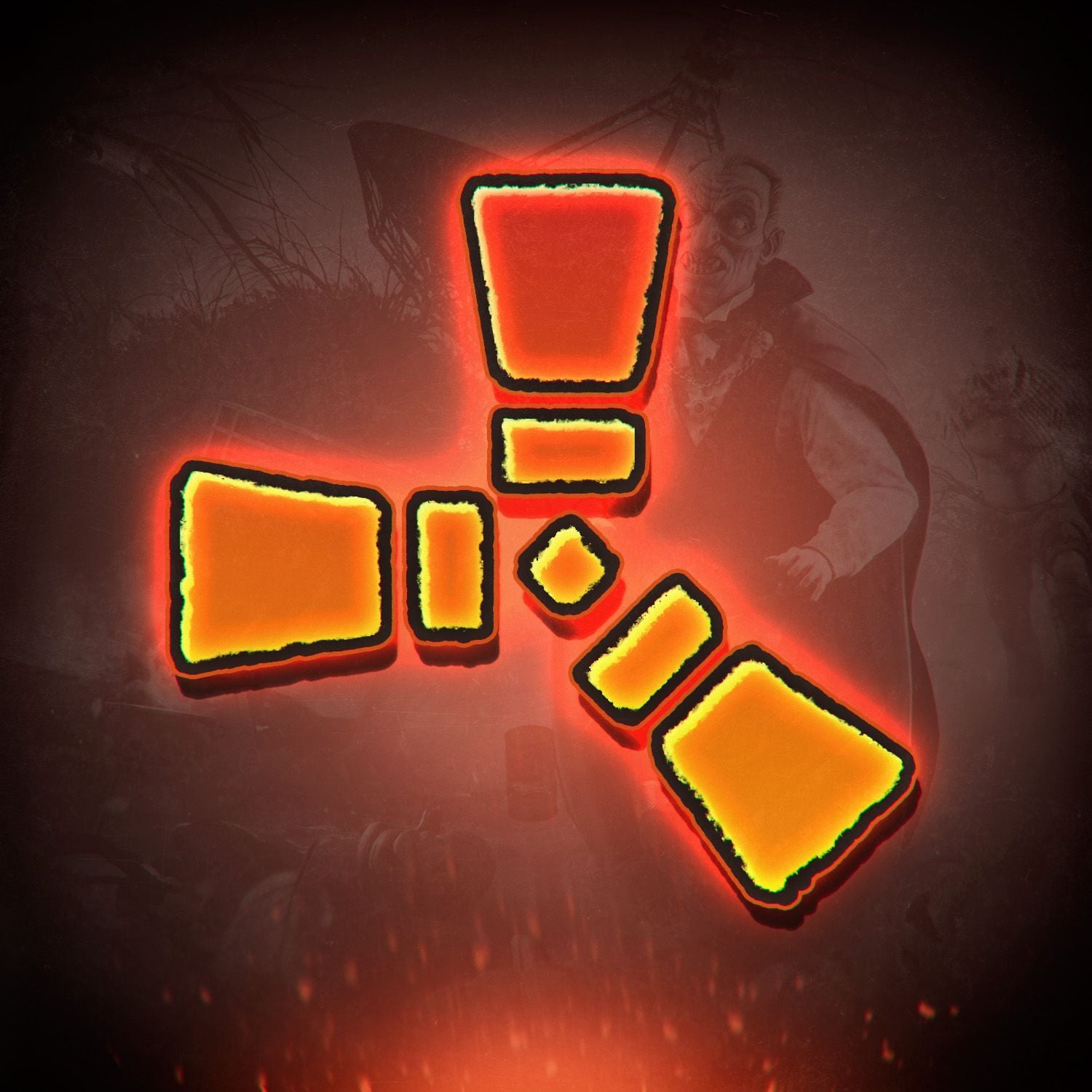
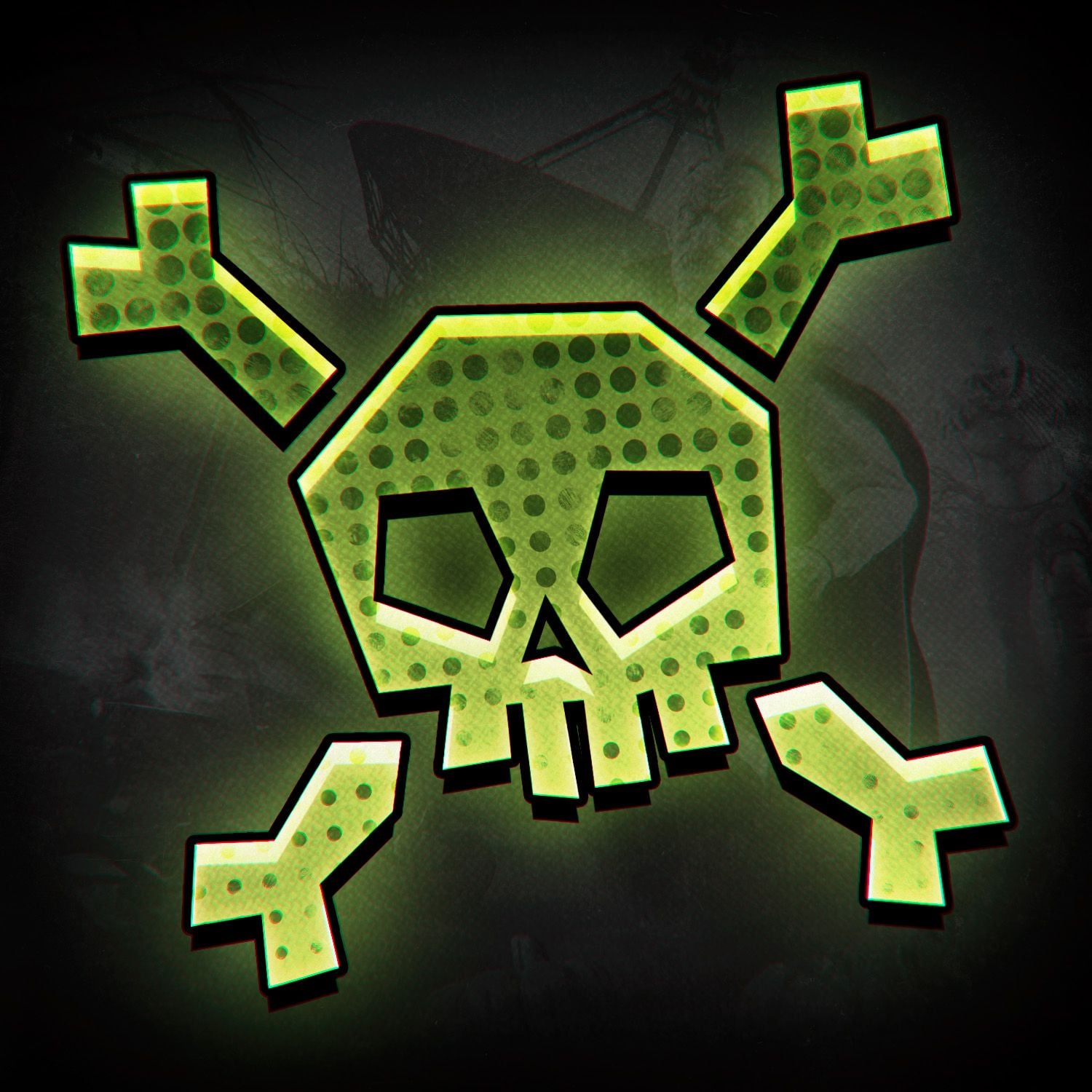
Three logo and profile picture options: pumpkin, Rust logo and skull.
|
|
|
|
▌ Instructions
How to use it
|
01
Download the PSD files
Unpack the archive and open the README file. All PSD files are downloaded by the link inside it.
▸ Link in README
|
|
|
|
02
Install the fonts
Install the 4 fonts from the archive (double-click a font file, then Install). Do it before opening the PSD files, or the text will look wrong.
|
|
|
|
03
Use the ready images
All finished works are in the archive as images. If the text on them suits you, post them right away: header, Discord banner, invite wallpaper, posts and logos.
|
|
|
|
04
Pick a text template
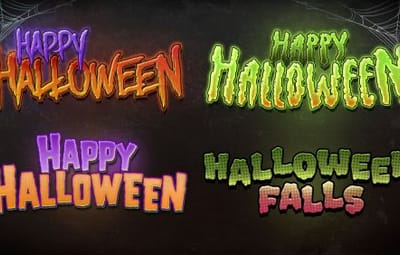
There are 4 text templates. The font, colours and effects are already set up in each of them, you only change the words.
▸ 4 styles
▸ Automatic effects
|
|
|
|
|
|
05
Write your own text
Open the PSD in Adobe Photoshop, pick the Type tool (T) and type anything: your server name, wipe date or event. The effects follow the new text by themselves.
|
|
|
|
06
Save and post
Go to File, Export, Export As and save as PNG or JPG. About 20 minutes and your project is ready for the Halloween event.
|
|
|
|
|
▌ Full gallery
Every design in one place
▸ Main banner
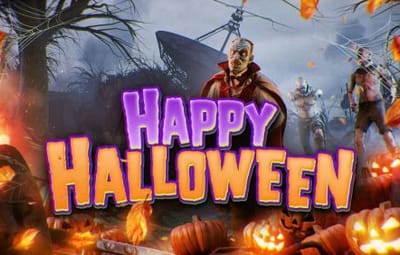
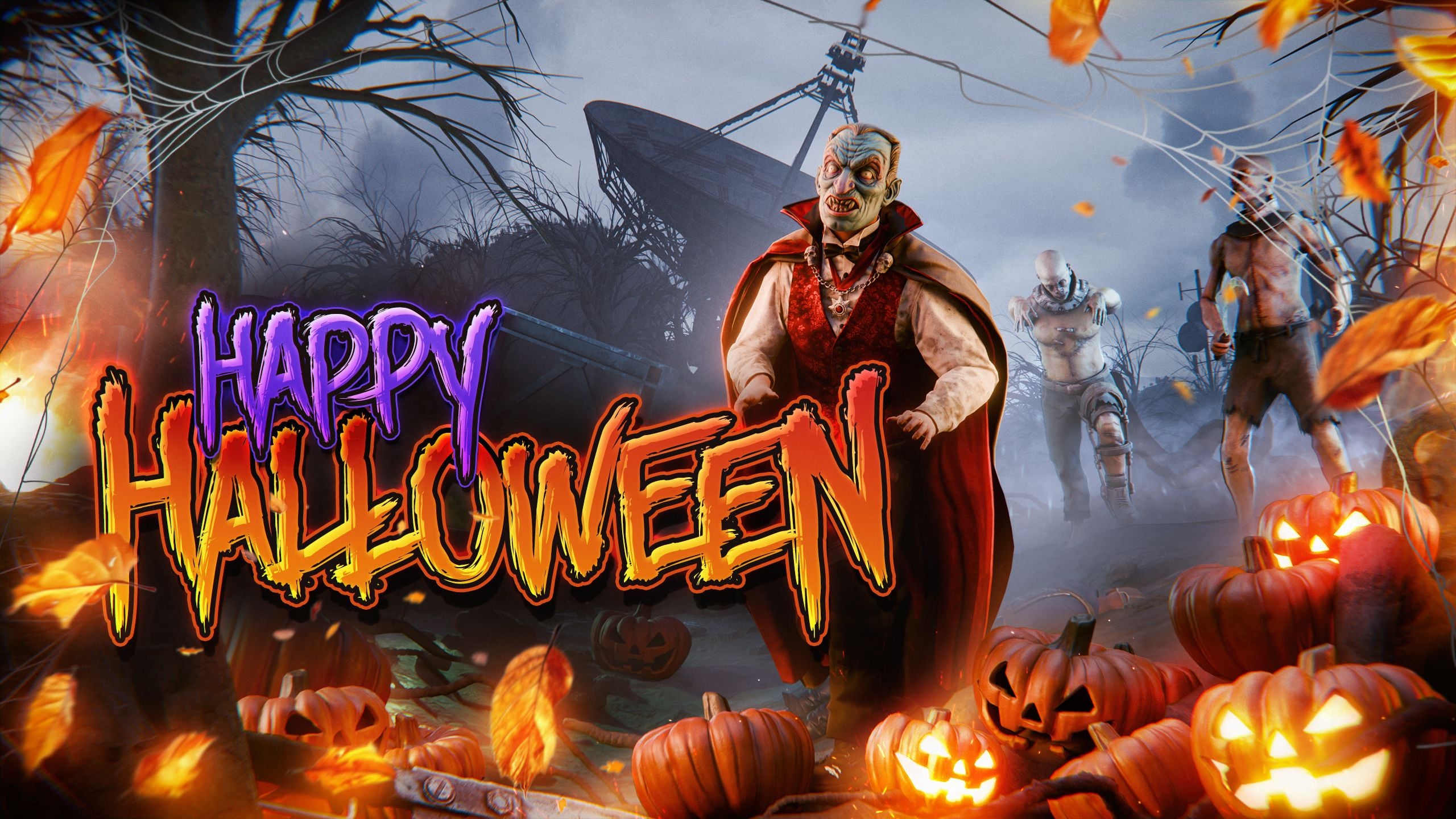
Big banner in 2560×1440 for headers and page covers.
|
Happy Halloween · 2560×1440
|
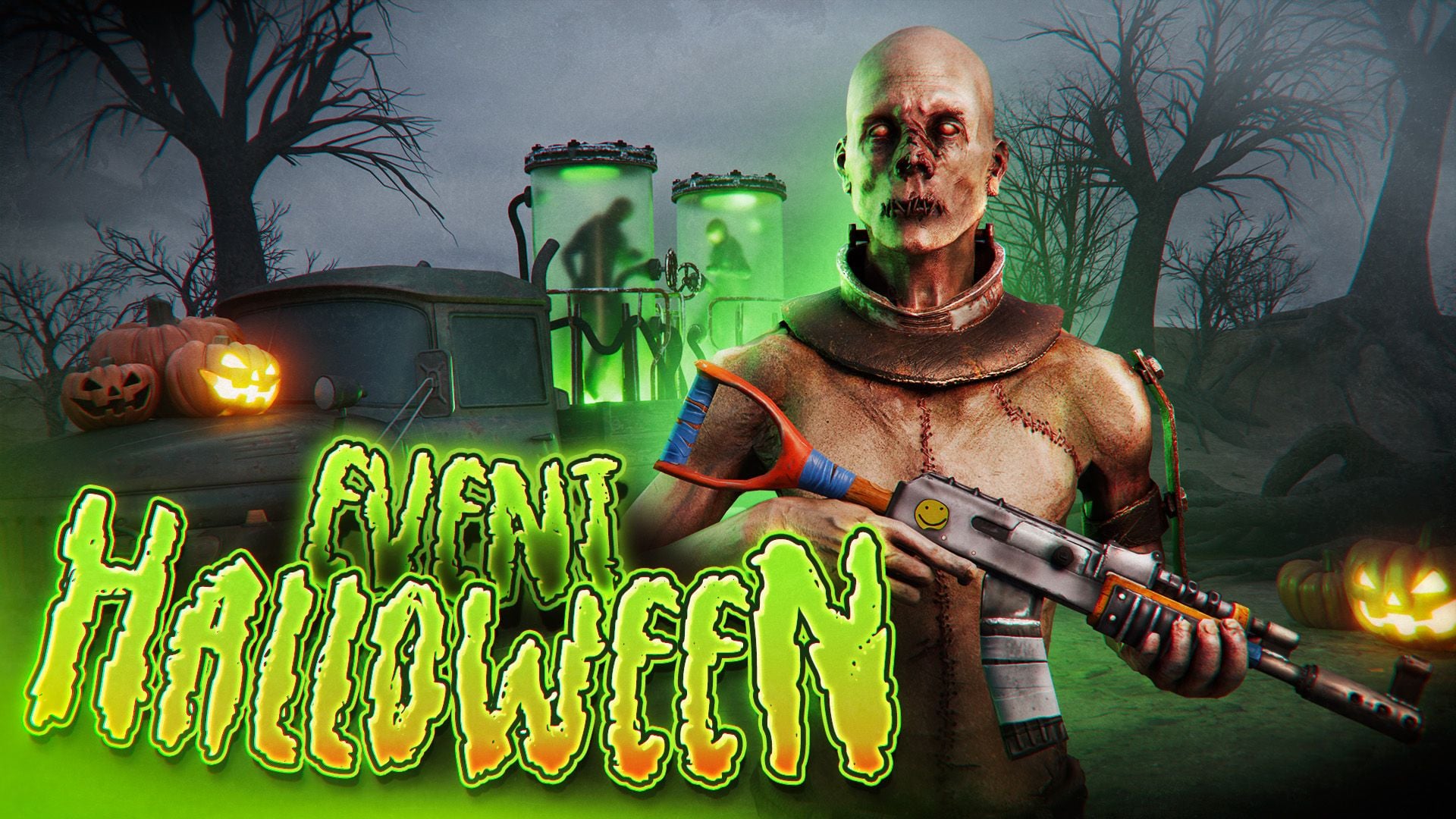
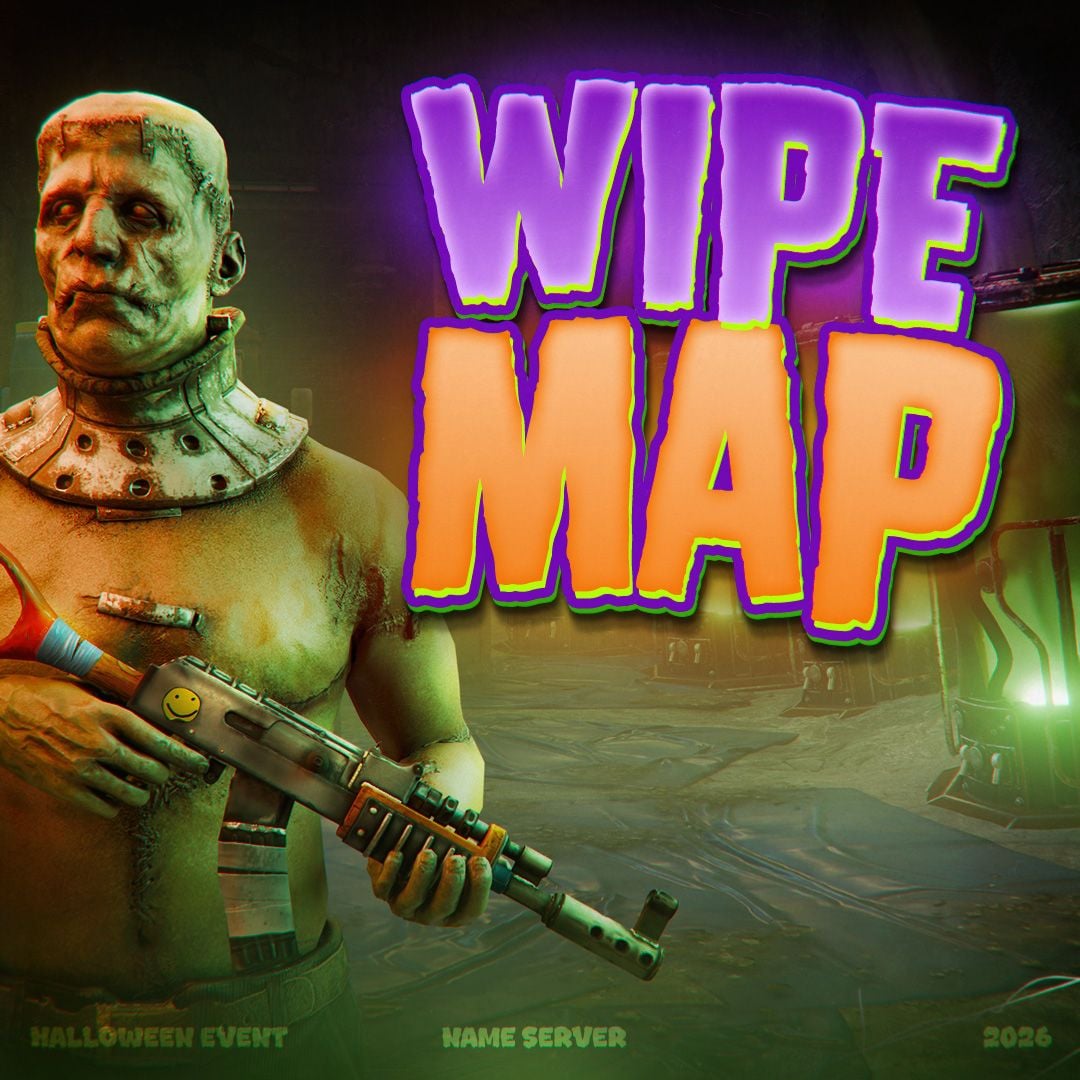
▸ Wide posts
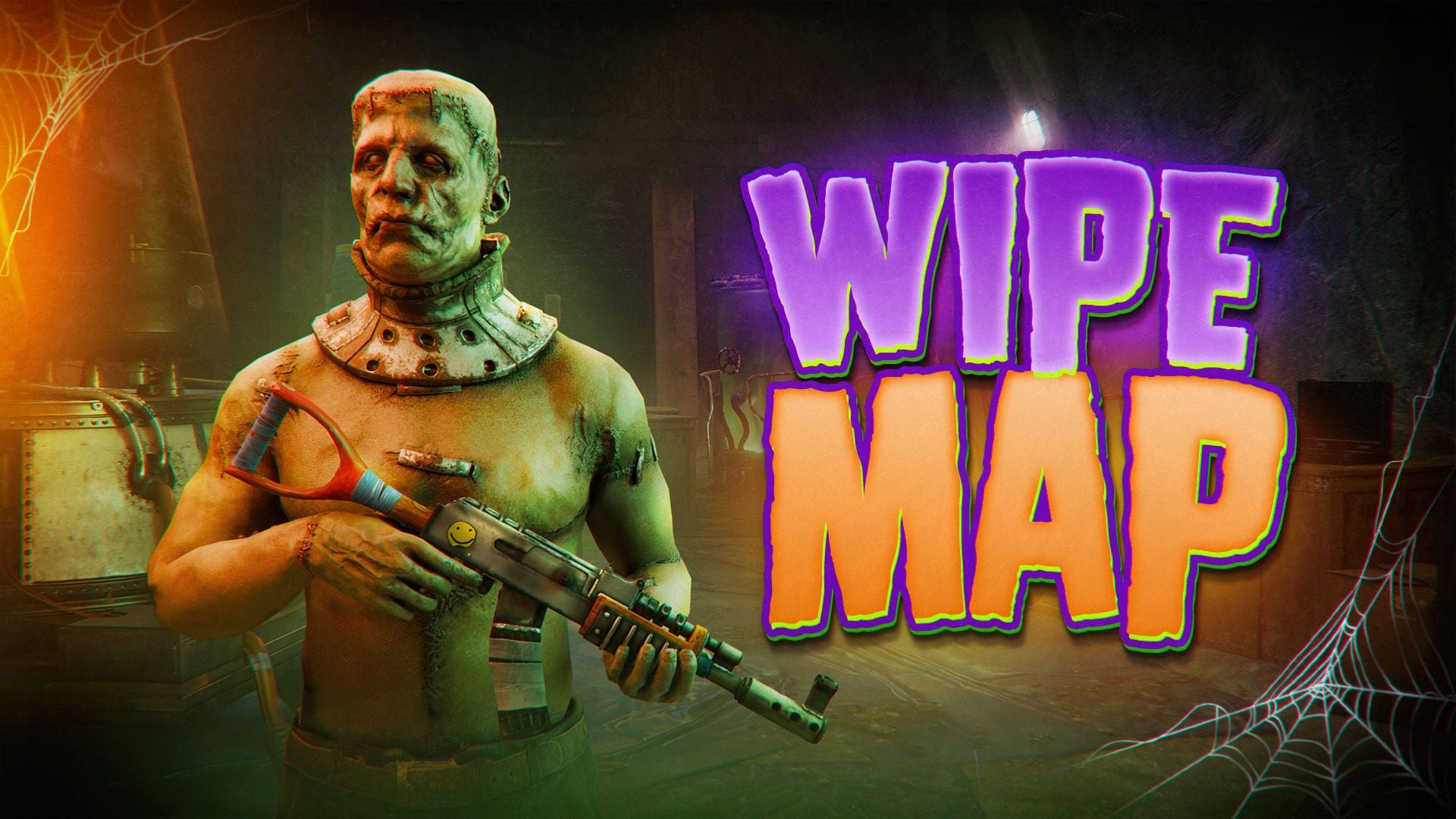
Two post designs in 1920×1080.
|
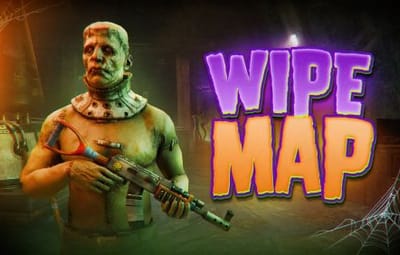
Wipe Map · 1920×1080
|
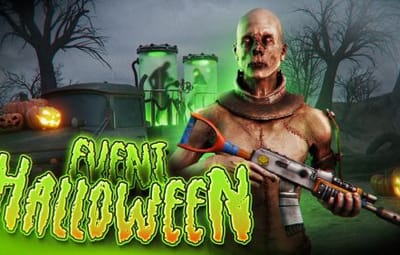
Event Halloween · 1920×1080
|
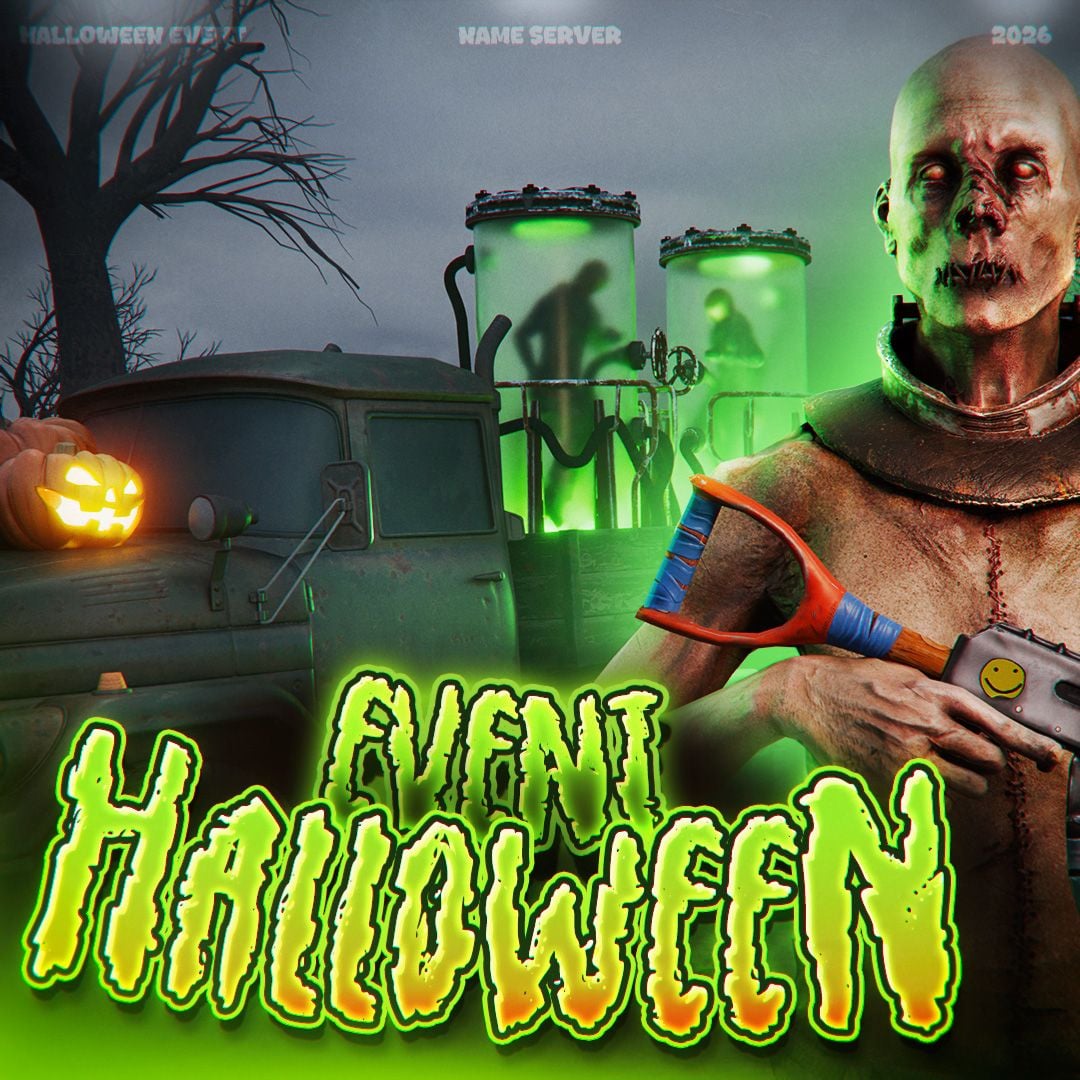
▸ Square posts
The same two designs in 1080×1080 for networks where a square fits better.
|
Wipe Map · 1080×1080
|
Event Halloween · 1080×1080
|
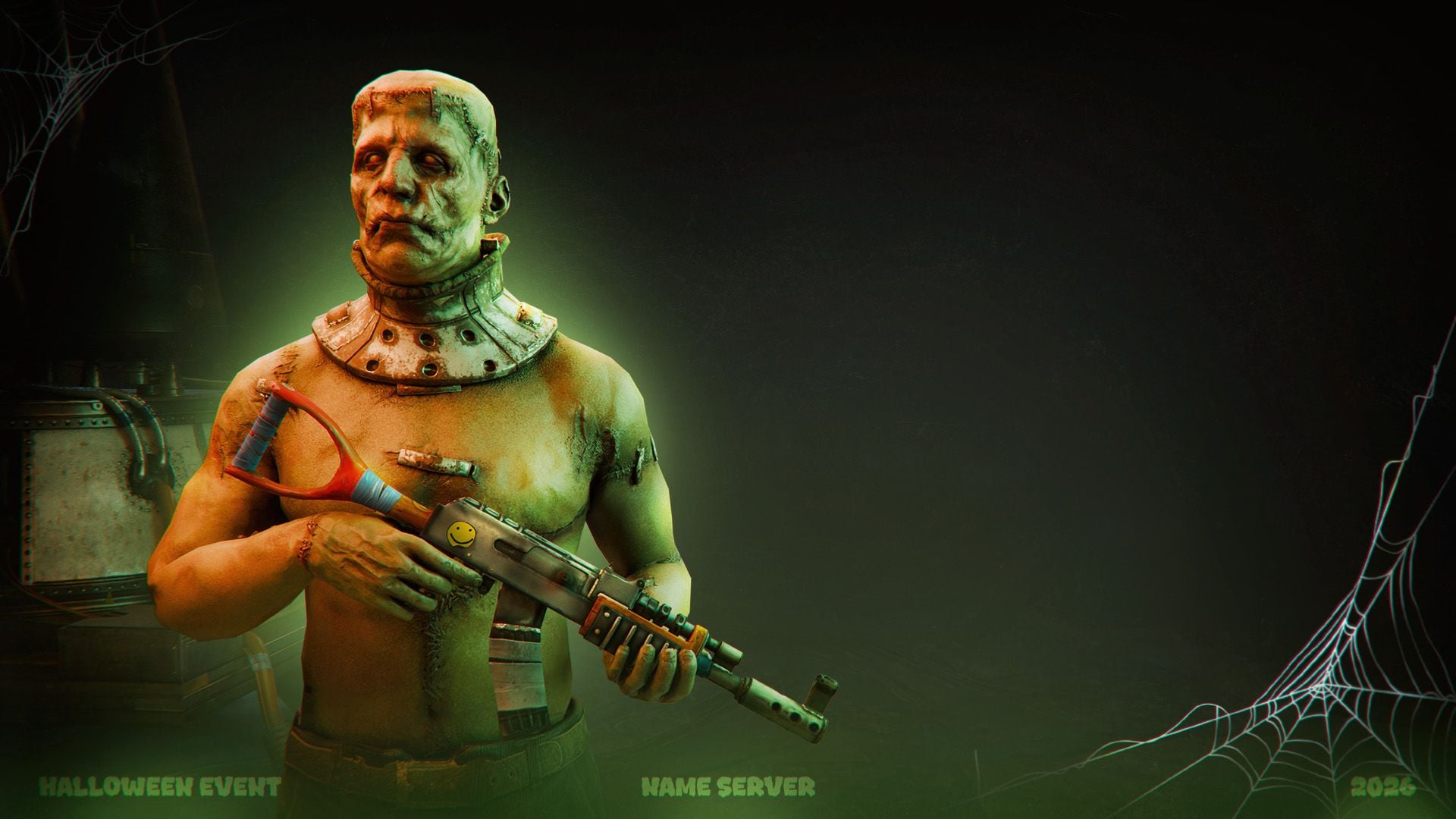
▸ Discord background
Wallpaper for Discord invites in 1920×1080.
|
Discord background · 1920×1080
|
▸ Text templates
Four automatic styles: type any text and the effects are applied by themselves.
|
4 text styles
|
Your own text
|
▸ Avatars
Three logo and profile picture options.
|
Pumpkin · 1500×1500
|
Rust logo · 1500×1500
|
Skull · 1500×1500
|
|
|
▌ Contents
What's included
|
Item
|
Details
|
|
Header banner
|
2560×1440, for headers and page covers
|
|
Server banner
|
1920×1080, for Discord and the Rust server list
|
|
Invite wallpaper
|
1920×1080, for Discord invites
|
|
Post banners
|
2 designs, each in 1920×1080 and 1080×1080
|
|
Logos and pfp
|
3 options
|
|
Text templates
|
4, fully automatic
|
|
Files
|
6 PSD (download link in README), 4 fonts, all works as images
|
|
Archive size
|
12.77 MB
|
|
Price
|
$18.99
|
|
|
▌ Updates
Changelog
|
1.0.0
|
October 23, 2026 — Initial release.
|
|
|
▌ Stay in touch
Questions, custom work, new releases
|
|
DESIGN CREW · DESIGN STUDIO SINCE 2015 · THANK YOU FOR YOUR SUPPORT
|