Jump to content
Message added by jtedal,

Need Help? Join US!

https://discord.gg/madmappers

Message added by jtedal,

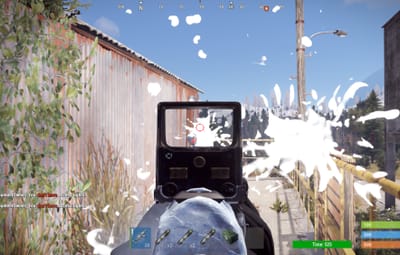
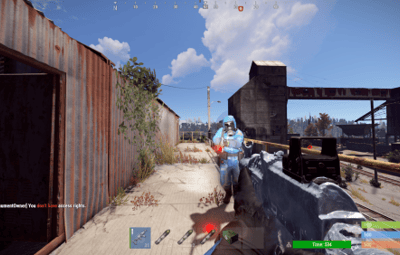
I am aware of the issue where it seems that the Oil Rigs zone does not see the new NPCs. Unfortunately, the old plugin mechanics do not work with this new NPC type. There is currently no quick solution available.

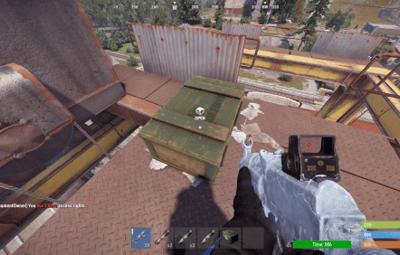
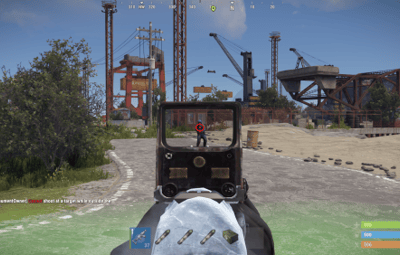
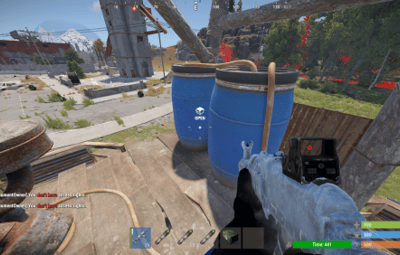
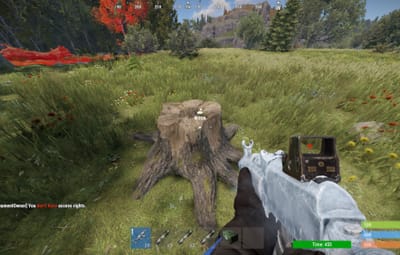
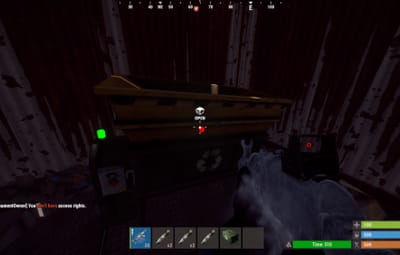
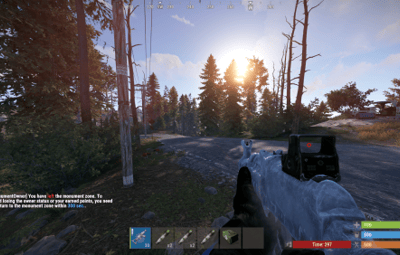
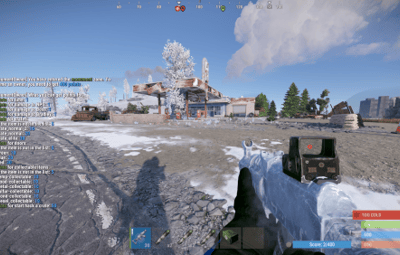
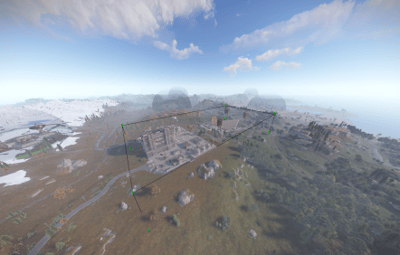
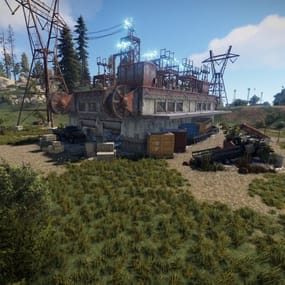
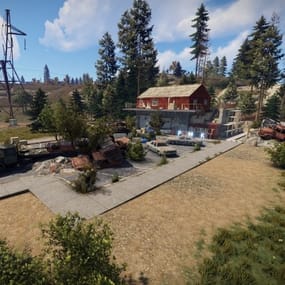
17 Screenshots
  • 79.9k
  • 2.6k
  • 330.94 kB
  • Update details
    v1.7.9
    Released
    Download size330.94 kB
    Total versions50
    Time between versions 1 day
    Typical update pace About every 21 days
    Freshness 3 days ago

This area is for discussion and questions. Please use the support area for reporting issues or getting help.

Recommended Comments


BetterDeadThanZed

Posted

Epic Loot was the issue with the scientists. A simple fix in the code of that plugin fixed the damage, however the domes are still not appearing over the oil rigs and I still get that error that I mentioned when Monument Owner is loaded.

The fix for Epic Loot is changing this line:

var modifiedDamageScale = HandlePlayerHitNPC(npc2, attacker, info, 0);

To this:

var modifiedDamageScale = HandlePlayerHitNPC(npc2, attacker, info, 1);

miniMe_rust

Posted (edited)

It seems update 1.7.8 re-introduced the vehicle bug - players can't mount or dismount their vehicles when inside a monument zone. Rolling back to version 1.7.6 solved that issue.

Edited by miniMe_rust
jtedal

Posted

1 hour ago, miniMe_rust said:

It seems update 1.7.8 re-introduced the vehicle bug - players can't mount or dismount their vehicles when inside a monument zone. Rolling back to version 1.7.6 solved that issue.

fixed

  • Love 2
Strathisla

Posted

ААА обновлении ? 
не не не слыхал.....
А на скай плагине не надо обновлять ?
 

andyb_83

Posted (edited)

Is there any reason my config file is appearing in Russian? Also no zones are appearing at all

Edited by andyb_83
  • Haha 1
Klaxxon

Posted (edited)

Did you put the russian version of the plugin in your plugin folder? If so, you need to unload, delete the config, plugin, data, and lang file. Insert the english .cs into the plugin folder.

Did you add the monument data to the data folder? When you download the plugin, it comes with the data folder. Make sure to place where it goes.


Have you configured all your monuments? config/data/MM_Data/MonumentOwner/Monuments

Cargo is in config/data/MM_Data/MonumentOwner/Events

Edited by Klaxxon
andyb_83

Posted

12 hours ago, Klaxxon said:

Did you put the russian version of the plugin in your plugin folder? If so, you need to unload, delete the config, plugin, data, and lang file. Insert the english .cs into the plugin folder.

Did you add the monument data to the data folder? When you download the plugin, it comes with the data folder. Make sure to place where it goes.


Have you configured all your monuments? config/data/MM_Data/MonumentOwner/Monuments

Cargo is in config/data/MM_Data/MonumentOwner/Events

Other owner did it but he checked 3 or 4 times and 100% English .cs file, it has been working for months prior to this update so can't see how anything would be wrong with the data files.

Deleted the config and rolled back to prior version and working absolutely fine with no changes to data files

Create an account or sign in to comment

You need to be a member in order to leave a comment

Create an account

Sign up for a new account in our community. It's easy!

Register a new account

Sign in

Already have an account? Sign in here.

Sign In Now
  • Like 4
  • Confused 2
  • Haha 1
  • Love 4

User Feedback

2.3m

Downloads

Total number of downloads.

10.6k

Customers

Total customers served.

152.7k

Files Sold

Total number of files sold.

3.3m

Payments Processed

Total payments processed.

×
×
  • Create New...

Important Information

We have placed cookies on your device to help make this website better. You can adjust your cookie settings, otherwise we'll assume you're okay to continue.