
.thumb.png.bcb832e22f0a48b6833fee517e444bff.png)
.thumb.png.fe4bc12fbacdc606fbd58215acabe3fd.png)
.thumb.png.38adc2498eceb1cb50dc9522122404f3.png)
.thumb.png.ce3d57a6afa63cee05409e3d1a80c04c.png)
.thumb.png.52b2277c25b0f6234ab5367d536bd61b.png)
.thumb.png.f85ebd90f8792cd0046337a00f7e17dd.png)
.thumb.png.cd41fb859d85a7c16ac6243a494947b4.png)
.thumb.png.293cac7ffb4286c4cf9cef076ac23144.png)
Works with
Optional integrations and compatible files.



About Events Manager
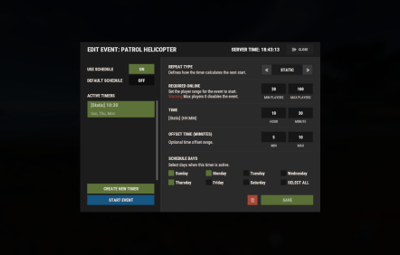
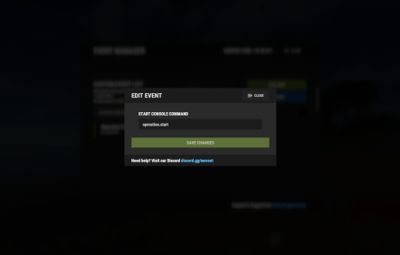
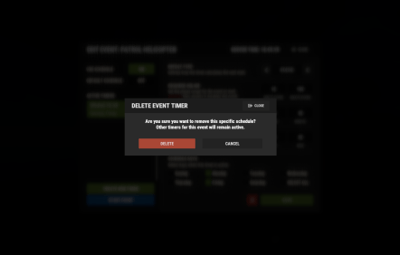
EventsManager runs official Facepunch events and events from custom plugins through one in-game interface. Instead of scattered timers, you build event rotations and tune your wipe schedule in a single menu to keep players engaged.


 Features of Events Manager
- Multi-Event Support: Manage multiple events, each with its own settings.
- Customizable Display: Assign distinct names, commands, and colors for UI buttons to each event.
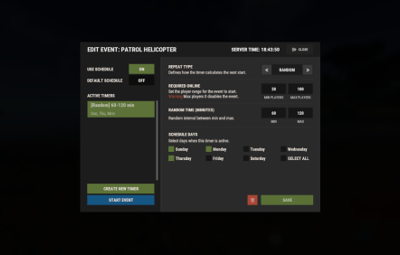
- Scheduling Flexibility: Schedule events to run on specific days and at designated hours.
- Administrative Control: Admins can launch events with commands.
- Enhanced Player Experience: Run regular events to keep players engaged.
- Random Event Start: Let the plugin pick events at random from a pool, so players get a surprise.
- Integration of Facepunch Events: Popular Facepunch events are included in the plugin.
 Commands
- /em: Set up events, including start time and day.
- eventmanager.convert.v2: Migrates V2 data to V3 (console only)
 Permissions
- eventsmanager.use: Lets users open the menu and manage events.
 Video Overview
 Web Config Editor
Manage the EventsManager settings in our web config editor. You change the config in a browser form instead of editing files on the server by hand.
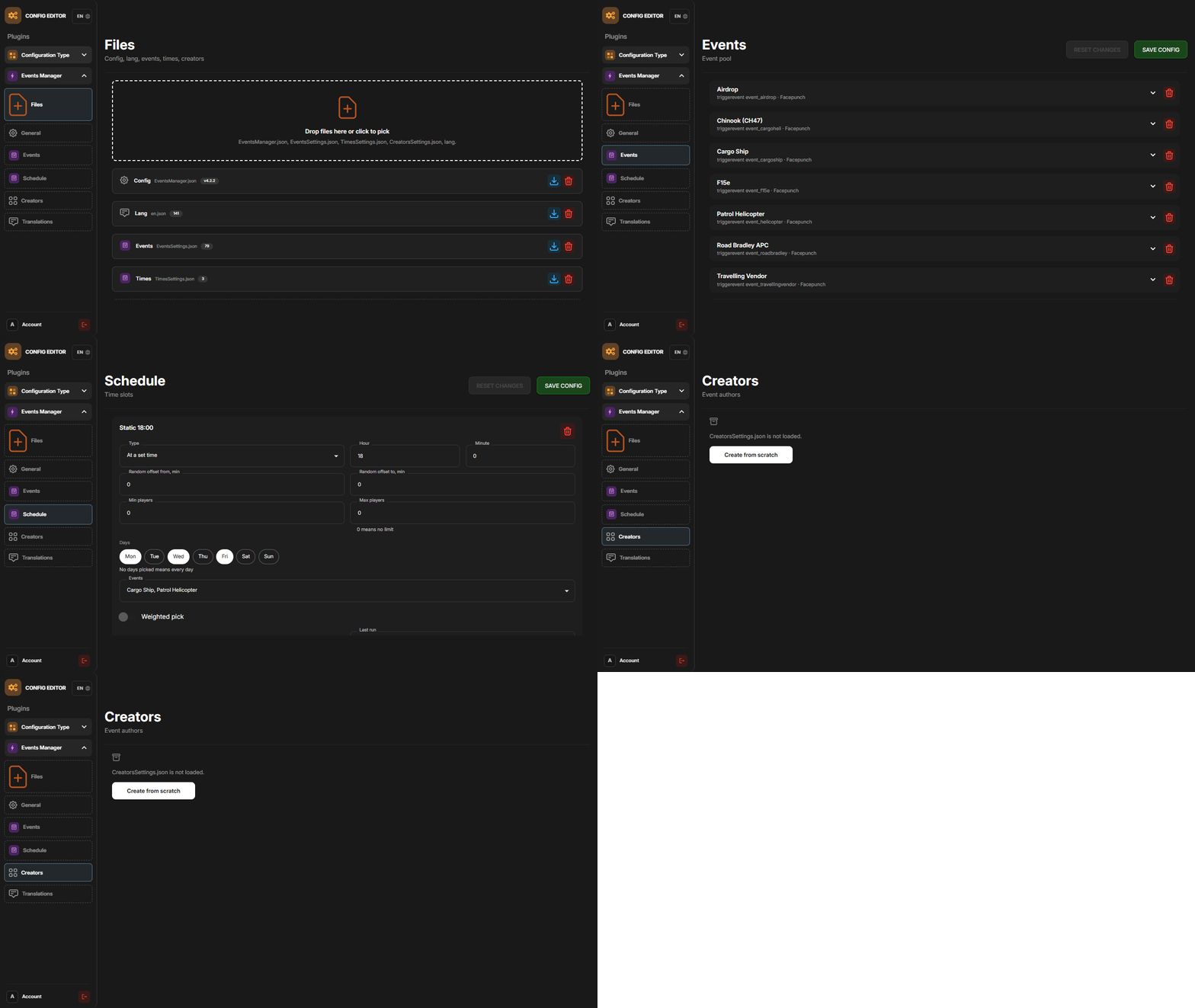
P.S. The web config editor is open to members of the "EventsManager" group in our Discord server. Join at https://discord.gg/mevent and ask for the group.
 FAQ
FAQ
Q: Where can I see an example of a config?
A: Config
Q: Do I need to configure anything special for events?
A: Yes, disable autostart in your events when you use EventsManager. The plugin schedules and starts events itself, so autostart can cause conflicts or unexpected behavior.




.thumb.gif.30bb4fb1ad6b9cbba98fad72b9533086.gif)
.thumb.gif.4707aef13cba7c3b9ad410f5f982b71c.gif)

.thumb.gif.3c9c0e18006368d634273095544fb983.gif)