Brostrodamus
-
Posts
66 -
Joined
-
Last visited
Content Type
Profiles
Warranty Claims
Downloads
Forums
Store
Services
Downloads Plus Support
DOWNLOADS EXTRA
Reels
Everything posted by Brostrodamus
-
 I’ve purchased and used several of Mevent's plugins at this point (Server Panel, Vehicle Shop, Kits, Daily Rewards, Events, and more) and they’ve all been straight bangers. They look great, have a ton of customization, and honestly make the server feel way more polished and professional. The Server Panel especially has become the central hub for my players, with everything from rules and commands to the shop, kits, rewards, events, vehicle purchases, binds, and server information all in one place. On top of the quality of the plugins, the support has been awesome. Anytime I’ve had a question, needed help configuring something, or ran into an issue, he’s always been willing to help me get it sorted out. If you’re a Rust server owner considering any of Mevent's plugins, I’d absolutely recommend them. I’ve been extremely happy with every purchase I’ve made, and I doubt you’ll regret adding them to your server.
- 165 comments
-
- 1
-

-
- #serverpanel
- #info
- (and 33 more)
-
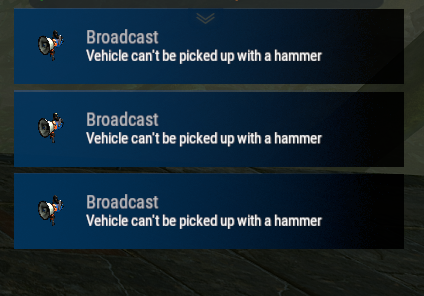
Every time someone tries to repair their personal vehicle, they get spammed with the following error message: "Vehicle can't be picked up with a hammer."... every single time it is smacked with a hammer. I don't think this is the desired behavior. I have tried to remove the text from the language file, but it still spams an empty notification. Is there any way to disable this?

-
thank you nivex!
-
Hello! What is the command to invite another player to your raid? I've tried using /invite <playername>, but it isn't working. I keep getting "Unknown command: invite". Any help would be greatly appreciated!
-
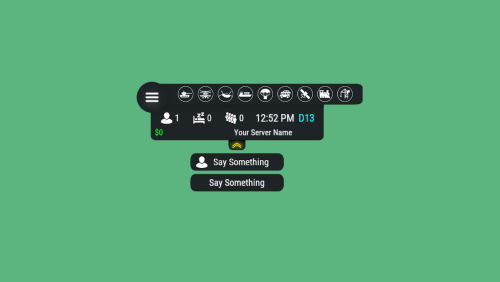 Never mind. Plugin reload seemed to fix it after the 3rd attempt.
 -
Has anyone been able to get the Deep Sea hooks to work? I added a custom icon to display when the deep sea opens / closes. The hooks I've tried using are: OnDeepSeaOpen OnDeepSeaOpened OnDeepSeaClose OnDeepSeaClosed Any help on this would be greatly appreciated!
-
Kits only apply after plugin reload
Brostrodamus replied to Brostrodamus's Support Report in Support
Another thing worth mentioning is that about 30 minutes to an hour ago, I was checking Giant Excavator and noticed all of the NPC's were wearing their default kit again. So I reloaded the plugin to set the custom kit and left. I just returned to GE, about an hour later and noticed they've all reverted back to their default kit and nobody has taken GE during that time. -
Kits only apply after plugin reload
Brostrodamus replied to Brostrodamus's Support Report in Support
Thanks for following up. -
Hi, I wanted to report an issue I’ve been running into with NPCKits. First off, the plugin works great overall and does exactly what I was hoping for in most cases. The problem is with how kits are being applied to scientists after the initial plugin load. I’ve assigned all scientists a specific kit, and it works correctly after I reload the plugin. At that point, the scientists wear the custom kit as expected. However, when I go to a monument that I haven’t recently been near yet, like Train Yard, the scientists there are still wearing their default attire instead of the assigned kit. The only way I’ve found to make the kits apply properly is to manually reload the plugin, which then updates them again. It seems like scientists that spawn or become active later are not being checked consistently by the plugin, or the game’s default NPC loadout behavior is overriding the kit assignment until the plugin is reloaded. Would it be possible to add one of the following? > A proximity-based check that re-applies NPCKits when a player comes within range of NPCs > A spawn hook or recurring validation check for newly spawned / newly activated scientists > Some kind of override so the plugin always takes priority over the game’s default scientist clothing/loadout behavior Basically, I’m hoping for a way to ensure that all scientists always use their assigned NPCKits without needing a manual plugin reload. Thanks again for the plugin and all the work you’ve put into it.
-
Thank you Nivex!
-
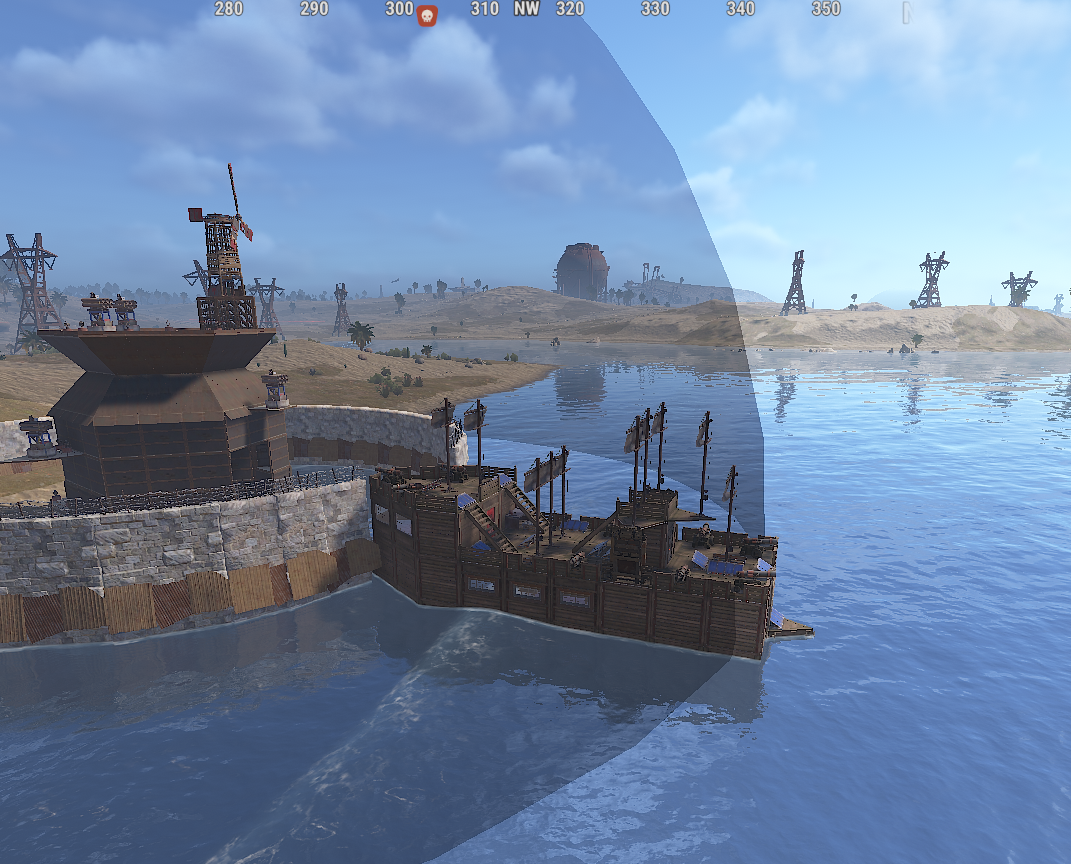
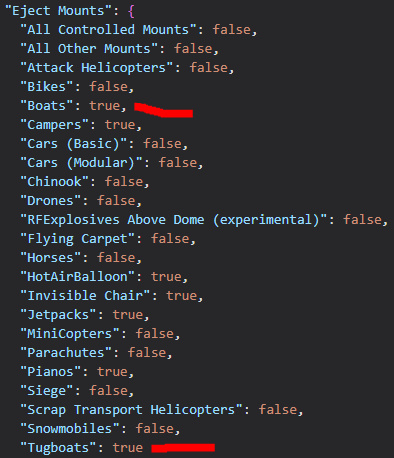
Player made boats are still able to enter the raidable base zone despite the config set up to eject them.
-
Is there a way to set up the plugin so only mounted vehicles get fuel / repairs? Or at the very least, a way to blacklist certain individuals from being able to use the feature? Too many players are abusing the plugin on my server. The intended purpose is for them to fuel up, repair, and go. But I have consistently been catching players pushing vehicles into the zone to farm the free fuel. I would like to prevent this, if possible, without kicking or banning them. Please advise.
-
Is there an option to hide the Hud when the map is opened the same way it does when you open your inventory? If not, could this option please be added in a future update?
-
 I'm running vanilla stack sizes (e.g., metal frags max 1000) with no global stack plugins. I want to increase stack sizes only inside Tool Cupboards... for example, allow 5000 metal frags in a single stack in the TC while keeping the 1000 limit everywhere else (inventory, boxes, etc.). Does TC Stack Limiter do exactly that? Will setting "metal.fragments": 5000 in the config let players store/merge up to 5000 in TCs?
 -
Thank you IIIaKa! I appreciate you
-
I've played around with it but the only way I can test it is by using a teleport. I'm unable to see the changes given the short duration the status bar is displayed on the screen. I would like to know what section/category specifically I would need to change to edit the background color of that bar.
-
How would I make this status bar more visible?
-
How do I set up the plugin to lock the raid to the owner / team of the raid so random players/teams are unable to enter?
-
Plugin isn't working after the update. When trying to load it, I get the following error message: o.reload HeliStorageUpgraderZ [CSharp] Started Oxide.Compiler v successfully Error while compiling HeliStorageUpgraderZ: 'Vector3' is an ambiguous reference between 'System.Numerics.Vector3' and 'UnityEngine.Vector3' | Line: 142, Pos: 17
-
Hello! I was wondering if the plugin has an active feature to automatically remove workshop skins if they end up getting approved by FacePunch.
-
I'm also having the same issue after just purchasing/installing the plugin. Any updates?
-
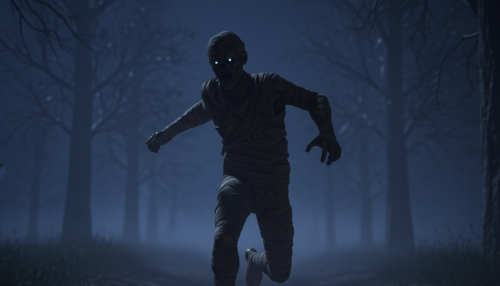 Is there a dependency for this plugin or does it also add roaming scarecrows to the map?
 -
Just to follow up, my VIP members have now confirmed it's working on their end. In case this helps anyone else who runs into the same issue (where Kits.vip is set correctly but still doesn't work), the only change I made was adding a vip group in BetterChat. If BetterChat is installed, that may be a required step or at least a potential workaround.
-
After some troubleshooting, I was able to resolve the issue on my end. I’ll confirm tomorrow whether it also works for my other VIPs, but the possible fix ended up simply adding a VIP permission in BetterChat. It doesn’t entirely make sense to me, but it’s working now, so I’ll roll with it and test it further.
-
I’m trying to create a VIP kit using the Kits.vip permission, but it isn’t working. I also tested using just vip, with the same result. Any insight into what might be causing this would be greatly appreciated.