Khan
-
Posts
1,154 -
Joined
-
Days Won
10
Content Type
Profiles
Warranty Claims
Downloads
Forums
Store
Services
Downloads Plus Support
DOWNLOADS EXTRA
Reels
Everything posted by Khan
-
Changed Status from Pending to Not a Bug
-
Changed Status from Pending to Fixed Changed Fixed In to 2.9.95
-
Changed Status from Pending to Closed
-
seems to work fine for me, have you gotten it sorted?
-

-
It's stacking just fine for me, have you tried setting a stack size for it using the GUI editor or config options?
-
Changed Status from Pending to Closed
-
Stack Modifier does not support third-party plugins that interfere with item handling or cause item-related issues. Good news: an update coming later this month or early next will include built-in sorting functionality, helping prevent conflicts with third-party sorting plugins.
-
Changed Status from Pending to Not a Bug
-
Changed Status from Pending to Not a Bug
-
I'm sorry but I am not experiencing any problems with stacks, It's most likely skill tree if you are using it for item repairs. Or another plugin you have. https://codefling.com/files/sc/27994-max-repair-buff-handling-is-incorrect-in-onitemrepair-hook/?tab=comments#comment-139308
-
Yeah after re-testing I can verify that it is indeed happening on some game items but not all. I will try and see if I can get an update out for it this week.
-
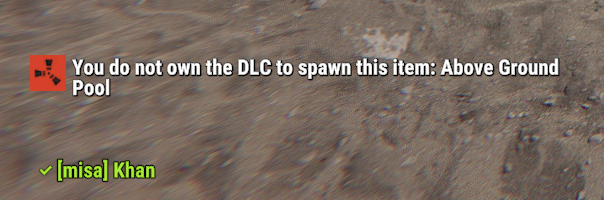
If you are testing as an Admin/OwnerId on the server it will always let you spawn DLC items regardless if you gave yourself permission. Otherwise if it's affecting normal players check and make sure they don't have the permission f1spawn.dlc with something like a permission manager plugin. I don't experience this issue on my test server. It's also possible you have another plugin giving the players blueprint access to dlc related items. Which would bypass the DLC checks. If it's specific DLC content that's still getting through please let me know and I will re-test.
-
Yes, It won't work with that plugin, I'll just have to add skin support to bgrade.
-
Hello, this issue is not caused by stack modifier, but another plugin you are currently running. Please unload all other plugins and re-test with just stack modifier and it should work fine. Once you find the plugin causing the bug please let me know so that I can further assist you.
-
Have you tried unloading virtual recycler and using a normal recycler? Should work.
-
Aye, thanks for letting me know, i'm pretty busy with a family thing, I'll try an get to it next weekend.
-
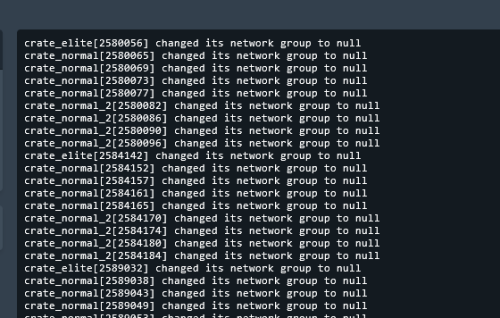 @fes52 Some users reported that it works on carbon, but I don't have any plans on supporting carbon for this plugin.
 -
Changed Status from Pending to Fixed Changed Fixed In to Next Version
-
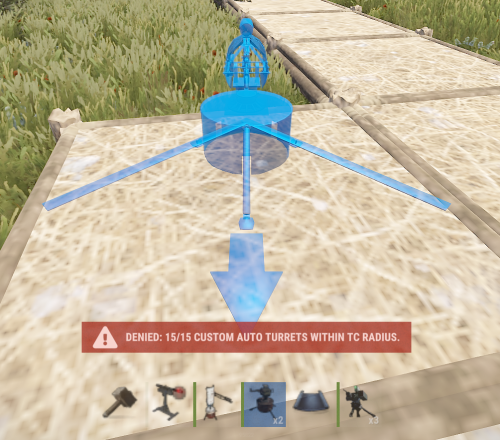 This plugin is getting a full rewrite soon.
- 5 comments
-
- 1
-

-
- #turret
- #turretmodifier
- (and 15 more)
-
Hello, I apologize for the delay in updates on this, since the deep sea release the water system logic has changed a lot and due to that all of the logic needs to be resorted because now I have to determine the difference in depth between the sea and normal water and then land height etc. The deep sea changed all of the old water code checks as well, I will try and have an update out for this by next sometime, possibly sooner.
-
I will work on an update to allow configuration options like that.
-
Changed Status from Pending to Fixed Changed Fixed In to 2.9.93
-
Yes, I am aware of the issue, I am trying to find some time to patch it.
-

After I loaded your plugin I see everything double in my console
Khan replied to SlayersRust's Support Report in Support
Changed Status from Pending to Closed