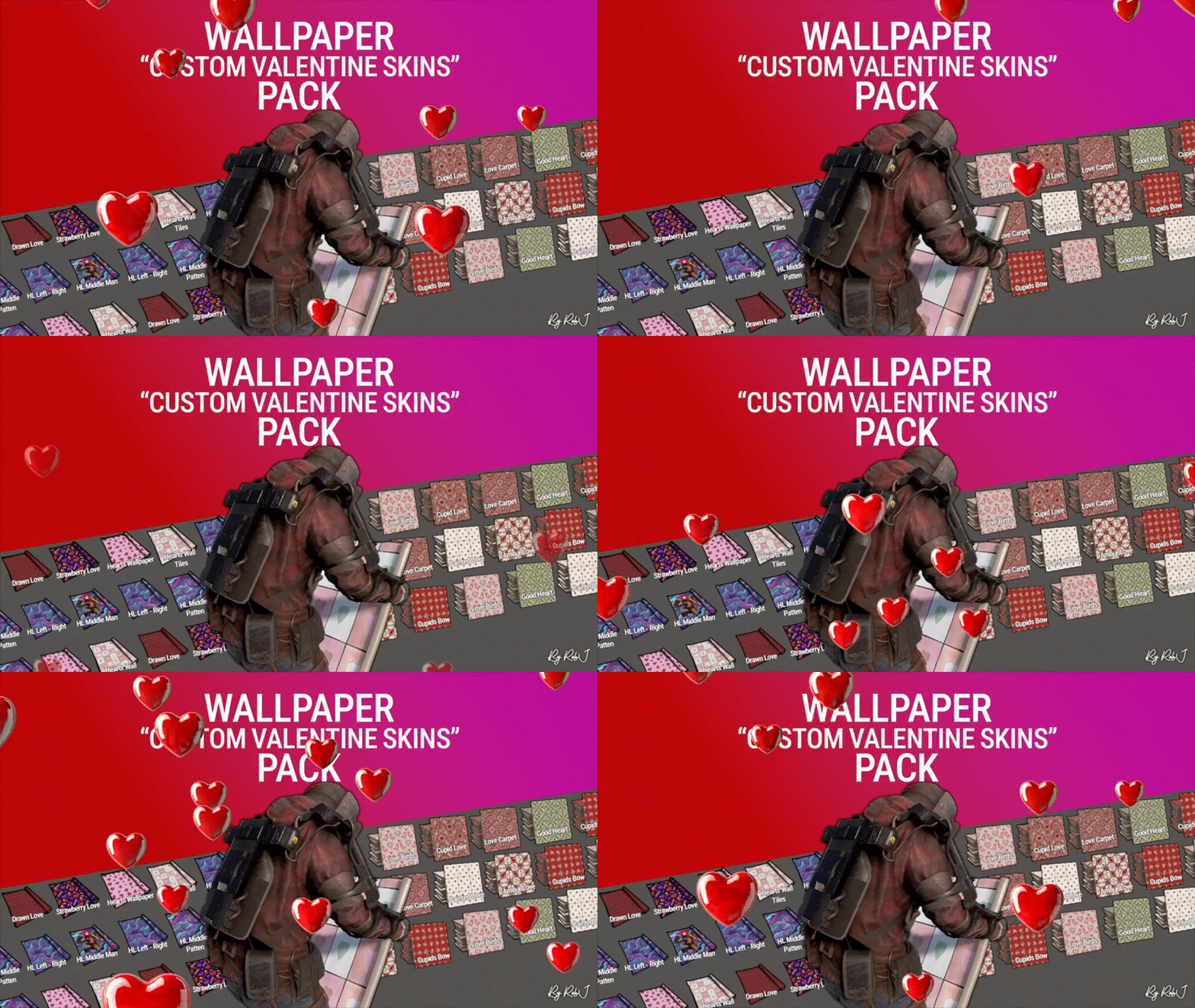
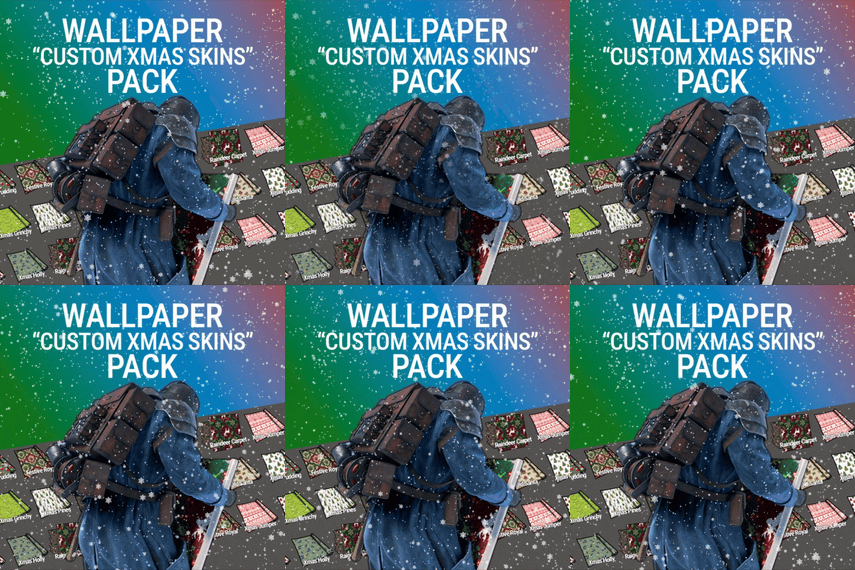
.thumb.gif.b68fcc45abe70ab7d7235dffc8a0c770.gif)
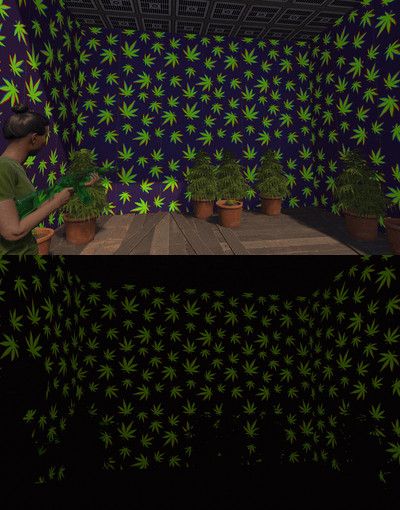
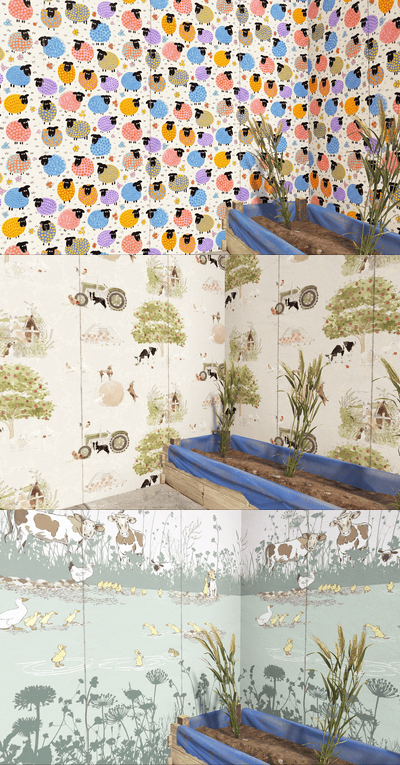
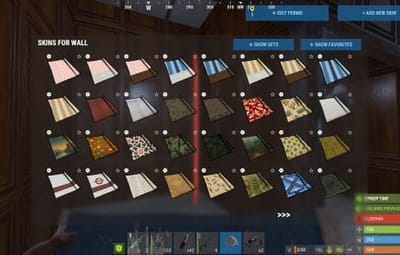
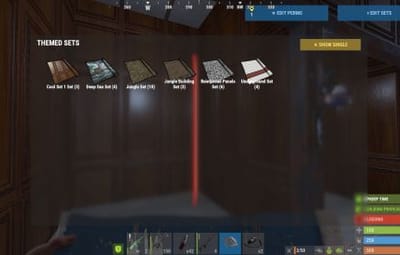
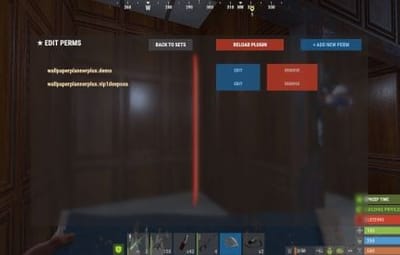
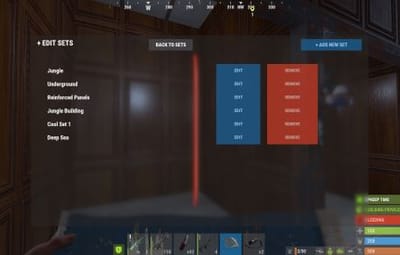
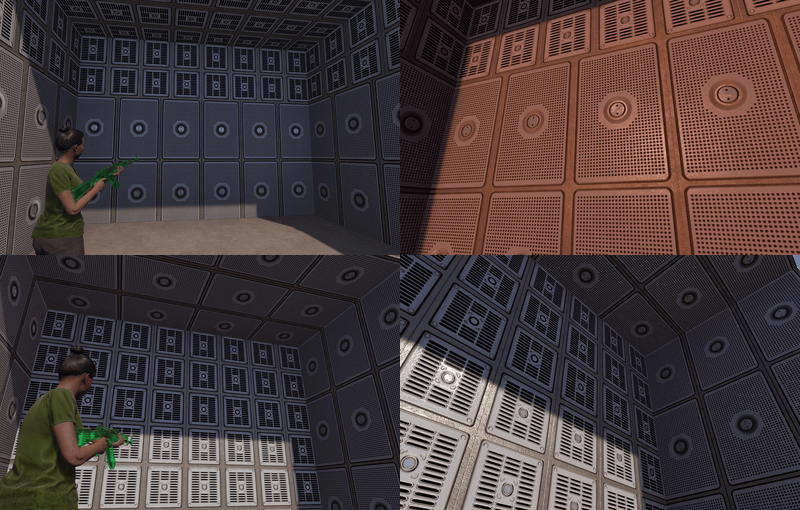
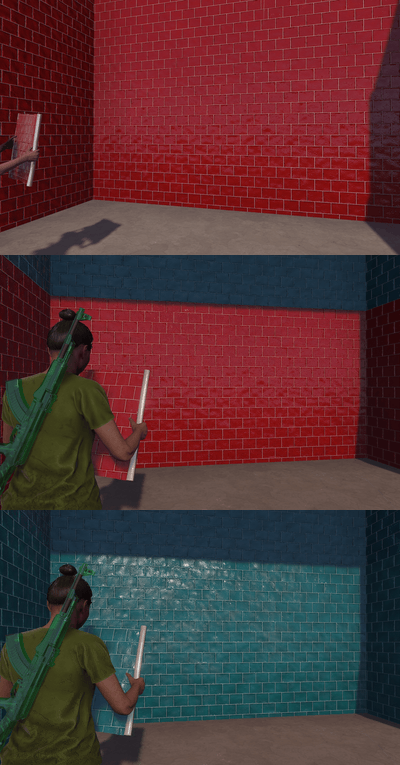
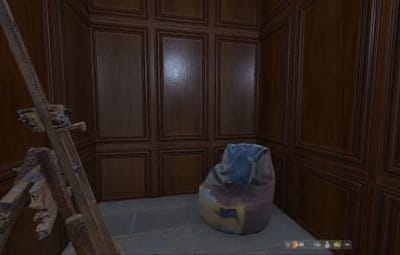
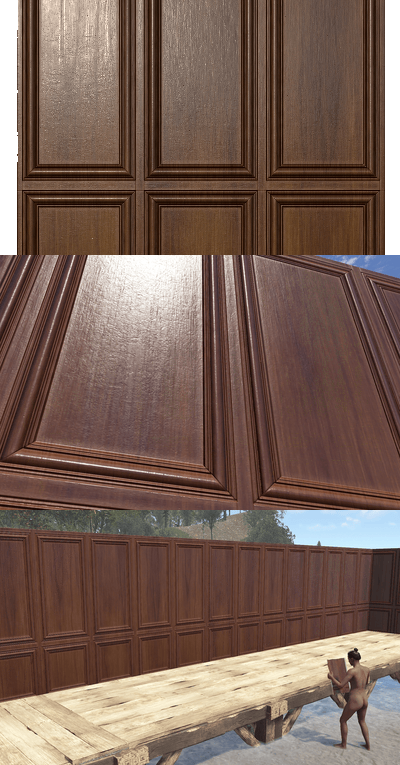
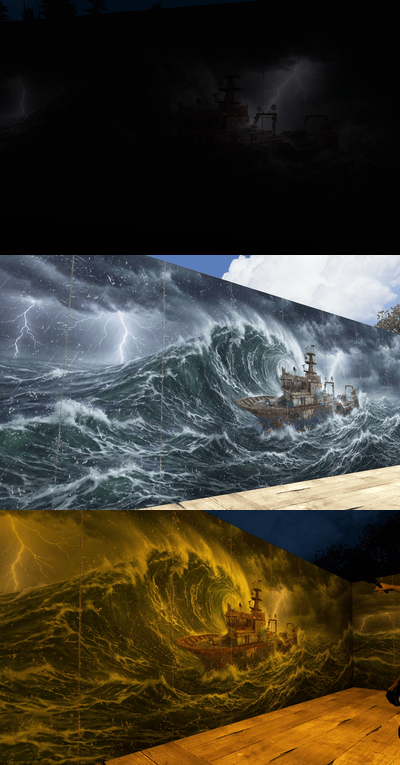
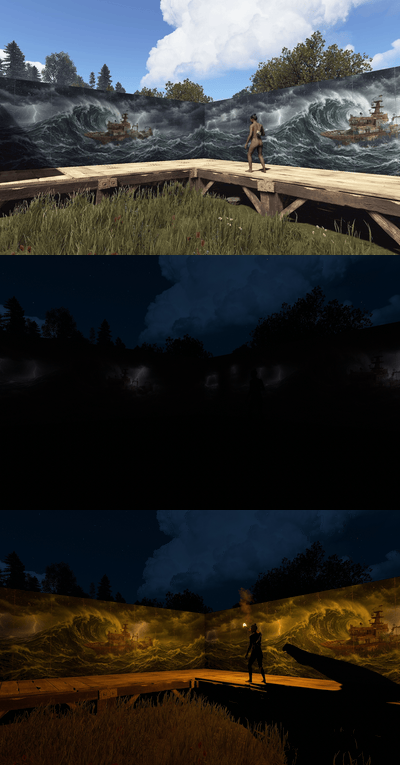
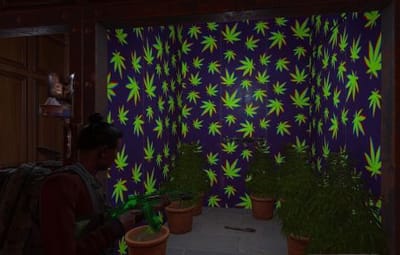
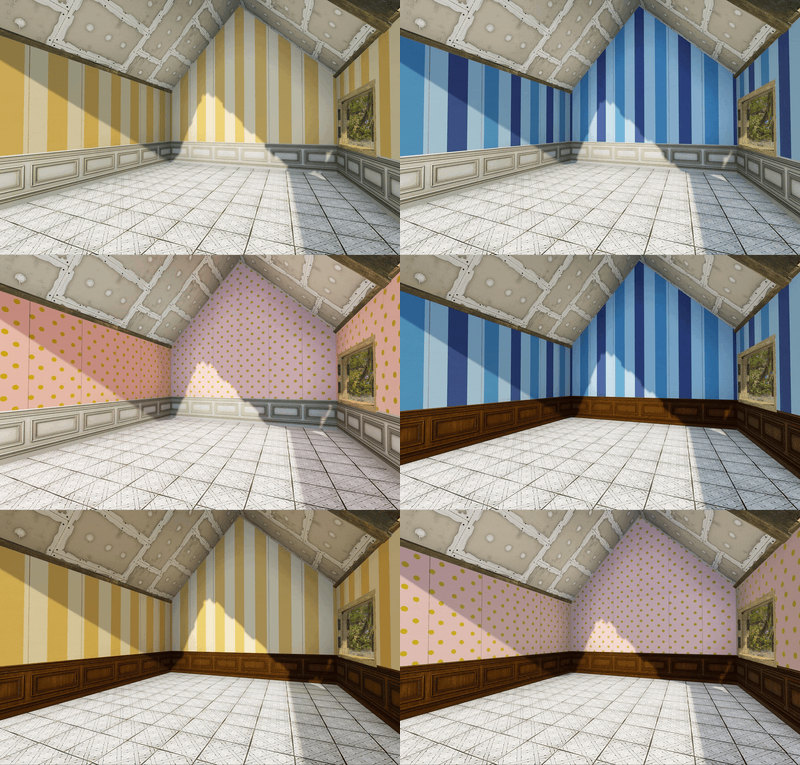
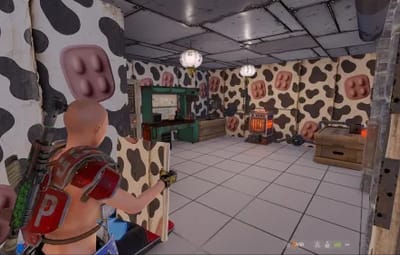
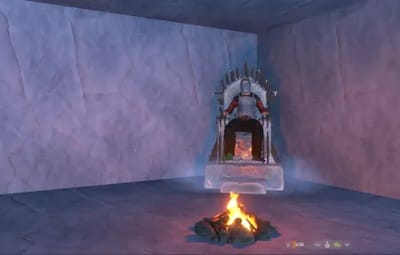

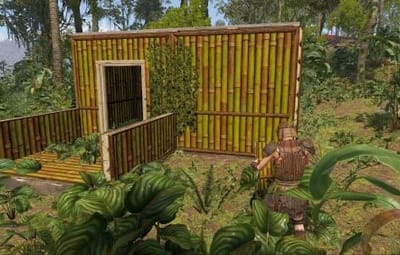
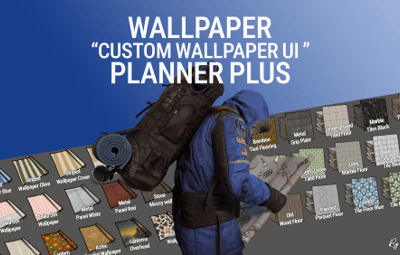

Welcome to Wallpaper Planner Plus — a lightweight, fast, and user-friendly extension for Rust that enhances the default wallpaper tool with a powerful custom skin selector, favourites, flexible sets, permissions, advanced admin management tools, and ongoing content updates.
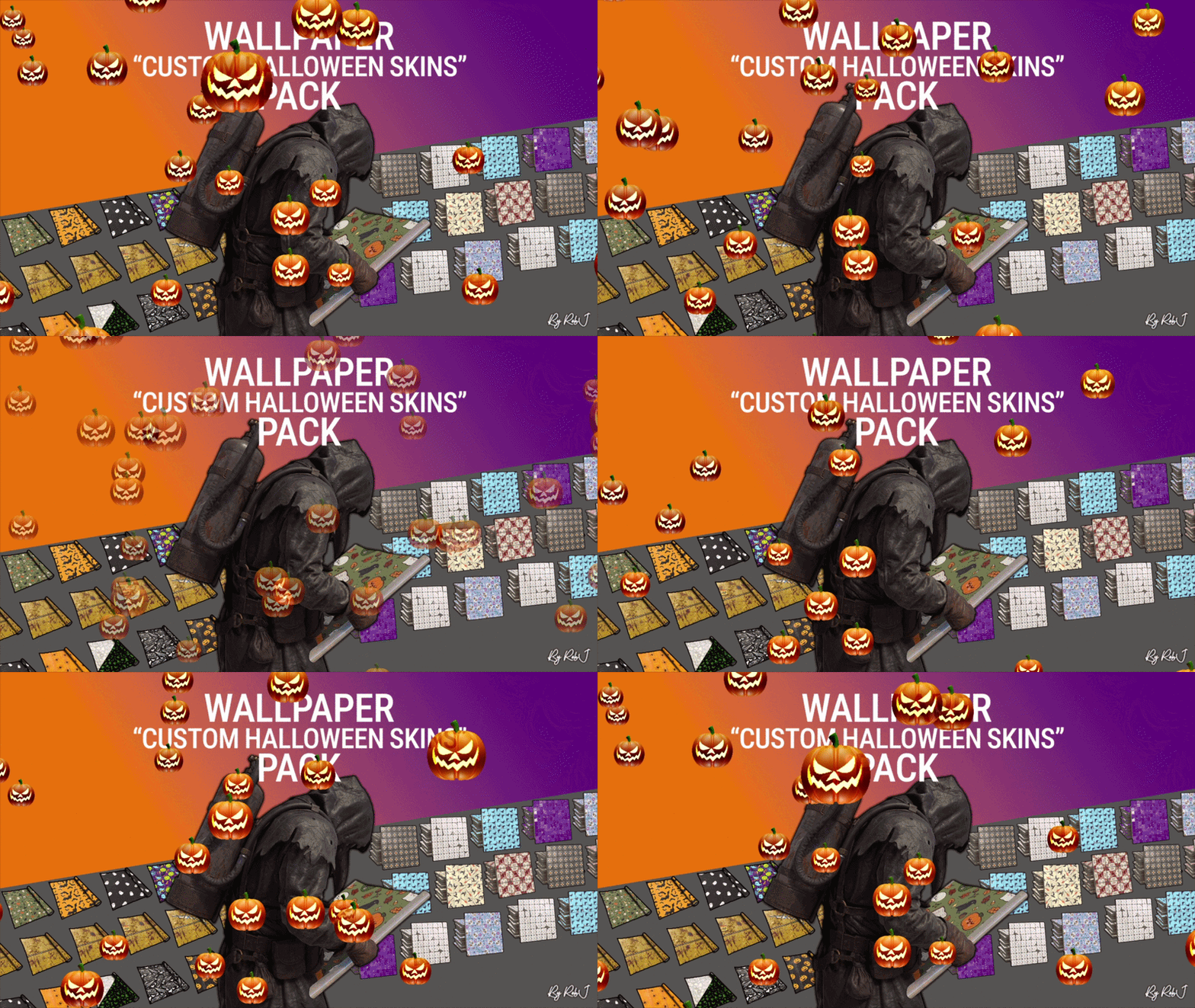
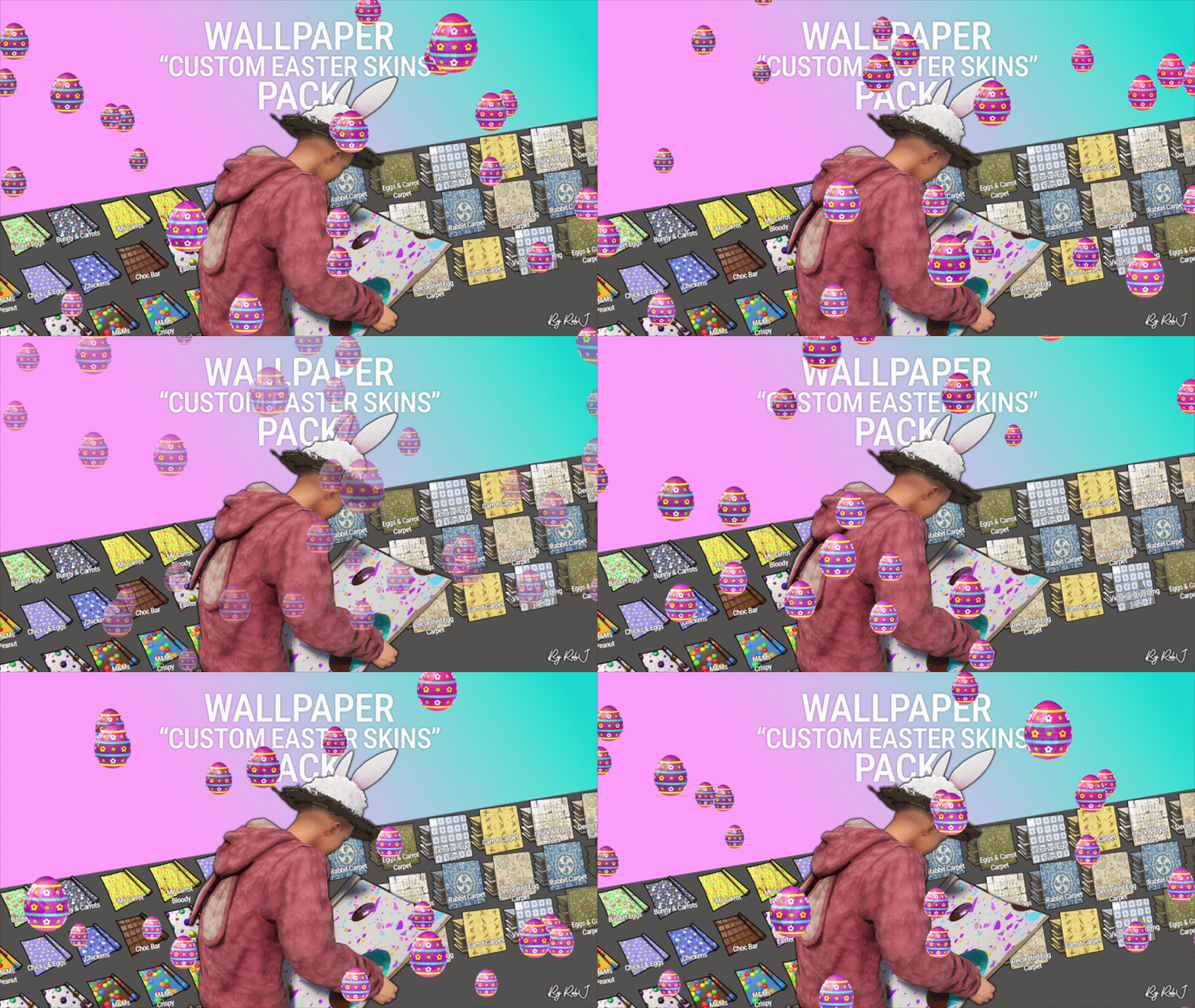
As part of the Plus version, I will add new custom wallpapers every month for at least one year, giving your server a growing collection of fresh designs and more variety over time.
 Features
 Custom UI:
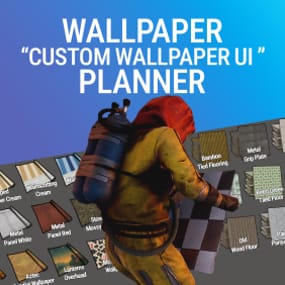
Access a sleek, in-game wallpaper selector while holding the wallpaper tool. The plugin automatically handles Walls, Floors, and Ceilings, making it quick and easy to find and apply the wallpaper you want.
 Wallpaper Sets:
Create custom sets by combining Walls, Floors, and Ceilings into complete themes or flexible collections.
Wallpaper Planner Plus supports two types of sets:
Presets:
A Preset contains exactly 1 Wall, 1 Floor, and 1 Ceiling. Equipping the Preset assigns all three items to the wallpaper tool at once, making it ideal for complete, ready-to-use themes.
Collections:
A Collection contains an open mix of wallpaper items. You can add multiple Walls, Floors, or Ceilings, create partial sets, or use any custom combination you want. Collections are ideal for grouping related wallpapers without requiring one item from every category.
Players can browse available Presets and Collections directly from the wallpaper UI and equip them quickly while using the wallpaper tool.
 Favorites System:
Mark your favorite wallpapers and quickly switch between viewing all available skins or only your favorites.
 Monthly Skin Updates:
Plus includes ongoing content updates with new custom wallpapers added every month for at least one year.
These monthly additions will expand the available collection with fresh designs for Walls, Floors, and Ceilings, giving players new options to discover and use throughout the year.
New skins can be organized into Presets and Collections, assigned to permission groups, and managed through the built-in admin tools.
 Advanced Permission System:
Control exactly which wallpapers players can access.
Create custom permission groups and assign specific Wall, Floor, and Ceiling skins to each permission. Players automatically see the skins they have permission to use, while restricted skins remain hidden from the UI. This allows you to create anything from supporter rewards to staff-only, event, or special-access wallpaper collections.
 Admin Editors:
Admins can manage your wallpaper library directly through the in-game UI.
- Add new custom skins
- Edit existing skins
- Rename wallpapers
- Delete wallpapers
- Create and manage Presets and Collections
- Create and manage permission groups
- Assign specific skins to permissions
- Organise Walls, Floors, and Ceilings
No need to manually edit configuration files for everyday skin, set, and permission management.
 Workshop & Custom Skins:
Use your own custom Workshop skins alongside the included wallpaper collection, giving your server complete control over the wallpapers available to players.
100% Custom
The included custom wallpapers are created specifically for use with Wallpaper Planners.
The plugin can also display official Rust/DLC wallpapers that the player actually owns, automatically filtering them based on their available ownership.
 Built for Server Owners
Wallpaper Planner Plus gives server owners much more control over their wallpaper system while keeping the experience simple for players.
Create your own wallpaper library, organize skins into Presets and Collections, control access with permissions, and let players quickly find the wallpapers they want.
With the Plus version, your wallpaper library will continue to grow through monthly skin updates for at least one year.
Permissions
- wallpaperplannerplus.use — Grants access to the Wallpaper Planner UI.
- wallpaperplannerplus.outside — Allows wallpapers to be used outside a player's base.
- wallpaperplannerplus.admin — Enables the advanced admin tools for managing skins, Sets, and permissions.
- Custom permissions can also be created and linked to specific wallpapers Like VIP etc etc.
 Chat Commands
/wallpaperplanner — Opens the custom wallpaper menu while holding the wallpaper tool.
You can also configure a custom keybind to open the UI instead.
Example: Bind to H
Open the Rust console with F1 and enter:
bind H "chat.say /wallpaperplanner"
 Wallpaper Planner Plus
A complete custom wallpaper management system for Rust — fast, simple for players, powerful for admins, and continuously expanding with new skins every month for at least one year.
List of input keys to use in config that rust accepts.
BACKWARD LEFT RIGHT JUMP DUCK SPRINT USE FIRE_PRIMARY FIRE_SECONDARY RELOAD FIRE_THIRD DISABLED
DISABLE Input Key:
- Server owners can now disable the UI keybind system entirely.
- In the config, set:
- "UI input key": "DISABLED"
- This prevents the menu from opening with FIRE_THIRD, allowing admins to enforce custom binds (e.g. /wallpaperplanner only).


.thumb.gif.79aeca56ceff35f53b912f02158a0898.gif)