Jump to content

Mini All In One Compound (Outpost, Bandit, Fishing Village & Stables) 1.0.4

$19.99
   (0 reviews)

29 Screenshots

  • 8.4k
  • 58
  • 400.25 kB
  • Update details
    v1.0.4
    Released
    Download size 400.25 kB
    Total versions 2
    Typical update pace About every 1200 days
    Freshness Updated 17 days ago
Mini All In One 28.10.2026.prefab preview
Prefabs
1,538
Unique prefab types
586
Placement span (X × Y × Z)
64.9 × 44.7 × 58.5 m
Terrain layers
heights, splat0, splat1, topology
Loot containers
  • Advanced Vehicle Parts Crate
Puzzle entities
  • Green Puzzle Door
Utilities
  • NPC Vending Machine Attire
  • NPC Vending Machine Building
  • NPC Vending Machine Components
  • NPC Vending Machine Farming
  • NPC Vending Machine Resources
  • NPC Vending Machine Tools
  • NPC Vending Machine Weapons
  • Repair Bench ×2
  • Research Table
  • Small Oil Refinery
  • Workbench Level 1
RobJ’s Premium Prefabs / Mini Monuments Collection
Mini All In One Compound / 4-in-1 Monument

Four monuments. One compact coastal location.

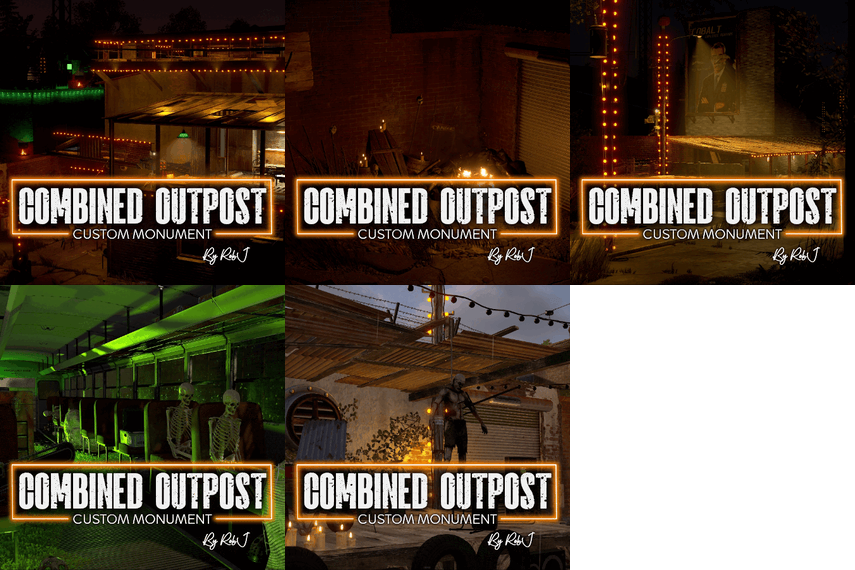
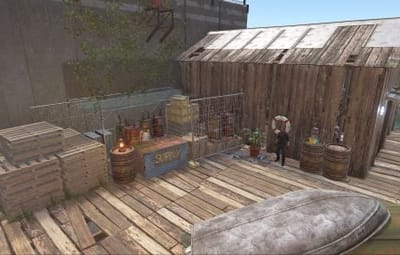
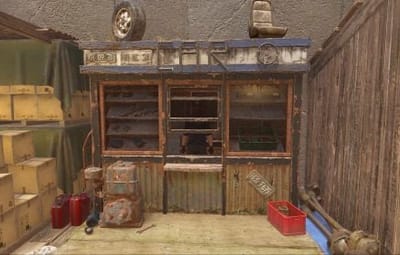
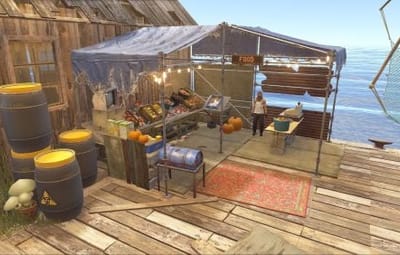
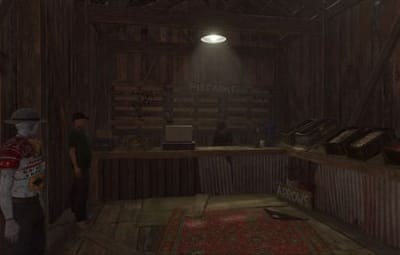
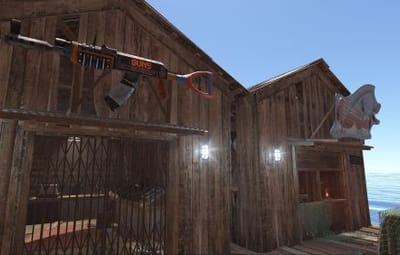
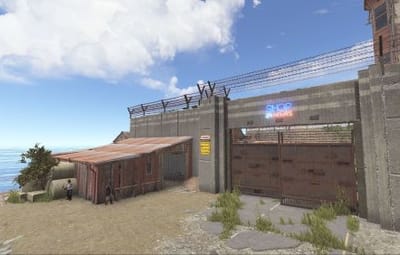
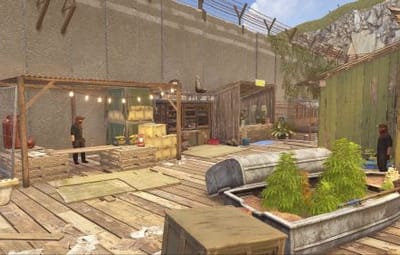
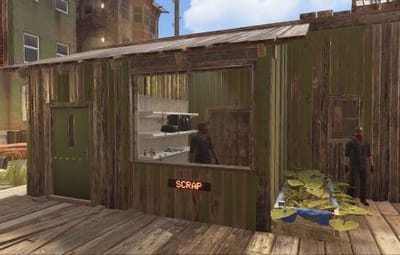
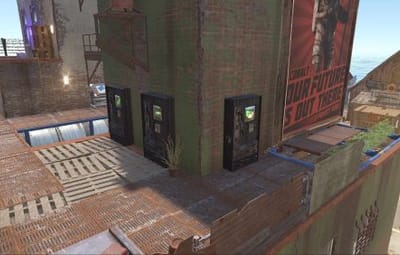
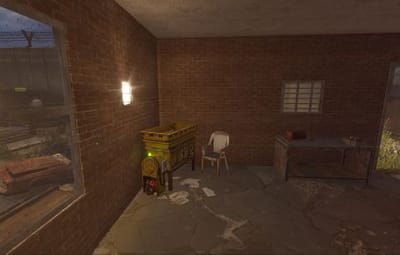
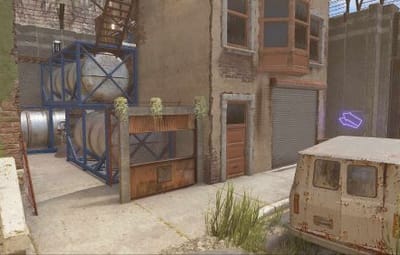
Bring Outpost, Bandit Camp, Fishing Village and Stables/Ranch together in one complete, space-saving monument. Designed for smaller maps and single-grid layouts or just to save space, it keeps essential shops, vendors and services together without the footprint of four separate monuments.

4-IN-1   Combined monuments
Outpost, Bandit Camp, Fishing Village and Stables/Ranch
SPACE SAVING   Compact
Designed to minimise the footprint and add a single-grid coastal location with essential player services

✓  Four familiar monuments in one place — essential vendors, shops and facilities together

✓  Bonus custom shop — extra shop (placeholdered as a bakery) ready for a custom or server shop

✓  Helicopter, boat and horse services — convenient transport options

✓  Two vending setup methods — use Rob’s Vending Setup or traditional RustEdit presets

✓  Safe zone hostile-warning support — subject to the compatibility requirement below

 
01 — Monument features
Everything players need in one place.

All the essential services from four familiar Rust monuments, brought together in a compact coastal location.

Shops & transport
All standard monument vending machines and NPC vendors.
Helicopter, boat and horse shops.
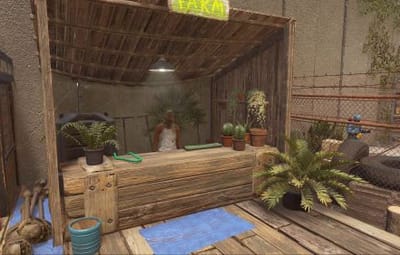
Extra shop (placeholdered as a bakery) included for server owners wanting a custom or server shop.
Player facilities
Recyclers, workbench and refinery.
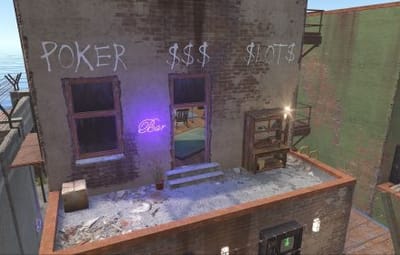
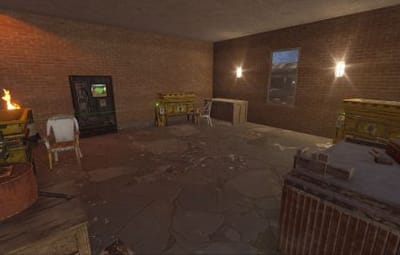
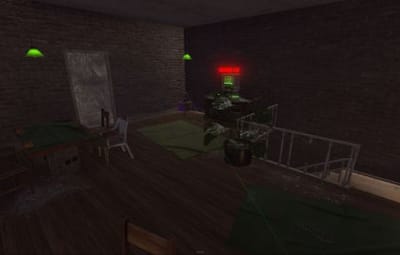
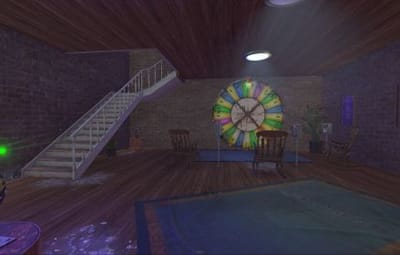
Drone station and poker room.
NPC activities
Mission givers and essential vendors.
Map friendly
Single-grid design with just 1,238 objects.
 
02 — Vending setup
Two ways to set up vending.

Choose either option—only one method is needed to get your vending machines working. Both are included in the product ZIP file.

OPTION 1 / RECOMMENDED
Rob’s Vending Setup Plugin
The easiest option. Place the monument on your map, install the plugin on your server, and you’re ready to go. No RustEdit vending profiles to import or manage.
Default items work without configuration. To customise them, grant yourself the required permission, then type /vending in chat to open the in-game UI. Edit items, prices and currencies, or give items custom names.

See the plugin video here.
OPTION 2 / TRADITIONAL
RustEdit Vending Profiles
Copy the included VendingPresets folder into your RustEdit installation directory before launching RustEdit, then place the monument in your map.
 

Option 1 is recommended for simpler installation and easier customisation.

 
03 — Placement guide
Add the monument in RustEdit.
01   Placement step
Extract the downloaded ZIP and copy the CustomPrefabs folder into your RustEdit installation directory.
02   Placement step
Start RustEdit, then open Prefabs → Prefab List.
03   Placement step
Under Custom, find RobJs Premium Prefabs.
04   Placement step
Double-click the monument prefab to place it in your map.
05   Placement step
Move it to your chosen coastal location and select Snap To Terrain.
06   Placement step
Apply the Height, Topology and Splat Masks, then save the map.
Server requirement
The Oxide.Ext.RustEdit extension must be installed and running for RustEdit functionality.
 
04 — Safe zone support
Hostile warning compatibility.

The monument supports Rust’s safe zone hostile warning indicator when used without any other safe zone monuments on the same map.

 
05 — Questions
Frequently Asked Questions.
Why are my vending machines Selling the same items?
This can happen when using the traditional setup method if the VendingPresets were not added to the RustEdit root folder before launching RustEdit and placing the monument. Bugs in the RustEdit plugin DLL can also cause this issue. Because vending profiles can be tedious to manage, I created Rob’s Vending Setup plugin, which requires no setup—simply place the monument on your map and install the plugin on your server..
Why isn’t the hostile warning working?
Check whether your map contains another safe zone monument. The warning requires this monument to be the only safe zone.
Can I customise the vending machines?
Yes. With Rob’s Vending Setup, Any time use `/vending` in chat to open the in-game UI and edit items, prices, currencies and custom item names. If you use RustEdit profiles, edit them in RustEdit under Profiles > Vending.
06 — Video / Monument trailer
See the compound in action.

Take a closer look at the compact coastal layout and its combined services.

WATCH ON YOUTUBE

 
07 — Support
Questions or installation issues?

Contact RobJ2210#2553 on Discord, or Join RobJ's Maps Discord Community.

ROB J’S PREMIUM PREFABS   •   MORE FUNCTIONALITY. LESS MAP SPACE.

```[cite: 1]

  • Like 1
  • Confused 1
  • Love 1

User Feedback

About Us

Codefling is the largest marketplace for plugins, maps, tools, and more, making it easy for customers to discover new content and for creators to monetize their work.

Downloads
3.3m
Total downloads
Customers
12.4k
Customers served
Files Sold
175.8k
Total sales
Payments
3.8m
Processed total
×
×
  • Create New...

Important Information

We have placed cookies on your device to help make this website better. You can adjust your cookie settings, otherwise we'll assume you're okay to continue.