Combined Apartment Complex / All-in-One Hub
Three monuments. One complete apartment complex hub.
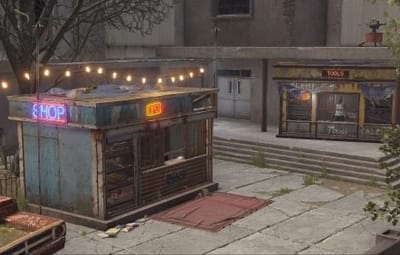
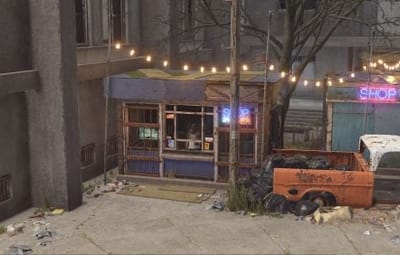
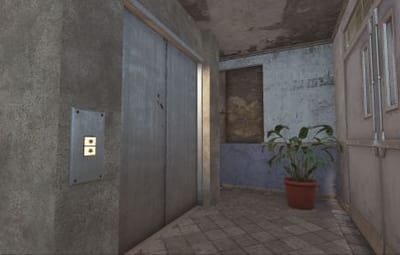
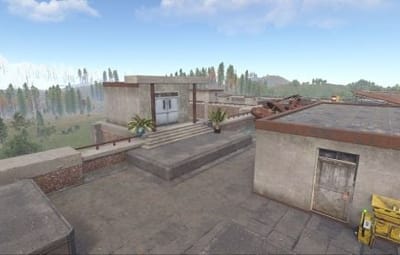
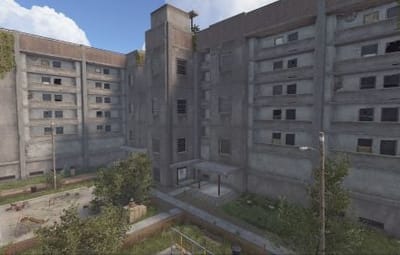
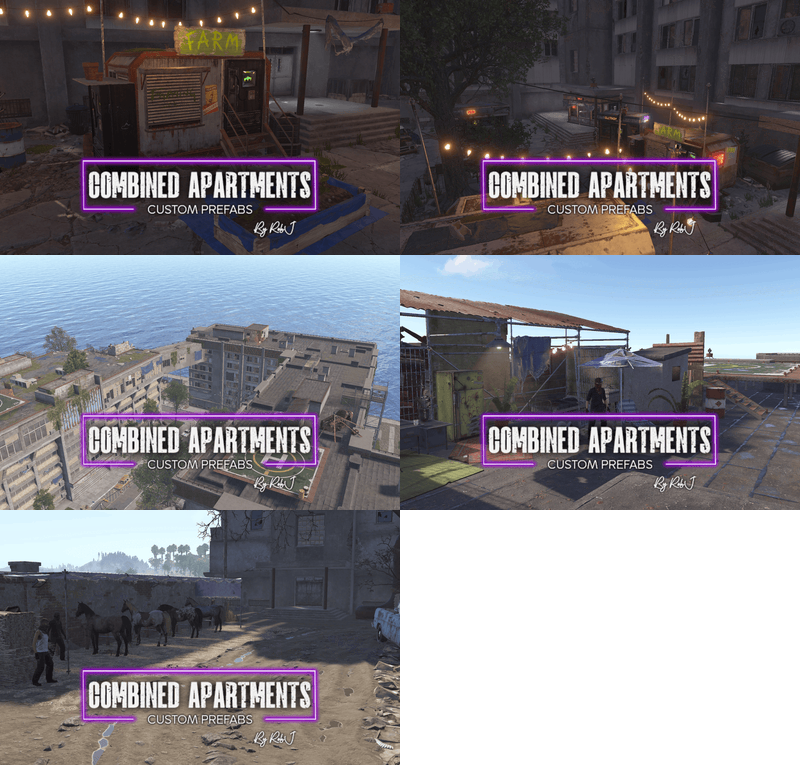
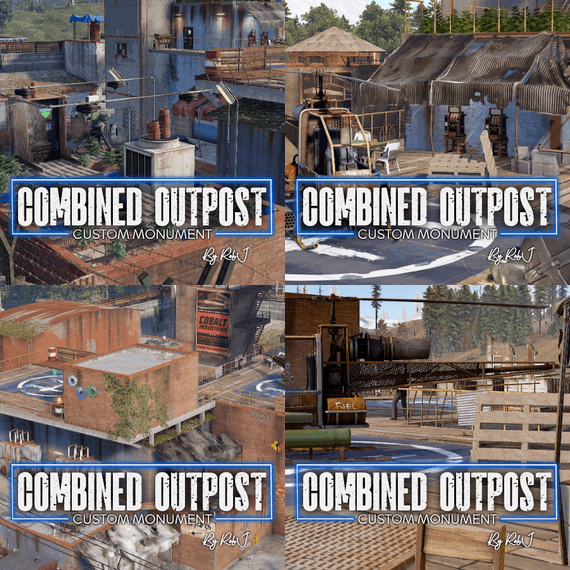
Welcome to the Combined Apartment Complex, a complete all-in-one prefab that brings Outpost, Bandit Camp and Stables into a single location. Transform any standard apartment complex into a fully featured hub with all the amenities from each monument.
3-IN-1 HUB Combined monuments
Outpost, Bandit Camp and Stables combined into a single apartment complex location
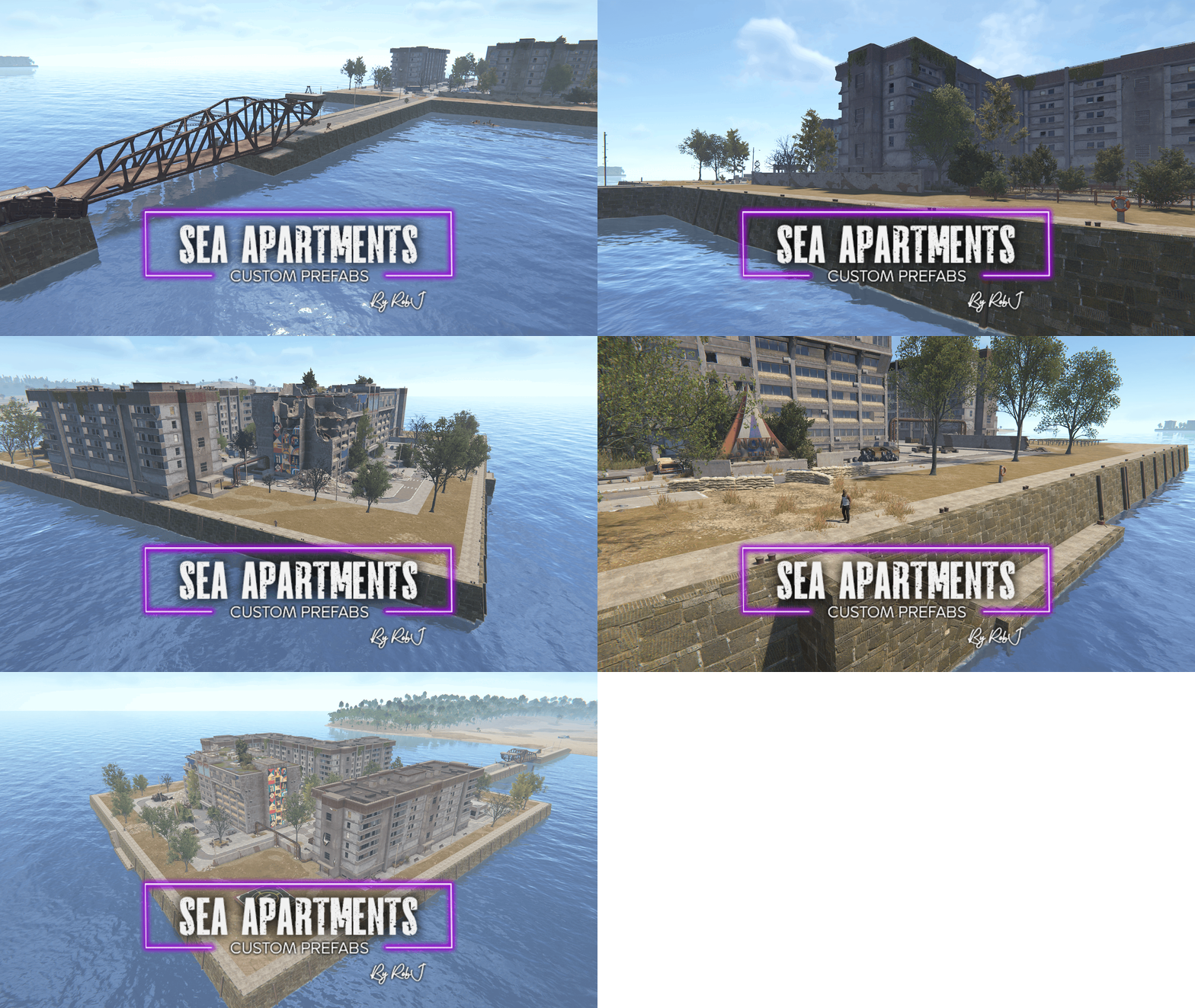
MODULAR EXPANSION Sea Apartments compatible
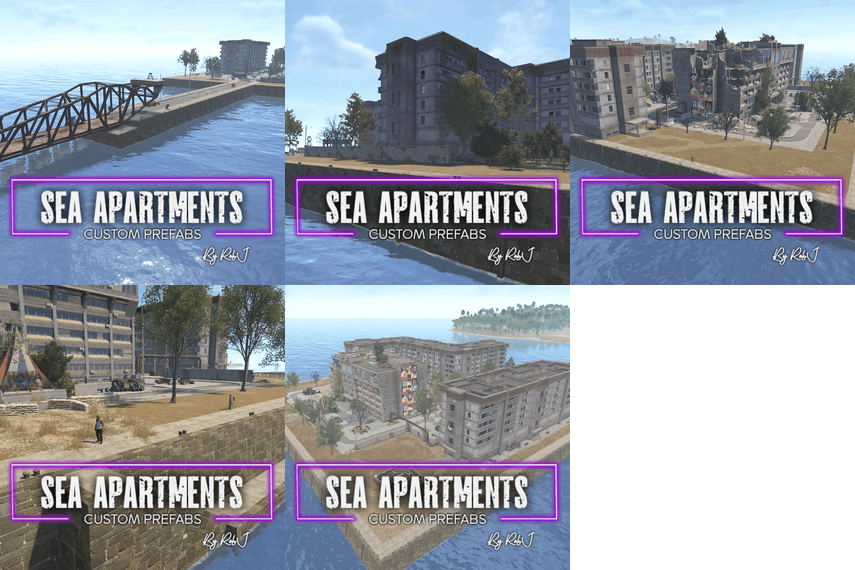
Pair with the Sea Apartments package (sold separately) to add a Fishing Village and boat seller
✓ Complete monument hub — shopkeepers, vending machines and trading windows in one place
✓ Air, land and vehicle services — includes the Airwolf vendor, horse seller and car lifts
✓ Sea Apartments compatibility — combine packages to unlock a fishing village and boat seller
✓ Two vending setup methods — use Rob’s Vending Setup or traditional RustEdit presets
✓ Safe zone hostile-warning support — subject to the compatibility requirement below
Everything players need in one hub.
Transform any standard apartment complex into a full-service monument hub with essential vendors, transport and player amenities.
Vendors & trading
Shopkeepers, vending machines and trading windows from Outpost and Bandit Camp.
Vehicles & transport
Airwolf helicopter vendor, Stables horse seller and functional car lifts.
Casino & amenities
Built-in casino along with essential monument facilities and player services.
Sea Apartments expansion
Compatible with the Sea Apartments package (sold separately). When used together, you also gain access to a fishing village and a boat seller.
Two ways to set up vending.
Choose either option—only one method is needed to get your vending machines working. Both are included in the product ZIP file.
OPTION 1 / RECOMMENDED
Rob’s Vending Setup Plugin
The easiest option.
Place the monument on your map, install the plugin on your server, and you’re ready to go. No RustEdit vending profiles to import or manage.
Default items work without configuration. To customise them, grant yourself the required permission, then type
/vending in chat to open the in-game UI. Edit items, prices and currencies, or give items custom names.
See the plugin video here.
OPTION 2 / TRADITIONAL
RustEdit Vending Profiles
Copy the included VendingPresets folder into your RustEdit installation directory before launching RustEdit, then place the monument in your map.
Option 1 is recommended for simpler installation and easier customisation.
Add the monument in RustEdit.
INSTALL VIDEO
01 Placement step
Extract the downloaded ZIP and copy the CustomPrefabs folder into your RustEdit installation directory.
02 Placement step
Start RustEdit, then open Prefabs → Prefab List.
03 Placement step
Under Custom, find RobJs Premium Prefabs.
04 Placement step
Double-click the monument prefab to place it in your map.
05 Placement step
Position it over your chosen apartment complex location (or pair it with the Sea Apartments prefab).
06 Placement step
Apply the Height, Topology and Splat Masks if required, then save the map.
Hostile warning compatibility.
The monument supports Rust’s safe zone hostile warning indicator when used without any other safe zone monuments on the same map.
Frequently Asked Questions.
Why are my vending machines selling the same items?
This can happen when using the traditional setup method if the
VendingPresets were not added to the RustEdit root folder before launching RustEdit and placing the monument. Bugs in the RustEdit plugin DLL can also cause this issue. Because vending profiles can be tedious to manage, I created
Rob’s Vending Setup plugin, which requires no setup—simply place the monument on your map and install the plugin on your server.
How do I get the Fishing Village and boat seller?
This prefab is compatible with the Sea Apartments package (sold separately). When used together, you gain full access to the fishing village and boat seller.
Why isn’t the hostile warning working?
Check whether your map contains another safe zone monument. The warning requires this monument to be the only safe zone.
Can I customise the vending machines?
Yes. With Rob’s Vending Setup, use `/vending` in chat at any time to open the in-game UI and edit items, prices, currencies and custom item names. If you use RustEdit profiles, edit them in RustEdit under Profiles > Vending.
06 — Video / Monument trailer
See the Apartment Complex in action.
Watch On YT
Questions or installation issues?
Contact RobJ2210#2553 on Discord, or Join RobJ's Maps Discord Community.
ROB J’S PREMIUM PREFABS • MORE FUNCTIONALITY. LESS MAP SPACE.