


About Total Control
Introducing Total Control – The Ultimate Rust Server Admin Tool
Total Control is a powerful full GUI admin plugin for Rust servers.
Whether you run hardcore PvP or relaxed PvE, Total Control gives you complete live control over every major system directly in-game, with zero config files or reloading after changes.
 Dynamic Schedule System:
•Plan your entire wipe and let the plugin do the work for you.
•Create up to 5 scheduled sets (plus the default) Automatically change gather rates, stack sizes, smelting, rewards, PvE/PvP mode, raid protection, and more at exact dates and times.
•Use real-world time or server time.
•Enable only the pages you want for each set everything else stays on your default settings.
•Run your server exactly how you want.
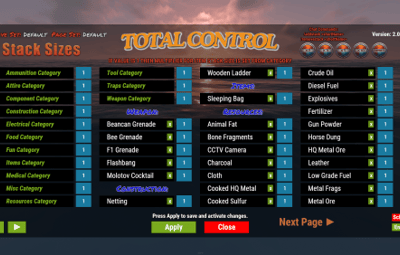
 Gather Rates & Stack Sizes:
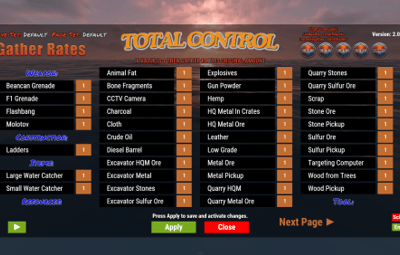
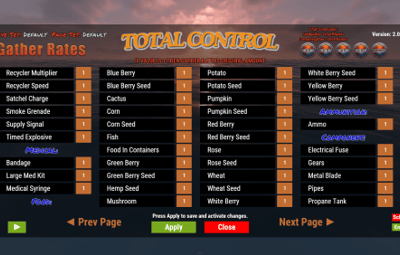
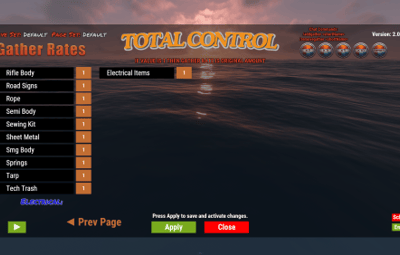
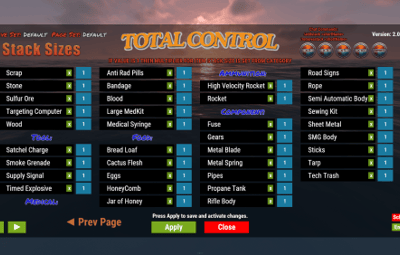
•Full control over every item (ore, plants, crates, quarries, excavator, etc.) Quick multiplier buttons or type exact values.
•Category multipliers with individual item overrides.
•Add or remove any item instantly with chat commands.
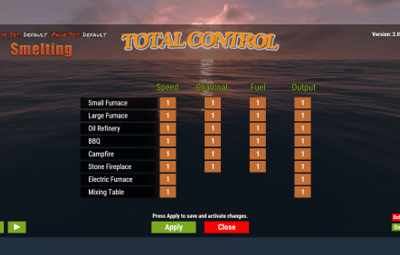
 Smelting & Cooking:
•Adjust speed, charcoal output, fuel usage, and resource output for every furnace type.
•Full control over the Mixing Table and Cooking Workbench.
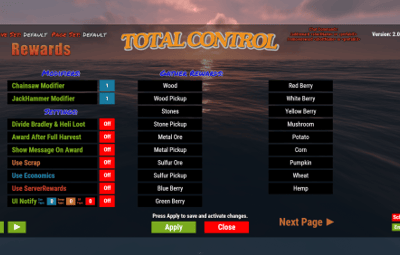
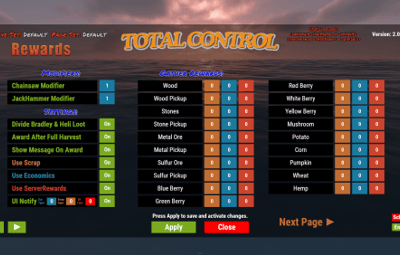
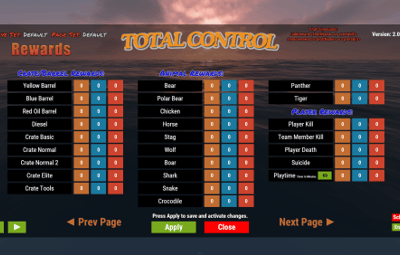
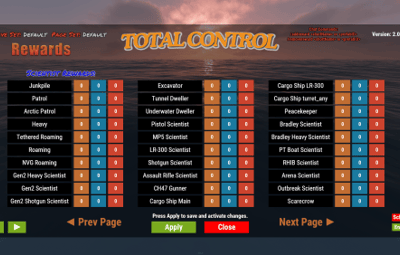
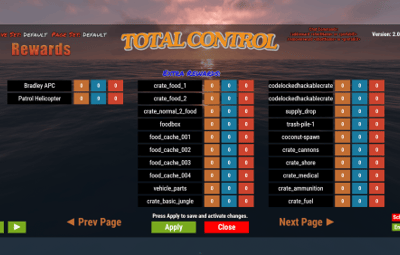
 Rewards System:
•Reward players for gathering, killing animals/NPCs/players, destroying barrels, emptying crates, Bradley/Heli loot, and playtime.
•Support for Scrap, Economics, and ServerRewards (use any or all three) Optional UI Notify integration with custom message styles.
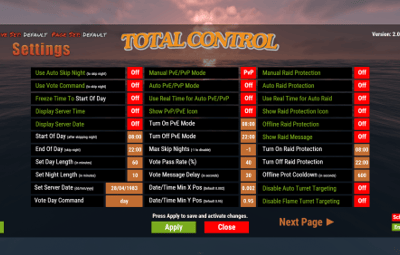
 Settings Page:
•Auto or voted night skip. Time freeze, custom day/night lengths, and server date.
•PvE/PvP mode switching (manual or timed).
•Full raid protection (manual or timed).
•Offline raid protection (with adjustable cooldown timer).
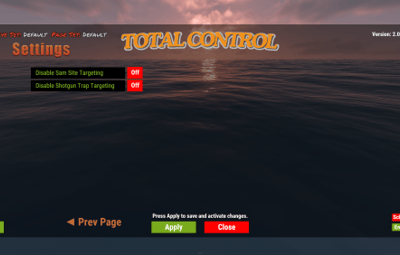
•Option to disable shotgun traps, flame turrets, auto turrets, and SAM sites.
Any admin with the correct permission can open the Total Control GUI with /tc and modify everything, without requiring data file access or plugin reload. Ideal for administrators worldwide.
 Permissions & Commands:
Permission: TotalControl.OpenGui
Chat Commands:
/tc Open the GUI
/addgather <shortname> /removegather <shortname> Add/Remove items to GatherRates page.
/addstack <shortname> /removestack <shortname> Add/Remove items to StackSize page.
/addreward <shortname or prefab> /removereward <shortname or prefab> Add/Remove items to Rewards page.
/raid help
/raid list List all excluded prefabs from Raid Protection.
/raid include <shortname | itemID | prefabID> /raid exclude <shortname | itemID | prefabID> Add/Remove items to or from Raid Protection.
/raid include <building.grade prefabID> /raid exclude <building.grade prefabID> Add/Remove Building blocks to or from Raid Protection.
(Shortnames list: https://www.corrosionhour.com/rust-item-list)
 Join the Community
Stay up to date, get support, make suggestions, report bugs, or promote your server.


