
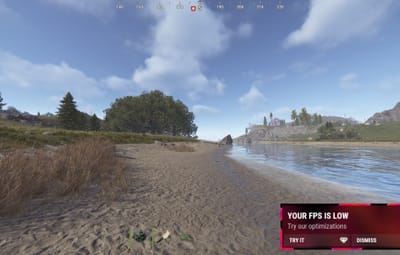

About Optimize - Player FPS Optimization for Rust
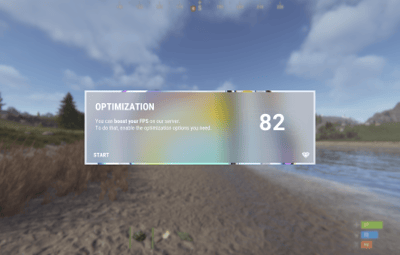
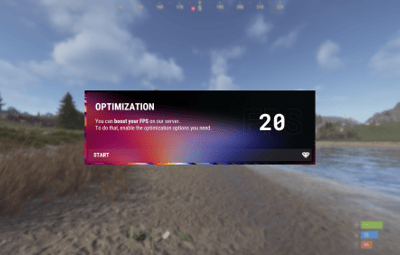
A stylishly designed plugin that boosts player FPS and includes a wide range of performance optimizations.
Each player opens one menu and turns on exactly what they need. The server then stops sending them the data behind those effects — flames, debris, distant objects, trees and more.[1]
| 15+ settings | Oxide & Carbon | English · Russian | Community servers |
|---|---|---|---|
| toggled one by one | same single file | per-player language | works without UI |
Note
Depending on the hardware, client FPS either goes up or becomes noticeably more stable. Every choice is saved per player and restored on the next connect.
Goals
Before developing any plugin, we define the goals it should achieve when running on your game server.
- ☑ Improve players FPS
- ☑ Make your project stand out
- ☑ Improve the overall quality
What you get
| Feature | Details | |
|---|---|---|

|
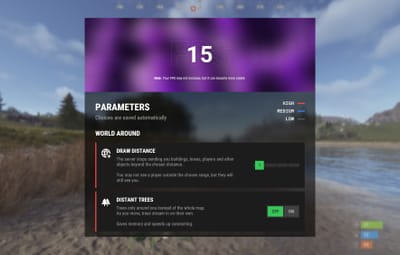
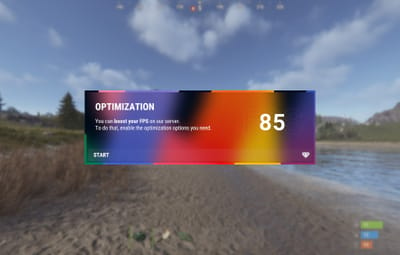
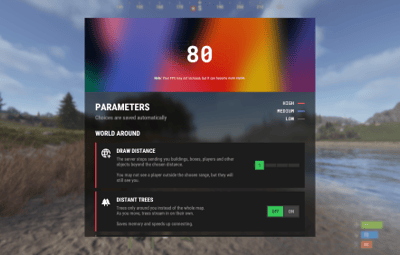
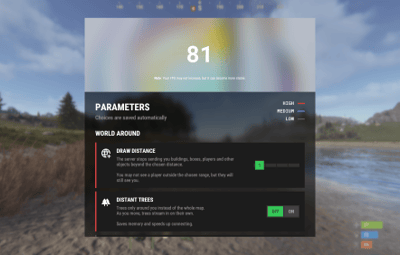
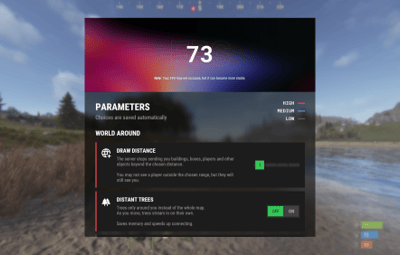
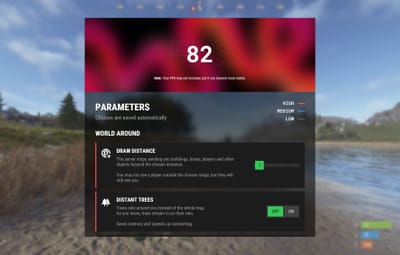
Polished interface | One menu with every option, a draw distance slider and a live FPS counter. |

|
Extensive customization | You decide which options players may enable, which are on for new players, and the cooldown of each one. |

|
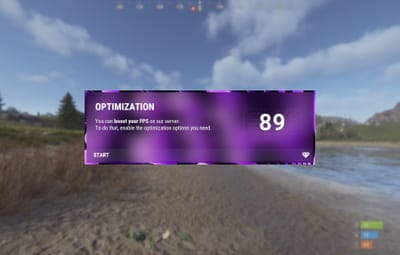
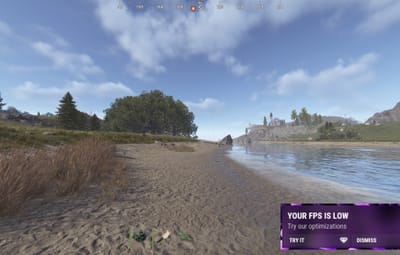
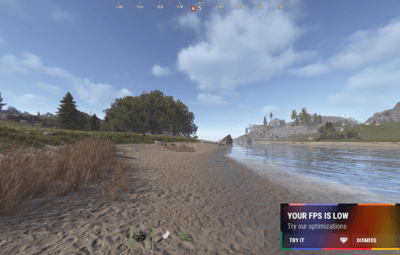
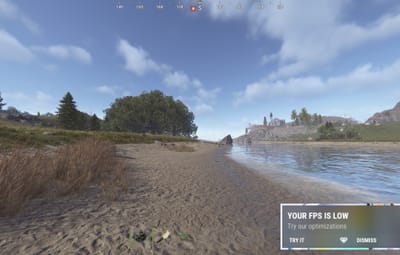
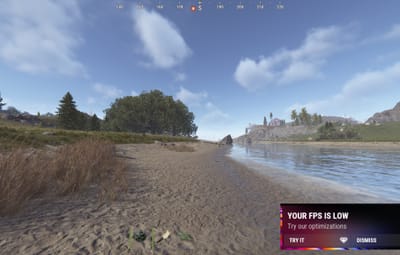
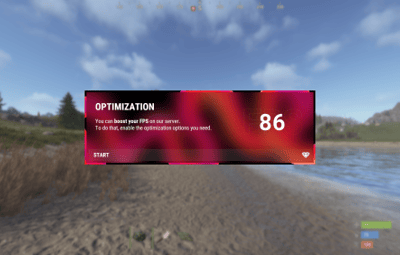
Low FPS notification | Shown once, exactly when it matters: the player is offered the menu right after a drop is detected. |

|
15+ settings | Each toggled on its own, saved automatically and restored after relog. |
Optimization settings
Players enable exactly what they need — every option is toggled individually.
World around you
| Setting | What it does | |
|---|---|---|

|
Draw distance | The server stops sending buildings, boxes and other objects that are far away. |

|
Distant trees | Trees load only around you instead of the whole map — as you move, they stream in on their own. Saves memory and speeds up joining the server. |

|
Images and drawings | Drawings on signs, photos, paintings and spray art stop loading. Saves memory and bandwidth. |

|
Unapproved skins | Disables skins that have not been accepted into the game but may still be used by other players. |
Fire, light and animations
| Setting | What it does | |
|---|---|---|

|
Flames | Furnaces, campfires and torches no longer display flames. The difference is especially noticeable in large, heavily built-up bases. |

|
Lights | Lamps and searchlights no longer emit light. The difference is especially noticeable in large, heavily built-up bases. |

|
Destruction debris | No debris flies around when walls and structures collapse. The difference is most noticeable during raids. |

|
Falling trees | A chopped tree simply disappears — no falling animation, no cracking sounds. |

|
Construction smoke | Smoke and effects from placing, upgrading and repairing structures are no longer shown. |

|
Wind turbine rotation | Wind turbines stop spinning. They generate power just like before. |

|
Turret lasers | Laser sights on turrets and SAM sites are turned off. |
Electricity and industrial
| Setting | What it does | |
|---|---|---|

|
Items in industrial pipes | Item animation inside industrial conveyors and pipes is turned off. The conveyors themselves keep working as usual. |

|
Recyclers and quarries | Recyclers, quarries and pumpjacks stop shaking and animating. They keep on working. |

|
Water flow | Water inside hoses and pipes is no longer rendered. Sprinklers and water supply work as usual. |
Effects and sounds
| Setting | What it does | |
|---|---|---|

|
Distant effects | Explosions, muzzle flashes and smoke from other players' distant fights are hidden. Everything happening near you stays visible as usual. |

|
Voice chat | You won't hear other players' voice chat, or will hear it only at a reduced range. |
Community servers
Tip
Some community servers are not allowed to use custom interfaces. Switch the plugin to chat only mode and players get the same optimizations through commands, with no UI at all.
| Command | What it does |
|---|---|
/fps
|
Opens the menu, or prints the current status in chat only mode |
/fps list
|
Lists every option with its state |
/fps <option>
|
Turns one option on or off |
/fps radius 1-4
|
Sets the draw distance preset |
Permissions and commands
| Type | Name | Description |
|---|---|---|
| Permission |
optimize.use
|
Grants players access to the plugin |
| Chat command |
/fps
|
Opens the plugin menu |
| Console command |
optimize.wipe
|
Clears the player settings database[2] |
Frequently Asked Questions
We have anticipated your questions and answered the most common ones below.
You can ask any additional questions in the plugin's discussion section.
Does the plugin require a powerful game server?
No. The plugin is well optimized and will not place a significant load on your server, even on low-end hardware or with a high player count.
Does hiding an effect change how the game works?
No. Hiding is purely visual and per player. A furnace a player hid the flames of still smelts, a wind turbine that stopped spinning still generates power, and a conveyor without item animation still moves items.
Can I keep some options disabled for everyone?
Yes. Every option has its own switch in the config, so you choose which ones appear in the menu. You can also set which options are enabled for new players by default.
Do you accept suggestions for improving the plugin?
Sure! To submit an idea, join our Discord server, obtain the required role, and post your suggestion in the #suggestions channel.
What should I do if the plugin is not working?
Create a support ticket on our Discord server and we will help you resolve the issue.
Tip
Join our Discord server for support, updates and announcements.
Developed in Hustle Industries · Code by @DezLife · Design by @Illumination