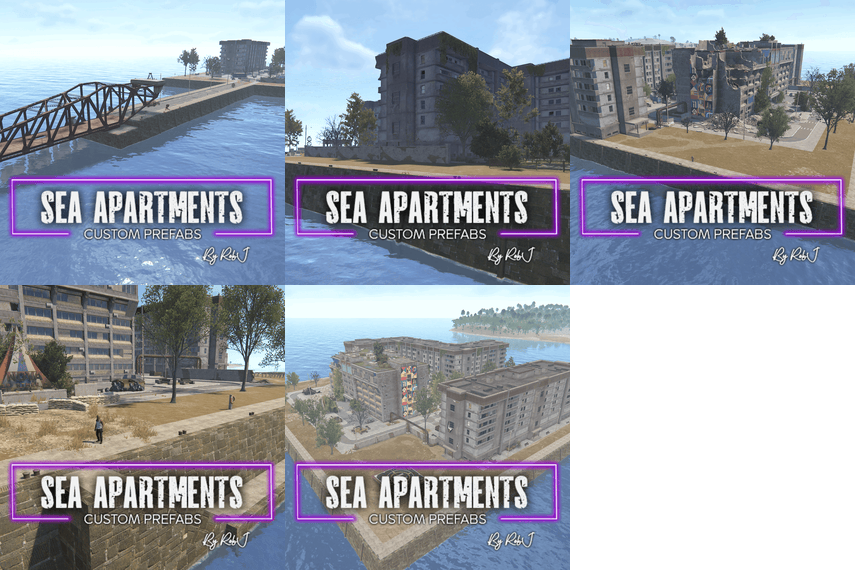
.thumb.gif.b68fcc45abe70ab7d7235dffc8a0c770.gif)
- Prefabs
- 3,838
- Unique prefab types
- 532
- Placement span (X × Y × Z)
- 170.3 × 148.1 × 167.9 m
- Terrain layers
- heights, splat0, splat1, topology
Loot containers
- Basic Crate ×3
- Elite Crate ×3
- Food Crate
- Loot Barrel ×7
- Medical Crate
- Military Crate ×14
- Mine Crate ×2
- Oil Barrel ×3
- Tool Crate ×2
- Wooden Crate ×11
Puzzle entities
- Card Reader ×7
- Fuse Box ×3
- Green Puzzle Door ×2
- Red Puzzle Door ×8
- Security Door ×2
Utilities
- Recycler
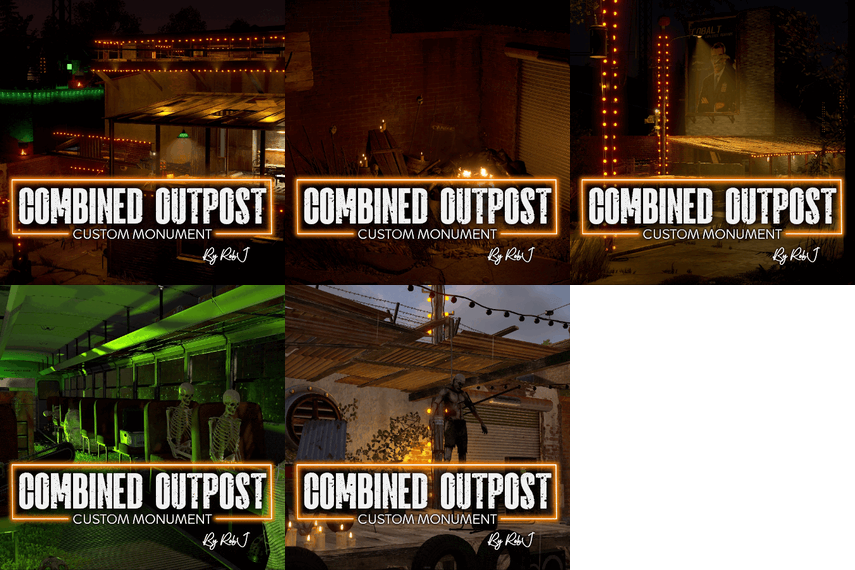
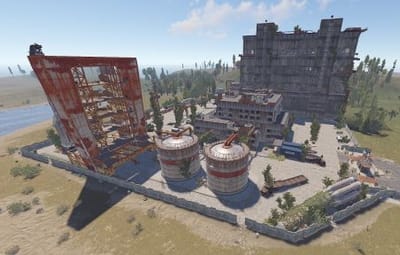
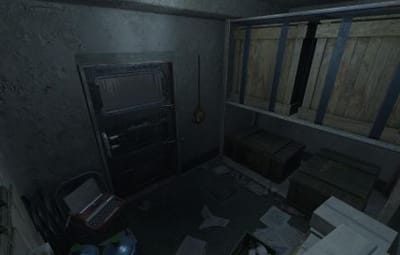
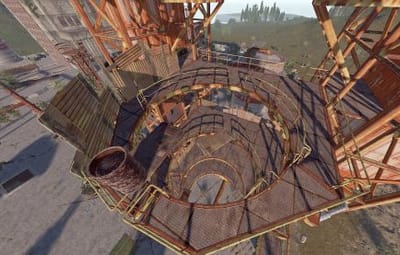
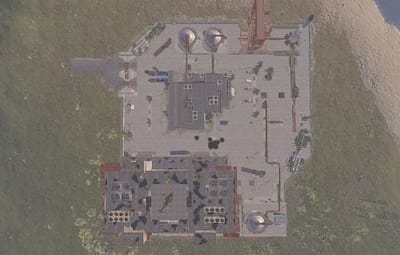
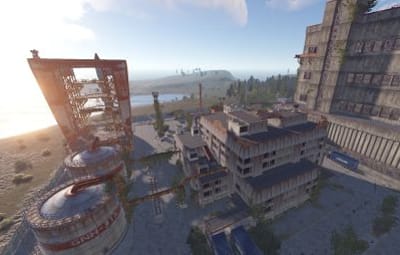
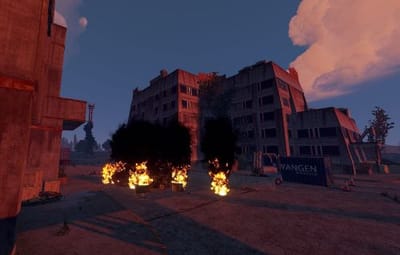
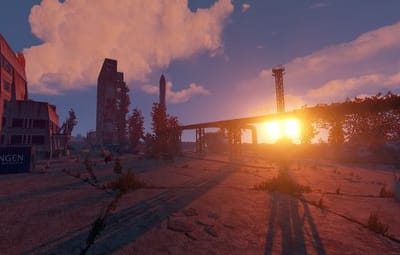
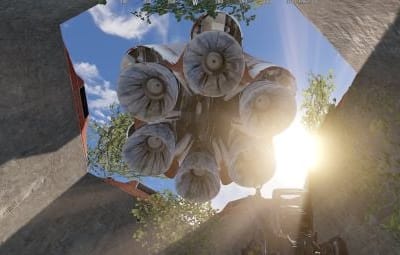
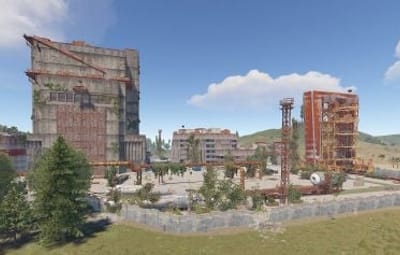
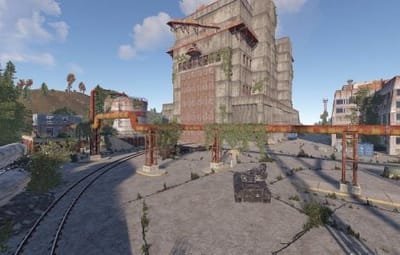
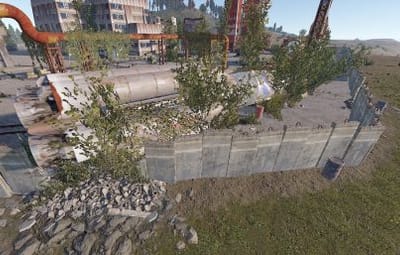
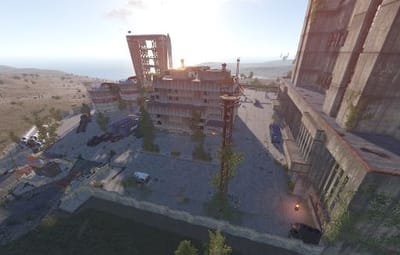
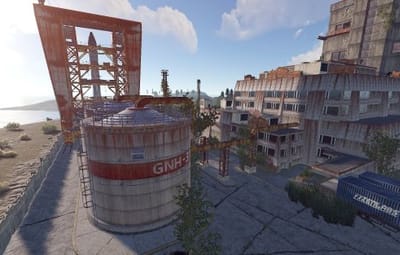
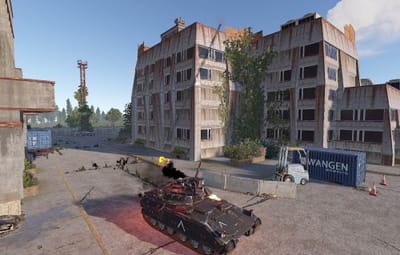
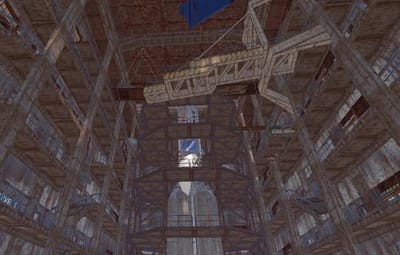
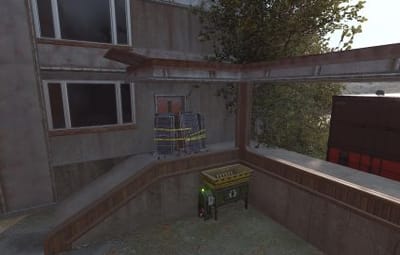
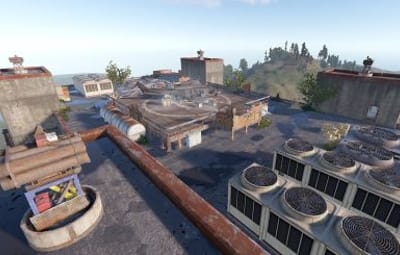
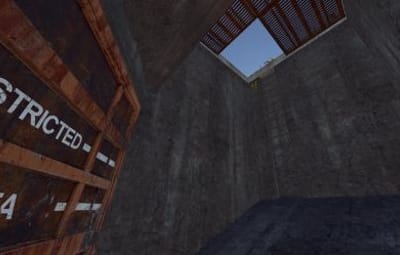
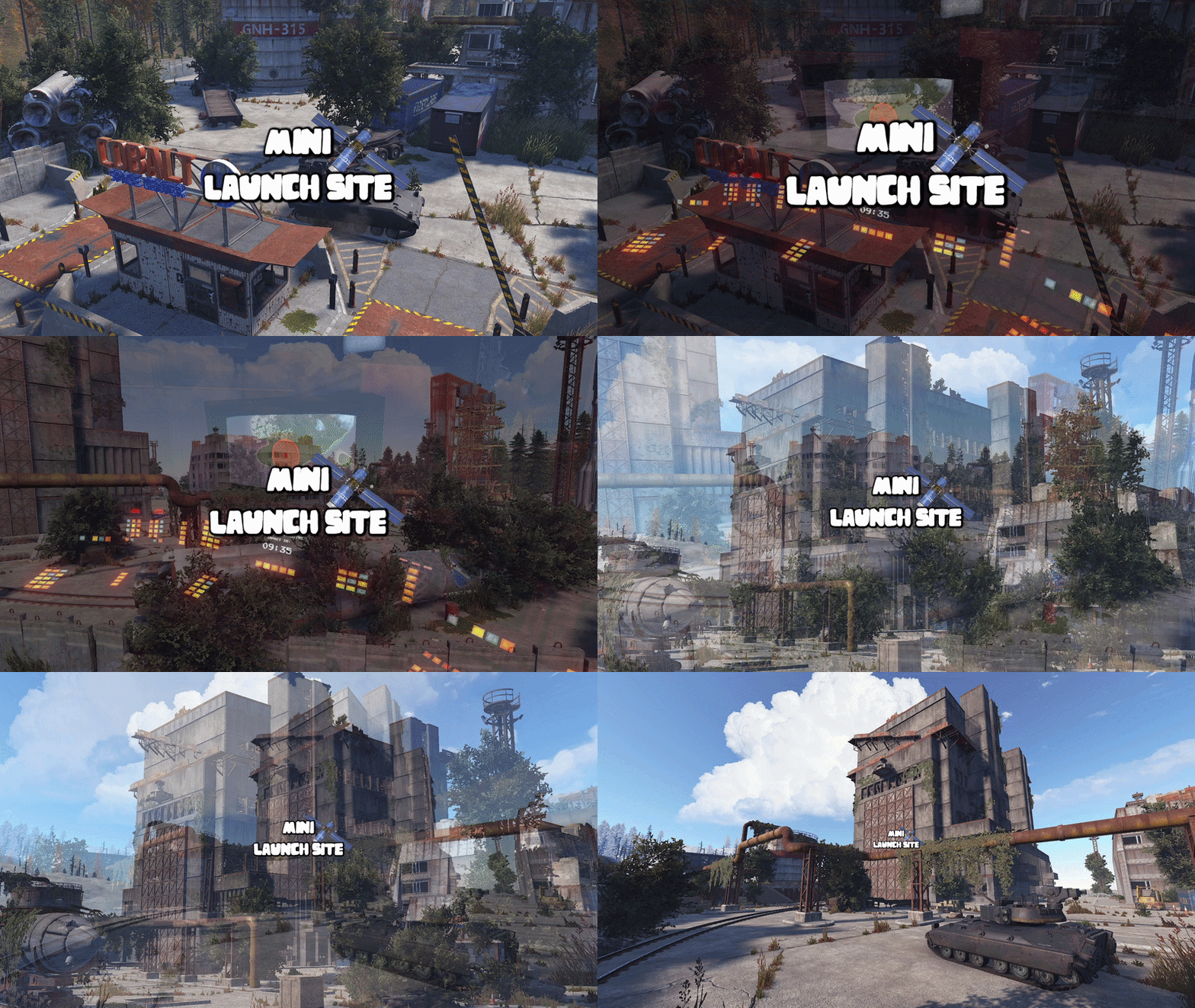
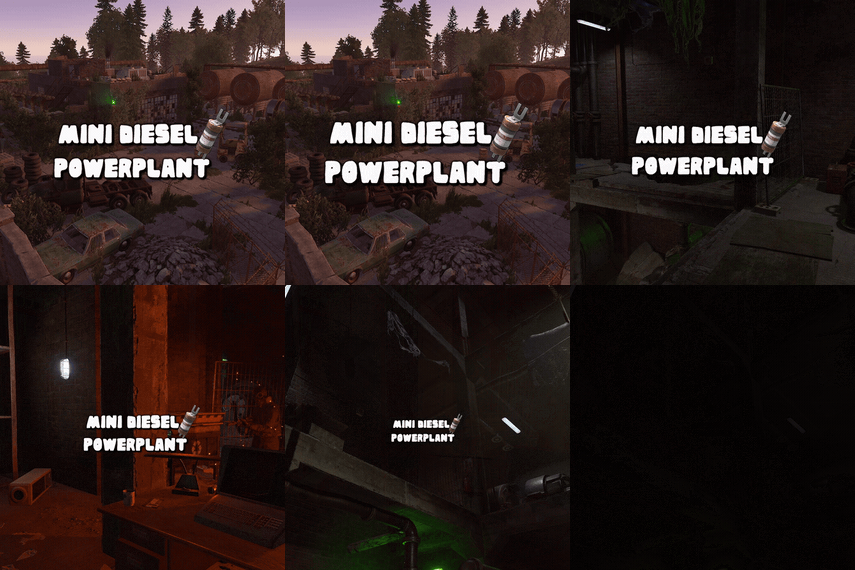
This monument is a mini, space-saving replacement for Launch Site. The old, long rocket range has been removed and replaced with a smaller custom range featuring its own new puzzle.
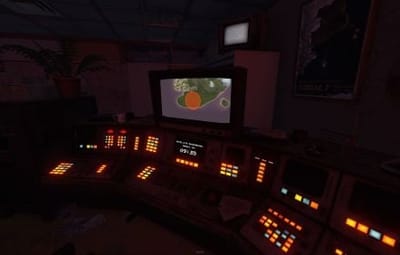
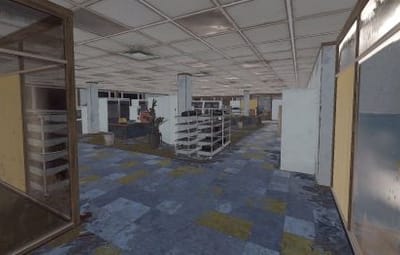
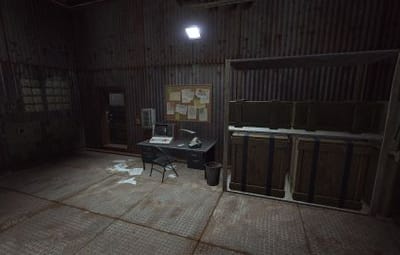
You still get all the familiar puzzles inside the factory building, along with the usual loot. It also works with the Power Grid and Satellite Crash Event.
Perfect for one-grid or smaller maps, with a much smaller footprint and no protruding edges.
Quick Start
- Extract the zip file into your RustEdit install folder.
- Start Rust Edit.
- Click on Prefabs at the top & open up your Prefab List.
- Under the Custom category you will now find RobJs Premium Prefabs.
- Double click on the prefab file and it will spawn it into the map for you.
- Drag it to the general area you want to place it and click on Snap To Terrain
- Apply the Height Mask, Topology Mask, and Splat Mask.
Contact And Help
If you need to contact me discord is best: RobJ2210#2553
For help/support my discord group is best: Join RustMaps Discord

.thumb.gif.79aeca56ceff35f53b912f02158a0898.gif)