
- Prefabs
- 328
- Unique prefab types
- 149
- Placement span (X × Y × Z)
- 89.0 × 50.3 × 90.8 m
- Terrain layers
- heights, splat0, splat1, topology
Loot containers
- Food Box
- Loot Barrel ×5
- Medical Crate
- Military Crate ×3
- Mine Cart
- Oil Barrel ×6
- Tool Crate ×2
- Vehicle Parts Crate ×3
- Wooden Crate ×4
Utilities
- Recycler
Map size1,000 m
Prefabs328
Buildable land0.0%
- Monuments
- 0 total · 0 custom
- Islands
- 0
- Rivers
- 0
- Railroads
- 0
- Caves
- 0
- Oasis
- 0
- Lakes
- 0
- Buildable rocks
- 0
About Goods Station - Custom Monument
What is Goods Station a Custom Monument:
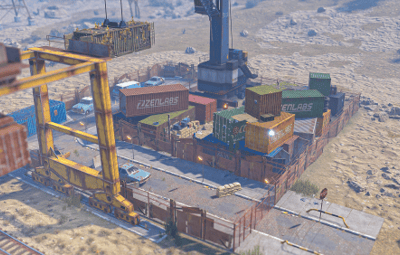
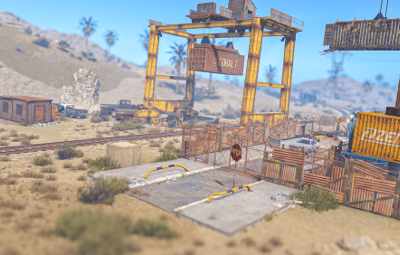
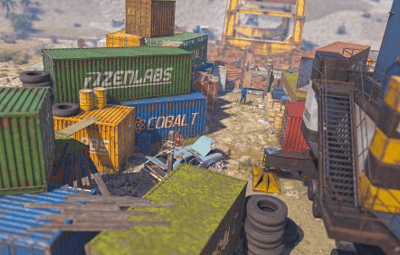
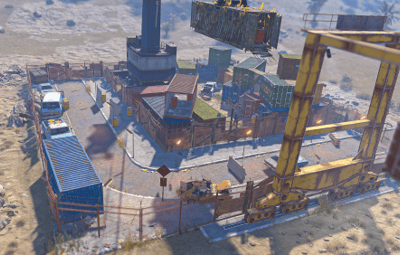
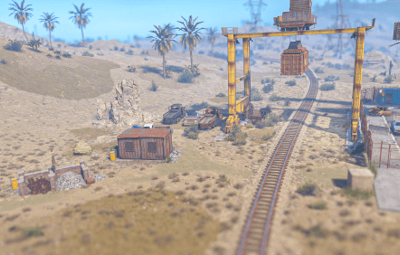
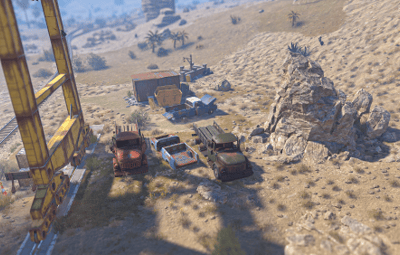
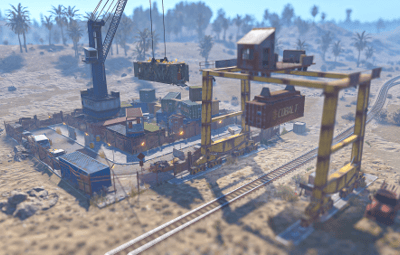
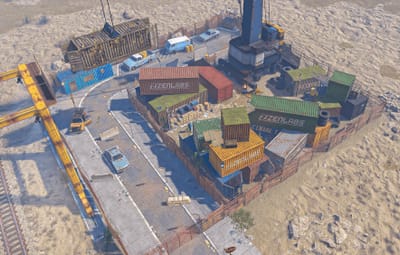
A premium, Custom Monument themed around an industrial rail yard with a connected goods station the environment features high‑detail, limited loot crates, a recycler and a section to be connected up with the above ground rail system. This monument delivers a polished, game ready asset ideal for all types of servers.
Features:
- Small in size to place anywhere on a map!
- Minimal prefab count to help performance whilst having a detailed atmosphere!
- Has an entity count of 312.
- Various levels of Radtion located around the monument.
- Has various loot inside and outside with a small number of NPC’s.
- Unable to build in the monument. However, players are able to place wooden barricades.
- All masks available for height/splat/topology!
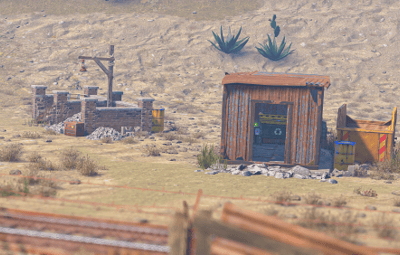
- Has a Recycler located in a metel shed.
Loot Spawns:
- 3 Scientists
- 5 Barrels
- 6 Low Grade Fuel Barrels
- 4 Brown Crates
- 1 Med Crates
- 1 Mine Cart
- 3 Military Crates
- 1 Food Crates
- 3 Car Part Crates
- 2 Tool Crate
How To Use:
- Copy the contents of the prefab folder to your RustEdit Custom Prefabs folder.
- In RustEdit, place the prefab down and apply the prefab modifiers.
- Create a new Path, select "Rail" and align the train tracks with the crane section of the monument
- To add a name to the monument on the map, add a "MonumentMarker" via prefabs list. Place it in the center of the monument and name it: "Goods Station".
- Now save, upload your map to dropbox to be able use as a custom map on your server!