

-
Posts
11 -
Joined
-
Last visited
Content Type
Profiles
Warranty Claims
Downloads
Forums
Store
Services
Downloads Plus Support
DOWNLOADS EXTRA
Reels
Everything posted by Flexer
-
Rust plugins cannot read a player’s UI scale setting directly so automatic positioning isn’t possible for every UI scale. Players using custom UI scales can use /panelmove to position the panel where they want.
-
Changed Status from Pending to Not a Bug Changed Fixed In to 1.0.0
-
Yes, those values control the width and position of the panel. These are set for User Interface Scale 1.00: "AnchorMin": "0.345 0.110", "AnchorMax": "0.64 0.150", Changing the above will affect all players on your server. If you only want to change your own panel, you can use /panelmove (this requires permission). If you have the Backpack plugin, you can use the settings below (assuming you are using the default Rust UI Scale 1.00): "AnchorMin": "0.345 0.110", "AnchorMax": "0.69 0.150", These are also set for UI Scale 1.00. Hope this helps! If you're still having trouble, let me know your UI scale and I can adjust the values for you
-
Version 1.0.1
175 downloads
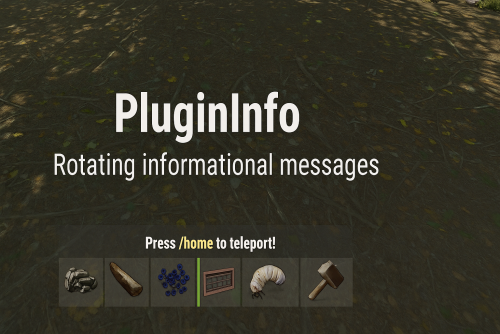
Overview PluginInfo is a lightweight yet powerful informational display system . It rotates through messages defined in your config and allows authorized players to move and resize the text panel client-side using an intuitive control window. No more static, obstructive text cluttering players’ screens or ChatBox. With PluginInfo, every player can personalize where and how the info bar appears. Key Features ✔ Rotating informational messages (Sequential or Random) ✔ Per-player panel movement and scaling (saved across sessions) ✔ Clean UI controller with Move / Size modes ✔ Fully configurable colors, fonts, anchor points ✔ Supports rich text, colors, and formatting ✔ Optimized and performance-friendly ✔ Does not require Image Libraries or extra dependencies 🖥 Player UI Controller Players can adjust the UI in real time. Mode: Move – arrows move the panel position. Mode: Size – arrows resize the background box. Step Size +/- – control precision. Reset / Center / Size Reset options. Close (X) to exit UI instantly. Commands /panelmove Opens the movement/resize Ui Permissions plugininfo.move Allows user to adjust their panel UI Installation 1. Upload the .cs file to your /oxide/plugins folder. 2. Edit the generated config to your liking. 3. Reload PluginInfo oxide.reload PluginInfo 4. Grant Permissions oxide.grant group admin plugininfo.move How To Grant Permissions Grant to a specific player: oxide.grant user <steamid> plugininfo.move Grant to a group (e.g., Default): oxide.grant group default plugininfo.move Grant to a group (e.g., Admin): oxide.grant group admin plugininfo.move ⚙ ConfigurationFree -
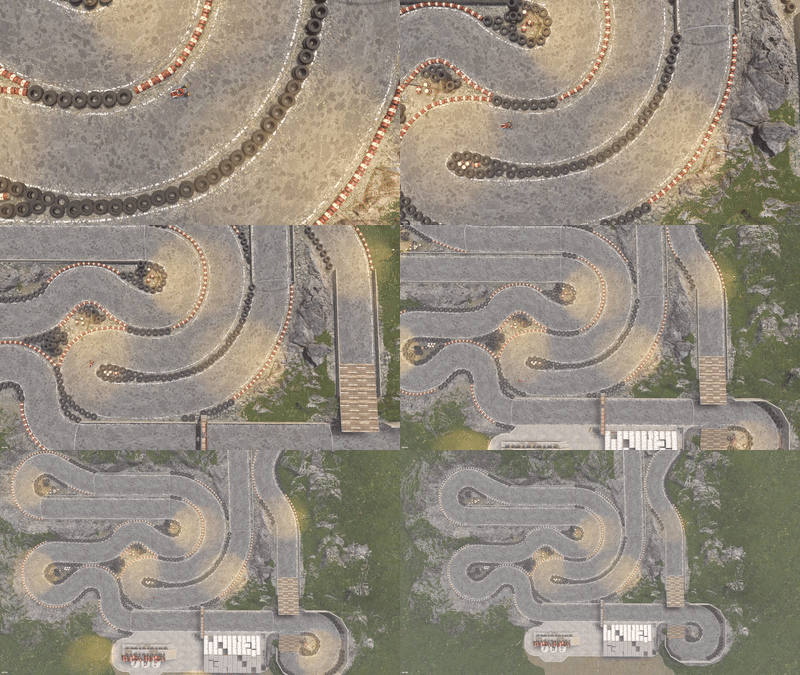 This RaceTrack is super fun! My players can’t get enough of it. whether they’re racing motorbikes 3-module cars or Wizla GoKarts from Karuza. The track design flows really well, making races feel fast and competitive while still being easy for anyone to jump in and enjoy. It’s become one of the favorite spots on our server, and I’d highly recommend it to anyone looking to add some vehicle fun to Rust.
-
- 1
-

-
- #prefab
- #racetrack
- (and 10 more)
-

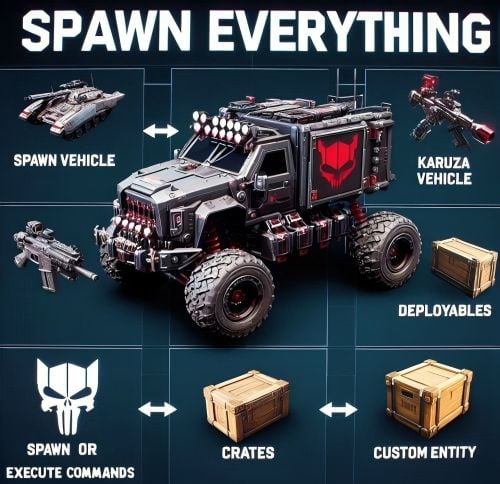 lets you spawn items in the game. The Flashbang Spawns feature is useful while the Supply Signal System provides a clean lag free way to call in supply drops. It ensures high performance while offering great possibilities. It also opened up a plethora of info, communities, and opportunities for me. Big thanks from all the team!
- 122 comments
-
- 1
-
-
- #spawn everything
- #spawn
- (and 35 more)
