
-
Posts
215 -
Joined
-
Last visited
Content Type
Profiles
Warranty Claims
Downloads
Forums
Store
Services
Downloads Plus Support
DOWNLOADS EXTRA
Everything posted by RustFlash
-

Version 1.4.0
40 downloads
ChuteUp Features Do you want to really enjoy the parachutes in Rust or unlock another feature for your VIP? Then ChuteUp is exactly the right thing for your server. Let yourself be catapulted into the air with a simple command. Functions You can start the ChuteUp command with height information: /chuteup 600 To use the command, you need the authorization: chuteup.use Config load, run, enjoy Support Discord$6.99 -
 adminlootprotection.use means that the group cannot be looted with this permission. So if you only want admin bodies not to be looted. Then give permission: adminlootprotection.use only the user group "admin”, whatever your group is called
 -
Version 2.0.0
234 downloads
Features This plugin prevents players from looting admins and specified groups. It checks if the looter has a specific permission ("adminlootprotection.use"), and if not, it restricts them from looting players who are admins. You can also extend this to protect other specific groups or conditions. In summary, it adds a layer of protection for admins and certain groups to prevent unauthorized looting by other players. Functions Give the respective group on your server the appropriate permission to avoid being looted: adminlootprotection.use load, run, enjoy #free4all$1.99 -
Version 2.0.0
60 downloads
Description: A little event for your players! The new version of CodeRaid 2.0.0 introduces a revamped and improved gaming experience that has already been well received by the community! The new version replaces the annoying chat spam system of the previous version with a user-friendly user interface (UI) that makes entering, deleting and sending codes much more intuitive. Thanks to the optimisations, the plugin is not only more visually appealing, but also more practical to use - perfect for dynamic and exciting competitions. The new customisation options and the enthusiastic feedback from players make CodeRaid 2.0.0 a must-have event for everyone! Commands: You can start the CodeRaid event with the following command: /flashcoderaid - Chat Command flashcoderaid - Console Command Permission: coderaid.use Config After you have successfully started the plugin, you can define everything yourself in /oxide/config/CodeRaid.json! { "PrizeSettings": { "Commands to execute": [ "addgroup {player_id} vip 7d" ], "Items": [ { "amount": 1, "displayName": "Well done, here's a rock", "shortname": "rock", "skinId": 2843316584 } ] }, "ProximityThreshold": 100, // Gives help when a player is near the correct code. "wrongGuessDamage": 5 // Damage caused by incorrect guessing } Dependencies You need the free TimedPermission for this plugin if you want to deliver VIP as profit More Free Plugins: If you are looking for more useful free plugins, please have a look at my Discord, you only have to choose the Flash role when you join. Support Discord load, run, enjoy$12.99 -
 it must somehow be possible to load webp or gif?
 -
As soon as there are animated pictures I'll buy it!
-

Version 1.0.0
197 downloads
The Pop Plugin is a powerful and flexible extension for Rust servers that provides players with a quick overview of the current server status. With a simple chat command, users can retrieve important information such as the number of online players, sleeping players and more. The plugin is characterized by its high level of customizability, allowing server administrators to design the appearance and content of the output according to their wishes. Das Pop Plugin ist die ideale Lösung für Serveradministratoren, die ihren Spielern einen schnellen und übersichtlichen Zugang zu Serverinformationen bieten möchten, ohne dabei auf Anpassungsmöglichkeiten oder Performance zu verzichten. Features: Easy access: Players can use the chat command /pop to call up server information at any time. Comprehensive information: Displays important server data, including: -> server name -> Number of online players -> Number of sleeping players -> Number of players joining -> Number of players in the queue -> List of names of all online players Highly configurable: Administrators can: -> Show or hide individual information components -> Customize colors for server name, labels and values Color coding: Improved readability through color highlighting of various information elements. Easy installation: Quick and uncomplicated integration into existing Rust servers. Lightweight: Minimal impact on server performance with maximum functionality. Permission: Keine Permission benötigt Config: { "Show Server Name": true, "Show Online Players Count": true, "Show Sleeping Players Count": true, "Show Joining Players Count": true, "Show Queued Players Count": true, "Show Online Player Names": true, "Server Name Color": "#ffed00", "Label Color": "#00BFFF", "Value Color": "#ffffff" } load, run, enjoy Support DiscordFree -
 Can you please distinguish the different horse ranch and fishing village. For example, the plugin only knows large and small fishing villages. But if the map has 2 small ones, there are problems
 -
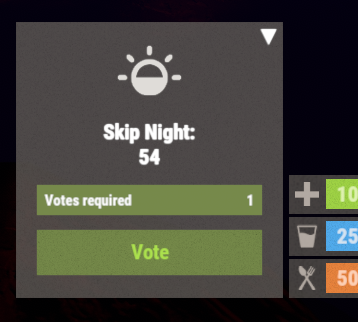
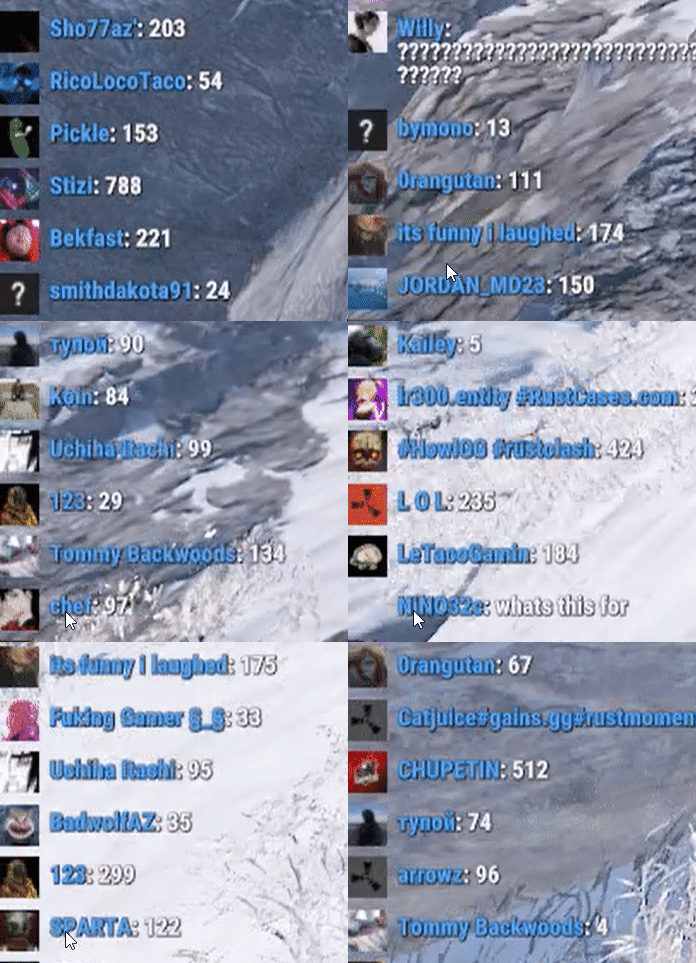 Hello, would it be possible to say that the plugin should always start at night. For example, when it's dark at 00:00, there are many in the base anyway. If the time is reached and not skipped, there will be an automatic guess number
 -
.thumb.gif.3c9c0e18006368d634273095544fb983.gif) Since a few days the icons do not work anymore. They are expired links. Can you please put the icons as a package in the download so we can fix it and host it ourselves if necessary?
Since a few days the icons do not work anymore. They are expired links. Can you please put the icons as a package in the download so we can fix it and host it ourselves if necessary? -
 Really nice mod that is a huge win for your server. Works as intended, the dev is also really nice and fixes any problems in no time (even if he needs to stay awake 30hrs straight ;)). 10/10
- 42 comments
-
- 1
-

-
- #optimize
- #optimization
- (and 19 more)
-
 ?
? -
I have this plugin inside it still doesn't work?
-
Why was my support request deleted here? I need urgent help! When the night is skipped, heli and cargo are also skipped. Can you fix this error, otherwise the plugin is unusable for me and I would like my money back!
-
 yes i had another question for another plugin and got wrong translation back
 -
sorry now better?
-
This Plugin are first free, now 2.99. i need the Orginal i loose the code.