
Wonder_Fox
-
Posts
346 -
Joined
-
Last visited
-
Days Won
1
Content Type
Profiles
Warranty Claims
Downloads
Forums
Store
Services
Downloads Plus Support
DOWNLOADS EXTRA
Everything posted by Wonder_Fox
-
In your case, wiping the map should help.
-
These issues started after Facepunch made the elevators faster. Then the RustEdit developer updated the extension, but sometimes the problems still occur.
-
Perhaps one or more of your other plugins are to blame, I came to this conclusion because on a clean server everything works 100% of the time.
-
Unfortunately, this happens, it's a problem with the extension. I'm not a plugin developer, so there's nothing I can do. Usually, after wiping, the problem goes away, but not always.
-
Maybe the problem is that you are using carbon and not oxide. Although carbon should support this
-
Hi. You may not have installed the Oxide.Ext.RustEdit.dll extension, there are also sometimes problems with this extension and it does not load when the server is first started and the elevators disappear.
-
I am aware of this. The reason is that the RustEdit plugin is not loading for some reason during the first server start.
-
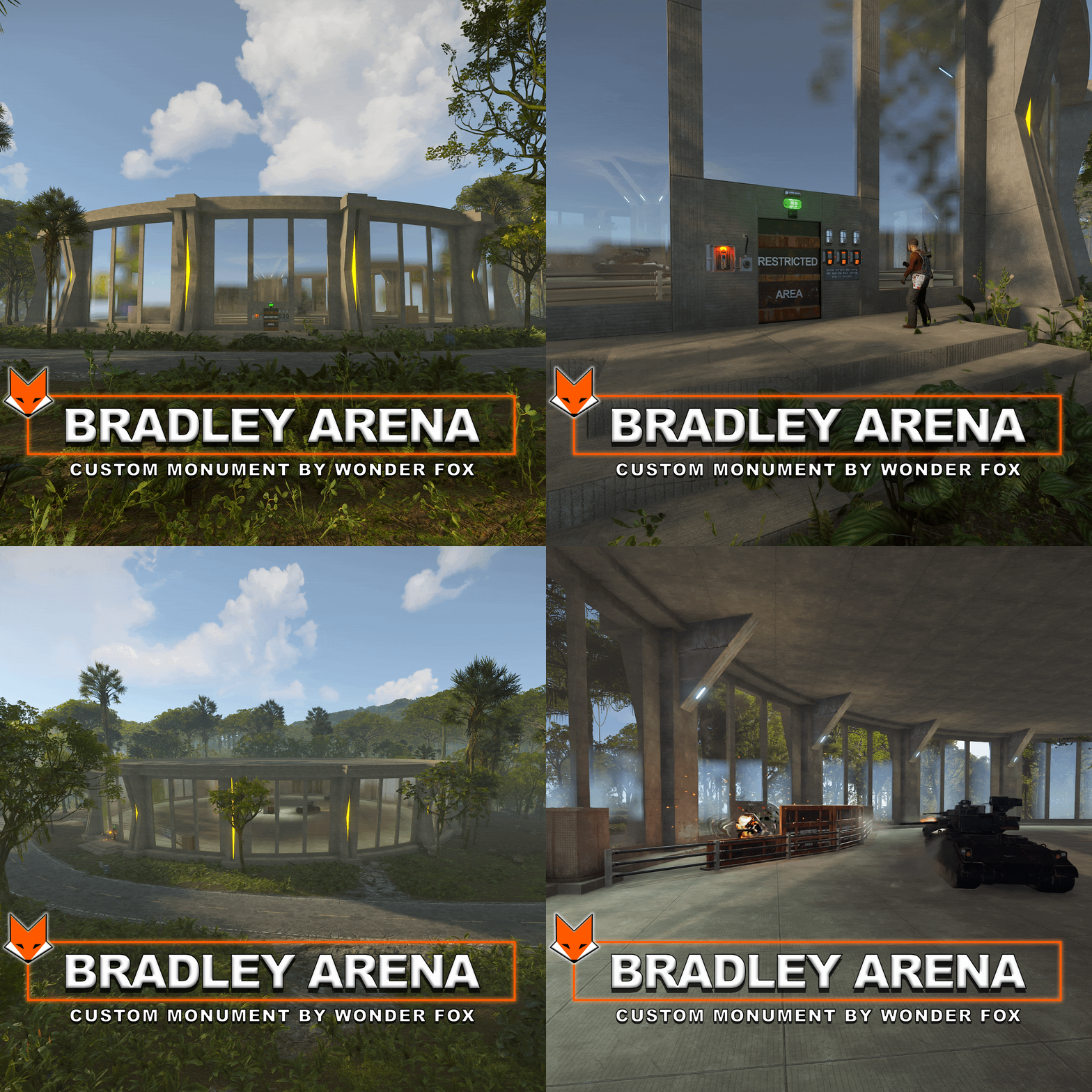 The spawn path button is responsible for adding a path for the Bradley
 -
Version 1.0.0
33 downloads
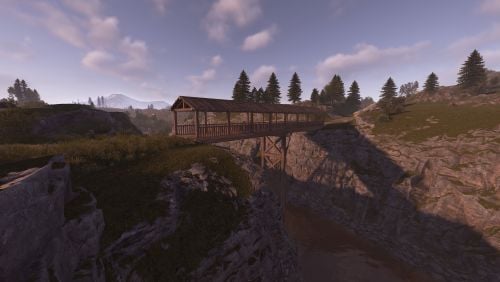
Ordinary wooden bridge. Prefabs ~500Free -
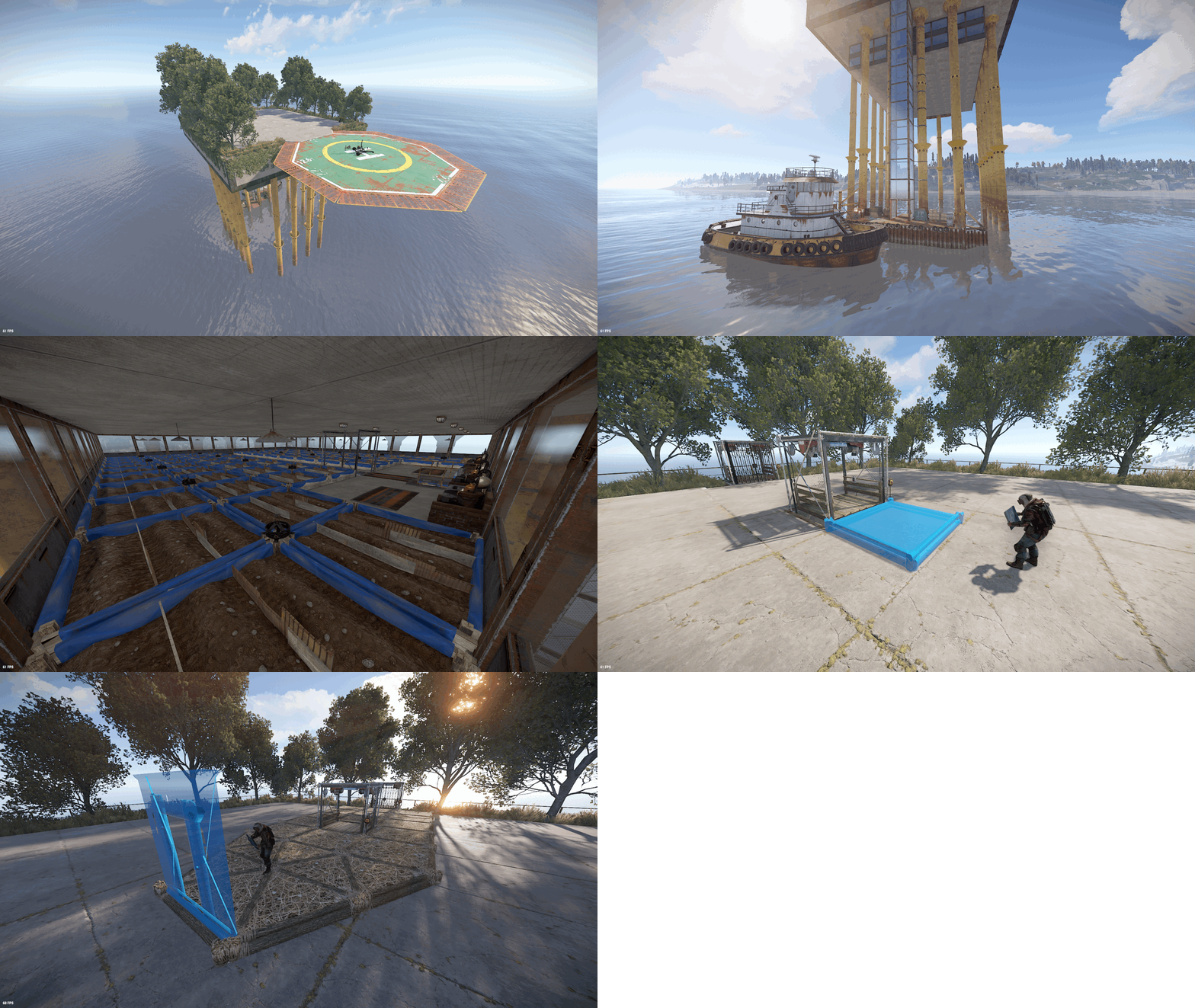 In the new version, I moved the sprinklers from bottom to top
 -
 Fixed
Fixed -
Hello. You are using version 2.1, this has already been fixed in version 2.2
-
I allow editing of my maps, so you can change the respawn time yourself.
- 17 comments
-
- 1
-

-
- #custom
- #custom map
- (and 4 more)
-
Fixed
- 17 comments
-
- 1
-

-
- #custom
- #custom map
- (and 4 more)
-
I don't use a custom cargo path on my maps. The path is generated when the server starts. If the problem persists, let me know and I'll try to change the oil rig location.
-
Yes, I allow editing of my maps
- 17 comments
-
- 1
-
-
- #custom
- #custom map
- (and 4 more)
-
I guarantee the map will work on Oxide. Carbon is designed to work with Oxide extensions, but I can't help you if the map doesn't work, you'll most likely need to contact the Carbon developers if you have any problems.
-
All custom maps work with Oxide.Ext.RustEdit.dll, I do not guarantee that this extension will work on Carbon.
-
4500
- 17 comments
-
- 1
-
-
- #custom
- #custom map
- (and 4 more)
-
Version 1.0.3
59 downloads
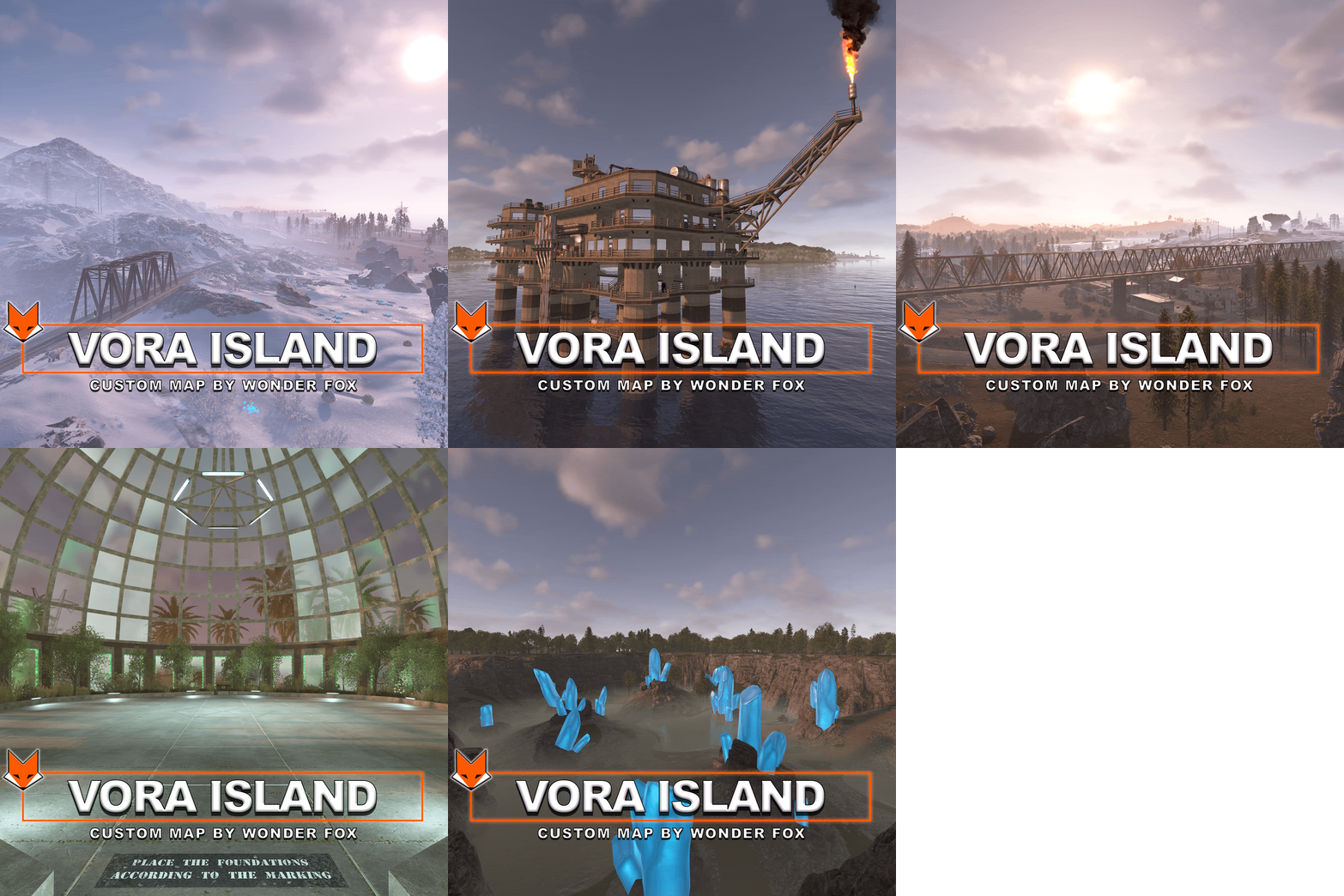
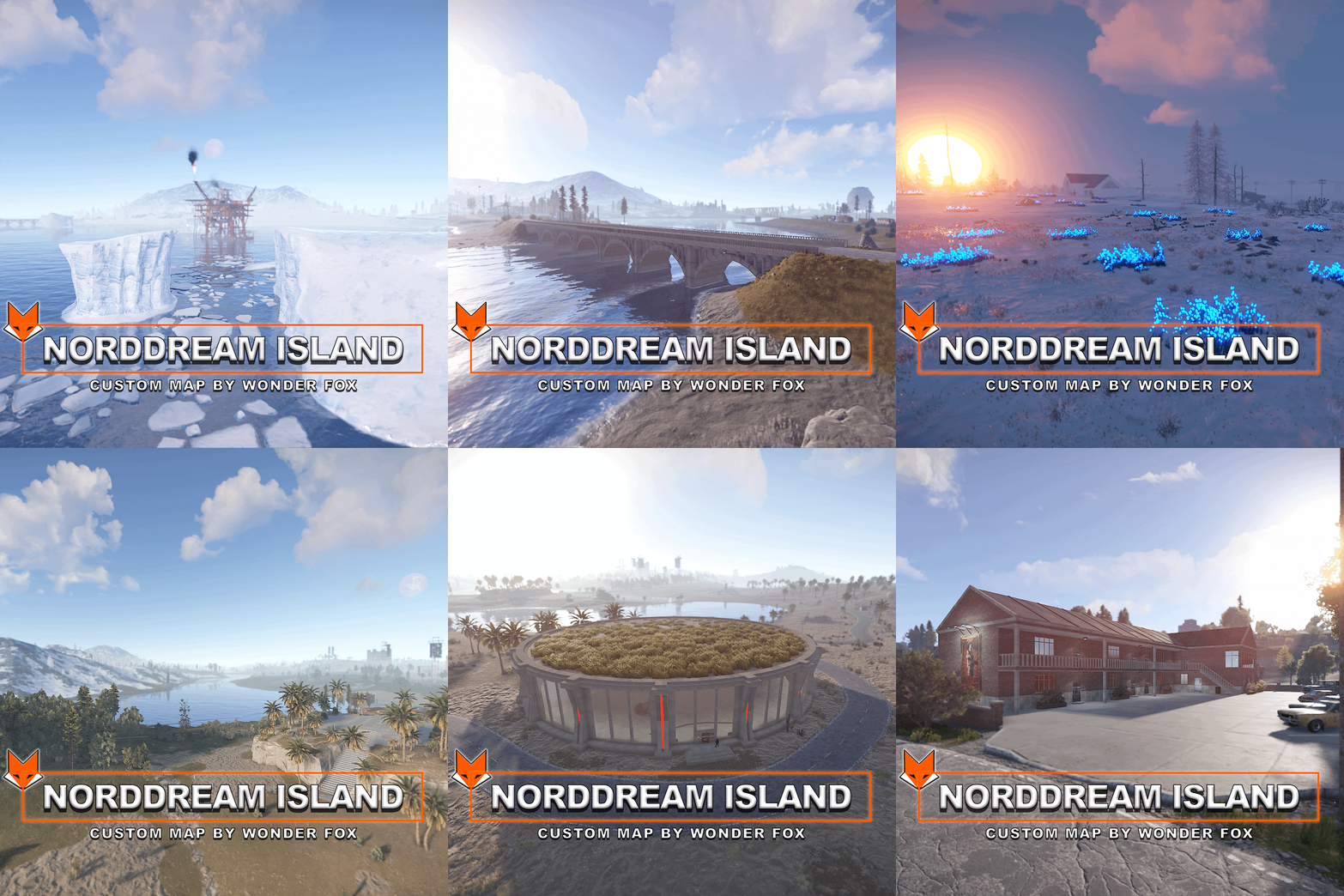
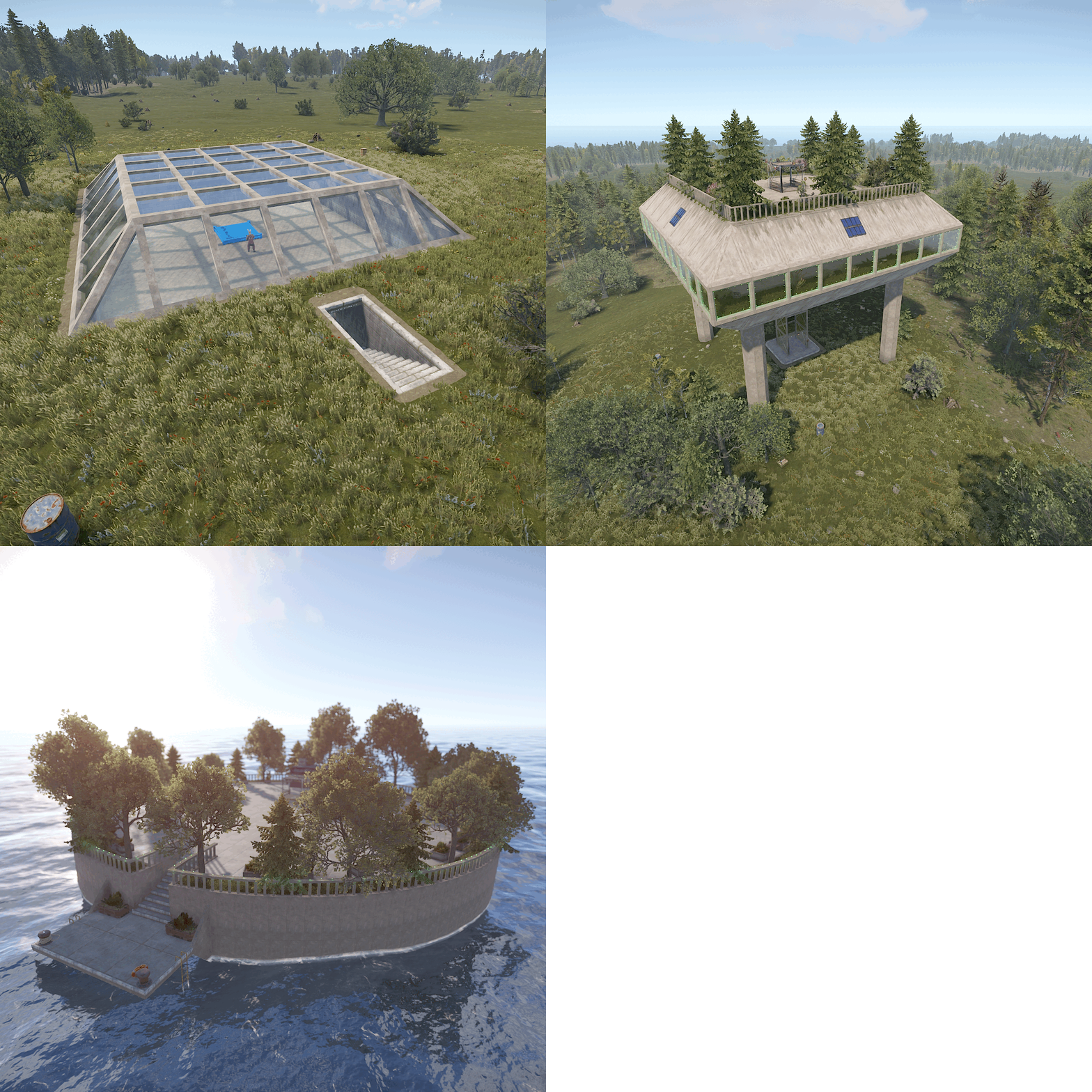
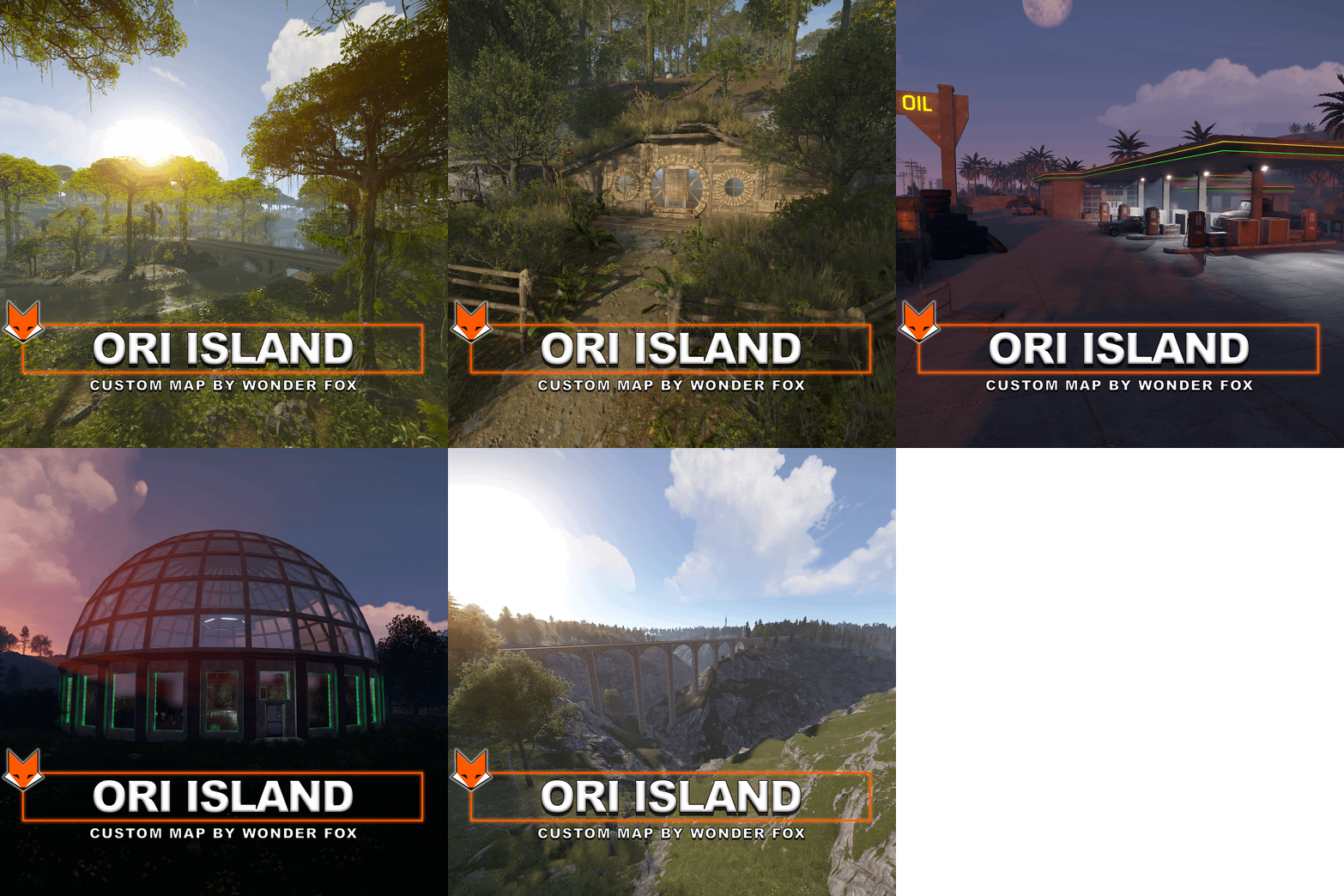
Vora Island – Custom Handcrafted Rust Map Vora Island is a fully custom Rust map where almost everything is handcrafted, from the terrain and roads to unique locations and monuments. The main highlight of my maps is creative custom places — unique locations designed to surprise players and make exploration truly rewarding. Custom Places (30 Total) Vora Island features 30 custom places, all marked on the map with the ◈ symbol. You will find: A glass sphere in the middle of winter, where it’s summer inside and green trees grow Many custom locations with atmospheric lighting Ready-to-use recyclers Fully functional farms and stables A cozy Hobbit House Floating islands Modern houses And many more unique places to discover Each custom place is carefully designed to feel alive and useful, not just decorative. 🏗 Custom Monuments Vora Island includes a large number of custom monuments with puzzles and valuable loot: Railway Station Active railway passing through the monument Loot crates A room accessible with a Red Keycard Large Warehouse An improved version of the vanilla warehouse Elite crates A suspended container on a crane containing a hackable crate (requires a Red Keycard) Radiation in certain areas Car Service Vehicle parts Car modification area Plenty of valuable loot Motel A unique monument with a custom loot system: Lootable lockers, kitchens, and washing machines Many blueprints for crafting workbenches A shop where players can trade extra blueprints for components or clothing Heli Tower A tower designed for safely and effectively taking down the Patrol Helicopter Challenge House Puzzles and time-based challenges Spikes, deadly lasers, and radiation High-quality loot waiting at the end 🛡 Bradley Arena Hackable crates in the center of the arena Guarded by three Bradley APCs Entry requires multiple Red Keycards After opening the arena, temporary cover spawns Players have 25 minutes to destroy the Bradleys — after that, the cover disappears, preventing long-term camping 🛢 Custom Oil Rig Extremely detailed custom monument Complex puzzles Very high-tier loot 50+ hours spent creating this monument alone Custom Gas Station A superior alternative to the vanilla gas station Chance to find a Red Keycard Ability to buy fuel and food Mini Bandit Camp An addon for the standard Outpost Includes all features of the vanilla Bandit Camp ❄ Visual Highlight One of the signature features of my maps is the blue grass in snowy biomes — it glows at night, creating a stunning and unique atmosphere. Why Vora Island? Handcrafted terrain and roads 30 unique custom places Numerous puzzle-based monuments Strong visual identity and atmosphere Vora Island is designed for players who love exploration, challenges, and high-quality custom content.$24.99 -
 For custom electricity to work, the Oxide.Ext.RustEdit.dll extension and oxide are required.
 -
 Unfortunately, the door frame designed in RustEdit will be static, meaning you won't be able to place a door there.
- 9 comments
-
- 1
-
-
- #wf
- #custom place
- (and 4 more)
-
 An oxide is required
 -
For elevators to work you need to install oxide and the extension Oxide.Ext.RustEdit.dll. Some monuments have NPCs
-
Your loot plugin should not conflict with the loot on my map. The files I provide with the map are only needed if you edit the map.