Works with
Compatible add-ons, packages, or tools that pair well with this resource.
-
 PowerfulBans - Total bans control Optional
 -
 PowerfulFreeze Optional
 -
 PowerfulWhitelist Optional
 -
.thumb.gif.88b2fe972bac57e852c9e4e25f40c4ae.gif) NCP Optional
NCP Optional -
 Notify Optional
 -
 Server Rewards Optional
 -
 Economics Optional
 -
IQEconomic - плагин экономики для RUST Optional
-
 Skill Tree Optional
| In-game admin panel | Oxide & Carbon | Our Discord |
without leaving the game.
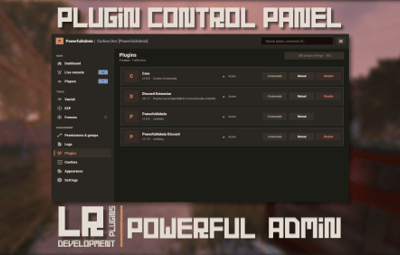
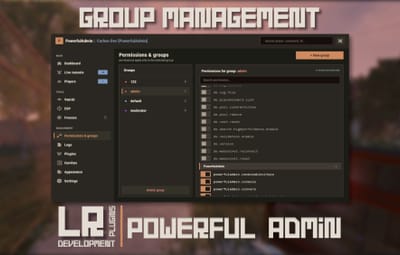
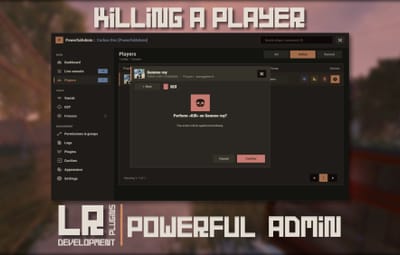
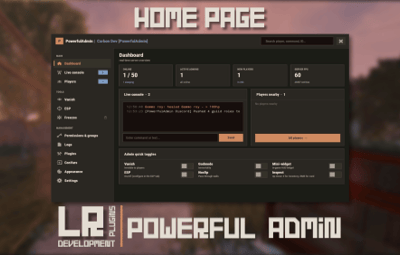
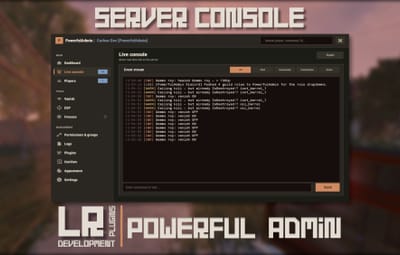
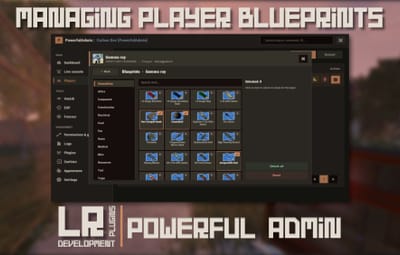
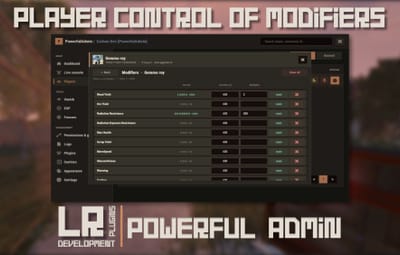
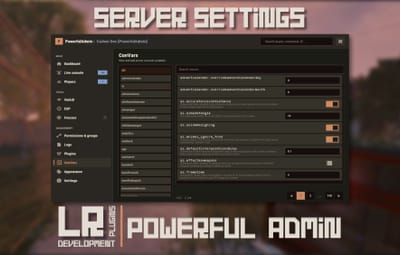
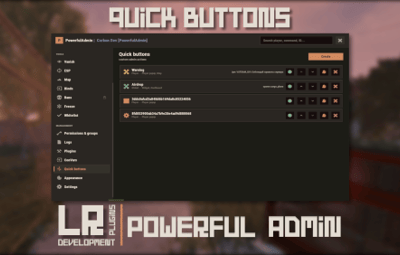
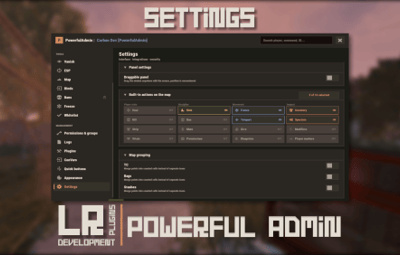
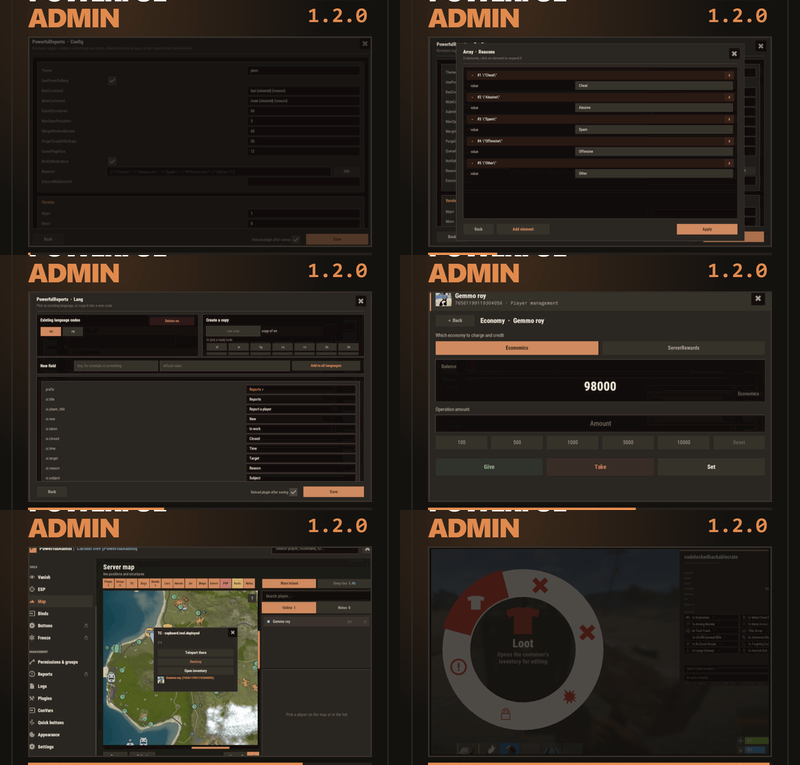
PowerfulAdmin is an admin panel that lives inside Rust. Fourteen pages in the sidebar cover players, permissions, plugins, the live console, ConVars, a working server map and your own buttons. Four more tools work out in the world, on whatever you happen to be looking at. Every page and every action has a permission of its own, so a junior moderator gets what you hand them and nothing else.
| /padmin opens it. After that it is point and click, or a key you bound yourself. |
|
00
New in 1.2.0
|
Five things this version adds
|
|
01
The sidebar
|
Fourteen pages, plus whatever docks in
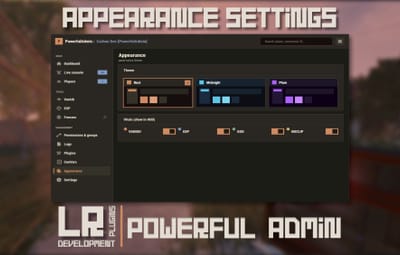
The panel reopens on the page you left. Add-ons appear in the same sidebar, use the same permission system and follow the theme the admin picked.
|
||||||||||||||||||||
|
02
Out in the world
|
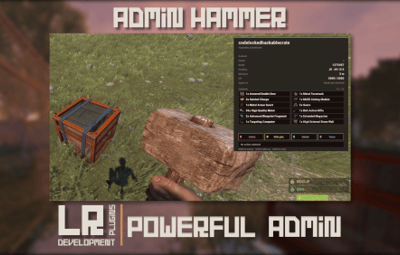
Walk up to it and deal with it
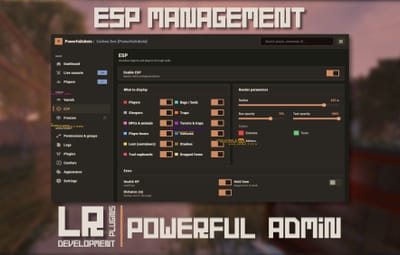
Most moderation starts with you standing in front of a base, a player or a locked crate, not in a menu. Four tools cover that, and none of them asks the admin to install anything on their client.
|
|
03
The player card
|
One card per player, awake or asleep
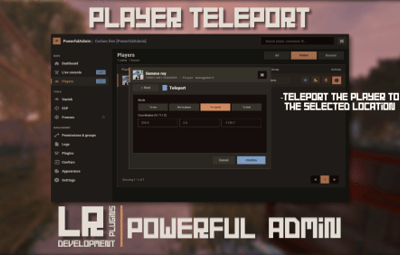
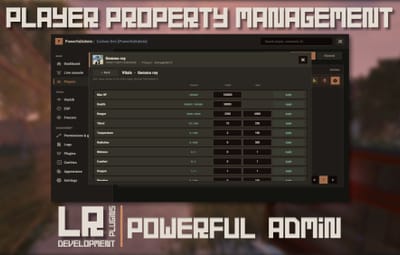
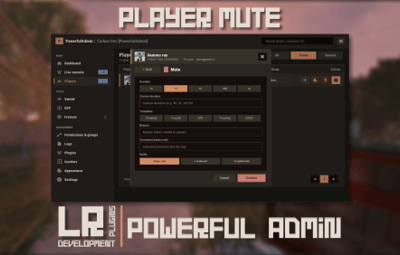
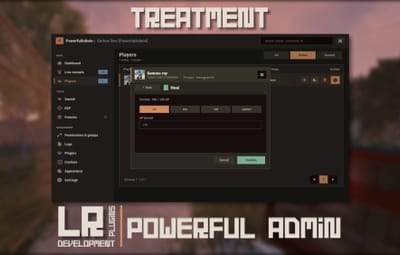
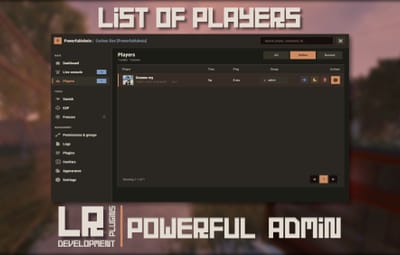
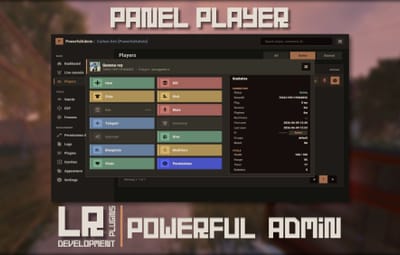
A searchable, paginated roster of everyone the server has ever seen. The card holds the SteamID, live status, current session and total playtime, total Rust hours from the Steam API, groups, first and last seen, the balance if you run an economy plugin, and the IP behind a permission of its own. Under that sit the actions.
|
|||||||||||||||||||||
|
04
The map
|
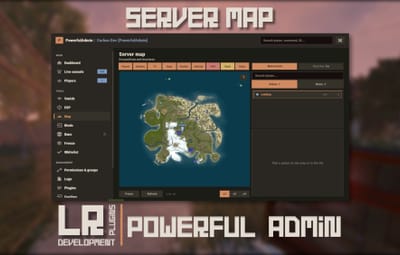
The server map, drawn inside the panel
The island and the Deep Sea, with zoom. Layers go on one at a time, so you look at what you came for and nothing else.
|
|
05
Server control
|
The parts you used to need RCON for
|
|
06
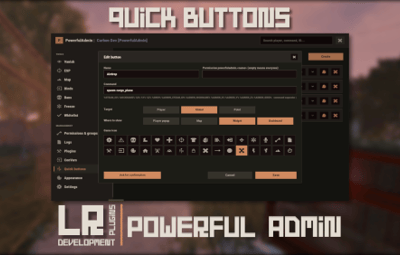
Make it yours
|
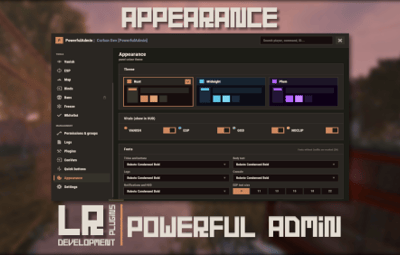
Bend it to how your team works
|
|
07
Permissions
|
Twenty seven of them, and that is the point
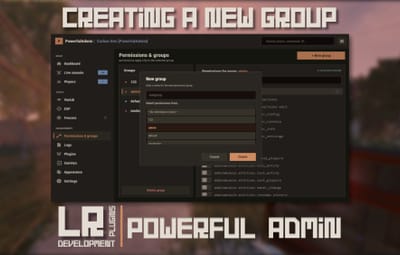
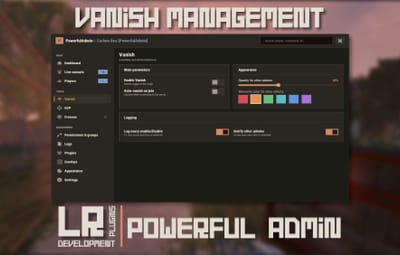
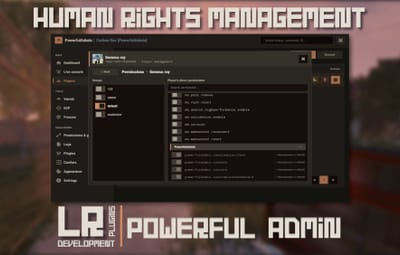
A trial moderator can be given Vanish, the player card and nothing else. A head admin gets the lot. The panel greys out what an admin cannot reach instead of hiding it, so nobody has to guess why a page is missing.
|
|
08
Commands
|
One in chat, three in console
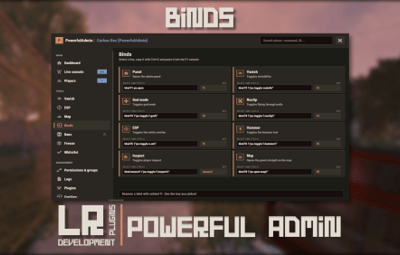
There is nothing else to memorise. The console ones exist mainly so you can bind them to keys.
Install
|
|
09
Add-ons
|
Bans, Freeze and Whitelist, sold separately
Three companion plugins drop into the sidebar and share the card, the permissions and the storage backend. They are extras rather than missing pieces: everything above this line works without them.
|
|
10
Before you buy
|
The questions that actually get asked
Will it lag my server?
It is built not to. Objects are pooled and buffers reused, only the element that changed repaints instead of the whole panel, saves are debounced, state is cached behind signatures, and ESP, inspect and the map run on intervals you can tune. Nothing runs for an admin who is not looking at it.
Is the ESP a cheat?
There is no client mod involved. The server draws it through the engine's own debug draw and sends it only to admins holding powerfuladmin.esp. Take the permission away and it stops existing for that admin.
Can a junior moderator abuse it?
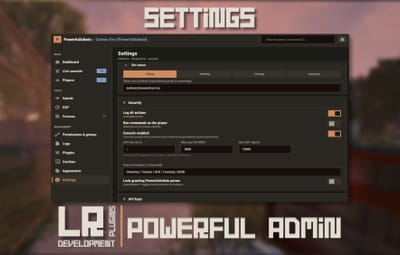
Only as far as you let them. Every page has a permission, every action in the player card has one, every quick button you make has one, and the plugin's own permissions can be locked so they cannot be edited from inside the panel.
Do I need a database?
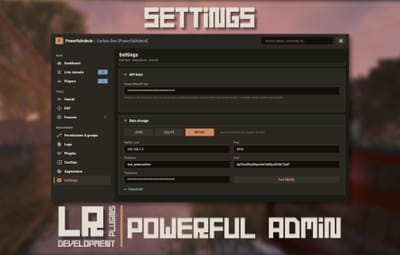
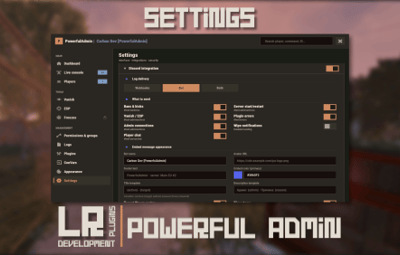
No. SQLite is the default and needs no configuration. MySQL is there for networks that want shared data, JSON for people who like plain files, and moving between them is one click in Settings.
Do I have to set up Discord or a Steam API key?
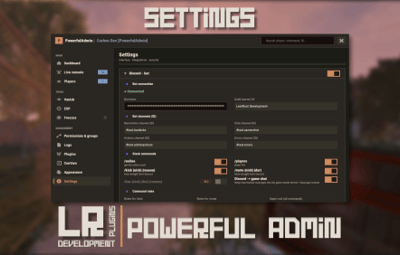
Neither. Discord is optional and configured in game when you want it. The Steam key only fills in the total Rust hours figure on player cards. Without it that one line reads n/a and nothing else changes.
Can I manage players who are offline?
Yes. Teleport to a sleeper, heal them, strip them, edit the inventory, mute, change permissions. Only the actions that need a live connection are disabled while a player is away.
Oxide or Carbon?
Both. On Carbon the panel's internal commands are protected on top of that, so nothing outside the panel can call them, while the public ones stay open for your binds.
What language does it speak?
English and Russian out of the box, and every string lives in a language file. Adding another locale is a translation rather than a code change, and you can now do it from inside the panel.
I write plugins. Can I hook into it?
Yes, and the section below shows how.
|
|
11
For developers
|
Your plugin, inside the panel
Any plugin can register its own sidebar section and draw inside the panel, in the player's language and in whichever theme the admin picked. Bans, Freeze and Whitelist are built on this same public API, so it gets exercised on every release.
[PluginReference] private Plugin PowerfulAdmin;
var definition = new Dictionary<string, object> { ["id"] = "mystats", ["icon"] = "assets/icons/star.png", ["category"] = "nav.cat.tools", ["permission"] = "myplugin.view", ["title"] = (Func<BasePlayer, string>)(p => "My Stats"), ["hint"] = (Func<BasePlayer, string>)(p => "Kills, deaths, playtime"), ["open"] = (Action<BasePlayer>)OpenSection, ["cardRows"] = (Func<string, List<string[]>>)CardRows, ["settings"] = (Action<BasePlayer, CuiElementContainer, string, int>)DrawSettings, ["settingsHeight"] = (Func<BasePlayer, int>)(p => 180), ["popupActions"] = new Dictionary<string, Action<BasePlayer, ulong, string>> { ["ban"] = OnBan } }; PowerfulAdmin.Call("API_AddSection", definition); Only id is required. Every other key is optional, and the permission is registered for you if no plugin has claimed it yet. Read API_SectionContext on every render to get the parent layer, the body size, the padding, the player's language and the full theme palette, because the admin can switch themes while your page is open.
|
|
Support, updates and feature requests
Bugs get fixed and requests get read. LR Development Discord
|