
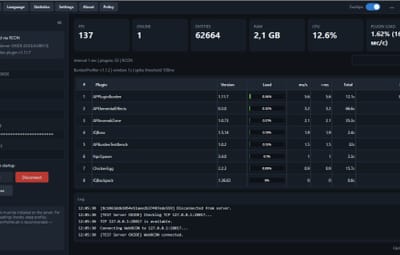
About AP Burden Plugin + Monitor
Note
After purchase, please send me a private message (PM) on Codefling. I will reply with your one-time invite code for the AP Burden cabinet.
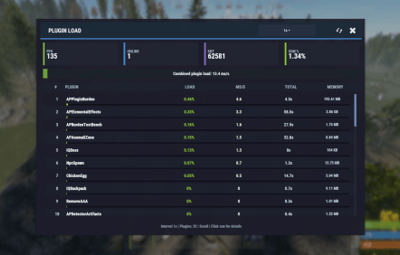
AP Burden — find which Oxide / Carbon plugins eat your server frame time.
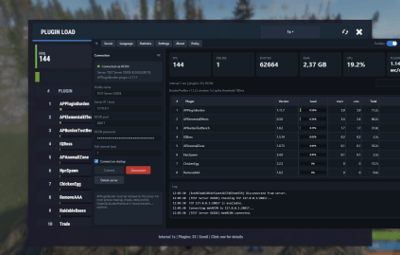
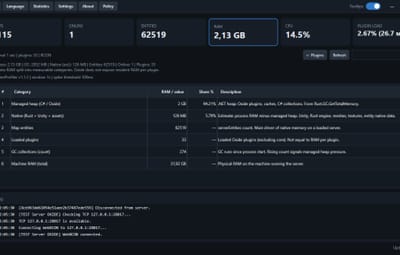
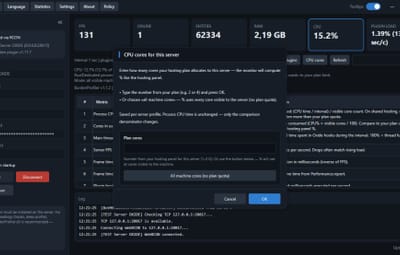
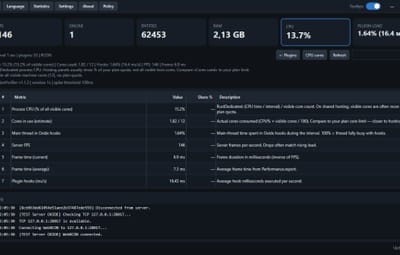
In-game metrics plus a Windows desktop app (AP Burden Monitor) over WebRCON. Optional BurdenProfiler extension for deeper per-hook analysis of the collected data.
Features
-
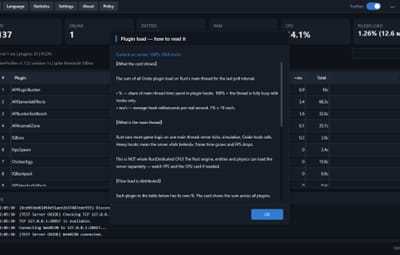
Measures plugin / hook load in readable metrics (ms/sec, %, top plugins)
-
In-game UI & chat + console reports
-
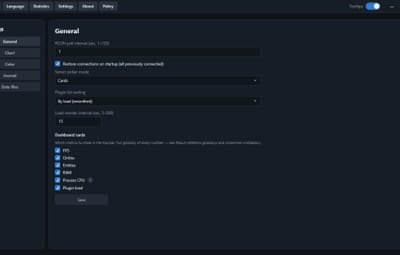
Configurable sample interval, exclusions, alerts, snapshots
-
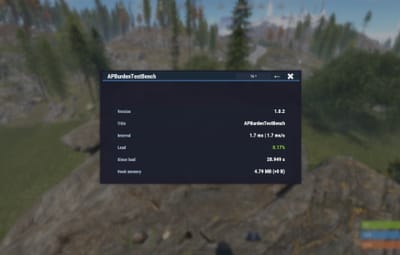
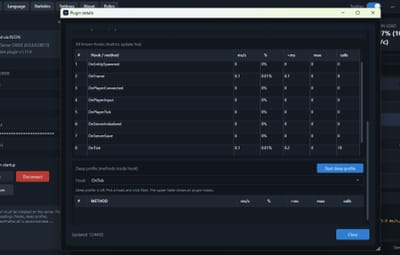
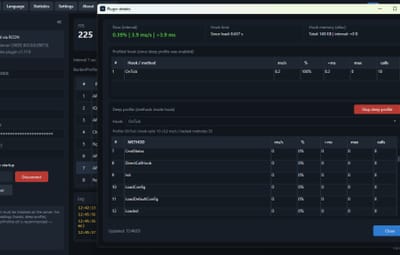
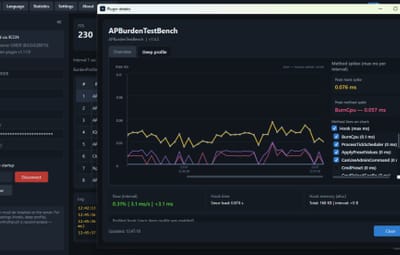
BurdenProfiler extension (Oxide / Carbon) — dig into hooks and deep-profile a specific plugin hook when you need more detail than overview metrics
-
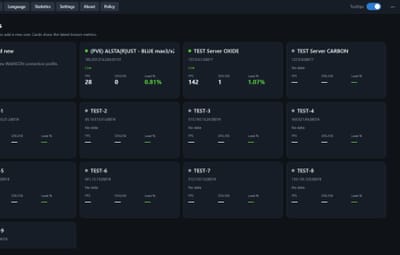
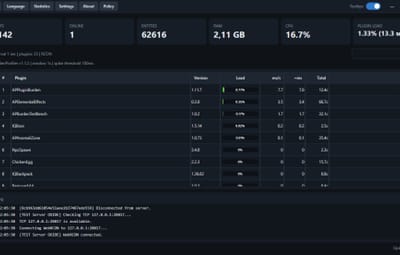
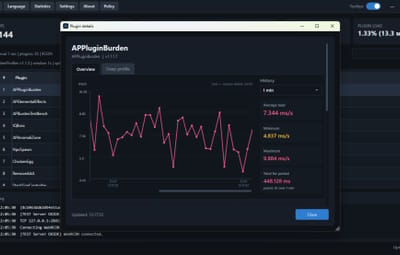
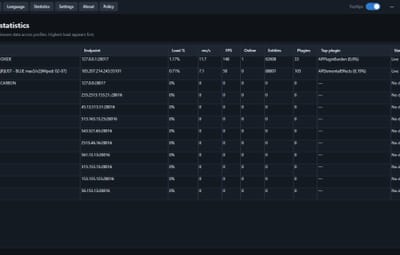
AP Burden Monitor (Windows) — live plugin table, FPS / players / entities, search, detail charts
-
Auto-updates for Monitor from the license server
-
Oxide & Carbon packages included
Requirements
- Rust server with Oxide or Carbon
- WebRCON enabled (IP, RCON port, password)
- Windows 10/11 for the Monitor app
- Google Authenticator (or any TOTP app) for the customer cabinet (2FA)
- Full server restart after installing the BurdenProfiler extension
After purchase
1. You will receive a private message with a one-time invite code and a link to the customer cabinet.
2. Open the link → enter the invite code → create nickname + password → set up 2FA.
3. In the cabinet: download Monitor and copy your license key.
4. Install Monitor → paste the key → activate → connect via WebRCON.
Important: download the installer only from the cabinet. Keep the invite code message until registration is finished (the invite code works once).
Optional
Link Discord in the cabinet to recover your password later via bot DM. 2FA is never bypassed.
Permissions
appluginburden.use Open the in-game `/burden` UI
appluginburden.admin Admin actions in the plugin UI / admin features
Server owners (IsAdmin) can use the tools without these permissions. Console commands require auth (RCON / server console).
Commands / Chat
/burden Open the burden UI (requires appluginburden.use or admin) |