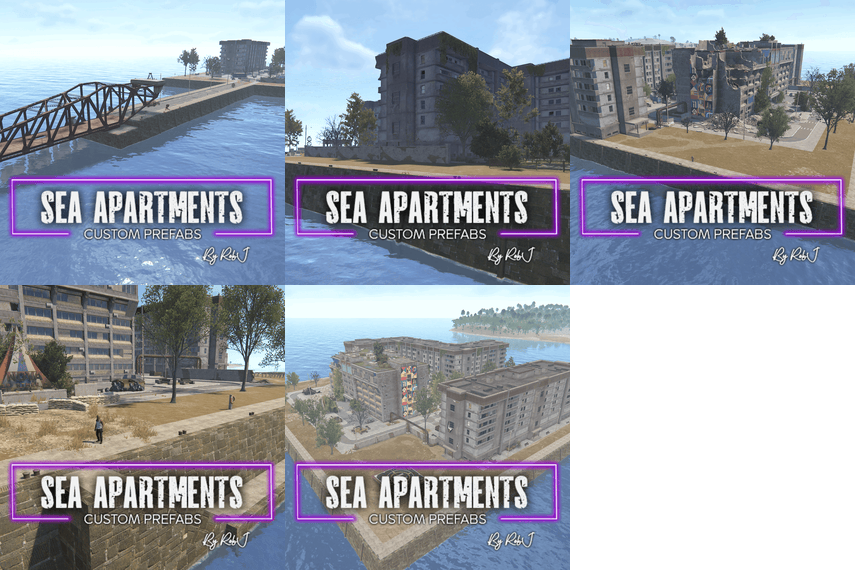
.thumb.gif.b68fcc45abe70ab7d7235dffc8a0c770.gif)
- Prefabs
- 1,059
- Unique prefab types
- 269
- Placement span (X × Y × Z)
- 75.1 × 24.9 × 49.1 m
- Terrain layers
- heights, splat0, splat1, topology
Loot containers
- Ammo Crate ×2
- Elite Crate
- Food Crate
- Fuel Crate
- Loot Barrel ×2
- Medical Crate
- Military Crate
- Oil Barrel ×2
- Tech Parts Crate ×3
- Tool Crate
- Vehicle Parts Crate
- Wooden Crate ×5
Puzzle entities
- Blue Puzzle Door
- Card Reader ×2
- Fuse Box
About Mini Desert Military Base
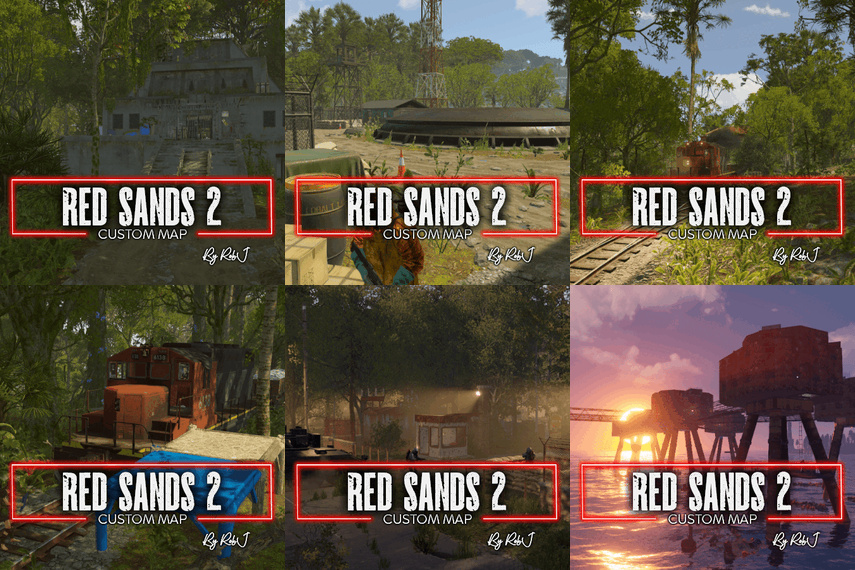
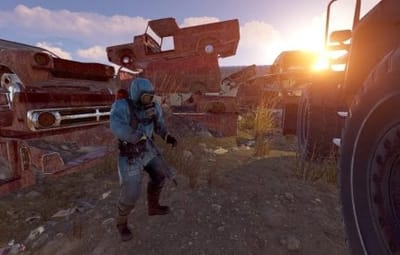
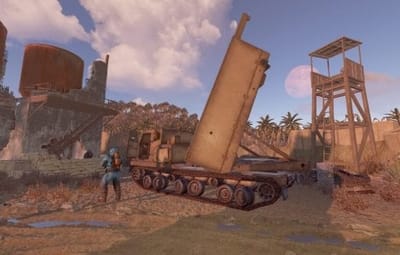
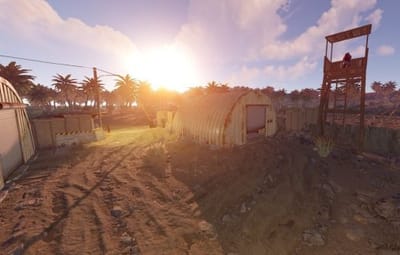
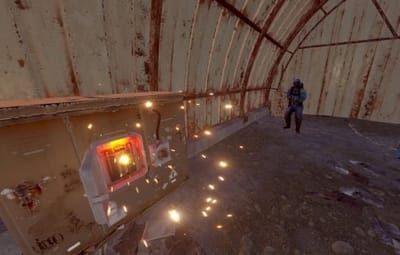
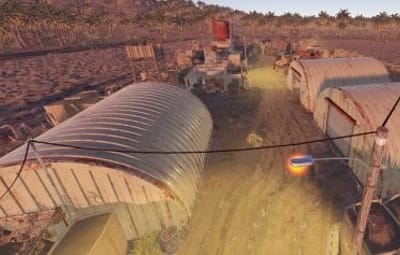
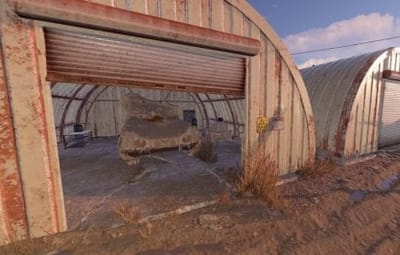
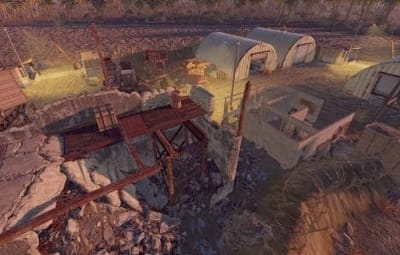
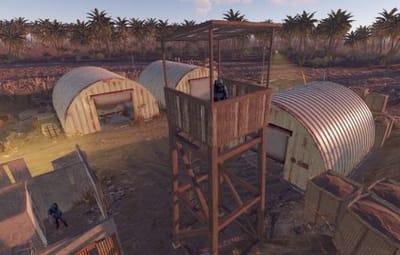
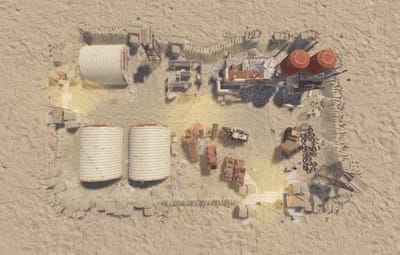
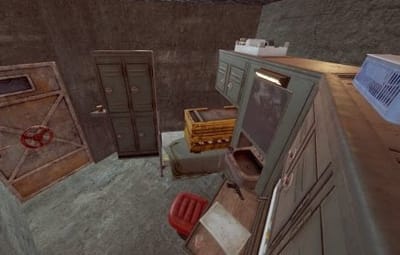
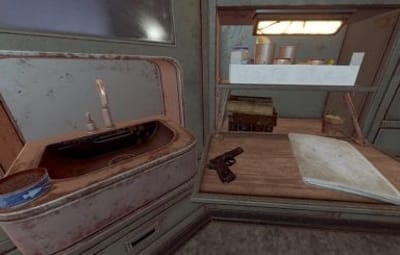
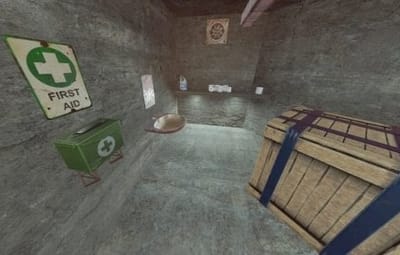
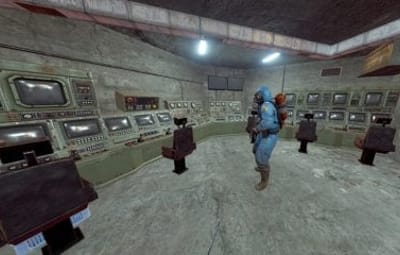
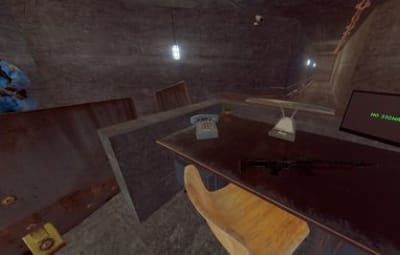
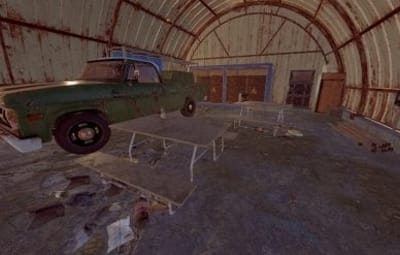
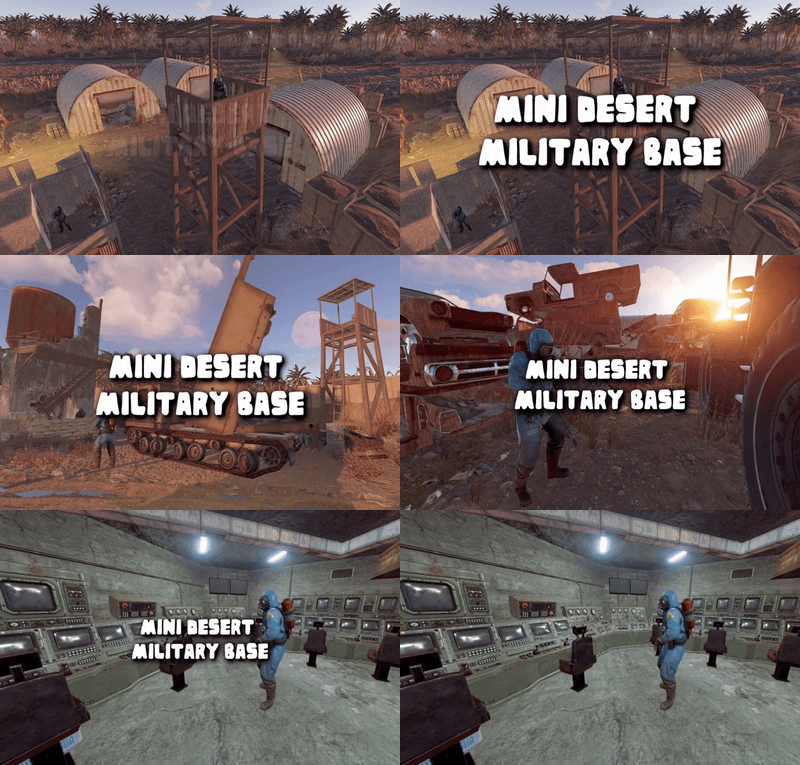
This monument is a mini space-saving replacement for Desert Military Base. Nothing Is missing in this smaller version like the MLRS and it’s got some great additions too including more loot a blue/red card puzzle in the underground rooms. Perfect for one grid or smaller size maps with a smaller footprint and no protruding edges.
Quick Start
- Extract the zip file into your RustEdit install folder.
- Start Rust Edit.
- Click on Prefabs at the top & open up your Prefab List.
- Under the Custom category, you will now find RobJs Premium Prefabs.
- Double click on the prefab file and it will spawn it into the map for you.
- Drag it to the general area you want to place it and click on Snap To Terrain
- Apply the Height Mask, Topology Mask, and Splat Mask.
Contact And Help
If you need to contact me discord is best: RobJ2210#2553
For help/support my discord group is best: Join RustMaps Discord
.thumb.gif.79aeca56ceff35f53b912f02158a0898.gif)