
-
Posts
1,047 -
Joined
-
Last visited
-
Days Won
14
Content Type
Profiles
Warranty Claims
Downloads
Forums
Store
Services
Downloads Plus Support
DOWNLOADS EXTRA
Everything posted by Amino
-
- 64 comments
-
- #loadout
- #controller
-
(and 5 more)
Tagged with:
-
- 64 comments
-
- #loadout
- #controller
-
(and 5 more)
Tagged with:
-
Version 3.0.5
502 downloads
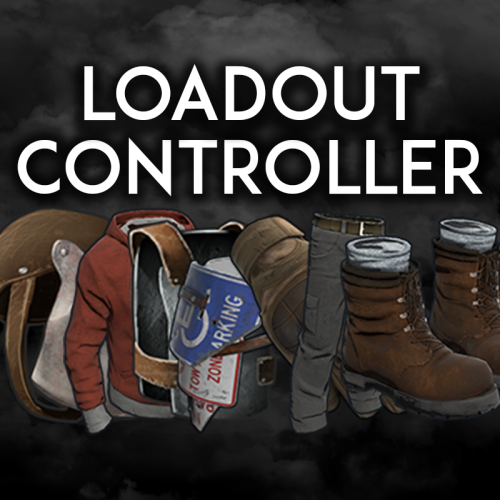
Loadout controller is made to assist in allowing your Battlefield or even PVE community to thrive with customizable loadouts. FEATURES - Supports infinite permission groups - Easy UI system to modify permission groups - PERMISSION GROUP OPTIONS: - Item saving amount per item - Item saving amount per category (Weapons, attire, etc*) - Blacklisted ammo types loaded in weapons - Blacklied skin ID's - Priority settings - Max saves per permission - ETC* - Plyers can easily save their loadouts through the UI or chat commands. - The UI shows players exactly what items they can save, can't save, or can only save part of. - You can easily delete, override, select, or save new loadouts through the UI. - You can see what items are in your currently selected loadout in the UI - Loadouts automatically apply when a player respawns - Extremely performant UI system$19.99- 64 comments
- 5 reviews
-
- #loadout
- #controller
-
(and 5 more)
Tagged with:
-
By default, the plugin auto index's all approved workshop skins. So, the approved workshop skins will never go out of date. However, at the moment, it is lacking hazmat skins in which support will be added for those tomorrow as they are not just skin id's but all new item id's altogether. Spray can support is not currently integrated, however, in the next major* change (1.2.0) it will be supported.
-
Version 2.0.17
3,776 downloads
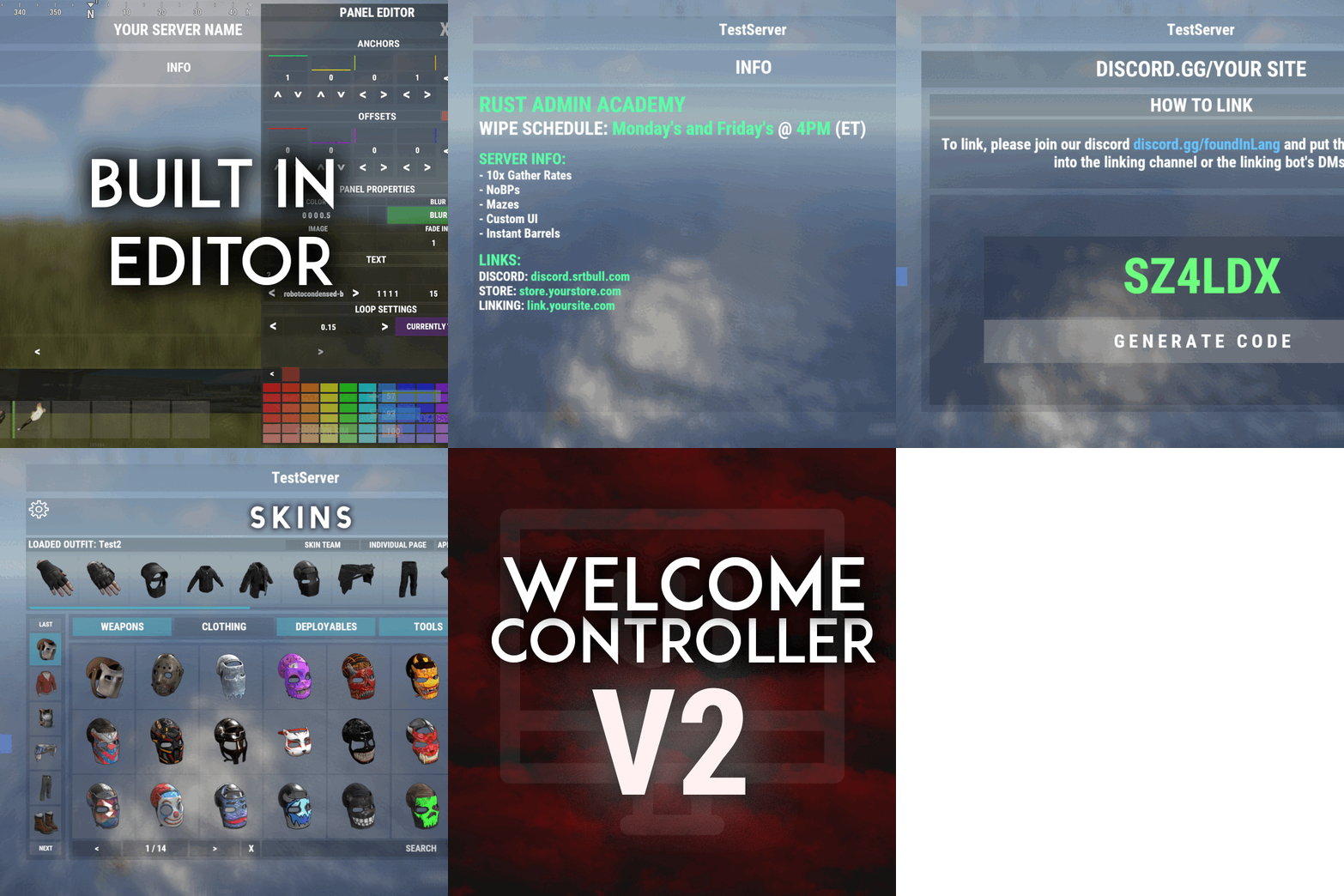
Skin Controller is meant to bring together a ton of skinning options for your player all in one place! Easy for the player, easy for the server owner. FEATURES - Supports backpacks - Saving of outfits (A list of skins for doors, weapons, clothing, etc*) - Add infinite items in an outfit - Skin stacks of items - Skin your whole inventory with one click - Skin items in containers that you're looking at with one command - Skin all the deployed items in your base with one command - Search items in the skin list to easily find the skin you're looking for - Auto skin items when crafted and picked up - Auto imports all accepted workshop skins (for test servers if enabled) - Manual imports of non-accepted workshop skins and collections - Infinite outfit saves, you can limit the amount of outfit saves someone has via perms. - Server owners can toggle whether they want players to be able to skin items on pickup and craft - If server owners allow skinning on craft and pickup, players can toggle that on and off for themselves - Set your own custom commands for all available types of commands - Blacklist skins COMMANDS /skin or /sb (Configurable) - Opens the skin menu /skinc (Configurable) - Skins the items in the container that you're looking at /skinbase (Configurable) - Skins all the deployed items in your base /skinitem (Configurable) - Skins the item you're looking at /addskin - Command for admins to add workshop skins /addcollection - Command for admins to add collections of workshop skins /preloadskins - Populates ~600 random skins allowed by FP /saveskins - Saves your skinlist /importskins - Place a "Skins.json" in the /Data/SkinsController folder and run command to import any allowed skins from file PERMISSIONS skincontroller.addskins skincontroller.use skincontroller.skinoncraft skincontroller.skinonpickup skincontroller.skinbase skincontroller.skinitem skincontroller.skincontainer To set the amount of outfits someone can save, go into the config, there will be a setting where you can set custom permission and how many outfits each outfit can save Need support or want updates about what is coming to the plugin? Join the support discord here https://discord.gg/RVePam7pd7$39.99 -
- 8 comments
-
Hello Robis, I do apologize for the inconvenience, I will admit that I forgot to put the information about needing bot hosting into the description of the product as I am use to the Discord Bot section of the site in which that info is normally known. I have already gone ahead and edited the info on the plugin to state that it does requires bot hosting, thank you for the "heads up" if you will. I also did notice you went into my support Discord and say and act in a quite foul way which was definitely not needed for this situation. I would like to get this resolved with you, so feel free to message on me Discord to do so. Discord: amino.dev Sincerely, Amino
-
- 60 comments
-
- #ultimatercon
- #amino
-
(and 4 more)
Tagged with:
-
Version 2.1.3
2,145 downloads
Discord Link is a very simple, performant, and feature-rich Discord and Rust linking system. 2 Simple steps and a player can link to Discord! NO DISCORD.DLL!! FEATURES - NO DISCORD.DLL REQUIRED!!! - Link Rust and Discord accounts - Grant a role in discord and group in game for linked players - Soft unlinking (All past data on a user's account links will be forever stored) - 2 Way role syncing between rust to discord and discord to rust - Supports multi server linking - Booster perks for linked players boosting your discord - Steam to discord name syncing (Auto renames users in discord to their steam name) - Admin perms to unlink players - Search link commands in discord and in game to get who a player is linked to - Logs to discord when players link and unlink - Auto remove players from being linked when they leave the Discord - Syncing your old database files from steamcord, discord auth, or discord core PERMISSIONS discordlinkbot.search - ability to search players and use the UI The Plugin and Discord Bot both have very simple installations. We have included a readme.md file to make it even easier to setup! Need support or want updates about what is coming to the bot? Join the support discord here https://discord.gg/ZsRgCUNv2x This will require bot hosting to run the bot 24/7 since we do not use the Discord DLL therefore the server cannot host the bot. Thanks to @shady14u for co-developing!!$19.99 -
Hey! Great question, unfortunately with how rust works, with vending machines being what everything is going through it's not very simple to add support for custom items. If you put custom skins on items the skin will be transferred into the person's inventory however, people will not be able to see that skin in the menu, they will see what the basic skin for that item is.
-
Version 1.0.2
43 downloads
Virtual Vending is a simple tool to allow players to interact with vending machines in new ways. Virtual Vending comes with a Plugin and an optional Discord bot! FEATURES - In game UI - Search for specific items in any vending machine - Search all vending machines on the server and get what items they have in them - Search just for player made vending machines to see what they have in them - Virtually purchase any items out of the vending machines and they go into the vending machine just like they normally would - (DISCORD BOT) Supports multiple servers just through one instance of the bot - (DISCORD BOT) Search for items in any vending machine - (DISCORD BOT) Search any vending machines to see what items they have - (DISCORD BOT) Log transactions made VIA vending machines or the VV UI The Plugin and Discord Bot both have very simple installations. We have included a readme.md file to make it even easier to setup! Thank you to @shady14u for assisting with Virtual Vending.$19.99 -
Version 1.0.0
249 downloads
This file is very simple and compact. All it is meant to do is to block things that you do not want to be sent in your Discord. It's pre-built to not allow the new Discord bold text to be sent by non authorized users. However, you can keep those settings, or add more words or special things for it to block. FEATURES - Deletes unwanted messages / special formatting from your discord - Has a whitelist so selected roles are allowed to send blacklisted things - Checks edited messages to make sure people are not trying to bypass the filter - All deleted messages can be logged if you choose SIMPLE INSTALL The file includes a setup guide within it, everything is quite simple and won't take much time to get up and running. Need support or want updates about what is coming to the bot? Join the support discord here https://discord.gg/RVePam7pd7Free