MancDad
-
Posts
101 -
Joined
-
Last visited
Content Type
Profiles
Warranty Claims
Downloads
Forums
Store
Services
Downloads Plus Support
DOWNLOADS EXTRA
Reels
Everything posted by MancDad
-
I've fixed it myself for the time being suspect developer is AFK at the moment... Hopefully a permanent solution will land soon.
-
Oct wipe has changed the ItemContainer callbacks onItemAddedRemoved → Item, bool, BasePlayer onPreItemRemove → Item, BasePlayer onItemAddedToStack → Item, int, BasePlayer Plugin needs fix for Oct wipe. Thanks.,
-
Not to worry. Thanks for looking into this
-
Quick fix for me was to comment out player.ClientRPCPlayer(null, player, "OnDied"); See Below : [ChatCommand("homes")] private void openmain(BasePlayer player) { if (!permission.UserHasPermission(player.UserIDString, "homes.use") && config.perm) { player.ChatMessage("You don't have permission to use this command."); return; } //player.ClientRPCPlayer(null, player, "OnDied"); CuiHelper.DestroyUi(player, "homes_background"); Stockscreen(player); Mainscreen(player); PopulateGrid(player); ShowCooldowns(player); }
-
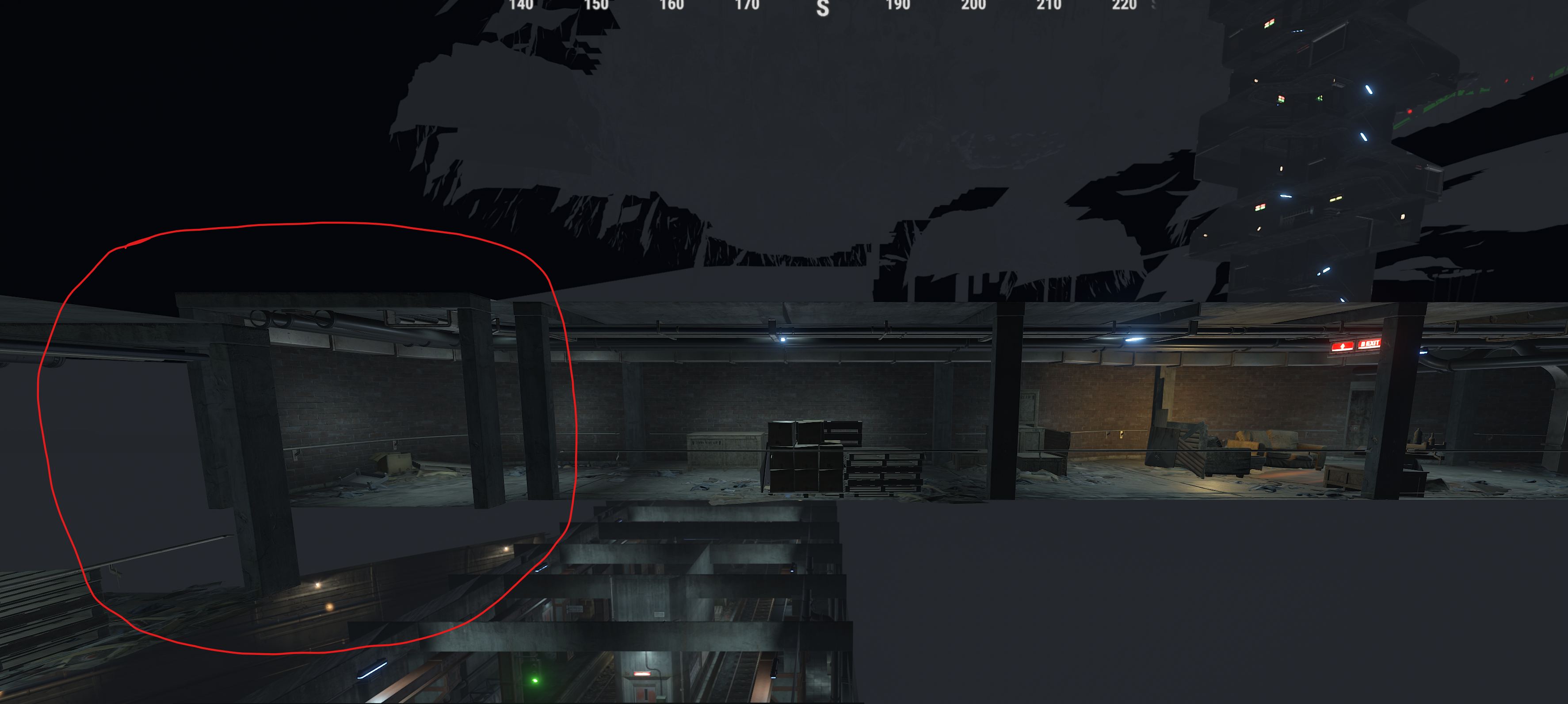
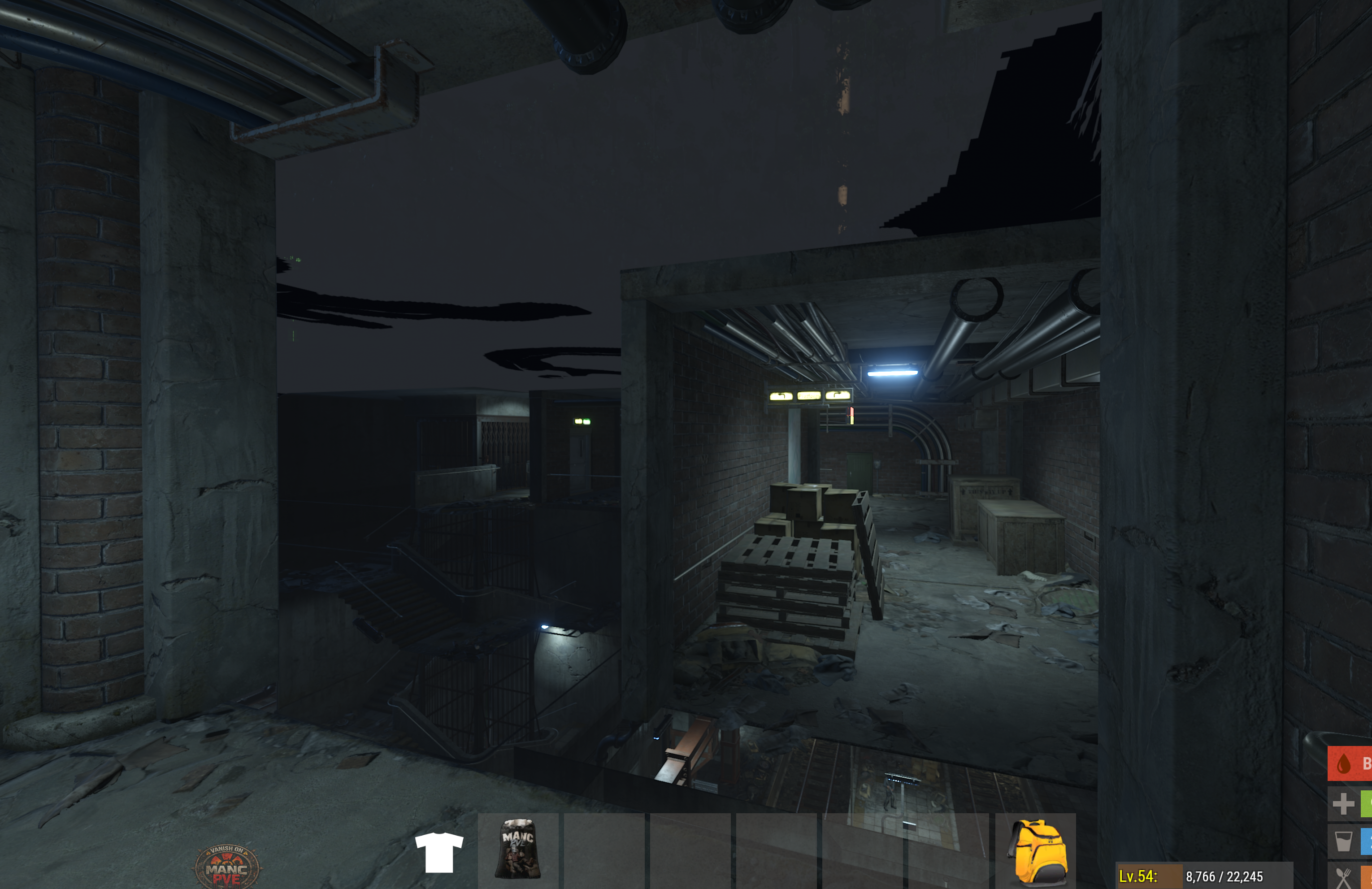
Sure - no hurry Metro entrance top of Y30 if you follow it down there's a disconnected corner.

-
Hey ... Loving the map, but players just spotted a disconnect of the tunnel from Outpost ... Anyone else seeing this ? Cheers
-
Thanks and no problem. I downloaded your version from UMOD which you've just updated thx. Happy for this to be closed off. Cheers.
-
I can get the CS to compile by changing line 192 from : CommandHandler(run.Player(), name, run.Args); to CommandHandler(run.Player(), name, run.Args.Select(x => x.ToString()).ToArray()); Pretty sure there's more lines in the code that need the .ToString() inclusion since the Unity 6 update... but will check
-
I have temporarily fixed the CS if anyone is interested :
-
Error while compiling GlobalStorage: Argument 1: cannot convert from 'Facepunch.StringView' to 'string' | Line: 1096, Pos: 43 Plugin fails to compile after forcewipe, could this please be looked into ? Many thanks
-
Error while compiling WTrading: Argument 3: cannot convert from 'Facepunch.StringView[]' to 'string[]' | Line: 192, Pos: 48 After forcewipe, fails to compile. Can this be looked at please :)... Thanks
-
Hi Added the prefab to our map, started the server, but the fuse box isn't powered and the it's a red key card for a blue door !? Have checked the prefab again in RustEdit with a new map and the same happens ? Any ideas? Cheers
-
Worked like a charm. Please can you close this ticket. 512x512 did the trick
-
Ah ! - Thanks for the update - I'll resize one of them later and report back. Thanks for the quick response
-
Hey Thought i'd try and implement my own custom icons for the different prestige levels... All i'm seeing it a Blood bag picture instead of my ID in SkillTree "Gain Prestige" screen ... I can see the ID's in my Steam Workshop ... The images are around 200x200 and 180kb is size ... The Icon creator tool looks like it's using Item name : "Rock" ... Should it be a blood bag ? Thanks
-
We'd like to rewards players for taking down a qty of tiered (easy / hard / elite / nightmare for example) Bradley & Heli's spawned by the HeliSignals / Bradley Drops / Road Bradley plugins... At the minute we can only target BradleyAPC and PatrolHelicopter. Many thanks
-
Excellent thanks
-
Brilliant. Thanks for the fast response Much appreciated.
-
Hi, Players are complaining that they thinking a kit is still available when claimed because the message "KIT AVAILABLE TO RECEIVE" is still showing despite the MAX uses being reached. We have set the config to remove from display when max uses is reached. But it'd be great if the message can be modified when Max uses is reached (in the custom message segment maybe) ? - Ideally saying "MAX USES REACHED" or similar ? Thanks
-
But when an Admin account claims the kit the command executes no problem !?
-
Hey - really sorry for the delay responding ... Still an issue - 2 players have both just levelled up and can now claim this kit... They get the contents but not the RP
-
As a quick fix I commented out the offending line : Compiles fine now
-
"UI Settings": { "ID (DONT CHANGE)": "t1_1", "Background": { "Parent (Overlay/Hud)": "OverlayNonScaled", "Background": { "Enabled?": true, "Visible": true, "Name": "Panel_d7a9119890", "Type (Label/Panel/Button/Image)": "Panel", "Color": { "HEX": "#000000", "Opacity (0 - 100)": 100.0 }, "Text": [], "Font Size": 14, "Font": 0, "Align": "UpperLeft", "Text Color": { "HEX": "#FFFFFF", "Opacity (0 - 100)": 100.0 }, "Command ({user} - user steamid)": "", "Image": "", "Cursor Enabled": true, "Keyboard Enabled": false, "Sprite": "", "Material": "", "AnchorMin (X)": 0.0, "AnchorMin (Y)": 0.0, "AnchorMax (X)": 1.0, "AnchorMax (Y)": 1.0, "OffsetMin (X)": 0.0, "OffsetMin (Y)": 0.0, "OffsetMax (X)": 0.0, "OffsetMax (Y)": 0.0 }, "Close after click?": false },
-
Hi thanks for the feedback We've just tried the various inmenu content styles and whilst that works we'd like to preserve the pictures for the kit ... and have the player drill drown to view the content if they wish. Sorry for the noob question ... but where do I find which parent layer we are using in the ServerPanel plugin ? thanks
-
Hi - Is there a fix / possibility to show kit content whilst still within the Server Panel ? Clicking the button opens the kit content, but in the background, behind the panel... only visible after you've exited the panel. Many thanks