

-
Posts
13 -
Joined
-
Last visited
Content Type
Profiles
Warranty Claims
Downloads
Forums
Store
Services
Downloads Plus Support
DOWNLOADS EXTRA
Everything posted by BlazingSteel
-
Version 2.00
6 downloads
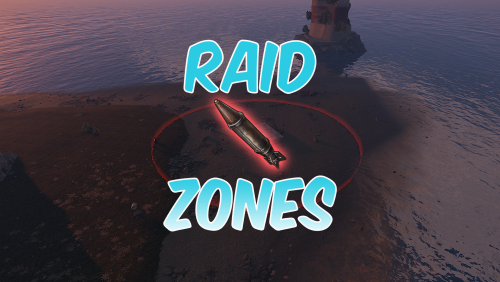
Overview: The Ultimate automatic raid management system for Clan/Team raiding. Commands: These commands require RaidZones.Use /set - Sets the center of the Raid Zone/Detection Zone and Enables active listening for explosions. /removezone (ClanTag) - Removes the Raid Zone listener from clans base. Config: The default Config file : Bubble Duration - The amount of time that the Zone will be active for once an explosion is detected. Raid Bubble Radius - The size of the zone that Attackers/Defenders need to hold to win the raid, also the size of the visible bubble. Damage Detection Radius - The size of the zone that will listen for explosive damage to activate a raid zone. Defender Hold Time - The amount of time that the defenders need to maintain control of their base to win the raid. Attacker Hold Time - The amount of time that the raiders(attackers) need to maintain control of the zone to win the raid. Color of Zone - Sets the color of the Visible bubble currently available in Red, Blue, Gray, Green, and Purple. Announce raids to server - Determines if announcements should be sent on raid start and if raid winners should be displayed in chat. Entity Search Radius - The radius around the TC that will be checked to insure the assigned clan has building permission. *Defender Hold Time and Attacker Hold Time are on sperate timers, only needing their teams timer to complete to win. *Defending and Attacking timers change based on team members in the zone. If one team has more members than the other, their timer will progress while the opposing teams will not. Demonstration Video:$15.00 -
 Yes, it does prevent Patrol Heli, Bradley, and other NPCs. I'll update the file to assign different permissions to individual groups, so you can choose which ones to include.
 -
Yeah, it should work for that. Just make sure the TurretBlindEye.Use permission is assigned to the default permission group.
-
Version 2.00
47 downloads
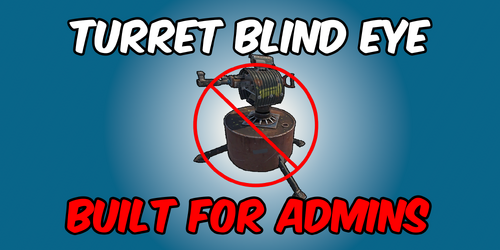
A Rust plugin that prevent all entities from targeting Admins, even when they are not in vanish mode. Permission: TurretBlindEye.Use: Enables Admins to use Entity immunity TurretBlindEye.Toggle: Allows Admins to toggle entity immunity on or off (Requires TurretBlindEye.Use) Default Command: /tt Config: { "Enable UI?": true, "Log To Console?": true, "Enable for Admins by Default?": true } Demonstration Video:$4.99 -
 Is there any way to tp to the roams bubble?
- 18 comments
-
- 1
-

-
- #roam
- #roam bubble
- (and 10 more)
-
 Has this come out yet? Really trying to add a round maze to server.