About Yorixx Hub
Yorixx Hub is a free admin panel for Rust: manage your players, moderate in a few clicks with a full sanction history, handle player reports, control the permissions of every plugin, and get update notices for your Yorixx plugins.

FREE ADMIN PANEL
Your server, one panel
Open it with /yox and everything an admin needs is there: players, sanctions with a full history, player reports, permissions for every plugin, and update notices for your Yorixx plugins. Works on its own, and gets even better with the other Yorixx plugins. 100% free.
Players
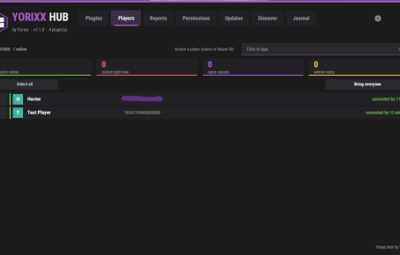
- Search: every online player, by name or Steam ID, offline players too
- Quick stats: players online, muted players, open reports and admin notes at a glance
- Group teleport: select several players, or everyone, and bring them to you in one click, perfect for events
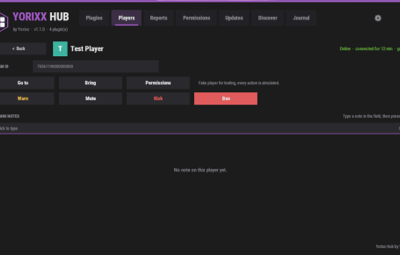
- Player sheet: Steam ID, grid, connection time and every action in one place
Moderation
- Go to and Bring: teleport to a player, or bring them to you
- Warn: a big warning shows up in the middle of the player's screen
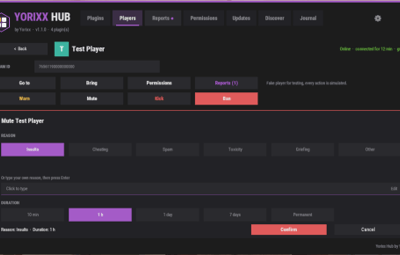
- Mute: blocks chat and voice chat, the player sees how long is left
- Kick and Ban: temporary bans (10 min, 1 h, 1 day, 7 days) or permanent
- Sanction window: pick a ready-made reason or type your own, pick a duration, confirm
History and admin notes
- Sanction history: every sanction saved on the player's sheet, with a colored tag, the admin and the date
- Reliable: sanctions can't be deleted from the panel
- Admin notes: write notes on any player, shared with the whole staff
Player reports
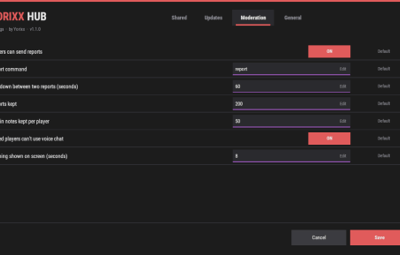
- /report: players report someone in one command, online admins are told right away
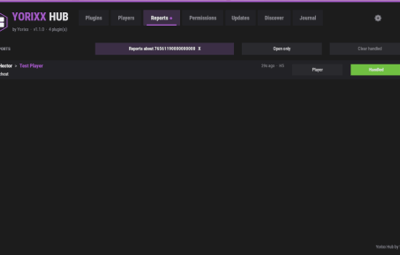
- Full context: who reported who, why, when and where
- Handled, not deleted: handled reports stay in the history with the admin's name
- Per player: open the full report history of any player from their sheet
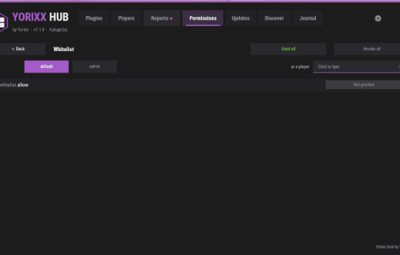
Permissions for every plugin
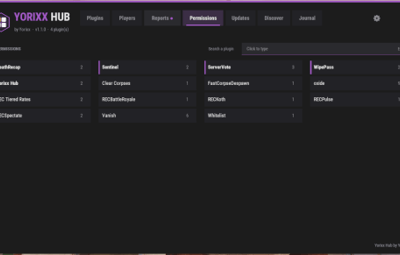
- Every plugin: not only Yorixx, with a search bar
- Groups or players: grant or revoke for any group or a single player, Grant all and Revoke all in one click
- Clear: see when a player has a permission through a group
For your Yorixx plugins
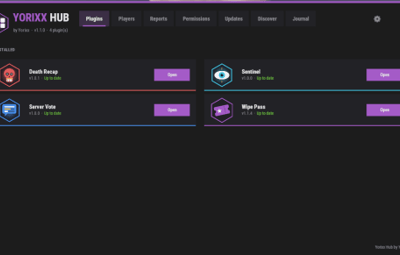
- Plugins: every Yorixx plugin installed, opened in one click
- Update alerts: automatic checks, a chat message for admins, changelog and download link
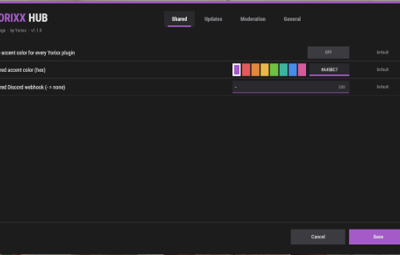
- Shared settings: one accent color and one Discord webhook for every Yorixx plugin
And also
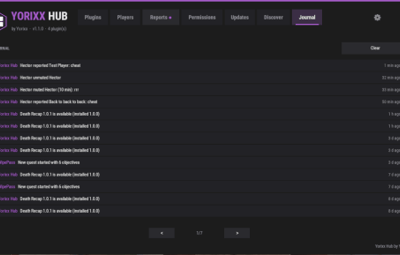
- Journal: admin actions and Yorixx plugin events, to see what happened while you were away
- Test mode: a fake player to try every action safely before going live
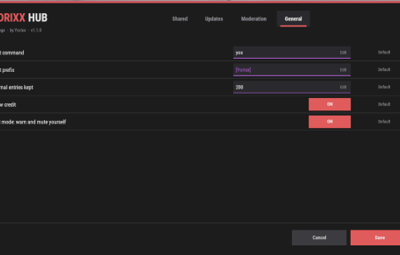
- In game: every setting editable in game, nothing to edit by hand
Commands
-
/yox: Open the hub (the command can be renamed) -
/yox playersand/yox reports: Open these tabs directly -
/report <player> <reason>: For players, to report someone (can be renamed or turned off)
Permissions
-
yorixxhub.admin: Open the hub, see players, notes and reports -
yorixxhub.moderate: Teleport, warn, mute, kick and ban
Rust admins have every permission by default.
Network use
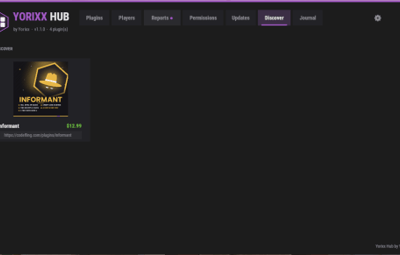
To show update notices and the Discover tab, the hub reads a public catalog file (a plain JSON list of Yorixx plugins, versions and changelogs) from pastebin.com, at startup and every 6 hours by default. It only downloads that file: no server, player or usage data is ever sent. You can turn it off in the settings (Updates tab), or point it to your own URL. Plugin logos and cards are images hosted on imgur.com, loaded by the players' game client like any Rust UI image.
Configuration
Everything below can also be edited in game.
{
  "General: Chat command": "yox",
  "General: Chat prefix": "<color=#A45BC7>[Yorixx]</color>",
  "Shared: Use one accent color for every Yorixx plugin": false,
  "Shared: Accent color (hex)": "#A45BC7",
  "Shared: Discord webhook used by plugins that have none": "",
  "Updates: Check for updates": true,
  "Updates: Check every X hours": 6,
  "Updates: Tell admins when they connect": true,
  "Updates: Show plugins you don't have yet": true,
  "Updates: Catalog URL": "https://pastebin.com/raw/rdNwxCzn",
  "Journal: Entries kept": 200,
  "UI: Show credit": true,
  "General: Debug logs": false
}
Support
English and French included. Questions or ideas: join our Discord.