
Optimize
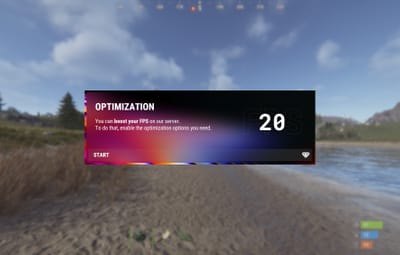
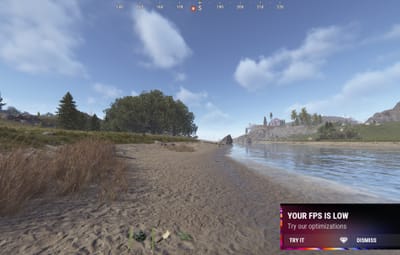
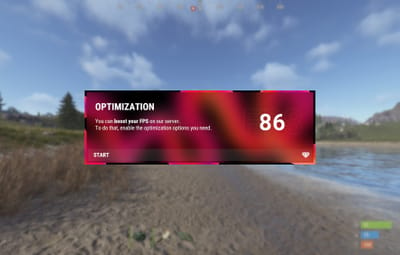
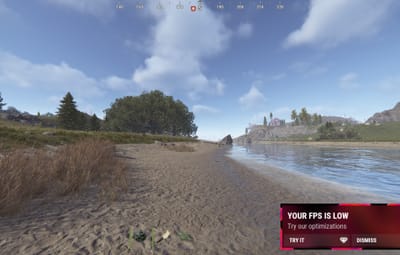
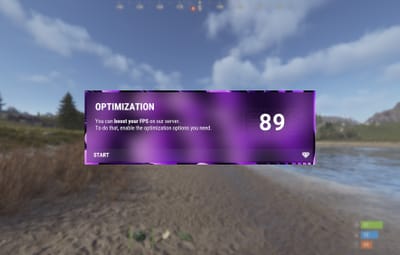
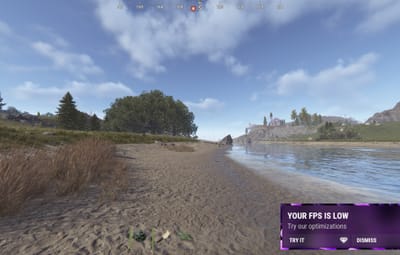
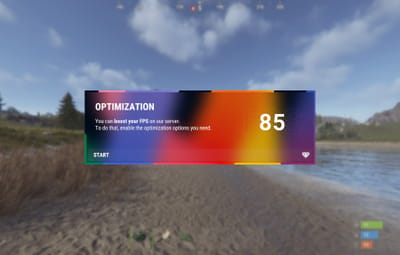
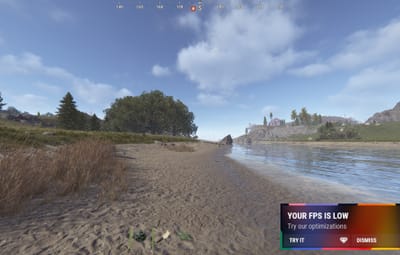
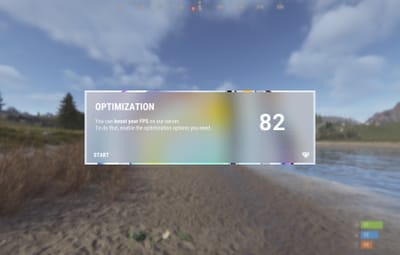
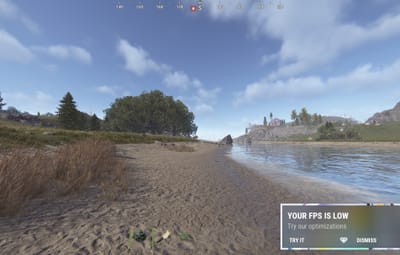
A stylishly designed plugin that boosts player FPS and includes a wide range of performance optimizations.
|
15+ optimization settings
|
Oxide & Carbon
|
English · Russian
|
Depending on the hardware, client FPS either goes up or becomes noticeably more stable.
Goals
Before developing any plugin, we define the goals it should achieve when running on your game server.
|
Improve players FPS
|
Make your project stand out
|
Improve the overall quality
|
Features and Capabilities
We provide extensive functionality for both server owners who purchase the plugin and the players who use it.
General
|
|


Players
|
|


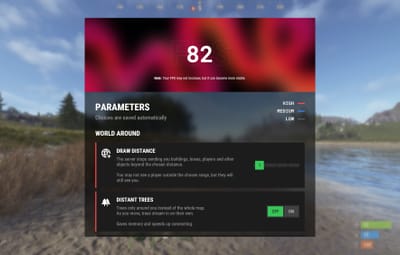
Optimization Settings
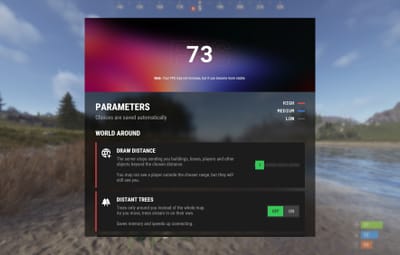
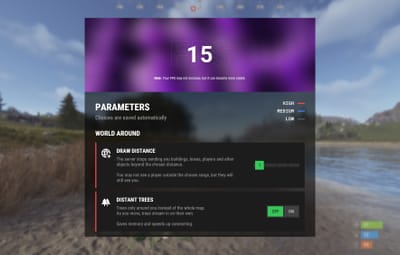
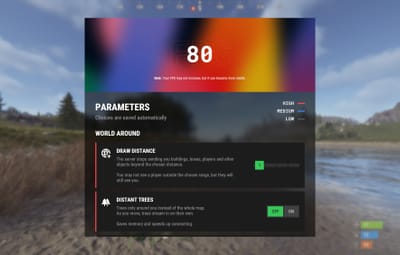
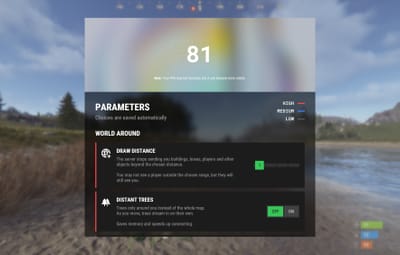
Players enable exactly what they need — every option is toggled individually, and choices are saved automatically.
World Around You
|
|
||||
|
|


Fire, Light & Animations
|
|
||||
|
|
||||
|
|
||||
|


Electricity & Industrial
|
|
||||
|


Effects & Sounds
|
|


Frequently Asked Questions
We have anticipated your questions and answered the most common ones below.
You can ask any additional questions in the plugin's discussion section.
You can ask any additional questions in the plugin's discussion section.
Do you accept suggestions for improving the plugin?
Sure! To submit an idea, join our Discord Server obtain the required role, and post your suggestion in the #suggestions channel.
What should I do if the plugin is not working?
Create a support ticket on our Discord Server and we will help you resolve the issue.
Does the plugin require a powerful game server?
No. The plugin is well optimized and will not place a significant load on your server, even on low-end hardware or with a high player count.
Permissions and Commands
Below is a list of the permissions and commands available in the plugin.
Permissions
optimize.use
|
Grants players access to the plugin |
|---|
Commands
/fps
|
Opens the plugin menu |
|---|