Jump to content

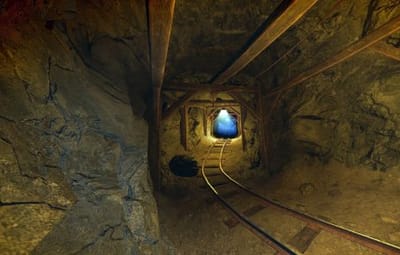
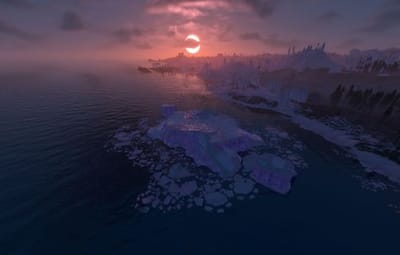
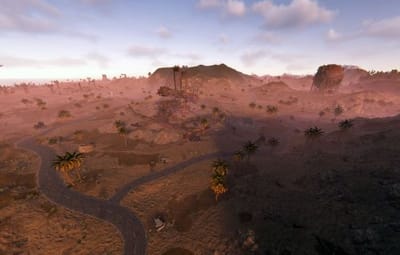
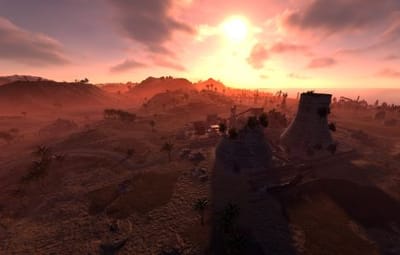
32 Screenshots

  • 355
  • 17
  • 46.19 MB
  • Update details
    v2.0.0
    Released
    Download size46.19 MB
    Total versions3
    Time between versions 10 days
    Typical update pace About every 6 days
    Freshness 9 days ago

This area is for discussion and questions. Please use the support area for reporting issues or getting help.

Recommended Comments

illknown

Posted

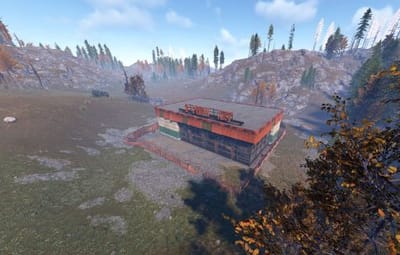
hey just wondering where the fuse location is for red bunker


SlayersRust

Posted

5 hours ago, illknown said:

hey just wondering where the fuse location is for red bunker


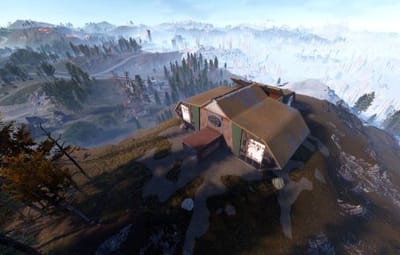
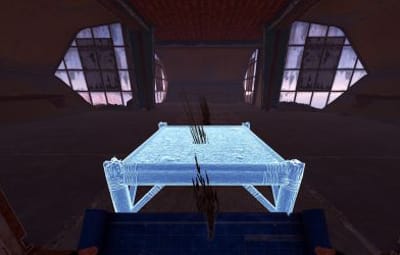
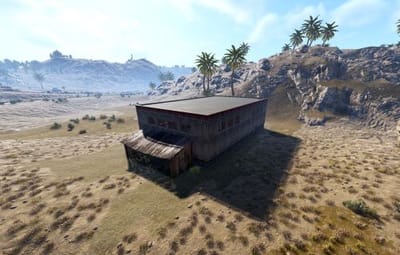
Hello 👋 make sure you have the RustEdit DLL installed on your server. It does not need a fuse only a keycard 🙏 try a blue key card to open the red bunker to get the red keycard from the table inside the building. 
https://github.com/k1lly0u/Oxide.Ext.RustEdit


hope this helps! 

illknown

Posted

1 minute ago, SlayersRust said:

Hello 👋 make sure you have the RustEdit DLL installed on your server. It does not need a fuse only a keycard 🙏 try a blue key card to open the red bunker to get the red keycard from the table inside the building. 
https://github.com/k1lly0u/Oxide.Ext.RustEdit


hope this helps! 

Im not using oxide tho

illknown

Posted

Just now, illknown said:

Im not using oxide tho

i was running on my local server im sure on a live server it will trigger, the harbor fuse was working

SlayersRust

Posted

58 minutes ago, illknown said:

i was running on my local server im sure on a live server it will trigger, the harbor fuse was working

For the red bunker since it is a custom map monument and not a vanilla monument it needs “RustEdit DLL” inside of your Rust Managed folder to work, this is needed for all custom maps on this website if they use any custom made electronics inside of the map maker 🙏✨


vanilla monuments like Harbor already have the electronics built into the prefab and they were not made by map makers so that’s why the electronics work fine there. 


I hope this clears things up. This info is also included in the map description ♥️

IMG_6817.jpeg

illknown

Posted

13 minutes ago, SlayersRust said:

For the red bunker since it is a custom map monument and not a vanilla monument it needs “RustEdit DLL” inside of your Rust Managed folder to work, this is needed for all custom maps on this website if they use any custom made electronics inside of the map maker 🙏✨


vanilla monuments like Harbor already have the electronics built into the prefab and they were not made by map makers so that’s why the electronics work fine there. 


I hope this clears things up. This info is also included in the map description ♥️

IMG_6817.jpeg

Ok it was in my understanding that carbon does all of that , the dll file wasnt needed when I used Nora island custom map - it's ok I'll figure it out

illknown

Posted

10 minutes ago, illknown said:

Ok it was in my understanding that carbon does all of that , the dll file wasnt needed when I used Nora island custom map - it's ok I'll figure it out

it's my host - it's done automatically - I was wrong - it just wasn't me that added it  the last time I used a custom map 

  • Love 1
SlayersRust

Posted

23 minutes ago, illknown said:

it's my host - it's done automatically - I was wrong - it just wasn't me that added it  the last time I used a custom map 

Ah that makes sense then! Thanks for updating me ♥️ should work automatically then on your live server 

Create an account or sign in to comment

You need to be a member in order to leave a comment

Create an account

Sign up for a new account in our community. It's easy!

Register a new account

Sign in

Already have an account? Sign in here.

Sign In Now

SlayersRust's Collection

User Feedback

About Us

Codefling is the largest marketplace for plugins, maps, tools, and more, making it easy for customers to discover new content and for creators to monetize their work.

Downloads
2.5m
Total downloads
Customers
11.3k
Customers served
Files Sold
161.6k
Total sales
Payments
3.5m
Processed total
×
×
  • Create New...

Important Information

We have placed cookies on your device to help make this website better. You can adjust your cookie settings, otherwise we'll assume you're okay to continue.