
Leaderboard




Popular Content
Showing content with the highest reputation since 04/05/2025 in Files
-
Version 1.0.6
1,235 downloads
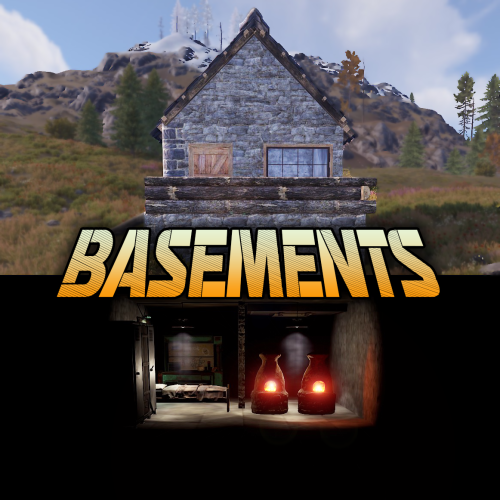
Basements lets players build underground rooms beneath their bases. Place a hatch on your foundation and dig straight down into a hidden basement with walls, ceilings, and full building privileges. Great for stashing loot, setting up secret bunkers, or just adding extra space. Readme Link - Click Here for Instruction and Documentation Highly recommend reading the FAQ section! BUILD Build basements easily from your tool cupboard. Just place an entrance to get started. EXPAND Expand your basement by drilling underground. But don't forget to bring a headlamp - its dark down there! TRAVERSE Place multiple entryways, building out your labyrinth of tunnels beneath your base. DECORATE All deployables, electricity, and storage items can be placed in your basement. Take advantage of your new space! RAID Nothing is safe in Rust, including your basement. If all the entrances are destroyed, then the basement is too. Any loot below will float to the surface. Protect the entrance at all costs! API METHODS (For Plugin Developers) // Returns true if the given entityId is part of a basement. bool IsBasementEntity(ulong entityId) // Returns the building ids of the basements connected to a given surface building id. uint[] GetBasementBuildingIds(uint surfaceBuildingId) // Returns the building ids of the surface buildings connected to a given basement building id. uint[] GetSurfaceBuildingIds(uint basementBuildingId) Extension Plugins These are free plugins that add additional functionality to Basements. BasementsManager Provides a UI for admins to view and manage the basements on the server. Useful for debugging & fixing issues. Use with the /bm command, requires the basements.admin permission to use. BasementsManager.cs$29.9921 points -
Version 2.5.0
302 downloads
Rust CUI Editor Visual Interface Designer for Rust Stop writing UI code blindly. Design your CUI interfaces visually and export ready-to-use code in seconds. What is this? Rust CUI Editor is a desktop application for creating Rust game UI (CUI) interfaces using a visual drag-and-drop editor. Instead of writing dozens of lines of CuiHelper code and constantly reloading your plugin to see the result, you design everything visually and get clean, working code instantly. Video demonstration Elements Panel Image (URL/sprite) Label (with outline) Button InputField ScrollView Countdown Draggable Slot NeedsCursor / NeedsKeyboard Layout Horizontal Layout Group Vertical Layout Group Grid Layout Group Content Size Fitter LayoutElement Visual Drag elements on canvas Resize with 8 handles Multi-selection Marquee select Anchor/offset system Element rotation Inline text editing Element locking Alignment Left / Center / Right Top / Middle / Bottom Stretch to parent Match Width/Height Distribute evenly Find & Replace Search and replace element properties across the entire project at once. No need to click through each element manually. ► Search by text content, color value, sprite, or material ► Filter results by element type ► Replace single matches or all at once ► Full undo support for bulk replacements Inspect Element Dedicated inspection window for any selected element. Shows all properties in structured form alongside the raw CUI JSON output. ► All component properties in one place ► Raw CUI JSON with one-click copy ► Useful for debugging and quick exports ► Opens with shortcut or right-click menu Snapshots Save named project states at any point and restore them without losing your current work. Snapshots are completely separate from undo history. ► Create named snapshots before risky changes ► Restore any snapshot at any time — current work is preserved ► Stored in a .snapshots folder next to the project file ► Independent from undo/redo stack Wrap in Parent You've built a header with a label and a close button, then realize you forgot to add a background panel behind them. Select all elements, right-click, Wrap in Parent — done. Nothing moves. ► Works with any selection of elements ► New parent is sized to the bounding box of the selection ► All anchors recalculate automatically ► Wrap into Panel, Button, Image, or ScrollView Themes Dark Theme Default dark interface. Easy on the eyes during long sessions. Light Theme Full light mode across all panels, dialogs, and overlays. Toggle in settings. Plugin Import Load CUI elements directly from an existing .cs plugin source file. The parser reconstructs the full element tree for visual editing. ► Parses CuiHelper and CuiElementContainer patterns ► Resolves local variables and string constants ► Handles loops and repeated element generation ► Substitutes lang message references with preview text ► Works on any Oxide/Carbon plugin file Built-in Reference A built-in help system with searchable articles covering the entire CUI system. No need to leave the editor to look something up. ► Articles for every element type and property ► Covers layers, ScrollView, blur materials, anchors, offsets, fonts ► Shortcut reference with all editor hotkeys ► Live demo canvas inside each article ► One-click "Add to project" from any example Performance Rewrite Canvas GPU rendering Scene bitmap cache Static layer cache SKPicture cache SKPaint pooling (50+ allocs/frame saved) Text layout cache Typeface cache Pan without full re-render Element Tree Debounced rebuild on rapid changes Bulk update batching Fast flat selection cache O(n) ThumbnailBrush cache Detach() memory leak fixed Color Picker Real-time updates while dragging Only the affected element redraws No full scene invalidation Live Preview See your UI exactly as it appears in-game, right inside the editor. Every element is fully rendered with correct Rust scaling, colors, sprites, and fonts. No need to reload your plugin to check the result. Rendering Panels & Images Labels with fonts Rich Text support Sprite tinting FadeIn / FadeOut Interactive Button hover & press ScrollView with inertia Elastic bounce Auto-hiding scrollbars Live Countdown Drag & Drop Draggable elements Slot filter matching MoveToAnchor snap Element swapping KeepOnTop z-order Tools Element Inspector Grid overlay Outlines view Auto-sync with editor Screenshot to PNG All CuiDraggableComponent properties are supported in preview: LimitToParent, MaxDistance, AllowSwapping, DropAnywhere, DragAlpha, ParentPadding, ParentLimitIndex, AnchorOffset, and more. ► Pick up Draggable elements and drop them into Slots ► Filter matching ensures only compatible elements snap ► Swap elements between occupied slots ► Inspector overlay shows element info on hover (shortcut: I) ► Grid and outline overlays for layout debugging (G / O) ► Background selector: dark, light, or any game screenshot ► Auto-sync keeps preview updated as you edit ► Export preview as PNG screenshot (S) Smart Hook Generation When your project uses Draggable or Slot elements, the export automatically generates ready-to-use hook methods with proper logic: ► OnCuiDraggableDrag with if/switch blocks for each draggable ► OnCuiDraggableDropped with switch by slot name ► Comments with accepted elements and filter values ► Works in both Snippet and Plugin export modes Developer Tools Professional plugin development toolkit with four dedicated tabs: Plugin Settings Author & version Chat/console commands Auto-show hooks Permissions list Plugin references Generate Unload Lang System Multi-language support Visual translation table Per-element lang keys lang.GetMessage() export Canvas preview ImageLibrary Image key/URL table Per-element ImageLib key GetImage() helper Auto OnServerInitialized Auto plugin reference Templates Reusable code templates Custom method generation Placeholder system Per-project settings Localization System Full multi-language support for your plugins. Assign lang keys to any text element, manage translations visually, and export with automatic lang.GetMessage() calls. ► Add unlimited languages (en, ru, de, fr, etc.) ► Visual translation table - edit all strings in one place ► Toggle between raw text and lang key per element ► Canvas shows resolved translations in real-time ► Exported code includes full LoadDefaultMessages with all languages ImageLibrary Integration Manage image assets directly in the editor. Define image keys and URLs, assign them to elements, and get clean export code with automatic ImageLibrary loading. ► Image key/URL table in Dev Tools ► ImageLib Key property on Image elements ► Export generates GetImage() helper method ► Plugin export auto-adds OnServerInitialized with image loading ► Automatic [PluginReference] ImageLibrary in export Syntax Highlighting ► C# syntax highlighting in Export window ► JSON syntax highlighting in Export window ► Color-coded keywords, strings, numbers, comments ► Optimized for large code blocks SVG Design Import Import your designs directly from professional design tools: Figma export to SVG and import Illustrator Adobe AI/SVG support Inkscape free vector editor Any SVG standard format ► Automatic source detection optimizes parsing for each tool ► Smart layer hierarchy preservation ► Automatic element type detection (btn_, lbl_, img_, panel_) ► Correct parent-child coordinate conversion Figma Plugin & Tools New "Tools" folder included with the editor: ► CuiHelper Plugin for Figma - export designs directly to C# code ► Sample SVG designs - ready-to-import examples for testing and learning ► Documentation - setup guide for Figma plugin Smart Resize Mode Default Mode Resize by changing Anchor values Perfect for responsive layouts that scale with screen size Shift + Resize Resize by changing Offset values Perfect for pixel-perfect positioning Orange handles indicate active mode Inline Text Editing ► Double-click any text element to edit it directly on canvas ► No need to switch to the property panel, just click and type ► Press Enter or click outside to confirm changes Guides, Grid & Smart Snapping ► Draggable guides from rulers ► Customizable grid with snap ► Smart guides - auto-snap to edges ► Distance indicators while dragging Multiple Backgrounds Preview your UI on actual game screenshots: Game view Inventory Loot container Crafting Map Transparent Export Formats Generate ready-to-use code in three formats: C# (CuiHelper) container.Add(new CuiPanel { RectTransform = { AnchorMin = "0.3 0.3", AnchorMax = "0.7 0.7" }, Image = { Color = "0.1 0.1 0.1 0.9" } }, "Overlay", "MyPanel"); JSON [{ "name":"MyPanel", "parent":"Overlay", "components":[...] }] Full Plugin Complete .cs file with: • using statements • class definition • commands & permissions • Lang & ImageLib integration • all UI code Import Existing Code Already have CUI code? Import it! ► Paste JSON array ► Paste C# CuiHelper code ► Import from PSD files ► Import from SVG files (Figma, Illustrator, Inkscape) ► Import from .cs plugin source files The editor parses your code and recreates all elements for visual editing. Project Management ► Save/Load project files ► Multiple tabs for different projects ► Recent projects with thumbnails ► Per-project settings ► Close confirmation for unsaved changes Property Editor Full control over every element property: ► Position (anchors + offsets) ► Colors with Rust format (0-1 RGBA) ► Fonts and text alignment ► Sprite/material selection ► Outline settings ► Fade in/out animations ► Button commands ► Input field parameters ► ScrollView settings ► Rotation and pivot point Element Hierarchy ► Layer-based structure (Overlay, Hud, HudMenu) ► Parent-child relationships ► Drag & drop reordering ► Visibility toggle ► Lock elements to prevent accidental edits ► Rename with double-click ► Hover a tree node to highlight it on canvas Additional Tools Measure Tool measure distances on canvas Style Picker copy style between elements Sprite Library browse Rust sprites Color Picker Rust format preview Quality of Life ► Unlimited undo/redo ► Copy/paste/duplicate elements ► Copy/paste style ► Keyboard shortcuts for everything ► Multiple preset resolutions ► Smooth multiplicative zoom ► Auto-fit canvas to window ► Dark and light themes ► English & Russian localization ► Automatic update notifications System Requirements ► Windows 10/11 ► .NET 8.0 Runtime (bundled) Installation 1. Download and extract the archive 2. Run RustCUIEditor.exe 3. Start creating! Questions or support issues? Contact me via CodeFling messages.$39.9915 points -
Version 1.2.3
856 downloads
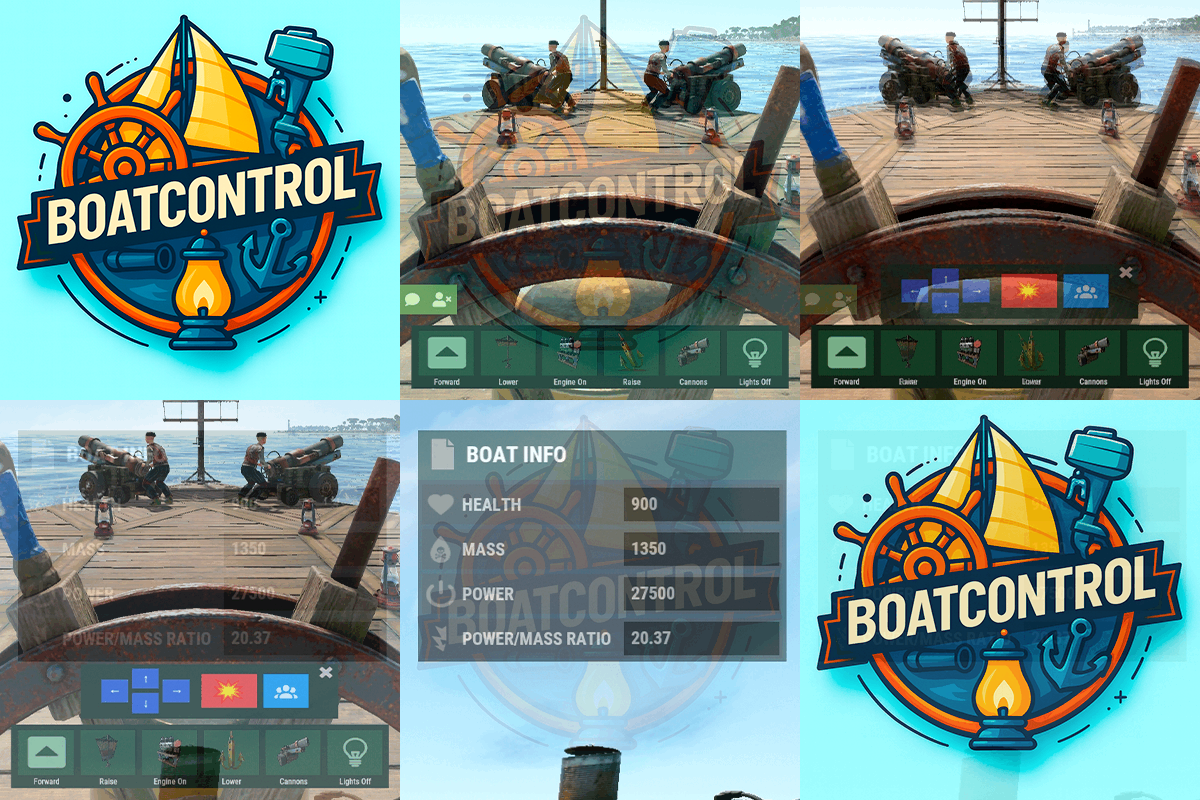
BoatControl is a Rust server plugin that completely enhances boat handling. When taking the helm, a user-friendly CUI interface appears, allowing players to raise/lower sails and anchors, start/stop engines, and switch navigation direction forward or backward. The plugin also supports automatic reloading when the player has ammunition, cannon firing with configurable cooldown (or bypass via permission), and toggling all torches and lanterns without fuel consumption. Additionally, players can control navigation using W/S and fire cannons with the left mouse click. Want to try it before you buy it? You can try it by accessing the Staging server: connect staging.rustspain.com (provided the server is online, as it's my test server). Video Update 1.0.0 Features Displays a CUI interface when taking the helm that allows you to: Raise / lower sails. Raise / lower anchors. Turn engines on / off. Change the navigation direction forward / backward (engines and sails reverse accordingly). Reload (if the player has ammunition in their inventory, with a permission to bypass this). Fire cannons with a cooldown (or without it if you have the bypass permission). Turn all torches and lamps on/off (In the settings you can decide whether you want them to consume fuel or not). Allows enabling boat editing anywhere. Blocks edit mode within safe zones. Blocks the ability to activate the anchor within safe zones. Allows you to view the list of authorized players (similar to BetterTC). Sail Configuration System: Displays a window similar to the config menu showing all sails placed on the boat. Each sail shows its health amount below it. Added a button that allows upgrading sails by levels (thrust power). Everything is configurable, including upgrade costs (in-game resources, RP, or Economy). This allows admins to add as many levels as they want in the config. Engine Configuration System: Displays a window similar to the config menu showing all engines placed on the boat. Each engine shows its fuel amount and health below it. Added the ability to refuel engines using fuel from the player’s inventory. Added another button that allows upgrading engines by levels (fuel efficiency and engine power). Everything is configurable, including upgrade costs (in-game resources, RP, or Economy). This allows admins to add as many levels as they want in the config. Important: There is a maximum speed limit in the game. I have been testing ways to increase the speed, but I still need to continue researching and testing to find the best way to increase it. Automatic repair system: If damage is received during repair, it will stop. If the player runs out of materials in their inventory, it will stop. If the player disconnects, it will also stop. Note: The boat health system is unusual and does not work like a normal building, so the system simulates repairs at different points on the boat depending on the percentage of health lost. That is why you will not hear the actual damaged entity being repaired. BetterTC Integration: If you have BetterTC installed with version 1.6.2 or higher, the automatic Wallpaper placement system will be enabled. Facepunch will add wallpaper support for Boats starting in March; you can test it meanwhile on staging. You can also change the navigation direction using the W and S keys, and fire the cannons with the left mouse click. I'm open to further improving this plugin over time. If you'd like to see any features integrated, please mention them in the discussion section. Ideas I've tried but haven't been able to implement: Modifying the build area (net size) to make it larger. It doesn't seem possible to change this. Making the engines work without fuel consumption. I managed to do this in an initial test, but then FacePunch changed something and it's no longer possible. I'll try to see if I can adjust fuel consumption to make it more economical. The maximum number of engines and sails cannot be increased. Or at least not easily; it could be done with commands and strange contraptions, but it wouldn't be entirely convenient. Permissions boatcontrol.use – Enables the functionality for the player when mounting the boat’s helm. boatcontrol.bypassammo – Allows you to fire cannons without using real ammunition from your inventory. Free ammo! (not recommended to give to regular players) boatcontrol.bypasscannoncooldown – Allows you to fire cannons with no cooldown. Maximum bombardment! boatcontrol.edit allows enabling boat editing anywhere. boatcontrol.cannonuse If the player doesn’t have it enabled, the option to control cannons won’t appear in the interface. Not having this permission will not block manual/vanilla use. boatcontrol.authlist Shows the list of players authorized to the Boat, similar to BetterTC. boatcontrol.deleteauth Allows authorized players to remove player permissions individually. boatcontrol.sailconfig Allows players to open and manage the Sail Configuration menu for boats. boatcontrol.sailupgrade Allows players to upgrade sails (thrust power) according to the configured upgrade levels. boatcontrol.engineconfig Allows players to open and manage the Engine Configuration menu for boats. boatcontrol.engineupgrade Allows players to upgrade engines (fuel efficiency and engine power) according to the configured upgrade levels. boatcontrol.wallpaper Allows players to use the wallpaper placement system on boats. (Requires BetterTC version 1.6.2 or higher.) boatcontrol.repair Allows players to use the automatic boat repair system. boatcontrol.repair.nocost Allows players to repair boats without consuming materials Dynamic repair permissions (speed adjustment) Allows admins to grant specific permissions defined in the config to adjust boat speed limits. Commands It currently has no chat or console commands. Configuration DEFAULT CONFIGURATION { "Enable WASD Direction": true, "Enable Cannon Fire Key (Left Mouse Button)": true, "Cannon Aim Step (degrees per click)": 5.0, "Cannon Fire Cooldown": 5.0, "Cannon Crew": { "Enable": true, "Names": [ "Seaman", "Deckhand", "Bosun", "Gunner", "Quartermaster", "Navigator", "Sailor", "Crewman", "Mate", "Boatswain", "Cannoneer", "Buccaneer", "Mariner", "Sea Dog", "Old Salt" ], "Health": 100.0, "MaxCannons": 0, "Wear": { "burlap.shirt": 1380044819, "burlap.trousers": 1380047706, "burlap.shoes": 2215057317, "hat.boonie": 965553937 }, "RequireOperate": true, "ToggleCrewCooldown": 30.0, "NoCorpse": true }, "Lights": { "Enable Light Toggle Key (R)": true, "Light Toggle Cooldown": 1.0, "Require Fuel For Lights": false, "Light Items (shortnames)": [ "tunalight", "lantern", "torchholder", "largecandles", "smallcandles", "jackolantern.angry", "jackolantern.happy", "chineselantern", "chineselanternwhite" ] }, "Impact Force Physics": { "Enable Impact Physics": true, "Impact Force (default: 100, range: 50-500)": 100.0, "Enable Debug Logging": false }, "Alert Chat": true, "Alert Notify Plugin": false, "Notify: select what notification type to be used": { "error": 0, "info": 0 }, "Color Prefix Chat": "#f74d31", "GUI": { "GUI Windows Belt": { "BG Color Primary": "0.10 0.15 0.10 1", "BG Color Secundary": "0.2 0.30 0.2 0.80", "Button Active Color": "0.2 0.6 0.2 0.80", "Button Inactive Color": "0.2 0.30 0.2 0.80", "OffsetMin": "-200 15", "OffsetMax": "181 79", "AnchorMin": "0.5 0", "AnchorMax": "0.5 0" }, "GUI Windows Info": { "BG Color Primary": "0.10 0.10 0.10 0.8", "BG Color Secundary": "0.2 0.30 0.2 0.80", "Button Active Color": "0.2 0.6 0.2 0.80", "Button Inactive Color": "0.2 0.30 0.2 0.80", "OffsetMin": "-115 -100", "OffsetMax": "115 100", "AnchorMin": "0.902 0.8104", "AnchorMax": "0.902 0.8104" }, "GUI Windows Cannons Menu": { "BG Color Primary": "0.10 0.15 0.10 1", "BG Color Secundary": "0.2 0.30 0.2 0.80", "Button Active Color": "0.2 0.6 0.2 0.80", "Button Inactive Color": "0.2 0.30 0.2 0.80", "OffsetMin": "-140 85", "OffsetMax": "140 185", "AnchorMin": "0.5 0", "AnchorMax": "0.5 0" } }, "Show Info Window": true, "Boat Edit Damage Cooldown (seconds)": 30.0, "Block Anchor in Safe Zone": true, "Block Boat Edit in Safe Zone": true, "Config Version": "1.2.0", "Repair Cooldown After Recent Damage (seconds)": 30.0, "Cooldown Frequency Repair (larger number is slower)": { "boatcontrol.use": 2.0, "boatcontrol.vip": 1.0 }, "Repair Costs (ItemShortName: Amount per block/component)": { "lowgradefuel": 4, "wood": 75 }, "Engine Upgrades": { "Enable Engine Upgrades": true, "Upgrade Levels": [ { "Level": 1, "Display Name": "Tier 1", "Fuel Efficiency Multiplier (1.0 = normal, 0.5 = half fuel consumption)": 0.9, "Power Multiplier (1.0 = normal, 2.0 = double power)": 2.0, "Upgrade Cost": { "Resource Costs (ItemShortName: Amount)": { "scrap": 100, "lowgradefuel": 50 }, "ServerRewards Points": 0, "Economics Money": 0.0 } }, { "Level": 2, "Display Name": "Tier 2", "Fuel Efficiency Multiplier (1.0 = normal, 0.5 = half fuel consumption)": 0.8, "Power Multiplier (1.0 = normal, 2.0 = double power)": 4.0, "Upgrade Cost": { "Resource Costs (ItemShortName: Amount)": { "scrap": 250, "lowgradefuel": 100, "metal.fragments": 300 }, "ServerRewards Points": 0, "Economics Money": 0.0 } }, { "Level": 3, "Display Name": "Tier 3", "Fuel Efficiency Multiplier (1.0 = normal, 0.5 = half fuel consumption)": 0.65, "Power Multiplier (1.0 = normal, 2.0 = double power)": 8.0, "Upgrade Cost": { "Resource Costs (ItemShortName: Amount)": { "scrap": 500, "lowgradefuel": 200, "metal.fragments": 500, "metal.refined": 25 }, "ServerRewards Points": 0, "Economics Money": 0.0 } }, { "Level": 4, "Display Name": "Tier 4", "Fuel Efficiency Multiplier (1.0 = normal, 0.5 = half fuel consumption)": 0.65, "Power Multiplier (1.0 = normal, 2.0 = double power)": 16.0, "Upgrade Cost": { "Resource Costs (ItemShortName: Amount)": { "scrap": 1000, "lowgradefuel": 300, "metal.fragments": 1500, "metal.refined": 100 }, "ServerRewards Points": 0, "Economics Money": 0.0 } } ], "Currency Type (Resources, ServerRewards, Economics)": "Resources" }, "Sail Upgrades": { "Enable Sail Upgrades": true, "Upgrade Levels": [ { "Level": 1, "Display Name": "Tier 1", "Thrust Multiplier (1.0 = normal, 2.0 = double thrust)": 1.5, "Upgrade Cost": { "Resource Costs (ItemShortName: Amount)": { "scrap": 75, "cloth": 100 }, "ServerRewards Points": 10, "Economics Money": 0.0 } }, { "Level": 2, "Display Name": "Tier 2", "Thrust Multiplier (1.0 = normal, 2.0 = double thrust)": 2.0, "Upgrade Cost": { "Resource Costs (ItemShortName: Amount)": { "scrap": 150, "cloth": 200, "leather": 50 }, "ServerRewards Points": 15, "Economics Money": 0.0 } }, { "Level": 3, "Display Name": "Tier 3", "Thrust Multiplier (1.0 = normal, 2.0 = double thrust)": 2.5, "Upgrade Cost": { "Resource Costs (ItemShortName: Amount)": { "scrap": 300, "cloth": 300, "leather": 100, "metal.fragments": 200 }, "ServerRewards Points": 20, "Economics Money": 0.0 } }, { "Level": 4, "Display Name": "Tier 4", "Thrust Multiplier (1.0 = normal, 2.0 = double thrust)": 3.0, "Upgrade Cost": { "Resource Costs (ItemShortName: Amount)": { "scrap": 600, "cloth": 500, "leather": 200, "metal.fragments": 500 }, "ServerRewards Points": 30, "Economics Money": 0.0 } } ], "Currency Type (Resources, ServerRewards, Economics)": "ServerRewards" } } For any problem, doubt, suggestion or assistance do not hesitate to contact me by Discord ninco90$15.0011 points -
Version 2.3.6
1,743 downloads
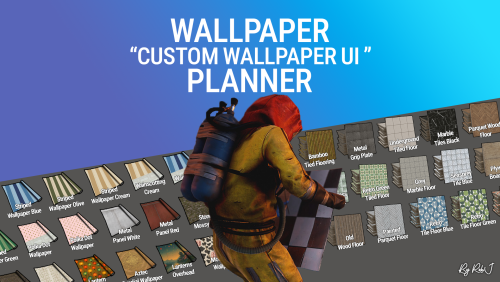
Welcome to Wallpaper Planner a lightweight, fast, and user-friendly extension for Rust that enhances the default wallpaper tool with a powerful custom skin selector. Features Custom UI: Access a sleek, in-game wallpaper selector by middle-clicking (FIRE_THIRD) while holding the wallpaper tool. The plugin automatically detects whether you're aiming at a wall, floor, or ceiling and opens the correct category. Favourites System: Mark your favourite skins in each category, then easily toggle a view that shows only your most liked wallpapers. VIP Skins (New): Offer exclusive VIP-only wallpapers, floors, and ceilings to supporters or special groups. Create unlimited VIP tiers in the config (e.g. wallpaperplanner.vip, wallpaperplanner.vip1, wallpaperplanner.vip2, etc.). Assign unique skins to each tier. Players with the matching permission automatically see their extra VIP skins in the UI. 100% Custom All wallpapers are exclusively made for this plugin. No DLC or official skins are used, though some designs may be inspired by existing skins. More Skins Incoming: New exclusive custom wallpapers are added regularly. You can also import your own Workshop skins with ease. Permissions wallpaperplanner.use — Grants access to the wallpaper planner UI. wallpaperplanner.outside — Allows use of wallpapers outside of a player’s base. (Please note: This is currently in Beta. Not all skins perform perfectly on exterior surfaces or Armoured Tier walls.) wallpaperplanner.admin — Enables admin-only tools to rename, delete, or manage skins directly through the UI. Chat Commands /wallpaperplanner — Use this if you prefer a custom keybind instead of the middle mouse button. Must be used while holding the wallpaper planner. Example: Bind to H key Open console (F1) and enter: bind H "chat.say /wallpaperplanner" List of input keys to use in config that rust accepts. BACKWARD LEFT RIGHT JUMP DUCK SPRINT USE FIRE_PRIMARY FIRE_SECONDARY RELOAD FIRE_THIRD DISABLED DISABLED Input Key (New): Server owners can now disable the UI keybind system entirely. In the config, set: "UI input key": "DISABLED" This prevents the menu from opening with FIRE_THIRD, allowing admins to enforce custom binds (e.g. /wallpaperplanner only).$23.999 points -
.thumb.gif.cf76b4cd32eb6a9ae2fca0cab90ee1a6.gif)
Version 1.0.4
174 downloads
The map is made in a post-apocalyptic style: fog, abandoned scientific bases, anomalous fields, subways, caves and secret bunkers. Players are waiting for dangerous locations, caves, ruined cities and closed doors, behind which you can find valuable resources. The island has become a testing ground for experiments at the Cobalt Research Institute. After the accident at the power reactor, the terrain changed: anomalies appeared, the space became unstable, and research was urgently stopped. Scientists have disappeared, laboratories are empty, technology has gone crazy. Now the island is full of dangers and mysteries. Something continues to work underground, and abnormal zones are growing and being transferred. Those who ventured to explore the area find artifacts and traces of what led to the disaster. Every step here is a choice between prey and death. But the deeper you go, the more you feel that this place is going to disappear or explode... very soon. Features: Prefab Count: ~58к prefabs Size: 4500 A lot of interesting locations to explore Railway Places for the construction of foundations in the form of unusual rocks, caves, landscape and icebergs Custom plugin Map Skinner (by Adem) Custom plugin Npc Moving Control (by Adem) Custom plugin Emission (by Adem) Custom plugin Artifacts (by Adem) Custom plugin Anomalies (by Adem) Profile BetterNPC Realistic zombies on the map The atmosphere of the apocalypse This map is constantly supported and updated for the current version of the game with all updates! Description of Plugins: Emission - Once every 2 - 4 hours, a timer message appears and a large-scale change in the weather and effects occurs, radiation begins to spread, the screen shakes, trees fall and the effects of this event appear. Players need to find shelter underground or in their house (the higher the building level, the less radiation damage will be). Commands for plugins: /emissionstart /emissionstop Anomalies - There are 4 types of Anomalies on the map, they appear after the end of the Emission. 1 anomaly is electrical (damage is inflicted on the player who is inside the anomaly, configured in the config), 2 anomaly is fiery (there are funnels in the radius, if you step on them, flames are released into the air, you can deactivate the anomaly by throwing a stone into the funnel, there is damage to the player), 3 anomaly is a bubble (in the radius of the bubbles breaks, if the player is too close to it, it will be thrown to the side or into the air, damage is caused only by the player falling), 4 anomaly - light (the most dangerous anomaly, when a blue ray appears, you need to turn away from it sharply, otherwise you will be blinded and a lot of damage will be done, it is configured in the config). /spawnanomaly presetName - spawns an anomaly in a random position; /killanomaly - destroys the anomaly closest to the player; /killallanomalies - destroys all anomalies on the map; /spawnanomalymypos presetName - will spawn an anomaly in your position Artifacts - These are stones with some improvements to the player's characteristics, these are increased rates, lack of radiation, increased processing of components (increased extraction of resources from processing), HP recovery (takes away water and food). These artifacts only work in the player's fast slots and have their own HP, which is not repaired. These artifacts can only be found in anomalies with a metal detector in hand. /giveartifact customShortName - give the artifact to yourself giveartifact customShortName userId - give the artifact to the player with the userId Map Skinner - we change this plugin skins on some objects installed on the map, for atmospheric effect. Npc Moving Control - this plugin controls the radius of movement of the NPCs installed in the editor and changes their clothes to random hazmats. These plugins were created for the map as a bonus. When evaluating the map itself, please do not touch on the topic of plugins. The map can work without these plugins. Custom Monuments: Icarus Cultural Center Zalesye Orbita Station Blocked Tunnel Uranium Mining Unfinished Scanner Yanov Station Hot Runner Cemetery of Onlookers Loners Cave Radioactive Waste Storage Anomaly Ribs Startup Failure Dead man Mine Supply Depot Dire Thicket Vent Distribution Substation Danger Tunnel Skladovsk Dredger Old Church Secret Bunker Cage Machine Station Repair Factory interesting places to build a base marked X Shelters for escape from radiation Emission, marked with the letter S Monument Facepunch: Launch Site Missile Silo Junkyard Harbor 1 and 2 Arctic Research Base Satellite Dish Airfield Bandit Camp Outpost Giant Excavator Pit Water Treatment Military Tunnel The Dome Sewer Branch Ranch Fishing Village 1,2,3 Lighthouse Underwater Lab Railway HQM, Sulfur, Stone Quarry Roadside Monument RadTown Water Well Ziggurat$49.908 points -
Version 1.7.8
27,707 downloads
This plugin adds a character progression system to your server in the form of a leveling and skill tree system. Players gain xp by cutting trees, mining rocks, killing NPCs etc, and are rewarded with skill points when they level up. These points can be used to unlock perks and buffs across a number of different skill trees. The plugin is extremely customizable and server owners can change, move, scale or disable any perk to tailor the setup to their server. It features: 116 unique buff types across 130 skill nodes. 13 unique skill trees. 67+ sources of xp, along with custom xp settings for BotRespawn and NpcSpawn. An extremely large amount of xp options to really tweak the plugin for your server. A functional tree system that prevents unlocking/upgrading of nodes if the player has not invested enough skill points into a tree. Fun & unique ultimate abilities across most trees. Global yield settings for servers that want to run 2x/3x etc. Ability to create custom skill trees and nodes using permissions from other plugins. Considerable amount of options for persistent data through server wipes. A prestige system to reward your most hardcore players. SkillTree allows users to focus on multiple skill trees and unlock nodes in each tree as they level, to make their characters more powerful and unique. Plugins that work well with Skill Tree RaidableBases - SkillTree integrates with RaidableBases by rewarding raiders with xp (either handled via SkillTree directly or via RaidableBases directly). The raiding tree can also exclusively work with RaidableBases if servers don't allow raiding. Economics & ServerRewards - integrated as a way to pay for the respec cost. SurvivalArena - Rewards the winner of the event with xp. Cooking - adds new skills to the Cooking tree as well as xp rewards when successfully cooking meals. BotRespawn - Adds additional xp sources for each NPC profile. NpcSpawn - Adds additional xp sources for each NPC profile. UINotify - Shows notifications relevant to leveling etc. ZombieHorde - Provides xp for killing zombies generated by this plugin. LootDefender - Provides the ability for shared xp when killing BradleyAPC. Configured through LootDefender. EpicLoot - Adds a skill to the Scavenging tree FishingHotspots - Allows for modified XP gain while fishing in a hotspot. ZoneManager - Allows you to disable buffs while in a zone. skilltree.chat - required to use the chat commands to access the skill tree menu. skilltree.xp - required to obtain xp from xp sources. skilltree.tree - required to access and use the skill tree. skilltree.admin - required to use the admin commands. skilltree.all - allows user access to all trees. skilltree.Mining - allows the user to access the mining tree. skilltree.Woodcutting - allows the user to access the woodcutting tree. skilltree.Skinning - allows the user to access the skinning tree. skilltree.Harvesting - allows the user to access the harvesting tree. skilltree.Combat - allows the user to access the combat tree. skilltree.Medical - allows the user to access the medical tree. skilltree.Build_Craft - allows the user to access the build craft tree. skilltree.Scavenging - allows the user to access the scavenging tree. skilltree.Vehicles - allows the user to access the vehicles tree. skilltree.Cooking - allows the user to access the cooking tree. skilltree.bag.keepondeath - prevents the ExtraPockets bag from dropping on death. skilltree.notitles - Removes the level title from the player (Requires BetterChat) skilltree.noxploss - Prevents xp loss. skilltree.roguelike - If enabled via the config, will be required to participate in the Roguelike system. skilltree.teabonus - Ignores the config option preventing the yield increases from working with mining and woodcutting teas. skilltree.noscoreboard - Prevents players with this permission from being added to the scoreboard. skilltree.respec.bypass - removes the cost for respeccing skilltree.togglebc - required to toggle BetterChat titles on/off //Custom permission settings "Modified max skill points based on permissions [must be higher than default]": { "vip": 120 }, "Cost per point to respec based on permissions [must be lower than default]": { "vip": 10.0 }, "Maximum amount of xp a player can lose when they die based on permissions [must be less than default]": { "vip": 500.0 }, "Permissions to adjust xp gain modifiers (skilltree.<perm>) [1.0 is default modifier]": { "vip": 1.2 }, The permission for "vip" would be skilltree.vip Assigning this perm to players would override the default values for the respective settings (max skill points, respec cost, xp gain and xp loss). Command: st Description: Opens the skill tree menu. Requires skilltree.chat permissions. Command: updatexptable Description: Recalculates the xp table based on the config values. Requires Command: togglexpdrops Description: Toggles the xp popup when obtaining xp. Command: togglexphud Description: Toggles the xp hud on the players screen. Command: givexp Parameters: <name> <amount> <optional: Ignore modifiers true/false> Description: Gives the player matching the name parameter, xp equal to the amount parameter. Ignore modifiers will ignore all forms of xp boosts such as rested xp. Command: givesp Parameters: <name> <amount> Description: Gives the player matching the name parameter, skill points equal to the amount parameter. Command: resetdata Parameters: <name> Description: Resets the target players data. Command: turbo Description: Toggles the turbo on the boat if the player has the relevant perk. Command: togglebc Description: Toggles the BetterChat title on/off for the user. Command: movebar Description: brings up a ui that can be used to relocate the xp bar on the players screen. Command: stresetalldata Description: Resets all players data. Command: sb or score or scoreboard Description: Chat and console command that brings up the scoreboard, showing who has the most xp. Command: sttogglenotifications Description: Toggle notifications from buff triggers. Command: stgiveitem Parameters: <id> <shortname> <quantity> <skin ID> <optional: displayName> Description: gives an item to the target ID that matches the parameters. Command: givexpdebt Parameters: <id/name> <amount> Description: Gives the target player xp debt. Console Command: strespecallplayers Description: Resets skills for all online and offline players. Console Command: strespecplayer Parameters: <target name/userID> Description: Resets the target online/offline players skills. Console Command: givexptoall Parameters: <amount> <online only: true/false> Description: Will give the amount of xp to all players. If online only is true, it will only give it to those that are online. Console Command: givesptoall Parameters: <amount> <online only: true/false> Description: Will give the amount of skill points to all players. If online only is true, it will only give it to those that are online. Console Command: stremoveplayerdata Parameters: <userid> Description: Will remove the player data file for the specified userid. Console Command: sttogglebuffs Parameters: <true/false> Description: Disables/enableds buffs globally for all players. Experience can be gained from a number of different sources. The value for each source can be adjusted via the config. NodeHit - Hitting a stone, metal or sulfur mining node. NodeHitFinal - Finishing a stone, metal or sulfur mining node. TreeHit - Hitting a tree. TreeHitFinal - Knocking down a tree. SkinHit - Hitting an animal with a skinning tool. SkinHitFinal - Finishing off an animal with a skinning tool. CollectWildPlant - Collecting any map generated collectible, such as hemp, corn, pumpkin, stone, sulfur or metal. CollectGrownPlant - Collecting any player grown produce. BuildingBlockDeployed - Placing down a twig building block. FishCaught - Catching a fish. Crafting - Whenever a craft is successfully completed. XP is calculated based on the duration of the craft. ScientistNormal - Killing a blue scientist. ScientistHeavy - Killing a heavy scientists. SmallAnimal - Killing a small animal such as a chicken. MediumAnimal - Killing a medium animal such as a boar, wolf or stag. LargeAnimal - Killing a large animal such as a horse, shark or bear. Barrel - Destroying barrels. RoadSign - Destroying road signs. Scarecrow - Killing scarecrows or a zombie in ZombieHorde. Mission - Completing a mission in rust. BradleyAPC - Getting the last hit on Bradley. LootHackedCrate - First player to loot a locked crate. LootHeliCrate - First player to loot a heli crate. LootBradleyCrate - First player to loot a bradley crate. CookingMealXP - (Requires cooking plugin) XP is calculated per ingredient used. Example 2 tomatos and 8 bear meat would yield 100xp. RaidableBaseCompletion - Awards raiders of a RaidableBase xp upon the completion of the raid. Win_HungerGames - Awards xp to the winner of the Hunger Games arena. Win_ScubaArena - Awards xp to the winner of the Scuba arena. Win_Skirmish - Awards xp to the winner of the Skirmish arena. Gut_Fish - Awards xp when gutting a fish. default_botrespawn - default amount xp given when killing a bot made using botrespawn. Overriding values can be added to the config based on the bot group. crate_basic - when opening crates crate_elite - when opening crates crate_mine - when opening crates crate_normal - when opening crates carte_normal_2 - when opening crates crate_normal_2_food - when opening crates crate_normal_2_medical - when opening crates crate_tools - when opening crates crate_underwater_advanced - when opening crates crate_underwater_basic - when opening crates crate_ammunition - when opening crates crate_food_1 - when opening crates crate_food_2 - when opening crates crate_fuel - when opening crates crate_medical - when opening crates Harbor_Event_Winner - Winner of the Harbor event plugin Junkyard_Event_Winner - winner of the Junkyard event plugin PowerPlant_Event_Winner - winner of the Power plant event plugin Satellite_Event_Winner - winner of the Satellite event plugin Water_Event_Winner - winner of the Water event plugin Air_Event_Winner - winner of the Air event plugin. Armored_Train_Winner - winner of the Armored train plugin Convoy_Winner - winner of the Convoy event plugin. Supply_drop - first player that opens a supply drop. SurvivalArena_Winner - winning the SurvivalArena event. swipe_card_level_1 - using a green swipe card reader swipe_card_level_2 - using a blue swipe card reader swipe_card_level_3 - using a red swipe card reader boss_monster - killing an NPC from boss monster Zombie - Killing a ZombieHorde zombie UnderwaterDweller NPCs - NPCs in underwater labs JetPilot - JetPilot plugin ArcticBaseEvent_Winner - winner of the Arctic Base Event GasStationEvent_Winner - winner of the Gas Station Event SputnikEvent_Winner - winner of the Sputnik Event detect_diggable - triggered when a metal detector site is dig up. ShipWreckEvent_Winner - winner of the Ship Wreck Event pvp - when a player kills another player (default: off). Triangulation_Winner - winner of the triangulation event Caravan_Winner - winner of the Caravan event SupermarketEvent_Winner - winner of the Supermarket event Name: Mining Yield Description: Increases the amount of resources gained while mining. Name: Instant Mine Description: Gives the user a chance to instantly mine out a stone, sulfur or metal node. Name: Smelt On Mine Description: Gives the user a chance to smelt some of the ore as its mined from sulfur and metal nodes. Name: Mining Luck Description: Gives the user a chance to obtain items from the Mining luck loot table when they finish mining a node. Name: Mining Tool Durability Description: Decreses the durability loss of mining tools. Name: Woodcutting Yield Description: Increases the amount of resources gained while woodcutting. Name: Instant Chop Description: Gives the user a chance to instantly chop down a tree. Name: Woodcutting Coal Description: Gives the user a chance to obtain some charcoal while woodcutting. Name: Woodcutting Luck Description: Gives the user a chance to obtain items from the Woodcutting luck loot table when they finish cutting down a tree. Name: Woodcutting Tool Durability Description: Decreses the durability loss of woodcutting tools. Name: Skinning Yield Description: Increases the amount of resources gained while skinning. Name: Instant Skin Description: Gives the user a chance to instantly cut up an animal. Name: Skinning Tool Durability Description: Decreases the durability loss of skinning tools. Name: Skinning Cook Description: Gives the user a chance to received cooked meat, instead of raw meat, while skinning an animal. Name: Harvest Wild Yield Description: Increases the yield when harvesting map generated collectibles, such as berries, hemp, stone, sulfur and mushrooms. Name: Harvest Grown Yield Description: Increases the yield when harvesting player grown produce. Name: Extra Fish Description: Gives the user a chance of receiving an extra fish while fishing. Name: Double Bandage Heal Description: Doubles the healing power of cloth bandages. Name: Radiation Reduction Description: Reduces the amount of radiation damage taken by the player. Name: Extra Food Description: Increases the amount of calories the player receives when consuming food. Name: Fire Damage Reduction Description: Reduces the amount of fire damage received. Name: Fall Damage Reduction Description: Reduces the amount of fall damage received. Name: No Cold Damage Description: Removes all cold damage from the player. Name: Wounded Resist Description: Gives the player a chance to get straight back on their feet after entering the wounded state. Name: Animal Damage Resist Description: Reduces the damage taken by animals. Name: Riding Speed Description: Increases the speed of a horse while riding it. Name: Free Bullet Chance Description: Gives the player a chance to not expend a bullet when firing a gun. Name: Primitive Expert Description: Removes durability loss for primitive weapons. Name: Upgrade Refund Description: Gives the player a chance to receive their resources back when upgrading a building block. Name: Craft Speed Description: Increases the crafting speed of a player. Name: Research Refund Description: Gives the player a chance to receive their scrap back when researching an item on the research bench. Name: Craft Refund Description: Gives the player a chance to receive their crafting materials back when crafting an item. Name: Extra Scrap Barrel Description: Gives the player a chance to receive additional scrap when destroying a barrel. Name: Barrel Smasher Description: Allows the player to instantly smash a barrel with any weapon. Name: Extra Scrap Crate Description: Gives the player a chance to obtain extra scrap when looting a crate for the first time. Name: Component Chest Description: Gives the player a chance to obtain additional components when looting a crate for the first time. Name: Electronic Chest Description: Gives the player a chance to obtain additional electronics when looting a crate for the first time. Name: Component Barrel Description: Gives the player a chance to obtain additional components when smashing a barrel. Name: Electronic Barrel Description: Gives the player a chance to obtain additional electronics when smashing a barrel. Name: Melee Resist Description: Reduces the damage taken by melee weapons. Name: Iron Stomach Description: Allows the player to eat spoiled and raw food without being poisoned. Name: Boat Speed Description: Allows the user to activate a turbo boost while on a boat, increasing the boats speed. Name: Recycler Speed Description: Increases the speed of recycling for the player. Name: Smelt_Speed Description: Adds a chance for ore to smelt whenever wood is consumed, in addition to the standard smelt rate. Name: Heli_Fuel_Rate Description: Reduces the fuel consumption for your helicopters. Name: Boat_Fuel_Rate Description: Reduces the fuel consumption for your boats. Name: Vehicle_Mechanic Description: Allows the user to repair a vehicle at no cost. Name: Reviver Description: Brings a wounded player up with additional health if the reviving player has the buff. Name: Rationer Description: Provides the consumer a chance to receive their food/tea back once consumed. Name: PVP_Critical Description: Gives the attacker a chance to critically damage the target in PVP. Name: PVP_Damage Description: Increases the damage of all PVP attacks. Name: PVP_Shield Description: Reduces the damage of all incoming PVP attacks. Name: Metabolism_boost Description: Increases your calories and hydration above the maximum. Name: LootPickup Description: Chance to have the loot from destroyed barrels given moved directly to their inventory. Name: Node_Spawn_Chance Description: Chance to spawn a new node when a new one is mined out. Name: HealthRegen Description: Passively regenerates x health per second Name: AnimalTracker Description: Allows the user to use the /track command to find the direction of the closest animal. Name: ExtraPockets Description: Creates a backpack style storage system, providing players the ability to access the storage using a chat command (/pouch). Slots are given based on points spent. Name: Human_NPC_Damage Description: Increases damages against scientists. Name: Animal_NPC_Damage Description: Increases damages against animals. Name: Human_NPC_Defence Description: Decrease damage from scientist. Name: Craft_Duplicate Description: Chance to duplicate an item while crafting. Name: WaterBreathing Description: Breath underwater. Name: SharkResistance Description: Reduce damage taken from sharks. Name: SharkSkinner Description: Chance to receive random items while skinning sharks. Name: DeepSeaLooter Description: Chance to receive additional items while looting sunken crates. Name: InstantUntie Description: Instantly untie sunken crates. Name: UnderwaterDamageBonus Description: Increase damage to all living things while underwater (including underwater labs). Name: Permission Description: Used for permission based skills. Name: MaxRepair Description: Resets the max condition for any items that are repaired. Name: Durability Description: Reduces condition loss for all items that the player is using. Name: Regrowth Description: Provides a chance for a tree to respawn when cut down. Name: Skinning_Luck Description: Provides a chance to receive an item when skinning an animal. Name: Fishing_Luck Description: Provides a chance to receive an item when catching a fish. Name: Trap_Damage_Reduction Description: Reduces the damage received from traps. Name: Trap_Damage_Increase Description: Increases the damage done to traps. Name: Personal_Explosive_Reduction Description: Reduces the damage received from your own explosives. Name: Double_Explosion_Chance Description: Provides a chance for your explosives to trigger twice. Name: Lock_Picker Description: Provides a chance to open a locked entity that you do not have access to. Name: Explosion_Radius Description: Increases the explosion radius of your explosives. Name: Dudless_Explosive Description: Reduces the chance of your satchels and beancans being duds. Name: Woodcutting_Hotspot Description: Treats each hit on a tree as though you hit the hotspot. Name: Mining_Hotspot Description: Treats each hit on a node as though you hit the hotspot. Name: Extended_Tea_Duration Description: Increases the duration of tea buffs by x% per level. Name: Extended_Mag Description: Increases the magazine capacity of weapons by x% per level. Name: Tea_Looter Description: Provides you with a x% chance per level to find tea in certain containers. Name: Bite_Speed Description: Decreases the time it takes to hook a fish by x% per level. Name: Heli_Speed Description: Increases the max thrust speed of the heli by x% per level. Name: Sonar Description: Allows the user to run a command to find all nearby submerged objects (dive sites, sharks, scientists etc). Name: Comfort Description: Provides the player and all nearby team mates with a % of comfort per level. Name:Heal_Share Description: Provides surrounding team mates with a % of health received per level. Name:XP_Share Description: Provides surrounding team mates with a % of the xp you gain per level. Name: Tea_Share Description: Provides surrounding team mates with a % of tea buffs when you consume tea per level. Name: Metabolism_Share Description: Provides surrounding team mates with a % of hydration and calories received per level. Name: Human_Workbench Description: Creates a workbench aura on the player. The player and nearby team mates can use them as a workbench (the level of which is based on the skill level). Name: Recycler_Efficiency Description: Increases the recycler efficiency by x%. Name: Metal_Detector_Luck Description: Provides the player with a chance per level to obtain an additional item when they excavate metal detection sites. Name: Efficient_Digger Description: Provides the player with a chance per level to automatically dig up metal detection sites when they are flagged. Name: Magnetic_Digger Description: Provides the player with a chance per level to automatically collect dug up items. Name: RadiationBaseValue Description: Provides you with a base radiation resistance of % per level, even when naked. Name: RadiationResistModifier Description: Increases the effectiveness of your clothings radiation resistance by % per level. Name: BikeEnginePower Description: Increases the engine power of all bikes (peddal and motor) by x % per level. Name: DriverCollisionResistance Description: Decreases the damage taken from collisions while driving a vehicle by x% per level. Name: Harvesting_Luck Description: Provides a drop table when a player collects harvesting materials. Grown and wild collectibles have their own loot tables. Name: Awareness Description: This skill will show the nearby location of (configurable): npcs, animals, dropped items, droppted item containers, corpses within x meters. Name: Cooking_Speed Description: This skill reduces the amount of time it takes to cook items using the cooking workbench by x% per level. Name: Rocket_Velocity Description: This skill increases the velocity of all missiles launched by the player by x% per level. Name: Armor_Slots Description: Sets the minimum armor slots rolled based on level of skill (1 slot per level). Name: ShieldReflect Description: Provides a %X chance per level for projectile damage blocked by a shield to be reflected to the attacker. Name: Free_Repairs Description: Allow repairing of items for free. Name: Bradley_Damage_Bonus Description: Bonus damage to the bradley tank. Name: Heli_Damage_Bonus Description: Bonus damage to the patrol heli. Name: Loot_Spotter Description: Highlights nearby BoxStorage container entities. Name: Woodcutting_Ultimate Description: Harvests the surrounding trees when cutting down a tree. Name: Mining_Ultimate Description: Provides access to a chat command to see all surrounding node locations. Name: Combat_Ultimate Description: Heals the player for a percentage of the damage that they deal to all sources. Name: Vehicle_Ultimate Description: Reduces damage dealt to the players mounted vehicle (default 100% deduction). Name: Harvester_Ultimate Description: Allows the player to set the genetic composition of plants. Name: Medical_Ultimate Description: Gives the player a chance to resurrect at their point of death if they choose to. Name: Skinning_Ultimate Description: Killing an animal with this buff active will provide the player with an enhanced ability for a period of time, depending on the animal killed. - Chicken: No fall damage. - Boar: Chance to find components while harvesting mushrooms and berries. - Wolf: Increased healing while near team mates. - Stag: Notification when a neutral player is nearby, and their last known location (configurable). - Bear: Scientists will not attack the player unless attacked. - Polarbear: Overshield. Name: Build_Craft_Ultimate Description: Use any coloured swipe cards in any reader. Name: Scavengers_Ultimate Description: Will automatically recycle components from barrels when they are broken. The xp table uses a common equation to calculate its levels and xp requirements. You can read more about the method here: https://blog.jakelee.co.uk/converting-levels-into-xp-vice-versa/ There is also a spreadsheet you can make a copy of and adjust the x value at the top of. Increasing the number minimizes the xp between levels. Find a good value, then put it in the "x" value under the "Leveling information" section in the config. It is recommended that you leave the y value at 2 or 3, and adjust the x value only. Rule of thumb: - 0.07: default - 0.04: grindy. API API documentation: https://codefling.com/files/documentation/11-skill-tree-api/$29.998 points -
Version 1.4.7
2,552 downloads
This is an all in one plugin, with a single plugin you can extend the use of storage adaptors on multiple entities. Automate farming: Hitch & Trough automatic food supply, automatic dung collection, which you can then send to the composter. Ability to enable various options related to horse dung production: Dung production multiplier, Dung production speed, Dung production even without food (without the horses having to feed), Continuous production of Dung, eliminating the waiting time between horse meals, the horse eats immediately after finishing its dung production. Automated Chicken Coop, with water collector for automatic refill, container to insert food for automatic refill and for egg collection, change Eggs Production Speed. You can also enable Auto Pet, and artificial sunlight, this way the chickens will always have maximum love and maximum sunlight. Automate Planter Box, and much more. Expand your industrial and farming horizons with this plugin! Ability to enable automatic egg hatching. Ability to disable food and water consumption. You can also customize Beehive: set it to always be outdoors, disable humidity, set temperature, change growth rate, change production speed, multiplies honey production, change how much XP to increase to the Nucleus for each honeycomb produced, Nucleus’s XP start grade, etc... Customizing settings for Industrial conveyor: change Maximum stack size to move, item movement frequency Composter: automatic item split. Automate Planter Box: Enable Automatic Seeding, Automatic Harvest. Customization: Harvest plants when they have at least this Ripe value, Planter Box container size, Light Exposure at 100%, Water, minimum value always available, Ground, minimum value always available, Temperature at 100%, Production Multiplier, Collect fibers from crops or dead plants. Possibility to change the automatic production mode between: Harvest, Seeds, Clones, via UI for each individual Planter Box. Possibility to change the growth rate. You can also enable: Automatically refills seeds using part of the harvest, when the seeds are almost finished. Only in HARVEST mode. Customize planters box based on group/permission, or via levels to create custom planters box based on skin id, creating different configurations based on skin id. Special Seeds/Clones: The plugin allows you to create special seeds that allow you to produce anything, you can create as many special seeds as you want. You can enable cloning of special seeds in the plugin configuration. Planter Box Conversion Tool: Conversion Tool, convert Berries/Clones to seeds, honey to Jars of Honey, and more. You can disable food spoilage in the Planter Box container or Chicken Coop. Compatible with the Ganja plugin, the Planters Box will automatically harvest weed. PVE MODE: PVE MODE can be enabled which allows loot, harvesting, cloning, etc., only to the entity owner and/or his team/clan members. Support for farm commands: Commands to Plant, Harvest, Clone, Remove, Kill, and Fertilize everything from the Planter Box. Commands to instant grow plants and to modify the genes of plants/seeds/clones or the entire Planter Box. /plantall /harvestall /cloneall /removeall /killall /fertilize /grow /setgene <genome> /setgenebox <genome> Planter Box: Harvest All, Clone All, Remove All system by holding down the SHIFT key (SPRINT) And much more. Expand your industrial and farming horizons with this plugin! Compatible with Oxide/Umod and Carbon. VIDEO EXAMPLE Below you can see an example video on how to use the plugin. ---------------------------------------- ---------------------------------------- ---------------------------------------------------------------------------------------------------- SUPPORTED ENTITIES: Beehive Furnace Hobo Barrel Stone Fireplace Mail Box Drop Box Large Planter Box Small Planter Box Triangle Planter Box Rail Road Planter Triangle Rail Road Planter Minecart Planter Bath Tub Planter Single Plant Pot Hitch & Trough Fridge Small Generator Composter Mixing Table Cooking Workbench Recycler Barbeque Cursed Cauldron Camp Fire Survival Fish Trap Auto Turret SAM Site Flame Turret Shotgun Trap Snow Machine Fogger-3000 Chicken Coop More entities will be added in the future or upon request, via a support ticket ---------------------------------------------------------------------------------------------------- FARMING AUTOMATION: The plugin allows you to automate farming Chicken Coop: A water container is added to the chicken coop, and a storage container where you can add food and where it will find the eggs produced. The water for the chicken coop is automatically refilled via the water container and the food is automatically taken from the storage container. There is also a Storage Adaptor to move food and eggs as you like. You can also enable Auto Pet, and artificial sunlight, this way the chickens will always have maximum love and maximum sunlight, change Eggs Production Speed. Ability to enable automatic egg hatching (via configuration or permission) Ability to disable food and water consumption. Hitch & Trough: 2 Storage Adaptors and a storage container are added to the Hitch & Trough. 1 Storage Adaptor can be used for automatic food refill. The dung produced by the horses is collected and automatically moved into a storage container. Above this container there is another Storage Adaptor to automate the automatic movement of the dung produced, for example by sending it to a composter. Ability to enable various options related to horse dung production: Dung production multiplier Dung production speed Dung production even without food (without the horses having to feed) Continuous production of Dung, eliminating the waiting time between horse meals, the horse eats immediately after finishing its dung production Beehive: set it to always be outdoors, disable humidity, set temperature, change growth rate, change production speed, multiplies honey production, change how much XP to increase to the Nucleus for each honeycomb produced, Nucleus’s XP start grade, etc... Industrial conveyor: change Maximum stack size to move, item movement frequency Composter: automatic item split. Automate Planter Box: Enable Automatic Seeding, Automatic Harvest. Customization: Harvest plants when they have at least this Ripe value, Planter Box container size, Light Exposure at 100%, Water, minimum value always available, Ground, minimum value always available, Temperature at 100%, Production Multiplier, Collect fibers from crops or dead plants. Possibility to change the automatic production mode between: Harvest, Seeds, Clones, via UI for each individual Planter Box. Possibility to change the growth rate. You can also enable: Automatically refills seeds using part of the harvest, when the seeds are almost finished. Only in HARVEST mode. To use this option, you must have the property enabled in the planter box group or level: "Production Mode, allow use Auto Seeds Refill. Default true": true Customize planters box based on group/permission, or via levels to create custom planters box based on skin id, creating different configurations based on skin id. Special Seeds: The plugin allows you to create special seeds that allow you to produce anything, you can create as many special seeds as you want. Compatible with the Ganja plugin, the Planters Box will automatically harvest weed. Planter Box Conversion Tool: Conversion Tool, convert Berries/Clones to seeds, honey to Jars of Honey, and more. You can disable food spoilage in the Planter Box container or Chicken Coop. ---------------------------------------------------------------------------------------------------- PERMISSIONS: The plugin can work in various ways. Assigning permissions for individual Storage Adaptors and farming automation Permissions or groups for Storage Adapters auto attach Creating custom groups with the ability to set limits for each entity Or a mix of both To use the plugin, it is mandatory to assign ultimateindustrialfarm.use permissions to the player. If you want to use the plugin via permissions, these are the available permissions: ultimateindustrialfarm.admin: Allows use as admin, e.g. bypassing building permits (soon also bypassing limits) ultimateindustrialfarm.bypass.building_privilege: Allows you to bypass building privileges ultimateindustrialfarm.composter.autosplit: Allows you to enable composter automatic item splitting. The "Enable usage of composter auto split? Set this value to false if you do not use auto split, to improve performance." parameter must be set to true to use the auto split system. ultimateindustrialfarm.farm.tools_converter: Enable automatic conversion tool. Convert Berries/Clones to seeds, honey to Jars of Honey, and more. (or use group instead role) ultimateindustrialfarm.industrial.fishtrap.disable_damage: Disables damage to Survival Fish Trap ultimateindustrialfarm.farm.chickencoop.no_food_water_required: Disable the chicken coop's food and water consumption ultimateindustrialfarm.farm.planterbox.disable_food_spoilage: Disable food spoilage in Planter Box container ultimateindustrialfarm.farm.chickencoop.disable_food_spoilage: Disables food spoilage in the Chicken Coop ultimateindustrialfarm.farm.chickencoop.enable_eggs_auto_hatching: Enable automatic egg hatching FARM COMMANDS ultimateindustrialfarm.planterbox.command.farm: To use the commands: [plantall, harvestall, cloneall, removeall, killall] and Planter Box Harvest All, Clone All, Remove All system by holding down the SHIFT key (SPRINT) ultimateindustrialfarm.planterbox.command.fertilize: To use the command: [fertilize] ultimateindustrialfarm.planterbox.command.grow: To use the command: [grow] ultimateindustrialfarm.planterbox.command.setgene: To use the commands (Change gene): [setgene, setgenebox] FOR INDUSTRIAL These permissions enable the use of Storage Adaptors on the various entities. ultimateindustrialfarm.industrial.nostorageadaptorrequired: Allows you to place Storage Adaptors without having them in your inventory, if used via command, or not to use storage adaptors present in your inventory. ultimateindustrialfarm.industrial.all: Enable use on all industrial entities ultimateindustrialfarm.industrial.beehive: For the entity Beehive ultimateindustrialfarm.industrial.furnace: For the entity Furnace ultimateindustrialfarm.industrial.hobobarrel: For the entity Hobo Barrel ultimateindustrialfarm.industrial.fireplacestone: For the entity Stone Fireplace ultimateindustrialfarm.industrial.mailbox: For the entity Mail Box ultimateindustrialfarm.industrial.dropbox: For the entity Drop Box ultimateindustrialfarm.industrial.planterbox: For the entity PlanterBox ultimateindustrialfarm.industrial.hitchtrough: For the entity Hitch & Trough ultimateindustrialfarm.industrial.fridge: For the entity Fridge ultimateindustrialfarm.industrial.fuelgenerator: For the entity Small Generator ultimateindustrialfarm.industrial.composter: For the entity Composter ultimateindustrialfarm.industrial.mixingtable: For the entity Mixing Table ultimateindustrialfarm.industrial.cookingworkbench: For the entity Cooking Workbench ultimateindustrialfarm.industrial.recycler: For the entity Recycler ultimateindustrialfarm.industrial.barbeque: For the entity Barbeque ultimateindustrialfarm.industrial.cursedcauldron: For the entity Cursed Cauldron ultimateindustrialfarm.industrial.campfire: For the entity Camp Fire ultimateindustrialfarm.industrial.fishtrap: For the entity Survival Fish Trap ultimateindustrialfarm.industrial.autoturret: For the entity Auto Turret ultimateindustrialfarm.industrial.samsite: For the entity SAM Site ultimateindustrialfarm.industrial.flameturret: For the entity Flame Turret ultimateindustrialfarm.industrial.guntrap: For the entity Shotgun Trap ultimateindustrialfarm.industrial.snowmachine: For the entity Snow Machine ultimateindustrialfarm.industrial.fogmachine: For the entity Fogger-3000 ultimateindustrialfarm.industrial.auto_recycler: Automatically start the recycler when it receives items via the Storage Adaptor FOR FARMING AUTOMATION These permissions enable farming automatizion on the various entities. ultimateindustrialfarm.farm.all: Automatize all farming entities ultimateindustrialfarm.farm.chickencoop: Automatize Chicken Coop entity ultimateindustrialfarm.farm.hitchtrough: Automatize Hitch & Trough entity ultimateindustrialfarm.farm.beehive: Allow Beehive customization STORAGE ADAPTER AUTOMATIC ATTACH Storage Adapters can be automatically connected when the entity is generated. This feature can be enabled via permissions or groups in the configuration file. Via permissions: ultimateindustrialfarm.auto_attach.storage_adaptor.all: Enable auto attach on all industrial entities ultimateindustrialfarm.auto_attach.storage_adaptor.exclude_from_limit: Storage adapters will not count towards your limits if limits have been set via group configuration. No limits for auto attached storage adapters. ultimateindustrialfarm.auto_attach.storage_adaptor.beehive: For the entity Beehive ultimateindustrialfarm.auto_attach.storage_adaptor.furnace: For the entity Furnace ultimateindustrialfarm.auto_attach.storage_adaptor.hobobarrel: For the entity Hobo Barrel ultimateindustrialfarm.auto_attach.storage_adaptor.fireplacestone: For the entity Stone Fireplace ultimateindustrialfarm.auto_attach.storage_adaptor.mailbox: For the entity Mail Box ultimateindustrialfarm.auto_attach.storage_adaptor.dropbox: For the entity Drop Box ultimateindustrialfarm.auto_attach.storage_adaptor.planterbox: For the entity PlanterBox ultimateindustrialfarm.auto_attach.storage_adaptor.hitchtrough: For the entity Hitch & Trough ultimateindustrialfarm.auto_attach.storage_adaptor.fridge: For the entity Fridge ultimateindustrialfarm.auto_attach.storage_adaptor.fuelgenerator: For the entity Small Generator ultimateindustrialfarm.auto_attach.storage_adaptor.composter: For the entity Composter ultimateindustrialfarm.auto_attach.storage_adaptor.mixingtable: For the entity Mixing Table ultimateindustrialfarm.auto_attach.storage_adaptor.cookingworkbench: For the entity Cooking Workbench ultimateindustrialfarm.auto_attach.storage_adaptor.recycler: For the entity Recycler ultimateindustrialfarm.auto_attach.storage_adaptor.barbeque: For the entity Barbeque ultimateindustrialfarm.auto_attach.storage_adaptor.cursedcauldron: For the entity Cursed Cauldron ultimateindustrialfarm.auto_attach.storage_adaptor.campfire: For the entity Camp Fire ultimateindustrialfarm.auto_attach.storage_adaptor.fishtrap: For the entity Survival Fish Trap ultimateindustrialfarm.auto_attach.storage_adaptor.autoturret: For the entity Auto Turret ultimateindustrialfarm.auto_attach.storage_adaptor.samsite: For the entity SAM Site ultimateindustrialfarm.auto_attach.storage_adaptor.flameturret: For the entity Flame Turret ultimateindustrialfarm.auto_attach.storage_adaptor.guntrap: For the entity Shotgun Trap ultimateindustrialfarm.auto_attach.storage_adaptor.snowmachine: For the entity Snow Machine ultimateindustrialfarm.auto_attach.storage_adaptor.fogmachine: For the entity Fogger-3000 NB: No refund will be made for the Storage Adaptor if you have permission or configuration to not request the storage adaptor in inventory when placing it on the entity or auto attach. For configuration via groups in the configuration file, read further down in the section: GROUPS AND LIMITS The ultimateindustrialfarm.use permission is always mandatory and must be assigned to the player ---------------------------------------------------------------------------------------------------- SPECIAL SEEDS: The plugin allows you to create special seeds that allow you to produce anything, you can create as many special seeds as you want. For each Special Seed you can decide: The item that must produce (even with a skin) The conditions of the item (for items that have condition) The quantity of items to produce Special seeds can produce any item, the only limit is your imagination. You can enable cloning of special seeds in the plugin configuration. The basic plugin already provides configured seeds, which you can see below: Normal: For integration with Ganja Plugin, you can produce weed directly: Crazy seeds USE SPECIAL SEEDS VIA SHOP, LOOT, VENDING MACHINE You need to generate an item with a certain skin id, to get the Special Seed item. The name of the item to use and the skin id are present in the configuration file: Item name (The item name of the base seed to use for Special Seed). Default seed.hemp SkinID You can add these items to the in-game Shop, to the loot, in the Vending Machine or wherever you want, very easily. For example, this creates a special seed to produce Blueberries: Item: seed.hemp | SkinID: 3490773788 or ItemID: -237809779 | SkinID: 3490773788 At the following link you can find all the skins of the Special Seeds available by default: https://steamcommunity.com/sharedfiles/filedetails/?id=3490783857 At the following link you can find all the skins of the Special Clones available by default: https://steamcommunity.com/sharedfiles/filedetails/?id=3575809654 Read more about the plugin for special seed giving commands and their configuration below. ---------------------------------------------------------------------------------------------------- SOME PLANTER BOX FEATURES: PRODUCTION MODE This feature can be enabled in the configuration file. Allows you to change the production type of the Planter Box AUTOMATIC MODIFICATION OF PLANT GENES This feature can be enabled in the configuration file. It allows you to set the genes for your plants, and all plants in the Planter Box will automatically have these genes. You can enable/disable this feature or apply the genes to all active Planter Boxes. CONVERSION TOOL: This feature can be enabled in the configuration file. Allows you to convert seeds/clones, honey jars, etc... There are many other features of the plugin. ---------------------------------------------------------------------------------------------------- GROUPS AND LIMITS The plugin creates 4 default groups: Default, vip1, vip2, vip3. You can add more groups or rename groups. For example, if you change the group vip1 to vip_elite, the permission ultimateindustrialfarm.vip_elite will be created If you create a new group, for example vipvanilla, the permission ultimateindustrialfarm.vipvanilla will be created. In the configuration file there is this configuration for managing groups: Role Permission: Here you can set the configurations for the various roles: Priority. (lower = higher priority) -- Each group has its own property, the lower this number is, the more important the group is. This is useful in the case where a player has more roles assigned. In this case, the group with the lowest priority will be assigned, the most important group. Negative numbers are also allowed. Settings Enable Composter Auto Split: Allows you to enable composter automatic item splitting. Default False (The "Enable usage of composter auto split? Set this value to false if you do not use auto split, to improve performance." parameter must be set to true to use the auto split system) Industrial Settings Enable Customization: If set to true, enables Industrial customization. Default False Industrial Conveyor, Maximum stack size to move. Greater value = more items moved: The size of the stack to move, the larger the value, the more items will be moved. Default 128 (vanilla value) Industrial Conveyor, item movement frequency. Lower value = faster movement (value is an interval measured in seconds): Frequency in seconds to move items. The lower the value, the faster the items will be moved. Default 5 (vanilla value) PlanterBox Settings Enable Customization: Enable planter box customization. Default false Limit of planters box that can be automated. (-1 no limit) (0 disable entity): Limit the number of planters box that can be automated/customized. Default 0 Enable auto seeding. If set to true the seeds will be planted automatically: Enable automatic seeding. Default false Enable automatic harvest. If set to true, plants will be automatically harvested: Enable automatic harvesting. Default false Production Mode, if set to TRUE allows to change the type of automatic production: Harvest, Seeds, clones. If set to false only Harvest will be enabled: Production Mode. If set to true, the player can change the production mode via UI, for each Planter Box, choosing between: Harvest, Seeds, Clones. Default false Production Mode, allow use Auto Seeds Refill: If set to true it allows the use of the option: Automatically refills seeds using part of the harvest, when the seeds are almost finished. Only in HARVEST mode. Default true Allow Genetic modification: If set to TRUE, it allows you to set the genes for your plants, and all plants in the Planter Box will automatically have these genes. You can enable/disable this feature or apply the genes to all active Planter Boxes (if they have this setting enabled). Default false Tools, if set to TRUE allows the use of farm tools, example: Planter Box Conversion Tool: If set to true, allows the player to use farming tools, such as: Conversion Tool, convert Berries/Clones to seeds, honey to Jars of Honey, and more. Default false Harvest the plant in the specified stage. Possible values are: FRUITING and RIPE: Harvests plants when they reach the configured stage. Default: RIPE Harvest plants when the configured stage has reached at least this progress value. Value between 0% and 100%: Harvest plants when the configured stage has reached at least this progress value. Default 0% Clones the plant in the specified stage. Possible values are: SAPLING, MATURE, FRUITING and RIPE: Clone plants when they reach the configured stage. Default: SAPLING Clone plants when the configured stage has reached at least this progress value. Value between 0% and 100%: Clone plants when the configured stage has reached at least this progress value. Default 0% Planter Box container size. Value between 6 and 48: Planter Box container capacity. Default 24 Light Exposure at 100%: If set to true, sets the light exposure to 100%. Default false Water quality. Value between 0% and 100% (-1 disable): Minimum water quality always available to plants. Determines the minimum level of water always available to plants. Default -1 Prevents Planter Box from using more water, exceeding the ideal saturation: Prevents Planter Box from using more water, exceeding the ideal saturation, for example if you manually add water to the Planter Box. Default false Ground, minimum value always available. Value between 0% and 100% (-1 disable): If set to true, sets the minimum terrain quality always available. Default -1 Temperature at 100%: If set to true, sets the temperature to 100%. Default false Overall quality. Value between 0% and 100% (-1 disable): Minimum overall quality always available for plants. Determines the overall quality of plants. Default -1 Growth rate multiplier: Increase or decrease the growth rate of plants. Default 1.0 Harvest Production Multiplier: Apply a production multiplier to automatic Harvest. Default 1.0 Seed Production Multiplier: Applies a production multiplier to automatically produced Seeds. Default 1.0 Clone Production Multiplier: Applies a production multiplier to automatically produced Clones. Default 1.0 Collect fibers from crops or dead plants: If set to true, sets fiber collection during auto collection. Default false Disable food spoilage in the container: If true disable food spoilage in Planter Box container. Default false Storage Adaptors Limits: Here you can set the limit of Storage Adaptors that you can add to the entity. You can set the limit for each entity and/or enable auto attach of the Storage Adapter. LIMIT: 0 disables the use of Storage Adaptors for this entity. -1 you can add Storage Adaptors without limits AUTO STORAGE ADAPTORS SETTINGS: Attach Storage Adapter automatically: Enable auto attach Storage Adapter on entity. Default false Exclude from Storage Adapters limits count: If set to TRUE, auto attach Storage adapters will not count towards your limits. No limits for auto attached storage adapters. Default true No Storage Adaptor required in the inventory: If set to TRUE, allows you to auto attach Storage Adaptors without having them in your inventory. Default true Farming Automation Limits: Here you can set the limit of how many farming entities can be automated. You can set the limit for each entity. 0 disables auto farming for this entity. -1 auto farming for this entity without limits. More for Hitch & Trough: Enable Customization: Enable Hitch & Trough customizations. Default false Multiplies dung production (if value is less than or equal to 1, does not change production multiplier): Dung production multiplier. Default 1 (vanilla value) Dung production rate: Dung production rate. Default 1 (vanilla value) No Food required: Production of Dung even without food (without the horses having to feed). Default False Continuous Dung Production. The horse eats immediately after finishing its dung production, producing dung continuously: Continuous production of Dung, eliminating the waiting time between horse meals, the horse eats immediately after finishing its dung production. Default False More for Chicken Coop: Enable Chicken Auto Pet: If enabled, the chickens will have Auto Pet, so that the chickens always have the love at its maximum, and make them happy automatically. Default False Enable Artificial Sunlight: If enabled, the chickens will have artificial light automatically, so that they always have maximum sunlight, and make them happy automatically. Default False Artificial Sunlight Value, from 0 to 100: If Enable Artificial Sunlight is TRUE, you can set the value of artificial sunlight to a value between 0 and 100. However, if for example you set the value of artificial sunlight to 40 and the chicken receives 50 as real sunlight, then the value will not be changed. You can think of this property as the minimum value of sunlight below which the value cannot go. Default 0.0 Enable Eggs Auto Hatching: If enabled, eggs will hatch automatically. Eggs to be hatched will be automatically taken from the eggs produced, or they can be manually inserted into the appropriate slot. Default False No Food and Water required: Disable the chicken coop's food and water consumption. Default False Eggs Production. Minimum minutes between production: Minimum time in minutes for egg production. Default 10 minutes Eggs Production. Maximum minutes between production: Maximum time in minutes for egg production. Default 50 minutes Eggs will be produced in this time interval. Disable food spoilage in the container: If true disables food spoilage in the Chicken Coop. Default false More for Beehive Force Beehive Outside: Forces the Beehive to always be considered outside, even if placed inside the base. Default False Disable Humidity: If set to true, disables humidity, so that humidity is always at the best value. Default false Temperature, from 0 to 50 (0 do not modify). 23 is perfect value: Set the temperature you prefer. If the value is 0, it does not change the temperature. The optimal value is 23. Default 0.0 Growth rate of the honeycomb in the hive and directly affects the rate at which honey is generated: Change the growth rate, to increase or decrease production. Default 1 (vanilla value) Configure the speed at which hives produce honey. A lower value would make hives produce honey faster: Change the production speed, to increase or decrease the production time. Default 120 seconds (vanilla value) Multiplies honey production (if value is less than or equal to 1, does not change production): Apply a multiplier to the honeycomb produced. Default 1 (vanilla value) How much the Nucleus's XP should be increased per honeycomb generated: Changes the number of XP to be increased at the Nucleus for each honeycomb produced. Default 2 (vanilla value) Nucleus’s XP start grade: Changes the grade of the Nucleus’s when inserted into the Beehive. Default 3 (vanilla value) NB: speed produce, the value for the production speed does not directly indicate the time to produce 1 honey. In Rust Vanilla, it basically takes about 5 cycles of 120 seconds to produce honey, so 1 honey every 10 minutes. If you set the speed to 20 seconds, it means that it will take you 1:40 minute to produce 1 honey. You just calculate the seconds * 5, and you get the production time. Once the group is created, you will need to assign the related permission to the player, for example: ultimateindustrialfarm.vip1 In this case you can avoid assigning permissions for each individual entity. If the limit for an entity is different from 0, the player will be able to add the Storage Adaptor to the entity or automate the entities for farming without the need to assign permissions for the individual entities. When he reaches the limit, he will not be able to add new Storage Adaptors for the entity or automate other entities for farming. The ultimateindustrialfarm.use permission is always mandatory and must be assigned to the player PLANTER BOX LEVEL For planters box in addition to groups/permissions, it is possible to create planters of different levels, with different configurations, based on the configured skin id. By default 3 levels are created, but you can add as many levels as you like. The possible configurations are the same as those possible via groups/roles but with the addition of a section where you can specify the skinID to use for the various planters box for the various levels. Custom planters box based on level can be created in the configuration file, in the property: PlanterBox Settings by Levels "Level Name": "Level 1", "SkinID": { "3482073279": "Large Planter Box", "3482079353": "Small Planter Box", "3482085291": "Triangle Planter Box", "3482090118": "Rail Road Planter", "3482093630": "Triangle Rail Road Planter", "3482100135": "Minecart Planter", "3482097188": "Bath Tub Planter", "3482102785": "Single Plant Pot" } Level Name: The name of the level, e.g. Level 1, Level 2, Planter Bronze, Planter Gold, etc... SkinID: Here you define the skinIDs for the planters box for this particular level. You can specify the skinID for each type of planter box and you can use any skin you like. There are some predefined skins that you can use, and they are available at the following link: https://steamcommunity.com/sharedfiles/filedetails/?id=3482077360 Here is an example: The ultimateindustrialfarm.use permission is always mandatory and must be assigned to the player ---------------------------------------------------------------------------------------------------- COMMANDS FOR PLAYERS: Commands can be typed in chat (by putting the / character in front of the command) /uif help -- Print help information. /uif ad or /uif adaptor -- Adds the Storage Adapter to the entity you are looking at. /uif fm or /uif farm -- Automate farming/Apply custom configurations, of the entity you are looking at, if the entity is enabled for farming. /uif unfm or /uif unfarm -- Remove the Automated farming/Custom configurations, of the entity you are looking at, if the entity is enabled for farming. /uif farm_convert or /uif fc -- Automatic conversion tool. Convert Berries/Clones to seeds, honey to Jars of Honey, and more. PLANTER BOX LEVEL These are commands that can be used for farming (Planter Box, seeds, clones, plants, etc...), to speed up the work during farming. For commands reserved only for Planter Boxes, the Planter Box must be owned by the player or his team (if team use is enabled in the configuration). Admins can use commands on any Planter Box (requires permission: ultimateindustrialfarm.admin) To use these commands (even for Admins) you need the permission: ultimateindustrialfarm.planterbox.command.farm /plantall -- Plant the entire Planter Box, you must have selected (in your hands) the seeds/clones. /harvestall -- Harvest all plants in the Planter Box, but only those plants that are in the production phase (production quantity greater than 0). /cloneall -- Cloning of all plants in the Planter Box, but only for plants that are in the production phase (production quantity greater than 0) /removeall -- Removing all dead plants in the Planter Box. /killall -- Kills all plants in the Planter Box, even the undead ones. Completely clears the Planter Box. /fertilize -- Fertilize the entire Planter Box. You don't need to have fertilizer in your inventory. Requires permission: ultimateindustrialfarm.planterbox.command.fertilize /grow -- Instant grows all plants in the Planter Box by 1 growth level. Requires permission: ultimateindustrialfarm.planterbox.command.grow /setgene <genome> -- To modify the genetics of the seeds/clones, you must have selected (in hand) the seeds/clones (Change gene). You must enter the new genetics in the command and it must be composed of 6 letters between [G, Y, H, W, X]. Example: /setgene GGGYYY. Requires permission: ultimateindustrialfarm.planterbox.command.setgene /setgenebox <genome> -- To modify the genetics of all plants in the Planter Box (Change gene). You must enter the new genetics in the command and it must be composed of 6 letters between [G, Y, H, W, X]. Example: /setgenebox GGGYYY. Requires permission: ultimateindustrialfarm.planterbox.command.setgene Planter Box: Harvest All, Clone All, Remove All system by holding down the SHIFT key (SPRINT), Requires permission: ultimateindustrialfarm.planterbox.command.farm NB: For all commands for the farm and the system for the Planter Box, it is mandatory to have the permission: ultimateindustrialfarm.planterbox.command.farm, in addition to any additional permissions required by the various commands. COMMANDS FOR ADMIN: Commands can be typed in chat (by putting the / character in front of the command), from console or Rcon. To use these commands you must have the role: ultimateindustrialfarm.admin /uif.give <skinID> <quantity> -- Allows you to give the Special Seed item to yourself. You need to pass these parameters: skinID of the configured special seed The quantity of items. /uif.give <skinID> <quantity> <steamID> -- Allows you to give the Special Seed item to a player. You need to pass these parameters: skinID of the configured special seed The quantity of items. The SteamID of the player to give the items to ---------------------------------------------------------------------------------------------------- CONFIGURATION: In the configuration file, in addition to the section for RolePermission, these properties are present TimeZone: Default: Europe/London Chat Command: Here you can add, edit or delete Commands can be typed in chat (by putting the / character in front of the command), or from console. Planter Box - Commands: List of farm commands, example: plantall, harvestall, cloneall, ec... ChatPrefix: Chat message prefix. Use Clan/Team. If TRUE allows placing Industrial Storage Adaptor or Automatize Farm on clan/team member entities: If set to true it allows you to place the Storage Adaptor or Automatize Farm on clan/team member entities. Default True PVE Mode. Allows loot, harvesting, cloning, etc., only to the entity owner: PVE MODE can be enabled which allows loot, harvesting, cloning, etc., only to the entity owner. Default false PVE Mode. Allow also Clan/team members: If set to true, allows loot, harvesting, cloning, etc., also to clan/team members. Default false ShowMessageInfo (If set to TRUE, show a message info to the player, when place an entity for farming that can be automated): If set to true, show a message about how to automate the entity when an entity that is enabled for auto farming or customization is placed. Default true Show UI to enable auto farming or view auto farming/customization information: If set to true it displays a when opening an entity for farming which can be automated or custom configurations applied, if you have permissions. Default true Show UI even if you don't have permissions. Only as a preview if for example it requires VIP: Show the UI also to players without permissions, as a preview. They will not be able to perform operations, this is to show the existence of this option if for example permissions are only available with VIP. Default true Auto farming/customization information does not show default values: If set to true, do not show default values in the information screen. Default false Farming Automation. Interval to perform checks for automated farming. (ex. refilling water, food, collecting eggs, Beehive, ecc.): How many seconds should it handle the process to perform checks for automated farming. (ex. refilling water, food, collecting eggs, Chicken Coop, Beehive, ecc.). Default 20 (seconds) Enable usage of composter auto split? Set this value to false if you do not use auto split, to improve performance: Set this value to true only if you want to use the auto split system of the composter, so as to improve performance if you do not use the auto split system. Default false Improve performance by disabling some checks during auto split. If set to true, it may cause some fertilizer to fall out of the composter in some cases: Improve performance by disabling some controls during the auto split of the composter. It increases performance a lot but it may cause some fertilizer to fall out of the composter in some cases. Default false Disable Special Seed Overlay info (Information about the special seed planted in the Planter Box): Disable Special Seed Overlay info, information about the special seed, when you are close to the Planter Box. Default false Disable Survival Fish Trap damage: If set to true disables damage to Survival Fish Trap. Default false Disable hooks call during Planter Box auto-collection: Disable hooks call during Planter Box auto-collection, for example disable the call to the OnGrowableGathered hook. Default false Enable Ganja plugin integration. Enable Planter Box automatic weed harvesting (Only in HARVEST mode): If enabled, integrate the plugin with the Ganja plugin and the Planter Box will automatically automatically harvest weed. Default false Debug Mode. Print debug information in console: If set to True, prints warning/error messages to the console, for debugging problems. Default False SPECIAL SEEDS/CLONES CONFIGURATION: The configuration for Special Seeds is present in the file: SpecialSeeds.json Enabled: If set to false, the item cannot be given or used in production. If an item exists and then Enabled is set to false, the plant will not give any items when harvested. Default true DisplayName: The name of the special seed the player will see Description: A description of the Special Seed item. It has no effect on the player’s Item, it is just for internal use to remind you what this Item does. Base seed Item name (The item name of the base seed to use for Special Seed): The name of the item that must be used to create the Special Seed. Default seed.hemp Special Seed SkinID: The skinID of the Special Seed. This ID is used to give items via command. Example 3490773788 for blueberries Item name to produce: Here you enter the name of the item that the special seed is to produce. Example blueberries SkinID of item to produce: Here you can enter the skin ID that the item produced by the special seed will have. Default 0 Produced Item, custom Display name. Leave it blank to use the default product item name: Changes the name of the item produced by the special seed. Leave it blank to use the default name of the item produced. Default “” Minimum Condition of item to produced. Value from 0 to 100%: The minimum conditions that the item produced by the special seed will have (if the item has the condition). Default 50% Maximum Condition of item to produced. Value from 0 to 100%: The maximum conditions that the item produced by the special seed will have (if the item has condition). The produced item will have as a condition value a random value between the minimum and maximum. Default 100% Produce the same amount as the basic seed. (If set to true, ignores Minimum/Maximum quantity to produce): If set to true, the items produced will be the same amount as the base seed's production. For example, if the hemp seed produces 40 cloth and the special seed uses the hemp seed as its base seed, then the special seed will produce 40 items, ignoring the Minimum and Maximum production settings. Default false Minimum Quantity to produce: The minimum amount of items the special seed must produce. Default 2 Maximum Quantity to produce: The maximum amount of items the special seed should produce. The maximum amount of items produced will be a random value between the minimum and maximum amounts. Default 6 Use Planter Box Production Multiplier: If set to true, uses the production multiplier associated with the Planter Box. Item production will be multiplied by the multiplier set on the Planter Box. Default false Clone settings for Special Seed. (Only if Planter Box Production Mode is set to CLONE or manual cloning): Settings to enable the production of clones from special seeds and other settings: Enable Clone Production: If set to "false," the special seed cannot be cloned or used for production. If a special clone exists and "Enabled" is set to "false," the clone will not produce anything at harvest. Default false DisplayName: The name of the special clone the player will see. Description: A description of the Special Clone item. It has no effect on the player’s Item, it is just for internal use to remind you what this Item does. Base clone Item name (The item name of the base clone to use for Special Clone): The name of the item that must be used to create the Special Clone. Default clone.hemp Special Clone SkinID: The skinID of the Special Clone. This ID is used to give items via command/loot. Example 3575812073 for blueberries. Produce the same amount as the basic clone. (If set to true, ignores Minimum/Maximum quantity to produce): If set to true, the clones produced will be the same amount as the base clone's production. For example, if the hemp clone produces 4 clone and the special clone uses the hemp clone as its base clone, then the special clone will produce 4 clones, ignoring the Minimum and Maximum production settings. Default false Minimum Quantity to produce: The minimum amount of Special Clones to produce. Default 1 Maximum Quantity to produce: The maximum number of Special Clones to produce. Default 3 Use Planter Box Production Multiplier: If set to true, uses the CLONE production multiplier associated with the Planter Box. Special Clones production will be multiplied by the multiplier set on the Planter Box. Default false At the following link you can find all the skins of the Special Seeds available by default: https://steamcommunity.com/sharedfiles/filedetails/?id=3490783857 At the following link you can find all the skins of the Special Clones available by default: https://steamcommunity.com/sharedfiles/filedetails/?id=3575809654 ---------------------------------------------------------------------------------------------------- LOCALIZATION: The plugin is translated into the following languages: English Italian Spanish French German Dutch Turkish Chinese (Simplified - zh-CN) Chinese (Traditional - zh-TW) Translation files are located in the /oxide/lang or /carbon/lang folder, here is an example of a /oxide/lang/en/UltimateIndustrialFarm.json translation file. You can add translations for other languages by adding them to the folder: /oxide/lang or /carbon/lang ---------------------------------------------------------------------------------------------------- NEW FEATURES: These new features are planned to be added: Storage Adapter support for Mining Quarry and Mining Pump Jack You can also propose new features via a support ticket ----------------------------------------------------------------------------------------------------$10.998 points -
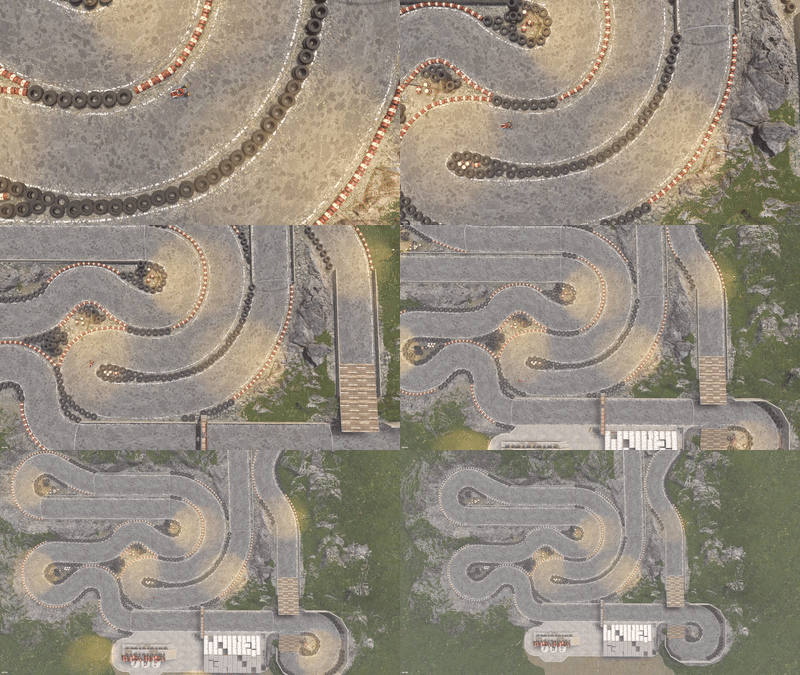
Version 1.0.4
59 downloads
1188 prefabs - Around 1 Grid in size. A twisty racetrack for Motorbikes, Pedalbikes (good luck making the jump) or Karuza's Custom Vehicles! Custom electric 3 second Countdown built into a button at the side of the finish line Also has a small Garage area, a raised seating area for spectators, some custom vehicles on display stands and surrounding rocks to assist blending into your maps!$10.008 points -
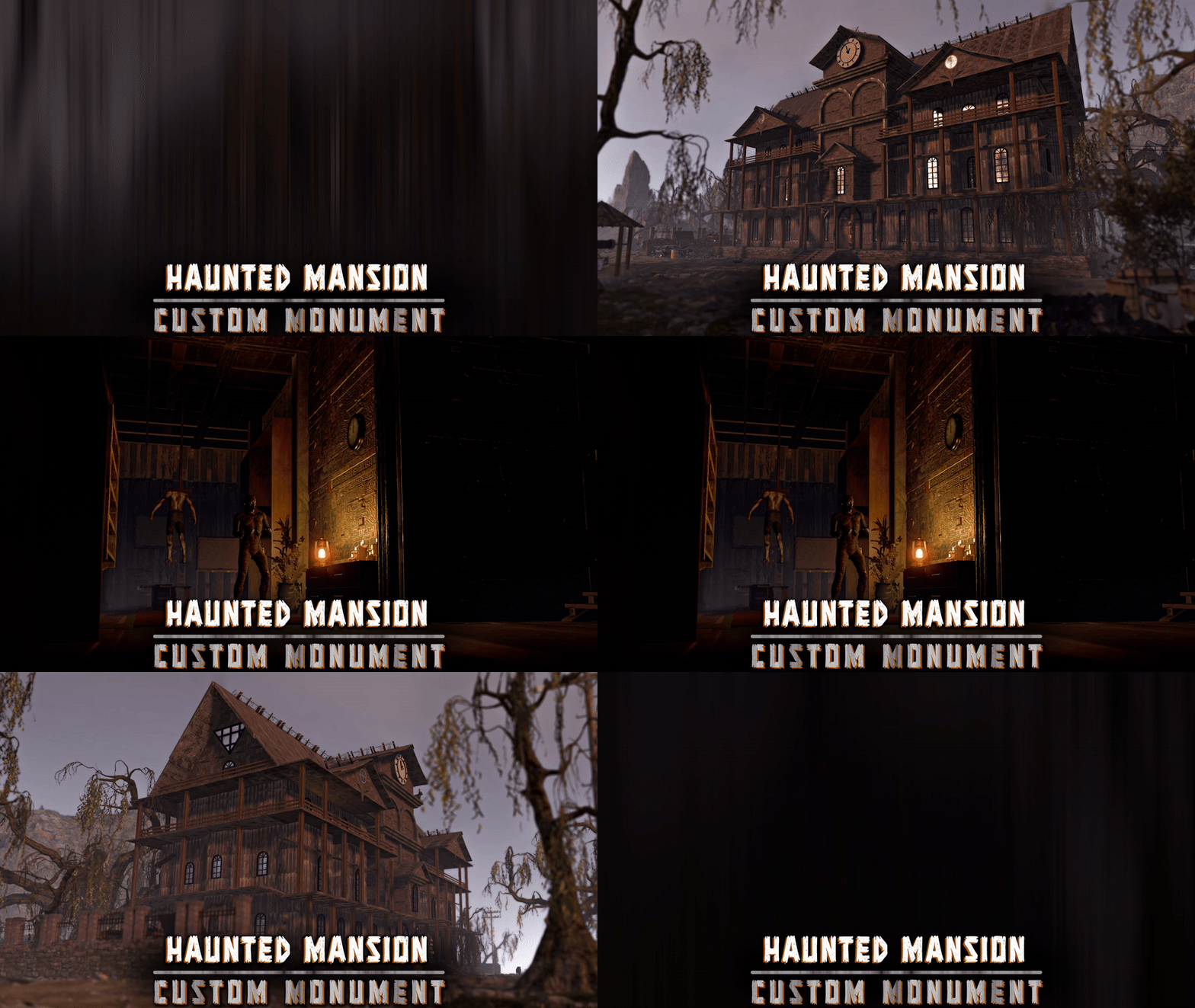
Version 1.0.0
13 downloads
Deep in the swamp stands a forgotten mansion, veiled in silence. Tread carefully, its owners are said to still guard the halls, unwilling to welcome intruders. FEATURES Height, splat & topology masks are all included Contains loot, NPCs Prefab count: ∼4.2k An optimized version of the monument is also included, with less window reflections and a lower prefab count (∼3.1k) NOTES – If you need support, I’m most active on my discord server @ discord.gg/TJxwpKT2Ge – You can edit the monument.$9.908 points -

Version 1.7.0
39 downloads
What is it? A unique island for both PvE and PvP servers. The Idea: To create a truly challenging and exciting island, tougher than the Oil Rig, but with worthy rewards! In the main room, you’ll find a lot of valuable loot and 4 shops where you can set up trading for any resources, especially rare ones. Why players will love it: Rich loot for the brave Vending machines for buying and selling rare resources Great opportunities to trade unwanted items Three unique entrances to the main room: Underwater passage — the fastest, but only possible with a diving tank and suit. Scientists are waiting at the entrance and there’s room for a submarine. Cave route — medium difficulty, with bots and lots of valuable loot along the way, but you can only enter the bunker with a blue keycard . Elevator from the office — leads to the red keycard room with elite crates. You can’t go back this way — the door only works one way. Main Room: Plenty of loot and 4 shops for trading. I recommend offering something unique — it will draw extra interest! Why choose this island? If you’re tired of standard monuments and want something new, this island is for you! Highly detailed (3778 objects) Constantly evolving and updated Attention to every detail About the project: This is one of my first major projects, which I worked on for a long time, constantly changing and rearranging everything. In my opinion, this version is the most successful one. I truly love this island, and it will keep getting better! Height: -49,849 Around 30 scientists and 193 different spawners. You can add or remove scientist spawners as you wish. Please make sure to test this prefab before installing it on your server — sometimes RustEdit may transfer alpha textures incorrectly. I would really appreciate any feedback or activity from you!$24.998 points -
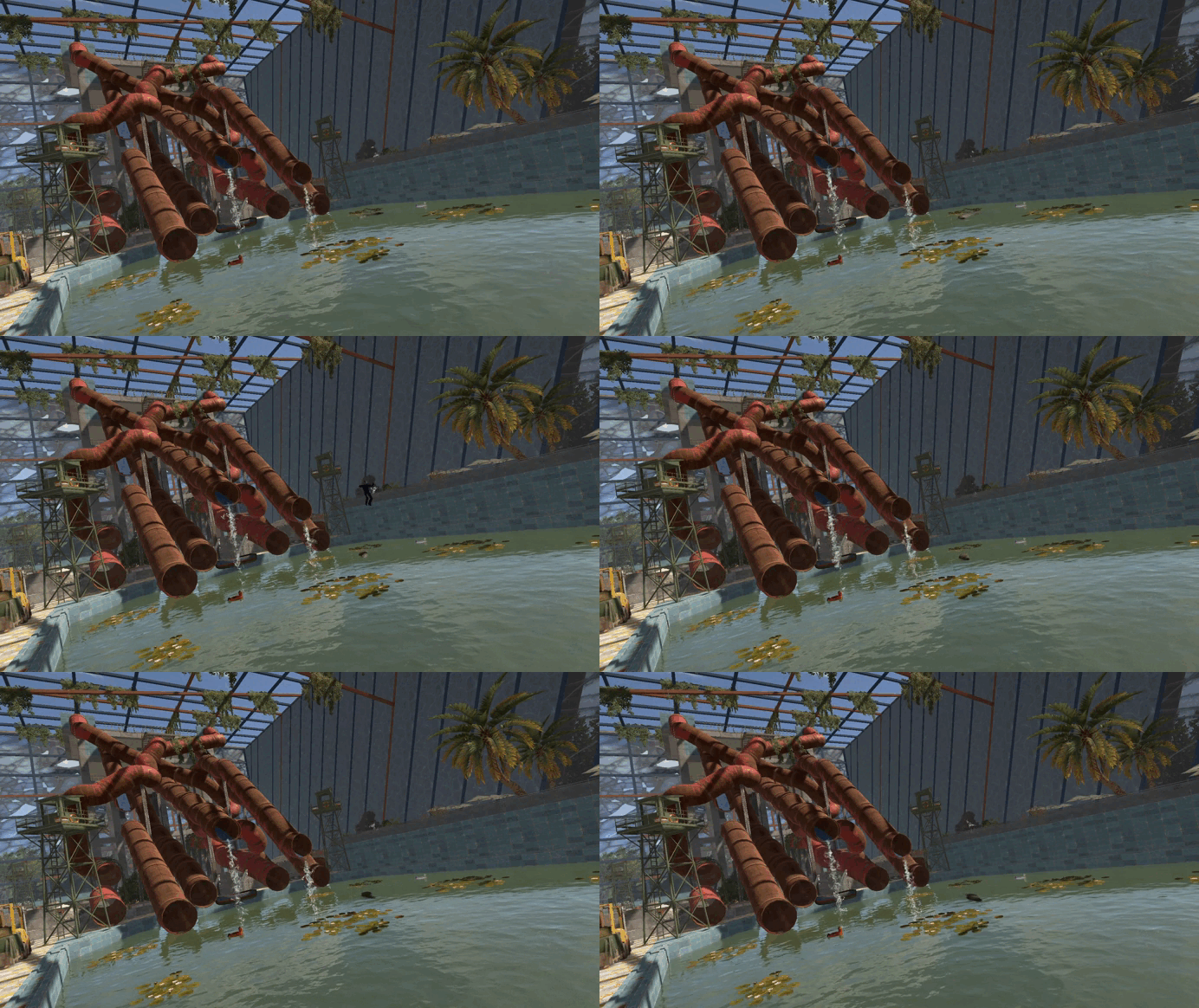
Version 1.1.0
16 downloads
An incredible water park for your Rust server! If you want to add something truly unique and meticulously crafted to your map, this monument is the perfect choice. Countless hours and tremendous effort went into its creation to make it feel alive, exciting to loot, and worth exploring over and over again! Abundant decorations and a high level of detail will fully immerse players in the atmosphere of an abandoned water park. Derelict restaurants, shops, warehouses, service areas, and much more are crafted to the highest standard. I made sure the water park blends seamlessly with the aesthetics and atmosphere of Rust, staying true to the game’s original vibe. After years of designing monuments for Rust, this project has become one of my personal favorites—both in concept and execution. That’s why the water park will be continually updated and improved! But before you take a swim, make sure there are no crocodiles in the water! You’ll also discover plenty of easter eggs hidden throughout the water park, as well as several unique entry and exit points: Through the sewers. Through the roof. Through the main gates. 5952 prefabs You’re free to use this monument however you like — for example, as a lobby, an arena, or anything else your imagination can come up with!$25.008 points -

Version 1.2.16
346 downloads
Если ты когда-либо создавал карту или префабы до потери сознания, а потом забывал сохранить свою работу — знай, с этой локализацией это больше не повторится! В планах — доработать этот файл и сделать его ещё более удобным и функциональным! Это обновлённая локализация — я постарался перевести на понятный язык всё, что только мог! Теперь интерфейс станет ближе и удобнее для каждого пользователя без сильного знания Английского языка! Установка: Скопировать файл перевода в папку RustEdit\Localization. Запустить RustEdit и выбрать перевод снизу слева вместо английского. Если перевода нет в списке для выбора, можно выбрать «Запуск от имени администратора» в свойствах файла RustEdit.exe. Буду рад любому фидбеку! ReadMe: На данный момент существует проблема со всеми русскими (и не только) локализациями для RustEdit — программа некорректно отображает некоторые буквы. Это не финальное решение, но оно позволит комфортнее пользоваться редактором, пока проблема не будет устранена полностью. По крайней мере, некорректное отображение снижено на столько, на сколько это сейчас возможно. Перед установкой, удалите все существующие локализации (Английский в том числе) и оставьте только f1x версию. Это нужно для корректной загрузки. Пользуйтесь ТОЛЬКО ей! В ином случае, этот фикс никак не поможет. Так же можете попробовать перезайти в программу, в некоторых случаях может помочь. До фикса ( бывало хуже ) ПослеFree8 points -

Version 3.1.3
47,271 downloads
Create fully automated raidable bases with NPCs in Rust NOT compatible with server.pve when set to true. Use a PVE plugin like TruePVE if you want PVE protection. This is the premium version of Raidable Bases. The differences between this and the free version are too many to list. A few key differences are: five (5) difficulties and associated loot table functionality instead of one (1), buyable events, lockouts for players. Requires latest version of CopyPaste. This plugin does NOT come with any bases. Packages are sold separately that include bases. Check out my packages for this plugin for tier1, tier2, and tier3 which contain everything you need to get the plugin working in minutes with all bases and loot already configured for you! Packages are sold separately. Facepunch TOS Disclaimer: The Facepunch Terms of Service have been updated to explicitly prohibit servers from enabling players to access Facepunch-approved DLC content or cosmetic skins through any method other than those officially provided by vanilla Rust (e.g., legitimate crafting or ownership-based unlocking mechanisms). This plugin includes built-in configuration options—enabled by default—that are designed to assist servers in maintaining compliance with this policy. Modification, disabling, or circumvention of these safeguards may place the server in breach of Facepunch's Terms of Service. By using this plugin, server operators acknowledge and accept full responsibility for any alterations made to its configuration, and the developer assumes no liability for any misuse, policy violations, or enforcement actions resulting therefrom. You should independently ensure that any prohibited content—such as unauthorized DLC items or restricted skins—is removed from your server files. Do not rely solely on this plugin or any third-party tool for compliance. The developer assumes no liability for servers found in violation due to misconfiguration, oversight, or failure to remove such content manually. You can add unapproved (non-paid) skins manually to your ImportedWorkshopSkins.json file found in the Profiles directory, which has an example provided already. Profiles in Oxide are located in the folder: oxide/data/RaidableBases/Profiles Profiles in Carbon are located in the folder: carbon/data/RaidableBases/Profiles ninco90 has created a tool to help with this. At the time of this posting, he’s still actively working on this, so please be patient while he fixes issues with it. https://app.rustspain.com/facepunch/checkitems RBE DEBUG This command exists to aid with issues regarding your configuration, profiles and/or map by displaying information, both good and bad, related to finding spawn points and spawning of bases. It is your responsibility to use this command before asking for help. Loot Table Editor by @beee https://codefling.com/tools/raidable-bases-boats-loot-editor/ heya, I can't say without your config file. TL;DR, it's likely your config as your map has an abundance of available spawn points given how flat some of the areas on your map are. you've likely changed the biome settings, or have forced everything elsewhere. Shop Plugins TL;DR: A shop/store plugin will not be supported unless they sell at zero cost. Otherwise players can pay and get blocked by RB cooldowns/restrictions with no possible refund. Price at 0, run the command, let RB charge/refund. The buyraid command handles all payments from players and purchases from plugins. RaidableBases has multiple cooldowns and restrictions that can make a purchase invalid and block it. If a shop plugin handles payment, and RaidableBases then blocks the purchase due to a cooldown or restriction, the player will not be refunded: The shop plugin does not know the purchase failed, so it cannot refund. RaidableBases did not see or handle the payment, so it cannot refund either. Because of that, the shop must sell the event for free (0) and only trigger the purchase command. RaidableBases must handle charging and refunds internally without exception. If a shop plugin cannot sell at zero cost it will not be supported. Supported method: Set the cost in the RaidableBases config Set the shop price to free/0 (if a shop plugin cannot sell for free/0, it will not be supported) Shop command: buyraid 0 <steamid> <steamid> must use the placeholder syntax your shop plugin requires. Example: if your shop uses %steamid%, then use: buyraid 0 %steamid% By default, 0 is the difficulty level (0=Easy, 1=Medium, 2=Hard, 3=Expert, 4=Nightmare) Map Terrain and it's importance with this plugin (maps must be designed appropriately for use with this plugin) Flat terrain only: I do not support spawning bases on bumpy terrain—design them on flat terrain only. Fortify on Steam is perfect for this, and there are plenty of bases available there. Be careful when downloading bases from ANY source: vet them first, and remember that bases are not all designed equally. Stability can be shaky in some, causing them to crumble as they paste in. Inventories may contain items the designer forgot to remove. Worst of all, some bases aren’t copied properly from their centermost foundation—copying at the wrong height can make them spawn below the map or way above it. If you look at the ground, paste it in, and it appears elsewhere, it was not copied properly. Recopy it—don’t rely on ANY height settings in profiles! Those settings are for MINOR adjustments, not for bases that got yeeted halfway around the world. If the plugin is ignoring terrain, it's usually due to one of three reasons: The terrain is not flat enough for bases to spawn on- bases should be designed on unobstructed flat and equal terrain. You've modified a setting in your config or profiles, use compare in Notepad++ or diff on the default config file, and your config file, and see what changes are different. This is the EASIEST way to see what you've changed! The spawn point is blocked by a visible or invisible entity. Just because you can't see it does not mean it's not there. RBE DEBUG (see documentation) exists solely so you can spot issues like this on-the-fly. Understand that debug contains GOOD and BAD information, use your common sense to narrow it down weighing the highest number occurrences of BAD debug at the most likely causes. Easier than it sounds. No worries. If your map’s terrain is bad, you’ve still got options: the beach, the water, or custom spawn points. Shagadelic, baby. Custom spawn points Spawns Database plugin Create spawn points yourself, and put the name of the file (e.g: nivexspawnpoints10 - note that .json is NOT appended to the end of the filename, do not append it, using the filename without its path or extension as I've shown) in your config OR profile (not both, highly recommend profile only). Allow Raid Bases On Beaches in the config, not the profiles. This is for the beach and all beach terrain under the water within its vicinity, usually a very short distance out from the shore. Water Settings - In the profiles, not the config. Highly recommended: Water is abundant in the ocean, surprise! Enable within your profiles, force them on top of the waters surface. Highly recommended for maps with bad terrain. Allow Bases To Float Above Water: true Chance For Underwater Bases To Spawn: 100 Spawn On The Surface Of Water: true Ignore Land Level On Seabed: true Prevent Bases From Floating Above Water By Also Checking Surrounding Area: false Maximum Water Depth Level Used For Float Above Water Option: 1 Minimum Water Depth Level Used For Seabed Option: -20 (negative twenty, forcing the spawn points AWAY from the shoreline) Keep these settings enabled (true), knowing that changing them can and will break the plugin depending on the maps you use. Some maps may embrace these changes, while others will feel like a distant echo—terrain reduced to nothing, the memory abandoned entirely, lost to the abyss for all eternity. Just kidding—use the damn water settings and quit pouting. Bad spawns are notoriously brutal on custom maps. Allow Raid Bases On Beaches Allow Raid Bases Inland Allow Raid Bases On Building Topology Enable (true) these settings if you're in desperate need of more spawn points: Allow Raid Bases On Roads Allow Raid Bases On Rivers Do not use these options if you have high traffic on railroads Allow Raid Bases On Railroads Do not modify Allow Raid Bases In Biomes without understanding that disable a biome will prevent all bases from spawning within that biome! Allow Raid Bases In Biomes Arctic: true Arid: true Temperate: true Tundra: true or false Jungle: true or false Last but not least, the most important of them all for anyone not using custom spawn points from Spawns Database plugin (see documentation): The number of potential spawn points is displayed when the grid loads. First, the plugin must initialize, then it generates potential spawn points across your map. Once this process is complete—usually within a few minutes—it will output the results to your server console. If potential points are under 1000, the map has poor terrain, or you’ve disabled too many options in the config. If potential points are above 1500, you’ll have a reliable amount of spawns. This number will naturally decline as players build more bases on the server. If potential points are above 2500 but nothing spawns, your config and/or profiles are set up incorrectly. Read the documentation. Do not disable biome options in the config. Doing so blocks all spawns in those biomes. There are just a few steps required to get bases spawn on your server within minutes (3 minutes for experts, 30 minutes for a novice, and 60 to 120 minutes for beginners. Total time to configure the plugin beyond these steps is infinite, you'll never stop making changes so long as you continue building your base catalog into a massive collection of artwork). You must have the CopyPaste plugin installed. (Disclaimer: Configuring this to your servers specific needs will require a lot of time and effort) Step 1: Obtain Your Bases You can get bases by: Downloading them from Fortify Purchasing a tier package from me Buying a base package from third-party sellers (be wary that some sellers include items in their CopyPaste files!) Creating your own bases CopyPaste files belong in the oxide/data/copypaste/ folder for Oxide users, and the carbon/data/copypaste/ folder for Carbon users. Note that the folder name must be in all lowercase. Step 2: Set Up Profiles Profiles are located in: oxide/data/RaidableBases/Profiles/ carbon/data/RaidableBases/Profiles/ There are five different profiles. You can add the filenames of your CopyPaste bases manually, or by using the command: For example (You must use straight double quotes. Curly double quotes are not supported!): Step 3: Edit the Configuration The configuration file is located in: oxide/config/RaidableBases.json carbon/configs/RaidableBases.json Make the following changes: Always Maintain Max Events: Set this to true. Max Maintained Events: Set this to the number of bases you want to spawn. Minimum Required Players Online: If you want bases to spawn even when no players are online, set this to 0. Step 4: Save and Reload After making your changes: Save your files. Reload the plugin. The bases will now start spawning automatically. They will use the Default Loot table, located in: oxide/data/RaidableBases/Default_Loot.json carbon/data/RaidableBases/Default_Loot.json Step 5: Customize Loot Tables Refer to the documentation to learn how to set up your own custom loot tables. Additional Information If you want buyable events using the /buyraid command, you can set a cost under the Buyable Event Costs section. This includes: Economics Buy Raid Costs ServerRewards Buy Raid Costs Custom Buy Raid Costs Tips for Customizing Your Setup The plugin has many settings to customize. No guide can cover everything, so you will need to go through each setting and adjust it to meet your server’s needs. Important: Make backups as you configure the settings. Don’t rush—take it one step at a time. Dynamic difficulties (added in 3.0.0): Easily add or remove your own difficulties. You should reload the plugin whenever you make changes! Add a difficulty: rb.difficulty add "Sky" This will create the profile "Sky Bases.json" and set the difficulty to "Sky" rb.config add "Sky Bases" sky1 sky2 sky3 sky4 sky5 Reload the plugin! This will create language messages in the EN and RU language files which you can copy to other language files. If your messages do not update after a reload then you must restart your Rust server to reset Oxide cache. This will create all relevant settings for "Sky" within the config file where you must set them all as desired You need your own copypaste files and loot tables using their new respective names. Base Loot folder - add a loot table with the filename "Sky Bases.json" to match the profile name. Difficulty Loot folder - add a loot table with the filename "Sky.json" to match the difficulty name. Remove a difficulty: rb.difficulty remove "Sky" This will remove all settings for this difficulty from the config file - and disable the profile - only. No files are deleted! Edit or change a difficulty name: This is not supported and will not be - some hosts restrict System.File.IO namespace Please avoid trying to do this unless you are an expert user - you must rename EVERYTHING yourself Configuration errors are shown in rcon when the plugin loads If you make a mistake, you can use the add command a second time which will re-add any missing settings. If you feel overwhelmed or frustrated, take a break and return to it later. I am always here to answer your questions and help you (even if it takes some hours for me to respond). Tutorial This is not your run-of-the-mill plugin. DO NOT INSTALL WITHOUT READING THIS DOCUMENTATION FIRST. This plugin is extremely advanced and requires utmost attention to detail to configure properly. Jumping around in the configuration file or profiles will lead to more problems than it's worth. Take your time to understand each option before enabling or disabling its functionality. Raidable Bases is an independent expansion of Dangerous Treasures. You may learn how to enable the expansion mode below. It does not require Dangerous Treasures for any other purpose. Configuration Loot Tables The plugin comes with some very basic items (Default_Loot.json) that only serve as a demo loot list for you to either delete or expand upon. In order to make any use of the plugin (beyond demonstration) you will have to create your own loot lists instead. It will take a very long time to configure your loot tables, and fine-tune each to your specific needs. To start, I recommend that you use the rb.populate all command. This creates files in the Editable_Lists folder for each difficulty that contain every item in the game. Edit each file and set the amounts for the items that you want to spawn, and remove those that you do not want to spawn. It may look intimidating editing a list of 660 items, but don't underestimate how easy it is to delete items from a list compared to adding each one manually. Items that have their amount AND amountMin set to 0 will not spawn. So you may either delete these items from the list, or come back to them later. If you set amountMin to 0 then chance will determine if the item spawns or not, and another item will not replace it unless there are extra items available (as of 1.7.3). You can set the item skin that you want to use, but I suggest using the Skins settings in the configuration file to use random skins, or none at all. The rb.populate command which populates the Editable_Lists folder also includes items already inside of your Difficulty_Loot folder. This allows you to easily repopulate lists in order to re-evaluate which items spawn at a later date. Files inside of the Editable_Lists folder must be copied into an existing loot file in order to use the loot table. As the name implies, it is for editing only. - If you want to use Editable_Lists/Easy.json for your Easy bases then copy the contents of the file into the Difficulty_Loot/Easy.json file. - If you want to use Editable_Lists/Expert.json for the Expert Bases.json profile, then you must copy the contents of the Expert.json file into the Bases_Loot/Expert Bases.json file probability - the chance that the item can spawn. value must be between 0.0 and 1.0 where 1.0 is 100% chance Loot Priority Loot is pulled from all datafiles within the oxide/data/RaidableBases/ folder with the exception of the Profiles folder which is used to configure bases. oxide/data/RaidableBases/Base Loot - If a loot table exists in this folder with the same name as a profile then all of the bases in that profile will use this loot table. If you want items in this loot table to always spawn then you must enable Always Spawn Base Loot Table in the respective profile. oxide/data/RaidableBases/Difficulty Loot - Items will be chosen from these files based on the difficulty of each profile. If Use Day Of Week Loot is enabled then it will choose the loot table for that specific day. Otherwise, it will pick from Default_Loot.json. This is the default list, and is only used when all other loot tables do not have a sufficient amount of loot to spawn based on the Amount Of Items To Spawn setting. Loot Settings Block paid and restricted content to comply with Facepunch TOS (true) – removes paid content on NPC death, prevents pickup of DLC/paid deployables, resets skins on pickup, and blocks paid loot in boxes. Future update may allow pickup for content owners. Allow Duplicate Items - This is useful when you do not have enough items in your loot tables , and you want to spawn Amount Of Items To Spawn by using the same items more than once. Amount Of Items To Spawn - This is the number of items that you want to spawn. If you do not have enough items in your loot tables then it will only spawn the amount that you have available. It will not spawn items if the container does not have enough space. Drop Tool Cupboard Loot After Raid Is Completed (false) Divide Loot Into All Containers - This allows you to divide loot evenly from all of your loot lists into all containers when enabled. You MUST increase or decrease Amount Of Items To Spawn respective to how many items you want in each container. This includes large boxes, small boxes, coffins and storage barrels. Optional settings include (in order of priority) cupboard, bbq, oven, fridge and lockers. Allow Players To Pickup Deployables (false) - As name implies, overridden by Entities Not Allowed To Be Picked Up Allow Players To Deploy A Cupboard (true) - Block players from placing a TC after destroying the TC in the base. Drop Container Loot X Seconds After It Is Looted (false) - Prevent players from cherry picking items and leaving the rest, in order to despawn the raid quicker. Drop Container Loot Applies Only To Boxes And Cupboards (true) - As name implies Empty All Containers Before Spawning Loot (true) - Useful if using CopyPaste files that contain loot already - I suggest leaving this true as it can complicate how many items spawn if there are too few inventory slots remaining. Ignore Containers That Spawn With Loot Already (false) - Useful if you want specific loot to spawn from a copypaste file. Require Cupboard Access To Loot (false) - Prevent all players from looting until they reach the TC, or destroy it. Skip Treasure Loot And Use Loot In Base Only (false)" - Useful if you want all loot to spawn from a copypaste file - not recommended - will allow players to memorize which boxes to raid and ignore the rest. Always Spawn Base Loot Table (false) - Very useful if you want items in the Base_Loot file to always spawn (such as C4, rockets, ammo, etc) Advanced Loot Configuration Loot Behavior in Tool Cupboards Stacked Items Combine Items that spawn into the Tool Cupboard (TC) automatically combine into single stacks. For example, two separate 500-stone stacks will merge into one 1,000-stone stack. This is reflected in the Status UI. TC Always Counts Toward Remaining Loot In Status UI The contents of the TC are always included in the loot remaining total shown in the Status UI — even if looting the TC is not required for event completion. There is no reason players should not be aware of the TC amount. Making the TC a Requirement By default, players do not need to loot the TC to complete the raid. To require TC and boxes to be looted before the event can be completed, enable: Require Cupboard To Be Looted Before Completion To require only the TC to be looted before the event can be completed, enable: Destroying The Cupboard Completes The Raid Stack Size Options Stack-Split Items Reduce Remaining Loot When using stack size options, the split stacks are counted individually, which reduces the number of remaining items needed to meet the Amount Of Items To Spawn requirement. Optional Setting To Change This Behavior: Amount Of Items To Spawn Increased By Item Splits When enabled, one item will still count as one, even if it becomes split into multiple smaller stacks. An option exists in the configuration file for all items: Use Stack Size Limit For Spawning Items An option exists in the loot tables for each individual item, and will override the above option: stacksize Additional Containers Only TC and Boxes are counted in the Status UI by default Other containers (e.g., furnaces, lockers) are not included in the remaining loot count by default. To include others, add the prefab short name (not item shortname) found with /tpve_prod to: Additional Containers To Include As Boxes Settings Blacklisted Commands (none) - prevents players from using these commands inside of a raid base Automatically Teleport Admins To Their Map Marker Positions (true) - right-click map to teleport (requires raidablebases.mapteleport permission) Block Wizardry Plugin At Events (false) - Block players from using wands Chat Steam64ID (0) - The steam profile icon to show in chat messages Expansion Mode (Dangerous Treasures) (false) - Allow Dangerous Treasures to take over a random box for its event Remove Admins From Raiders List (false) - Allows admins to help players without receiving any rewards Show X Z Coordinates (false) - Show X Z coordinates alongside grid location Buy Raid Command (buyraid) - Opens the buyable UI to purchase raids for each difficulty Event Command (rbe) - Specify command name Hunter Command (rb) - Specify command name Server Console Command (rbevent) - Specify command name Remove Paid Content Command - Name is generated randomly on load. This command will edit your loot tables and all copypaste files. Backup your files before using this command. The edit will remove any restricted content from these files. Block paid and restricted content to comply with Facepunch TOS (true) – removes paid content on NPC death, prevents pickup of DLC/paid deployables, resets skins on pickup, and blocks paid loot in boxes. Future update may allow pickup for content owners. Raid Management Allow Teleport (false) - Allow/prevent players from teleporting Allow Cupboard Loot To Drop (true) - Allows loot to drop when TC is destroyed by a player Allow Players To Build (true) Allow Players To Use Ladders (true) Allow Players To Deploy Barricades (true) Allow Players To Upgrade Event Buildings (false) - Prevent players from upgrading buildings with no TC to prevent this otherwise Allow Player Bags To Be Lootable At PVP Bases (true) - Bypasses Prevent Looting plugin Allow Player Bags To Be Lootable At PVE Bases (true) - Bypasses Prevent Looting plugin Allow Traps To Drop Loot (false) - Allow traps such as guntraps and turrets to drop loot on death Allow Players To Loot Traps (false) - Allows players to loot traps such as guntrap and turrets with TC access Allow Raid Bases On Roads (true) Allow Raid Bases On Rivers (true) Allow Raid Bases On Building Topology (true) - Specifically added for custom map makers Allow Vending Machines To Broadcast (false) - Prevents vending machines from showing on the map Allow Bases To Float Above Water (false) - Keyword: FLOAT Allow Bases To Spawn On The Seabed (false) Prevent Bases From Floating Above Water By Also Checking Surrounding Area (false) - Keyword: FLOAT Maximum Water Depth Level Used For Float Above Water Option (1.0) - Keyword: FLOAT, but allows you to prevent on water if the value is low enough Backpacks Can Be Opened At PVE Bases (true) Backpacks Can Be Opened At PVP Bases (true) Backpacks Drop At PVE Bases (false) - Will drop a backpack on death, even if explicity disabled in Backpack configuration (requires Backpacks 3.4.0 ) Backpacks Drop At PVP Bases (false) Block Mounted Damage To Bases And Players (false) - Prevent players from dealing damage while on mini, scrap heli, etc Block RestoreUponDeath Plugin For PVP Bases (false) Block RestoreUponDeath Plugin For PVE Bases (false) Bypass Lock Treasure To First Attacker For PVE Bases (false) - Do not set an owner for PVE bases Bypass Lock Treasure To First Attacker For PVP Bases (false) - Do not set an owner for PVP bases Despawn Spawned Mounts (true) - Allows mounts such as mini or scrap heli to remain if not abandoned when raid despawns Do Not Destroy Player Built Deployables (true) - Loot is not lost if the plugin destroys a player's box with this option - it is dropped on the ground in a grey loot container just as if they destroyed the box themselves Do Not Destroy Player Built Structures (true) Divide Rewards Among All Raiders (true) Draw Corpse Time (Seconds) (300.0) - The amount of time the players corpse location is drawn on their screen Eject Sleepers Before Spawning Base (true) Extra Distance To Spawn From Monuments (0.0) Flame Turrets Ignore NPCs (false) - Can help with performance on some servers Maximum Land Level (2.5) - The allowed height of the surrounding terrain for spawning bases (this should never be changed) Move Cookables Into Ovens (true) Move Food Into BBQ Or Fridge (true) Move Resources Into Tool Cupboard (true) Move Items Into Lockers (true) Lock Treasure To First Attacker (true) - Sets the first attacker as the owner of a raid. You must set eject enemies settings in each profile if you do not want players entering private raids Lock Treasure Max Inactive Time (Minutes) (20.0) - Resets the raid as public after this time Assign Lockout When Lock Treasure Max Inactive Time Expires (false) - useful those who partially raid bases in order to avoid the lockout timer Lock Players To Raid Base After Entering Zone (false) - Forces players to be locked to a raid once they enter it, even on accident Only Award First Attacker and Allies (false) Minutes Until Despawn After Looting (min 1) (15) - The time until the base despawns after being raided Minutes Until Despawn After Inactive (0 = disabled) (45) - The time until the base despawns after being inactive Minutes Until Despawn After Inactive Resets When Damaged (true) - Resets the time until the base despawns when it is damaged by a player Mounts Can Take Damage From Players (false) Mounts Can Take Damage From SamSites (true) Player Cupboard Detection Radius (100.0) - Extra layer of protection to prevent raid bases from spawning too closely to player bases (this should never be under 100 and never too high either, 100-200 at most) Players With PVP Delay Can Damage Anything Inside Zone (false) - Applies specifically to PVP raid bases Players With PVP Delay Can Damage Other Players With PVP Delay Anywhere (false) PVP Delay Between Zone Hopping (10.0) - The amount of time players can take damage while on a PVE server after stepping outside of a PVP zone - prevents exploiting - recommended value: 120 Prevent Fire From Spreading (true) - Helps with server performance by preventing forest fires, err, fire from spreading after initial spawn Prevent Players From Hogging Raids (true) - Prevents players from tagging multiple raids at once Require Cupboard To Be Looted Before Despawning (false) Destroying The Cupboard Completes The Raid (false) Require All Bases To Spawn Before Respawning An Existing Base (false) - Rotate through all bases specific to each difficulty before reusing an existing base Turn Lights On At Night (true) Turn Lights On Indefinitely (false) Traps And Turrets Ignore Users Using NOCLIP (false) Use Random Codes On Code Locks (true) Wait To Start Despawn Timer When Base Takes Damage From Player (false) - Prevents the inactive despawn timer from starting until it is damaged by a player. Combos well when inactive resets is disabled by giving players a limited time to finish a raid once they start it Additional Containers To Include As Boxes (none) - example: vendingmachine Eject Mounts Boats (false) - Set any true to prevent them from entering a raid base Cars (Basic) (false) Cars (Modular) (false) Campers (true) Chinook (false) Flying Carpet (false) Horses (false) HotAirBalloon (true) MiniCopters (false) Pianos (true) Scrap Transport Helicopters (false) All Other Mounts (false) All Controlled Mounts (false) - Mounts controlled via another plugin Max Amount Of Players Allowed To Enter Each Difficulty (0 = infinite, -1 = none) (infinite) Easy Difficulty => Amount (0) Medium Difficulty => Amount (0) Hard Difficulty => Amount (0) Expert Difficulty => Amount (0) Nightmare Difficulty => Amount (0) Max Amount Allowed To Automatically Spawn Per Difficulty (0 = infinite) -1 = disabled) Easy (0) - Specifies how many of each difficulty can be spawned at any given time Medium (0) Hard (0) Expert (0) Nightmare (0) Player Lockouts (0 = ignore) - this is for PUBLIC raids where buyable events use the Buyable Cooldowns and these are not shared - players may still do 1 public and 1 buyable event if these are both enabled Time Between Raids In Minutes (Easy) (0.0) - Set a cooldown before the player can enter another raid base Time Between Raids In Minutes (Medium) (0.0) Time Between Raids In Minutes (Hard) (0.0) Time Between Raids In Minutes (Expert) (0.0) Time Between Raids In Minutes (Nightmare) (0.0) Block Clans From Owning More Than One Raid (false) - Prevent clans from hogging multiple raid bases Block Friends From Owning More Than One Raid (false) Block Teams From Owning More Than One Raid (false) Easy|Medium|Hard|Expert|Nightmare Raids Can Spawn On Monday (true) Tuesday (true) Wednesday (true) Thursday (true) Friday (true) Saturday (true) Sunday (true) Difficulty Colors (Border) Easy (000000) Medium (000000) Hard (000000) Expert (000000) Nightmare (000000) Difficulty Colors (Inner) Easy (00FF00) Medium (FFEB04) Hard (FF0000) Expert (0000FF) Nightmare (000000) Map Markers Marker Name (Raidable Base Event) Radius (0.25) Use Vending Map Marker (true) Show Owners Name on Map Marker (true) Use Explosion Map Marker (false) Create Markers For Buyable Events (true) Create Markers For Maintained Events (true) Create Markers For Scheduled Events (true) Create Markers For Manual Events (true) Buyable Events Do Not Reward Buyable Events (false) Refunds > Refund Despawned Bases (false) Refunds > Refund Percentage (100.0) Refunds > Refund Resets Cooldown Timer (false) Refunds > Block Refund If Base Is Damaged (true) Cooldowns (0 = No Cooldown) VIP Permission (raidablebases.vipcooldown (300.0) Admin Permission (raidablebases.allow (0.0) Server Admins (0.0) Normal Users (600.0) Allow Players To Buy PVP Raids (false) - If all of your profiles have PVP enabled then players will NOT be able to buy any raids! Convert PVE To PVP (false) Convert PVP To PVE (false) Distance To Spawn Bought Raids From Player (500.0) Lock Raid To Buyer And Friends (true) Ignore Player Entities At Custom Spawn Locations (false) Ignore Safe Checks (false) - if enabled will prevent the plugin from checking the area for a TC, buildings, or deployables Max Buyable Events (1) Reset Purchased Owner After X Minutes Offline (10.0) Spawn Bases X Distance Apart (100.0) - most maps cannot support this being above 200 ! Spawns Database File (Optional) (none) - Useful if you want buyable raids to spawn in specific locations using spawn files from the Spawns Database plugin Maintained Events Always Maintain Max Events (false) - Spawn another raid soon after one despawns Ignore Player Entities At Custom Spawn Locations (false) - spawn regardless of what player entities are built in the area Chance To Randomly Spawn PVP Bases (0 = Ignore Setting) (0.0) - Overrides all PVP Allow profile settings for a chance to make the raid PVE or PVP Convert PVE To PVP (false) Convert PVP To PVE (false) Include PVE Bases (true) Include PVP Bases (true) Ignore Safe Checks (false) - Bypass checks that ensure no buildings or other objects are blocking the spawn Minimum Required Players Online (1) - Max Maintained Events (1) - How many bases you want available at any given time Spawn Bases X Distance Apart (100.0) - most maps cannot support this being above 200 ! Spawns Database File (Optional) (none) - Useful if you want maintained raids to spawn in specific locations using spawn files from the Spawns Database plugin Time To Wait Between Spawns (15.0) - Wait a specific time frame between each paste (can be set to 0) Manual Events Convert PVE To PVP (false) Convert PVP To PVE (false) Max Manual Events (1) Spawn Bases X Distance Apart (100.0) Spawns Database File (Optional) (none) - Useful if you want manually spawned raids to spawn in specific locations using spawn files from the Spawns Database plugin Scheduled Events Enabled (false) - Spawn raids on a timer specific to random amount of time between Every Min and Every Max Seconds Ignore Player Entities At Custom Spawn Locations (false) - spawn regardless of what player entities are built in the area Chance To Randomly Spawn PVP Bases (0 = Ignore Setting) (0.0) - Overrides all PVP Allow profile settings for a chance to make the raid PVE or PVP Convert PVE To PVP (false) Convert PVP To PVE (false) Every Min Seconds (3600.0) Every Max Seconds (7200.0) Include PVE Bases (true) Include PVP Bases (true) Ignore Safe Checks (false) - Bypass checks that ensure no buildings or other objects are blocking the spawn Max Scheduled Events (1) Max To Spawn At Once (0 = Use Max Scheduled Events Amount) (0) Minimum Required Players Online (1) Spawn Bases X Distance Apart (100.0) - most maps cannot support this being above 200 ! Spawns Database File (Optional) (none) - Useful if you want scheduled raids to spawn in specific locations using spawn files from the Spawns Database plugin Time To Wait Between Spawns (15.0) - Wait a specific time frame between each paste (can be set to 0) Economics Buy Raid Costs (0 = disabled) - if you do not configure at least one cost for Buyable Events then players will not be able to buy any raids Easy (0.0) - How much each raid costs, use the /buyraid command to see the UI Medium (0.0) Hard (0.0) Expert (0.0) Nightmare (0.0) ServerRewards Buy Raid Costs (0 = disabled) - if you do not configure at least one cost for Buyable Events then players will not be able to buy any raids Easy (0) - How much each raid costs, use the /buyraid command to see the UI Medium (0) Hard (0) Expert (0) Nightmare (0) Custom Buy Raid Costs (false = disabled) - if you do not configure at least one cost for Buyable Events then players will not be able to buy any raids Easy (50 scrap) - How much each raid costs, use the /buyraid command to see the UI Medium (100 scrap) Hard (150 scrap) Expert (200 scrap) Nightmare (250 scrap) All are disabled by default. All can require its own specific item. Allowed Zone Manager Zones List: pvp, 99999999 - the list of zones where raid bases may spawn at - Zone Manager is not required to use this plugin. Use Grid Locations In Allowed Zone Manager Zones Only - forces all spawns into zones by Zone Manager. Adding flags to your zones may conflict with this plugin. Use of Spawns Database plugin is advised instead Event Messages Notify Plugin (-1 = disabled) Notification Interval (1 second) Announce Raid Unlocked (false) Announce Buy Base Messages (false) Announce Thief Message (true) Announce PVE/PVP Enter/Exit Messages (true) Show Destroy Warning (true) Show Opened Message (true) Show Opened Message For Paid Bases (true) Show Prefix (true) Show Messages To Player (true) - set false if you do not want players to receive CHAT messages, other messages from notifications will still show GUIAnnouncements and Advanced Alerts plugins can be used instead of CHAT messages Advanced Alerts Enabled (true) Anchor Min and Max Time Shown (5) Panel Alpha (0.98) Background Color Title Background Color GUIAnnouncements Enabled (false) Banner Tint Color (Grey) Maximum Distance (300.0) Text Color (White) Lusty Map Enabled (false) Icon File (http://i.imgur.com/XoEMTJj.png) Icon Name (rbevent) Icon Rotation (0.0) Ranked Ladder (based on points system) Award Top X Players On Wipe (3) - Set 0 to disable permissions and groups from being created. Every wipe the top 3 players are awarded the raidablebases.th permission and raidhunter group. Used with plugins that give titles based on permissions/groups, such as BetterChat Enabled (true) Difficulty Points (for each difficulty) Assign To Owner Of Raid Only (false) Assign Rank After X Completions - Players that complete the required amount of completions will receive the relevant above permission and group automatically - Set value above 0 to enable this feature for any given difficulty as it is disabled for all difficulties by default Permissions and groups are given to players for being top 3 in each difficulty at the end of a wipe Set Award Top X Playrs On Wipe to 0 to disable these permissions and groups from being created. permissions: raidablebases.ladder.easy, raidablebases.ladder.medium, raidablebases.ladder.hard, raidablebases.ladder.expert, raidablebases.ladder.nightmare, raidablebases.th groups: raideasy, raidmedium, raidhard, raidexpert, raidnightmare, raidhunter Skins (Boxes, Loot Items, Npcs all have there own settings) (skin settings revamped in 2.7.4) Use Identical Skins Include Workshop Skins (true) Use Random Skin (true) Use Imported Workshop Skins File (true) - copy existing Imported Workshop Skins section from Skinbox to the Imported Workshop Skins json file to apply. Boxes (including above Skins options) Preset Skins - you can add any box skin here and it will randomly apply to any relevant box this skin can be used with Loot Items (including above Skins options) Use Identical Skins For Stackable Items Use Identical Skins For Non-Stackable Items Deployables (including above Skins options) List: Partial Names (door, barricade, chair, fridge, furnace, locker, reactivetarget, rug, sleepingbag, table, vendingmachine, waterpurifier, skullspikes, skulltrophy, summer_dlc, sled) Skin Everything (true) - if true then the Partial Names list will not be used Preset Door Skins - you can add any door skin here and it will randomly apply to any relevant door this skin can be used with Ignore If Skinned Already (false) Treasure Resources Not Moved To Cupboards (skull.human, battery.small, bone.fragments, can.beans.empty, can.tuna.empty, water.salt, water, skull.wolf) Use Day Of Week Loot (false) Do Not Duplicate Base Loot (false) Do Not Duplicate Difficulty Loot (false) Do Not Duplicate Default Loot (false) Use Stack Size Limit For Spawning Items (false) Status UI - Shows PVE/PVP, time left, amount of loot left and the status of owner Details UI - Shows owner and active status Delay UI - Shows UI for PVP delay Buyable Cooldowns UI - Shows UI for the Buyable Cooldowns option Buyable Events UI - Shows players a UI for buying events including the primary cost Lockouts UI - Shows UI for the Player Lockouts option Enabled Offset Min Offset Max Panel Alpha Font Size Background Color Title Background Color etc Weapons Fog Machine Allows Motion Toggle (true) Fog Machine Requires A Power Source (true) SamSite Repairs Every X Minutes (0.0 = disabled) (5.0) SamSite Range (350.0 = Rust default) (75.0) Test Generator Power (100.0) Tesla Coil settings in profiles Infinite Ammo AutoTurret (true) FlameTurret (true) FogMachine (true) GunTrap (true) SamSite (true) Ammo AutoTurret (256) FlameTurret (256) FogMachine (5) GunTrap (128) SamSite (24) Tesla Coil (profiles) Requires A Power Source (true) Max Discharge Self Damage Seconds (0 = None) 120 = Rust default) (0.0) Max Damage Output (35.0) Profiles Difficulty - very first setting. If your raids show as NORMAL then you're using the free plugin. If all bases show as EASY then this setting is not configured. Entities Not Allowed To Be Picked Up (List: generator.small, generator.static autoturret_deployed - overrides Allow Players To Pickup Deployables) Additional Bases For This Difficulty (default) - A list of bases to use within this profile Paste Options (default) - Paste options specific to the profiles filename if it is also a base Profile Enabled (true)- Useful for disabling a profile instead of deleting it Add Code Lock To Unlocked Or KeyLocked Doors (true) Add Code Lock To Boxes (false) Add Code Lock To Tool Cupboards (false) Close Open Doors With No Door Controller Installed (true) Allow Duplicate Items (false) - [Explained above] Allow Players To Pickup Deployables (false) - [Explained above] Allow Players To Deploy A Cupboard (true)- [Explained above] Allow PVP (true) Allow Friendly Fire (Teams) (true) Amount Of Items To Spawn (30) - [Explained above] Minimum Amount Of Items To Spawn (0 = Use Max Value) (0) Flame Turret Health (300.0) Block Plugins Which Prevent Item Durability Loss (false) - Force items to take condition losses Block Damage Outside Of The Dome To Players Inside (false) - Prevent damage from outside of the dome to players inside of the dome Block Damage Outside Of The Dome To Bases Inside (false) - Prevent damage from outside of the dome to the base inside Block Damage Inside From Npcs To Players Outside (false) Building Blocks Are Immune To Damage (false) Boxes Are Invulnerable (false) Spawn Silently (No Notifcation, No Dome, No Map Marker) (false) Divide Loot Into All Containers (true) - [Explained above] Drop Container Loot X Seconds After It Is Looted (0.0) - [Explained above] Drop Container Loot Applies Only To Boxes And Cupboards (true) - [Explained above] Create Dome Around Event Using Spheres (0 = disabled, recommended = 5) (5) - A visible dome for players to distinguish raid bases from player bases Empty All Containers Before Spawning Loot (true) - [Explained above] Eject Corpses From Enemy Raids (Advanced Users Only) (true) - Prevents corpses from remaining inside of a raid when it becomes private and prevents the user from looting it Eject Enemies From Purchased PVE Raids (true) - Useful when Lock Raid To Buyer And Friends is enabled Eject Enemies From Purchased PVP Raids (false) Eject Enemies From Locked PVE Raids (true) - Useful when Lock Treasure To First Attacker is enabled Eject Enemies From Locked PVP Raids (false) Explosion Damage Modifier (0-999) (100.0) - Modify the damage of all explosives Force All Boxes To Have Same Skin (true) Ignore Containers That Spawn With Loot Already (false) - [Explained above] Penalize Players On Death In PVE (ZLevels) (true) Penalize Players On Death In PVP (ZLevels) (true) Loot Amount Multiplier (1.0) - useful to scale loot amounts without having to adjust them all individually Protection Radius (50.0) - This options controls every single option and feature that relies explicity on distance or radius in one regard or another. Setting an incorrect value, either too low, or too high, will break the functionality of the plugin. It's best to leave it alone. Require Cupboard Access To Loot (false) - [Explained above] Minimum Respawn Npc X Seconds After Death (0.0) - Useful in simulating a real raid where players respawn Maximum Respawn Npc X Seconds After Death (0.0) Skip Treasure Loot And Use Loot In Base Only (false) - [Explained above] Always Spawn Base Loot Table (false) - [Explained above] - Arena Walls Enabled (true) Extra Stacks (1) - How many times you want walls to stack on top of one another Use Stone Walls (true) - set false to use wooden walls instead Use Iced Walls (false) - not advised to use this as it can cause client lag (not a plugin issue) Use Least Amount Of Walls (true) Use UFO Walls (false) - Walls spawn horizontally instead of vertically Radius (25.0) NPC Levels Level 2 - Final Death (false) - Respawns all npcs when raid is completed NPCs Enabled (true) Spawn Inside Bases (Options: Spawn On Floors, Spawn On Rugs, Spawn On Beds) Murderer Items Dropped On Death (none) Scientist Items Dropped On Death (none) Murderer (Items) (metal.facemask, metal.plate.torso, pants, tactical.gloves, boots.frog, tshirt, machete) Scientist (Items) (hazmatsuit_scientist, rifle.ak) Murderer Kits (murderer_kit_1, murderer_kit_2) - Kits have priority over these lists of items Scientist Kits (scientist_kit_1, scientist_kit_2) Random Names (none) - Spawn with a custom random name instead of a provided random name Amount To Spawn (3) Aggression Range (70.0) - Aggression range is increased by 250 meters when engaged Despawn Inventory On Death (true) Health For Murderers (100 min, 5000 max) (150.0) Health For Scientists (100 min, 5000 max) (150.0) Minimum Amount To Spawn (1) Use Dangerous Treasures NPCs (false) - Tells Dangerous Treasures to control and outfit the NPCs instead Spawn Murderers And Scientists (true) Scientist Weapon Accuracy (0 - 100) (30.0) - These bots are meant to be savages. 30% is average for highly skilled players, while the average player has 10-20% accuracy Spawn Murderers (false) Spawn Random Amount (false) Spawn Scientists Only (false) Rewards Economics Money (0.0) - How much is rewarded after a raid. Overridden by Divide Rewards Among All Raiders ServerRewards Points (0) Change Building Material Tier To Wooden (false) - Useful for upgrading or downgrading buildings automatically Stone (false) Metal (false) HQM (false) Change Door Type To Wooden (false) - Useful for upgrading or downgrading doors automatically Metal HQM Player Building Restrictions Wooden (false) Stone (false) Metal (false) HQM (false) Auto Turrets Aim Cone (5.0) - shots fired will spread into a cone pattern based on this radius. Lowering this value will group the shots closer together. Minimum Damage Modifier (1.0) Maximum Damage Modifier (1.0) Start Health (1000.0) Sight Range (30.0) Set Hostile (False = Do Not Set Any Mode) (true) Requires Power Source (false) Remove Equipped Weapon (false) Weapon To Equip When Unequipped (null = Do Not Equip) (rifle.ak) Permissions raidablebases.allow -- Allows player to use the available ADMIN commands. This is NOT recommended as players can use the commands 'buyraid' and 'rb' already. raidablebases.canbypass permission (or to be flying) to bypass dome restrictions (this previously worked for admins, but now requires the permission instead) raidablebases.blockbypass permission to bypass Owning More Than One Raid settings for Clans/Friends/Teams raidablebases.mapteleport Teleporting to map marker now simply requires this permission and to be enabled in config raidablebases.ddraw allows support for FauxAdmin users raidablebases.config allows use of the rb.config command in-game (server console does not require this permission) raidablebases.banned bans the user from entering any raids - If you grant this by accident, use /rb unban name|id to revoke it. Do not grant this to any groups, especially not the default group... raidablebases.durabilitybypass to bypass `Block Plugins Which Prevent Item Durability Loss` raidablebases.notitle permission to exclude users from ranked title rewards See other permissions using Permissions Manager Players do not require any permissions by default. Grid This plugin creates it's own spawn points automatically, which cover the entirety of your server's map when the plugin is loaded. This is created one-time when the plugin loads. The grid maintains itself without requiring any input. You may view the grid by typing /rb grid in-game to view detailed drawings of all locations on the grid. X - green - possible spawn point X - Red - currently in use C - Cyan - construction detected nearby TC - yellow - TC detected nearby W - blue - water depth is too high - refreshes on ocean level change Each location on the grid is checked a second time before spawning a base to insure it does not spawn the base on players or their buildings. You can disable using the grid by providing a valid spawn file for each raid type (buyable, maintained, scheduled and manual). Commands buyraid - buys a raid, eg: buyraid easy, buyraid easy steamid, buyraid 0, buyraid 0 steamid. I suggest typing the command and using the UI to buy bases. rb - for players to see the ladder (also for admins to see the status of each raid going on, which includes showing the allies and owners of each raid) rb ui [lockouts|status] - COMMAND REMOVED rbe despawn - despawns a players purchased base if they have raidablebases.despawn.buyraid permission For admins, or players with the admin permission raidablebases.allow: rb.config stability true/false - sets stability in every profile rbe debug - toggles debug messages shown every second to server console for maintained and scheduled warning messages rb grid - see the grid and all monument names rb resettime - reset the time for the next scheduled event rb savefix - to cancel a server save that has become stuck - requires authlevel 2 rb prod - to gather information from a raid base entity for debugging purposes - requires admin or raidablebases.allow rbe - spawns a base at the position you are looking at. You cannot spawn a base on a player (including yourself) rbe draw - draw the raids radius rbe despawn - despawn a base near you (can be used by players with raidablebases.despawn.buyraid permission to despawn a base they purchased) rbe despawnall - despawn all bases rbe [basename] [difficulty] - spawn a raid at the location you are looking at rbe expire steamid|playername - removes a lockout for a specific player rbe expireall rbe active - shows status for each event rbevent [basename] [difficulty] - spawn a raid randomly on the map - and teleport to it if using the command in-game rb.reloadconfig - allows you to reload the config without needing to reload the plugin. Some changes are not applied immediately, and no changes are retroactive to bases that are already spawned. rb.config - allows you to edit the config by adding, removing, and listing bases. Requires the permission raidablebases.config when not being used from the server console. rb.toggle - toggles Maintained Events and Scheduled Events on/off, if enabled in the config, until plugin reloads rbe setowner name - Sets the player as the owner of the raid rbe clearowner - Clears the owner of the raid Additional Bases allows you to add additional files to an existing base so that all bases in that list share the same configuration as the primary base/profile. This is great for setting up a list of bases for easy, medium, hard, expert and nightmare. Command rb.populate all will add every item in the game to specific loot tables under the oxide/data/RaidableBases/Editable_Lists folder, with each disabled by default (amount is 0) Arguments: - rb.populate easy medium hard expert nightmare loot all - rb.populate 0 1 2 3 4 loot all - easy - Populates oxide/data/RaidableBases/Editable_Lists/Easy.json - all - Populates ALL diifficulty loot tables Configure the items to your liking then copy the files contents into a loot table that you would like to use Example: - Difficulty_Loot/Easy.json to match the difficulty - Base_Loot/Easy Bases.json to match the profile name API No return behavior: void OnRaidableBaseStarted(Vector3 raidPos, int mode, bool allowPVP) void OnRaidableBaseEnded(Vector3 raidPos, int mode, bool allowPVP) void OnPlayerEnteredRaidableBase(BasePlayer player, Vector3 raidPos, bool allowPVP, int mode) void OnPlayerExitedRaidableBase(BasePlayer player, Vector3 raidPos, bool allowPVP, int mode) OnRaidableBaseDespawn, OnRaidableBaseDespawned, OnRaidableBasePrivilegeDestroyed, OnRaidableBaseCompleted find more hooks and arguments by searching for CallHook in the plugin file Tips Players will be considered raiders after looting, killing an npc, using explosives, eco raiding, destroying a building block/high wall/door or dealing damage from INSIDE of the dome You must change easybase1, mediumbase2, expertbase3, etc to the name of your CopyPaste files, or vis-versa. This plugin doesn't create or come with any bases. You can use the rb.config command (rb.config add "easy bases" easybase1 easybase2 0) in the server console to make this process easier. You can rename all profiles or additional base filenames. When copying a base with CopyPaste, make certain that you copy the base from eye level of the CENTER foundation within the base, or slightly clipped into this foundation with noclip. Whichever provides better results for you. You must verify that the base pastes down correctly (with /paste command) after you've copied it. I would not change autoheight from false to true. height is the distance the base is spawned off of the ground. elevation determines how flat the surrounding terrain must be in order for bases to spawn on it Scheduled Events is how often you want a random base to spawn on the map. This is disabled by default. This randomness comes from Every Min Seconds and Every Max Seconds Maintain Events will always spawn the Max Events amount of bases on your map. This is disabled by default. When one despawns, another will take its place shortly after. Allow Teleport will prevent players from teleporting when disabled. Compatible with NTeleportation or any plugin that uses the CanTeleport hook. Help This plugin does NOT use Zone Manager - it creates and manages everything on its own. If you are having issues with too few locations on the grid, or each attempt to spawn a base returns a manual spawn was already requested then it is likely because of how you have setup Zone Manager. You either have far too many zones, or you have zones which are far too large. Raidable Bases will not spawn in these zones unless the ZoneID is added to Allowed Zone Manager Zones in the config file. This plugin requires CopyPaste plugin to work. It also requires that you have copypaste files already made. Raidable bases will be spawned using the CopyPaste plugin. This plugin does NOT come with any bases. PvE server friendly with TruePVE and other plugins that support the hooks CanEntityTakeDamage, CanEntityBeTargeted, and CanEntityTrapTrigger. Bases can have 5 difficulty settings: 0 for easy, 1 for medium, 2 for hard, 3 for expert, and 4 for nightmare. This is configurable per profile. Bases can spawn on roads and other areas that do not allow building by Rust. Building ladders in these areas is allowed by the plugin. I will add support for building twig later. My bases often spawn in the same biome If you're having issues with spawn points being repeatedly used, or with a biome being favored consistently over other biomes then this is an elevation issue with the terrain on your map. You can fix this by increasing the Elevation in the configuration. For example, if your Elevation is 1.0 then set it to 1.5 and try again. This will also increase the height the base is allowed to spawn off of the ground. With certain maps you'll just have to make do with this issue. Corpses appear outside of the dome as backpacks This is intended, and it is optional. The location is drawn on the players screen to notify them that their corpse moved. This allows players to retrieve their backpack in the event that the raid becomes locked privately to another player, and prevents them from entering. Players do not drop their active item when they die. Bases Stop Spawning On Linux Machine [Error] Exception while calling NextTick callback (DllNotFoundException: libgdiplus.so.0) If you see this error after bases spawn then you need to install libgdiplus on your machine. This will mimic the below issue but it is NOT a bug like the below issue is. A quick google search shows the install command is: sudo apt-get install -y libgdiplus This happens when images in the CopyPaste file are being rendered by converting the byte array to bitmap. Paste/Spawn/Despawn FPS/Rubberbanding Issues: Upgrade your servers hardware (please don't tell me how good your hardware is-- if it's having issues or is overloaded with plugins then it's not) Use copypaste files under 3MB Reduce the amount of bases that you are spawning Remove plugins - if you have too many resource hogs then you're going to have issues! Reduce Amount of entities to paste per batch. Use to tweak performance impact of pasting in your CopyPaste config to between 1 and 5 Restart your server daily to mitigate server degradation issues It could be as simple as a bad copypaste file. Note the base(s) that spawned around the time that the lag started, go to each of those bases and despawn them (/rbe despawn). If the lag disappears, then the base is the cause. Remove it from rotation (rb.config remove badbase1) until you can figure out what's wrong with it. RaidableBases is a large plugin, with a lot of functionality, and that functionality demands hook time. I constantly strive to improve performance and provide high quality products.$40.007 points -
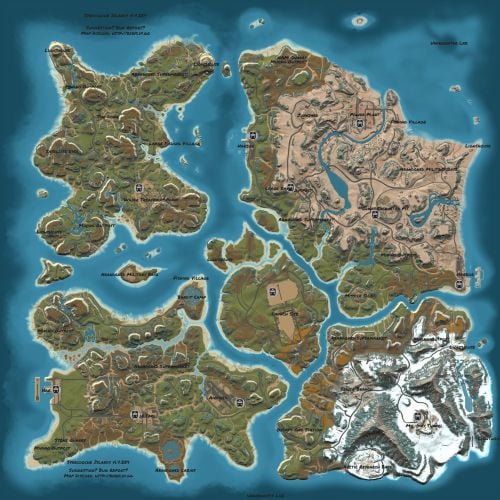
Version 2.3.0
332 downloads
Welcome to SYNECDOCHE! Synecdoche (noun) Sin-eck-doh-key: A figure of speech in which a part is made to represent the whole. Crafted over the course of years, this map offers something extraordinarily rare in this community. Custom monuments are amazing and fun to explore! I've seen so much hard work go into them and people have made some really cool stuff. However, custom monuments are only a small part of the level design in Rust. A Map Focused on Detail, no matter where you are: But who would be insane enough to do such a thing? And how would it be possible? A 4k Rust map is 16 square kilometers. To make this feel like a real place, and give each space the attention to detail it needs demands thousands of hours working with consistent standards. This is why almost all of the maps aside from a handful on these sites will choose to use some form of procedural generation, and what makes synecdoche so uncommon. Every square meter was hand crafted with care, to make a place that feels alive and fantastical. it's what makes the map feel so beautiful. Still Not Convinced? Well, here's some of the feedback we've gotten from the community! Where Reality Meets Fantasy Each and every spot on the map was precisely manicured to feel unique and significant. Every rock has its purpose, and every nook and cranny was deliberately sculpted to inspire exploration. There are no locations on the map that were forgotten or left behind. Each location plays its part to represent the world as a whole. Information and Specifics: This map includes only vanilla monuments and can be run under the community tab. It does not require any 3rd party dependencies, not even the RustEdit Oxide DLL. However, you will need to place the included Harmony mod in you harmony folder to prevent Cargoship from leaving the map while it docks at the northern harbor. Size: 4096 x 4096 Entity Count: ~68,000 Prefab Count: ~16,000 Can Edit: True Required Plugins: Block CargoShip Egress (Included with Map Download) Monuments Junkyard Trainyard Outpost Bandit Camp Fishing Village (X3) Missile Silo Arctic Research Base Military Base (X2) Airfield Water Treatment Plant Sewer Branch (X2) Satellite Dish The Dome Harbor (X3) Military Tunnel Launch Site Power Plant Mining outpost (X7) Oxum's Gas Station Supermarket (X3) Lighthouse (X5) Abandoned Cabins Oil Rigs (large and small) Caves Underground train system Aboveground train system Underwater Labs (X2) Featured Videos:$69.697 points -
Version 3.3.0
57,841 downloads
This plugin does not have its own functionality. This plugin is only used as an API for other plugins. Supported Plugins AirEvent HarborEvent WaterEvent Satellite Dish Event Power Plant Event Junkyard Event BossMonster BetterNpc Defendable Bases Defendable Homes Water Patrol Convoy Armored Train Sputnik Space Cobalt Laboratory XDChinookEvent IQSphereEvent IQBoss Christmas Commands /preset Opens the NPC preset configuration GUI. Allows you to create, edit, and manage NPC presets through a graphical interface /SpawnPreset <presetName> Spawns an NPC near the player using the specified preset. Where <presetName> is the name of an existing NPC preset. /CheckInfo Displays current parameter values of the NPC you are looking at. Useful for inspection and debugging. API --------------------------------------------------------------------------------------------------------------------------------------------------------------------------------------------- ScientistNPC SpawnNpc(Vector3 position, JObject configJson) Spawn an NPC using a JSON configuration block Parameters: position — world position where the NPC will be spawned configJson — NPC configuration block (JObject) Returns: Spawned ScientistNPC instance. --------------------------------------------------------------------------------------------------------------------------------------------------------------------------------------------- ScientistNPC SpawnPreset(Vector3 position, string preset) Spawn an NPC using a preset from the NpcSpawn presets folder Parameters: position — world position where the NPC will be spawned preset — preset name from the NpcSpawn presets folder Returns: Spawned ScientistNPC instance. --------------------------------------------------------------------------------------------------------------------------------------------------------------------------------------------- void CreatePreset(string preset, JObject configJson) Create a new NPC preset file in the plugin folder. Parameters: preset — preset name configJson — NPC configuration block --------------------------------------------------------------------------------------------------------------------------------------------------------------------------------------------- void AddTargetRaid(CustomScientistNpc npc, HashSet<BuildingBlock> foundations) Assign a building as a raid target for the NPC. You must provide all foundations of the building that should be raided. Parameters: npc — target NPC foundations — set of building foundations to raid --------------------------------------------------------------------------------------------------------------------------------------------------------------------------------------------- void SetParent(CustomScientistNpc npc, Transform parent, Vector3 localPos, float updateTime = 1f) Attach the NPC to a moving Transform. The NPC home position will be recalculated in local coordinates relative to the parent Transform at a fixed interval. Parameters: npc — NPC instance parent — moving Transform used as reference localPos — local offset relative to parent updateTime — position update interval in seconds (default: 1f) --------------------------------------------------------------------------------------------------------------------------------------------------------------------------------------------- void SetHomePosition(CustomScientistNpc npc, Vector3 pos) Set a new home position for the NPC. Parameters: npc — NPC instance pos — new world position --------------------------------------------------------------------------------------------------------------------------------------------------------------------------------------------- void SetCurrentWeapon(CustomScientistNpc npc, Item weapon) Force the NPC to equip a specific weapon from its inventory. Parameters: npc — NPC instance weapon — weapon item from NPC inventory --------------------------------------------------------------------------------------------------------------------------------------------------------------------------------------------- void SetCustomNavMesh(CustomScientistNpc npc, Transform transform, string navMeshName) Apply a custom navigation mesh to the NPC. Parameters: npc — NPC instance transform — root Transform used for navmesh coordinate calculations navMeshName — navmesh name from the NpcSpawn navmesh folder --------------------------------------------------------------------------------------------------------------------------------------------------------------------------------------------- BaseEntity GetCurrentTarget(CustomScientistNpc npc) Get the current combat target of the NPC. Parameters: npc — NPC instance Returns: Current target entity or null. --------------------------------------------------------------------------------------------------------------------------------------------------------------------------------------------- void AddStates(CustomScientistNpc npc, HashSet<string> states) Add additional AI states to an already spawned NPC. Parameters: npc — NPC instance states — set of state names to add. Example: "RoamState", "ChaseState", "CombatState" --------------------------------------------------------------------------------------------------------------------------------------------------------------------------------------------- void DestroyTraps(CustomScientistNpc npc) Remove all traps and mines owned by the NPC. Parameters: npc — NPC instance --------------------------------------------------------------------------------------------------------------------------------------------------------------------------------------------- bool IsStationaryPreset(string preset) Check whether a preset defines a stationary NPC. Parameters: preset — preset name Returns: true if the preset is stationary; otherwise false. --------------------------------------------------------------------------------------------------------------------------------------------------------------------------------------------- int GetAreaMask(string preset) Get the AreaMask value defined in a preset. Parameters: preset — preset name Returns: AreaMask integer value. --------------------------------------------------------------------------------------------------------------------------------------------------------------------------------------------- string GetPresetName(CustomScientistNpc npc) Get the preset name used by an already spawned NPC. Parameters: npc — NPC instance Returns: Preset name. --------------------------------------------------------------------------------------------------------------------------------------------------------------------------------------------- void RegisterPresetUsage(string preset, string plugin, string category) Register that a preset is used by a specific plugin and category in the NpcSpawn GUI. Parameters: preset — preset name plugin — plugin name category — optional category name inside your plugin (for example: monument name groups in BetterNpc) --------------------------------------------------------------------------------------------------------------------------------------------------------------------------------------------- void UnregisterPresetUsage(string preset, string plugin, string category) Remove preset usage registration for a plugin/category. Parameters: preset — preset name plugin — plugin name category — category name --------------------------------------------------------------------------------------------------------------------------------------------------------------------------------------------- void ClearPresetUsage(string plugin) Clear all preset usage registrations for a plugin. Not required on plugin unload or reload — handled automatically. Parameters: plugin — plugin name --------------------------------------------------------------------------------------------------------------------------------------------------------------------------------------------- Parameter List --------------------------------------------------------------------------------------------------------------------------------------------------------------------------------------------- string Prefab ["assets/rust.ai/agents/npcplayer/humannpc/scientist/scientistnpc_heavy.prefab"] Path to the NPC prefab to spawn. Only prefabs of the ScientistNPC class are supported --------------------------------------------------------------------------------------------------------------------------------------------------------------------------------------------- string Names ["Scientist"] In-game names assigned to NPCs. Separate multiple names with commas (e.g. Name1,Name2) --------------------------------------------------------------------------------------------------------------------------------------------------------------------------------------------- int Gender [0] 0 = Random, 1 = Female, 2 = Male --------------------------------------------------------------------------------------------------------------------------------------------------------------------------------------------- int SkinTone [0] 0 = Random, 1 = Very Light, 2 = Light, 3 = Dark, 4 = Very Dark --------------------------------------------------------------------------------------------------------------------------------------------------------------------------------------------- uint Underwear [0] Underwear worn by NPCs --------------------------------------------------------------------------------------------------------------------------------------------------------------------------------------------- HashSet<NpcWear> WearItems Clothing and armor worn by NPCs --------------------------------------------------------------------------------------------------------------------------------------------------------------------------------------------- HashSet<NpcBelt> BeltItems Weapons and items equipped in NPCs belt --------------------------------------------------------------------------------------------------------------------------------------------------------------------------------------------- string Kit [""] Kit name --------------------------------------------------------------------------------------------------------------------------------------------------------------------------------------------- bool DestroyTrapsOnDeath [false] If enabled, all traps placed by NPCs will be destroyed when the NPC dies --------------------------------------------------------------------------------------------------------------------------------------------------------------------------------------------- float Health [100f] Total health points of the NPC --------------------------------------------------------------------------------------------------------------------------------------------------------------------------------------------- bool InstantDeathIfHitHead [false] If enabled, NPCs die instantly from any headshot, regardless of their health --------------------------------------------------------------------------------------------------------------------------------------------------------------------------------------------- float RoamRange [10f] Maximum distance NPCs can patrol from their spawn point. Values below 2 mean no movement --------------------------------------------------------------------------------------------------------------------------------------------------------------------------------------------- float ChaseRange [80f] Maximum distance NPCs can pursue their target from their spawn point --------------------------------------------------------------------------------------------------------------------------------------------------------------------------------------------- float SenseRange [40f] Maximum distance at which NPCs can detect targets --------------------------------------------------------------------------------------------------------------------------------------------------------------------------------------------- float ListenRange [20f] NPCs hear gunshots at full range, footsteps at 1/3, and crouched movement at 1/9 --------------------------------------------------------------------------------------------------------------------------------------------------------------------------------------------- float DamageRange [80f] Maximum distance at which players can damage NPCs. Use -1 for unlimited range --------------------------------------------------------------------------------------------------------------------------------------------------------------------------------------------- float ShortRange [10f] Distance at which NPCs increase firearm spray duration when targets get closer --------------------------------------------------------------------------------------------------------------------------------------------------------------------------------------------- float AttackLengthMaxShortRangeScale [2f] Multiplier for spray length increase when targets are within the short range --------------------------------------------------------------------------------------------------------------------------------------------------------------------------------------------- float AttackRangeMultiplier [1f] Multiplier applied to the default Facepunch attack range of NPC weapons --------------------------------------------------------------------------------------------------------------------------------------------------------------------------------------------- bool CheckVisionCone [false] If enabled, NPCs will only detect targets within their forward vision cone --------------------------------------------------------------------------------------------------------------------------------------------------------------------------------------------- float VisionCone [286f] Defines the NPCs field of view in degrees (20–340) --------------------------------------------------------------------------------------------------------------------------------------------------------------------------------------------- bool HostileTargetsOnly [false] If enabled, NPCs only attack players marked hostile after firing or carrying weapons near safe zones --------------------------------------------------------------------------------------------------------------------------------------------------------------------------------------------- bool DisplaySashTargetsOnly [false] If enabled, NPCs will only attack players who have previously picked up a weapon after respawning --------------------------------------------------------------------------------------------------------------------------------------------------------------------------------------------- bool IgnoreSafeZonePlayers [true] If enabled, NPCs will ignore players inside safe zones --------------------------------------------------------------------------------------------------------------------------------------------------------------------------------------------- bool IgnoreSleepingPlayers [true] If enabled, NPCs will ignore players who are sleeping --------------------------------------------------------------------------------------------------------------------------------------------------------------------------------------------- bool IgnoreWoundedPlayers [true] If enabled, NPCs will ignore players who are wounded and downed --------------------------------------------------------------------------------------------------------------------------------------------------------------------------------------------- int NpcAttackMode [2] 0 = Do not attack, 1 = Attack all, 2 = Detailed targeting --------------------------------------------------------------------------------------------------------------------------------------------------------------------------------------------- float NpcSenseRange [40f] Maximum distance at which this NPC can sense other NPCs --------------------------------------------------------------------------------------------------------------------------------------------------------------------------------------------- float NpcDamageScale [1f] Damage modifier against NPCs. Multiplied by the global Scale Damage value --------------------------------------------------------------------------------------------------------------------------------------------------------------------------------------------- string NpcWhitelist ["FrankensteinPet,14922524"] Allowed NPCs to attack. Use ShortPrefabName, SkinID, class name, NPC name. Separated by commas --------------------------------------------------------------------------------------------------------------------------------------------------------------------------------------------- string NpcBlacklist ["11162132011012"] Blocked NPCs to attack. Use ShortPrefabName, SkinID, class name, NPC name. Separated by commas --------------------------------------------------------------------------------------------------------------------------------------------------------------------------------------------- int AnimalAttackMode [0] 0 = Do not attack, 1 = Attack all, 2 = Detailed targeting --------------------------------------------------------------------------------------------------------------------------------------------------------------------------------------------- float AnimalSenseRange [20f] Maximum distance at which this NPC can sense animals --------------------------------------------------------------------------------------------------------------------------------------------------------------------------------------------- float AnimalDamageScale [1f] Damage modifier against animals. Multiplied by the global Scale Damage value --------------------------------------------------------------------------------------------------------------------------------------------------------------------------------------------- string AnimalWhitelist [""] Allowed animals to attack. Use ShortPrefabName, SkinID, class name. Separated by commas --------------------------------------------------------------------------------------------------------------------------------------------------------------------------------------------- string AnimalBlacklist ["11491311214163"] Blocked animals to attack. Use ShortPrefabName, SkinID, class name. Separated by commas --------------------------------------------------------------------------------------------------------------------------------------------------------------------------------------------- float DamageScale [0.75f] Global damage multiplier applied to all NPC attacks --------------------------------------------------------------------------------------------------------------------------------------------------------------------------------------------- bool CanTurretTarget [true] If enabled, turrets are allowed to target NPCs --------------------------------------------------------------------------------------------------------------------------------------------------------------------------------------------- float DamageScaleFromTurret [0.5f] Damage multiplier applied when NPCs receive damage from turrets --------------------------------------------------------------------------------------------------------------------------------------------------------------------------------------------- float DamageScaleToTurret [1f] Damage modifier against turrets. Multiplied by the global Scale Damage value --------------------------------------------------------------------------------------------------------------------------------------------------------------------------------------------- float AimConeScale [2f] The spread of NPC shots. Default Facepunch value is 2. Negative values are not allowed --------------------------------------------------------------------------------------------------------------------------------------------------------------------------------------------- bool DisableRadio [false] If enabled, disables the default radio chatter sounds made by scientist NPCs --------------------------------------------------------------------------------------------------------------------------------------------------------------------------------------------- bool CanRunAwayWater [true] If enabled, NPCs that enter deep water will return to their spawn point --------------------------------------------------------------------------------------------------------------------------------------------------------------------------------------------- bool CanSleep [true] If enabled, NPCs can enter sleep mode to reduce performance cost when no players are nearby --------------------------------------------------------------------------------------------------------------------------------------------------------------------------------------------- float SleepDistance [100f] Distance at which NPCs will enter sleep mode if no players are within range --------------------------------------------------------------------------------------------------------------------------------------------------------------------------------------------- float Speed [5f] Movement speed of NPCs. Default Facepunch value is 5 --------------------------------------------------------------------------------------------------------------------------------------------------------------------------------------------- int AreaMask [1] int AgentTypeID [-1372625422] Navigation Grid Type --------------------------------------------------------------------------------------------------------------------------------------------------------------------------------------------- float BaseOffSet [0f] Vertical offset from the navmesh. Positive = above, negative = below, 0 = default height --------------------------------------------------------------------------------------------------------------------------------------------------------------------------------------------- string HomePosition [""] Base position of the NPC used as its home and reference point for movement --------------------------------------------------------------------------------------------------------------------------------------------------------------------------------------------- float MemoryDuration [10f] How long NPCs remember a target after losing sight of it --------------------------------------------------------------------------------------------------------------------------------------------------------------------------------------------- HashSet<string> States [HashSet<string> { "RoamState", "ChaseState", "CombatState" }] List of AI states the NPC can use --------------------------------------------------------------------------------------------------------------------------------------------------------------------------------------------- string LootPreset ["Default-Npc-KpucTaJl"] Name of LootManager preset applied on NPC. Leave empty for no preset --------------------------------------------------------------------------------------------------------------------------------------------------------------------------------------------- string CratePrefab [""] Prefab path of the crate to spawn at NPC death location. Leave empty for none --------------------------------------------------------------------------------------------------------------------------------------------------------------------------------------------- bool IsRemoveCorpse [true] If enabled, NPC corpses are removed instantly on death --------------------------------------------------------------------------------------------------------------------------------------------------------------------------------------------- bool GroupAlertEnabled [false] If enabled, NPCs share attacker info with nearby NPCs of matching presets --------------------------------------------------------------------------------------------------------------------------------------------------------------------------------------------- float GroupAlertRadius [40f] Radius in which NPCs can alert nearby groups about the attacking player --------------------------------------------------------------------------------------------------------------------------------------------------------------------------------------------- string GroupAlertReceivers [""] NPC presets to alert. Use All or preset names (Preset1,Preset2). Own preset added automatically --------------------------------------------------------------------------------------------------------------------------------------------------------------------------------------------- float HeadDamageScale [1f] Damage multiplier for head hits --------------------------------------------------------------------------------------------------------------------------------------------------------------------------------------------- float BodyDamageScale [1f] Damage multiplier for body hits --------------------------------------------------------------------------------------------------------------------------------------------------------------------------------------------- float LegDamageScale [1f] Damage multiplier for leg hits ---------------------------------------------------------------------------------------------------------------------------------------------------------------------------------------------Free7 points -
Version 1.0.7
699 downloads
Lightweight plugin that allows you to set custom maximum health for players based on permissions. Server owners can configure permissions in the plugin’s config file to give certain groups or players higher (or lower) max health. Example: Granting the permission playerhealth.tier1 will set a player’s maximum health to 150 based on default config. Config { "Permissions": { "tier1": { "Max Health": 150.0, "Start health %": 60.0, "Healing items to match max health": true }, "tier2": { "Max Health": 200.0, "Start health %": 60.0, "Healing items to match max health": true }, "tier3": { "Max Health": 300.0, "Start health %": 60.0, "Healing items to match max health": true } }, "General Settings": { "Revert to vanilla in RaidableBases": false, "Revert to vanilla in AbandonedBases": false, "Revert to vanilla in SurvivalArena": false }, "Version": { "Major": 1, "Minor": 0, "Patch": 7 } }Free7 points -
![More information about "Building Sites [Super Sized Bundle]"](https://codefling.com/uploads/monthly_2025_09/adem_prev_sites_prev_1.thumb.jpg.e63b8b7d1ba98b9e3733caa76fff8f17.jpg)
Version 1.0.0
348 downloads
Note: This is an add-on, not a standalone plugin. It requires the BuildingSites plugin to be installed (sold separately). SuperSized is an add-on for BuildingSites that introduces 10 new locations — one coastal and nine land-based. Its defining feature is massive buildable areas, perfectly suited for ambitious structures, large bases, or clan settlements. Installation Instructions: Make sure you have the latest version of the BuildingSites plugin installed Move the contents of the data/BuildingSites folder from the archive you downloaded into the oxide/data/BuildingSites folder on your server Reload the plugin Check out the rest of my work: Adem's Codefling Library You can reach out to me in Discord: Adem's Discord Profile Join the Mad Mappers Discord!$19.997 points -

Version 2.5.2
177 downloads
Launched in 2024, RustApp.io is a SaaS web-panel for RUST server moderation and management. The service collects detailed player information, helps identify rule-breakers, and automates routine staff tasks through a single, user-friendly web interface. By 2026, the platform handles up to 33,000 concurrent players across 170+ projects during peak periods. Key Features of RustApp Player Profile Detailed player information: SteamID64, IP, country, city, and ISP. Steam account analysis: VAC/game bans, profile visibility, account creation date, total RUST hours, last known RUST hours (if the profile is now hidden but was previously scanned), and hours played in the last two weeks. Team and nickname history across all sessions. Real-time statistics: K/D ratio, combat logs, kills & death history. Custom tags and fields for deep integration with your own plugins. Enforcement & Moderation Advanced ban system: Global or server-specific bans, IP bans, mass team bans, building removal, and support for proof or comment attachments. Automated moderation: Auto-kick for VPN users, restricted Steam profiles, low playtime and that’s not all. Shared ban lists: Access and subscribe to public ban lists from other projects. Custom moderation actions: execute your own server commands through the panel. Player Drawing System: View all active drawings on your servers, with the ability to delete them or add them to favorites to save your players' most creative or funny artwork. Sleeping Bag Tracking: Comprehensive history of sleeping bag transfers between players, including coordinates and server data, with fully customizable filtering. Communication & Inspection Full chat monitoring: History of global, team, and private messages. Unified report system: Aggregated reports from F7, RustApp UI or custom plugins. Inspection workflow: Dedicated tools to initiate and manage player checks. Analytics & Logs Audit logs: Full transparency of all administrative actions. Staff performance: Detailed tracking of moderator activity and effectiveness. Server metrics: Real-time monitoring of online count, unique players, and geography. Integrations & Alerts External integrations: Seamless connection with RustCheatCheck (RCC) and Discord. Real-time alerts: Notifications for suspicious players, VPNs, blacklisted accounts, and much more, including your own custom alerts. Developer API: Full access for building custom tools and external integrations. Web Panel Screenshots RustApp Plugin The server connects to the website via a plugin with fully open-source code. It is available on GitHub, where you can also suggest improvements. This ensures complete transparency: you always know exactly what is installed on your server and how the code operates. Usefull Links — Website: rustapp.io — Support: t.me/rustapp_help — Documentation: docs.rustapp.ioFree7 points -
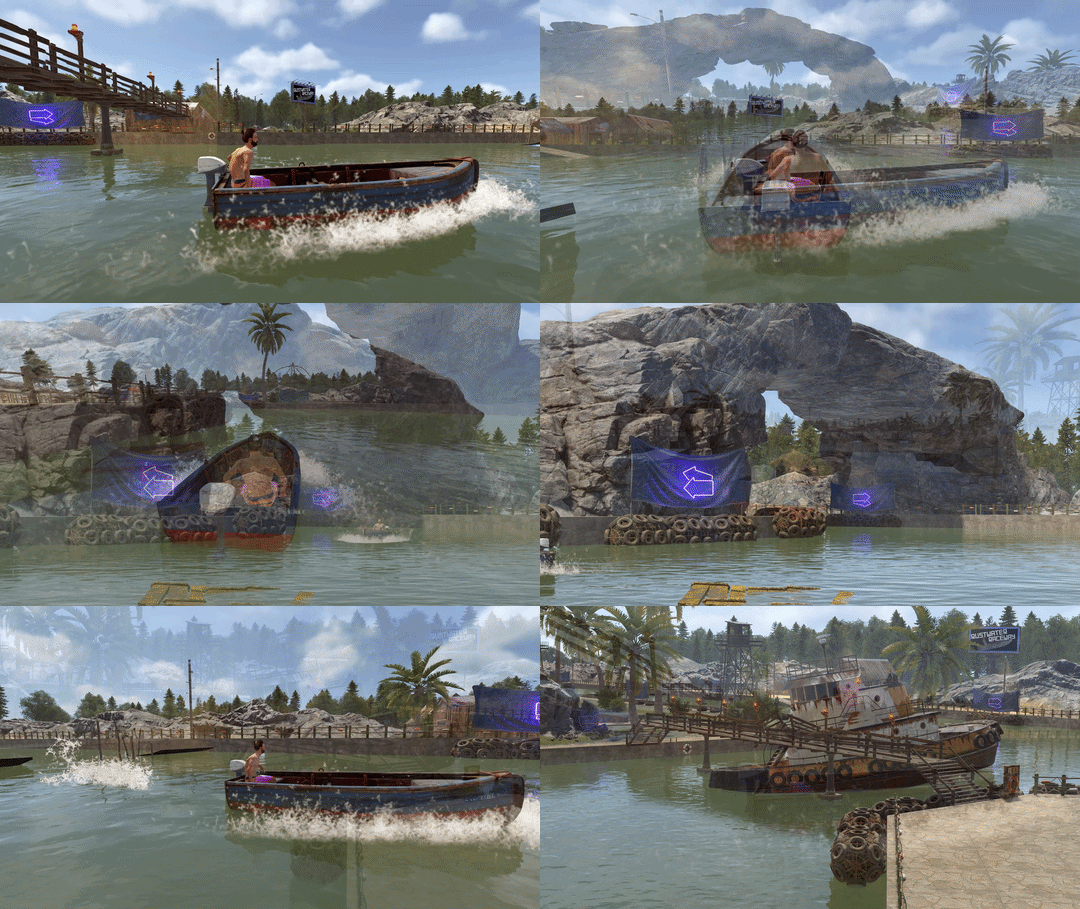
Version 1.0.0
13 downloads
Introducing Rustwater Raceway, a racetrack for rowboats, rhibs, and Karuza's Custom Vehicles! The buildings have no vendors, leaving space for other plugins to add vehicle vendors to spawn boats/hovercars on the track. ~1400 prefabs, all layer masks except biome & alpha. Come and give it a try on our test server (type /race buy in chat to open race): connect kpc.karuza.dev$10.007 points -

Version 1.3.0
395 downloads
Sea Skull is a custom map full of islands surrounded by multiple places to build. Get ready for survival in a world with creature wreckage, tornado and the legendary Kraken. Build your home in caves, land and air platforms, under bridges and in multiple locations that will surprise you. - FEATURES Size: 6000. Objects: 36561. Map protection plugin included. Editable map: Yes. - CONTAINS ALL OFFICIAL MONUMENTS Ziggurat temple • Jungle ruins • Radtown • Ferry Terminal • Nuclear missile silo • Large oil platform • Small oil platform • Submarine laboratories • Harbor • Large fishing villages • Fishing villages • Launch site • Satellite dish • The Dome • HQM Quarry • Stone quarry • Sulfur quarry • Arctic Research Base • Sewer Branch • Train yard • Junkyard • Abandoned military bases • Military tunnel • Caves • Large barns • Ranch • Bandit camp • Power plant • Swamp • Airfield • Giant excavation • Outpost • Lighthouse - PREFABRICATED AND CUSTOMIZED MONUMENTS Large oil platform (This monument contains a subway access, this monument can be reached by train). Small oil platform (This monument contains a subway access, this monument can be reached from the train). Heli Tower. Airfield with Bradley Patrol and railroad tracks. Bradley tank patrolling the map. Aerial platforms. The dome (with train tracks). Bridges with Construction Area. Missile launching with train tracks. Kraken creature in town. Tornado. Remains of mythological creatures. Sand. Caves with construction area and electricity. Quidditch Pitch (Harry Potter). Gigantic area with multiple Oilrig. H1Z1 Lab. Aircraft carrier. Six islands for events, Located around the map. You can use the islands for the Raidable Bases plugin. Islands (Oasis). - TIPS Setting your server to Survival mode will add an extra fun mode to this map (Optional). Have fun$45.907 points -
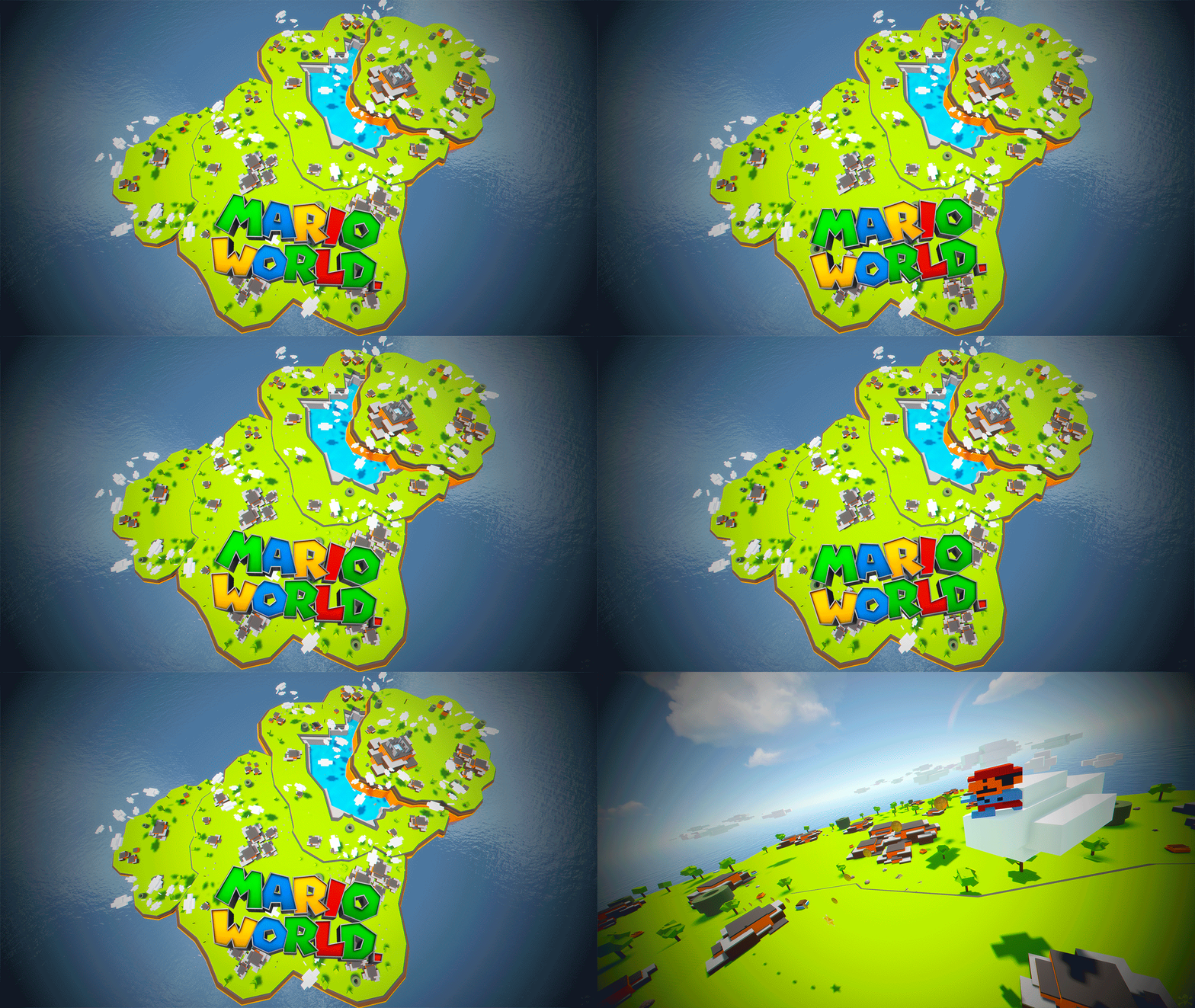
Version 1.0.0
18 downloads
Mario World is a world inspired by the legendary Mario Bross game. In Mario World you can build your house anywhere in this gigantic construction zone. Build on firm ground, build underwater, in mountains, build wherever you want. In Mario World you will find a fantastic and beautiful decoration in which you would think to be in another game. In addition to finding construction resources and food, you can visit the castle located at the top of the mountain. This castle is a safe area, it is equipped with everything you need for your needs, the castle is a hybrid between the Outpost and Bandit. Mario World is compatible with the Raideable Bases plugin. INCLUDES Character Mario Bross. Character Luigi. Donkey Kong character. Three different enemy characters. Underwater construction areas. Pipes to build inside. Construction resources. Food and Water. Helicopter vendor. Work tables. Bandit guards and turrets. Recycling machines. Shops. TIPS This prefab contains a height layer, it is not necessary to apply the height layer, this option has been added to make the Raideable Bases plugin functional in Mario World. Climb the walls to reach the heights. Have fun SUPPORT: https://discord.gg/ASxJynGndj$24.907 points -
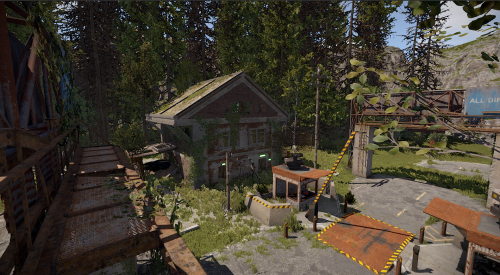
Version 1.0.0
11 downloads
A long-abandoned and highly detailed checkpoint post, featuring a secret room accessible only with a blue keycard. I did my best to make it resemble the standard monument from the game as closely as possible. All the holes in the building are designed so that a player can easily pass through them. Additionally, you can install a recycler wherever you see fit. 1223 prefabs$7.507 points -
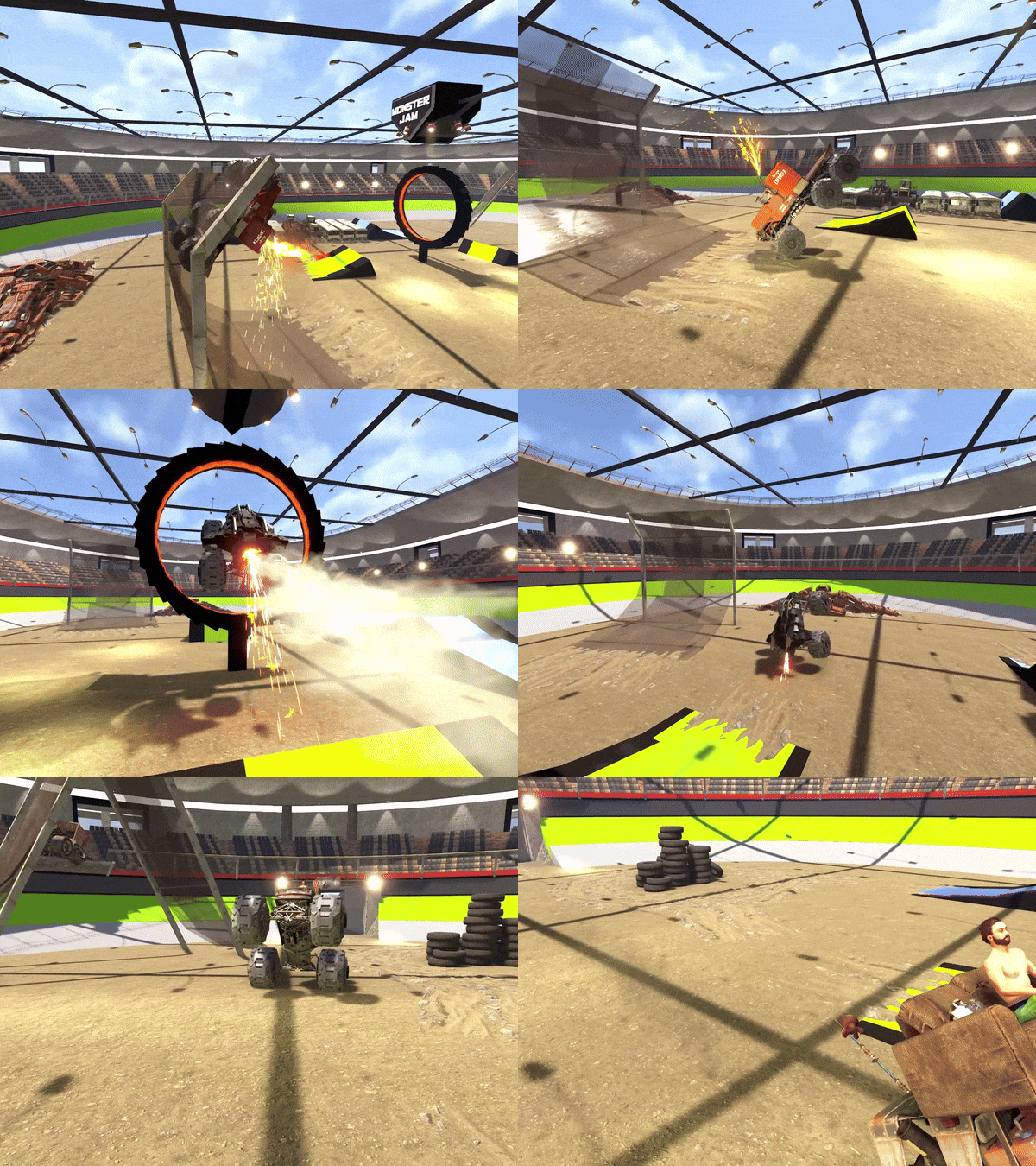
Version 1.0.1
12 downloads
A 5000 capacity Monster Truck Arena (~3300 prefabs) built for Karuza's Custom Vehicles. Featuring 4 entrances (one large enough for vehicles) which split into 8 staircases to enter the seating area. No puzzle, loot or npc spawners, just a fun arena to mess around in! Feel free to remove the stuff from the middle if you want to repurpose this into a different kind of stadium/arena. Has Terrain Height, Splat & Topography masks. The height mask will fill in the space under the seats and make it look a bit nicer on the map.$10.007 points -
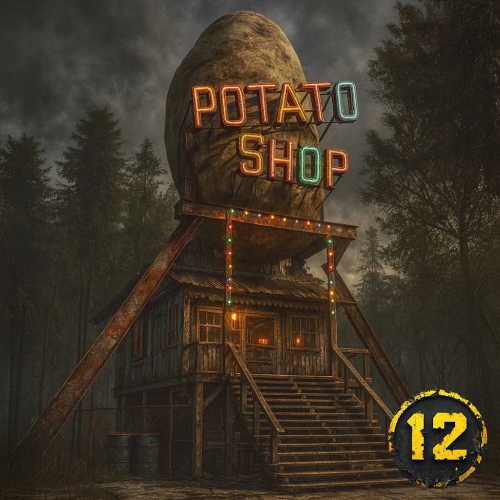
Version 1.1.0
192 downloads
Warning: this is not your average Rust prefab/monument. It’s… a Potato Shop. Why? Nobody knows. Who built it? Probably someone who lost a bet. Do you need it? Absolutely! Welcome to the Potato Shop, the shop you didn’t know you needed. Tucked into the wasteland like a post-apocalyptic roadside diner, it’s equal parts vendor hub, loot spot, and shrine to the almighty spud. What’s inside? Just the right amount of detail to feel alive without tanking your prefab count. (417 prefabs) A ready-to-go vendor area (plug in your shop plugin, stock it with whatever bizarre goods you want). Neon lights, creaky wood, and a vibe that screams “50s fallout diner, but potatoes.” It’s not huge. It’s not complex. It’s just strange. And that’s the beauty of it: nothing says Rust quite like stumbling across a glowing roadside Potato Shop in the middle of nowhere. And the best part? It’s free. That’s sick. It’s free! Want help!? Join OUR DISCORDFree7 points -
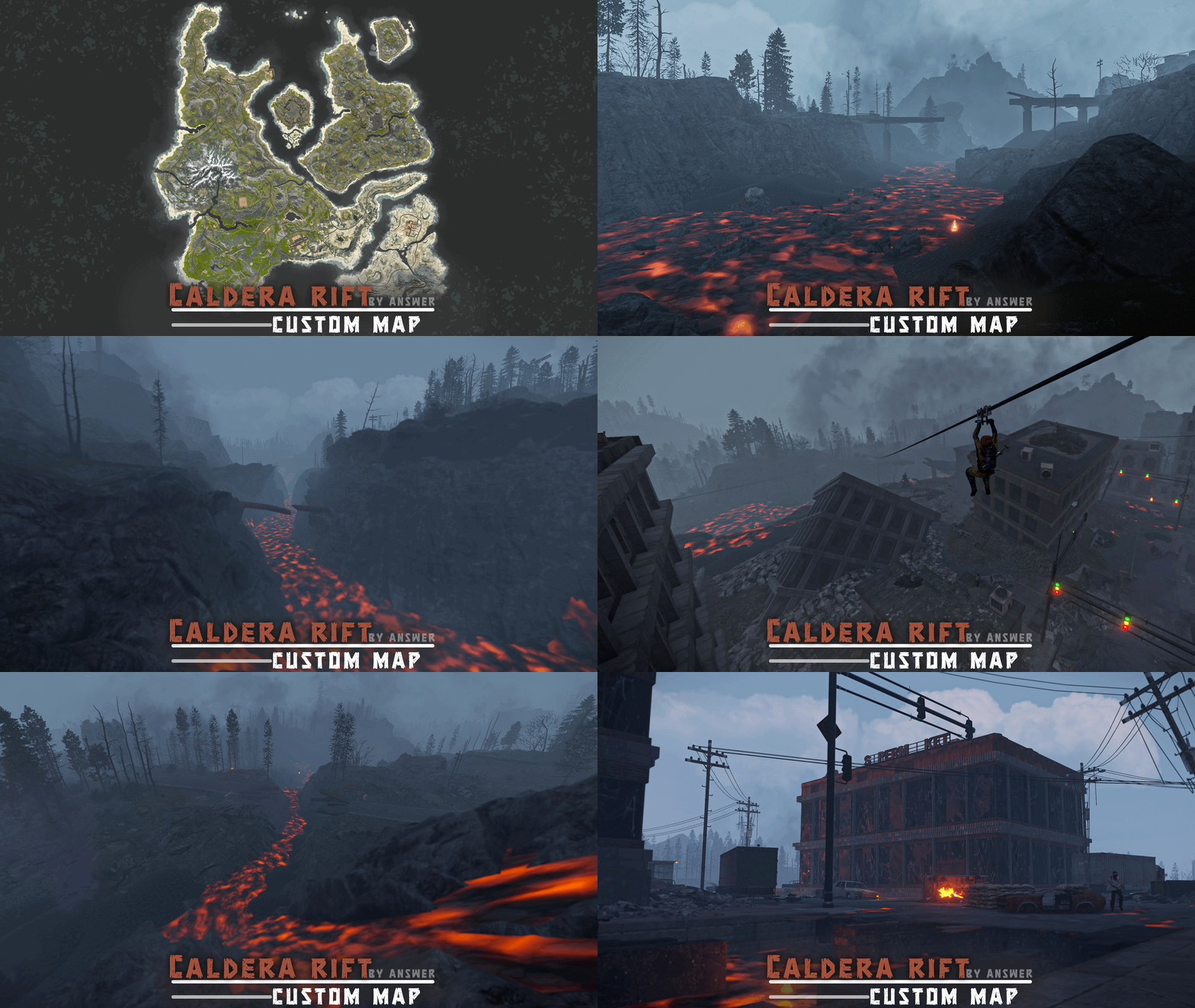
Version 1.1.1
42 downloads
Years ago, back in 2022 there were facepunch commits of a volcanic biome (hackweek-caldera), which unfortunately never made it into the game files. I was interested in this idea before, but have further got inspired by those commits and have since been planning for this volcanic themed map, resulting in the following: It started with violent earthquakes. The ground cracked open, volcanoes erupted, tearing through buildings and burying towns in ash. Cities collapsed in chaos. Those who made it out alive grabbed what they could and scattered across the map, forming camps, building shelters & fighting to survive. Out here, it's every survivor for himself. No mercy. Just fire, ash… and the will to outlast the rest. FEATURES - Multiple bridges and ziplines to ensure easy access between islands; - Mission NPCs around the map; - BetterNPC config included; - Unmarked caves (some containing loot & NPCs, others building spots) varying in size from small to huge; - Unmarked building spots for players to discover; - Marketplaces and recyclers at fishing villages; - Fresh water sources around the map: fountains, rivers, lakes - Buildable bus stops; CUSTOM MONUMENTS Fallen City: a city in ruins, now roamed by scavengers. Caldera Mining Rig - Located at the center of the map, this mining rig is used by the caldera scientists to extract valuable ores from the mines below. A red keycard elevator leading underground awaits players at the top of the rig, the main underground attraction being the hackable crate. Caldera Warehouse - A large warehouse used by the caldera scientists to store the ores extracted from the mining rig. This warehouse will provide a challenge as it is highly populated with caldera scientists. Hostile survivor camps - Most of them are unmarked, allowing players to discover them on their own. Abandoned Clinic Fallen Town Chemical Silo RV Campsite Bus Depot Hilltop Mansion Friendly survivor camps (these are not safe zones) - Contains some loot, horse vendor, mission NPC HQM Quarry cave Fishermen Freighters Jungle Residential Ruins Hidden Campsite Desert RV camp Seaside Mansion Unmarked building spots Custom zipline points: some of these also contain parachute crates nearby Mini Launch Site: takes less space and is better optimised than vanilla Garages: roadside monuments featuring functional vehicle lifts, encouraging players to use modular cars. Unmarked caves (some containing loot, others building spots) varying in size from small to huge Sunken Junkyard Bandit Fishing Village: this safe zone contains the best from both outpost and bandit camp VANILLA MONUMENTS The Dome Ferry Terminal Oxum's Gas Station Supermarket Satellite Dish Lighthouse Mining Outpost Arctic Research Base Fishing Villages Airfield Radtown Jungle Ziggurat Harbor (2/2) Missile Silo: added MLRS Large Barn Train Yard Giant Excavator Pit Underwater Lab Small & Large Oil Rig NOTES – Need help? You can always contact me on my discord server @ discord.gg/TJxwpKT2Ge – The password for the editor is included with the map. - Shoutout to Bxrflip for the arch & cable bridge model! - Size: 4750 (mainland size is smaller, somewhere at ∼4250) - Prefab count: ∼81k$49.907 points -
Version 1.1.0
1,413 downloads
Deep Sea Options is a single config control plugin for Rust’s new Deep Sea feature. It lets server owners fully control when Deep Sea opens, what spawns inside it, what vehicles can enter, and how access rules are enforced. You can also configure if players can build inside deep sea. Building Control Enforce building allowed / blocked inside Deep Sea * Limit how many foundations a player can build in Deep Sea * Buildings persist restart, as long as the deep sea isnt being closed. Deep Sea Behavior Control Configure defaults: Whether the deep sea should always remain open, be on timers, or disabled Control all phase timers GameTip messages to announce deep sea openinig/closing Deep Sea Content Control Configure procedural spawns: Island counts Ghost Ships counts RHIB counts Control: count spacing radius minimum distance between spawns distance from Deep Sea edges Settings are grouped and explained in the config Loot spawn Configurable respawn option for crates/ore/npc Access & Teleport Rules Control: Allow all vehicles (including planes and helis) or only an allow-listed set players can enter without a boat flying (noclip/admin) players can bypass checks NPC passengers are allowed on vehicles Prevent or allow “vehicle stacking” (boats/helis on deck) Chat Commands /deepsea status Shows current Deep Sea state /deepsea open Opens deep sea if not alrady open /deepsea close Closes current Deep Sea Console Commands dso open - to open the deepsea through the plugin dso close - to close the deepsea through the plugin dso forceclose - to force close the deepsea in case you need it closed but 'AlwaysOpen' is reopening it Note if you make changes to some config values (such as the procedural spawns, you will need to close the deep sea and reopen.) Config options: === GENERAL CONTROLS === Control - Schedule If ON: Plugin controls when Deep Sea opens/closes and how long it stays open. Control - Content If ON: Plugin controls how many islands, ghost ships, and scientist boats spawn and how they are placed. Control - Travel Rules If ON: Plugin controls who/what is allowed to use Deep Sea portals (vehicles, NPCs, players without vehicle, etc). Control - Building If ON: Plugin controls whether players can build while inside Deep Sea. Force Apply On Reload If ON: When plugin reloads, it forces Deep Sea to close and reopen so spawn changes apply immediately. If OFF: Changes apply next time Deep Sea opens normally. === SCHEDULE SETTINGS === Mode Vanilla = Normal Rust Deep Sea cycle. AlwaysOpen = Deep Sea never closes. Disabled = Deep Sea never opens. (plugin manually resests the reopen timer. recommend using the other disable option below if just want it off always) Open Time Seconds How long Deep Sea stays open before closing (Vanilla mode). Cooldown Seconds How long Deep Sea stays closed before opening again (Vanilla mode). Final Phase Seconds End-of-cycle phase used for weather / atmosphere effects. Radiation Warning Phase Seconds When time left is below this, new entry is normally blocked. AlwaysOpen - Keep Time Left Around Seconds In AlwaysOpen mode, Deep Sea time is kept around this value. AlwaysOpen - Refill When Below Seconds If time left drops below this, it refills back up to the target above. Disabled - Push Next Opening To Seconds In Disabled mode, pushes next open time far into the future. Set DeepSea Enabled Flag If ON, plugin forces the core deepsea enabled/disabled flag (may need restart). DeepSea Enabled Only used if above is ON. Turns Deep Sea system on/off at engine level. === CONTENT SPAWNING === (These control placement spacing) Islands / Ghost Ships / RHIB Groups all use same logic: Count How many spawn each time Deep Sea opens. Spacing Size General spacing radius. Bigger = more spread out. Edge Buffer How far from the outer Deep Sea border spawns must stay. Bigger = more toward the center. Minimum Spacing Hard minimum distance between spawns. Overrides spacing size if larger. === RESPAWN (CRATES / NPCs / HACKABLES) === Enable Respawn System If ON: Plugin respawns eligible Deep Sea crates, ores, and NPCs. Check Interval Minutes Time to respawn. Min Distance From Players To Allow Respawn Entities will only respawn if no players are within this distance. Respawn Hackable Crates Via Ghostship If ON: Hackable crates respawn on ghost ships. Hackable Crates Count Number of hackable crates that can spawn. === TRAVEL RULES === Allow Any Vehicle If ON: Any vehicle can use portal. Allowed Vehicle Prefabs If NOT allowing all vehicles, only these are allowed. Require Boat Type Only If ON: Even allowed vehicles must be boats. Allow Players Without Vehicle If ON: Players can teleport without standing on a vehicle. Allow Noclip Players If ON: Flying/admin players bypass vehicle checks. Allow NPC Passengers If OFF: Vehicles with NPC passengers cannot teleport. Allow NPC Player Teleport If ON: NPC player entities themselves can teleport. Allow Entry During Radiation Warning Phase If ON: Players can enter even when Deep Sea is about to close. Ignore Extra Vehicle Onboard Check If ON: Should allow things like helicopters sitting on boats. Log Entry/Exit If ON: Logs allow/deny decisions for debugging. === BUILDING === Allow Building In Deep Sea If OFF: Players cannot build inside Deep Sea. If ON: Building is allowed. DeepSea - Limit Foundations If ON: Limits how many foundations each player can place inside Deep Sea only. DeepSea - Max Foundations Per Player Maximum number of foundations a player can place inside Deep Sea. DeepSea - GameTip: Show remaining on successful place If ON: When a player places a foundation in Deep Sea, shows how many foundations they can still place. DeepSea - GameTip: Show message when denied If ON: When a player hits the Deep Sea foundation limit, shows a GameTip === NOTIFICATIONS === GameTip - Deep Sea Opening If ON: Shows a GameTip when Deep Sea starts opening. GameTip - Deep Sea Opened If ON: Shows a GameTip when Deep Sea is fully open. GameTip - Deep Sea Closing If ON: Shows a GameTip when Deep Sea starts closing. GameTip - Deep Sea Closed If ON: Shows a GameTip when Deep Sea is fully closed.$8.996 points -
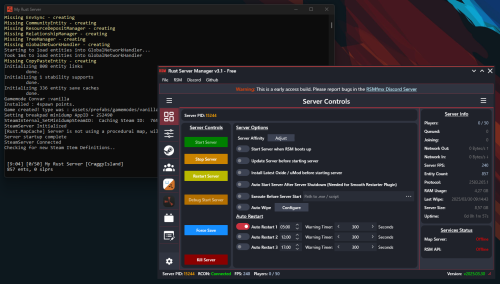
Version 2025.12.23
5,644 downloads
Rust Server Manager (RMSfmx) is a tool that allows you to create and manage dedicated Rust servers. RSMfmx was a paid tool that has recently become free and open source. Freatures: Modern Graphical Interface Server Info Panel Graphical Server Config Editor Graphical Server Installer Graphical Player Manager OxideMod / uMod Installer and Configuration CarbonMod Installer and Configuration Plugin Manager (Install, Configure and manage) Chats Logger Auto Restart Map Server (Self host custom Maps) Rest API to interface with RSM.Free6 points -
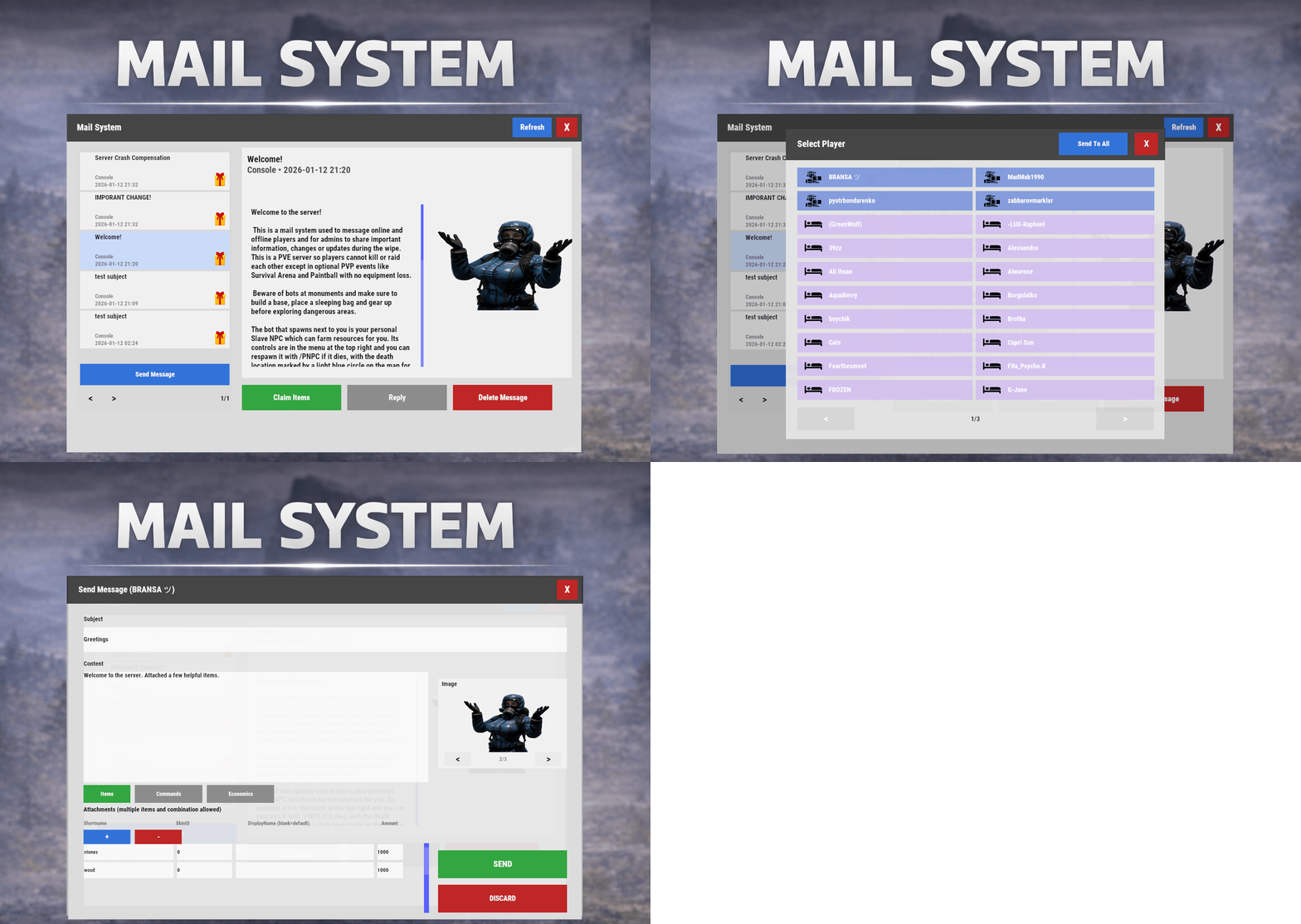
Version 1.2.3
52 downloads
Mail System is an in-game mail and notification system for Rust servers, allowing players to send “emails” to online and offline players. Admins will also benefit from being able to include attachments such as items, commands, and economy rewards, and players can now open support tickets for staff assistance directly in-game. Designed for wipes, announcements, rewards, crash compensation, support, and direct communication, Mail System ensures both online and sleeping players receive admin messages, while also providing threaded conversations—replies are appended to the original message—so players can follow the full back-and-forth anytime via a simple UI they can access at any time. Perfect For Admin announcements Server rules and new player welcome messages Compensations Reward delivery Event prizes Player to Player communication Core Features Persistent inbox per player Messages are delivered even when players are currently offline Configurable inbox limits per player - oldest message deleted if limit exceeded. Optional wipe-based inbox clearing Simple message creation Ability to input subject and message content Recipient can be easily selected via a player picker UI, with unique colors and icons for Online/Sleeper/Staff Optional image per message via ImageLibrary. Available Image URLs (recommend square images eg 512x512) can be configured. Default/Example images have been included. Clean scrollable UI and configurable max length for long messages. Admins can easily include a combination of items, economies, or commands ran against the recipient. Messages and attachments can also be created via console commands, perfect for use in other plugins. Known Limitation: Rust does not currently have a functional multi-line support (as in, hitting enter to create a line break won't create a line break for the recipient). However. when typing message content, entering \n will create a new line in the resulting message as shown in attached screenshots. Facepunch is aware of this and UI input functionality will be updated accordingly. Unread notifications Notification sound upon receiving new message Visual indicator for unread messages and attachments Customizable position and size of on-screen notification bell Support Tickets (In-Game Helpdesk) Create new tickets with subject + message Staff groups can view/respond to all tickets (permission group based, configurable) Open & Closed ticket views (toggle), with close/reopen controls Threaded ticket history: every reply is stored and displayed as a conversation Attachments & Rewards Each message can include any combination of: Item rewards Multiple items per message Custom display names Optional skin IDs Inventory-safe claiming Command rewards Ability to run server commands on claim Supports placeholders to ensure command is run against the recipient (%steamid%) Repeatable command execution via amount entry Economy rewards Economics ServerRewards TCBank each handled independently, with clear failure feedback if unavailable or failed Players claim attachments directly from the inbox with a single click and receive a clear summary of what was successfully claimed and what failed, if anything. 🛠 Admin & Console Tools Send messages with attachments: Using In-game UI Using Console commands Attach rewards and images using simple flag-based commands Ability to include attachments is admin permission based Target: Individual players All players (Online and Sleepers) Customization Customize HUD icon and unread indicators Customize online/sleeper/staff icons Built-in notification HUD position & size editor (no config guessing) Customize available images which can be included in messages. Adjust HUD colors Configure subject/message max lengths and inbox size. Localization via lang files Timestamp +/- offset Chat Commands: /inbox - Opens the Inbox UI where players can view and send/reply messages /tickets - opens the Tickets UI /sendmail "PlayerName" - optional chat command to send message to specific player without going through inbox/player picker /inbox_top - Admin command to view players with largest inbox sizes /inbox_clear "PlayerName" - Admin command to clear a specific player's inbox /notif_iconpos - Admin command to reposition and resize the notification icon (auto saves) Permissions: mailsystem.send - required to be able to send messages mailsystem.admin - required to add attachments via UI and run admin commands mailsystem.ticketopen - allows opening/using the Tickets UI mailsystem.ticketstaff - marks a player as ticket staff (can view/respond to all tickets) mailsystem.ticketmanage - allows managing tickets (e.g., close/reopen regardless of creator) Console command functionality Console commands can be used for both messaging and attachment delivery using flags, with included option to select which image will appear in the message Basic command structure is as follows: mail.send <playername OR SteamID> "<subject>" "<content>" [flags] mail.sendall "<subject>" "<content>" [flags] Available flags are desribed below and may be used multiple times and in any order: Image Flag: -img <number> Sets the message image. Uses the image list from the config Index starts at 0 0 = first image, 1 = second, etc. _______________________________ Item Flag: -item <shortname> <amount> <skinId> optional:"displayName" Adds an item attachment. skinId may be 0 Custom name is optional If omitted, the item’s default name is used _______________________________ Commands Flag: -cmd "<name>" "<command>" <amount> Runs a server command when claimed. amount specified how many time to run the command. It defaults to 1 Supports %steamid% and %name% wildcards - useful when sending to all players or via other plugins. "name" is what the player will see as the attachment name (instead of seeing the command itself) _______________________________ Economy Flag: -eco <type> <amount> Adds a currency attachment. Supported types: Economics ServerRewards TCBank _______________________________ Example Console Commands: Below are some example console commands. Note you can use \n\n for following text to start as a new paragraph Simple message only to single player(with image) mail.send PlayerName "Welcome!" "Welcome to the server. Enjoy your stay!" -img 0 Simple message only to all players (with image) mail.sendall "Server Notice" "Welcome to the server everyone!" -img 0 Single item attachment (with image) mail.send PlayerName "Resource Gift" "Here are some materials to get you started." -img 1 -item wood 2000 0 Item attachment with custom display name and specific skinID (with image) mail.send PlayerName "Special AK" "You have received skinned HV pistol ammo." -img 2 -item rifle.ak 1 987654321 "Very Cool AK" Multiple items (with image) mail.send PlayerName "Supply Drop" "A mix of useful resources." -img 0 -item wood 3000 0 -item stones 2000 0 -item metal.fragments 500 0 Command attachment (with image) mail.send PlayerName "Starter Kit" "Claim this message to receive your starter kit." -img 1 -cmd "Starter Kit" "kit give %steamid% starter" Economy reward (Economics) (with image) mail.send PlayerName "Welcome Bonus" "You have received a currency reward." -img 0 -eco Economics 1000 Mix of Items + Economics (with image) mail.send PlayerName "Builder Pack" "Resources and money to help you build." -img 2 -item wood 4000 0 -item stones 4000 0 -eco Economics 2500 Mix of Items and Command (TWO vip kits) (with image) mail.send PlayerName "VIP Trial" "Enjoy a one time VIP kit." -img 1 -item scrap 250 0 -cmd "VIP Kit" "kit give %steamid% VIP" 2 Full mixed attachments (items + command + economy) (with image) mail.send PlayerName "Welcome Package" "Everything you need to get started." -img 0 -item wood 3000 0 -item ammo.pistol.hv 100 0 -cmd "Starter Kit" "kit give %steamid% starter" -eco Economics 1500 Full mixed attachments to all players (note using \n\n to create a new paragraph within message content) (with image) mail.sendall "Attention Citizens!" "Thank you for being awesome.\n\nAttached some gifts." -img 0 -item wood 3000 0 -item ammo.pistol.hv 100 0 -cmd "Starter Kit" "kit give %steamid% starter" -eco Economics 1500 If using the commands within a JSON (config) file, you will need to ensure you escape the quotes with a backslash (place a backslash before any quote sign), for example: mail.send %SteamID% \"Welcome!\" \"Welcome to the server!\n\n This is a mail system used to message online and offline players and for admins to share important information, changes or updates during the wipe\n\nWe hope you have a great time\" -item ammo.pistol.hv 100 0 \"\" -img 1 If you’re looking for a modern replacement for chat spam, manual kit commands, or unreliable reward delivery, Mail System provides a polished, user-friendly solution that players will instantly understand and appreciate. I have done my best to document the full functionality, but if any doubt do not hesitate to open a support request.$22.996 points -

Version 1.1.2
238 downloads
Galium — Anti-Cheat & Moderation Platform for Rust Organizations Detection, intelligence, and enforcement — unified in one organizational dashboard. Galium is a production anti-cheat service operating since 2022, built for Rust server organizations that need structured moderation at scale — across multiple servers, multiple staff teams, and high player volume. Not a single plugin. Operational infrastructure for Rust organizations. Request Access Join Discord Your browser does not support the video tag. What Galium is Galium is an anti-cheat at its core — designed to detect behavioral abuse through live production signals, risk modeling, and enforcement workflows. Ahead of public launch, that proven detection foundation expanded into a full moderation and management platform — giving organizations one place to run their entire operational stack: ✓ Anti-cheat detection & risk scoring ✓ Teaming violation detection ✓ Toxicity and chat moderation ✓ Mute & ban management (history, reasons, evidence, traceability) ✓ Staff management & role-based permissions ✓ Organization & server management ✓ Automation rules and operational tooling ✓ Integrations (BattleMetrics + ecosystem-ready) Galium doesn't replace "one feature." It replaces fragmentation — plugins, spreadsheets, Discord-only logging, and inconsistent enforcement across servers. Reputation and production history Galium has been running in real competitive Rust environments since 2022 — refined through actual enforcement scenarios, edge cases, and the operational realities of moderating at scale. Over years of production usage, Galium has: ✓ Processed millions of behavioral signals ✓ Evolved risk weighting through real-world outcomes ✓ Prioritized explainability and auditability, not black-box actions ✓ Maintained enforcement consistency across wipes, servers, and staff teams This launch is not a new experiment — it's the public release of infrastructure that's already been proven in production. Built for organizations, not single servers Most "anti-cheat plugins" operate per server. Galium operates at the organization level. That means: ✓ One player identity across your entire org ✓ Risk follows the player, not the server they join ✓ Behavioral profiles persist beyond wipe cycles ✓ Policies and enforcement stay consistent across your infrastructure ✓ Staff actions and decisions are fully traceable across teams No silos. No per-server blind spots. One structured organizational view. Unified moderation control center Galium centralizes your moderation stack into one dashboard — so your team can move fast without losing control. Threat & moderation tools Behavioral analytics and risk overview Teaming detection and investigative context Prioritized cases based on severity, frequency, and recency Enforcement & logging Ban history, mute history, and action timelines Evidence linkage and structured reasons Full audit trails across staff actions Organization operations Server management and org configuration Staff roles, permissions, and governance Subscription and infrastructure controls Automation & integrations Automation rules for repeatable enforcement Sharing agreements and org-level controls BattleMetrics integration + integration-ready architecture Performance and infrastructure mindset Galium is designed for high-population, high-activity environments. ✓ Detection and analysis are designed to avoid server-side performance degradation ✓ Signal processing and intelligence are built to scale with organizational concurrency ✓ Operational clarity is maintained even under peak load ✓ Performance integrity stays preserved — while visibility and enforcement improves. Structured moderation at scale starts here If you operate multiple Rust servers and require centralized visibility, cross-server risk intelligence, and controlled enforcement — Galium provides the infrastructure to support it. Request Access Join Discord Production anti-cheat since 2022 • Built for Rust server organizationsFree6 points -
Version 1.13.3
1,384 downloads
ExtraEvents can run multiple different and custom competitive events for players to win prizes; each event is highly configurable including chat/GameTip messages & items, commands, and/or kits rewards for one or more winners; regularly optimized to be as lightweight & efficient as possible; additional events and features planned. The configuration may seem long but it's simply repetitive to allow for greater customization. ExtraEvents comes out of the box running a random event every 1-2 hours with a scrap reward of 100 for the top player and a participation reward of 10 scrap for everyone else who participates in the event! Custom events and rewards can be added. Join my Discord for support and updates: https://discord.gg/teSffnDQ7N Events Included AnimalAnnihilation - Kill animals to win! BarrelBreakers - Break barrels to win! BerryBash - Gather wild berries to win! BotBash - Kill bots to win! CrateClash - Loot crates to win! FishingFrenzy - Catch fish to win! HempHunters - Gather wild hemp to win! MushroomMadness - Gather wild mushrooms to win! OreWar - Mine ore nodes to win! PlayerBattle - Kill players to win! ResourceRumble - Collect resources to win! RoadsignRun - Destroy roadsigns to win! TreeTrimmers - Chop trees to win! TunnelTussle - Kill tunnel dwellers to win! UnderwaterWar - Kill underwater lab scientists to win! Additional Events Included HighQualBrawl - Collect high quality metal ore at 3x (configurable) the normal rate MetalMash - Collect metal ore at 3x (configurable) the normal rate ResourceRun - Collect resources at 2x (configurable) the normal rate! StoneSmash - Collect stones at 3x (configurable) the normal rate SulfurSpree - Collect sulfur ore at 3x (configurable) the normal rate WoodWhirl - Collect wood at 3x (configurable) the normal rate Custom Events Can Be Added! Event Types destroy - counts destroyed/killed NPCs, players, barrels, roadsigns, etc. loot - counts looted crates & loot containers collect - adds collected resources/entity amounts together (adds total number of entities collected [500 wood, 1000 metal.ore, 10 cloth, etc.]) dispense - counts collected resource/entity types (counts entity types distributed [wood = 1 point, metal.ore = 1 point, cloth = 1 point, etc.]) fish - counts caught fish or killed sharks gather - Adds gathered resources/entity amounts together when picked up from the ground (adds total number of entities collected [10 cloth, 1 mushroom, 1 red.berry, etc.]) Permissions extraevents.admin Admin Commands (Console & Chat) (requires extraevents.admin permission) extraevents start - Start random event manually (regardless of Minimum Players Online) [/extraevents start] extraevents start EventName - Start event manually (case sensitive (uses Event key/identifier, not DisplayNames)) [/extraevents start EventName] extraevents end - End current event [/extraevents end] Player Chat Commands /extraevents ui - Toggle the UI visibility /extraevents image - Toggle event image visiblity independent from UI /extraevents sound - Toggle event sounds ADD CUSTOM EVENTS "BoarBrawl": { "Enable Event": true, "Event Name": "BoarBrawl", "Event Description": "Kill boar to win!", "Event Type (destroy, loot, collect, dispense, fish)": "destroy", "Event Type (destroy, loot, collect, dispense, fish, gather)": "destroy", "Event Length (seconds)": 600, "Event Entities": [ "boar" ], "Enable Event Permission": false, "Event Permission": "extraevents.boarbrawl", "Show UI And Notifications To Players Without Event Permission?": false, "Event Image(s)": [ { "Enable Image": true, "Image URL": "https://avatars.cloudflare.steamstatic.com/9df6fd69fc80ebe9387bb7a58ff4ee01d092af11_full.jpg", "Image Transparency (0.0 - 100.0)": 75.0, "Image Anchors Min (x y)": "0.8 0.2", "Image Anchors Max (x y)": "0.83 0.245" } ], "Event Leaderboard": { "Enable Leaderboard UI": true, "UI Anchors Min (x y)": "0.695 0.025", "UI Anchors Max (x y)": "0.83 0.1975", "UI Background Color (r g b a)": "255 255 255 0.2", "UI Text Color (r g b a)": "255 255 255 1.0", "UI Text Outline Color (r g b a)": "0 0 0 0.25", "UI Text Alignment (left, right, center)": "center", "UI Player List Text Alignment (left, right, center)": "center", "UI Pending Participation Message": "No one has played... yet." }, "Event Notifications": { "Enable Chat Notifications": true, "Event Chat Prefix": "", "Event Chat Icon (Steam64 ID)": 0, "Enable GameTip Notifications": false, "GameTip Style (info OR alert OR error)": "info", "GameTip Duration (seconds)": 3.0, "Enable Event Upcoming Notification": false, "Event Upcoming Delay (seconds) (time before event starts after Event Upcoming Notification)": 30, "Event Upcoming": "The <color=purple>{event_name}</color> event will start in {upcoming_announcement_delay} seconds! <color=purple>{event_description}</color>", "Event Starting": "The <color=purple>{event_name}</color> event has started! <color=purple>{event_description}</color>", "Event Starting Sound": "assets/bundled/prefabs/fx/item_unlock.prefab", "Event Ending": "The <color=purple>{event_name}</color> event has ended.", "Event Ending Sound": "assets/bundled/prefabs/fx/item_unlock.prefab", "No Participants": "No one participated in the <color=purple>{event_name}</color> event", "Multiple Winners Notification Delay (seconds)": 4.0 }, "Event Reward(s)": [ { "Enable Reward": true, "Reward Probability %": 100, "Reward Notification": { "Enable Reward Notification": true, "Only Send Reward Notification To Winning Player?": false, "Reward Notification": "<color=purple>{player_name}</color> scored <color=purple>first place</color> in the <color=purple>{event_name}</color> event with <color=purple>{points_scored} points</color> and won <color=purple>{rewards_list}</color>!", "Separate {rewards_list} With Commas?": true }, "Item(s)": [ { "Enable Item": true, "Item Probability %": 100, "Item Display Name": "Scrap", "Change Item Name to Item Display Name in Player Inventory": false, "Item Shortname": "scrap", "Item Skin ID": 0, "Item Amount": 100, "Min Item Amount": 100, "Max Item Amount": 100 } ], "Command(s)": [ { "Enable Command": false, "Command Probability %": 100, "Command Display Name": "VIP Role", "Command": "oxide.usergroup add {player.id} vip" } ], "Kit(s) (plugin required)": [ { "Enable Kit": false, "Kit Probability %": 100, "Kit Display Name": "PVP Kit", "Kit": "pvpkit" } ] } ], "Participation Reward": { "Enable Participation Reward": true, "Give Participation Reward to Event Reward(s) Winner(s)?": false, "Participation Reward Probability %": 100, "Participation Reward Notification": { "Enable Participation Reward Notification": true, "Only Send Participation Reward Notification To Participating Players?": false, "Participation Reward Notification": "Everyone else who participated in the <color=purple>{event_name}</color> event received <color=purple>{rewards_list}</color>!", "Separate {rewards_list} With Commas?": true }, "Participation Reward Item(s)": [ { "Enable Participation Reward Item": true, "Participation Reward Item Probability %": 100, "Participation Reward Item Display Name": "Scrap", "Change Item Name to Participation Reward Item Display Name in Player Inventory": false, "Participation Reward Item Shortname": "scrap", "Participation Reward Item Skin ID": 0, "Participation Reward Min Item Amount": 10, "Participation Reward Max Item Amount": 10 } ], "Participation Reward Command(s)": [ { "Enable Participation Reward Command": false, "Participation Reward Command Probability %": 100, "Participation Reward Command Display Name": "Participant Role", "Participation Reward Command": "oxide.usergroup add {player.id} participant" } ], "Participation Reward Kit(s) (plugin required)": [ { "Enable Participation Reward Kit": false, "Participation Reward Kit Probability %": 100, "Participation Reward Kit Display Name": "Farm Kit", "Participation Reward Kit": "farmkit" } ] } } Add extra winner positions to each event by adding to the Event Reward(s) [] group and extra Rewards by adding to the Item(s) [], Command(s) [], and Kits[] groups. Example (First winner receives 100 Scrap, 1 Pookie, and 10,000 RP. Second winner receives 5,000 RP and Farm Kit) "Event Reward(s)": [ { "Enable Reward": true, "Reward Probability %": 100, "Reward Notification": { "Enable Reward Notification": true, "Only Send Reward Notification To Winning Player?": false, "Reward Notification": "{player_name} scored first place in the {event_name} event with {points_scored} points and won {rewards_list}!", "Separate {rewards_list} With Commas?": true }, "Item(s)": [ { "Enable Item": true, "Item Probability %": 100, "Item Display Name": "Pookie", "Change Item Name to Item Display Name in Player Inventory": false, "Item Shortname": "pookie.bear", "Item Skin ID": 0, "Item Amount": 1, "Min Item Amount": 1, "Max Item Amount": 1 }, { "Enable Item": true, "Item Probability %": 100, "Item Display Name": "Scrap", "Change Item Name to Item Display Name in Player Inventory": false, "Item Shortname": "scrap", "Item Skin ID": 0, "Item Amount": 100, "Min Item Amount": 100, "Max Item Amount": 100 } ], "Command(s)": [ { "Enable Command": true, "Command Probability %": 100, "Command Display Name": "10,000 RP", "Command": "sr add {player.id} 10000" } ], "Kit(s) (plugin required)": [ { "Enable Kit": false, "Kit Probability %": 100, "Kit Display Name": "PVP Kit", "Kit": "pvpkit" } ] }, { "Enable Reward": true, "Reward Probability %": 100, "Reward Notification": { "Enable Reward Notification": true, "Only Send Reward Notification To Winning Player?": false, "Reward Notification": "{player_name} scored second place in the {event_name} event with {points_scored} points and won {rewards_list}!", "Separate {rewards_list} With Commas?": true }, "Item(s)": [ { "Enable Item": false, "Item Probability %": 100, "Item Display Name": "Scrap", "Change Item Name to Item Display Name in Player Inventory": false, "Item Shortname": "scrap", "Item Skin ID": 0, "Item Amount": 100, "Min Item Amount": 100, "Max Item Amount": 100 } ], "Command(s)": [ { "Enable Command": true, "Command Probability %": 100, "Command Display Name": "5,000 RP", "Command": "sr add {player.id} 5000" } ], "Kit(s) (plugin required)": [ { "Enable Kit": true, "Kit Probability %": 100, "Kit Display Name": "Farm Kit", "Kit": "farmkit" } ] } ] FAQ Q: Is there a limit to the number of custom events I can create? Add as many custom events as you want! All custom "Event Types" and "Additional Event Types" must have a unique identifier (EX: "OreWar_Metal", "ResourceRumble_Stones", "ScarecrowSniper", etc.), must use the correct "Event Type" (EX: "dispense", "collect", "destroy", etc.), and must target the appropriate "Event Entities" (EX: "metal.ore", "stones", "scarecrow", etc.) Q: Can I add custom Additional Event Types? Yes! Same as the "Event Types" you can have as many "Additional Event Types" as you'd like, so long as they have a unique identifier (EX: "ResourceRun_Stones", etc.), use the correct "Event Type" (EX: "multiply"), and target the appropriate "Event Entities" (EX: "metal.ore", "stones", etc.) Q: Is there a limit to the number of reward positions? Nope, the sky is the limit! The plugin will automatically read any reward position you add to the Event Reward(s)[] group. Give rewards to the top 100 players if you want. Q: Is there a limit to the number of items, commands, kits, etc. each player can win? Again the sky is the limit! The plugin will read each item[], command[], kit[], etc. you add to the reward position as long as it is valid and enabled. Invalid items, commands, kits, etc. will be attempted and skipped on failure. Q: Can I remove an entire event from the config file if I'm not using it? No, if you remove an entire event from the configuration file it will re-add that event in its default state on reload. Use "Enable Event": false, to completely disable specific events. Q: What is the ExtraEvents.data file? What does it do? Why can't I read it? Can I delete it? The ExtraEvents.data file simply stores PlayerIDs for players who have disabled their event UIs & images and that is all. ExtraEvents uses an efficient ProtoBuf method of saving data to optimize performance (originally created by Google) which saves this file in binary and is why your average reader cannot compile it. If you delete the ExtraEvents.data file it will enable the UI and images for all of your players and they would have to disable it again manually. Q: What is (r g b a)? (r g b a) stands for (red green blue alpha[opacity]) and is a way of formatting colors, specifically for UI elements in our case. You can convert HEX (#FF0000) to RGBA (255 0 0 1.0) using online guides. Support for HEX and English colors coming soon. https://www.w3schools.com/colors/colors_hexadecimal.asp Q: Can I add multiple images per event? Sure, it will display any image you have in the Event Image(s)[] group. Hooks for Developers private void OnExtraEventStart(string eventIdentifier, string eventName, string eventDesc) { PrintWarning($"Event Identifier: {eventIdentifier} Event Start Name: {eventName} Event Desc: {eventDesc}"); } private void OnExtraEventEnd(string eventIdentifier, string eventName, string eventDesc) { PrintWarning($"Event Identifier: {eventIdentifier} Event End Name: {eventName} Event Desc: {eventDesc}"); } private void OnExtraEventWinnerItem(ItemDefinition item, BasePlayer winningPlayer) { PrintWarning($"Item Name: {item.displayName.english} Winner Name: {winningPlayer.displayName}"); } private void OnExtraEventWinnerCommand(string command, BasePlayer winningPlayer) { PrintWarning($"Command: {command} Winner Name: {winningPlayer.displayName}"); } private void OnExtraEventWinnerKit(string kitName, object kitSuccess, BasePlayer winningPlayer) { PrintWarning($"Kit: {kitName} Success: {kitSuccess} Winner Name: {winningPlayer.displayName}"); } private void OnExtraEventParticipationItem(ItemDefinition item, BasePlayer winningPlayer) { PrintWarning($"Item Name: {item.displayName.english} Winner Name: {winningPlayer.displayName}"); } private void OnExtraEventParticipationCommand(string command, BasePlayer winningPlayer) { PrintWarning($"Command: {command} Winner Name: {winningPlayer.displayName}"); } private void OnExtraEventParticipationKit(string kitName, object kitSuccess, BasePlayer winningPlayer) { PrintWarning($"Kit: {kitName} Success: {kitSuccess} Winner Name: {winningPlayer.displayName}"); } Default Config { "General Options": { "Chat Prefix": "<color=purple>ExtraEvents:</color>", "Chat Icon (Steam64 ID)": 76561199519603325, "Minimum Players Online to Automatically Start Random Event": 3, "Auto Random Event Start Time Min (seconds)": 3600, "Auto Random Event Start Time Max (seconds)": 7200, "Enable Console Messages": true, "Enable Log File": true, "Chat Command": "extraevents", "Admin Permission": "extraevents.admin", "All Events Permission (optional, overrides individual event permissions if enabled)": "extraevents.all" }, "Event Types": { "AnimalAnnihilation": { "Enable Event": true, "Event Name": "AnimalAnnihilation", "Event Description": "Kill animals to win!", "Event Type (destroy, loot, collect, dispense, fish)": "destroy", "Event Type (destroy, loot, collect, dispense, fish, gather)": "destroy", "Event Length (seconds)": 600, "Event Entities": [ "chicken", "stag", "boar", "wolf", "wolf2", "bear", "polarbear", "crocodile", "panther", "tiger", "snake.entity" ], "Enable Event Permission": false, "Event Permission": "extraevents.animalannihilation", "Show UI And Notifications To Players Without Event Permission?": false, "Event Image(s)": [ { "Enable Image": true, "Image URL": "https://avatars.cloudflare.steamstatic.com/9df6fd69fc80ebe9387bb7a58ff4ee01d092af11_full.jpg", "Image Transparency (0.0 - 100.0)": 75.0, "Image Anchors Min (x y)": "0.8 0.2", "Image Anchors Max (x y)": "0.83 0.245" } ], "Event Leaderboard": { "Enable Leaderboard UI": true, "UI Anchors Min (x y)": "0.695 0.025", "UI Anchors Max (x y)": "0.83 0.1975", "UI Background Color (r g b a)": "255 255 255 0.2", "UI Text Color (r g b a)": "255 255 255 1.0", "UI Text Outline Color (r g b a)": "0 0 0 0.25", "UI Text Alignment (left, right, center)": "center", "UI Player List Text Alignment (left, right, center)": "center", "UI Pending Participation Message": "No one has played... yet." }, "Event Notifications": { "Enable Chat Notifications": true, "Event Chat Prefix": "", "Event Chat Icon (Steam64 ID)": 0, "Enable GameTip Notifications": false, "GameTip Style (info OR alert OR error)": "info", "GameTip Duration (seconds)": 3.0, "Enable Event Upcoming Notification": false, "Event Upcoming Delay (seconds) (time before event starts after Event Upcoming Notification)": 30, "Event Upcoming": "The <color=purple>{event_name}</color> event will start in {upcoming_announcement_delay} seconds! <color=purple>{event_description}</color>", "Event Starting": "The <color=purple>{event_name}</color> event has started! <color=purple>{event_description}</color>", "Event Starting Sound": "assets/bundled/prefabs/fx/item_unlock.prefab", "Event Ending": "The <color=purple>{event_name}</color> event has ended.", "Event Ending Sound": "assets/bundled/prefabs/fx/item_unlock.prefab", "No Participants": "No one participated in the <color=purple>{event_name}</color> event", "Multiple Winners Notification Delay (seconds)": 4.0 }, "Event Reward(s)": [ { "Enable Reward": true, "Reward Probability %": 100, "Reward Notification": { "Enable Reward Notification": true, "Only Send Reward Notification To Winning Player?": false, "Reward Notification": "<color=purple>{player_name}</color> scored <color=purple>first place</color> in the <color=purple>{event_name}</color> event with <color=purple>{points_scored} points</color> and won <color=purple>{rewards_list}</color>!", "Separate {rewards_list} With Commas?": true }, "Item(s)": [ { "Enable Item": true, "Item Probability %": 100, "Item Display Name": "Scrap", "Change Item Name to Item Display Name in Player Inventory": false, "Item Shortname": "scrap", "Item Skin ID": 0, "Item Amount": 100, "Min Item Amount": 100, "Max Item Amount": 100 } ], "Command(s)": [ { "Enable Command": false, "Command Probability %": 100, "Command Display Name": "VIP Role", "Command": "oxide.usergroup add {player.id} vip" } ], "Kit(s) (plugin required)": [ { "Enable Kit": false, "Kit Probability %": 100, "Kit Display Name": "PVP Kit", "Kit": "pvpkit" } ] } ], "Participation Reward": { "Enable Participation Reward": true, "Give Participation Reward to Event Reward(s) Winner(s)?": false, "Participation Reward Probability %": 100, "Participation Reward Notification": { "Enable Participation Reward Notification": true, "Only Send Participation Reward Notification To Participating Players?": false, "Participation Reward Notification": "Everyone else who participated in the <color=purple>{event_name}</color> event received <color=purple>{rewards_list}</color>!", "Separate {rewards_list} With Commas?": true }, "Participation Reward Item(s)": [ { "Enable Participation Reward Item": true, "Participation Reward Item Probability %": 100, "Participation Reward Item Display Name": "Scrap", "Change Item Name to Participation Reward Item Display Name in Player Inventory": false, "Participation Reward Item Shortname": "scrap", "Participation Reward Item Skin ID": 0, "Participation Reward Min Item Amount": 10, "Participation Reward Max Item Amount": 10 } ], "Participation Reward Command(s)": [ { "Enable Participation Reward Command": false, "Participation Reward Command Probability %": 100, "Participation Reward Command Display Name": "Participant Role", "Participation Reward Command": "oxide.usergroup add {player.id} participant" } ], "Participation Reward Kit(s) (plugin required)": [ { "Enable Participation Reward Kit": false, "Participation Reward Kit Probability %": 100, "Participation Reward Kit Display Name": "Farm Kit", "Participation Reward Kit": "farmkit" } ] } }, "BarrelBreakers": { "Enable Event": true, "Event Name": "BarrelBreakers", "Event Description": "Break barrels to win!", "Event Type (destroy, loot, collect, dispense, fish)": "destroy", "Event Type (destroy, loot, collect, dispense, fish, gather)": "destroy", "Event Length (seconds)": 600, "Event Entities": [ "loot-barrel-1", "loot-barrel-2", "loot_barrel_1", "loot_barrel_2", "oil_barrel" ], "Enable Event Permission": false, "Event Permission": "extraevents.barrelbreakers", "Show UI And Notifications To Players Without Event Permission?": false, "Event Image(s)": [ { "Enable Image": true, "Image URL": "https://avatars.cloudflare.steamstatic.com/9df6fd69fc80ebe9387bb7a58ff4ee01d092af11_full.jpg", "Image Transparency (0.0 - 100.0)": 75.0, "Image Anchors Min (x y)": "0.8 0.2", "Image Anchors Max (x y)": "0.83 0.245" } ], "Event Leaderboard": { "Enable Leaderboard UI": true, "UI Anchors Min (x y)": "0.695 0.025", "UI Anchors Max (x y)": "0.83 0.1975", "UI Background Color (r g b a)": "255 255 255 0.2", "UI Text Color (r g b a)": "255 255 255 1.0", "UI Text Outline Color (r g b a)": "0 0 0 0.25", "UI Text Alignment (left, right, center)": "center", "UI Player List Text Alignment (left, right, center)": "center", "UI Pending Participation Message": "No one has played... yet." }, "Event Notifications": { "Enable Chat Notifications": true, "Event Chat Prefix": "", "Event Chat Icon (Steam64 ID)": 0, "Enable GameTip Notifications": false, "GameTip Style (info OR alert OR error)": "info", "GameTip Duration (seconds)": 3.0, "Enable Event Upcoming Notification": false, "Event Upcoming Delay (seconds) (time before event starts after Event Upcoming Notification)": 30, "Event Upcoming": "The <color=purple>{event_name}</color> event will start in {upcoming_announcement_delay} seconds! <color=purple>{event_description}</color>", "Event Starting": "The <color=purple>{event_name}</color> event has started! <color=purple>{event_description}</color>", "Event Starting Sound": "assets/bundled/prefabs/fx/item_unlock.prefab", "Event Ending": "The <color=purple>{event_name}</color> event has ended.", "Event Ending Sound": "assets/bundled/prefabs/fx/item_unlock.prefab", "No Participants": "No one participated in the <color=purple>{event_name}</color> event", "Multiple Winners Notification Delay (seconds)": 4.0 }, "Event Reward(s)": [ { "Enable Reward": true, "Reward Probability %": 100, "Reward Notification": { "Enable Reward Notification": true, "Only Send Reward Notification To Winning Player?": false, "Reward Notification": "<color=purple>{player_name}</color> scored <color=purple>first place</color> in the <color=purple>{event_name}</color> event with <color=purple>{points_scored} points</color> and won <color=purple>{rewards_list}</color>!", "Separate {rewards_list} With Commas?": true }, "Item(s)": [ { "Enable Item": true, "Item Probability %": 100, "Item Display Name": "Scrap", "Change Item Name to Item Display Name in Player Inventory": false, "Item Shortname": "scrap", "Item Skin ID": 0, "Item Amount": 100, "Min Item Amount": 100, "Max Item Amount": 100 } ], "Command(s)": [ { "Enable Command": false, "Command Probability %": 100, "Command Display Name": "VIP Role", "Command": "oxide.usergroup add {player.id} vip" } ], "Kit(s) (plugin required)": [ { "Enable Kit": false, "Kit Probability %": 100, "Kit Display Name": "PVP Kit", "Kit": "pvpkit" } ] } ], "Participation Reward": { "Enable Participation Reward": true, "Give Participation Reward to Event Reward(s) Winner(s)?": false, "Participation Reward Probability %": 100, "Participation Reward Notification": { "Enable Participation Reward Notification": true, "Only Send Participation Reward Notification To Participating Players?": false, "Participation Reward Notification": "Everyone else who participated in the <color=purple>{event_name}</color> event received <color=purple>{rewards_list}</color>!", "Separate {rewards_list} With Commas?": true }, "Participation Reward Item(s)": [ { "Enable Participation Reward Item": true, "Participation Reward Item Probability %": 100, "Participation Reward Item Display Name": "Scrap", "Change Item Name to Participation Reward Item Display Name in Player Inventory": false, "Participation Reward Item Shortname": "scrap", "Participation Reward Item Skin ID": 0, "Participation Reward Min Item Amount": 10, "Participation Reward Max Item Amount": 10 } ], "Participation Reward Command(s)": [ { "Enable Participation Reward Command": false, "Participation Reward Command Probability %": 100, "Participation Reward Command Display Name": "Participant Role", "Participation Reward Command": "oxide.usergroup add {player.id} participant" } ], "Participation Reward Kit(s) (plugin required)": [ { "Enable Participation Reward Kit": false, "Participation Reward Kit Probability %": 100, "Participation Reward Kit Display Name": "Farm Kit", "Participation Reward Kit": "farmkit" } ] } }, "BerryBlast": { "Enable Event": true, "Event Name": "BerryBlast", "Event Description": "Gather wild berries to win!", "Event Type (destroy, loot, collect, dispense, fish)": "gather", "Event Type (destroy, loot, collect, dispense, fish, gather)": "gather", "Event Length (seconds)": 600, "Event Entities": [ "black.berry", "blue.berry", "green.berry", "red.berry", "white.berry", "yellow.berry" ], "Enable Event Permission": false, "Event Permission": "extraevents.berryblast", "Show UI And Notifications To Players Without Event Permission?": false, "Event Image(s)": [ { "Enable Image": true, "Image URL": "https://avatars.cloudflare.steamstatic.com/9df6fd69fc80ebe9387bb7a58ff4ee01d092af11_full.jpg", "Image Transparency (0.0 - 100.0)": 75.0, "Image Anchors Min (x y)": "0.8 0.2", "Image Anchors Max (x y)": "0.83 0.245" } ], "Event Leaderboard": { "Enable Leaderboard UI": true, "UI Anchors Min (x y)": "0.695 0.025", "UI Anchors Max (x y)": "0.83 0.1975", "UI Background Color (r g b a)": "255 255 255 0.2", "UI Text Color (r g b a)": "255 255 255 1.0", "UI Text Outline Color (r g b a)": "0 0 0 0.25", "UI Text Alignment (left, right, center)": "center", "UI Player List Text Alignment (left, right, center)": "center", "UI Pending Participation Message": "No one has played... yet." }, "Event Notifications": { "Enable Chat Notifications": true, "Event Chat Prefix": "", "Event Chat Icon (Steam64 ID)": 0, "Enable GameTip Notifications": false, "GameTip Style (info OR alert OR error)": "info", "GameTip Duration (seconds)": 3.0, "Enable Event Upcoming Notification": false, "Event Upcoming Delay (seconds) (time before event starts after Event Upcoming Notification)": 30, "Event Upcoming": "The <color=purple>{event_name}</color> event will start in {upcoming_announcement_delay} seconds! <color=purple>{event_description}</color>", "Event Starting": "The <color=purple>{event_name}</color> event has started! <color=purple>{event_description}</color>", "Event Starting Sound": "assets/bundled/prefabs/fx/item_unlock.prefab", "Event Ending": "The <color=purple>{event_name}</color> event has ended.", "Event Ending Sound": "assets/bundled/prefabs/fx/item_unlock.prefab", "No Participants": "No one participated in the <color=purple>{event_name}</color> event", "Multiple Winners Notification Delay (seconds)": 4.0 }, "Event Reward(s)": [ { "Enable Reward": true, "Reward Probability %": 100, "Reward Notification": { "Enable Reward Notification": true, "Only Send Reward Notification To Winning Player?": false, "Reward Notification": "<color=purple>{player_name}</color> scored <color=purple>first place</color> in the <color=purple>{event_name}</color> event with <color=purple>{points_scored} points</color> and won <color=purple>{rewards_list}</color>!", "Separate {rewards_list} With Commas?": true }, "Item(s)": [ { "Enable Item": true, "Item Probability %": 100, "Item Display Name": "Scrap", "Change Item Name to Item Display Name in Player Inventory": false, "Item Shortname": "scrap", "Item Skin ID": 0, "Item Amount": 100, "Min Item Amount": 100, "Max Item Amount": 100 } ], "Command(s)": [ { "Enable Command": false, "Command Probability %": 100, "Command Display Name": "VIP Role", "Command": "oxide.usergroup add {player.id} vip" } ], "Kit(s) (plugin required)": [ { "Enable Kit": false, "Kit Probability %": 100, "Kit Display Name": "PVP Kit", "Kit": "pvpkit" } ] } ], "Participation Reward": { "Enable Participation Reward": true, "Give Participation Reward to Event Reward(s) Winner(s)?": false, "Participation Reward Probability %": 100, "Participation Reward Notification": { "Enable Participation Reward Notification": true, "Only Send Participation Reward Notification To Participating Players?": false, "Participation Reward Notification": "Everyone else who participated in the <color=purple>{event_name}</color> event received <color=purple>{rewards_list}</color>!", "Separate {rewards_list} With Commas?": true }, "Participation Reward Item(s)": [ { "Enable Participation Reward Item": true, "Participation Reward Item Probability %": 100, "Participation Reward Item Display Name": "Scrap", "Change Item Name to Participation Reward Item Display Name in Player Inventory": false, "Participation Reward Item Shortname": "scrap", "Participation Reward Item Skin ID": 0, "Participation Reward Min Item Amount": 10, "Participation Reward Max Item Amount": 10 } ], "Participation Reward Command(s)": [ { "Enable Participation Reward Command": false, "Participation Reward Command Probability %": 100, "Participation Reward Command Display Name": "Participant Role", "Participation Reward Command": "oxide.usergroup add {player.id} participant" } ], "Participation Reward Kit(s) (plugin required)": [ { "Enable Participation Reward Kit": false, "Participation Reward Kit Probability %": 100, "Participation Reward Kit Display Name": "Farm Kit", "Participation Reward Kit": "farmkit" } ] } }, "BotBash": { "Enable Event": true, "Event Name": "BotBash", "Event Description": "Kill bots to win!", "Event Type (destroy, loot, collect, dispense, fish)": "destroy", "Event Type (destroy, loot, collect, dispense, fish, gather)": "destroy", "Event Length (seconds)": 600, "Event Entities": [ "Scientist", "scientistnpc_roam", "scientistnpc_patrol", "scientistnpc_junkpile_pistol", "scientistnpc_peacekeeper", "scientistnpc_excavator", "scientistnpc_full_any", "scientistnpc_full_lr300", "scientistnpc_oilrig", "scientistnpc_cargo", "scientistnpc_cargo_turret_any", "scientistnpc_cargo_turret_lr300", "scientistnpc_heavy", "scientistnpc_full_shotgun", "scientistnpc_outbreak", "scarecrow", "zombie", "npc_underwaterdweller", "npc_tunneldweller" ], "Enable Event Permission": false, "Event Permission": "extraevents.botbash", "Show UI And Notifications To Players Without Event Permission?": false, "Event Image(s)": [ { "Enable Image": true, "Image URL": "https://avatars.cloudflare.steamstatic.com/9df6fd69fc80ebe9387bb7a58ff4ee01d092af11_full.jpg", "Image Transparency (0.0 - 100.0)": 75.0, "Image Anchors Min (x y)": "0.8 0.2", "Image Anchors Max (x y)": "0.83 0.245" } ], "Event Leaderboard": { "Enable Leaderboard UI": true, "UI Anchors Min (x y)": "0.695 0.025", "UI Anchors Max (x y)": "0.83 0.1975", "UI Background Color (r g b a)": "255 255 255 0.2", "UI Text Color (r g b a)": "255 255 255 1.0", "UI Text Outline Color (r g b a)": "0 0 0 0.25", "UI Text Alignment (left, right, center)": "center", "UI Player List Text Alignment (left, right, center)": "center", "UI Pending Participation Message": "No one has played... yet." }, "Event Notifications": { "Enable Chat Notifications": true, "Event Chat Prefix": "", "Event Chat Icon (Steam64 ID)": 0, "Enable GameTip Notifications": false, "GameTip Style (info OR alert OR error)": "info", "GameTip Duration (seconds)": 3.0, "Enable Event Upcoming Notification": false, "Event Upcoming Delay (seconds) (time before event starts after Event Upcoming Notification)": 30, "Event Upcoming": "The <color=purple>{event_name}</color> event will start in {upcoming_announcement_delay} seconds! <color=purple>{event_description}</color>", "Event Starting": "The <color=purple>{event_name}</color> event has started! <color=purple>{event_description}</color>", "Event Starting Sound": "assets/bundled/prefabs/fx/item_unlock.prefab", "Event Ending": "The <color=purple>{event_name}</color> event has ended.", "Event Ending Sound": "assets/bundled/prefabs/fx/item_unlock.prefab", "No Participants": "No one participated in the <color=purple>{event_name}</color> event", "Multiple Winners Notification Delay (seconds)": 4.0 }, "Event Reward(s)": [ { "Enable Reward": true, "Reward Probability %": 100, "Reward Notification": { "Enable Reward Notification": true, "Only Send Reward Notification To Winning Player?": false, "Reward Notification": "<color=purple>{player_name}</color> scored <color=purple>first place</color> in the <color=purple>{event_name}</color> event with <color=purple>{points_scored} points</color> and won <color=purple>{rewards_list}</color>!", "Separate {rewards_list} With Commas?": true }, "Item(s)": [ { "Enable Item": true, "Item Probability %": 100, "Item Display Name": "Scrap", "Change Item Name to Item Display Name in Player Inventory": false, "Item Shortname": "scrap", "Item Skin ID": 0, "Item Amount": 100, "Min Item Amount": 100, "Max Item Amount": 100 } ], "Command(s)": [ { "Enable Command": false, "Command Probability %": 100, "Command Display Name": "VIP Role", "Command": "oxide.usergroup add {player.id} vip" } ], "Kit(s) (plugin required)": [ { "Enable Kit": false, "Kit Probability %": 100, "Kit Display Name": "PVP Kit", "Kit": "pvpkit" } ] } ], "Participation Reward": { "Enable Participation Reward": true, "Give Participation Reward to Event Reward(s) Winner(s)?": false, "Participation Reward Probability %": 100, "Participation Reward Notification": { "Enable Participation Reward Notification": true, "Only Send Participation Reward Notification To Participating Players?": false, "Participation Reward Notification": "Everyone else who participated in the <color=purple>{event_name}</color> event received <color=purple>{rewards_list}</color>!", "Separate {rewards_list} With Commas?": true }, "Participation Reward Item(s)": [ { "Enable Participation Reward Item": true, "Participation Reward Item Probability %": 100, "Participation Reward Item Display Name": "Scrap", "Change Item Name to Participation Reward Item Display Name in Player Inventory": false, "Participation Reward Item Shortname": "scrap", "Participation Reward Item Skin ID": 0, "Participation Reward Min Item Amount": 10, "Participation Reward Max Item Amount": 10 } ], "Participation Reward Command(s)": [ { "Enable Participation Reward Command": false, "Participation Reward Command Probability %": 100, "Participation Reward Command Display Name": "Participant Role", "Participation Reward Command": "oxide.usergroup add {player.id} participant" } ], "Participation Reward Kit(s) (plugin required)": [ { "Enable Participation Reward Kit": false, "Participation Reward Kit Probability %": 100, "Participation Reward Kit Display Name": "Farm Kit", "Participation Reward Kit": "farmkit" } ] } }, "CrateClash": { "Enable Event": true, "Event Name": "CrateClash", "Event Description": "Loot crates to win!", "Event Type (destroy, loot, collect, dispense, fish)": "loot", "Event Type (destroy, loot, collect, dispense, fish, gather)": "loot", "Event Length (seconds)": 600, "Event Entities": [ "crate_basic", "crate_elite", "crate_normal", "crate_normal_2", "crate_normal_2_food", "crate_normal_2_medical", "crate_underwater_basic", "crate_underwater_advanced", "crate_tools", "crate_mine", "minecart", "vehicle_parts", "hiddenhackablecrate", "codelockedhackablecrate", "codelockedhackablecrate_oilrig", "supply_drop", "bradley_crate", "heli_crate", "crate_ammunition", "crate_fuel", "crate_medical", "crate_food_1", "crate_food_2", "foodbox", "loot_trash", "trash-pile-1", "tech_parts_1", "tech_parts_2", "wagon_crate_normal", "wagon_crate_normal_2", "wagon_crate_normal_2_food", "wagon_crate_normal_2_medical", "giftbox_loot", "presentdrop", "xmastunnellootbox", "crate_basic_jungle" ], "Enable Event Permission": false, "Event Permission": "extraevents.crateclash", "Show UI And Notifications To Players Without Event Permission?": false, "Event Image(s)": [ { "Enable Image": true, "Image URL": "https://avatars.cloudflare.steamstatic.com/9df6fd69fc80ebe9387bb7a58ff4ee01d092af11_full.jpg", "Image Transparency (0.0 - 100.0)": 75.0, "Image Anchors Min (x y)": "0.8 0.2", "Image Anchors Max (x y)": "0.83 0.245" } ], "Event Leaderboard": { "Enable Leaderboard UI": true, "UI Anchors Min (x y)": "0.695 0.025", "UI Anchors Max (x y)": "0.83 0.1975", "UI Background Color (r g b a)": "255 255 255 0.2", "UI Text Color (r g b a)": "255 255 255 1.0", "UI Text Outline Color (r g b a)": "0 0 0 0.25", "UI Text Alignment (left, right, center)": "center", "UI Player List Text Alignment (left, right, center)": "center", "UI Pending Participation Message": "No one has played... yet." }, "Event Notifications": { "Enable Chat Notifications": true, "Event Chat Prefix": "", "Event Chat Icon (Steam64 ID)": 0, "Enable GameTip Notifications": false, "GameTip Style (info OR alert OR error)": "info", "GameTip Duration (seconds)": 3.0, "Enable Event Upcoming Notification": false, "Event Upcoming Delay (seconds) (time before event starts after Event Upcoming Notification)": 30, "Event Upcoming": "The <color=purple>{event_name}</color> event will start in {upcoming_announcement_delay} seconds! <color=purple>{event_description}</color>", "Event Starting": "The <color=purple>{event_name}</color> event has started! <color=purple>{event_description}</color>", "Event Starting Sound": "assets/bundled/prefabs/fx/item_unlock.prefab", "Event Ending": "The <color=purple>{event_name}</color> event has ended.", "Event Ending Sound": "assets/bundled/prefabs/fx/item_unlock.prefab", "No Participants": "No one participated in the <color=purple>{event_name}</color> event", "Multiple Winners Notification Delay (seconds)": 4.0 }, "Event Reward(s)": [ { "Enable Reward": true, "Reward Probability %": 100, "Reward Notification": { "Enable Reward Notification": true, "Only Send Reward Notification To Winning Player?": false, "Reward Notification": "<color=purple>{player_name}</color> scored <color=purple>first place</color> in the <color=purple>{event_name}</color> event with <color=purple>{points_scored} points</color> and won <color=purple>{rewards_list}</color>!", "Separate {rewards_list} With Commas?": true }, "Item(s)": [ { "Enable Item": true, "Item Probability %": 100, "Item Display Name": "Scrap", "Change Item Name to Item Display Name in Player Inventory": false, "Item Shortname": "scrap", "Item Skin ID": 0, "Item Amount": 100, "Min Item Amount": 100, "Max Item Amount": 100 } ], "Command(s)": [ { "Enable Command": false, "Command Probability %": 100, "Command Display Name": "VIP Role", "Command": "oxide.usergroup add {player.id} vip" } ], "Kit(s) (plugin required)": [ { "Enable Kit": false, "Kit Probability %": 100, "Kit Display Name": "PVP Kit", "Kit": "pvpkit" } ] } ], "Participation Reward": { "Enable Participation Reward": true, "Give Participation Reward to Event Reward(s) Winner(s)?": false, "Participation Reward Probability %": 100, "Participation Reward Notification": { "Enable Participation Reward Notification": true, "Only Send Participation Reward Notification To Participating Players?": false, "Participation Reward Notification": "Everyone else who participated in the <color=purple>{event_name}</color> event received <color=purple>{rewards_list}</color>!", "Separate {rewards_list} With Commas?": true }, "Participation Reward Item(s)": [ { "Enable Participation Reward Item": true, "Participation Reward Item Probability %": 100, "Participation Reward Item Display Name": "Scrap", "Change Item Name to Participation Reward Item Display Name in Player Inventory": false, "Participation Reward Item Shortname": "scrap", "Participation Reward Item Skin ID": 0, "Participation Reward Min Item Amount": 10, "Participation Reward Max Item Amount": 10 } ], "Participation Reward Command(s)": [ { "Enable Participation Reward Command": false, "Participation Reward Command Probability %": 100, "Participation Reward Command Display Name": "Participant Role", "Participation Reward Command": "oxide.usergroup add {player.id} participant" } ], "Participation Reward Kit(s) (plugin required)": [ { "Enable Participation Reward Kit": false, "Participation Reward Kit Probability %": 100, "Participation Reward Kit Display Name": "Farm Kit", "Participation Reward Kit": "farmkit" } ] } }, "FishingFrenzy": { "Enable Event": true, "Event Name": "FishingFrenzy", "Event Description": "Catch fish to win!", "Event Type (destroy, loot, collect, dispense, fish)": "fish", "Event Type (destroy, loot, collect, dispense, fish, gather)": "fish", "Event Length (seconds)": 600, "Event Entities": [ "fish", "fish.herring", "fish.yellow_perch", "fish.brown_trout", "fish.anchovy", "fish.sardine", "simpleshark", "fish.troutsmall", "fish.catfish", "fish.salmon", "fish.orangeroughy" ], "Enable Event Permission": false, "Event Permission": "extraevents.fishingfrenzy", "Show UI And Notifications To Players Without Event Permission?": false, "Event Image(s)": [ { "Enable Image": true, "Image URL": "https://avatars.cloudflare.steamstatic.com/9df6fd69fc80ebe9387bb7a58ff4ee01d092af11_full.jpg", "Image Transparency (0.0 - 100.0)": 75.0, "Image Anchors Min (x y)": "0.8 0.2", "Image Anchors Max (x y)": "0.83 0.245" } ], "Event Leaderboard": { "Enable Leaderboard UI": true, "UI Anchors Min (x y)": "0.695 0.025", "UI Anchors Max (x y)": "0.83 0.1975", "UI Background Color (r g b a)": "255 255 255 0.2", "UI Text Color (r g b a)": "255 255 255 1.0", "UI Text Outline Color (r g b a)": "0 0 0 0.25", "UI Text Alignment (left, right, center)": "center", "UI Player List Text Alignment (left, right, center)": "center", "UI Pending Participation Message": "No one has played... yet." }, "Event Notifications": { "Enable Chat Notifications": true, "Event Chat Prefix": "", "Event Chat Icon (Steam64 ID)": 0, "Enable GameTip Notifications": false, "GameTip Style (info OR alert OR error)": "info", "GameTip Duration (seconds)": 3.0, "Enable Event Upcoming Notification": false, "Event Upcoming Delay (seconds) (time before event starts after Event Upcoming Notification)": 30, "Event Upcoming": "The <color=purple>{event_name}</color> event will start in {upcoming_announcement_delay} seconds! <color=purple>{event_description}</color>", "Event Starting": "The <color=purple>{event_name}</color> event has started! <color=purple>{event_description}</color>", "Event Starting Sound": "assets/bundled/prefabs/fx/item_unlock.prefab", "Event Ending": "The <color=purple>{event_name}</color> event has ended.", "Event Ending Sound": "assets/bundled/prefabs/fx/item_unlock.prefab", "No Participants": "No one participated in the <color=purple>{event_name}</color> event", "Multiple Winners Notification Delay (seconds)": 4.0 }, "Event Reward(s)": [ { "Enable Reward": true, "Reward Probability %": 100, "Reward Notification": { "Enable Reward Notification": true, "Only Send Reward Notification To Winning Player?": false, "Reward Notification": "<color=purple>{player_name}</color> scored <color=purple>first place</color> in the <color=purple>{event_name}</color> event with <color=purple>{points_scored} points</color> and won <color=purple>{rewards_list}</color>!", "Separate {rewards_list} With Commas?": true }, "Item(s)": [ { "Enable Item": true, "Item Probability %": 100, "Item Display Name": "Scrap", "Change Item Name to Item Display Name in Player Inventory": false, "Item Shortname": "scrap", "Item Skin ID": 0, "Item Amount": 100, "Min Item Amount": 100, "Max Item Amount": 100 } ], "Command(s)": [ { "Enable Command": false, "Command Probability %": 100, "Command Display Name": "VIP Role", "Command": "oxide.usergroup add {player.id} vip" } ], "Kit(s) (plugin required)": [ { "Enable Kit": false, "Kit Probability %": 100, "Kit Display Name": "PVP Kit", "Kit": "pvpkit" } ] } ], "Participation Reward": { "Enable Participation Reward": true, "Give Participation Reward to Event Reward(s) Winner(s)?": false, "Participation Reward Probability %": 100, "Participation Reward Notification": { "Enable Participation Reward Notification": true, "Only Send Participation Reward Notification To Participating Players?": false, "Participation Reward Notification": "Everyone else who participated in the <color=purple>{event_name}</color> event received <color=purple>{rewards_list}</color>!", "Separate {rewards_list} With Commas?": true }, "Participation Reward Item(s)": [ { "Enable Participation Reward Item": true, "Participation Reward Item Probability %": 100, "Participation Reward Item Display Name": "Scrap", "Change Item Name to Participation Reward Item Display Name in Player Inventory": false, "Participation Reward Item Shortname": "scrap", "Participation Reward Item Skin ID": 0, "Participation Reward Min Item Amount": 10, "Participation Reward Max Item Amount": 10 } ], "Participation Reward Command(s)": [ { "Enable Participation Reward Command": false, "Participation Reward Command Probability %": 100, "Participation Reward Command Display Name": "Participant Role", "Participation Reward Command": "oxide.usergroup add {player.id} participant" } ], "Participation Reward Kit(s) (plugin required)": [ { "Enable Participation Reward Kit": false, "Participation Reward Kit Probability %": 100, "Participation Reward Kit Display Name": "Farm Kit", "Participation Reward Kit": "farmkit" } ] } }, "HempHunters": { "Enable Event": true, "Event Name": "HempHunters", "Event Description": "Gather wild hemp to win!", "Event Type (destroy, loot, collect, dispense, fish)": "gather", "Event Type (destroy, loot, collect, dispense, fish, gather)": "gather", "Event Length (seconds)": 600, "Event Entities": [ "cloth" ], "Enable Event Permission": false, "Event Permission": "extraevents.hemphunters", "Show UI And Notifications To Players Without Event Permission?": false, "Event Image(s)": [ { "Enable Image": true, "Image URL": "https://avatars.cloudflare.steamstatic.com/9df6fd69fc80ebe9387bb7a58ff4ee01d092af11_full.jpg", "Image Transparency (0.0 - 100.0)": 75.0, "Image Anchors Min (x y)": "0.8 0.2", "Image Anchors Max (x y)": "0.83 0.245" } ], "Event Leaderboard": { "Enable Leaderboard UI": true, "UI Anchors Min (x y)": "0.695 0.025", "UI Anchors Max (x y)": "0.83 0.1975", "UI Background Color (r g b a)": "255 255 255 0.2", "UI Text Color (r g b a)": "255 255 255 1.0", "UI Text Outline Color (r g b a)": "0 0 0 0.25", "UI Text Alignment (left, right, center)": "center", "UI Player List Text Alignment (left, right, center)": "center", "UI Pending Participation Message": "No one has played... yet." }, "Event Notifications": { "Enable Chat Notifications": true, "Event Chat Prefix": "", "Event Chat Icon (Steam64 ID)": 0, "Enable GameTip Notifications": false, "GameTip Style (info OR alert OR error)": "info", "GameTip Duration (seconds)": 3.0, "Enable Event Upcoming Notification": false, "Event Upcoming Delay (seconds) (time before event starts after Event Upcoming Notification)": 30, "Event Upcoming": "The <color=purple>{event_name}</color> event will start in {upcoming_announcement_delay} seconds! <color=purple>{event_description}</color>", "Event Starting": "The <color=purple>{event_name}</color> event has started! <color=purple>{event_description}</color>", "Event Starting Sound": "assets/bundled/prefabs/fx/item_unlock.prefab", "Event Ending": "The <color=purple>{event_name}</color> event has ended.", "Event Ending Sound": "assets/bundled/prefabs/fx/item_unlock.prefab", "No Participants": "No one participated in the <color=purple>{event_name}</color> event", "Multiple Winners Notification Delay (seconds)": 4.0 }, "Event Reward(s)": [ { "Enable Reward": true, "Reward Probability %": 100, "Reward Notification": { "Enable Reward Notification": true, "Only Send Reward Notification To Winning Player?": false, "Reward Notification": "<color=purple>{player_name}</color> scored <color=purple>first place</color> in the <color=purple>{event_name}</color> event with <color=purple>{points_scored} points</color> and won <color=purple>{rewards_list}</color>!", "Separate {rewards_list} With Commas?": true }, "Item(s)": [ { "Enable Item": true, "Item Probability %": 100, "Item Display Name": "Scrap", "Change Item Name to Item Display Name in Player Inventory": false, "Item Shortname": "scrap", "Item Skin ID": 0, "Item Amount": 100, "Min Item Amount": 100, "Max Item Amount": 100 } ], "Command(s)": [ { "Enable Command": false, "Command Probability %": 100, "Command Display Name": "VIP Role", "Command": "oxide.usergroup add {player.id} vip" } ], "Kit(s) (plugin required)": [ { "Enable Kit": false, "Kit Probability %": 100, "Kit Display Name": "PVP Kit", "Kit": "pvpkit" } ] } ], "Participation Reward": { "Enable Participation Reward": true, "Give Participation Reward to Event Reward(s) Winner(s)?": false, "Participation Reward Probability %": 100, "Participation Reward Notification": { "Enable Participation Reward Notification": true, "Only Send Participation Reward Notification To Participating Players?": false, "Participation Reward Notification": "Everyone else who participated in the <color=purple>{event_name}</color> event received <color=purple>{rewards_list}</color>!", "Separate {rewards_list} With Commas?": true }, "Participation Reward Item(s)": [ { "Enable Participation Reward Item": true, "Participation Reward Item Probability %": 100, "Participation Reward Item Display Name": "Scrap", "Change Item Name to Participation Reward Item Display Name in Player Inventory": false, "Participation Reward Item Shortname": "scrap", "Participation Reward Item Skin ID": 0, "Participation Reward Min Item Amount": 10, "Participation Reward Max Item Amount": 10 } ], "Participation Reward Command(s)": [ { "Enable Participation Reward Command": false, "Participation Reward Command Probability %": 100, "Participation Reward Command Display Name": "Participant Role", "Participation Reward Command": "oxide.usergroup add {player.id} participant" } ], "Participation Reward Kit(s) (plugin required)": [ { "Enable Participation Reward Kit": false, "Participation Reward Kit Probability %": 100, "Participation Reward Kit Display Name": "Farm Kit", "Participation Reward Kit": "farmkit" } ] } }, "MushroomMadness": { "Enable Event": true, "Event Name": "MushroomMadness", "Event Description": "Gather wild mushrooms to win!", "Event Type (destroy, loot, collect, dispense, fish)": "gather", "Event Type (destroy, loot, collect, dispense, fish, gather)": "gather", "Event Length (seconds)": 600, "Event Entities": [ "mushroom" ], "Enable Event Permission": false, "Event Permission": "extraevents.mushroommadness", "Show UI And Notifications To Players Without Event Permission?": false, "Event Image(s)": [ { "Enable Image": true, "Image URL": "https://avatars.cloudflare.steamstatic.com/9df6fd69fc80ebe9387bb7a58ff4ee01d092af11_full.jpg", "Image Transparency (0.0 - 100.0)": 75.0, "Image Anchors Min (x y)": "0.8 0.2", "Image Anchors Max (x y)": "0.83 0.245" } ], "Event Leaderboard": { "Enable Leaderboard UI": true, "UI Anchors Min (x y)": "0.695 0.025", "UI Anchors Max (x y)": "0.83 0.1975", "UI Background Color (r g b a)": "255 255 255 0.2", "UI Text Color (r g b a)": "255 255 255 1.0", "UI Text Outline Color (r g b a)": "0 0 0 0.25", "UI Text Alignment (left, right, center)": "center", "UI Player List Text Alignment (left, right, center)": "center", "UI Pending Participation Message": "No one has played... yet." }, "Event Notifications": { "Enable Chat Notifications": true, "Event Chat Prefix": "", "Event Chat Icon (Steam64 ID)": 0, "Enable GameTip Notifications": false, "GameTip Style (info OR alert OR error)": "info", "GameTip Duration (seconds)": 3.0, "Enable Event Upcoming Notification": false, "Event Upcoming Delay (seconds) (time before event starts after Event Upcoming Notification)": 30, "Event Upcoming": "The <color=purple>{event_name}</color> event will start in {upcoming_announcement_delay} seconds! <color=purple>{event_description}</color>", "Event Starting": "The <color=purple>{event_name}</color> event has started! <color=purple>{event_description}</color>", "Event Starting Sound": "assets/bundled/prefabs/fx/item_unlock.prefab", "Event Ending": "The <color=purple>{event_name}</color> event has ended.", "Event Ending Sound": "assets/bundled/prefabs/fx/item_unlock.prefab", "No Participants": "No one participated in the <color=purple>{event_name}</color> event", "Multiple Winners Notification Delay (seconds)": 4.0 }, "Event Reward(s)": [ { "Enable Reward": true, "Reward Probability %": 100, "Reward Notification": { "Enable Reward Notification": true, "Only Send Reward Notification To Winning Player?": false, "Reward Notification": "<color=purple>{player_name}</color> scored <color=purple>first place</color> in the <color=purple>{event_name}</color> event with <color=purple>{points_scored} points</color> and won <color=purple>{rewards_list}</color>!", "Separate {rewards_list} With Commas?": true }, "Item(s)": [ { "Enable Item": true, "Item Probability %": 100, "Item Display Name": "Scrap", "Change Item Name to Item Display Name in Player Inventory": false, "Item Shortname": "scrap", "Item Skin ID": 0, "Item Amount": 100, "Min Item Amount": 100, "Max Item Amount": 100 } ], "Command(s)": [ { "Enable Command": false, "Command Probability %": 100, "Command Display Name": "VIP Role", "Command": "oxide.usergroup add {player.id} vip" } ], "Kit(s) (plugin required)": [ { "Enable Kit": false, "Kit Probability %": 100, "Kit Display Name": "PVP Kit", "Kit": "pvpkit" } ] } ], "Participation Reward": { "Enable Participation Reward": true, "Give Participation Reward to Event Reward(s) Winner(s)?": false, "Participation Reward Probability %": 100, "Participation Reward Notification": { "Enable Participation Reward Notification": true, "Only Send Participation Reward Notification To Participating Players?": false, "Participation Reward Notification": "Everyone else who participated in the <color=purple>{event_name}</color> event received <color=purple>{rewards_list}</color>!", "Separate {rewards_list} With Commas?": true }, "Participation Reward Item(s)": [ { "Enable Participation Reward Item": true, "Participation Reward Item Probability %": 100, "Participation Reward Item Display Name": "Scrap", "Change Item Name to Participation Reward Item Display Name in Player Inventory": false, "Participation Reward Item Shortname": "scrap", "Participation Reward Item Skin ID": 0, "Participation Reward Min Item Amount": 10, "Participation Reward Max Item Amount": 10 } ], "Participation Reward Command(s)": [ { "Enable Participation Reward Command": false, "Participation Reward Command Probability %": 100, "Participation Reward Command Display Name": "Participant Role", "Participation Reward Command": "oxide.usergroup add {player.id} participant" } ], "Participation Reward Kit(s) (plugin required)": [ { "Enable Participation Reward Kit": false, "Participation Reward Kit Probability %": 100, "Participation Reward Kit Display Name": "Farm Kit", "Participation Reward Kit": "farmkit" } ] } }, "OreWar": { "Enable Event": true, "Event Name": "OreWar", "Event Description": "Mine ore nodes to win!", "Event Type (destroy, loot, collect, dispense, fish)": "dispense", "Event Type (destroy, loot, collect, dispense, fish, gather)": "dispense", "Event Length (seconds)": 600, "Event Entities": [ "sulfur.ore", "metal.ore", "stones" ], "Enable Event Permission": false, "Event Permission": "extraevents.orewar", "Show UI And Notifications To Players Without Event Permission?": false, "Event Image(s)": [ { "Enable Image": true, "Image URL": "https://avatars.cloudflare.steamstatic.com/9df6fd69fc80ebe9387bb7a58ff4ee01d092af11_full.jpg", "Image Transparency (0.0 - 100.0)": 75.0, "Image Anchors Min (x y)": "0.8 0.2", "Image Anchors Max (x y)": "0.83 0.245" } ], "Event Leaderboard": { "Enable Leaderboard UI": true, "UI Anchors Min (x y)": "0.695 0.025", "UI Anchors Max (x y)": "0.83 0.1975", "UI Background Color (r g b a)": "255 255 255 0.2", "UI Text Color (r g b a)": "255 255 255 1.0", "UI Text Outline Color (r g b a)": "0 0 0 0.25", "UI Text Alignment (left, right, center)": "center", "UI Player List Text Alignment (left, right, center)": "center", "UI Pending Participation Message": "No one has played... yet." }, "Event Notifications": { "Enable Chat Notifications": true, "Event Chat Prefix": "", "Event Chat Icon (Steam64 ID)": 0, "Enable GameTip Notifications": false, "GameTip Style (info OR alert OR error)": "info", "GameTip Duration (seconds)": 3.0, "Enable Event Upcoming Notification": false, "Event Upcoming Delay (seconds) (time before event starts after Event Upcoming Notification)": 30, "Event Upcoming": "The <color=purple>{event_name}</color> event will start in {upcoming_announcement_delay} seconds! <color=purple>{event_description}</color>", "Event Starting": "The <color=purple>{event_name}</color> event has started! <color=purple>{event_description}</color>", "Event Starting Sound": "assets/bundled/prefabs/fx/item_unlock.prefab", "Event Ending": "The <color=purple>{event_name}</color> event has ended.", "Event Ending Sound": "assets/bundled/prefabs/fx/item_unlock.prefab", "No Participants": "No one participated in the <color=purple>{event_name}</color> event", "Multiple Winners Notification Delay (seconds)": 4.0 }, "Event Reward(s)": [ { "Enable Reward": true, "Reward Probability %": 100, "Reward Notification": { "Enable Reward Notification": true, "Only Send Reward Notification To Winning Player?": false, "Reward Notification": "<color=purple>{player_name}</color> scored <color=purple>first place</color> in the <color=purple>{event_name}</color> event with <color=purple>{points_scored} points</color> and won <color=purple>{rewards_list}</color>!", "Separate {rewards_list} With Commas?": true }, "Item(s)": [ { "Enable Item": true, "Item Probability %": 100, "Item Display Name": "Scrap", "Change Item Name to Item Display Name in Player Inventory": false, "Item Shortname": "scrap", "Item Skin ID": 0, "Item Amount": 100, "Min Item Amount": 100, "Max Item Amount": 100 } ], "Command(s)": [ { "Enable Command": false, "Command Probability %": 100, "Command Display Name": "VIP Role", "Command": "oxide.usergroup add {player.id} vip" } ], "Kit(s) (plugin required)": [ { "Enable Kit": false, "Kit Probability %": 100, "Kit Display Name": "PVP Kit", "Kit": "pvpkit" } ] } ], "Participation Reward": { "Enable Participation Reward": true, "Give Participation Reward to Event Reward(s) Winner(s)?": false, "Participation Reward Probability %": 100, "Participation Reward Notification": { "Enable Participation Reward Notification": true, "Only Send Participation Reward Notification To Participating Players?": false, "Participation Reward Notification": "Everyone else who participated in the <color=purple>{event_name}</color> event received <color=purple>{rewards_list}</color>!", "Separate {rewards_list} With Commas?": true }, "Participation Reward Item(s)": [ { "Enable Participation Reward Item": true, "Participation Reward Item Probability %": 100, "Participation Reward Item Display Name": "Scrap", "Change Item Name to Participation Reward Item Display Name in Player Inventory": false, "Participation Reward Item Shortname": "scrap", "Participation Reward Item Skin ID": 0, "Participation Reward Min Item Amount": 10, "Participation Reward Max Item Amount": 10 } ], "Participation Reward Command(s)": [ { "Enable Participation Reward Command": false, "Participation Reward Command Probability %": 100, "Participation Reward Command Display Name": "Participant Role", "Participation Reward Command": "oxide.usergroup add {player.id} participant" } ], "Participation Reward Kit(s) (plugin required)": [ { "Enable Participation Reward Kit": false, "Participation Reward Kit Probability %": 100, "Participation Reward Kit Display Name": "Farm Kit", "Participation Reward Kit": "farmkit" } ] } }, "PlayerBattle": { "Enable Event": true, "Event Name": "PlayerBattle", "Event Description": "Kill other players to win!", "Event Type (destroy, loot, collect, dispense, fish)": "destroy", "Event Type (destroy, loot, collect, dispense, fish, gather)": "destroy", "Event Length (seconds)": 600, "Event Entities": [ "player" ], "Enable Event Permission": false, "Event Permission": "extraevents.playerbattle", "Show UI And Notifications To Players Without Event Permission?": false, "Event Image(s)": [ { "Enable Image": true, "Image URL": "https://avatars.cloudflare.steamstatic.com/9df6fd69fc80ebe9387bb7a58ff4ee01d092af11_full.jpg", "Image Transparency (0.0 - 100.0)": 75.0, "Image Anchors Min (x y)": "0.8 0.2", "Image Anchors Max (x y)": "0.83 0.245" } ], "Event Leaderboard": { "Enable Leaderboard UI": true, "UI Anchors Min (x y)": "0.695 0.025", "UI Anchors Max (x y)": "0.83 0.1975", "UI Background Color (r g b a)": "255 255 255 0.2", "UI Text Color (r g b a)": "255 255 255 1.0", "UI Text Outline Color (r g b a)": "0 0 0 0.25", "UI Text Alignment (left, right, center)": "center", "UI Player List Text Alignment (left, right, center)": "center", "UI Pending Participation Message": "No one has played... yet." }, "Event Notifications": { "Enable Chat Notifications": true, "Event Chat Prefix": "", "Event Chat Icon (Steam64 ID)": 0, "Enable GameTip Notifications": false, "GameTip Style (info OR alert OR error)": "info", "GameTip Duration (seconds)": 3.0, "Enable Event Upcoming Notification": false, "Event Upcoming Delay (seconds) (time before event starts after Event Upcoming Notification)": 30, "Event Upcoming": "The <color=purple>{event_name}</color> event will start in {upcoming_announcement_delay} seconds! <color=purple>{event_description}</color>", "Event Starting": "The <color=purple>{event_name}</color> event has started! <color=purple>{event_description}</color>", "Event Starting Sound": "assets/bundled/prefabs/fx/item_unlock.prefab", "Event Ending": "The <color=purple>{event_name}</color> event has ended.", "Event Ending Sound": "assets/bundled/prefabs/fx/item_unlock.prefab", "No Participants": "No one participated in the <color=purple>{event_name}</color> event", "Multiple Winners Notification Delay (seconds)": 4.0 }, "Event Reward(s)": [ { "Enable Reward": true, "Reward Probability %": 100, "Reward Notification": { "Enable Reward Notification": true, "Only Send Reward Notification To Winning Player?": false, "Reward Notification": "<color=purple>{player_name}</color> scored <color=purple>first place</color> in the <color=purple>{event_name}</color> event with <color=purple>{points_scored} points</color> and won <color=purple>{rewards_list}</color>!", "Separate {rewards_list} With Commas?": true }, "Item(s)": [ { "Enable Item": true, "Item Probability %": 100, "Item Display Name": "Scrap", "Change Item Name to Item Display Name in Player Inventory": false, "Item Shortname": "scrap", "Item Skin ID": 0, "Item Amount": 100, "Min Item Amount": 100, "Max Item Amount": 100 } ], "Command(s)": [ { "Enable Command": false, "Command Probability %": 100, "Command Display Name": "VIP Role", "Command": "oxide.usergroup add {player.id} vip" } ], "Kit(s) (plugin required)": [ { "Enable Kit": false, "Kit Probability %": 100, "Kit Display Name": "PVP Kit", "Kit": "pvpkit" } ] } ], "Participation Reward": { "Enable Participation Reward": true, "Give Participation Reward to Event Reward(s) Winner(s)?": false, "Participation Reward Probability %": 100, "Participation Reward Notification": { "Enable Participation Reward Notification": true, "Only Send Participation Reward Notification To Participating Players?": false, "Participation Reward Notification": "Everyone else who participated in the <color=purple>{event_name}</color> event received <color=purple>{rewards_list}</color>!", "Separate {rewards_list} With Commas?": true }, "Participation Reward Item(s)": [ { "Enable Participation Reward Item": true, "Participation Reward Item Probability %": 100, "Participation Reward Item Display Name": "Scrap", "Change Item Name to Participation Reward Item Display Name in Player Inventory": false, "Participation Reward Item Shortname": "scrap", "Participation Reward Item Skin ID": 0, "Participation Reward Min Item Amount": 10, "Participation Reward Max Item Amount": 10 } ], "Participation Reward Command(s)": [ { "Enable Participation Reward Command": false, "Participation Reward Command Probability %": 100, "Participation Reward Command Display Name": "Participant Role", "Participation Reward Command": "oxide.usergroup add {player.id} participant" } ], "Participation Reward Kit(s) (plugin required)": [ { "Enable Participation Reward Kit": false, "Participation Reward Kit Probability %": 100, "Participation Reward Kit Display Name": "Farm Kit", "Participation Reward Kit": "farmkit" } ] } }, "ResourceRumble": { "Enable Event": true, "Event Name": "ResourceRumble", "Event Description": "Collect resources to win!", "Event Type (destroy, loot, collect, dispense, fish)": "collect", "Event Type (destroy, loot, collect, dispense, fish, gather)": "collect", "Event Length (seconds)": 600, "Event Entities": [ "sulfur.ore", "metal.ore", "hq.metal.ore", "stones", "wood", "cloth", "leather" ], "Enable Event Permission": false, "Event Permission": "extraevents.resourcerumble", "Show UI And Notifications To Players Without Event Permission?": false, "Event Image(s)": [ { "Enable Image": true, "Image URL": "https://avatars.cloudflare.steamstatic.com/9df6fd69fc80ebe9387bb7a58ff4ee01d092af11_full.jpg", "Image Transparency (0.0 - 100.0)": 75.0, "Image Anchors Min (x y)": "0.8 0.2", "Image Anchors Max (x y)": "0.83 0.245" } ], "Event Leaderboard": { "Enable Leaderboard UI": true, "UI Anchors Min (x y)": "0.695 0.025", "UI Anchors Max (x y)": "0.83 0.1975", "UI Background Color (r g b a)": "255 255 255 0.2", "UI Text Color (r g b a)": "255 255 255 1.0", "UI Text Outline Color (r g b a)": "0 0 0 0.25", "UI Text Alignment (left, right, center)": "center", "UI Player List Text Alignment (left, right, center)": "center", "UI Pending Participation Message": "No one has played... yet." }, "Event Notifications": { "Enable Chat Notifications": true, "Event Chat Prefix": "", "Event Chat Icon (Steam64 ID)": 0, "Enable GameTip Notifications": false, "GameTip Style (info OR alert OR error)": "info", "GameTip Duration (seconds)": 3.0, "Enable Event Upcoming Notification": false, "Event Upcoming Delay (seconds) (time before event starts after Event Upcoming Notification)": 30, "Event Upcoming": "The <color=purple>{event_name}</color> event will start in {upcoming_announcement_delay} seconds! <color=purple>{event_description}</color>", "Event Starting": "The <color=purple>{event_name}</color> event has started! <color=purple>{event_description}</color>", "Event Starting Sound": "assets/bundled/prefabs/fx/item_unlock.prefab", "Event Ending": "The <color=purple>{event_name}</color> event has ended.", "Event Ending Sound": "assets/bundled/prefabs/fx/item_unlock.prefab", "No Participants": "No one participated in the <color=purple>{event_name}</color> event", "Multiple Winners Notification Delay (seconds)": 4.0 }, "Event Reward(s)": [ { "Enable Reward": true, "Reward Probability %": 100, "Reward Notification": { "Enable Reward Notification": true, "Only Send Reward Notification To Winning Player?": false, "Reward Notification": "<color=purple>{player_name}</color> scored <color=purple>first place</color> in the <color=purple>{event_name}</color> event with <color=purple>{points_scored} points</color> and won <color=purple>{rewards_list}</color>!", "Separate {rewards_list} With Commas?": true }, "Item(s)": [ { "Enable Item": true, "Item Probability %": 100, "Item Display Name": "Scrap", "Change Item Name to Item Display Name in Player Inventory": false, "Item Shortname": "scrap", "Item Skin ID": 0, "Item Amount": 100, "Min Item Amount": 100, "Max Item Amount": 100 } ], "Command(s)": [ { "Enable Command": false, "Command Probability %": 100, "Command Display Name": "VIP Role", "Command": "oxide.usergroup add {player.id} vip" } ], "Kit(s) (plugin required)": [ { "Enable Kit": false, "Kit Probability %": 100, "Kit Display Name": "PVP Kit", "Kit": "pvpkit" } ] } ], "Participation Reward": { "Enable Participation Reward": true, "Give Participation Reward to Event Reward(s) Winner(s)?": false, "Participation Reward Probability %": 100, "Participation Reward Notification": { "Enable Participation Reward Notification": true, "Only Send Participation Reward Notification To Participating Players?": false, "Participation Reward Notification": "Everyone else who participated in the <color=purple>{event_name}</color> event received <color=purple>{rewards_list}</color>!", "Separate {rewards_list} With Commas?": true }, "Participation Reward Item(s)": [ { "Enable Participation Reward Item": true, "Participation Reward Item Probability %": 100, "Participation Reward Item Display Name": "Scrap", "Change Item Name to Participation Reward Item Display Name in Player Inventory": false, "Participation Reward Item Shortname": "scrap", "Participation Reward Item Skin ID": 0, "Participation Reward Min Item Amount": 10, "Participation Reward Max Item Amount": 10 } ], "Participation Reward Command(s)": [ { "Enable Participation Reward Command": false, "Participation Reward Command Probability %": 100, "Participation Reward Command Display Name": "Participant Role", "Participation Reward Command": "oxide.usergroup add {player.id} participant" } ], "Participation Reward Kit(s) (plugin required)": [ { "Enable Participation Reward Kit": false, "Participation Reward Kit Probability %": 100, "Participation Reward Kit Display Name": "Farm Kit", "Participation Reward Kit": "farmkit" } ] } }, "RoadsignRun": { "Enable Event": true, "Event Name": "RoadsignRun", "Event Description": "Destroy roadsigns to win!", "Event Type (destroy, loot, collect, dispense, fish)": "destroy", "Event Type (destroy, loot, collect, dispense, fish, gather)": "destroy", "Event Length (seconds)": 600, "Event Entities": [ "roadsign1", "roadsign2", "roadsign3", "roadsign4", "roadsign5", "roadsign6", "roadsign7", "roadsign8", "roadsign9" ], "Enable Event Permission": false, "Event Permission": "extraevents.roadsignrun", "Show UI And Notifications To Players Without Event Permission?": false, "Event Image(s)": [ { "Enable Image": true, "Image URL": "https://avatars.cloudflare.steamstatic.com/9df6fd69fc80ebe9387bb7a58ff4ee01d092af11_full.jpg", "Image Transparency (0.0 - 100.0)": 75.0, "Image Anchors Min (x y)": "0.8 0.2", "Image Anchors Max (x y)": "0.83 0.245" } ], "Event Leaderboard": { "Enable Leaderboard UI": true, "UI Anchors Min (x y)": "0.695 0.025", "UI Anchors Max (x y)": "0.83 0.1975", "UI Background Color (r g b a)": "255 255 255 0.2", "UI Text Color (r g b a)": "255 255 255 1.0", "UI Text Outline Color (r g b a)": "0 0 0 0.25", "UI Text Alignment (left, right, center)": "center", "UI Player List Text Alignment (left, right, center)": "center", "UI Pending Participation Message": "No one has played... yet." }, "Event Notifications": { "Enable Chat Notifications": true, "Event Chat Prefix": "", "Event Chat Icon (Steam64 ID)": 0, "Enable GameTip Notifications": false, "GameTip Style (info OR alert OR error)": "info", "GameTip Duration (seconds)": 3.0, "Enable Event Upcoming Notification": false, "Event Upcoming Delay (seconds) (time before event starts after Event Upcoming Notification)": 30, "Event Upcoming": "The <color=purple>{event_name}</color> event will start in {upcoming_announcement_delay} seconds! <color=purple>{event_description}</color>", "Event Starting": "The <color=purple>{event_name}</color> event has started! <color=purple>{event_description}</color>", "Event Starting Sound": "assets/bundled/prefabs/fx/item_unlock.prefab", "Event Ending": "The <color=purple>{event_name}</color> event has ended.", "Event Ending Sound": "assets/bundled/prefabs/fx/item_unlock.prefab", "No Participants": "No one participated in the <color=purple>{event_name}</color> event", "Multiple Winners Notification Delay (seconds)": 4.0 }, "Event Reward(s)": [ { "Enable Reward": true, "Reward Probability %": 100, "Reward Notification": { "Enable Reward Notification": true, "Only Send Reward Notification To Winning Player?": false, "Reward Notification": "<color=purple>{player_name}</color> scored <color=purple>first place</color> in the <color=purple>{event_name}</color> event with <color=purple>{points_scored} points</color> and won <color=purple>{rewards_list}</color>!", "Separate {rewards_list} With Commas?": true }, "Item(s)": [ { "Enable Item": true, "Item Probability %": 100, "Item Display Name": "Scrap", "Change Item Name to Item Display Name in Player Inventory": false, "Item Shortname": "scrap", "Item Skin ID": 0, "Item Amount": 100, "Min Item Amount": 100, "Max Item Amount": 100 } ], "Command(s)": [ { "Enable Command": false, "Command Probability %": 100, "Command Display Name": "VIP Role", "Command": "oxide.usergroup add {player.id} vip" } ], "Kit(s) (plugin required)": [ { "Enable Kit": false, "Kit Probability %": 100, "Kit Display Name": "PVP Kit", "Kit": "pvpkit" } ] } ], "Participation Reward": { "Enable Participation Reward": true, "Give Participation Reward to Event Reward(s) Winner(s)?": false, "Participation Reward Probability %": 100, "Participation Reward Notification": { "Enable Participation Reward Notification": true, "Only Send Participation Reward Notification To Participating Players?": false, "Participation Reward Notification": "Everyone else who participated in the <color=purple>{event_name}</color> event received <color=purple>{rewards_list}</color>!", "Separate {rewards_list} With Commas?": true }, "Participation Reward Item(s)": [ { "Enable Participation Reward Item": true, "Participation Reward Item Probability %": 100, "Participation Reward Item Display Name": "Scrap", "Change Item Name to Participation Reward Item Display Name in Player Inventory": false, "Participation Reward Item Shortname": "scrap", "Participation Reward Item Skin ID": 0, "Participation Reward Min Item Amount": 10, "Participation Reward Max Item Amount": 10 } ], "Participation Reward Command(s)": [ { "Enable Participation Reward Command": false, "Participation Reward Command Probability %": 100, "Participation Reward Command Display Name": "Participant Role", "Participation Reward Command": "oxide.usergroup add {player.id} participant" } ], "Participation Reward Kit(s) (plugin required)": [ { "Enable Participation Reward Kit": false, "Participation Reward Kit Probability %": 100, "Participation Reward Kit Display Name": "Farm Kit", "Participation Reward Kit": "farmkit" } ] } }, "TreeTrimmers": { "Enable Event": true, "Event Name": "TreeTrimmers", "Event Description": "Chop trees to win!", "Event Type (destroy, loot, collect, dispense, fish)": "dispense", "Event Type (destroy, loot, collect, dispense, fish, gather)": "dispense", "Event Length (seconds)": 600, "Event Entities": [ "wood" ], "Enable Event Permission": false, "Event Permission": "extraevents.treetrimmers", "Show UI And Notifications To Players Without Event Permission?": false, "Event Image(s)": [ { "Enable Image": true, "Image URL": "https://avatars.cloudflare.steamstatic.com/9df6fd69fc80ebe9387bb7a58ff4ee01d092af11_full.jpg", "Image Transparency (0.0 - 100.0)": 75.0, "Image Anchors Min (x y)": "0.8 0.2", "Image Anchors Max (x y)": "0.83 0.245" } ], "Event Leaderboard": { "Enable Leaderboard UI": true, "UI Anchors Min (x y)": "0.695 0.025", "UI Anchors Max (x y)": "0.83 0.1975", "UI Background Color (r g b a)": "255 255 255 0.2", "UI Text Color (r g b a)": "255 255 255 1.0", "UI Text Outline Color (r g b a)": "0 0 0 0.25", "UI Text Alignment (left, right, center)": "center", "UI Player List Text Alignment (left, right, center)": "center", "UI Pending Participation Message": "No one has played... yet." }, "Event Notifications": { "Enable Chat Notifications": true, "Event Chat Prefix": "", "Event Chat Icon (Steam64 ID)": 0, "Enable GameTip Notifications": false, "GameTip Style (info OR alert OR error)": "info", "GameTip Duration (seconds)": 3.0, "Enable Event Upcoming Notification": false, "Event Upcoming Delay (seconds) (time before event starts after Event Upcoming Notification)": 30, "Event Upcoming": "The <color=purple>{event_name}</color> event will start in {upcoming_announcement_delay} seconds! <color=purple>{event_description}</color>", "Event Starting": "The <color=purple>{event_name}</color> event has started! <color=purple>{event_description}</color>", "Event Starting Sound": "assets/bundled/prefabs/fx/item_unlock.prefab", "Event Ending": "The <color=purple>{event_name}</color> event has ended.", "Event Ending Sound": "assets/bundled/prefabs/fx/item_unlock.prefab", "No Participants": "No one participated in the <color=purple>{event_name}</color> event", "Multiple Winners Notification Delay (seconds)": 4.0 }, "Event Reward(s)": [ { "Enable Reward": true, "Reward Probability %": 100, "Reward Notification": { "Enable Reward Notification": true, "Only Send Reward Notification To Winning Player?": false, "Reward Notification": "<color=purple>{player_name}</color> scored <color=purple>first place</color> in the <color=purple>{event_name}</color> event with <color=purple>{points_scored} points</color> and won <color=purple>{rewards_list}</color>!", "Separate {rewards_list} With Commas?": true }, "Item(s)": [ { "Enable Item": true, "Item Probability %": 100, "Item Display Name": "Scrap", "Change Item Name to Item Display Name in Player Inventory": false, "Item Shortname": "scrap", "Item Skin ID": 0, "Item Amount": 100, "Min Item Amount": 100, "Max Item Amount": 100 } ], "Command(s)": [ { "Enable Command": false, "Command Probability %": 100, "Command Display Name": "VIP Role", "Command": "oxide.usergroup add {player.id} vip" } ], "Kit(s) (plugin required)": [ { "Enable Kit": false, "Kit Probability %": 100, "Kit Display Name": "PVP Kit", "Kit": "pvpkit" } ] } ], "Participation Reward": { "Enable Participation Reward": true, "Give Participation Reward to Event Reward(s) Winner(s)?": false, "Participation Reward Probability %": 100, "Participation Reward Notification": { "Enable Participation Reward Notification": true, "Only Send Participation Reward Notification To Participating Players?": false, "Participation Reward Notification": "Everyone else who participated in the <color=purple>{event_name}</color> event received <color=purple>{rewards_list}</color>!", "Separate {rewards_list} With Commas?": true }, "Participation Reward Item(s)": [ { "Enable Participation Reward Item": true, "Participation Reward Item Probability %": 100, "Participation Reward Item Display Name": "Scrap", "Change Item Name to Participation Reward Item Display Name in Player Inventory": false, "Participation Reward Item Shortname": "scrap", "Participation Reward Item Skin ID": 0, "Participation Reward Min Item Amount": 10, "Participation Reward Max Item Amount": 10 } ], "Participation Reward Command(s)": [ { "Enable Participation Reward Command": false, "Participation Reward Command Probability %": 100, "Participation Reward Command Display Name": "Participant Role", "Participation Reward Command": "oxide.usergroup add {player.id} participant" } ], "Participation Reward Kit(s) (plugin required)": [ { "Enable Participation Reward Kit": false, "Participation Reward Kit Probability %": 100, "Participation Reward Kit Display Name": "Farm Kit", "Participation Reward Kit": "farmkit" } ] } }, "TunnelTussle": { "Enable Event": true, "Event Name": "TunnelTussle", "Event Description": "Kill tunnel dwellers to win!", "Event Type (destroy, loot, collect, dispense, fish)": "destroy", "Event Type (destroy, loot, collect, dispense, fish, gather)": "destroy", "Event Length (seconds)": 600, "Event Entities": [ "npc_tunneldweller" ], "Enable Event Permission": false, "Event Permission": "extraevents.tunneltussle", "Show UI And Notifications To Players Without Event Permission?": false, "Event Image(s)": [ { "Enable Image": true, "Image URL": "https://avatars.cloudflare.steamstatic.com/9df6fd69fc80ebe9387bb7a58ff4ee01d092af11_full.jpg", "Image Transparency (0.0 - 100.0)": 75.0, "Image Anchors Min (x y)": "0.8 0.2", "Image Anchors Max (x y)": "0.83 0.245" } ], "Event Leaderboard": { "Enable Leaderboard UI": true, "UI Anchors Min (x y)": "0.695 0.025", "UI Anchors Max (x y)": "0.83 0.1975", "UI Background Color (r g b a)": "255 255 255 0.2", "UI Text Color (r g b a)": "255 255 255 1.0", "UI Text Outline Color (r g b a)": "0 0 0 0.25", "UI Text Alignment (left, right, center)": "center", "UI Player List Text Alignment (left, right, center)": "center", "UI Pending Participation Message": "No one has played... yet." }, "Event Notifications": { "Enable Chat Notifications": true, "Event Chat Prefix": "", "Event Chat Icon (Steam64 ID)": 0, "Enable GameTip Notifications": false, "GameTip Style (info OR alert OR error)": "info", "GameTip Duration (seconds)": 3.0, "Enable Event Upcoming Notification": false, "Event Upcoming Delay (seconds) (time before event starts after Event Upcoming Notification)": 30, "Event Upcoming": "The <color=purple>{event_name}</color> event will start in {upcoming_announcement_delay} seconds! <color=purple>{event_description}</color>", "Event Starting": "The <color=purple>{event_name}</color> event has started! <color=purple>{event_description}</color>", "Event Starting Sound": "assets/bundled/prefabs/fx/item_unlock.prefab", "Event Ending": "The <color=purple>{event_name}</color> event has ended.", "Event Ending Sound": "assets/bundled/prefabs/fx/item_unlock.prefab", "No Participants": "No one participated in the <color=purple>{event_name}</color> event", "Multiple Winners Notification Delay (seconds)": 4.0 }, "Event Reward(s)": [ { "Enable Reward": true, "Reward Probability %": 100, "Reward Notification": { "Enable Reward Notification": true, "Only Send Reward Notification To Winning Player?": false, "Reward Notification": "<color=purple>{player_name}</color> scored <color=purple>first place</color> in the <color=purple>{event_name}</color> event with <color=purple>{points_scored} points</color> and won <color=purple>{rewards_list}</color>!", "Separate {rewards_list} With Commas?": true }, "Item(s)": [ { "Enable Item": true, "Item Probability %": 100, "Item Display Name": "Scrap", "Change Item Name to Item Display Name in Player Inventory": false, "Item Shortname": "scrap", "Item Skin ID": 0, "Item Amount": 100, "Min Item Amount": 100, "Max Item Amount": 100 } ], "Command(s)": [ { "Enable Command": false, "Command Probability %": 100, "Command Display Name": "VIP Role", "Command": "oxide.usergroup add {player.id} vip" } ], "Kit(s) (plugin required)": [ { "Enable Kit": false, "Kit Probability %": 100, "Kit Display Name": "PVP Kit", "Kit": "pvpkit" } ] } ], "Participation Reward": { "Enable Participation Reward": true, "Give Participation Reward to Event Reward(s) Winner(s)?": false, "Participation Reward Probability %": 100, "Participation Reward Notification": { "Enable Participation Reward Notification": true, "Only Send Participation Reward Notification To Participating Players?": false, "Participation Reward Notification": "Everyone else who participated in the <color=purple>{event_name}</color> event received <color=purple>{rewards_list}</color>!", "Separate {rewards_list} With Commas?": true }, "Participation Reward Item(s)": [ { "Enable Participation Reward Item": true, "Participation Reward Item Probability %": 100, "Participation Reward Item Display Name": "Scrap", "Change Item Name to Participation Reward Item Display Name in Player Inventory": false, "Participation Reward Item Shortname": "scrap", "Participation Reward Item Skin ID": 0, "Participation Reward Min Item Amount": 10, "Participation Reward Max Item Amount": 10 } ], "Participation Reward Command(s)": [ { "Enable Participation Reward Command": false, "Participation Reward Command Probability %": 100, "Participation Reward Command Display Name": "Participant Role", "Participation Reward Command": "oxide.usergroup add {player.id} participant" } ], "Participation Reward Kit(s) (plugin required)": [ { "Enable Participation Reward Kit": false, "Participation Reward Kit Probability %": 100, "Participation Reward Kit Display Name": "Farm Kit", "Participation Reward Kit": "farmkit" } ] } }, "UnderwaterWar": { "Enable Event": true, "Event Name": "UnderwaterWar", "Event Description": "Kill underwater lab scientists to win!", "Event Type (destroy, loot, collect, dispense, fish)": "destroy", "Event Type (destroy, loot, collect, dispense, fish, gather)": "destroy", "Event Length (seconds)": 600, "Event Entities": [ "npc_underwaterdweller" ], "Enable Event Permission": false, "Event Permission": "extraevents.underwaterwar", "Show UI And Notifications To Players Without Event Permission?": false, "Event Image(s)": [ { "Enable Image": true, "Image URL": "https://avatars.cloudflare.steamstatic.com/9df6fd69fc80ebe9387bb7a58ff4ee01d092af11_full.jpg", "Image Transparency (0.0 - 100.0)": 75.0, "Image Anchors Min (x y)": "0.8 0.2", "Image Anchors Max (x y)": "0.83 0.245" } ], "Event Leaderboard": { "Enable Leaderboard UI": true, "UI Anchors Min (x y)": "0.695 0.025", "UI Anchors Max (x y)": "0.83 0.1975", "UI Background Color (r g b a)": "255 255 255 0.2", "UI Text Color (r g b a)": "255 255 255 1.0", "UI Text Outline Color (r g b a)": "0 0 0 0.25", "UI Text Alignment (left, right, center)": "center", "UI Player List Text Alignment (left, right, center)": "center", "UI Pending Participation Message": "No one has played... yet." }, "Event Notifications": { "Enable Chat Notifications": true, "Event Chat Prefix": "", "Event Chat Icon (Steam64 ID)": 0, "Enable GameTip Notifications": false, "GameTip Style (info OR alert OR error)": "info", "GameTip Duration (seconds)": 3.0, "Enable Event Upcoming Notification": false, "Event Upcoming Delay (seconds) (time before event starts after Event Upcoming Notification)": 30, "Event Upcoming": "The <color=purple>{event_name}</color> event will start in {upcoming_announcement_delay} seconds! <color=purple>{event_description}</color>", "Event Starting": "The <color=purple>{event_name}</color> event has started! <color=purple>{event_description}</color>", "Event Starting Sound": "assets/bundled/prefabs/fx/item_unlock.prefab", "Event Ending": "The <color=purple>{event_name}</color> event has ended.", "Event Ending Sound": "assets/bundled/prefabs/fx/item_unlock.prefab", "No Participants": "No one participated in the <color=purple>{event_name}</color> event", "Multiple Winners Notification Delay (seconds)": 4.0 }, "Event Reward(s)": [ { "Enable Reward": true, "Reward Probability %": 100, "Reward Notification": { "Enable Reward Notification": true, "Only Send Reward Notification To Winning Player?": false, "Reward Notification": "<color=purple>{player_name}</color> scored <color=purple>first place</color> in the <color=purple>{event_name}</color> event with <color=purple>{points_scored} points</color> and won <color=purple>{rewards_list}</color>!", "Separate {rewards_list} With Commas?": true }, "Item(s)": [ { "Enable Item": true, "Item Probability %": 100, "Item Display Name": "Scrap", "Change Item Name to Item Display Name in Player Inventory": false, "Item Shortname": "scrap", "Item Skin ID": 0, "Item Amount": 100, "Min Item Amount": 100, "Max Item Amount": 100 } ], "Command(s)": [ { "Enable Command": false, "Command Probability %": 100, "Command Display Name": "VIP Role", "Command": "oxide.usergroup add {player.id} vip" } ], "Kit(s) (plugin required)": [ { "Enable Kit": false, "Kit Probability %": 100, "Kit Display Name": "PVP Kit", "Kit": "pvpkit" } ] } ], "Participation Reward": { "Enable Participation Reward": true, "Give Participation Reward to Event Reward(s) Winner(s)?": false, "Participation Reward Probability %": 100, "Participation Reward Notification": { "Enable Participation Reward Notification": true, "Only Send Participation Reward Notification To Participating Players?": false, "Participation Reward Notification": "Everyone else who participated in the <color=purple>{event_name}</color> event received <color=purple>{rewards_list}</color>!", "Separate {rewards_list} With Commas?": true }, "Participation Reward Item(s)": [ { "Enable Participation Reward Item": true, "Participation Reward Item Probability %": 100, "Participation Reward Item Display Name": "Scrap", "Change Item Name to Participation Reward Item Display Name in Player Inventory": false, "Participation Reward Item Shortname": "scrap", "Participation Reward Item Skin ID": 0, "Participation Reward Min Item Amount": 10, "Participation Reward Max Item Amount": 10 } ], "Participation Reward Command(s)": [ { "Enable Participation Reward Command": false, "Participation Reward Command Probability %": 100, "Participation Reward Command Display Name": "Participant Role", "Participation Reward Command": "oxide.usergroup add {player.id} participant" } ], "Participation Reward Kit(s) (plugin required)": [ { "Enable Participation Reward Kit": false, "Participation Reward Kit Probability %": 100, "Participation Reward Kit Display Name": "Farm Kit", "Participation Reward Kit": "farmkit" } ] } } }, "Additional Event Types": { "HighQualBrawl": { "Enable Event": true, "Event Name": "HighQualBrawl", "Event Description": "Collect high quality metal ore at 3x the normal rate!", "Event Type (multiply)": "multiply", "Event Length (seconds)": 600, "Event Multiplier": 3.0, "Event Entities": [ "hq.metal.ore" ], "Enable Event Permission": false, "Event Permission": "extraevents.highqualbrawl", "Show UI And Notifications To Players Without Event Permission?": false, "Event Image(s)": [ { "Enable Image": true, "Image URL": "https://avatars.cloudflare.steamstatic.com/9df6fd69fc80ebe9387bb7a58ff4ee01d092af11_full.jpg", "Image Transparency (0.0 - 100.0)": 75.0, "Image Anchors Min (x y)": "0.8 0.2", "Image Anchors Max (x y)": "0.83 0.245" } ], "Event UI": { "Enable UI": true, "UI Anchors Min (x y)": "0.695 0.025", "UI Anchors Max (x y)": "0.83 0.1975", "UI Background Color (r g b a)": "255 255 255 0.2", "UI Text Color (r g b a)": "255 255 255 1.0", "UI Text Outline Color (r g b a)": "0 0 0 0.25", "UI Text Alignment (left, right, center)": "center" }, "Event Notifications": { "Enable Chat Notifications": true, "Event Chat Prefix": "", "Event Chat Icon (Steam64 ID)": 0, "Enable GameTip Notifications": false, "GameTip Style (info OR alert OR error)": "info", "GameTip Duration (seconds)": 3.0, "Enable Event Upcoming Notification": false, "Event Upcoming Delay (seconds) (time before event starts after Event Upcoming Notification)": 30, "Event Upcoming": "The <color=purple>{event_name}</color> event will start in {upcoming_announcement_delay} seconds! <color=purple>{event_description}</color>", "Event Starting": "The <color=purple>{event_name}</color> event has started! <color=purple>{event_description}</color>", "Event Starting Sound": "assets/bundled/prefabs/fx/item_unlock.prefab", "Event Ending": "The <color=purple>{event_name}</color> event has ended.", "Event Ending Sound": "assets/bundled/prefabs/fx/item_unlock.prefab" } }, "MetalMash": { "Enable Event": true, "Event Name": "MetalMash", "Event Description": "Collect metal ore at 3x the normal rate!", "Event Type (multiply)": "multiply", "Event Length (seconds)": 600, "Event Multiplier": 3.0, "Event Entities": [ "metal.ore" ], "Enable Event Permission": false, "Event Permission": "extraevents.metalmash", "Show UI And Notifications To Players Without Event Permission?": false, "Event Image(s)": [ { "Enable Image": true, "Image URL": "https://avatars.cloudflare.steamstatic.com/9df6fd69fc80ebe9387bb7a58ff4ee01d092af11_full.jpg", "Image Transparency (0.0 - 100.0)": 75.0, "Image Anchors Min (x y)": "0.8 0.2", "Image Anchors Max (x y)": "0.83 0.245" } ], "Event UI": { "Enable UI": true, "UI Anchors Min (x y)": "0.695 0.025", "UI Anchors Max (x y)": "0.83 0.1975", "UI Background Color (r g b a)": "255 255 255 0.2", "UI Text Color (r g b a)": "255 255 255 1.0", "UI Text Outline Color (r g b a)": "0 0 0 0.25", "UI Text Alignment (left, right, center)": "center" }, "Event Notifications": { "Enable Chat Notifications": true, "Event Chat Prefix": "", "Event Chat Icon (Steam64 ID)": 0, "Enable GameTip Notifications": false, "GameTip Style (info OR alert OR error)": "info", "GameTip Duration (seconds)": 3.0, "Enable Event Upcoming Notification": false, "Event Upcoming Delay (seconds) (time before event starts after Event Upcoming Notification)": 30, "Event Upcoming": "The <color=purple>{event_name}</color> event will start in {upcoming_announcement_delay} seconds! <color=purple>{event_description}</color>", "Event Starting": "The <color=purple>{event_name}</color> event has started! <color=purple>{event_description}</color>", "Event Starting Sound": "assets/bundled/prefabs/fx/item_unlock.prefab", "Event Ending": "The <color=purple>{event_name}</color> event has ended.", "Event Ending Sound": "assets/bundled/prefabs/fx/item_unlock.prefab" } }, "ResourceRun": { "Enable Event": true, "Event Name": "ResourceRun", "Event Description": "Collect resources at 2x the normal rate!", "Event Type (multiply)": "multiply", "Event Length (seconds)": 600, "Event Multiplier": 2.0, "Event Entities": [ "sulfur.ore", "metal.ore", "hq.metal.ore", "stones", "wood", "cloth", "leather" ], "Enable Event Permission": false, "Event Permission": "extraevents.resourcerun", "Show UI And Notifications To Players Without Event Permission?": false, "Event Image(s)": [ { "Enable Image": true, "Image URL": "https://avatars.cloudflare.steamstatic.com/9df6fd69fc80ebe9387bb7a58ff4ee01d092af11_full.jpg", "Image Transparency (0.0 - 100.0)": 75.0, "Image Anchors Min (x y)": "0.8 0.2", "Image Anchors Max (x y)": "0.83 0.245" } ], "Event UI": { "Enable UI": true, "UI Anchors Min (x y)": "0.695 0.025", "UI Anchors Max (x y)": "0.83 0.1975", "UI Background Color (r g b a)": "255 255 255 0.2", "UI Text Color (r g b a)": "255 255 255 1.0", "UI Text Outline Color (r g b a)": "0 0 0 0.25", "UI Text Alignment (left, right, center)": "center" }, "Event Notifications": { "Enable Chat Notifications": true, "Event Chat Prefix": "", "Event Chat Icon (Steam64 ID)": 0, "Enable GameTip Notifications": false, "GameTip Style (info OR alert OR error)": "info", "GameTip Duration (seconds)": 3.0, "Enable Event Upcoming Notification": false, "Event Upcoming Delay (seconds) (time before event starts after Event Upcoming Notification)": 30, "Event Upcoming": "The <color=purple>{event_name}</color> event will start in {upcoming_announcement_delay} seconds! <color=purple>{event_description}</color>", "Event Starting": "The <color=purple>{event_name}</color> event has started! <color=purple>{event_description}</color>", "Event Starting Sound": "assets/bundled/prefabs/fx/item_unlock.prefab", "Event Ending": "The <color=purple>{event_name}</color> event has ended.", "Event Ending Sound": "assets/bundled/prefabs/fx/item_unlock.prefab" } }, "StoneSmash": { "Enable Event": true, "Event Name": "StoneSmash", "Event Description": "Collect stones at 3x the normal rate!", "Event Type (multiply)": "multiply", "Event Length (seconds)": 600, "Event Multiplier": 3.0, "Event Entities": [ "stones" ], "Enable Event Permission": false, "Event Permission": "extraevents.stonesmash", "Show UI And Notifications To Players Without Event Permission?": false, "Event Image(s)": [ { "Enable Image": true, "Image URL": "https://avatars.cloudflare.steamstatic.com/9df6fd69fc80ebe9387bb7a58ff4ee01d092af11_full.jpg", "Image Transparency (0.0 - 100.0)": 75.0, "Image Anchors Min (x y)": "0.8 0.2", "Image Anchors Max (x y)": "0.83 0.245" } ], "Event UI": { "Enable UI": true, "UI Anchors Min (x y)": "0.695 0.025", "UI Anchors Max (x y)": "0.83 0.1975", "UI Background Color (r g b a)": "255 255 255 0.2", "UI Text Color (r g b a)": "255 255 255 1.0", "UI Text Outline Color (r g b a)": "0 0 0 0.25", "UI Text Alignment (left, right, center)": "center" }, "Event Notifications": { "Enable Chat Notifications": true, "Event Chat Prefix": "", "Event Chat Icon (Steam64 ID)": 0, "Enable GameTip Notifications": false, "GameTip Style (info OR alert OR error)": "info", "GameTip Duration (seconds)": 3.0, "Enable Event Upcoming Notification": false, "Event Upcoming Delay (seconds) (time before event starts after Event Upcoming Notification)": 30, "Event Upcoming": "The <color=purple>{event_name}</color> event will start in {upcoming_announcement_delay} seconds! <color=purple>{event_description}</color>", "Event Starting": "The <color=purple>{event_name}</color> event has started! <color=purple>{event_description}</color>", "Event Starting Sound": "assets/bundled/prefabs/fx/item_unlock.prefab", "Event Ending": "The <color=purple>{event_name}</color> event has ended.", "Event Ending Sound": "assets/bundled/prefabs/fx/item_unlock.prefab" } }, "SulfurSpree": { "Enable Event": true, "Event Name": "SulfurSpree", "Event Description": "Collect sulfur ore at 3x the normal rate!", "Event Type (multiply)": "multiply", "Event Length (seconds)": 600, "Event Multiplier": 3.0, "Event Entities": [ "sulfur.ore" ], "Enable Event Permission": false, "Event Permission": "extraevents.sulfurspree", "Show UI And Notifications To Players Without Event Permission?": false, "Event Image(s)": [ { "Enable Image": true, "Image URL": "https://avatars.cloudflare.steamstatic.com/9df6fd69fc80ebe9387bb7a58ff4ee01d092af11_full.jpg", "Image Transparency (0.0 - 100.0)": 75.0, "Image Anchors Min (x y)": "0.8 0.2", "Image Anchors Max (x y)": "0.83 0.245" } ], "Event UI": { "Enable UI": true, "UI Anchors Min (x y)": "0.695 0.025", "UI Anchors Max (x y)": "0.83 0.1975", "UI Background Color (r g b a)": "255 255 255 0.2", "UI Text Color (r g b a)": "255 255 255 1.0", "UI Text Outline Color (r g b a)": "0 0 0 0.25", "UI Text Alignment (left, right, center)": "center" }, "Event Notifications": { "Enable Chat Notifications": true, "Event Chat Prefix": "", "Event Chat Icon (Steam64 ID)": 0, "Enable GameTip Notifications": false, "GameTip Style (info OR alert OR error)": "info", "GameTip Duration (seconds)": 3.0, "Enable Event Upcoming Notification": false, "Event Upcoming Delay (seconds) (time before event starts after Event Upcoming Notification)": 30, "Event Upcoming": "The <color=purple>{event_name}</color> event will start in {upcoming_announcement_delay} seconds! <color=purple>{event_description}</color>", "Event Starting": "The <color=purple>{event_name}</color> event has started! <color=purple>{event_description}</color>", "Event Starting Sound": "assets/bundled/prefabs/fx/item_unlock.prefab", "Event Ending": "The <color=purple>{event_name}</color> event has ended.", "Event Ending Sound": "assets/bundled/prefabs/fx/item_unlock.prefab" } }, "WoodWhirl": { "Enable Event": true, "Event Name": "WoodWhirl", "Event Description": "Collect wood at 3x the normal rate!", "Event Type (multiply)": "multiply", "Event Length (seconds)": 600, "Event Multiplier": 3.0, "Event Entities": [ "wood" ], "Enable Event Permission": false, "Event Permission": "extraevents.woodwhirl", "Show UI And Notifications To Players Without Event Permission?": false, "Event Image(s)": [ { "Enable Image": true, "Image URL": "https://avatars.cloudflare.steamstatic.com/9df6fd69fc80ebe9387bb7a58ff4ee01d092af11_full.jpg", "Image Transparency (0.0 - 100.0)": 75.0, "Image Anchors Min (x y)": "0.8 0.2", "Image Anchors Max (x y)": "0.83 0.245" } ], "Event UI": { "Enable UI": true, "UI Anchors Min (x y)": "0.695 0.025", "UI Anchors Max (x y)": "0.83 0.1975", "UI Background Color (r g b a)": "255 255 255 0.2", "UI Text Color (r g b a)": "255 255 255 1.0", "UI Text Outline Color (r g b a)": "0 0 0 0.25", "UI Text Alignment (left, right, center)": "center" }, "Event Notifications": { "Enable Chat Notifications": true, "Event Chat Prefix": "", "Event Chat Icon (Steam64 ID)": 0, "Enable GameTip Notifications": false, "GameTip Style (info OR alert OR error)": "info", "GameTip Duration (seconds)": 3.0, "Enable Event Upcoming Notification": false, "Event Upcoming Delay (seconds) (time before event starts after Event Upcoming Notification)": 30, "Event Upcoming": "The <color=purple>{event_name}</color> event will start in {upcoming_announcement_delay} seconds! <color=purple>{event_description}</color>", "Event Starting": "The <color=purple>{event_name}</color> event has started! <color=purple>{event_description}</color>", "Event Starting Sound": "assets/bundled/prefabs/fx/item_unlock.prefab", "Event Ending": "The <color=purple>{event_name}</color> event has ended.", "Event Ending Sound": "assets/bundled/prefabs/fx/item_unlock.prefab" } } }, "Version": { "Major": 1, "Minor": 13, "Patch": 3 } }$19.996 points -
Version 1.0.7
196 downloads
Introducing Servers, a powerful and customizable plugin that enhances your Rust server with a beautiful server browser interface! Allow your players to easily browse, view details, and connect to other servers in your network with this sleek, feature-rich plugin. Whether you're running a single server or managing a network of multiple Rust communities, Servers gives your players a seamless way to explore all your offerings. ️ Features of Servers Beautiful and intuitive server browser interface Multiple UI template options (Fullscreen, V1, V2) Support for Battlemetrics integration View server details, including player count, description, and status Customizable server banners Automatic server information updates at configurable intervals One-click connection to listed servers ServerPanel compatibility for seamless integration Available in English and Russian languages Showcase Fullscreen V1 Template V2 Template Commands /servers - Opens the server browser interface Permissions servers.use - Grants access to use the servers command and view the interface FAQ Q: How do I add a server to the list? A: Edit the Servers.json configuration file and add a new entry under "Servers settins" with the server's IP, port, optional Battlemetrics ID, and scroll height for the description. Q: Can I use Battlemetrics to show server information? A: Yes! You can provide a Battlemetrics Server ID in the configuration to display server information from Battlemetrics, especially useful if the server can't be found with just the IP and port. Q: How often does server information update? A: You can configure the update interval in the Servers.json file under "Interval updates servers info". The minimum interval is 30 seconds. Q: Does the plugin support custom server banners? A: Yes, the plugin automatically displays server banners from Battlemetrics data. You can also set a default banner to use when images can't be loaded. TEST SERVER Join our test server to experience the Servers plugin and all our other premium plugins! Copy the IP Address below to start playing! connect 194.147.90.239:28015$21.006 points -
Version 1.0.19
362 downloads
Welcome to UltimateCases - the most exciting case opening experience for Rust servers! Give your players the thrill of unboxing rare items with beautiful roulette animations, create unlimited custom cases with unique rewards, and build a thriving economy through our advanced key exchange system. Whether you want to reward active players with free cases or monetize your server with premium loot boxes, UltimateCases has everything you need to keep players engaged and coming back for more! ️ Why Choose UltimateCases? Beautiful Unboxing Experience - Watch your players' excitement as they spin the roulette and discover their rewards! Customizable animations, rarity backgrounds, and sound effects create an unforgettable opening experience. Easy Case Creation - No coding required! Use our in-game visual editor to create cases, add items, set prices, and configure everything you need. Edit cases on the fly without touching configuration files. Monetize Your Server - Turn your server into a profitable venture with our key exchange system. Players can buy keys using any currency (Economics, ServerRewards, scrap, etc.) and you control the economy. Reward Active Players - Keep players engaged with free cases! Set playtime requirements and cooldowns to reward your most dedicated community members. Protect Your Economy - Advanced limits and restrictions prevent abuse. Set daily limits, lifetime limits, minimum playtime requirements, and block case opening during combat or raids. Store Rewards Safely - Built-in inventory system stores all case rewards securely. Players can retrieve items when they're ready, with options to persist items across wipes. Share the Excitement - Announce rare wins in chat and Discord! Customizable logging and webhook integration lets your community celebrate big wins together. NPC Traders at Monuments - Spawn NPCs at monuments where players can exchange keys for currency. Perfect for creating trading hubs and encouraging exploration! VIP Benefits - Reward your supporters with exclusive discounts on case opening and key exchange. Multiple VIP tiers with customizable benefits. Works Everywhere - Seamlessly integrates with ServerPanel, supports all major economy plugins, and works with ImageLibrary for perfect image management. Key Exchange System Turn any currency into case keys! Our flexible exchange system supports: Multiple Currencies - Use Economics, ServerRewards, BankSystem, IQEconomic, or any item (scrap, sulfur, etc.) as currency for key exchange. Bulk Discounts - Reward players who exchange more keys! Automatic discounts: 5% off for 10+ keys, 10% off for 25+ keys, 15% off for 50+ keys, 20% off for 100+ keys. VIP Discounts - Give your supporters extra savings! Configure permission-based discounts (5%, 10%, 15%, 20%) with custom daily limits. Daily Limits - Prevent abuse by limiting how many keys players can exchange per day. Perfect for controlling your server economy. Monument NPCs - Spawn traders at monuments! Players can visit NPCs at lighthouse, outpost, or any monument to exchange keys. Fully customizable appearance and rates. Smart Inventory System Never lose a reward again! Our inventory system stores all case rewards safely: Secure Storage - All case rewards are automatically stored in your personal inventory, accessible anytime through the UI. Wipe Protection - Choose whether items persist across server wipes or are cleared automatically. Perfect for seasonal rewards! Safe Retrieval - Items can only be retrieved when it's safe - no retrieving during combat, raids, or building blocked situations. Post-Wipe Cooldown - Optional cooldown after wipe before items can be retrieved, helping maintain server balance. Video Overview Showcase Templates Fullscreen Template ServerPanel V1 Template ServerPanel V2 Template ServerPanel V4 Template In-Game Editor Monument Trader How to get Keys? Commands /opencases or /cases - Opens the cases interface for players /cases.trader - Chat command for managing Monument Traders (requires ultimatecases.edit permission) /cases.trader create [currencyID] [defaultKeys] [prefab] - Create a new trader bot /cases.trader start <botIndex> - Enter edit mode for a trader /cases.trader move - Update trader position (requires edit mode) /cases.trader rotate <angle> - Set trader rotation (requires edit mode) /cases.trader save - Save and reload trader (requires edit mode) /cases.trader cancel/stop - Cancel edit mode /cases.trader list - Show all configured trader bots /cases.trader teleport <botIndex> - Teleport to a trader bot location /cases.trader help - Show help for trader commands cases.give - Console/Rcon command for giving keys or cases to players (admin only) cases.give <player> keys <amount> - Give keys to a player cases.give <player> case <caseID> [amount] - Give case(s) to a player Examples: cases.give PlayerName keys 100 or cases.give 76561198000000000 case 0 5 cases.convert - Console command for converting cases from old Cases plugin (requires UltimateCasesConverter plugin, admin only) cases.convert - Convert all cases and add them to existing UltimateCases data cases.convert true - Clear existing UltimateCases data before converting (fresh start) Permissions ultimatecases.edit - Permission to edit cases, items, and modals using the in-game editor. Required to access all editor functions and manage Monument Traders. ultimatecases.discount1 - 5% discount on case opening ultimatecases.discount2 - 10% discount on case opening ultimatecases.discount3 - 15% discount on case opening ultimatecases.vip1 - 5% discount on key exchange, with optional custom daily limit ultimatecases.vip2 - 10% discount on key exchange, with optional custom daily limit ultimatecases.vip3 - 15% discount on key exchange, with optional custom daily limit ultimatecases.vip4 - 20% discount on key exchange, with optional custom daily limit Note: Additional permissions can be configured in the config file for demo mode and quick unbox mode. These are optional and can be left empty to disable the features. FAQ Q: How do I open the Case Editor? A: To open the Case Editor: Make sure you have the ultimatecases.edit permission Open the cases menu using /opencases or /cases Look for the "EDIT" button in the header of the interface (usually in the top-right area) Click the "EDIT" button to open the Case Editor From here you can create new cases, edit existing cases, add items, configure prices, permissions, and all case settings Q: How do I open the Item Editor? A: To open the Item Editor: First, open the Case Editor (see instructions above) Select a case from the list or create a new case In the case editor, you'll see a section for items Click "ADD ITEM" or click on an existing item to edit it The Item Editor will open where you can configure item type, chance, image, title, description, permissions, and all item-specific settings (weapons, contents, genes, etc.) Q: How do I open the Modal Editor? A: To open the Modal Editor: Make sure you have the ultimatecases.edit permission Open the cases menu and navigate to any modal window (like the keys exchange modal) Look for the "EDIT" button that appears on modal windows when you have edit permission Click the "EDIT" button to open the Modal Editor From here you can edit modal content, text elements, images, buttons, and all modal settings Q: How do I create a case? A: It's super easy! Open the cases menu in-game, click the "EDIT" button in the header, then click "ADD CASE" in the Case Editor. Configure the case title, image, price, permission, and add items. No file editing needed! Q: Can players get free cases? A: Yes! Enable Free Case Settings for any case. Set minimum playtime (e.g., 2 hours) and cooldown (e.g., 24 hours). Players meeting requirements can open the case for free once per cooldown period. Q: How do I set up key exchange? A: Go to Exchange Settings in the config. Add currencies (Economics, ServerRewards, scrap, etc.), set exchange rates, configure discounts, and you're done! Players can exchange currency for keys instantly. Q: What can I put in cases? A: Almost anything! Add items (weapons with attachments, containers with contents, blueprints, plant seeds with genes), or execute commands when cases are opened. Full customization for every reward type. Q: How do Monument Traders work? A: Configure NPCs in Exchange Settings to spawn at monuments. Players can visit these NPCs to exchange keys for currency. Set the monument (lighthouse, outpost, etc.), NPC appearance, position, and exchange rate. Q: Can I limit how many cases players can open? A: Absolutely! Set daily limits (e.g., 5 cases per day), total lifetime limits (e.g., 50 cases total), minimum playtime requirements, and block opening for a period after server wipe. Q: How does the inventory system work? A: When players open cases, rewards go to their inventory automatically. Players can access inventory through the UI and retrieve items when ready. Configure whether items persist across wipes. Q: Can I announce rare wins? A: Yes! Enable chat announcements and Discord webhooks. Set rarity threshold (e.g., only announce items with 5% or lower chance), customize message format, and share the excitement with your community! Q: How do I add UltimateCases to ServerPanel? A: In ServerPanel, create a new category with Type: "Plugin", Plugin Name: "UltimateCases", Plugin Hook: "API_OpenPlugin". The plugin integrates seamlessly! Q: Can I give VIP players discounts? A: Yes! Configure permission-based discounts in Case Opening Discounts and Exchange Privilege Settings. Set different discount percentages for different VIP tiers. Q: How do I configure the plugin config file? A: The config file is located at oxide/config/UltimateCases.json (or carbon/config/UltimateCases.json for Carbon). Here's how to configure key settings: Template Selection: Set "Template" to "Fullscreen", "V1", "V2", or "V4" Commands: Modify "Open UI Commands" array to add custom command aliases Key Exchange: Configure "Exchange Settings" → "Currencies" to add currencies (Economics, ServerRewards, items, etc.) Roulette Duration: Set "Roulette Settings" → "Default Duration" (seconds) and "Quick Mode Duration" Sound Effects: Enable/disable sounds in "Sound Effects" section and set effect prefab paths Logging: Configure console, file, chat, and Discord logging in "Logging Settings" Restrictions: Enable/disable case opening restrictions in "Restrictions Settings" Inventory: Configure inventory settings in "Inventory settings" section After editing, reload the plugin: o.reload UltimateCases (Oxide) or c.reload UltimateCases (Carbon). Q: How do I set up LangAPI for multi-language support? A: To enable LangAPI support: Make sure LangAPI plugin is installed and loaded on your server In UltimateCases config, set "Work with LangAPI?" to true Create language files in oxide/lang/UltimateCases/ (or carbon/lang/UltimateCases/ for Carbon) Create files like en.json, ru.json, etc. with translation keys Use LangAPI's translation system to translate all plugin messages Reload the plugin to apply changes Example translation key structure: { "UI_Header_Title": "Ultimate Cases", "UI_Content_ButtonOpen": "OPEN CASE", "UI_Content_ButtonOpenFREE": "FREE", ... } Q: How do I set up Monument Traders using commands? A: To create and configure Monument Traders: Make sure you have ultimatecases.edit permission Go to the monument where you want to spawn a trader (e.g., lighthouse, outpost) In server console, use: cases.trader create [currencyID] [defaultKeys] [prefab] currencyID - ID of the currency from Exchange Settings (0, 1, 2, etc.) defaultKeys - Default number of keys per exchange (e.g., 1) prefab - NPC prefab path (e.g., "assets/prefabs/npc/bandit/missionproviders/missionprovider_outpost_b.prefab") Enter edit mode: cases.trader start <botIndex> (use cases.trader list to see bot indices) Position yourself where you want the NPC to spawn Update position: cases.trader move Set rotation: cases.trader rotate <angle> (0-360 degrees) Save: cases.trader save The NPC will spawn automatically at the configured monument Q: How do I configure custom economy plugins? A: To use a custom economy plugin: In config, find "Custom Economy Settings" Set "Use Custom Economy" to true Set "Type" to "Plugin" Enter "Plugin Name" (exact name as it appears in plugins list) Configure hooks: "Plugin Hook Add" - Hook name for adding balance (e.g., "AddPoints", "Deposit") "Plugin Hook Remove" - Hook name for removing balance (e.g., "TakePoints", "Withdraw") "Plugin Hook Balance" - Hook name for checking balance (e.g., "CheckPoints", "Balance") Test the hooks work correctly by checking plugin documentation Reload the plugin Q: How do I configure rarity backgrounds? A: To set up rarity backgrounds: In config, find "Rarity Settings" → "Rarity Backgrounds" Add entries with chance ranges and images: "Min" - Minimum chance percentage (e.g., 0) "Max" - Maximum chance percentage (e.g., 1) "Image" - Background image URL for case display "Roulette Item Background Image" - Background image URL for roulette item display Example: Legendary (0-1%), Epic (1-5%), Rare (5-15%), Uncommon (15-50%), Common (50-100%) Items with drop chances within each range will display the corresponding background Q: How do I configure Discord webhook logging? A: To set up Discord webhook logging: Create a Discord webhook in your Discord server (Server Settings → Integrations → Webhooks → New Webhook) Copy the webhook URL In config, find "Logging Settings" → "Discord" Set "Enabled" to true Paste webhook URL in "Webhook URL" Configure options: "Rare Threshold" - Only log items with chance ≤ X% (0 = log all items) "Embed Color" - Decimal color code (e.g., 15844367 for gold) "Title" - Embed title "Show Player Avatar" - Display player avatar in embed "Show Item Icons" - Display item icons in embed "Group Items" - Group multiple items in single message "Include Statistics" - Add statistics to embed Reload the plugin Q: How do I configure item rewards with weapons and attachments? A: In the Item Editor: Set "Type" to "Item" Enter the weapon "ShortName" (e.g., "rifle.ak") In "Weapon" section, set "Enabled" to true Set "Ammo Type" (e.g., "ammo.rifle.explosive") Set "Ammo Amount" (e.g., 128) In "Content" section, set "Enabled" to true Add attachments in "Contents" array: "ShortName" - Mod shortname (e.g., "weapon.mod.lasersight") "Condition" - Item condition (0-100) "Amount" - Usually 1 for mods "Position" - Slot index (-1 for auto-assignment) Save the item Q: How do I configure command rewards in cases? A: To add command rewards: In Item Editor, set "Type" to "Command" In "Command (%steamid%)" field, enter your command Use placeholders: %steamid% - Player's Steam ID %username% - Player's display name %player.x% - Player's X coordinate %player.y% - Player's Y coordinate %player.z% - Player's Z coordinate Multiple commands can be separated by | or line breaks Example: "inventory.giveto %steamid% rifle.ak 1|oxide.usergroup add %steamid% vip" Q: How do I enable Offline Image Mode? A: To use local images instead of downloading from internet: In config, set "Enable Offline Image Mode" to true Create folder "TheMevent" in oxide/data (or carbon/data for Carbon) Download PluginsStorage (click "CODE" → "Download ZIP") Extract the ZIP and copy all contents to the "TheMevent" folder Reload the plugin: o.reload UltimateCases (Oxide) or c.reload UltimateCases (Carbon) Note: For custom images, place them in the "TheMevent" folder and reference them with the "TheMevent/" prefix (e.g., "TheMevent/MyImage.png"). Q: How do I configure demo mode and quick unbox mode? A: Demo mode allows testing cases without spending keys, and quick unbox mode speeds up animations: In config, find "Roulette Settings" For demo mode: Set "Demo Mode Permission" to a permission name (e.g., "ultimatecases.demo") or leave empty to disable For quick unbox: Set "Quick Unbox Permission" to a permission name (e.g., "ultimatecases.quick") or leave empty to disable Set "Quick Mode Duration" (seconds) - how long the quick animation should last Grant the permissions to players who should have access Reload the plugin Q: How do I configure case opening restrictions? A: To prevent case opening in certain situations: In config, find "Restrictions Settings" Set "Enabled" to true Enable/disable specific restrictions: "Block During Combat" - Requires NoEscape plugin "Block During Raid" - Requires NoEscape plugin "Block in Building Blocked" - Blocks when player can't build "Block While Swimming" - Blocks when player is swimming "Block When Player is Wounded" - Blocks when player is wounded "Block During Duel" - Requires Duel/Duelist plugin "Block During Helicopter Flight" - Blocks when in helicopter "Block When Player is Sleeping" - Blocks when player is sleeping Reload the plugin TEST SERVER Join our test server to experience UltimateCases yourself! Copy the IP Address below to start playing! connect 194.147.90.147:28015 Ready to create the ultimate case opening experience? UltimateCases gives you all the tools you need to build excitement, reward players, and monetize your server. Start creating your first case today!$41.956 points -

Version 2.6.0
96 downloads
BattlePass completely reimagines player progression in Rust, delivering a triple-A game experience directly to your server. It features a gorgeous, animated user interface that feels native to the game, ensuring smooth performance without compromising visual fidelity. Players earn XP through every in-game activity, unlocking rewards across two distinct tracks. With a built-in season system, daily challenges, and deep integration with popular event plugins, it provides endless goals for your community to chase. The plugin features a robust Web-Based Configurator, allowing you to visually design your season, rewards, and challenges without ever touching a line of code a first-of-its-kind feature for a plugin of this scale. [ VIDEO PREVIEW HERE ] Main Features Web-Based Configurator : Effortlessly design your seasons using a modern, drag-and-drop web interface. Export ready-to-use config files in seconds, saving you hours of manual coding. Dual Progression Tracks : Offer both Free and Premium paths. Server owners can monetize the Premium track by allowing players to purchase access using Economics, Server Rewards (RP), or in-game items like Scrap. Stunning Visuals & Animations : Features a highly polished UI with smooth entry/exit effects, satisfying claim animations, and dynamic progress bars that look like a native game feature. Advanced Reward System : Supports full Console Command integration. Instantly grant Kits, VIP Ranks, Permissions, or virtual currencies the moment a player claims their reward. Daily Challenge System : Keep your players coming back every day with fresh, rotating objectives (e.g., "Kill 5 Bears") and a countdown timer for the next reset. Comprehensive XP Actions : Players earn XP through a massive variety of activities including Combat (Player/NPC kills), Raiding (destroying structures), Gambling, Survival (eating/healing), and Gathering. Massive Event Integration : Automatically rewards XP for participating in over 25+ popular server events, including Raidable Bases, Convoy, Space Event, Boss Monsters, and many more. Integrated Activities Massive Plugin Support & Event Integrations The Rust Battle Pass works seamlessly out-of-the-box with a wide range of custom plugins, ensuring your unique server events contribute directly to player progression. Every major event is tracked, allowing players to level up their pass by simply playing the game: Chat Commands Permissions Configuration Files Frequently Asked Questions (Q&A) Web Based Configurator$41.956 points -
.thumb.png.da7aabb766f25bb3e8bce857b2e1dfdb.png)
Version 1.0.3
178 downloads
3 Config files for 3 Wrecks Plugins. Viper Crafting, The Dealer and Drugs. All 3 Config files are linked. The product of nearly a weeks work with over 60 Recipes. All finished Drug Recipes are sellable via the Dealer or Consumable Via the Drugs Plugin. Custom effects and Visuals, some have Audio files. Crack Cocaine includes the Door knock effect (for paranoia), The Fentanyl will straight up kill your player (Hows that for Realism), Bath salts make you Scream etc.. Fun to be Had and Endless room for Expansion. Just Unload, Drop all 3 into Config Folder and reload.Free6 points -
Version 1.0.2
87 downloads
CatapultSeat — a plugin that adds a full-fledged ejection system. It makes the Pilot Seat functional (by default it’s only a decorative object) and introduces a Custom Seat, which can be given to players or added to loot tables. Both seats are placed on the ground and serve as stationary ejection points. Additionally, the plugin allows players to eject directly from minicopters, attack helicopters, and transport helicopters, making aerial combat and movement far more dynamic and spectacular. CatapultSeat supports several ways to provide the ejection seat to players: Console command — administrators can manually give the item via console. Other plugins — use the shortname and skin from the config for integration. Loot tables — add the seat directly into loot through the plugin configuration. Chat commands (admin only) /givecatapult - give a catapult to yourself Console commands (RCON only) givecatapult userID amount - give a catapult to player Plugin Config en – example of plugin configuration in English ru – example of plugin configuration in Russian Check out the rest of my work: Adem's Codefling Library You can reach out to me in Discord: Adem's Discord Profile Join the Mad Mappers Discord!$9.996 points -
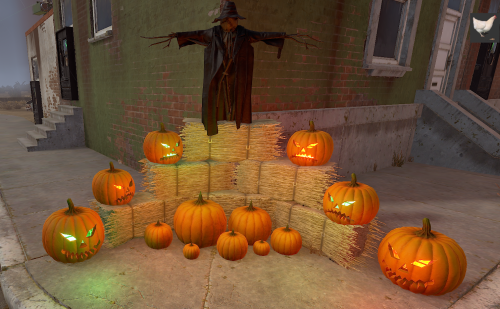
Version 1.0.2
103 downloads
Spooky Scenery Pack: Free Halloween Decorations Get your game ready for the season with this free Halloween decor pack! This pack includes several ready-to-use decoration presentations to instantly add a festive, spooky atmosphere. You'll find: A large, imposing skull with glowing eyes Floating, eerie pumpkins And more to set the perfect haunted scene! We hope you enjoy this free offering! Support For any questions or assistance, feel free to contact me on Discord: @ https://discord.gg/HNhPTPZVmdFree6 points -
.thumb.jpg.e9d17b75aae5d2248cd203bab27522eb.jpg)
Version 1.1.1
5,930 downloads
LootManager is a unified loot table system designed for MadMappers events and plugins. It stores and manages all loot tables in one place, allowing you to easily edit them and fill NPCs and containers from other plugins. To apply a loot table to a specific object, simply enter its name in the object’s config under the “LootManager Preset” field of the plugin that spawns it. LootManager works only with plugins marked as compatible on their respective plugin pages. How to create a new loot table? Type /lm in the chat to open the LootManager menu Click the Create New Preset button In the popup window, enter a name for the new loot table The name must not contain spaces. Use clear and unique names Example: armoredTrain_Npc_1 Press Enter After that, the loot table configuration menu will open, allowing you to add items and customize loot settings How to link a loot table to a third-party plugin? If you have just created a new loot table, it will appear in the Unused section. This is expected behavior — a loot table is considered unused until it is assigned to a plugin. To link a loot table to a specific plugin, follow these steps: Open the configuration file of the plugin you want to apply the loot table to. In this example, we will use the ArmoredTrain plugin. Locate the object whose loot you want to modify. This can be: NPC/Bradley/Helicopter/Crate In the object configuration, find the "LootManager Preset" field. Set its value to the exact name of the loot table you created earlier. Example: "LootManager Preset": "armoredTrain_Npc_1" Save the configuration file and reload the plugin Done! The loot table is now linked and will be used by the plugin. General Section In this section, you can change the name of the loot table. You can also enable the “Clear Container” option, which removes all items from the container before adding loot from the Items and Prefabs sections. This is useful when you want to completely replace the default loot. When browsing loot tables, you can search not only by preset name but also by description, which makes it easier to find loot tables linked to specific plugins. Item Table Section This section allows you to configure the contents of crates and containers, adding any items you want — including custom ones (for example, change the skin, set a genome, or spawn an item as a blueprint). You can specify quantity ranges, drop chances, and even set an exact number of items to appear inside the container. The “Exact Min/Max Values” option controls how the container is filled. When enabled, LootManager strictly follows the defined minimum and maximum item counts. When disabled, it uses the same randomization logic as Facepunch, meaning the item count is variable. In this mode, the plugin iterates through all items in the loot table and spawns only those that pass the chance check. Prefab Table Section The Prefab Table section lets you include standard in-game loot sources such as crates, barrels, or NPCs. This allows you to mix vanilla loot with your custom settings, creating more diverse and realistic loot distributions. You decide exactly how many and which prefabs will be used — for example, you can combine military crates and regular containers within a single loot table to achieve the desired balance between reward and rarity. This provides flexible control over loot generation in events and zones, making every encounter feel unique. Integrations Supported integrations: AlphaLoot, CustomLoot, LootTable These sections are used to configure compatibility with third-party loot plugins. If these plugins are not installed, you can safely ignore these settings. When integrations are enabled, you can allow external plugins to modify or add loot according to your own rules. Installation Move the contents of the data folder from the plugin archive into your server’s oxide/data directory. Move the contents of the plugins folder from the plugin archive into your server’s oxide/plugins directory. Commands /lm - opens the main menu (permission — lootmanager.use) /lmfill PresetName - command to fill the container you're looking at with the selected loot preset Check out the rest of my work: Adem's Codefling Library You can reach out to me in Discord: Adem's Discord Profile Join the Mad Mappers Discord!Free6 points -

Version 1.0.0
79 downloads
A small abandoned bar, in the middle of nowhere. Its lights are kept alive by solar panels, and its shelves are still packed with beer, waiting to be discovered. FEATURES Height, splat & topology masks are all included Contains loot barrels, food boxes & normal crates Prefab count: ∼600 NOTES – If you need support, I’m most active on my discord server @ discord.gg/TJxwpKT2Ge – You can edit the monument.Free6 points -
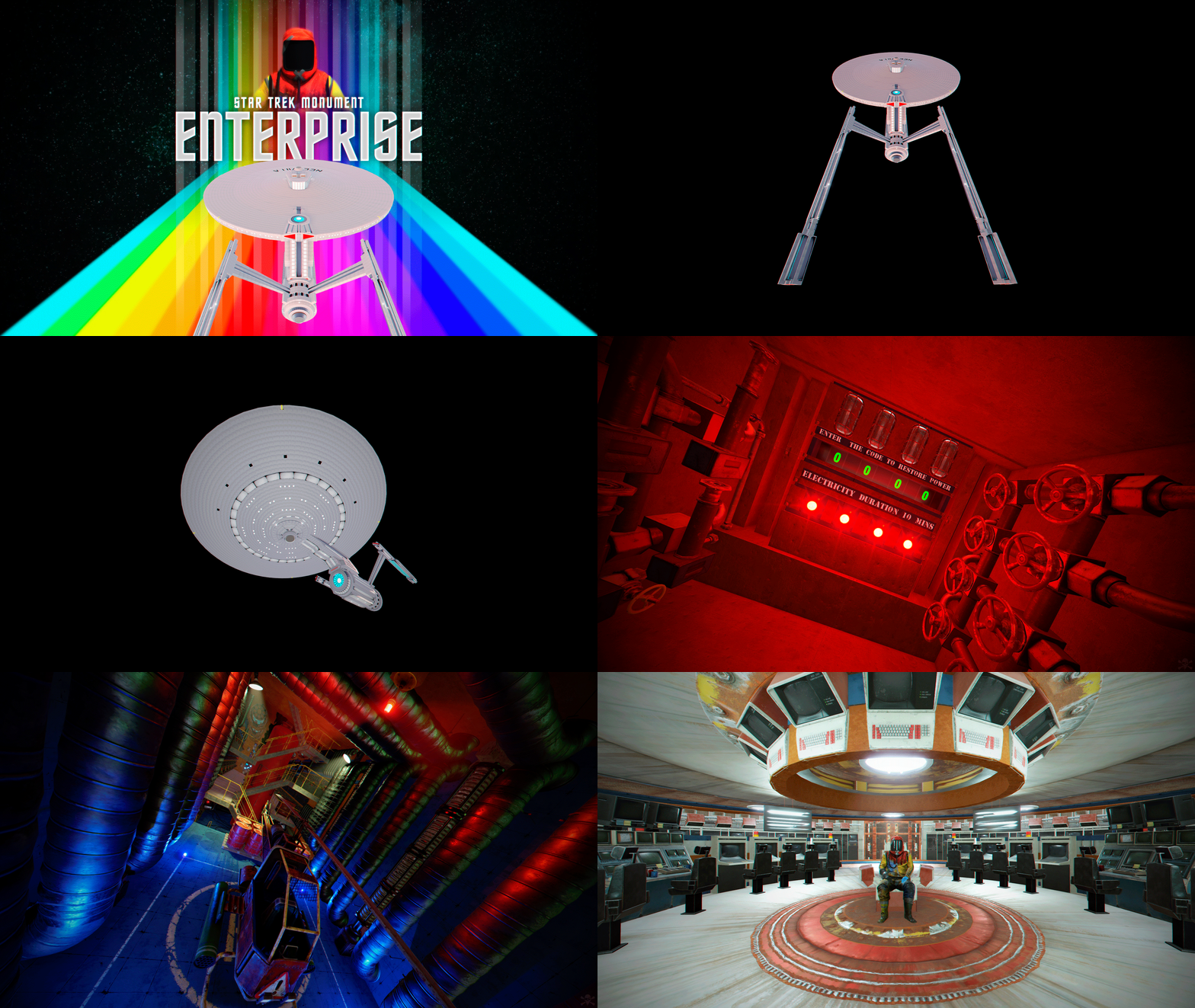
Version 1.0.0
11 downloads
Amaze your players with this gigantic monument on your server. Enterprise, a spaceship with beautiful decorations inspired by the Star Trek saga. CONTAINS: Puzzles that will make your players think. Automatic electricity. A wide variety of loot. Dangerous trap mechanisms. Hidden secrets. TIP: Have fun SUPPORT: https://discord.badgyver.com$29.636 points -

Version 1.3.1
210 downloads
Adds Discord-like mention capability for @playername, and @everyone with auto-complete and easily configurable options and to configure what sound to use as an alert, how often players are alerted and which color value to use from Better Chat (Title, username or message.) Permissions By default, anyone can use mentions unless otherwise disallowed. betterchatmentions.disallow -- Excludes player or group from being mentioned by anyone betterchatmentions.exclude -- Allows player or group to mention everyone online betterchatmentions.everyone -- Allows player to mention everyone PingSoundOffset -- Adjust the offset of the audio alert, which can somewhat control the volume of the alert Configuration { "Group Color To Use (Title/Username/Message)": "Username", "Alert to play": "assets/prefabs/locks/keypad/effects/lock.code.unlock.prefab", "Delay Between Alert Sounds (Seconds)": 15.0, "Everyone Ping Color": "#55aaff", "Ping Audio Offset": { "x": 0.0, "y": 2.0, "z": 0.0 } }Free6 points -
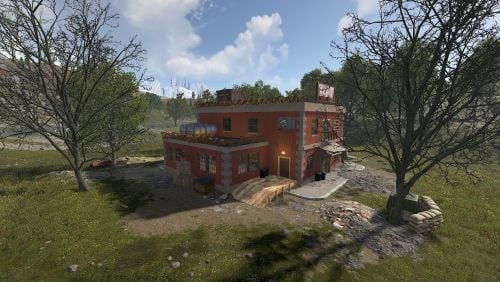
Version 1.0.0
6 downloads
This is a dirty place, a gangster's haven, where you can earn currency and recycle unnecessary things. In the house you can find a classic roulette, play backjack or fight in a duel in Texas Hold'em. On the roof of the building are 2 barrels and 1 loot box. Consists of 962 items.$7.006 points -
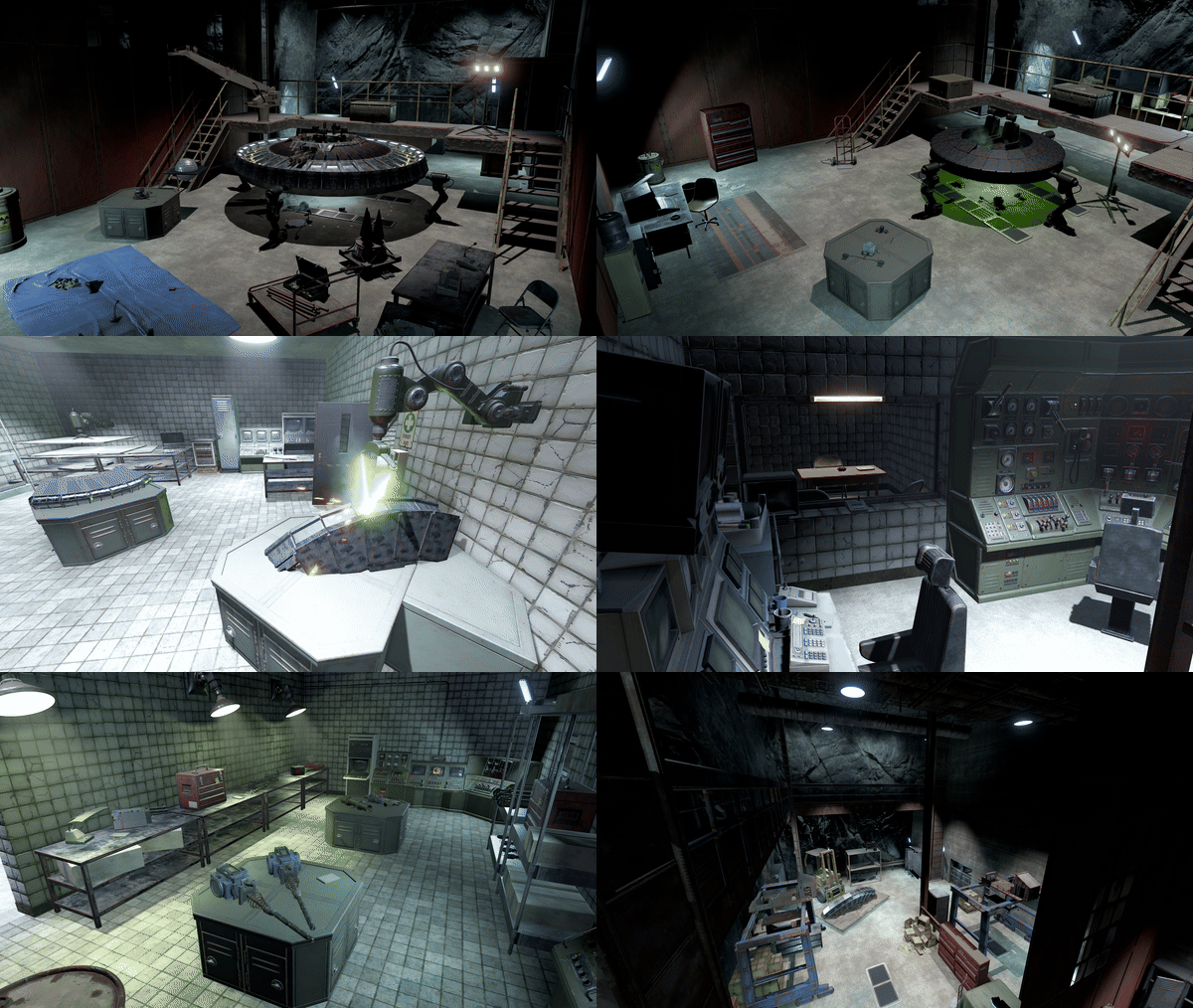
Version 1.0.4
24 downloads
UFO Reverse Engineering Facility, featuring (some) of Karuza's Custom Vehicles A seemingly abandoned small desert military base hides a deeper secret inside. Use a Blue Card to gain access and take the elevator down to the research rooms featuring: Propulsion Lab, Weapons & Materials R&D, a Security Office and Interrogation Room, Bio Materials Lab & some general storage and staff utility rooms. Also comes with a Alternate version with a smaller entrance/exit appearing as a Substation (see images at end of the list) A small puzzle in these rooms will unlock access to the rest of the facility, a large workshop and 5 UFO hangars and a large blast door exit. Lots of loot scattered around and an Elite Crate by each UFO. Also a Red Card can be found in one of the hangars. ~2300 prefabs Includes all masks (except biome), and is fully compatible without using the height mask (see video for placement tips)$20.006 points -
Version 1.0.0
20 downloads
Custom Monument: Jungle Temple (It is not an official monument but a 100% custom one.) A unique design built exclusively for Rust's new jungle biome Bring your server to life with this fully custom monument, crafted to deliver exploration, combat, and hidden secrets in a lush and mysterious jungle environment. Perfect for custom maps and PvE or PvP servers looking for something different and exclusive. Key Features Fully integrated with the jungle biome Balanced loot (mid to high tier) with simple puzzles Immersive atmosphere, great for events or custom storylines Multi-level structure with secret areas and escape routes Optimized for performance and easy to install Why choose this monument? Not found in any vanilla maps – exclusive and original Boosts gameplay experience and player retention Visually impressive and functional for any modded server Plug-and-play ready: download, install, and enjoy Make your server stand out with this one-of-a-kind temple. Available now for instant download!$7.006 points -
Version 1.0.0
106 downloads
I put together a font pack of the Rust letters which I always found myself making indivudually as its pretty basic. File contains: A prefab for each letter, a prefab with the full alphabet, and a .map with the full alphabet Hopefully this saves others as much time as it has for me!Free6 points -
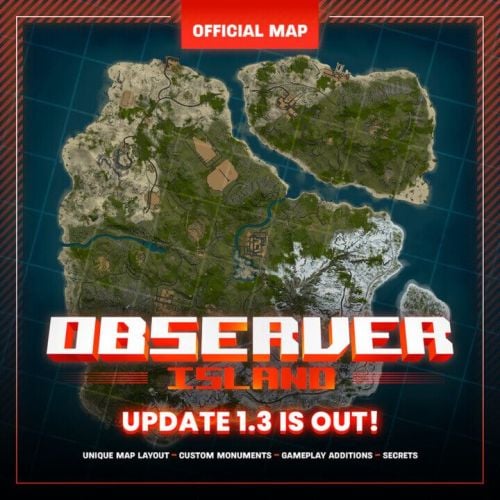
Version 1.4.3 Beta
27 downloads
Observer Island – Update 1.4 beta Observer Island is a 4K custom map made for Facepunch servers, featured in Rust “Coupling The Rails” update. Unique experience with brand new map layout, lots of custom monuments with new gameplay features and manually crafted cliffs. Developed by wheatleymf and CollapsedOrange. Observer Island Discord server Observer Island map is a dedicated server for map support, update announcements, bug reports, and feedback. If you are interested in this map either as a player or server owner, we’ll be glad to see you in Observer Island Discord server. For Server Owners Along with this map, you also get all the Harmony plugins we’re using for this map. This means that you can run this map in the Community tab even without Oxide, it comes with a RustEdit Extension replacement as well. All plugins will be maintained and receive updates along with the map itself. Please make sure that your server hosting service supports Harmony mods. Available for editing Server owners and map makers will receive all required files (and map password) to edit the Observer Island map for your own server. Monuments Observer Island has many monuments. Some of them have been modified and expanded to make them look more natural on this map. Ferry Terminal Abandoned Military Base Excavator Launch Site Trainyard Water Treatment Satellite Dish Missile Silo Sewer Branch Arctic Research Base Small and Large Oil Rigs Dome Bandit Camp Outpost Large Barn Fishing Villages Underwater Labs Harbor Lighthouse Gas Stations Supermarkets Mining Quarries Custom monuments Sorting Station (blue keycard) Small Sewers (green keycard) Junktown (has a car shredder & car lift) P8 Labs (red keycard) Southern Sewers (blue keycard) Sunken Cargo Ship (custom underwater monument) Collapsed Bridge Underwater Caves (custom underwater monuments) Custom road & train tunnels Rogue Island Custom Swamp Hidden bunker monument (try finding it!)$69.996 points -
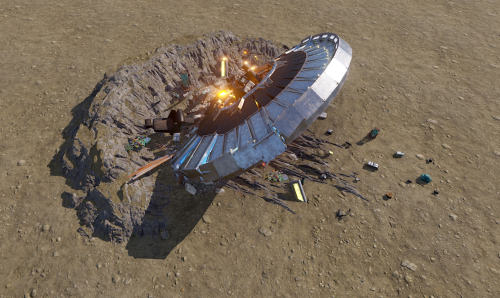
Version 1.0.0
15 downloads
160 prefabs. A small bit of decoration perfect for any Sci-Fi / Alien themed maps! Works best on a small flat surface (brush size 6-8), and the height can be adjusted to make the scratch marks in the floor more/less pronounced UFO Model is based off one of Karuza's Custom Vehicles$5.006 points -
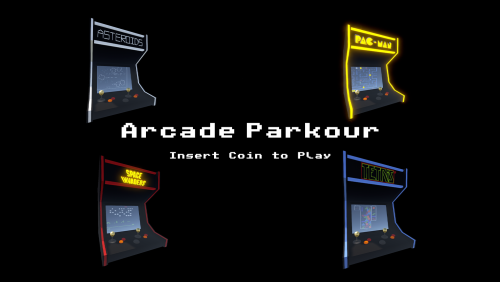
Version 1.0.1
6 downloads
Bring the nostalgia of classic arcade games into Rust with a unique twist — parkour challenges! This pack includes 4 themed courses inspired by iconic retro titles: Pac-Man Tetris Asteroids Space Invaders Each course comes in two variations: Arcade Machine Cabinet – the course is housed inside a giant arcade machine. Standalone Course – the same parkour challenge without the cabinet, ready to drop anywhere on your map. Features 4 classic arcade-themed parkour courses 2 build styles for each course (cabinet or standalone) Bonus assets — logos and the Space Invaders monster included for extra decoration Plugin Integration Zone Manager – set up a zone around the course to disable fall damage, ensuring players won’t die from missed jumps. Portals – place portals to let players enter, exit, or teleport back to the start of a course. Perfect For Server events Mini-games Lobby areas Let your players relive arcade classics in Rust by jumping, climbing, and racing through these creative parkour courses!$19.996 points -
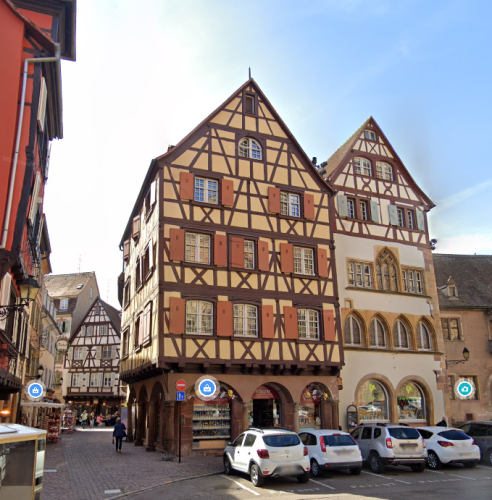
Version 1.0.0
129 downloads
Versatile Colmar Architecture Building by Mondays. Pl. de la Cathédrale located in the heart of Colmar. France, this digital model captures the whimsy architecture of one of Europe's most picturesque towns! (As seen in films like "Howls Moving Castle") Prefab Count: 1236 Empty Interior for full customization More colors coming soon! This free download took me around 6-7 hours to model. If you enjoy, please look out for my fully built Monument based on the magical City of Colmar! (coming soon)Free6 points -
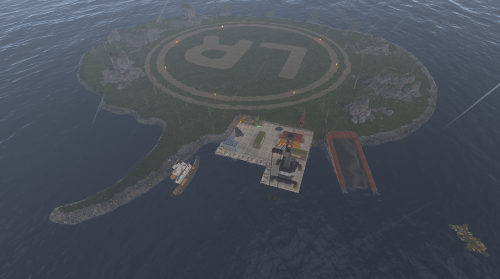
Version 1.0.0
7 downloads
Halloween Raid Islands This is a custom built Halloween Raidable base island. There is no loot spawns on here just a Halloween themed place for your Raid Bases to spawn. There is recycler in 1 of the container buildings for player to recycle there components. There is a total of 183 prefabs for this. For any support contact me on discord @ https://discord.gg/HNhPTPZVmd$5.995 points -
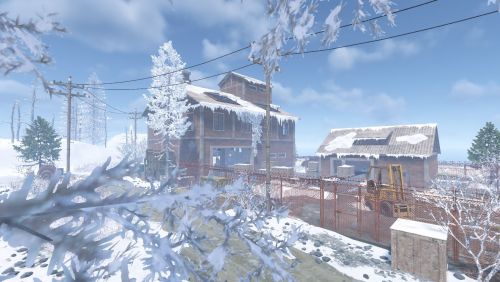
Version 1.0.1
5 downloads
A ruined sorting warehouse for loot. Contains 1,708 items. It has a basement, two floors, and an attic. In the basement, you'll find a room with basic loot, including one Elite Crate, three Military Crates, and a Red Access Card. Opening the corner furnace door reveals a corpse next to a Military Crate. On the second floor, there's a small room with two Military Crates and a Blue Access Card. Regular loot containers are also scattered throughout the area. A small puzzle involves three switches inside the warehouse. No NPCs have been added, but you can place them yourself. They're perfect for guarding the monument.$12.005 points


.thumb.gif.b68fcc45abe70ab7d7235dffc8a0c770.gif)
.thumb.jpg.cd820ab870802b66e9b4930863d43ea3.jpg)


.thumb.png.d8730004887666a2775699ef18eb252c.png)


