K9N_Twitch
-
Posts
460 -
Joined
-
Last visited
Content Type
Profiles
Warranty Claims
Downloads
Forums
Store
Services
Downloads Plus Support
DOWNLOADS EXTRA
Everything posted by K9N_Twitch
-

Background images failing to load (Rust logo placeholder appearing in MGAlerts)
K9N_Twitch posted A Support Report in Support
Hi, I am reporting an issue with MGAlerts where the background images for the text boxes are failing to load. Currently, instead of the custom background, the default Rust logo placeholder is being displayed. [Issue Description] The plugin attempts to download background assets from megargan.foxplugins.ru, but the requests are timing out (Request timeout). This results in the UI displaying the fallback Rust logo, making the text boxes look broken or unprofessional. [Error Context] It seems the image hosting server used for your plugins (foxplugins.ru) is currently unreachable. Could you please provide an update with mirrored image links or allow us to use local assets as a workaround? Thank you for your assistance. -
All default icons failing to download (Request timeout on megargan.foxplugins.ru)
K9N_Twitch posted A Support Report in Support
Hi, I am experiencing an issue where all panel icons fail to load on my server. According to the logs, the default image host megargan.foxplugins.ru is timing out for every request. [Error Log] 2026/04/6 07:10:49 | [MgPanel] Interface loaded successfully! 2026/04/6 07:10:46 | [MgPanel] Generating interface... 2026/04/6 07:10:41 | [MgPanel] Downloading images... 2026/04/6 07:10:36 | [MgPanel] Downloading images... 2026/04/6 07:10:31 | [MgPanel] Downloading images... 2026/04/6 07:10:26 | [MgPanel] Downloading images... 2026/04/6 07:10:21 | [MgPanel] Downloading images... 2026/04/6 07:10:20 | Image batch (MgPanel) has been stored successfully 2026/04/6 07:10:20 | Image failed to download! Error: Request timeout - Image Name: https://megargan.foxplugins.ru/Image/MgPanel/clock.png_0 - Image URL: https://megargan.foxplugins.ru/Image/MgPanel/clock.png 2026/04/6 07:10:16 | [MgPanel] Downloading images... 2026/04/6 07:10:11 | [MgPanel] Downloading images... 2026/04/6 07:10:06 | [MgPanel] Downloading images... 2026/04/6 07:10:01 | [MgPanel] Downloading images... 2026/04/6 07:09:59 | MgPanel storage process at 86% (6/7) 2026/04/6 07:09:59 | Image failed to download! Error: Request timeout - Image Name: https://megargan.foxplugins.ru/Image/MgPanel/plate.png_0 - Image URL: https://megargan.foxplugins.ru/Image/MgPanel/plate.png 2026/04/6 07:09:56 | [MgPanel] Downloading images... 2026/04/6 07:09:51 | [MgPanel] Downloading images... 2026/04/6 07:09:46 | [MgPanel] Downloading images... 2026/04/6 07:09:41 | [MgPanel] Downloading images... 2026/04/6 07:09:38 | MgPanel storage process at 71% (5/7) 2026/04/6 07:09:38 | Image failed to download! Error: Request timeout - Image Name: https://megargan.foxplugins.ru/Image/MgPanel/window.png_0 - Image URL: https://megargan.foxplugins.ru/Image/MgPanel/window.png 2026/04/6 07:09:35 | [MgPanel] Downloading images... 2026/04/6 07:09:30 | [MgPanel] Downloading images... 2026/04/6 07:09:25 | [MgPanel] Downloading images... 2026/04/6 07:09:20 | [MgPanel] Downloading images... 2026/04/6 07:09:17 | Image failed to download! Error: Request timeout - Image Name: https://megargan.foxplugins.ru/Image/MgPanel/tank.png_0 - Image URL: https://megargan.foxplugins.ru/Image/MgPanel/tank.png 2026/04/6 07:09:15 | [MgPanel] Downloading images... 2026/04/6 07:09:10 | [MgPanel] Downloading images... 2026/04/6 07:09:05 | [MgPanel] Downloading images... 2026/04/6 07:08:58 | [MgPanel] Downloading images... 2026/04/6 07:08:56 | MgPanel storage process at 43% (3/7) 2026/04/6 07:08:56 | Image failed to download! Error: Request timeout - Image Name: https://megargan.foxplugins.ru/Image/MgPanel/cargo.png_0 - Image URL: https://megargan.foxplugins.ru/Image/MgPanel/cargo.png 2026/04/6 07:08:53 | [MgPanel] Downloading images... 2026/04/6 07:08:48 | [MgPanel] Downloading images... 2026/04/6 07:08:43 | [MgPanel] Downloading images... 2026/04/6 07:08:37 | [MgPanel] Downloading images... 2026/04/6 07:08:35 | MgPanel storage process at 29% (2/7) 2026/04/6 07:08:35 | Image failed to download! Error: Request timeout - Image Name: https://megargan.foxplugins.ru/Image/MgPanel/heli.png_0 - Image URL: https://megargan.foxplugins.ru/Image/MgPanel/heli.png 2026/04/6 07:08:32 | [MgPanel] Downloading images... 2026/04/6 07:08:27 | [MgPanel] Downloading images... 2026/04/6 07:08:22 | [MgPanel] Downloading images... 2026/04/6 07:08:17 | [MgPanel] Downloading images... 2026/04/6 07:08:14 | Image failed to download! Error: Request timeout - Image Name: https://megargan.foxplugins.ru/Image/MgPanel/cheenook.png_0 - Image URL: https://megargan.foxplugins.ru/Image/MgPanel/cheenook.png 2026/04/6 07:08:12 | [MgPanel] Downloading images... 2026/04/6 07:08:07 | [MgPanel] Downloading images... 2026/04/6 07:08:02 | [MgPanel] Downloading images... 2026/04/6 07:07:55 | [MgPanel] Downloading images... 2026/04/6 07:07:52 | [Image Library] Starting order MgPanel 2026/04/6 07:07:50 | [MgPanel] Downloading images... 2026/04/6 07:07:41 | [MgPanel] Downloading images... 2026/04/6 07:07:28 | [MgPanel] Downloading images... 2026/04/6 07:06:57 | [MgPanel] Downloading images... 2026/04/6 07:06:57 | [MgPanel] Thank you for choosing Mg Panel!! It seems your image hosting server is currently down or inaccessible. Could you please update the default image URLs in the plugin or provide an alternative mirror? Thank you. -
Issue Report: Prison Monument and Red Door Door Logic / Exit Blocking (Eden Falls)
K9N_Twitch replied to K9N_Twitch's Support Report in Support
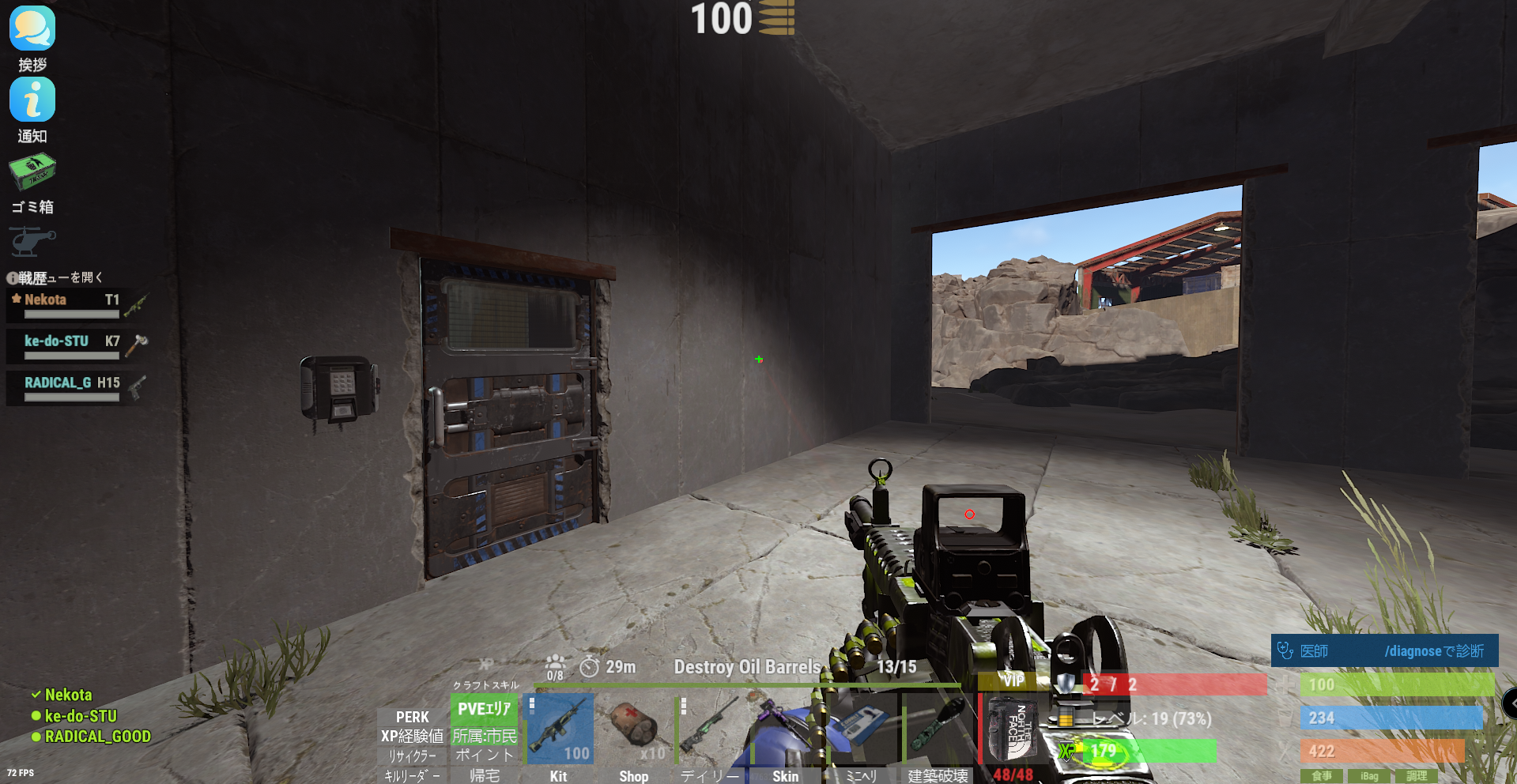
I have found further critical issues at the monument named "ALCATRAZ" (located at grid T1). 1. Card Reader / Puzzle Failure There is a building in the back with a Blue Card Reader, but the scanner is completely non-functional (inactive). I confirmed that a Test Generator is placed on the rooftop (it has no ON/OFF switch), and there is loot inside the building, but the door cannot be opened because the card reader does not respond. Given that a Research Table is placed inside and the door is blue, it is clearly intended to be a functional puzzle, but the IO logic seems broken. 2. Physical Clipping / Movement Issues There are multiple spots where players get stuck (Stuck points). Specifically, in several areas, attempting to "jump up" causes the player to hit the ceiling/roof, making movement extremely difficult or impossible in certain sections. Could you please check the IO entity links for the ALCATRAZ monument and the clipping masks for the ceilings?
-
Issue Report: Prison Monument and Red Door Door Logic / Exit Blocking (Eden Falls)
K9N_Twitch posted A Support Report in Support
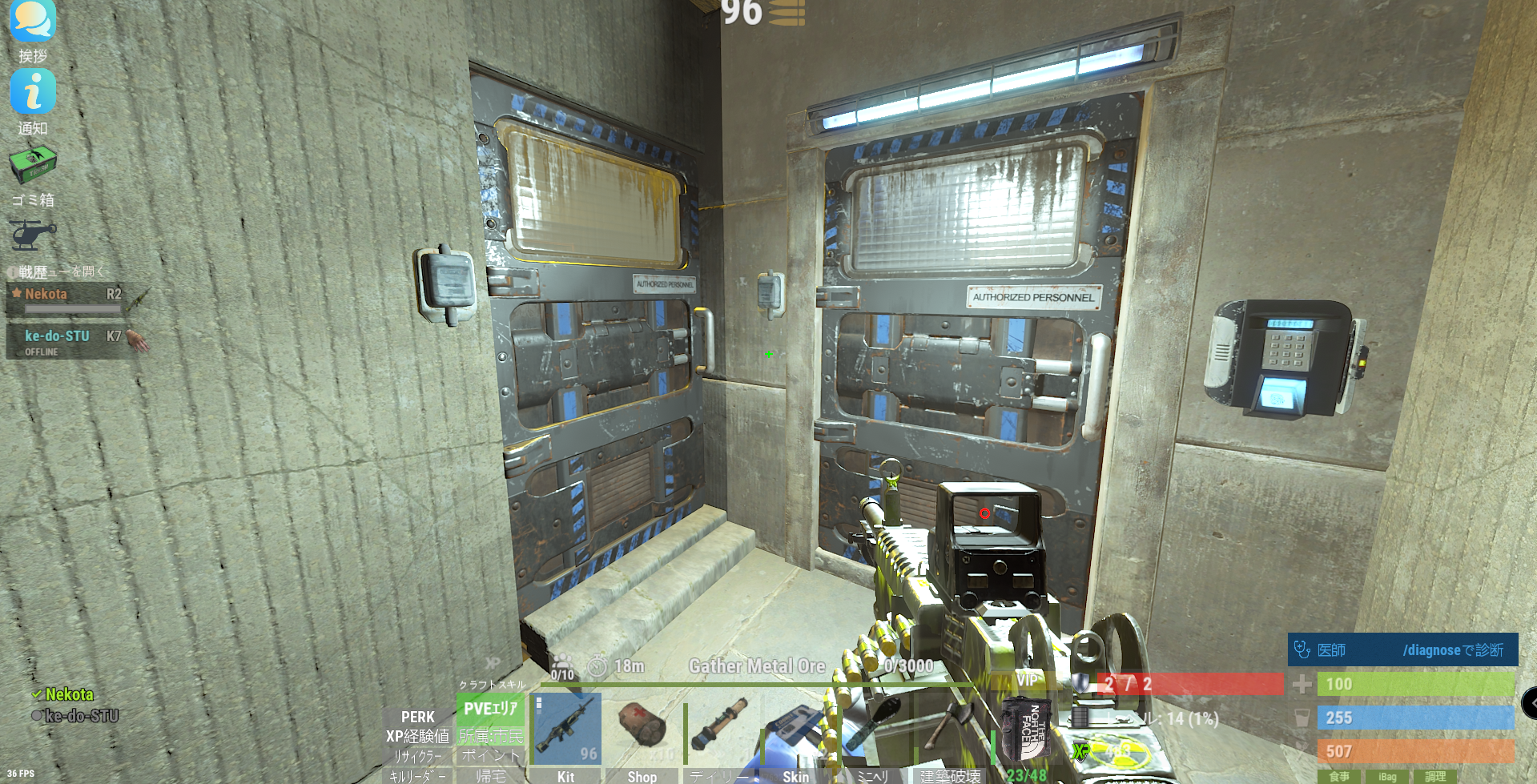
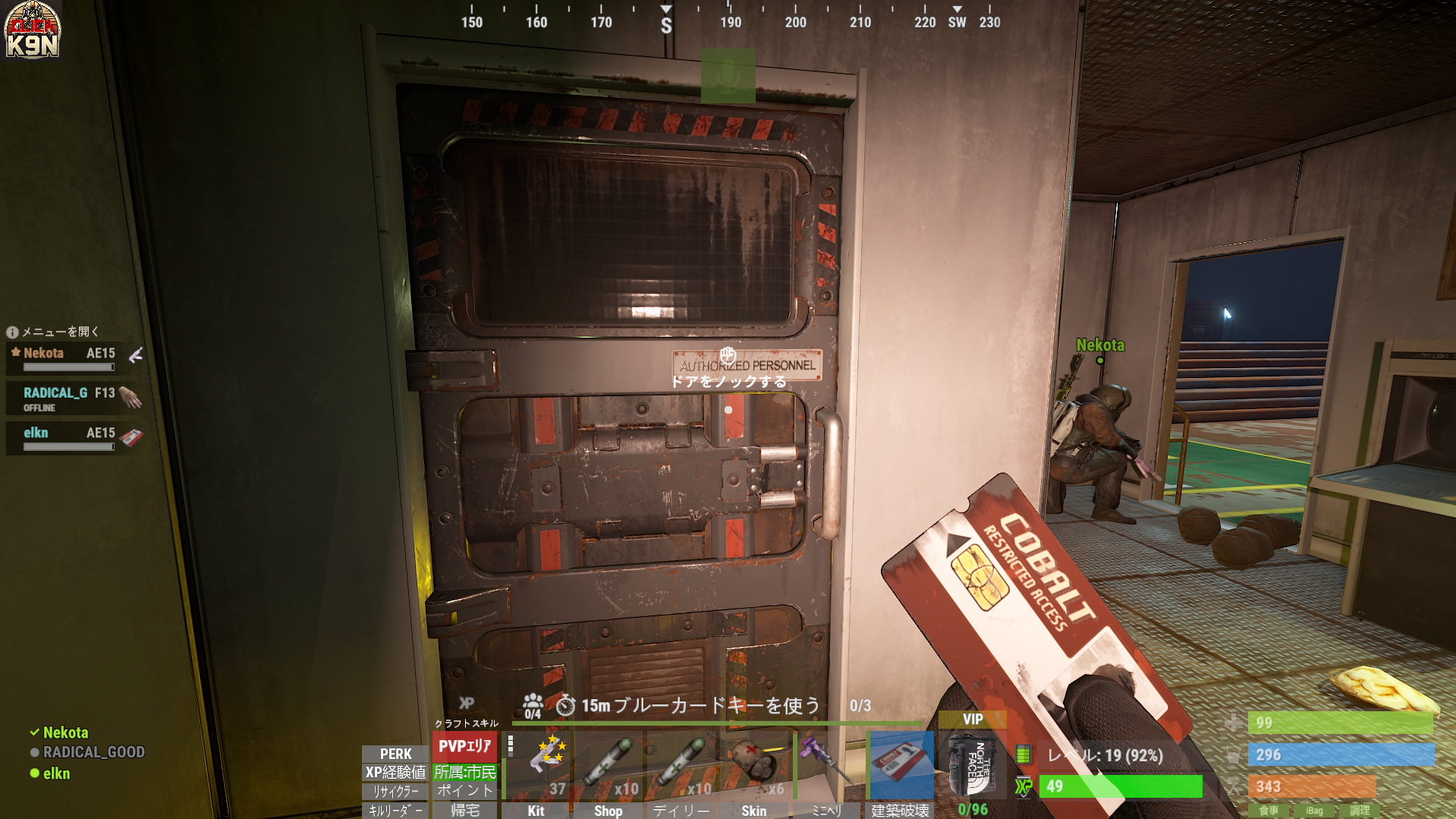
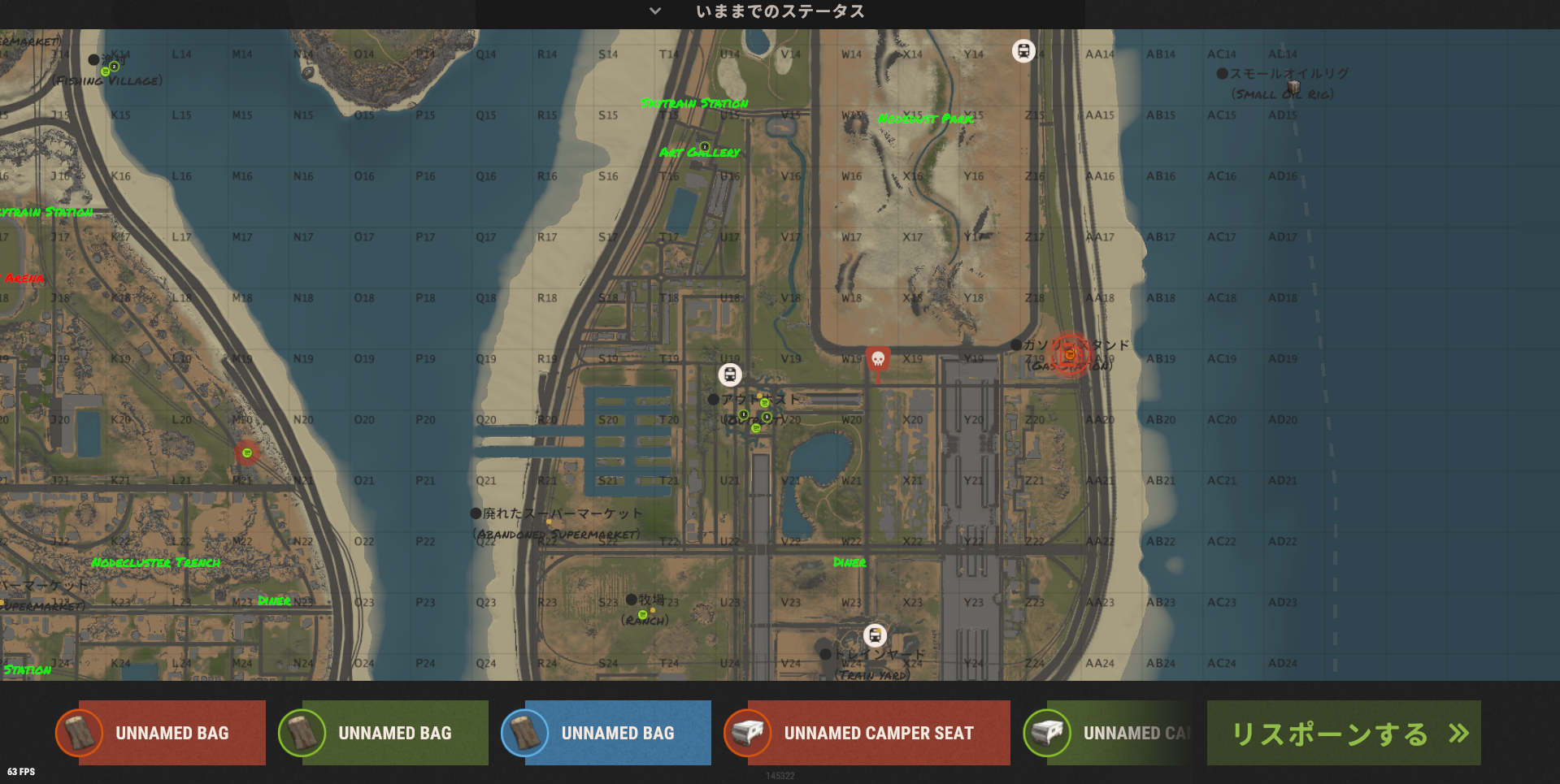
Hi, I am running the Eden Falls map on a Carbon environment and have encountered a few critical issues at specific monuments. Issue 1: Prison Monument (R2 style) At the Prison-like building (similar to R2), there is a puzzle requiring 2 Blue Keycards. However, when both cards are used, only the left door opens. It is currently impossible to proceed or exit the area properly from this point. Issue 2: Red Door at J18 Location (Grid): J18 Action: Entered through the Red Keycard door. Current Situation: After entering, there is no visible or functional exit route, leaving the player trapped. Reproducibility: This appears to happen 100% of the time.(Resolve) Could you please verify if these door entities or puzzle logic triggers are compatible with the current Rust update and Carbon environment? Especially at J18, players are getting stuck with no way out. Thank you for your hard work on this amazing map.
-
Compilation error after recent Rust update (Surprise Trap)
K9N_Twitch posted A Support Report in Support
こんにちは。最近のRustのワイプ/アップデート後、コンパイルエラーが発生しています。 CS0117: 'TerrainMeta' does not contain a definition for 'Terrain' Line: 287 Column: 29 [環境] - フレームワーク: Carbon - プラグインバージョン: (最新バージョン) 多くのプレイヤーから、トラップ関連のエンティティに関する同様の問題が報告されています。プラグインが最新のRustアセンブリと互換性を持つようにアップデートが必要かどうか確認していただけますでしょうか? ありがとう。 -
Weaponry max ammo bonus does not apply to AK / HMLMG / M249
K9N_Twitch posted A Support Report in Support
Hi, I would like to report a possible issue with the Weaponry max ammo bonus. Current behavior: I tested AK, HMLMG, and M249, and the max ammo bonus from Weaponry does not seem to apply at all. Example: AK has 30 rounds without extended magazine and 38 rounds with extended magazine. This behavior does not change at all even when Weaponry should provide a max ammo bonus. Config used for Weaponry: - useweaponmechanics = true - maxammo = 0.12 - maxammolimit = 1.6 - reloadhook = OnMagazineReload - excludedweapons = empty Additional test: I also tried changing reloadhook from OnMagazineReload to OnWeaponReload. However, when I do that, the extended magazine attachment stops functioning correctly. So at the moment: - OnMagazineReload = extended mag works, but Weaponry max ammo bonus does not apply - OnWeaponReload = extended mag breaks / does not function correctly Tested weapons: - AK - HMLMG - M249 Could you please confirm whether this is a known issue or whether Weaponry max ammo is not intended to work with these weapons / attachments? If needed, I can also provide my full config and additional test results. -
A similar issue
-
[Bug Report] Missing Red Card Reader at Small Oil Rig
K9N_Twitch replied to K9N_Twitch's Support Report in Support
Thank you for the detailed explanation. I understand that the oil rig components are built during the initial startup and sometimes these glitches happen. Regarding the wipe, my server is on a fixed schedule and the next wipe is 8 days away. I cannot perform a full wipe right now as it would disrupt the community, so I have decided to accept the current situation as-is for the remainder of this cycle. However, I would very much appreciate it if you could PM me the most recent version of the map you mentioned. I will use that version for the upcoming wipe in 8 days. Hopefully, it will resolve the oil rig issue and the other ticket (the underground tunnel collision) as well. Thanks again for your support and for offering the unreleased build! -
[Bug Report] Missing Red Card Reader at Small Oil Rig
K9N_Twitch replied to K9N_Twitch's Support Report in Support
[RustEdit Automatic Updater] [RustEdit] - The RustEdit extension is up to date! -
[Bug Report] Missing Red Card Reader at Small Oil Rig
K9N_Twitch replied to K9N_Twitch's Support Report in Support
Thank you for the clarification on the 4-digit code. I now understand it's just the vanilla RF frequency for the alarms. Regarding RustEdit.dll, I can confirm that I am already running the latest version. In fact, all electrical components and card readers on other custom maps work perfectly on this same server. This issue with the missing card reader is occurring exclusively on "The Heart of the City." Since a server restart didn't fix the issue and my RustEdit is up to date, it's highly likely that this specific map file has a prefab conflict or a loading error. Before I commit to a full server wipe (which is a huge burden for my community), is there any other way to manually force the card reader to spawn, or could you double-check the prefab integrity for the Small Oil Rig in your latest map build? -
[Bug Report] Missing Red Card Reader at Small Oil Rig
K9N_Twitch replied to K9N_Twitch's Support Report in Support
The situation is now urgent as I am receiving a sudden spike in inquiries and complaints from my players who are stuck at the Oil Rig. I need to clarify one thing immediately to provide them with an answer: I found a 4-digit code written on the wall near the red card room. Is this an intended puzzle/riddle you added to this map? Should players be using this code somewhere instead of a card key? If this is a deliberate custom mechanic, I will announce it to my community as a "riddle." However, if it's supposed to be a standard card reader and the code is unrelated, I need to know so I can consider further technical steps. Please let me know as soon as possible so I can address the influx of player questions. -
[Bug Report] Missing Red Card Reader at Small Oil Rig
K9N_Twitch replied to K9N_Twitch's Support Report in Support
Thank you for the explanation. I tried restarting the server, but the card reader is still missing. Interestingly, I found a mysterious 4-digit code on the wall near the red room. Is this part of a custom puzzle you've implemented for this map? If so, should players be looking for a code input instead of a card reader? Or is the code related to something else entirely? I'd like to confirm if this is an intended "riddle" before I consider a full server wipe. -
Hi, I found another issue on "The Heart of the City" map regarding the Small Oil Rig. Location: Small Oil Rig, Red Keycard Room The Issue: The Red Card Reader (the sliding part) is missing from its usual position. I confirmed the Red Crate is present inside the room via the map icon and visual inspection. The door is locked as expected, but there is no card reader entity to interact with, making it impossible to unlock the room. It seems the card reader entity was accidentally deleted in the map editor or is buried behind the wall texture. Could you please check the prefab placement at the Small Oil Rig's Red Room? Thank you!
-
[Critical Bug Report] Anti-cheat kick and inventory loss at W19 Underground Tunnel
K9N_Twitch posted A Support Report in Support
Hi, I would like to report a critical technical issue on the "The Heart of the City" map that results in player kicks and complete inventory loss. Location: W19 Underground Tunnel Action: Simply moving through the tunnel at normal speed. The Issue: While walking through the tunnel at W19, players are suddenly kicked from the server. Upon reconnecting, the player is dead and their entire inventory is lost (likely due to the corpse spawning inside or under the terrain). Technical Details: Kick Reason: Inside Terrain Violation Level 200 Cause: The server's anti-hack system is incorrectly detecting the player as being "inside the terrain" while they are traversing this specific underground section. It appears there may be a collision mesh gap or a height-check inconsistency in the tunnel assets at this coordinate. Could you please investigate the collision at W19 and see if the terrain bounds need adjustment to prevent these false positives? For now, I have to disable antihack.terrain_protection to keep the area playable, but a map-side fix would be greatly appreciated.
-
CS0117: 'Pool' does not contain a definition for 'FreeList' Line: 1263 Column: 18
-
1. 'Pool' does not contain a definition for 'GetList' [CS0117] (AutoPingEnemy 55 line 73)
-
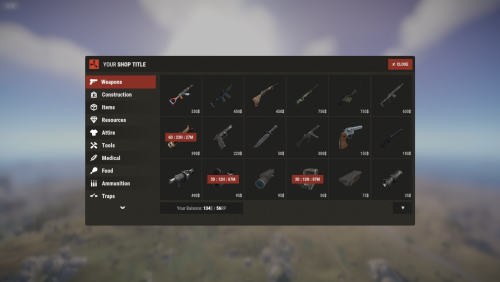 I really appreciate your work on Shop UI — it’s a great plugin and has many powerful features. I’d like to suggest two potential enhancements that I believe would improve usability and maintenance, especially as servers evolve and new items are added. Feature Suggestions In-UI Item Add/Edit/Delete Similar to how ServerRewards allows items to be added/edited directly via a UI, I think it'd be great if Shop UI offered a way to manage shop items (add, remove, modify price, change currency etc.) entirely within an in-game UI or via a web dashboard — instead of editing the JSON files manually. This would reduce friction and risk of mistakes. Automatic Update of Item Table on Game Updates When new items are introduced into the game (via updates or mods), it would help if Shop UI could automatically detect them and update its item table (Items.json / Categories.json) or provide a sync/scan command. That way admins don’t have to manually add every new item. Why These Would Help Reduce administrative overhead: editing JSON paths manually is error-prone. Improved speed/time when adding many items or adjusting settings for different items. Keeps the shop more up-to-date with game evolution, so newly added in-game items aren’t missing from the shop. Better UX for server operators who may not be comfortable editing raw JSON. Thank you for your time, and thanks again for this plugin — it’s been valuable for many servers. Best regards,
 -
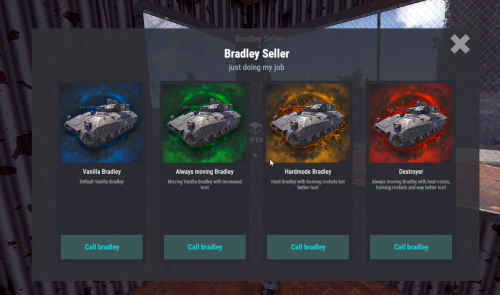 Sorry for the confusion. Since NPCs may not spawn correctly on some custom maps, it would be great if we could specify their positions using commands.
 -
Hello, Thank you for your work on this plugin — it’s been very useful on our server. I’d like to request a new feature. On custom maps, sometimes the NPCs that are spawned end up stuck inside terrain or buildings. To handle this, it would be extremely helpful if there were an admin command to manually move or adjust the position of NPCs after they spawn. Additionally, if NPC positions could reset back to their original default locations on each wipe, that would be fantastic. This way, servers can both fix map-specific issues and still maintain consistency after a wipe. Would it be possible to consider adding this feature in a future update? Thank you for your time and support. Best regards
-
 Thank you for such a great free plugin! This HUD is so popular that players say they would be in trouble if it disappeared.
 -
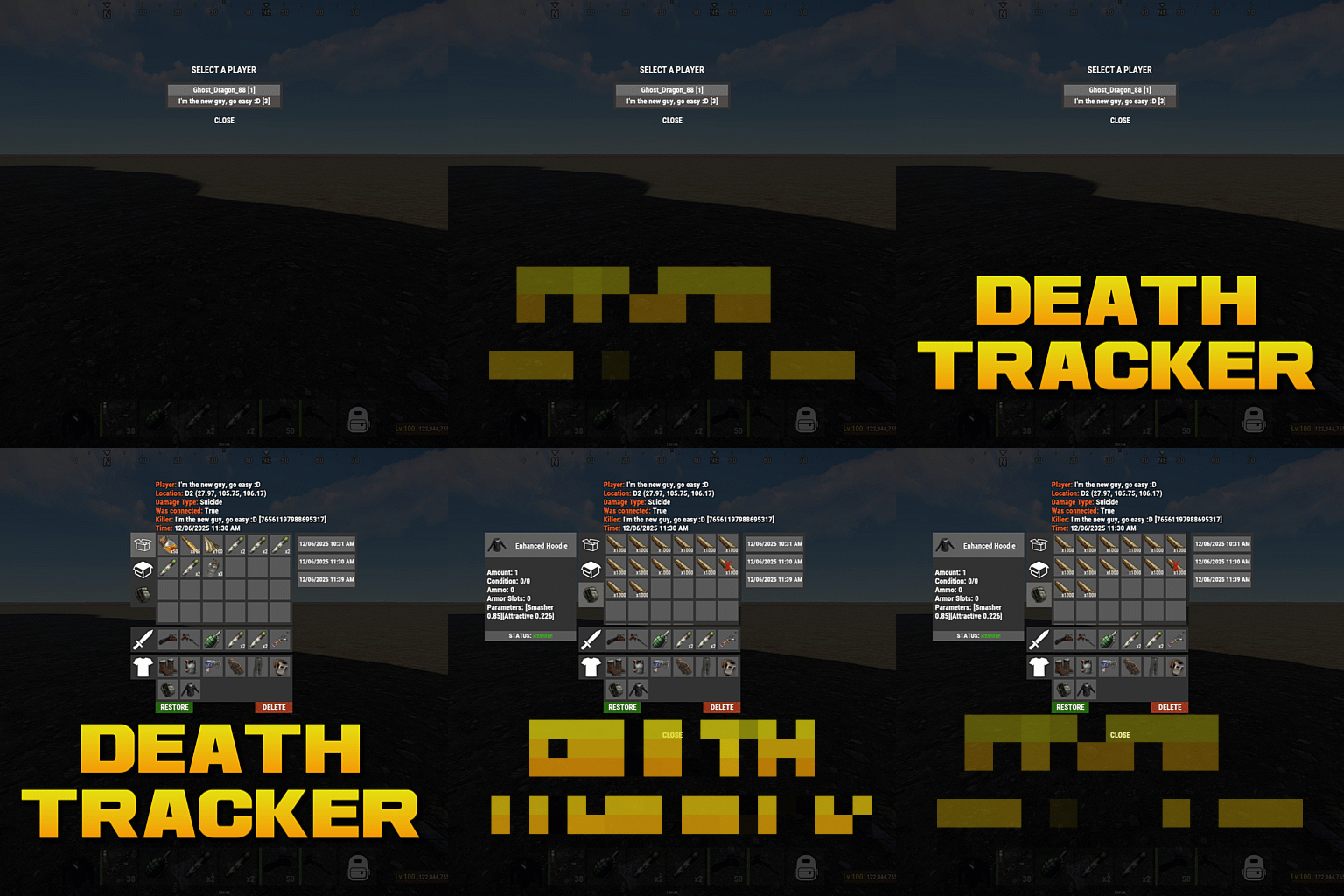 Hello, thank you for your reply. I understand that Death Tracker does not generate direct console logs by default. However, when I run certain commands, I can see the results displayed in the RCON console. Would it be possible to make those command outputs available as standard console logs (for example, via RCon.Print or a similar method), so that Rustcord can capture and relay them to Discord? At the moment, Rustcord can only pick up standard log/console outputs, so if Death Tracker could output the command results in that way, it would make integration much easier. Is this something you could consider adding as an option? Thank you again for your support and for maintaining this plugin. Best regards
 -
Since other console logs are being picked up with the same settings, I suspect that there is a problem with how Death Tracker outputs data.
-
RustCord is configured, but this MOD does not collect logs. { "Discord Channel ID #": "XXXXXXXXXXXXXXXXXXXXX", "Channel Flags": [ "cmd_allow", "cmd_com", "cmd_timeban", "cmd_kick", "cmd_mute", "cmd_unmute", "cmd_players" ], "Custom: Words/Phrases to Log": [ "Deaths for" ] }
-
I want to use Rustcord to send commands on Discord and display the returned logs on Discord. Can I change the log output method so that Rustcord can pick it up?
-
 Perhaps you want to prevent NPCs from attacking each other. https://umod.org/plugins/npc-target