Works with
Compatible add-ons, packages, or tools that pair well with this resource.
-
 Custom Prefabs | RustMaps.com Optional
 -
Downloads | RustMaps.com Optional
-
 Custom Map Vehicle Vendor Fix Optional
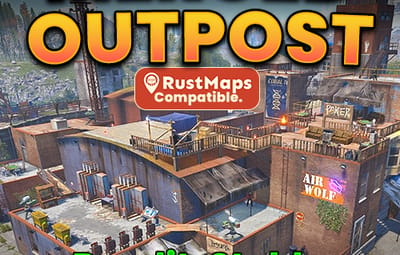
About Merged Outpost - Bandit Camp, Stables and Garage
What is a Merged Outpost:
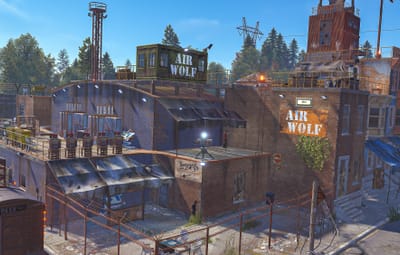
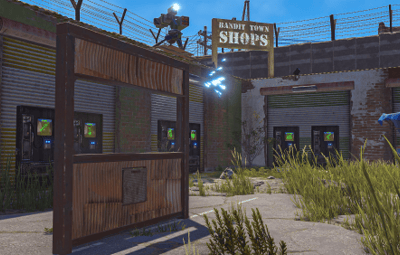
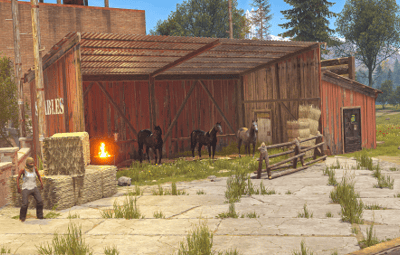
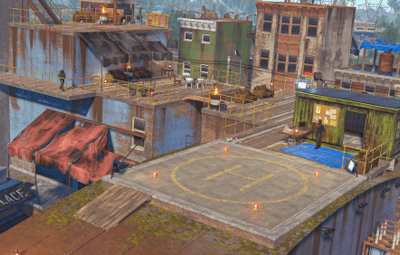
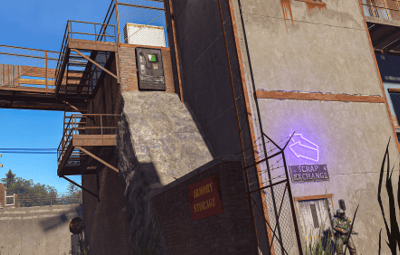
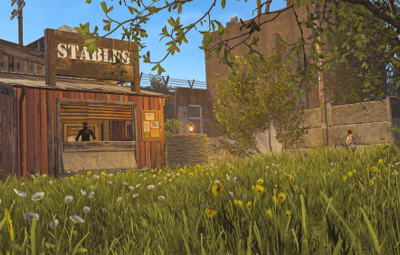
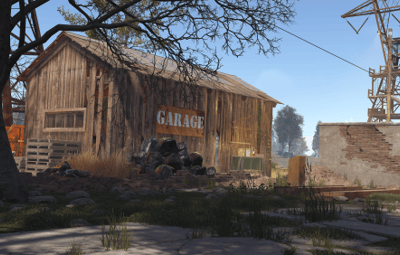
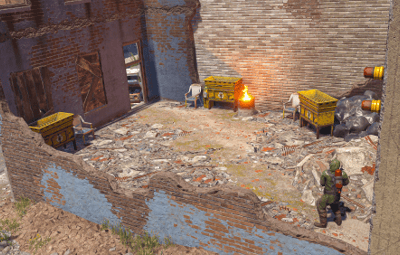
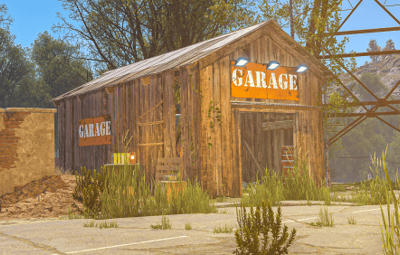
A Merged Outpost combines multiple monuments into a single safe zone to improve server performance. My custom Merged Outpost includes the features of Bandit Camp, Stables, and a working car lift. Bringing those safe zone features together into one seamlessly functional Outpost. Designed for all Rust servers, this monument provides a Safe Trading Zone, Stables/Airwolf Vendors, and All NPC Quest Givers. It can also be easily placed manually in RustEdit and now my merged outpost is compatible with RustMaps.

Merged Outpost Features:
- All Original Outpost features.
- All Vending Machines from Bandit Camp.
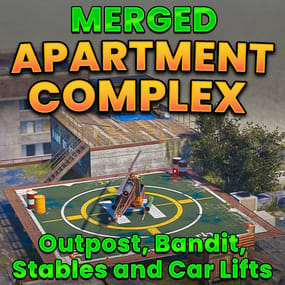
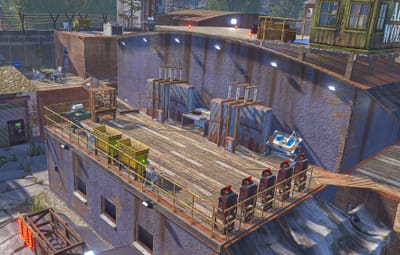
- Airwolf Vendor with a Custom Helipad.
- Bot prevention for Produce exchange vending machine.
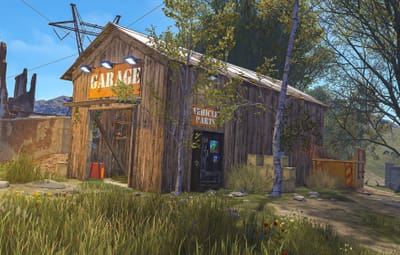
- Garage building with 3 vehicle lifts one in-side and two outside and a vehicle parts vending machine.
- Stables with 4 horses, Shop keeper plus a vending machine (Ranch Loot).
- Added Colliders so players don't get stuck.
- Seating Area's with a hobo barrel.
- Gambling Wheel with plenty of seating.
- 5 Slot Machines.
- 3 Poker Tables.
- 2 Blackjack Tables.
- 7 Recyclers with chairs.
- 3 Repair Benches.
- 2 Refineries with chairs.
- 2 Research Tables.
- 4 Private Trading Areas.
- All quest givers added.
- Total Prefabs: 482
The installation guide is provided in the README file included with the .zip file.
If you need any help, message me on Codefling and I’ll get back to you as soon as possible.
If you enjoy my work, please leave a 5* review. Thank you!