Jump to content
Message added by Monster,

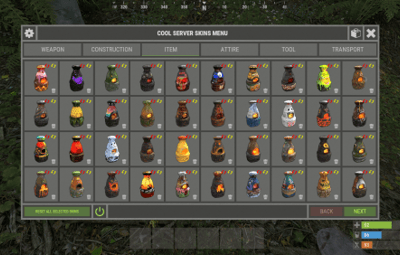
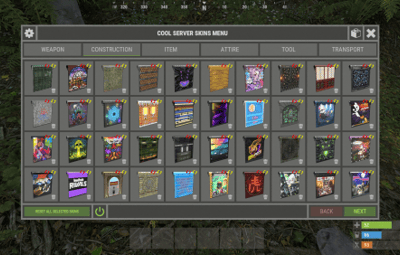
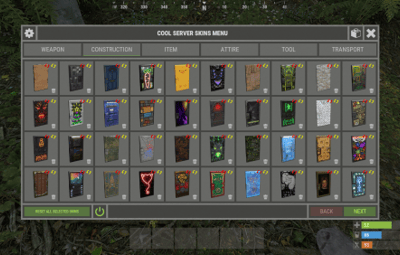
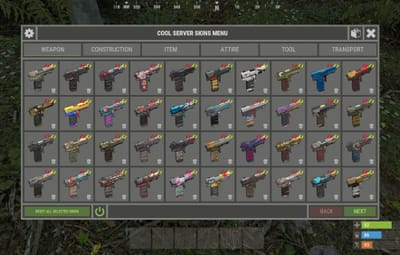
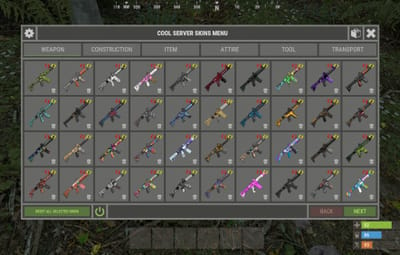
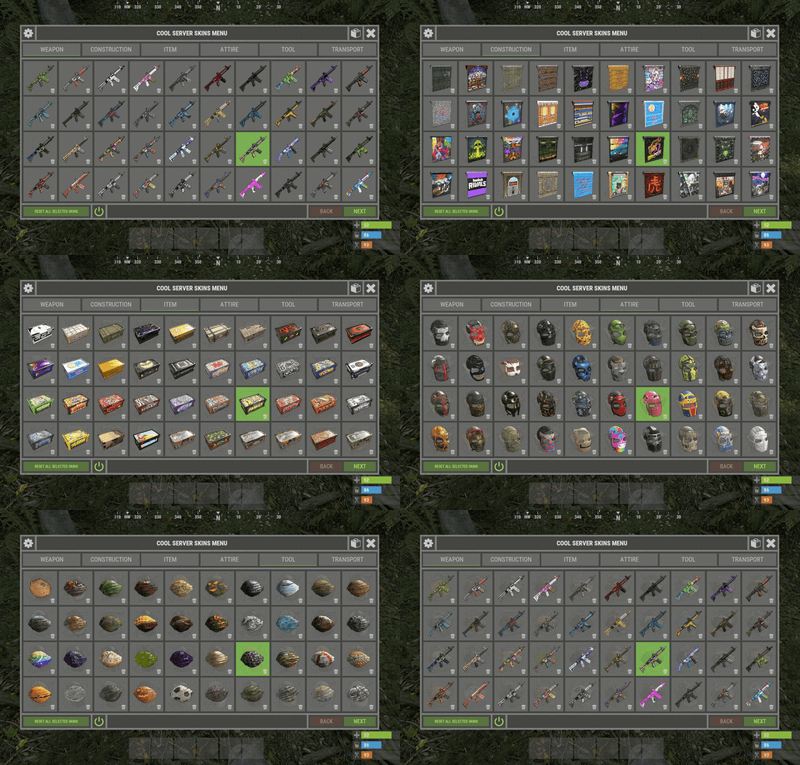
The plugin can automatically create a file containing 5600+ skins from Facepunch, as well as automatically update it with new skins.
*However, you must remember the new Facepunch rules from 7 august 2025.


Update 1.2.0 - Added the ability to add/remove collections of skins from the Steam workshop.
Update 1.2.3 - Added the ability to use skins with a spray can. + Support for working with Carbon.
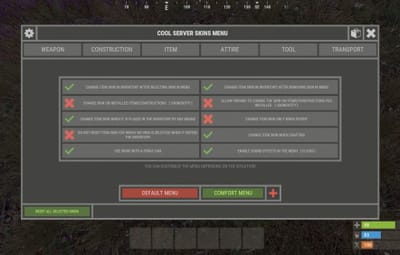
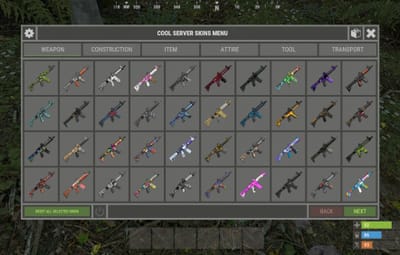
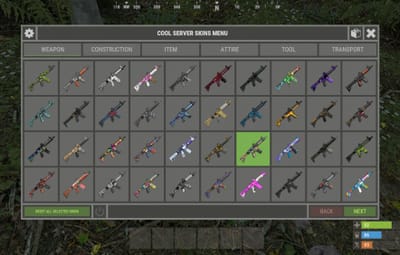
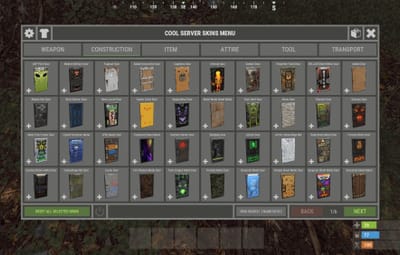
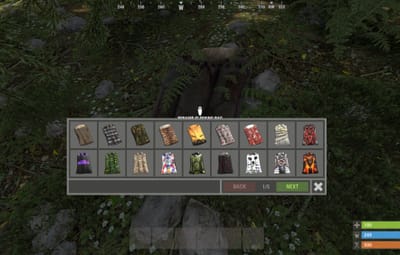
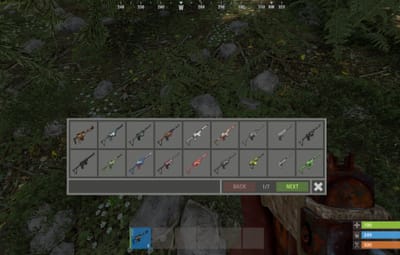
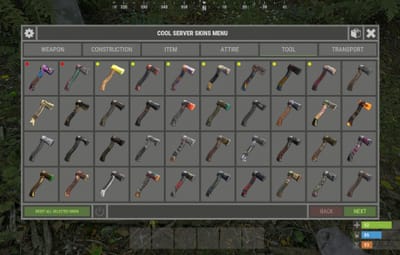
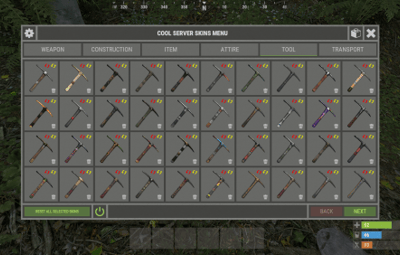
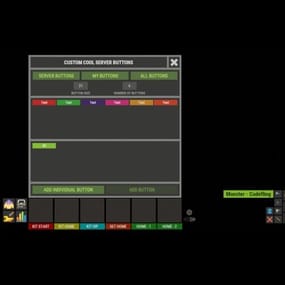
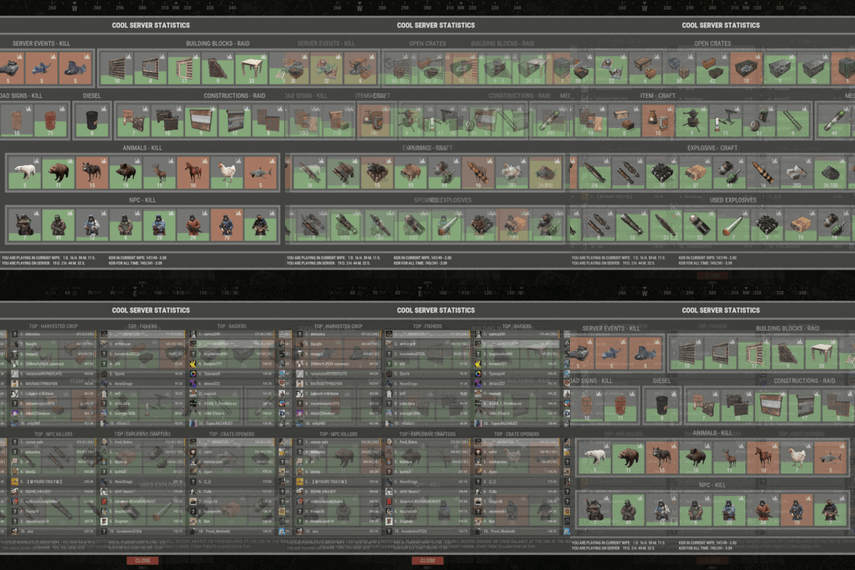
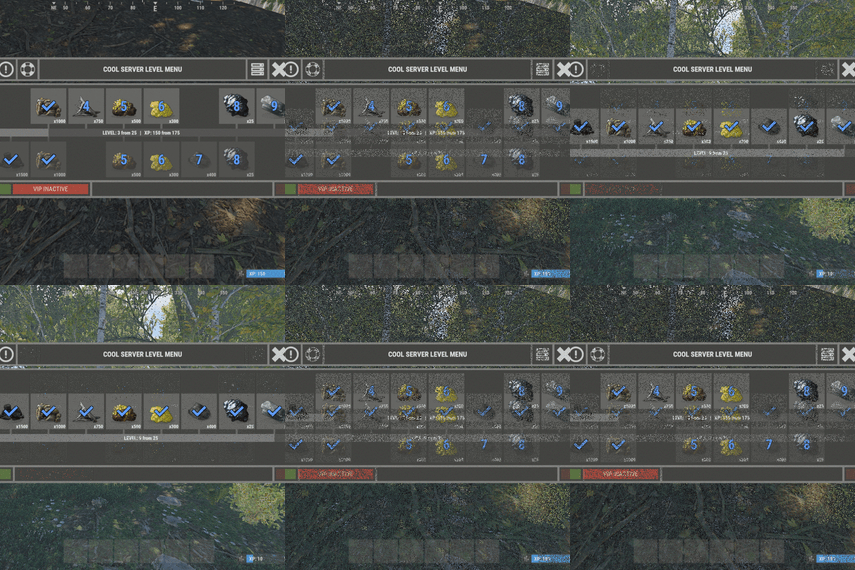
Update 1.3.0 - Added new options in the settings. Added option to select UI configuration.  →  [ View image ]
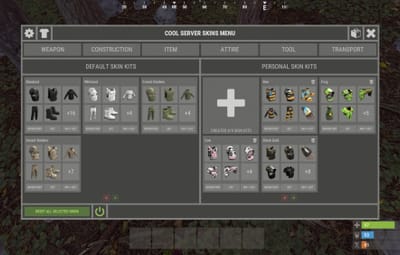
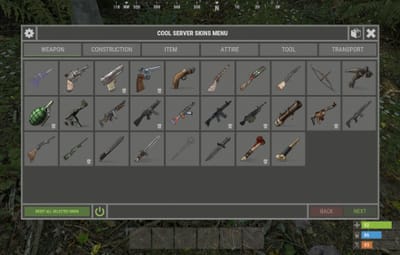
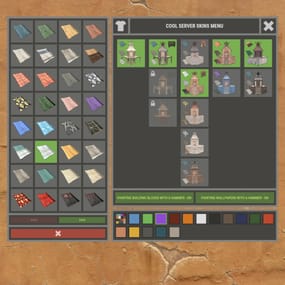
Update 1.4.0 - Added skin kits..  →  [ View image ]
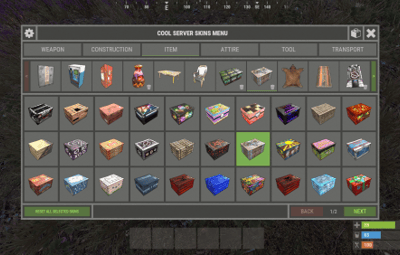
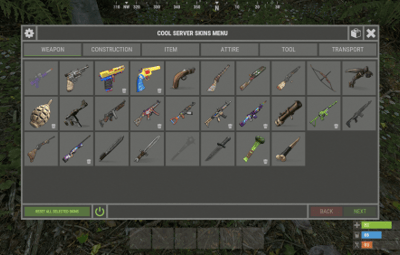
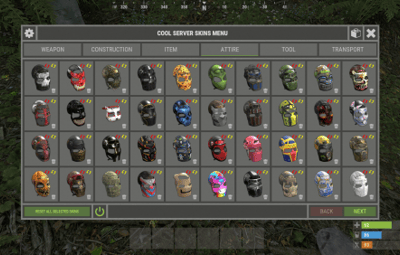
Update 1.4.1 - Added the name of the skins. Added skin search.  →  [ View image ]
Update 1.5.0 - Added item redirection. [ Item -> DLC, DLC -> DLC, DLC -> Item ] - Many improvements.
Update 1.5.4 - Added support for plugins: XKits and XAutoKits.

Message added by Monster,

Update 1.7.0 - Added skin filter. The plugin will automatically remove content belonging to Facepunch and will no longer allow its use.

[ New features will be added in the future under the new rules. ]


Starting August 7, 2025, it will no longer be allowed to distribute accepted Workshop skins, Facepunch skins, or DLC to players — whether for free or for payment.

Message added by Monster,

Workshop Community Skins Pack for XSkinMenu   -->   CLICK

19 Screenshots
  • 157.6k
  • 4.8k
  • 210.76 kB
  • Update details
    v1.7.5
    Released
    Download size210.76 kB
    Total versions44
    Time between versions 65 days
    Typical update pace About every 35 days
    Freshness 11 days ago

This area is for discussion and questions. Please use the support area for reporting issues or getting help.

Recommended Comments


Monster

Posted

12 minutes ago, Hawkhill said:

Ok... but why not as simple as it is with the personal kits?

In 2017, we set up all plugins manually in the configuration. 🥹

So, maybe I'll add editing via UI.

efero

Posted

The plugin breaks the VehicleBuy plugin, causing everything you buy in the store to appear as a box. Does anyone know what the problem is?

Monster

Posted

12 minutes ago, efero said:

Does anyone know what the problem is?

Technical questions should be addressed to the plugin support. Open a ticket in support.
But as I see, you have a new account and have not purchased the plugin, so we can't help you.  🤷‍♂️

JuanAntonioMena

Posted

Using this plugin, it breaks the VehicleBuy plugin, causing everything you buy in the store to appear as a box. Does anyone know what the problem is?

Monster

Posted

@JuanAntonioMena  The XSkinMenu configuration has a blacklist of skins.
Add all skins from VehicleBuy to that list.

JuanAntonioMena

Posted

Hello, when a member of the server puts one of his own skins, it resets to the default one. Could you help me fix it?

Monster

Posted

@JuanAntonioMena   I have no idea. I already wrote, all technical questions to the plugin support.
Or write to me in Discord - monster__dev

SEORA_JP

Posted

I can change it by spraying, but is there a way to deal with it if the skin menu does not show up even after authorization?

Monster

Posted

@SEORA_JP   Write me in Discord ( monster__dev ) or open a support request.

rastasounds

Posted

On 1/21/2022 at 10:24 PM, xmodkingx said:

my skins are not working for players ,,work for my but not for them ,,all permissions are on and reloaded it 4 times with all permissions ,,just havnt a clue whats going on ,,help plz


Monster

Posted

@rastasounds   Edit this message. And preferably, open a support request for the plugin.

MatthiasBM

Posted

Failed to call hook 'OnItemCraftFinished' on plugin 'XSkinMenu v1.6.5' (KeyNotFoundException: The given key '76561198099185908' was not present in the dictionary.)

at System.Collections.Generic.Dictionary`2[TKey,TValue].get_Item (TKey key) [0x0001e] in <8ce0bd04a7a04b4b9395538239d3fdd8>:0

at Oxide.Plugins.XSkinMenu.OnItemCraftFinished (ItemCraftTask task, Item item, ItemCrafter crafter) [0x00052] in <2abc82e868e7451fa667122530b9d6f3>:0

at Oxide.Plugins.XSkinMenu.DirectCallHook (System.String name, System.Object& ret, System.Object[] args) [0x00f3c] in <2abc82e868e7451fa667122530b9d6f3>:0

at Oxide.Plugins.CSharpPlugin.InvokeMethod (Oxide.Core.Plugins.HookMethod method, System.Object[] args) [0x00079] in <42f9bedc659b4f4786eb778d3cd58968>:0

at Oxide.Core.Plugins.CSPlugin.OnCallHook (System.String name, System.Object[] args) [0x000de] in <8cb2d664f1574f2b96d53f1c1869d96a>:0

at Oxide.Core.Plugins.Plugin.CallHook (System.String hook, System.Object[] args) [0x00060] in <8cb2d664f1574f2b96d53f1c1869d96a>:0

(19:43:00) | Failed to call hook 'OnPlayerInput' on plugin 'XSkinMenu v1.6.5' (KeyNotFoundException: The given key '76561199640922358' was not present in the dictionary.)

at System.Collections.Generic.Dictionary`2[TKey,TValue].get_Item (TKey key) [0x0001e] in <8ce0bd04a7a04b4b9395538239d3fdd8>:0

at Oxide.Plugins.XSkinMenu.OnPlayerInput (BasePlayer player, InputState input) [0x0001e] in <2abc82e868e7451fa667122530b9d6f3>:0

at Oxide.Plugins.XSkinMenu.DirectCallHook (System.String name, System.Object& ret, System.Object[] args) [0x00d6d] in <2abc82e868e7451fa667122530b9d6f3>:0

at Oxide.Plugins.CSharpPlugin.InvokeMethod (Oxide.Core.Plugins.HookMethod method, System.Object[] args) [0x00079] in <42f9bedc659b4f4786eb778d3cd58968>:0

at Oxide.Core.Plugins.CSPlugin.OnCallHook (System.String name, System.Object[] args) [0x000de] in <8cb2d664f1574f2b96d53f1c1869d96a>:0

at Oxide.Core.Plugins.Plugin.CallHook (System.String hook, System.Object[] args) [0x00060] in <8cb2d664f1574f2b96d53f1c1869d96a>:0

  • Sad 1
MatthiasBM

Posted

wallpapers have disappeared from the skin menu

  • Sad 1
Monster

Posted

@MatthiasBM   It's too bad you don't read the updates page.  🥹

  • Like 1
  • Haha 1
  • Love 1
MatthiasBM

Posted

LOL as if i missed that XD Thanks


  • Like 1
Hawkhill

Posted

Hi!
Im wondering if i can get the skin id's for:
- Large Planter / Triangle Planter - Railroad Skin
- Toolcupboard - Retro / Shockbyte Skin
- Lunar Wall Frame Inlay Skins
- Industrial Wall Light Red, Green, Blue
- High External Stone Wall and Gate - Adobe


Monster

Posted

@Hawkhill   Open the Skins.json file, and search by the shortname of the item for all skins.

Hawkhill

Posted

Seems like i made a "BoBo" in the XSkins config....
"Generate/Check and add new skins added by developers [ For example, a skin for hazmatsuit ]": false,  
Skins didnt get added 😛


  • Haha 1
Hawkhill

Posted

That did the trick.... Thx for answer

  • Like 1
MatjezZ

Posted

The salvaged hammer is not displayed, although skins are available for it.

Monster

Posted

@MatjezZ   There are no official skins for it.
But you can add this item yourself to the configuration.

MatjezZ

Posted

2 hours ago, Monster said:

@MatjezZ   There are no official skins for it.
But you can add this item yourself to the configuration.

Thank You! I thought it's enough to add the skinIDs. I now just added "hammer.salvaged" in the Category settings under tools and it worked fine! Thanks for your help and for your good work!

  • Love 1
Agricola

Posted

How do you disable the skins that will cause problems with FP for now?

Monster

Posted

4 hours ago, Agricola said:

How do you disable the skins that will cause problems with FP for now?

We have until August 7.
Today or tomorrow I will add a filter for skins from Facepunch.

  • Love 2
Agricola

Posted

8 hours ago, Monster said:

We have until August 7.
Today or tomorrow I will add a filter for skins from Facepunch.

Thanks so much!

Create an account or sign in to comment

You need to be a member in order to leave a comment

Create an account

Sign up for a new account in our community. It's easy!

Register a new account

Sign in

Already have an account? Sign in here.

Sign In Now
  • Like 5
  • Love 9

Monster's Collection

User Feedback

2.3m

Downloads

Total number of downloads.

10.6k

Customers

Total customers served.

153.6k

Files Sold

Total number of files sold.

3.3m

Payments Processed

Total payments processed.

×
×
  • Create New...

Important Information

We have placed cookies on your device to help make this website better. You can adjust your cookie settings, otherwise we'll assume you're okay to continue.