
.thumb.png.c7790b6c782f69b9138ef5896e26d274.png)
Depends on
Required for this file to work correctly.

Works with
Optional integrations and compatible files.
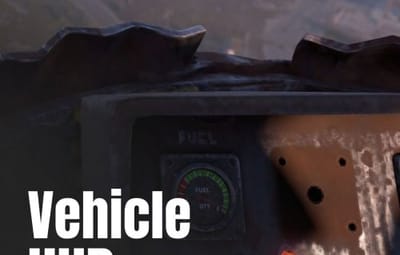
About Vehicle HUD
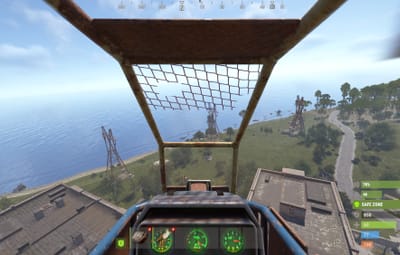
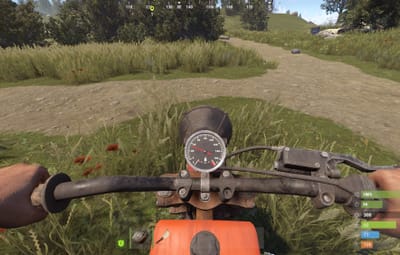
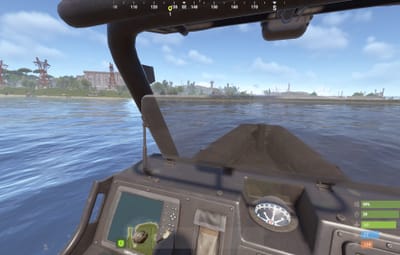
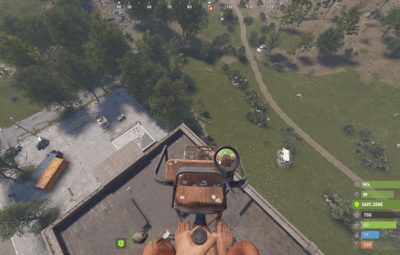
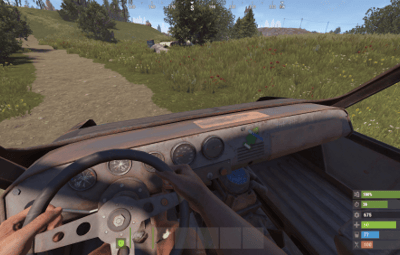
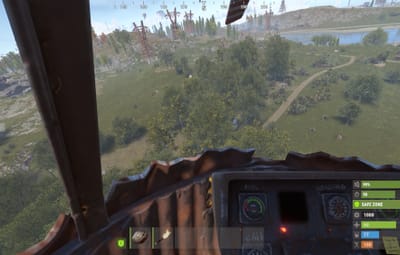
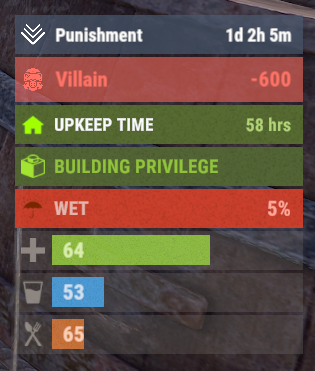
Two bars sit on the driver: speed in km/h and fuel in percent. They refresh twice a second. At 20% fuel the fill colour changes. Passengers do not get a panel. The panel exists only while you are the connected driver. It goes away on dismount, disconnect, or unload.
The bars work on minis, scrap, attack heli, modular cars, bikes, snowmobiles, boats, subs, workcart, and locomotive. A vehicle not on that list still gets bars. Set Enabled to false to hide a type. Fuel is omitted when the vehicle has no tank.
Permissions
The permission key is empty by default, so every driver sees the bars until you set a name. vehiclehud.admin does not gate the bars. /vehiclehud hides the panel for that player and stores the Steam ID.
Commands
-
/vehiclehudtoggles the dashboard for that player.
Do I need ImageLibrary?
No. Default icons are the sprites assets/icons/stopwatch.png and assets/icons/air_tank3.png. ImageLibrary runs only when a speed or fuel icon starts with http.
Can a player hide it?
Yes. /vehiclehud toggles the panel and stores that Steam ID in the VehicleHud/Players data file.
Do unlisted vehicles show a HUD?
Yes. A prefab absent from the Vehicles dictionary still gets bars. Set Enabled to false to hide a type.