Depends on
Required for this file to work correctly.
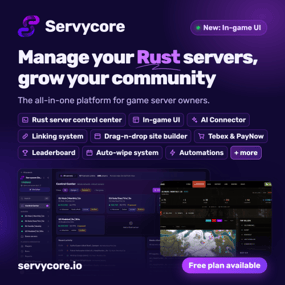
About Servycore In-game UI – Info Panel, Welcome Menu, Kits & Store
Warning
Requires a free Servycore account (servycore.io you design the menu in the Servycore panel and publish it, this plugin shows it in game. Install it from Servycore, which sets it up for you: Control Center > your server > Plugins & Groups > Servycore In-game UI (Servycore needs host access to the server: Pterodactyl, Pelican, WISP, AMP or SFTP). Servycore on Codefling
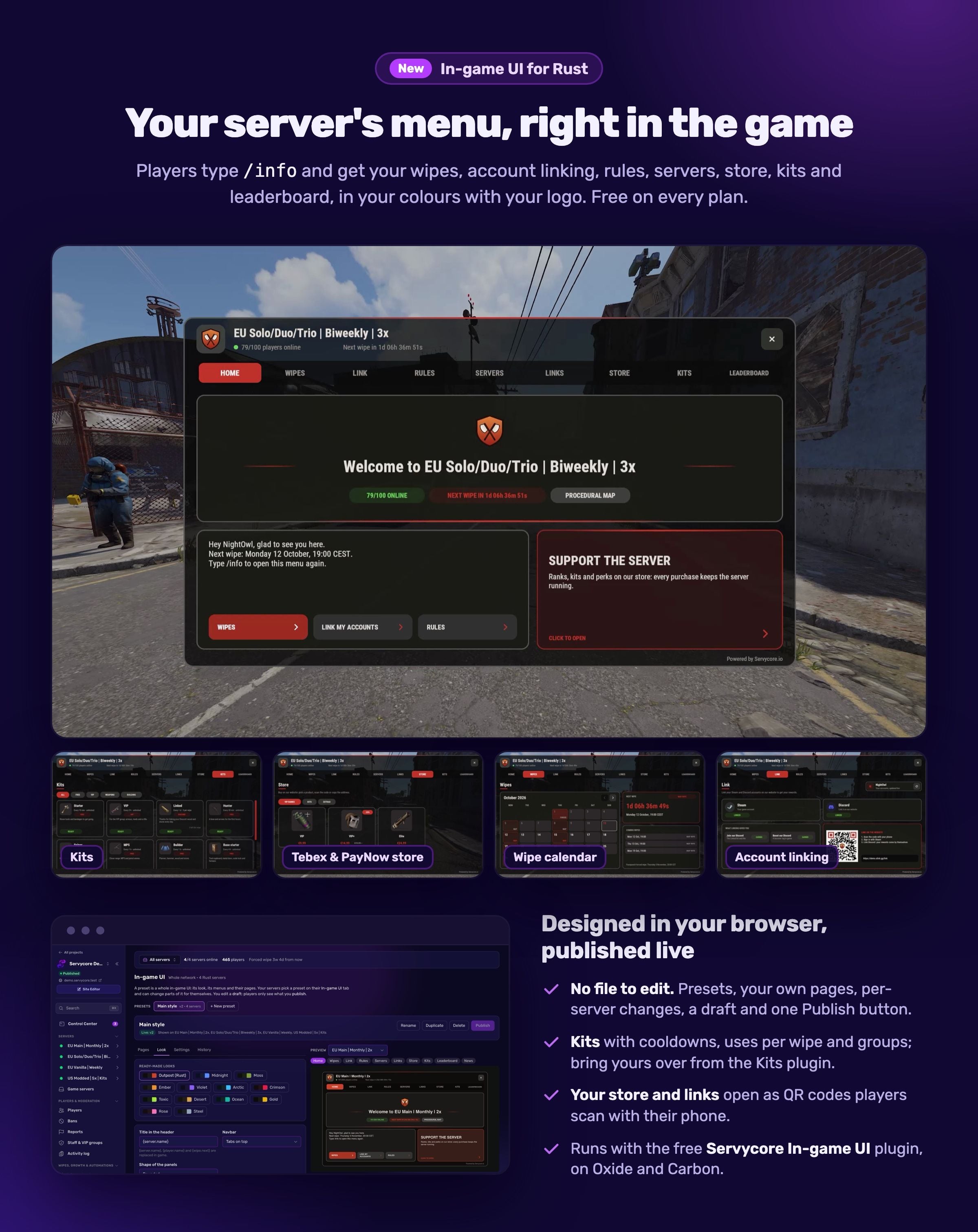
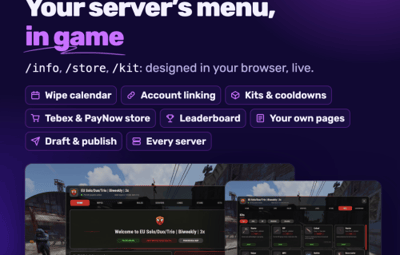
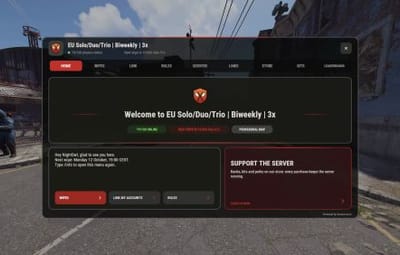
Your server's menu, right in the game. Players type /info and get your wipes, account linking, rules, servers, store, kits and leaderboard, in your colours with your logo. Every page has its own chat commands (/wipe, /store, /kit, /link, /top…), and the menu can open at a player's first connection.
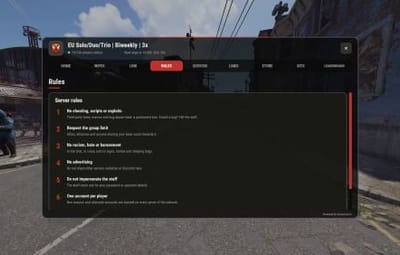
Designed in your browser, published live. No file to edit and no JSON: presets with 13 ready-made looks, your logo, a top or side navbar, your own pages (text, images, links, numbered rules, two columns), several menus (/info for the server, /store for a shop menu) and pages that open alone. Change one server only, keep a draft, publish when it is ready: the servers get it within seconds. History keeps the published versions.
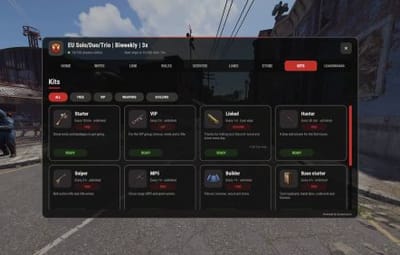
Kits. Up to 24 kits with categories, cooldowns, uses per wipe and a lock after each wipe, for everyone or for some Oxide / Carbon groups and permissions. Fill a kit from your own inventory, make one in game with /kit create, or bring yours over from uMod's Kits plugin. The plugin keeps the cooldowns and resets them at every wipe.
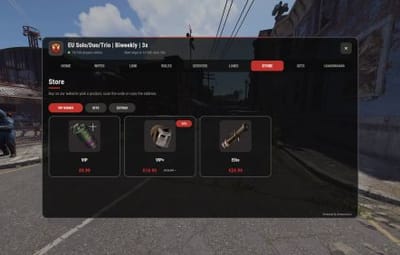
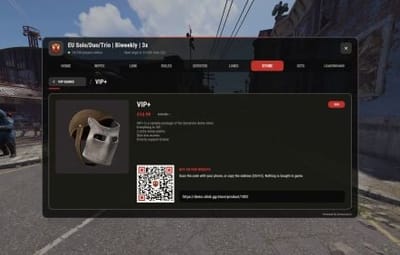
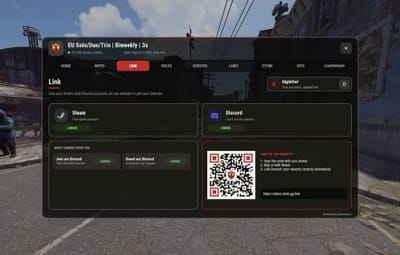
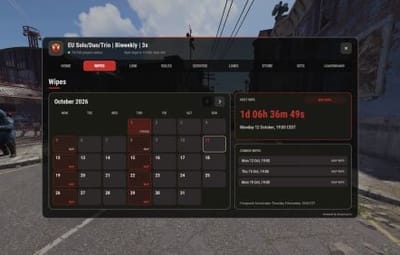
Live pages. The next wipe and the coming ones as a calendar, the player's linked accounts and linking rewards (updated live), your network with a copyable connect command, your Tebex or PayNow store and your blog: links and products open as QR codes players scan with their phone. Nothing is bought in game.
Chat in game. Every Servycore message (menu, automations, announcements, wipe countdown) can show your network's icon (the avatar of a Steam account you pick) and the server's name.
Good to know
- Facepunch only allows an in-game UI on servers listed Modded, which Oxide and Carbon do by default.
- The menu answers its chat commands first: when another plugin has the same one (/kit of Kits, /info of a welcome panel), the editor tells you before you publish.
-
Console:
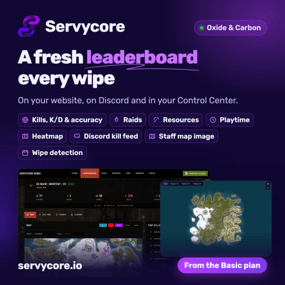
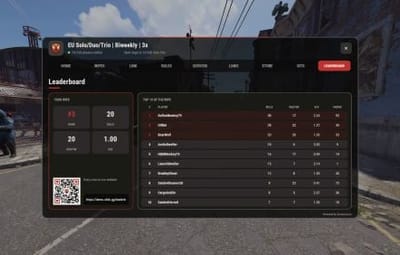
servycore.ui status,servycore.ui reload. Permissions:servycoreingameui.admin(admin kits,/kit create),servycoreingameui.kit.<key>. - Every Servycore plan has it, Free included, with every page. A page that shows a feature of your plan follows it: the Leaderboard page needs the leaderboard (from Basic), the Store page your website's store, the News page its blog.
Guide: In-game UI · How to add an in-game UI to a Rust server · Live demo · Discord