

About AdminAuthorizedUI
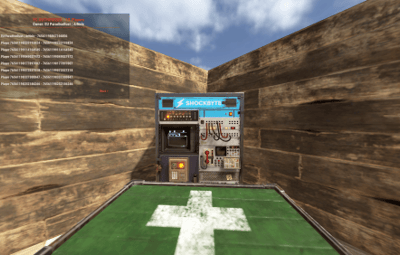
UI for displaying authorized players on the Tool Cupboard, Auto Turret, and Code Lock, including the entity owner.
This plugin adds a simple, clean UI that shows you exactly who is authorized on the building or deployable you're looking at.
Features:
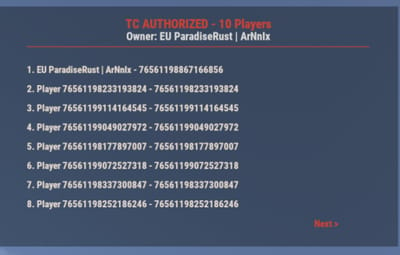
- Tool Cupboard: Displays a list of all authorized players and the owner.
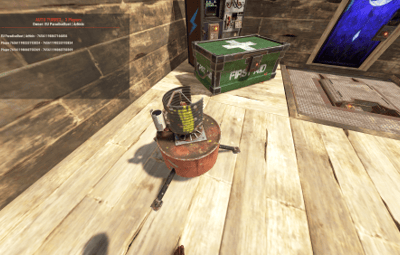
- Auto Turret: Displays a list of all authorized players and the owner.
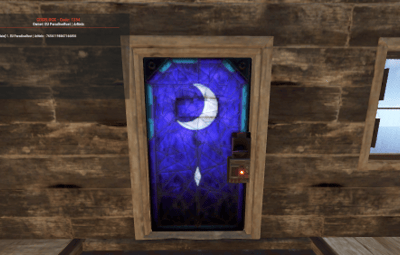
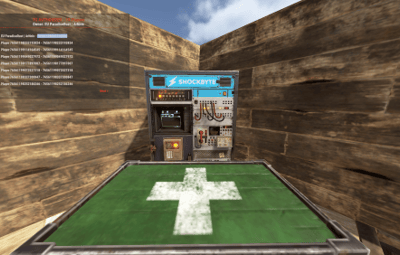
- Code Lock: Displays the owner, the lock code, and a list of whitelisted (Main) and Guest players.
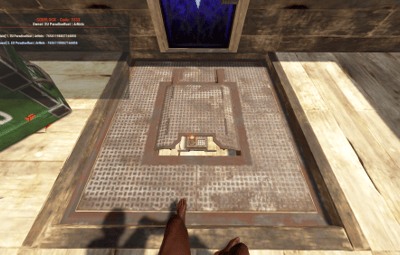
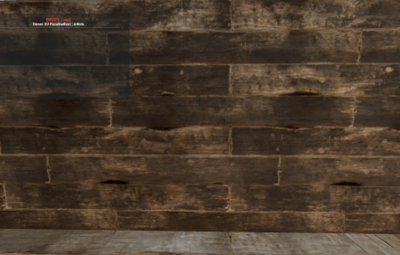
- Other Entities: If you look at any other player-placed entity (furnace, box, etc.), it will display the owner's name.
- Pagination: If the list of players is longer than 8, you can use the "Next" and "Previous" buttons to browse.
- Copyable Text: All information displayed in the UI (player names, Steam IDs, codes) can be selected and copied by the admin for easy use.
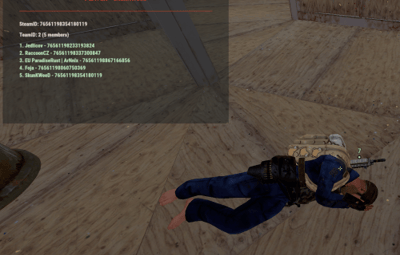
- Player Team Info: If you look at a player, the UI will display their team information, including the team leader, all team members, and their Steam IDs.
- Permission-based: Use the permission `adminauth.use` to control who can see the UI.
How to use:
1. Grant the permission to a player or a group.
2. The player types the chat command `/aauth` to toggle the UI on or off.
3. Simply look at a Tool Cupboard, Turret, Code Lock, any other entity, or a player. The UI will appear with the relevant information.
4. To copy any information (like a Steam ID or Name), simply select the text in the UI with your mouse and copy it (Ctrl+C).
Commands:
- /aauth - Toggles the AdminAuthorizedUI on and off.
Permissions:
- adminauth.use - Required to use the /aauth command and see the UI.