

josh-z
-
Posts
30 -
Joined
-
Last visited
Content Type
Profiles
Warranty Claims
Downloads
Forums
Store
Services
Downloads Plus Support
DOWNLOADS EXTRA
Reels
Everything posted by josh-z
-
Version 1.0.5
59 downloads
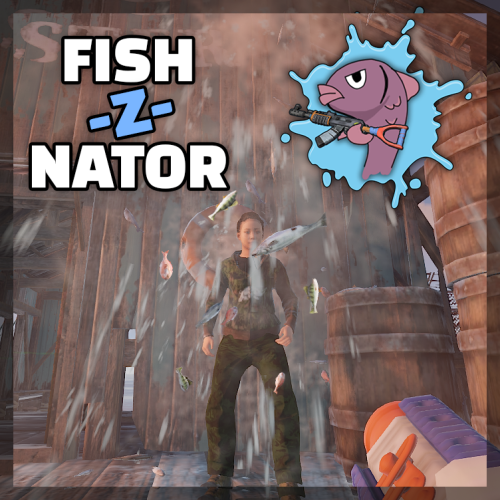
Sometimes all someone needs is a fish in the face. It just gives that finishing touch in making your point. From now on The Fish-Z-Nator will be your best friend to win any argument you get into. Various fish flying with high speed towards your enemies and will eventually make them stop talking. Damage, fire rate and fish speed are configurable. Spawning in The Fish-Z-Nator is regulated by a permission. Videos: Features Shoot fish Do damage (with permission) Don't do damage (you choose) Transform fish into fireworks when you hit a player Fish everywhere Bouncy fish Addicting Fish! Commands /fishznator Permissions fishznator.use > for using the /fishznator command fishznator.fireworks > for using fireworks mode fishznator.dodamage > allow doing damage to other players Config fishInterval = 0.05 > time between 2 lauched fish / fire rate fishForce = 20 > speed of the fish fishDamage = 0.25 > damage dealt when hitting a player, set to 0 to disable fireWorksPercentage = 20 > Percentage of fish changing into fireworks Join my Discord for quick support and suggestions! https://discord.gg/7ApTVphM7f$7.50 -
 Hi there, you are right about that. When you use Admin Chat public chat, it will end up in Discord. Let's see if I can find a solution for that. We are used to using team chat while in Admin Chat, that might send it too Discord too, but if it does it's probably not in a public channel.
- 7 comments
-
- 1
-

-
- #admin
- #admintool
- (and 6 more)
-
Thanks!
-
Version 1.0.1
45 downloads
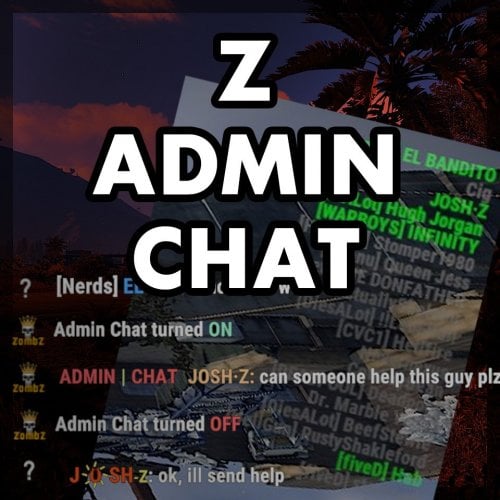
Z-Admin Chat adds a new chat functionality to the game which can be used by for example admins, moderators and chat mods. In most cases it is not preferred or possible to create a team for all staff and there are several reasons to think of why it's just not practical to join one team: The team would be to large, chat mods have their own team, the admin team talks about confident things and so on. On the other hand, the team chat and the team member list are super easy to use. Z-Admin Chat solves this dilemma by giving players with the right permission, access to the Admin Chat. Once activated, all chat messages will be only visible for other people in that group. To make life even better, Z-Admin Chat gives you the ability to show an additional list of members or the 'staff list' at the top right of your screen. It has the look and feel of the original team list and it shows you who of the staff is online. Features Extra chat channel, only visible for staff All players with permission will be shown in the staff list Find out who of your team is online in a split second Option to disable staff list Personal settings to style the staff list ( hide / show / font size / opacity ) Easy switching between normal chat and admin chat (chat command + console command) Full support for Better Chat plugin Chat style adjustable, your team won't miss your important chat messages Commands /ac -> toggle admin chat on/off Staff list: /ac show -> show staff list /ac hide -> hide staff list /ac update -> manually update staff list /ac opacity <number> -> (personal) change staff list opacity, value between 0 and 1 /ac fontsize <number> -> (personal) change staff list font size, value between 1 and 13 /ac update -> refresh staff list Console commands ac.toggle -> toggle admin chat on/off, for easy binding: bind h ac.toggle Permissions There's only one permission: zadminchat.use All players with this permission can use the admin chat and staff list when enabled. After giving the permission, the staff list shows up on connecting. It can also be forced to update, by using the command /ac update (by anyone) or /ac show (by the added player). Configuration The config file is as interesting as the permissions: { "UserListEnabled": true } At the moment, this is the only option available. When UserListEnabled is set to false, the UI part (staff list) of the plugin is totally disabled. Localization All chat messages sent by the plugin can be edited in the Language file. The Admin Chat prefix can also be changed here. The default tag may be ugly, but no staff member ever missed a chat!$5.00