Neighigh
-
Posts
561 -
Joined
-
Last visited
-
Days Won
7
Content Type
Profiles
Warranty Claims
Downloads
Forums
Store
Services
Downloads Plus Support
DOWNLOADS EXTRA
Reels
Everything posted by Neighigh
-
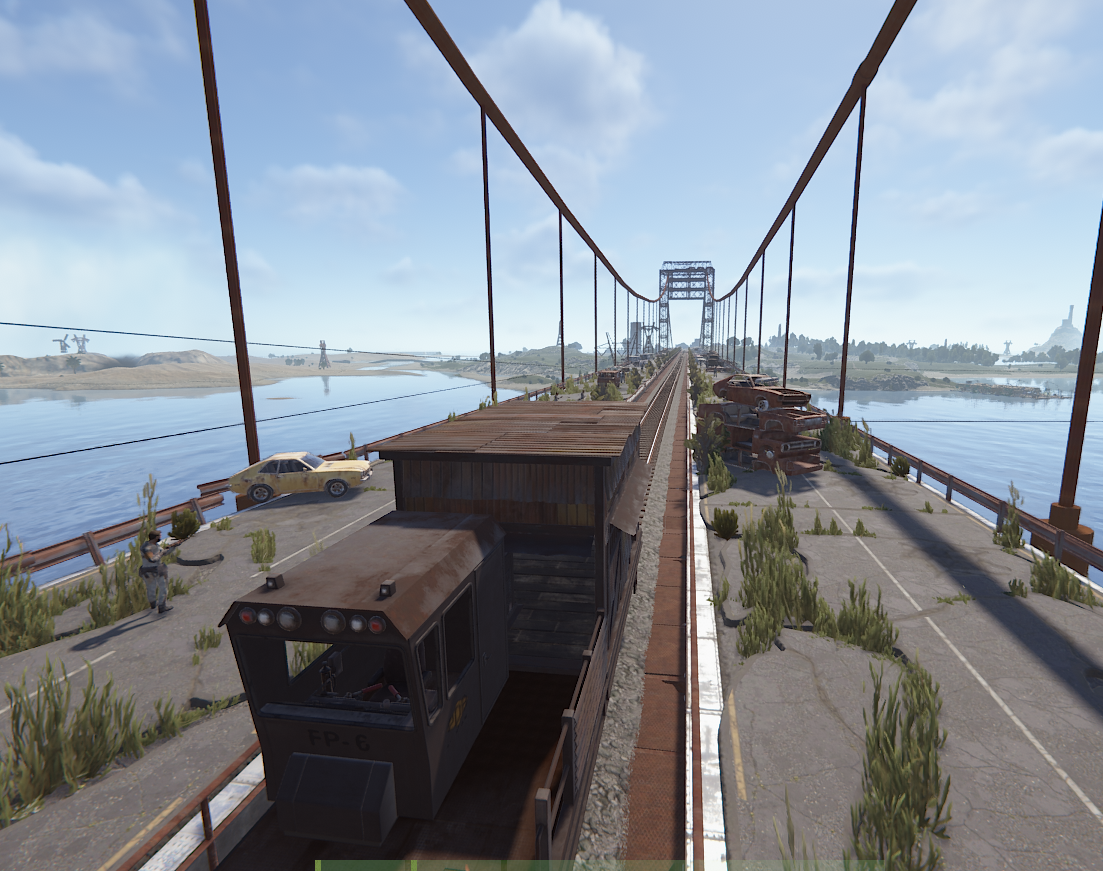
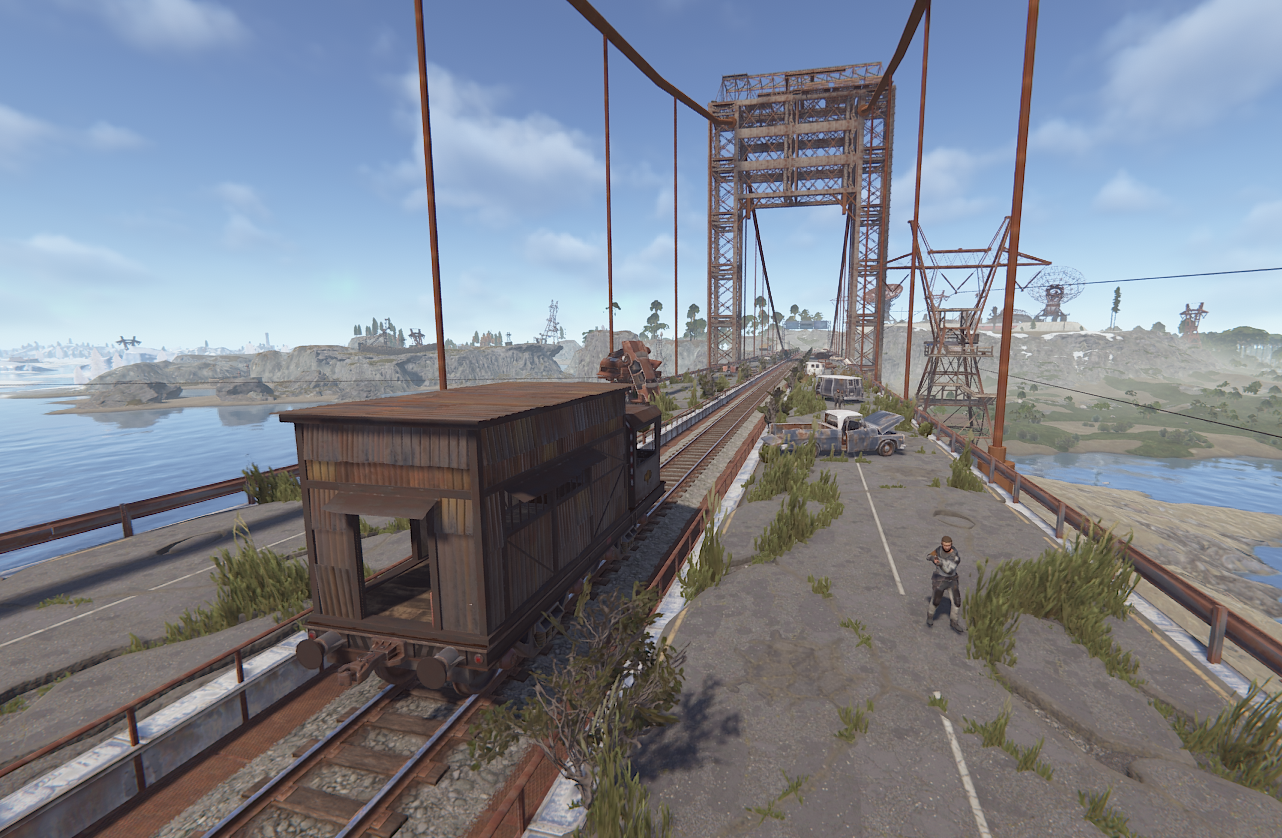
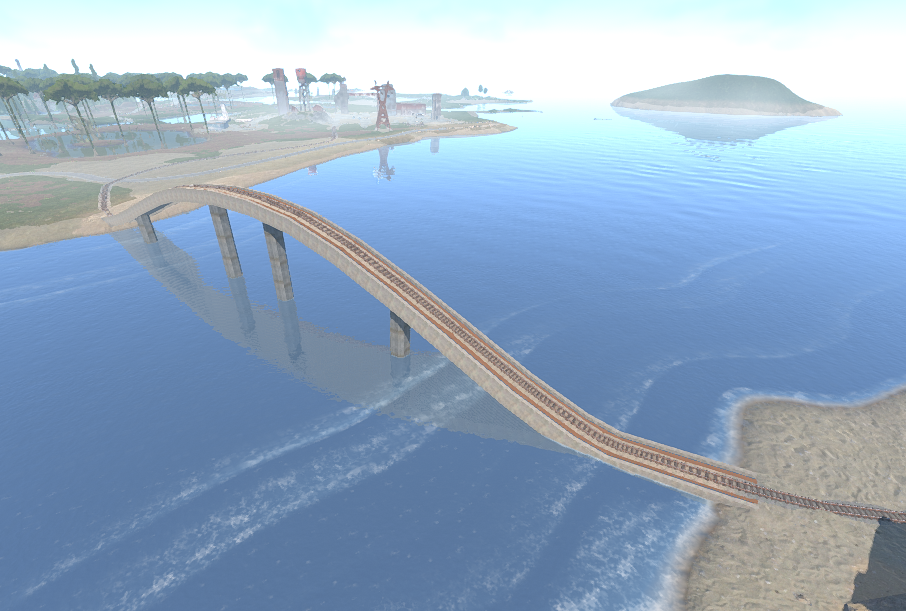
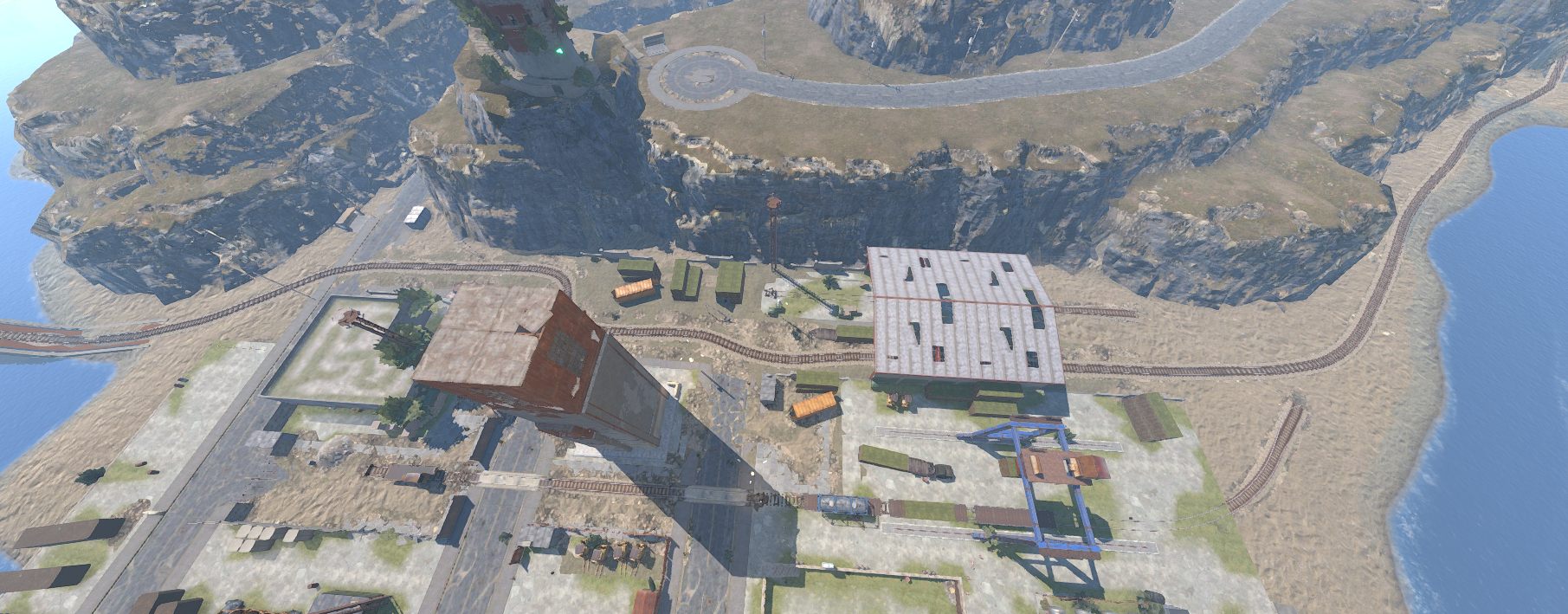
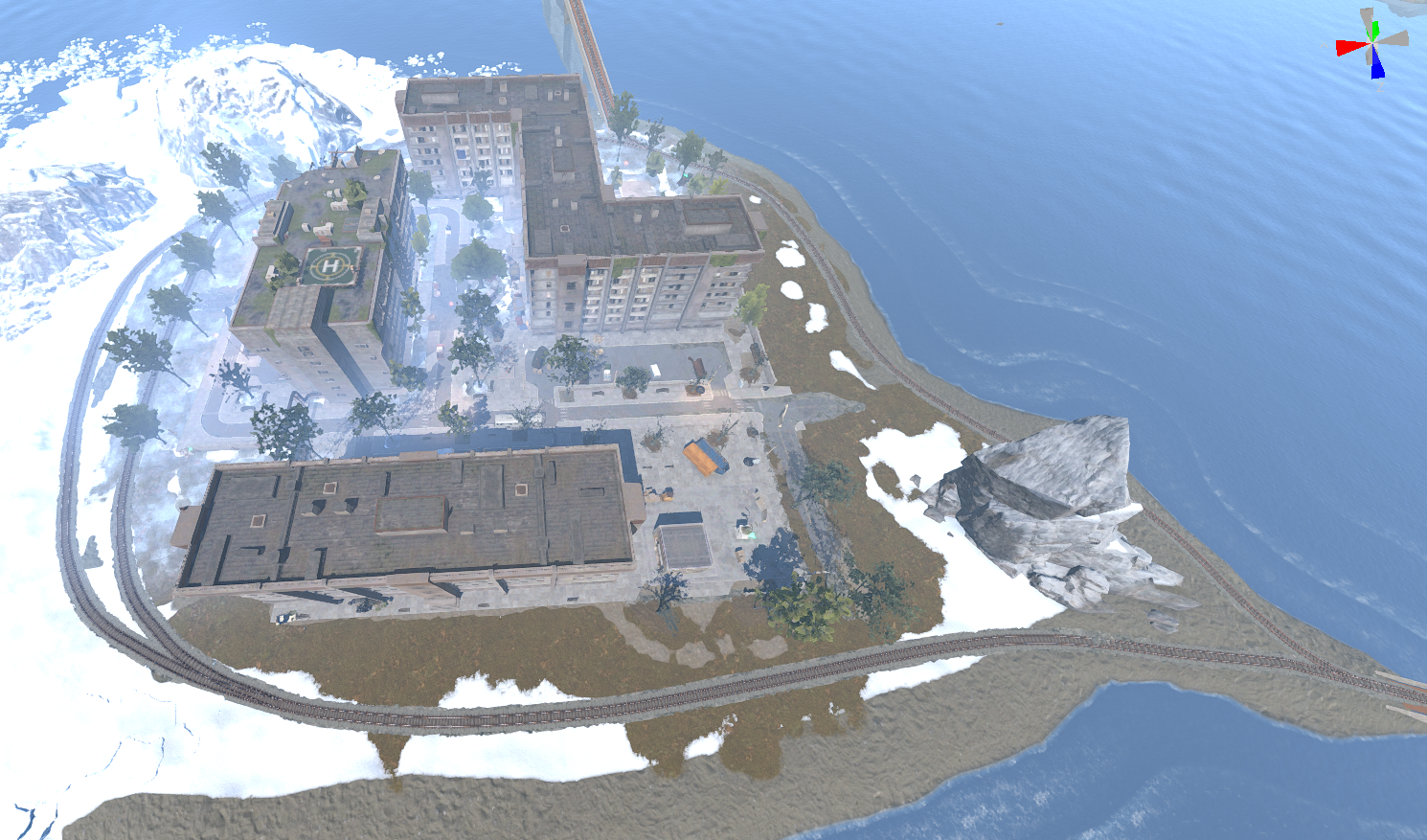
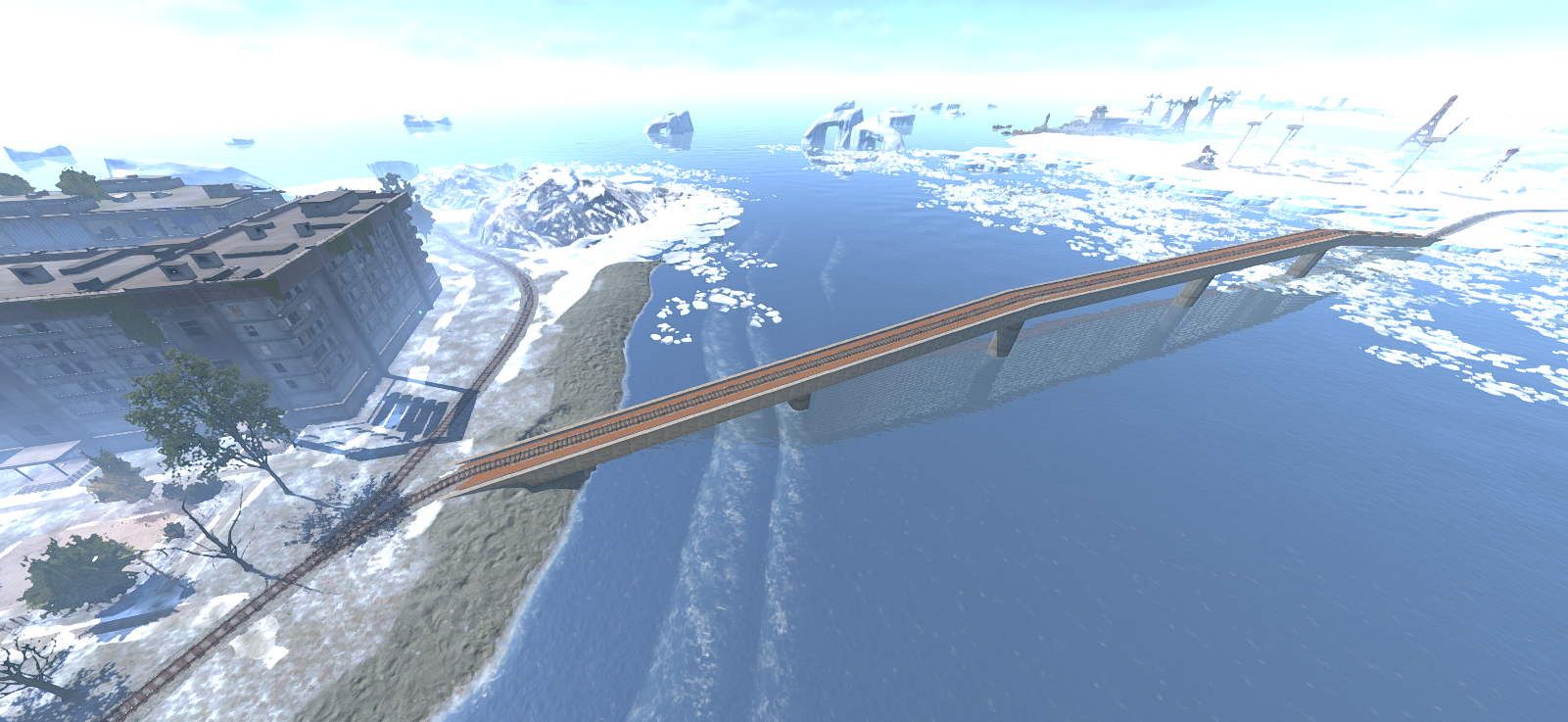
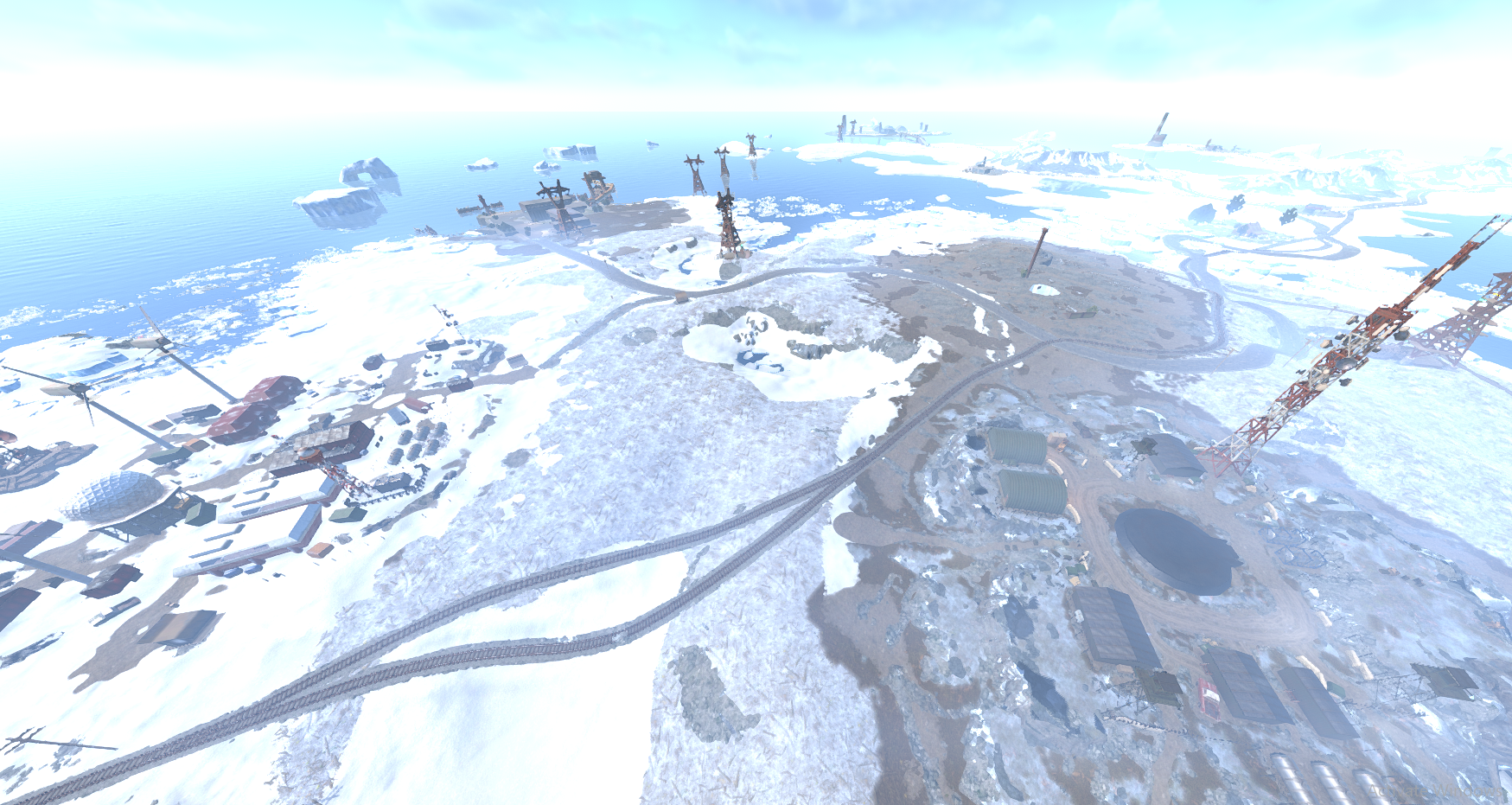
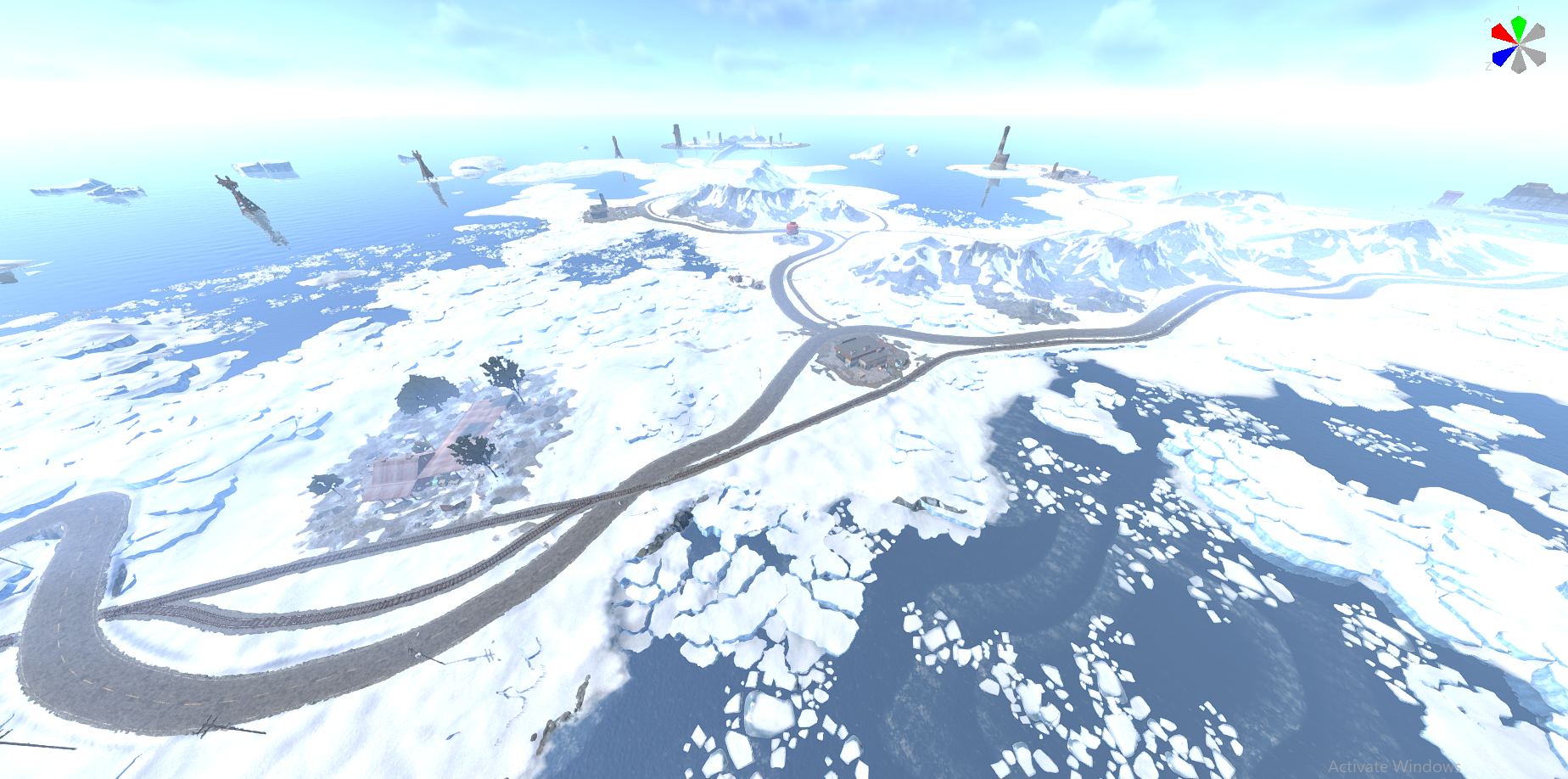
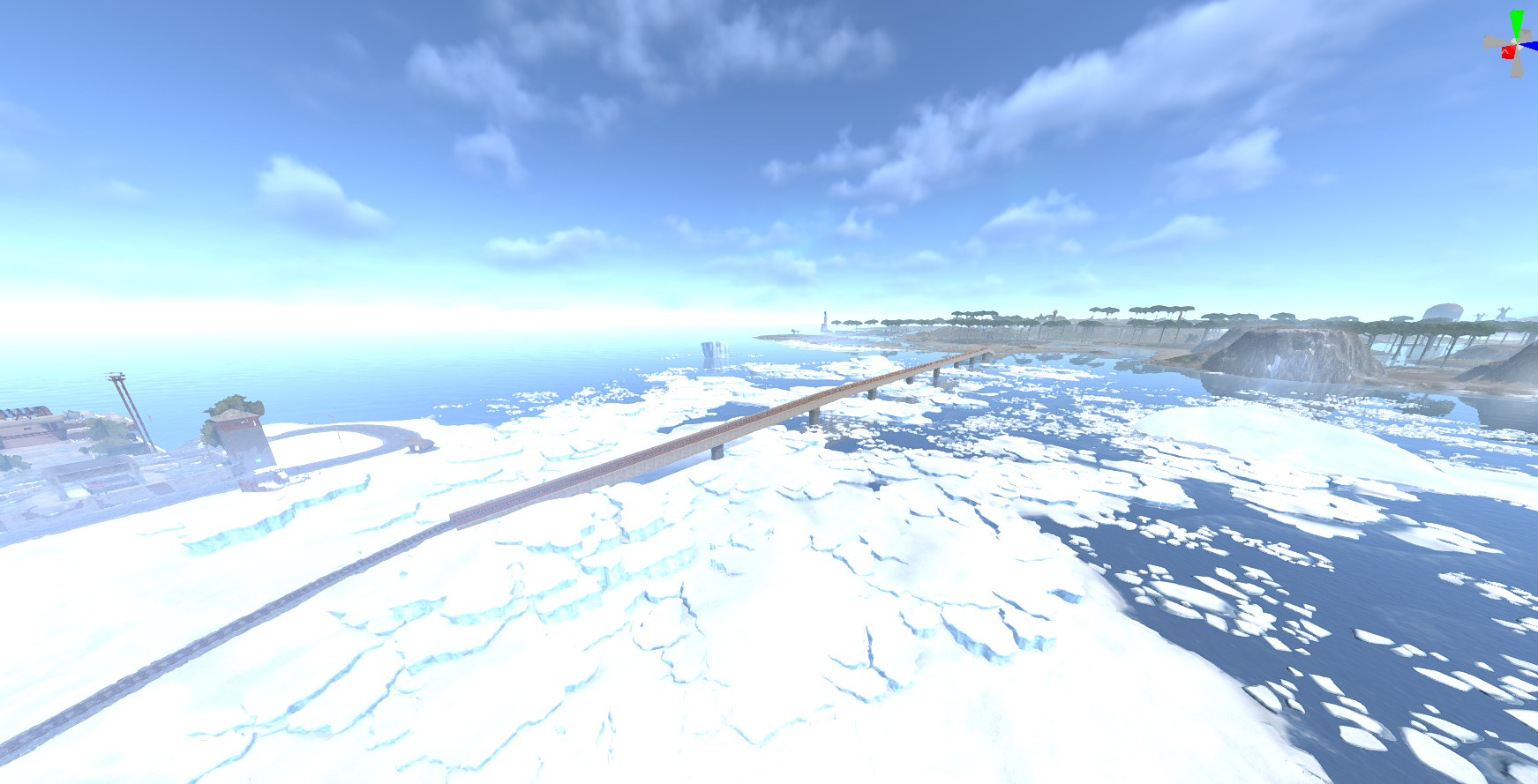
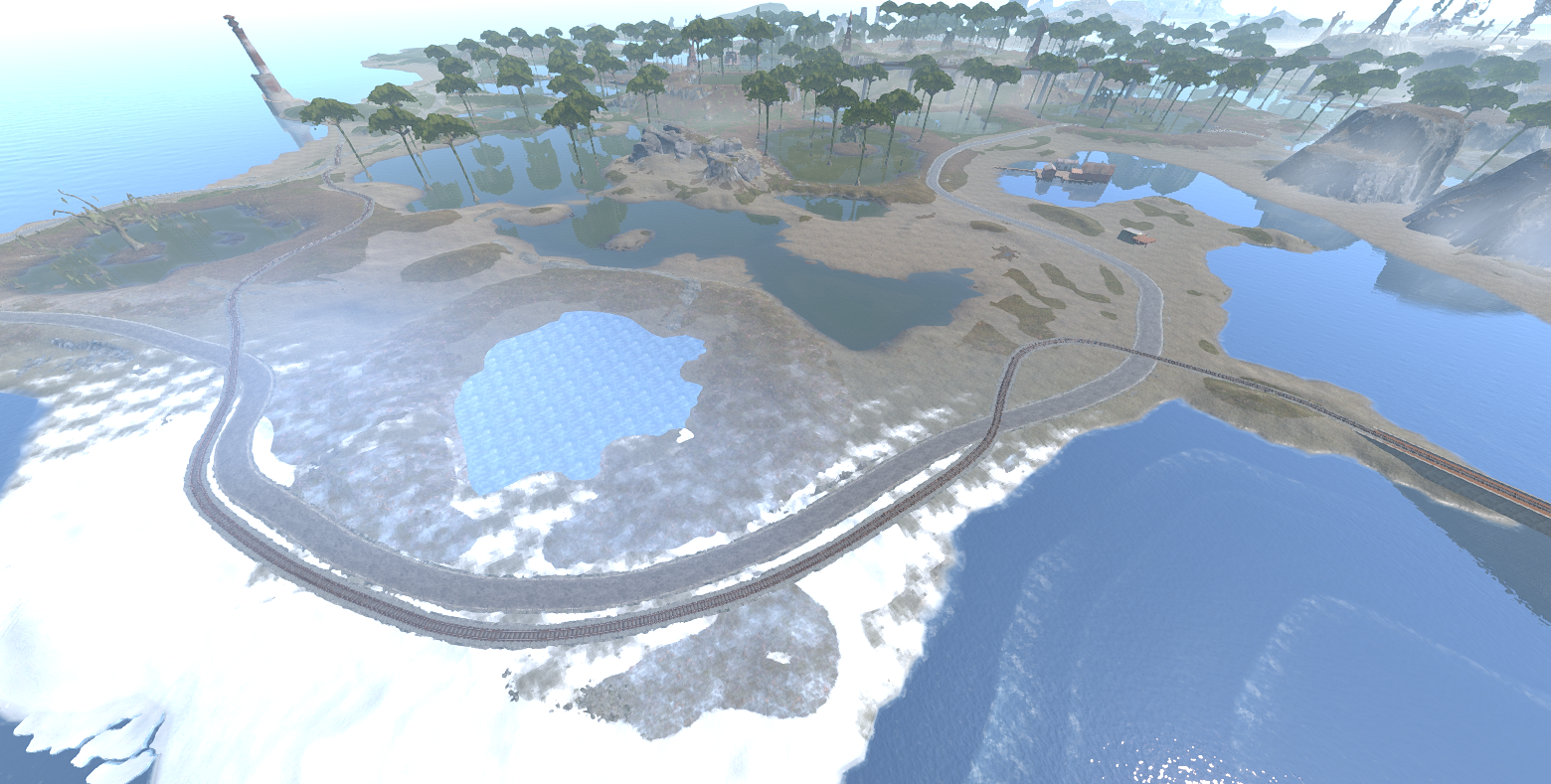
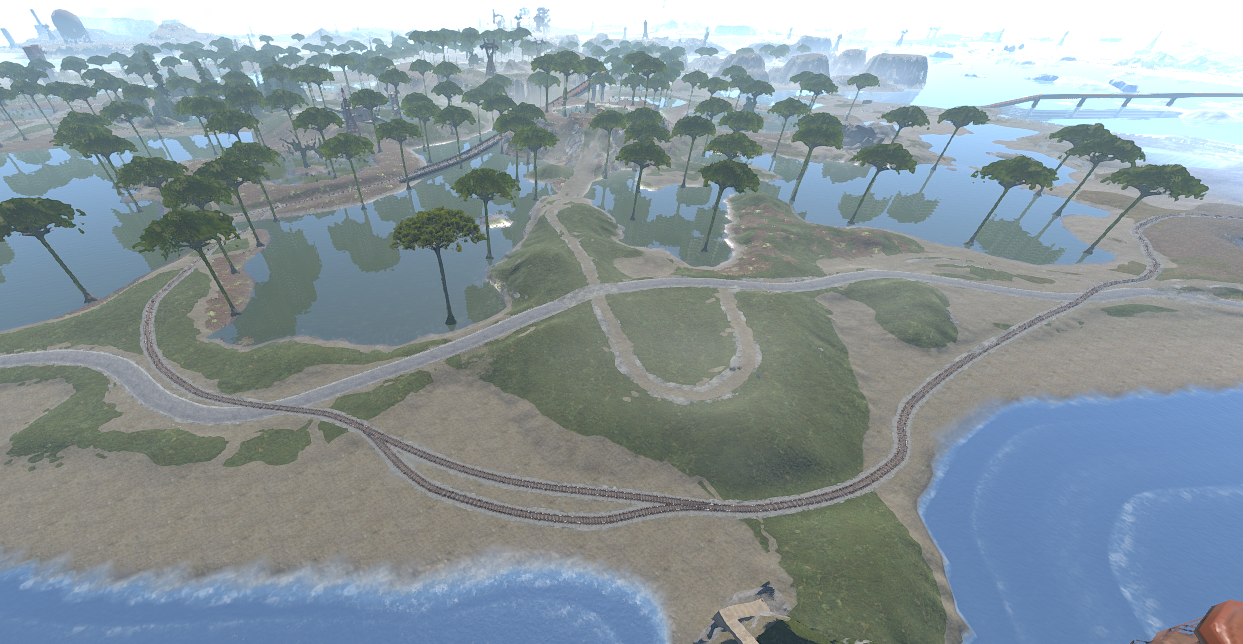
Thank you for the input! This main bridge is an intentional design feature. This stretch goes straight to trainyard in the center of the map, it is designed to have a high yield loot but high danger for the players to collect. If you want less trains on your server there is also a server convar for that: traincar.population 2.3 - This is the default multiplier, lowering this will use less trains. On my server, I am using 0.8 and this is the result: This is because the tracks function as a wider junction. What you are requesting already exists but you need to have made your turnoff before heading towards the bridge. This is all intuitively done so the main focus is to drive those trains from the main bridge to trainyard and collect the loot. The other railways at this junction function as bypasses to move on to the next island, instead of interacting with the wagons on the main route. If you were coming from the east, you would stay left on the track to bypass, if you were coming from west, you would stay right.

-
Changed Status from Work in Progress to Fixed Changed Fixed In from 1.48 to 1.49
-
New version posted! Give the new version a try with those server convars Adding more engines with those convars will help the bottleneck on the big bridge too.
-
Changed Status from Fixed to Work in Progress
-
Hey no worries, I'll explain! You're looking for server convars to fix your train spawn ratios: traincar.population - default is 2.3 Controls Population of train cars active on the server traincar.wagons_per_engine - default is 2 Controls Ratio of wagons to train engines that spawn Maps do not control the spawn ratio of wagons to engines. But these convars will solve all of your bottleneck and stranded wagons without engines if you make more engines to wagons ratio. The railway near Apartment Complex blocks the main railway route. - I see this in your video, I didn't run into this myself so I'll go in and see if I can reproduce this and make a fix if I can today. Thank you!
-
Changed Status from Work in Progress to Fixed Changed Fixed In to Next Version
-
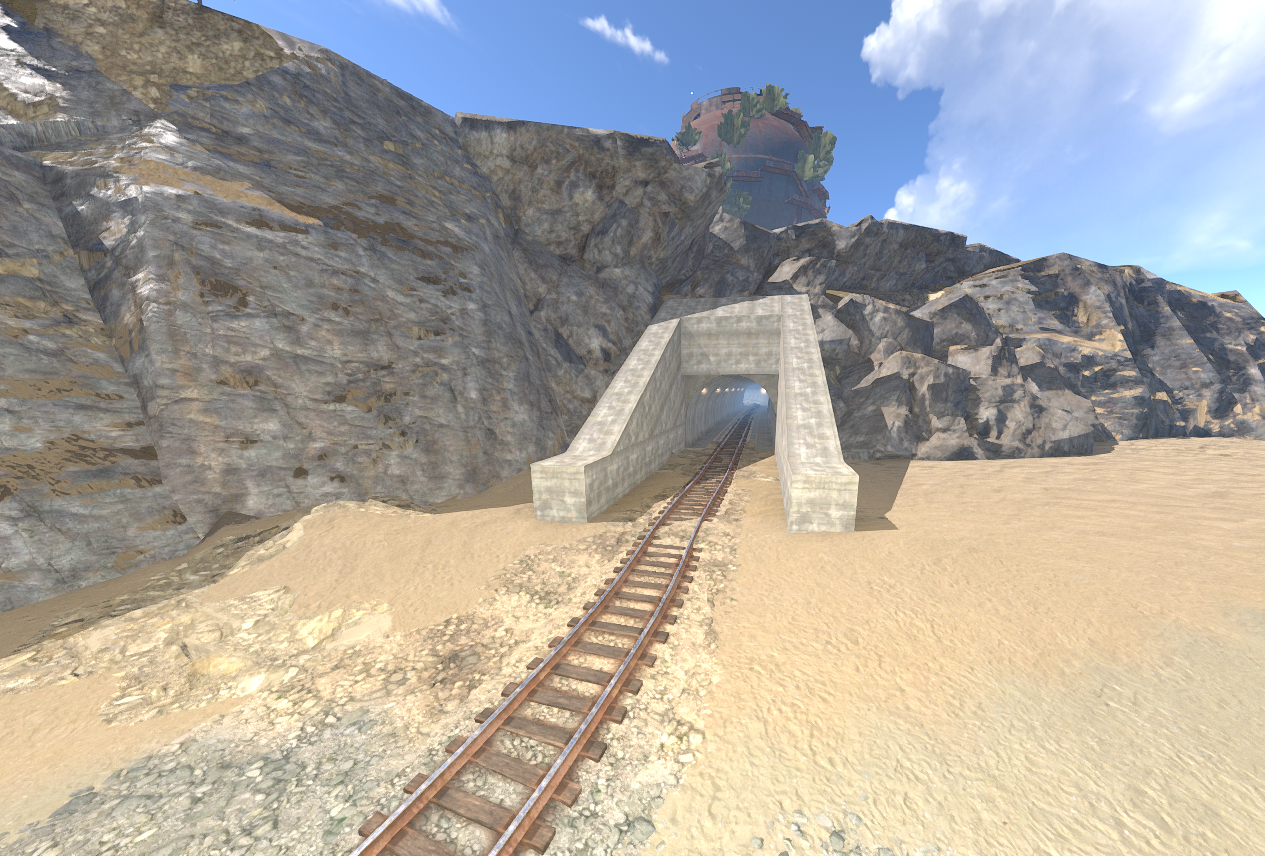
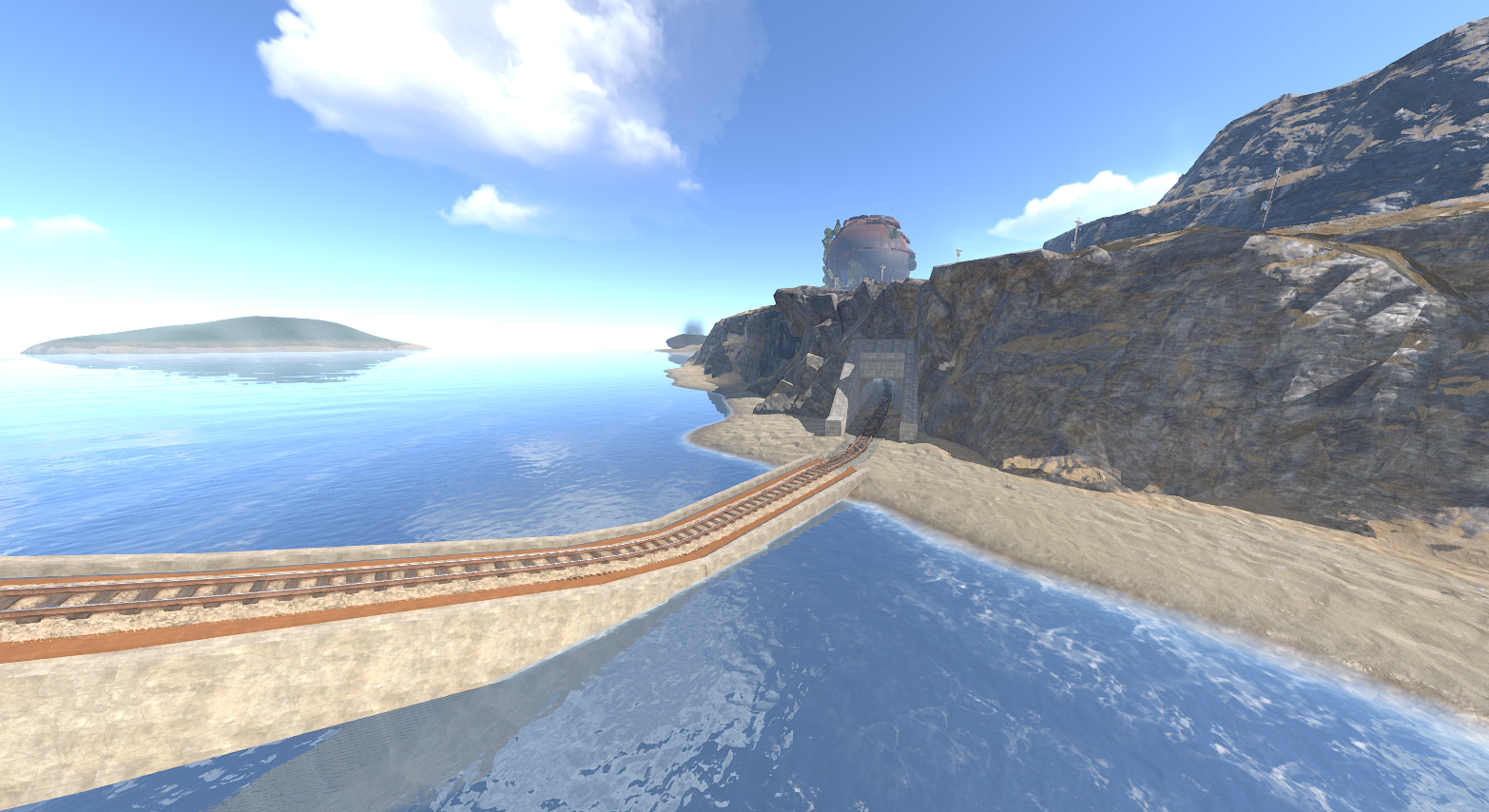
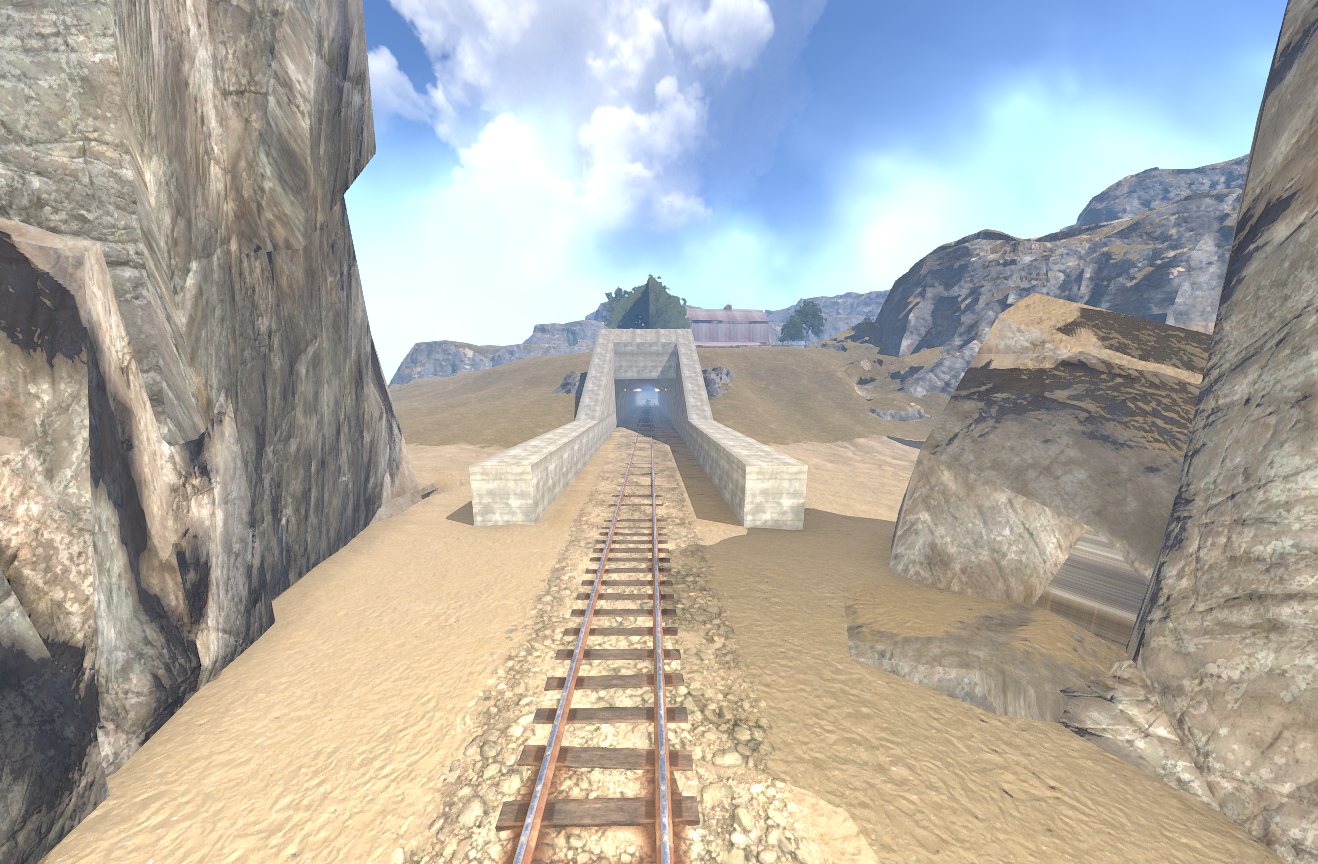
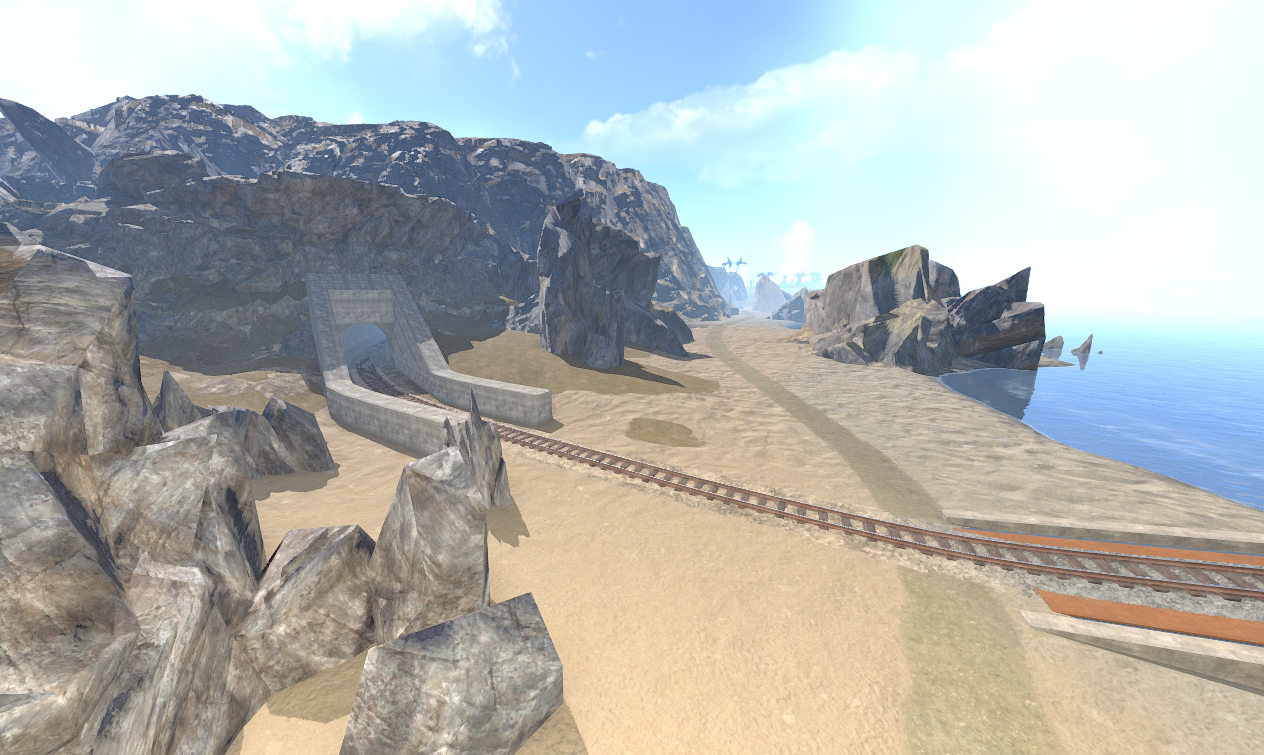
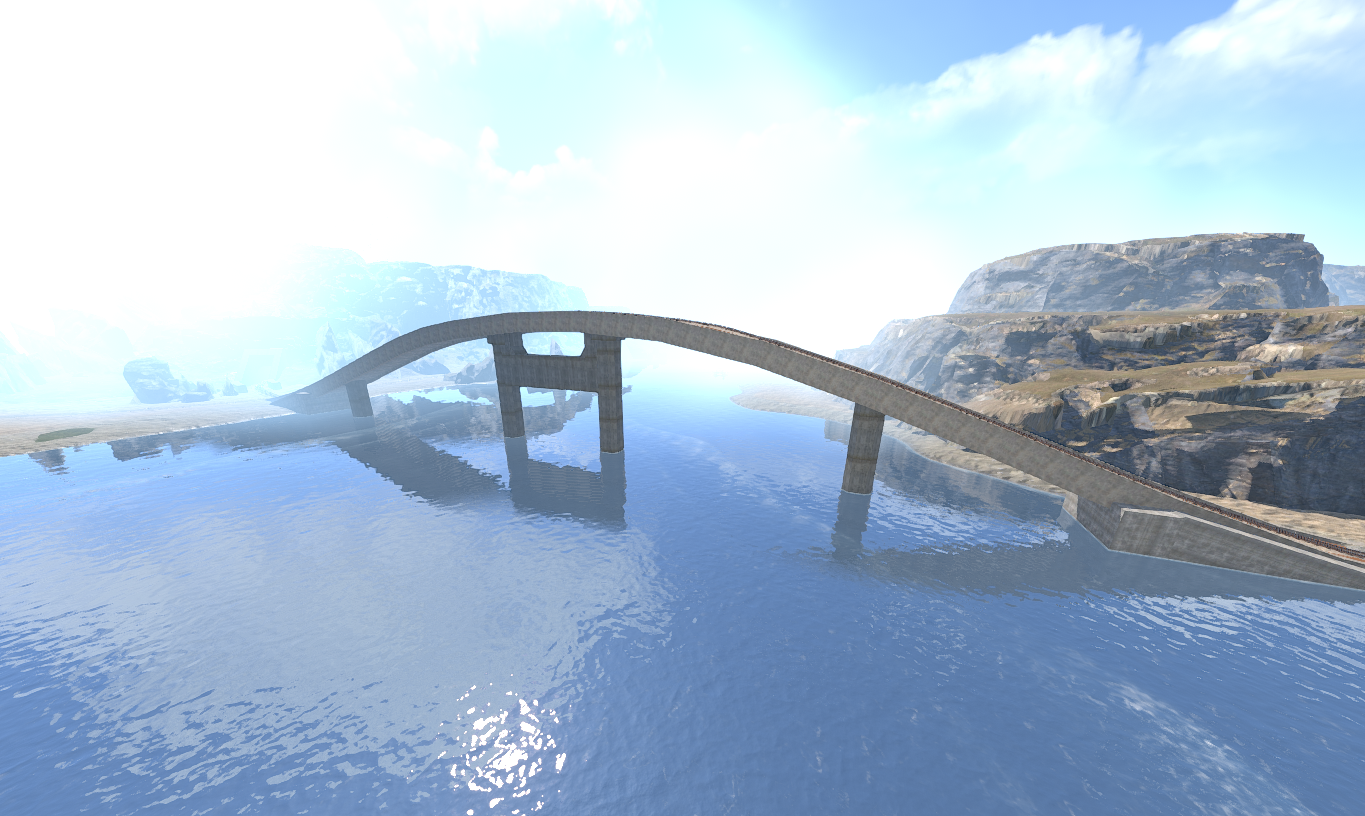
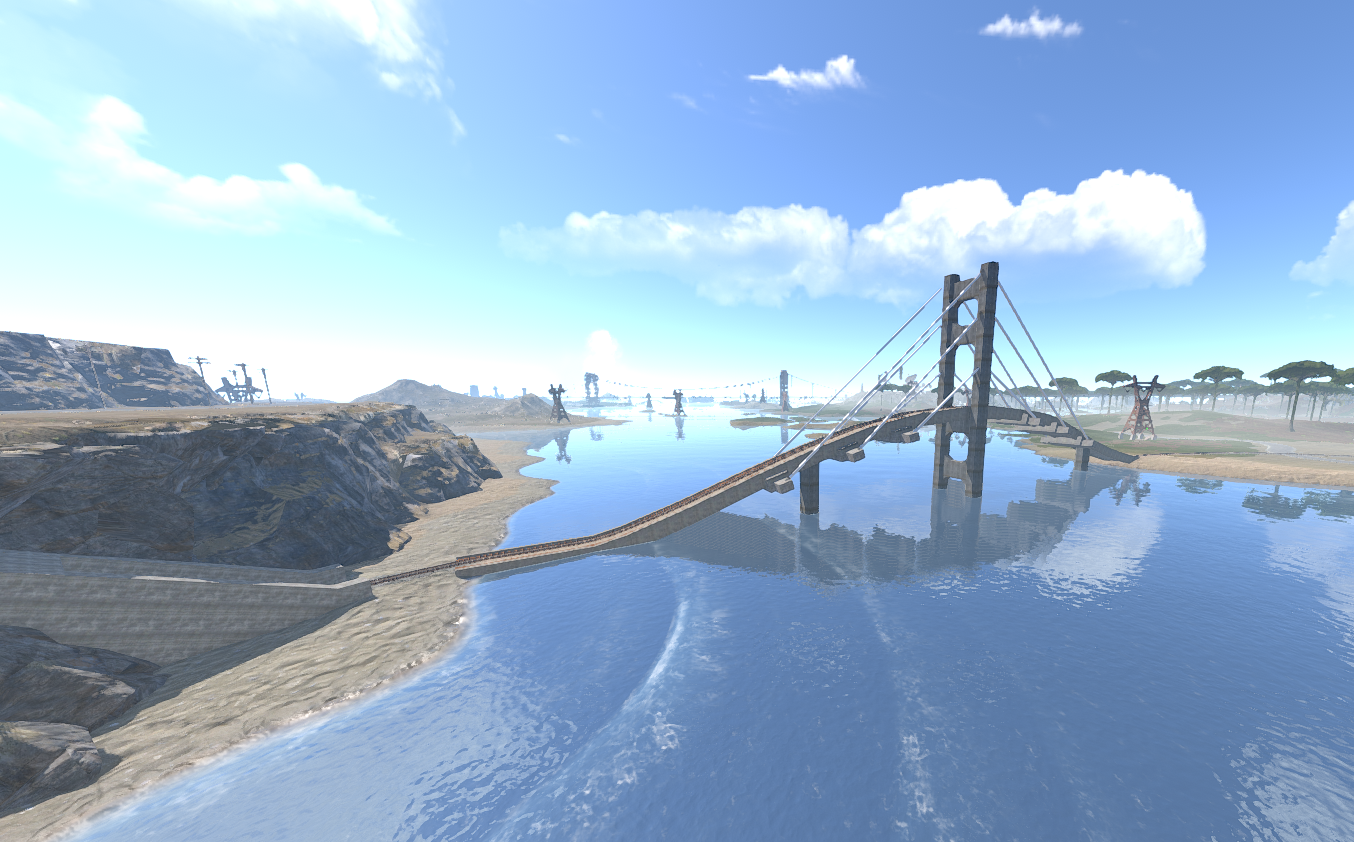
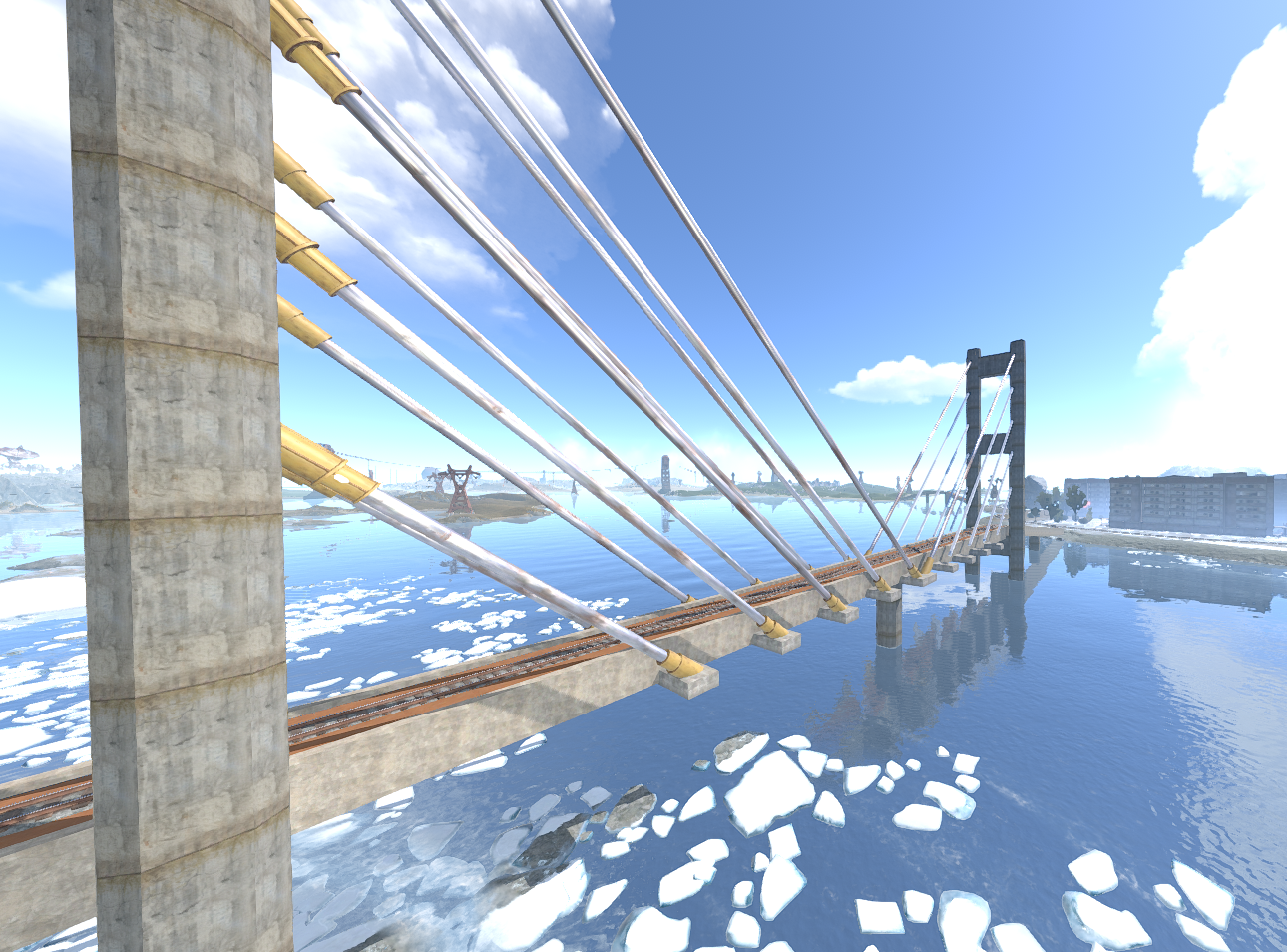
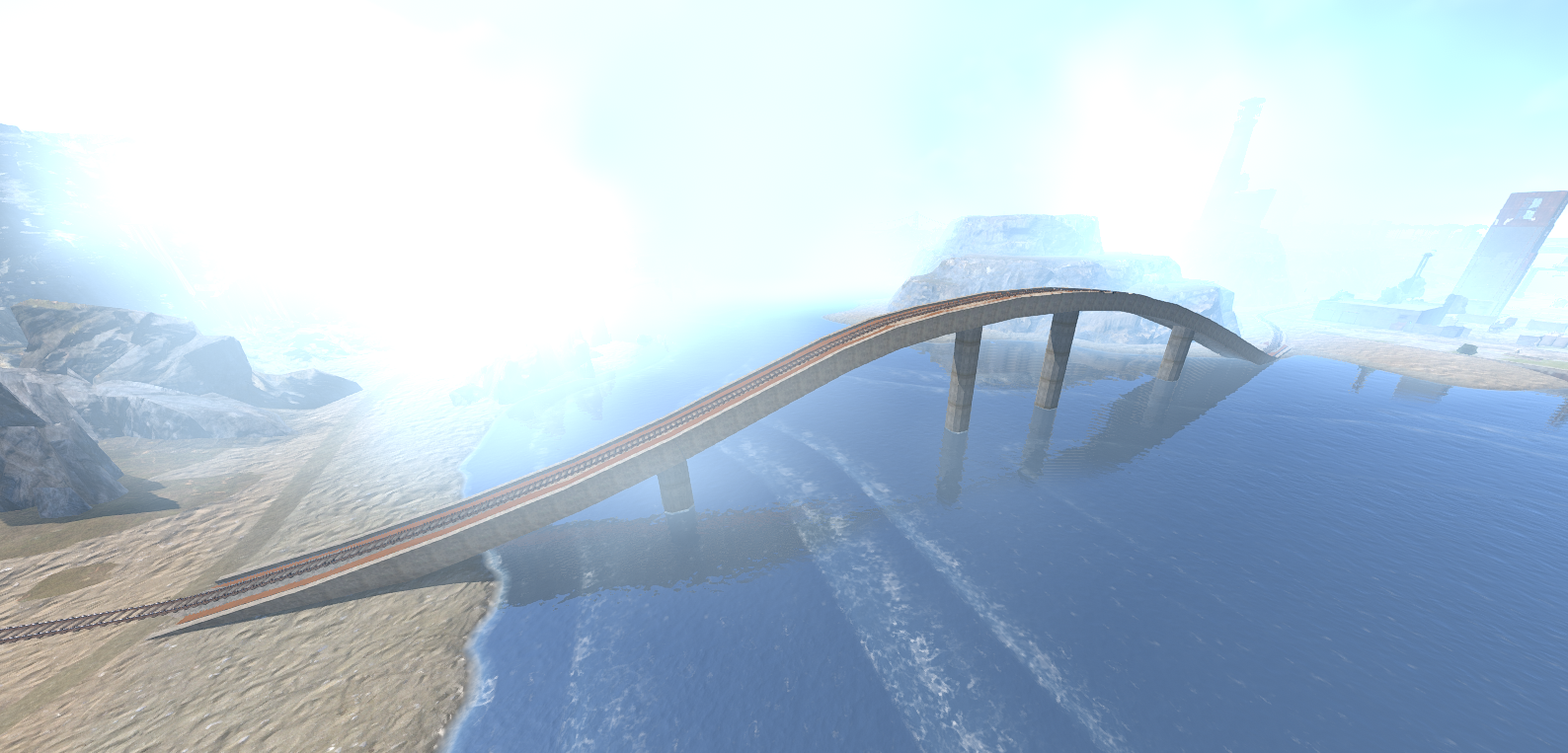
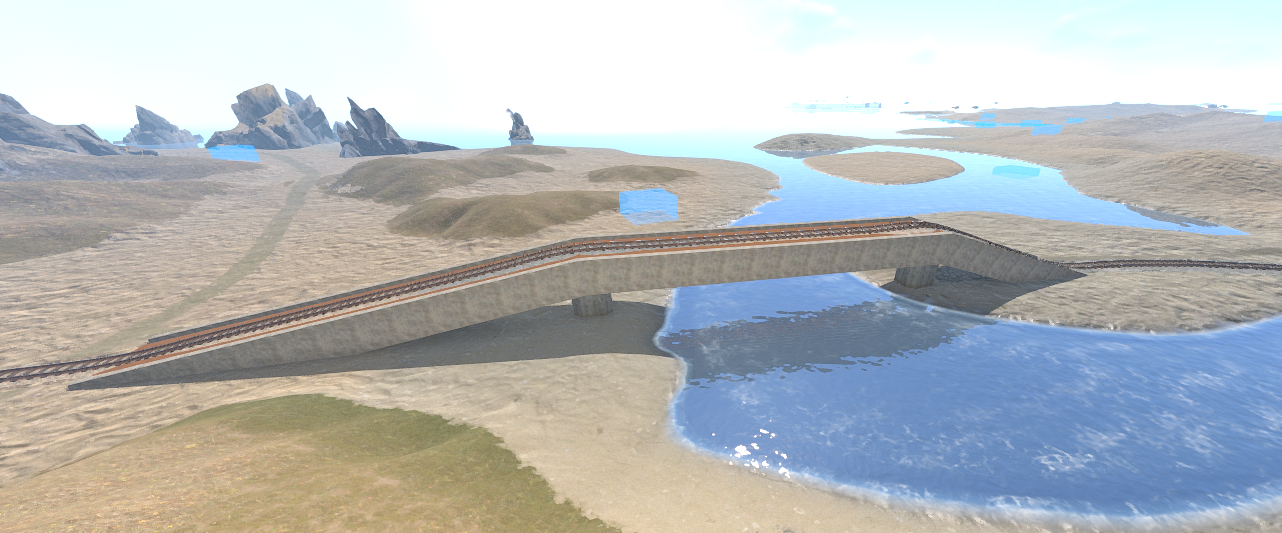
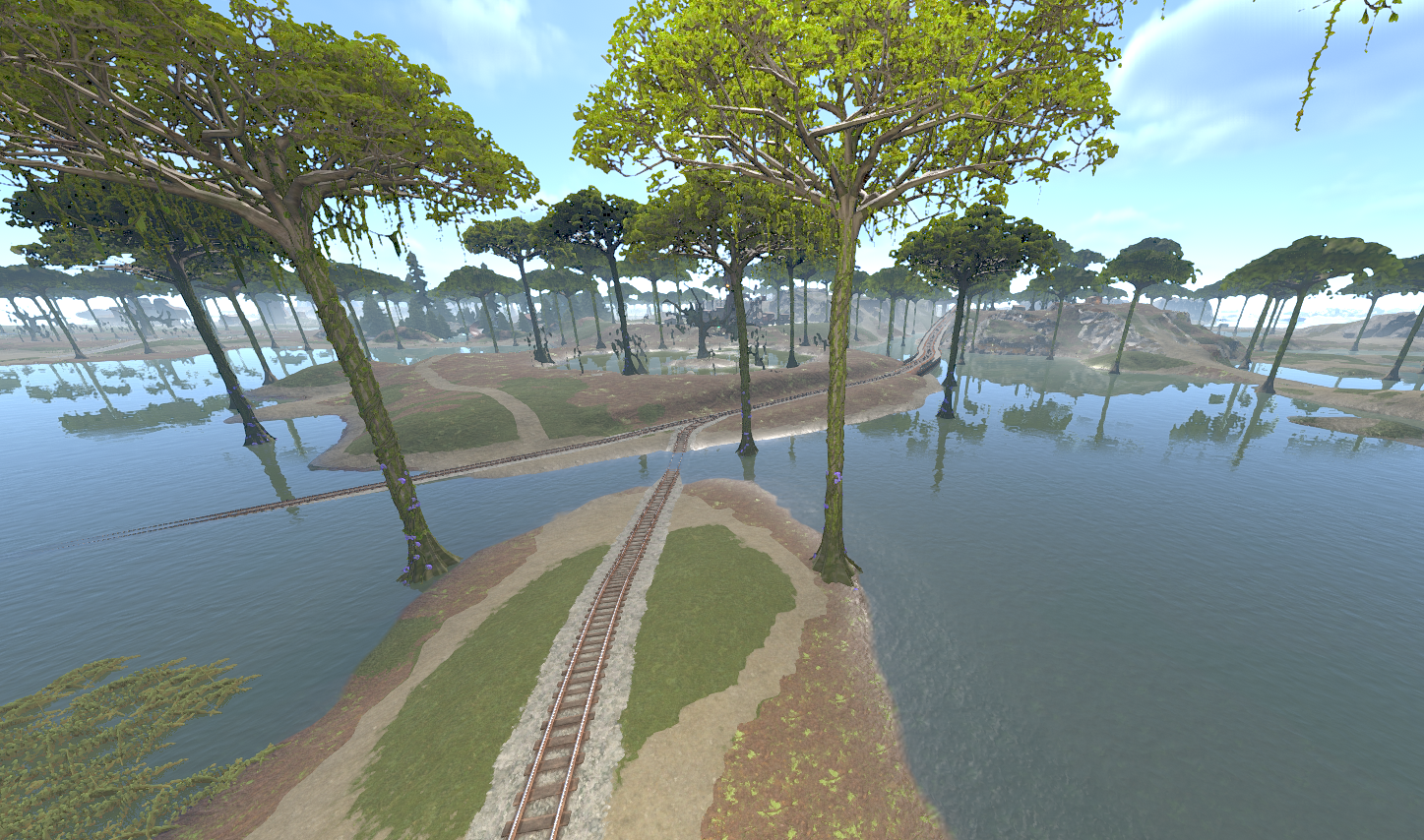
Alrighty, I've got tunnels and bridge improvements to show here: I am making a couple other QOL adjustments and doing some playtesting over the weekend here to make sure this is 100% ready for release. Otherwise, we're mostly done with the railway upgrades here!
-
Haven't had a chance to finish the tunnels yet but I'm using some time today for them. Will send pics here asap, just a lot to do lately so I've been a little slow to compensate. Promise it will be all ready to go in a couple days here
-
Oh, and I did also fix the two issues you mentioned with the apartments and tunnels now too. Thos will be included!
-
Some visual updates from the editor: From here I still have some things I need to do: -Aesthetic modifications to the bridges -2 tunnels in north-western region -Terrain and topology checks -Playtesting to see if trains run into any obstacles I have the time to get this all done before wipe, so you should have a new version from me soon
-
Thanks! The first one looks like the new apartments? Easy fix but we'll have to leave it like this until I'm done the railroad tracks. Second one I can fix easy too, doesn't look too invasive like the first issue so it's safe for now. Thanks again!
-
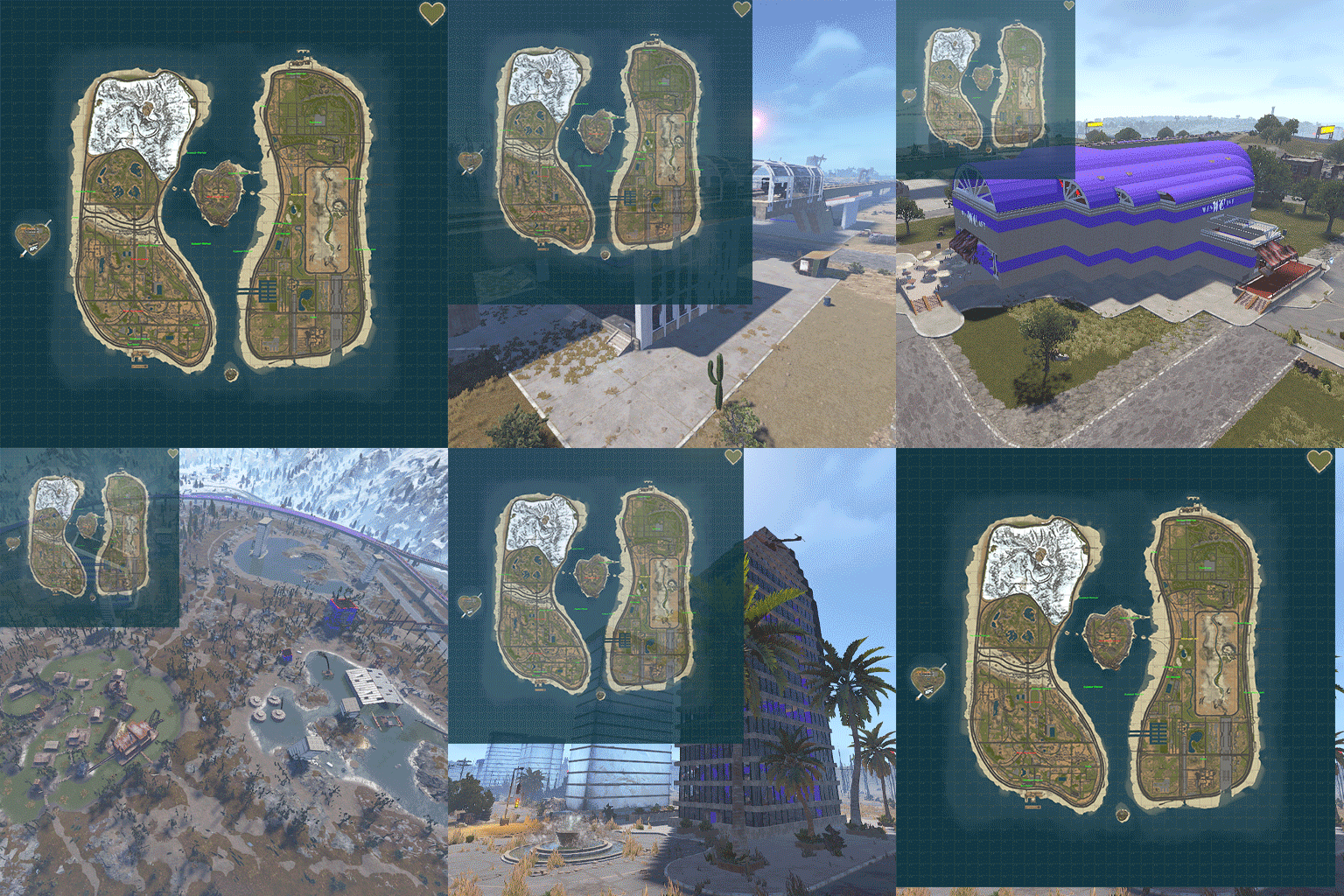 During our charity event we used Karuza's hover vehicles for the seaside race tracks. For the land races we used the kart packages, with all the go karts. For the air races we used helicopters, jets can be used too but they are super fast and hard to race through checkpoints so I recommend helicopters for more fun. Here's a clip with some shots of the races:
 -
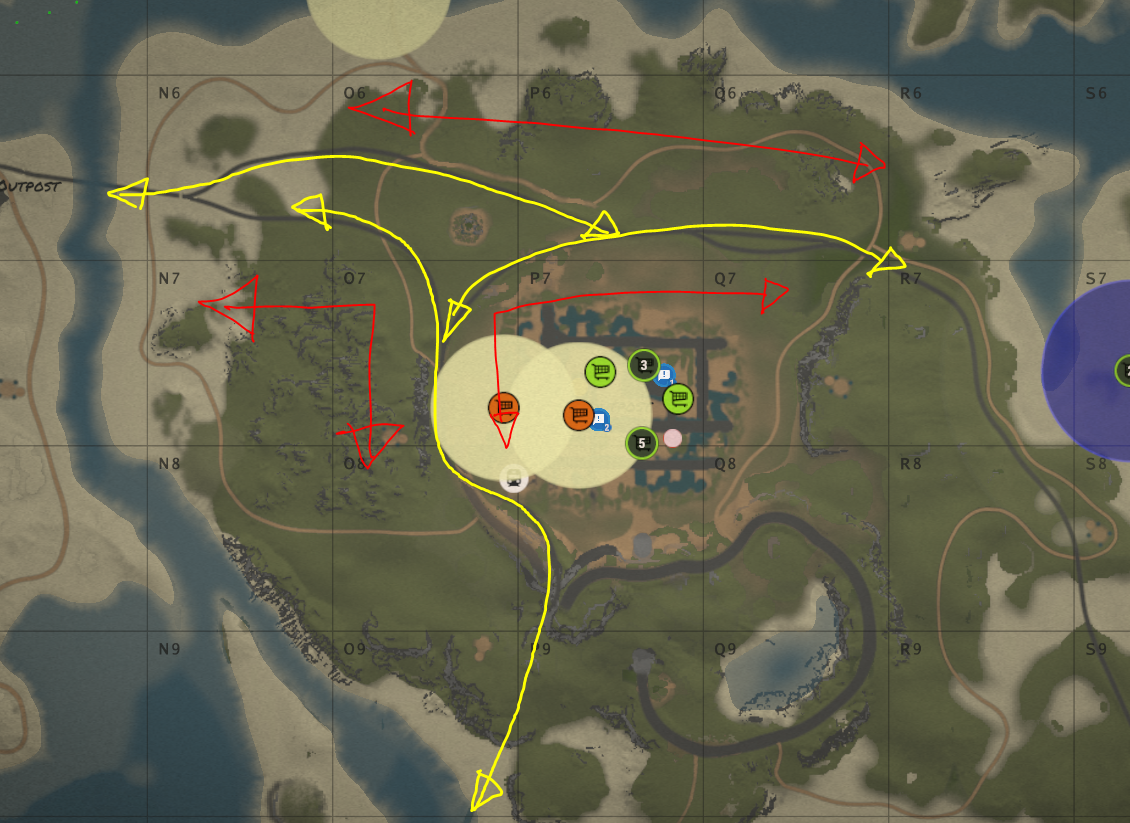
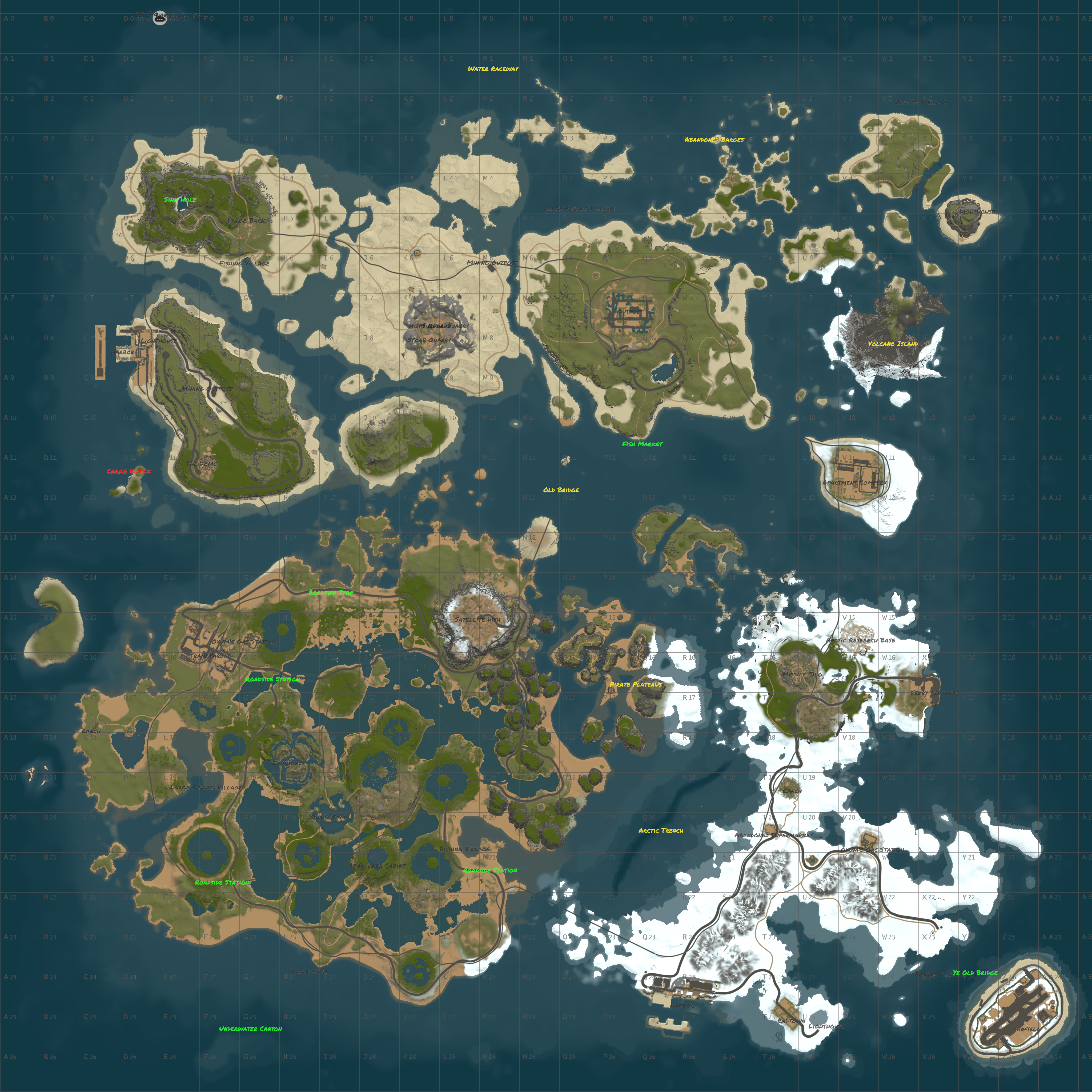
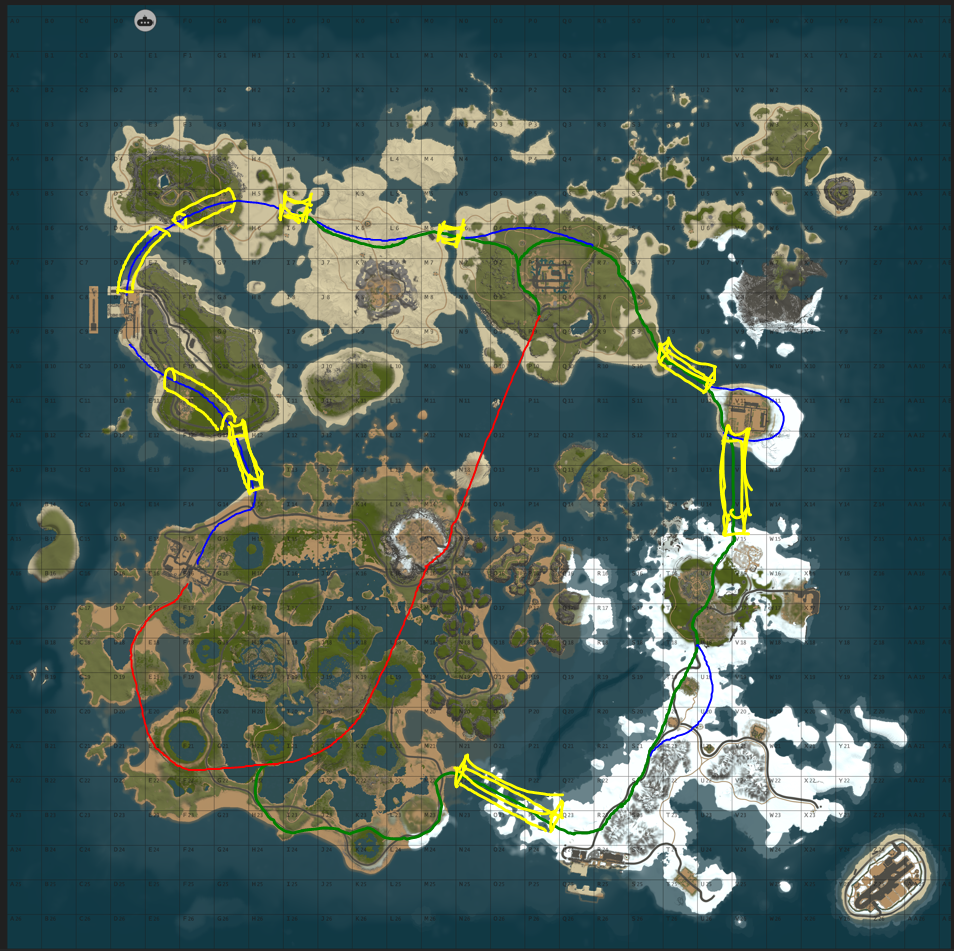
Railplan Update Legend -Red Line is what we have now -Green lines are what I have built so far -Blue Lines are rails I plan to build over the next few days -Yellow lines are bridges and tunnels I plan to build Just a quick rough guide for where this is going. There should be 4 new places to pick up trains, aiming for a 5th near the western harbor but it's pretty tight over there so no guarantees yet. The plan integrates the major landmasses into the rail plan. Some islands are left out, like the volcanic north eastern islands and the south eastern airfield island. I'll have actual screenshots of the rails in a couple days when I'm satisfied with their positions and I start building bridges.
-
Changed Status from Pending to Work in Progress
-
I'm actually planning out a new extended railway for next update It's a big one so won't be ready till closer to next forced wipe, but the plan is to get some railways to as many islands as I can. For now, the only purpose of the wagons is to make trainyard relevent. But plan is to make some connecting railways that don't disturb nautical travelling. Will post pics here as I update. Thank you for the purchase and the interest in improving the map!
-
Changed Status from Pending to Fixed
-
Thanks! Fixed both those now in V2.08
-
Changed Fixed In from 2.07 to Next Version
-
Changed Fixed In from 2.06 to Next Version
-
Awesome! Hill, road, and bunker entrance are all fixed in the next version. Thanks again!
-
Changed Fixed In from 2.05 to Next Version
-
Found this issue on some lakebodies. Thank you! New update rolling in asap.
-
Changed Status from Work in Progress to Fixed Changed Fixed In from 2.03 to Next Version
-
All set! next version has all duplicates removed. Again, thank you!
-
Gotcha, easy fix. But I'm going to run a deduplicate across the whole map now for extra safety so it'll be a little while until I send out a new version for this.