
Sovereign_Skies
-
Posts
71 -
Joined
-
Last visited
Content Type
Profiles
Warranty Claims
Downloads
Forums
Store
Services
Downloads Plus Support
DOWNLOADS EXTRA
Reels
Everything posted by Sovereign_Skies
-
 He told you to remove your webhook from the config you uploaded as it should never be shared with other people. If you removed it from your working plugin then that would cause it to stop working entirely as it’s needed to post/update the embed. He’s just saying remove it from the uploaded file so it’s not publicly available.
- 317 comments
-
- 1
-

-
- #updates checker
- #plugin
- (and 5 more)
-
I had two unloaded plugins (broken from force wipe) that showed as Not Loaded in the embed, however they still show even though the plugins have been deleted.
- 1 reply
-
- 1
-
-

🌍 The Monorail Map 2500 | Low Prefab | Train Tracks + Full Bandit Outpost
Sovereign_Skies commented on Pepuni.'s file in Maps
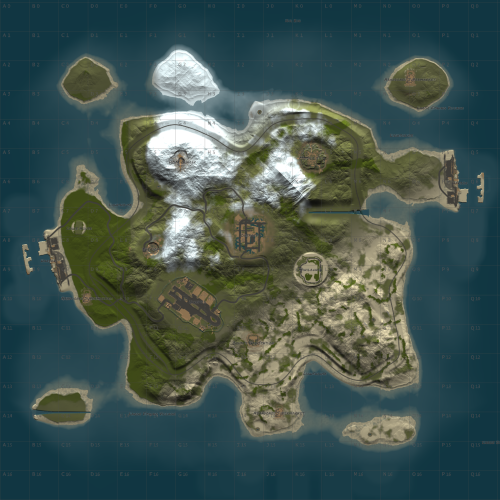 Is this going to be updated for the power update?
 -
I'd like to change the vehicles that are available. For example, I want a specific vehicle loadout (car_3mod_06), but I can't figure out how to do that? How can I set specific vehicles in the shop and not this random build thats spawned with the box?
-
It was me, I hadn't toggled the Kits.dlc permission. It's fine, you can close. Sorry for the trouble.
-
I have a restricted autokit that uses the instant camera, but when the kit is used its never put in the inventory and just has an empty slot where it should be.
-
4.4.2 Working on both my servers
-
Suggestion: RogueDepot Support
Sovereign_Skies replied to BaluDog Gaming's Support Report in Support
Edit: Nevermind, disregard. -
Ok, missed that one, thanks.
-
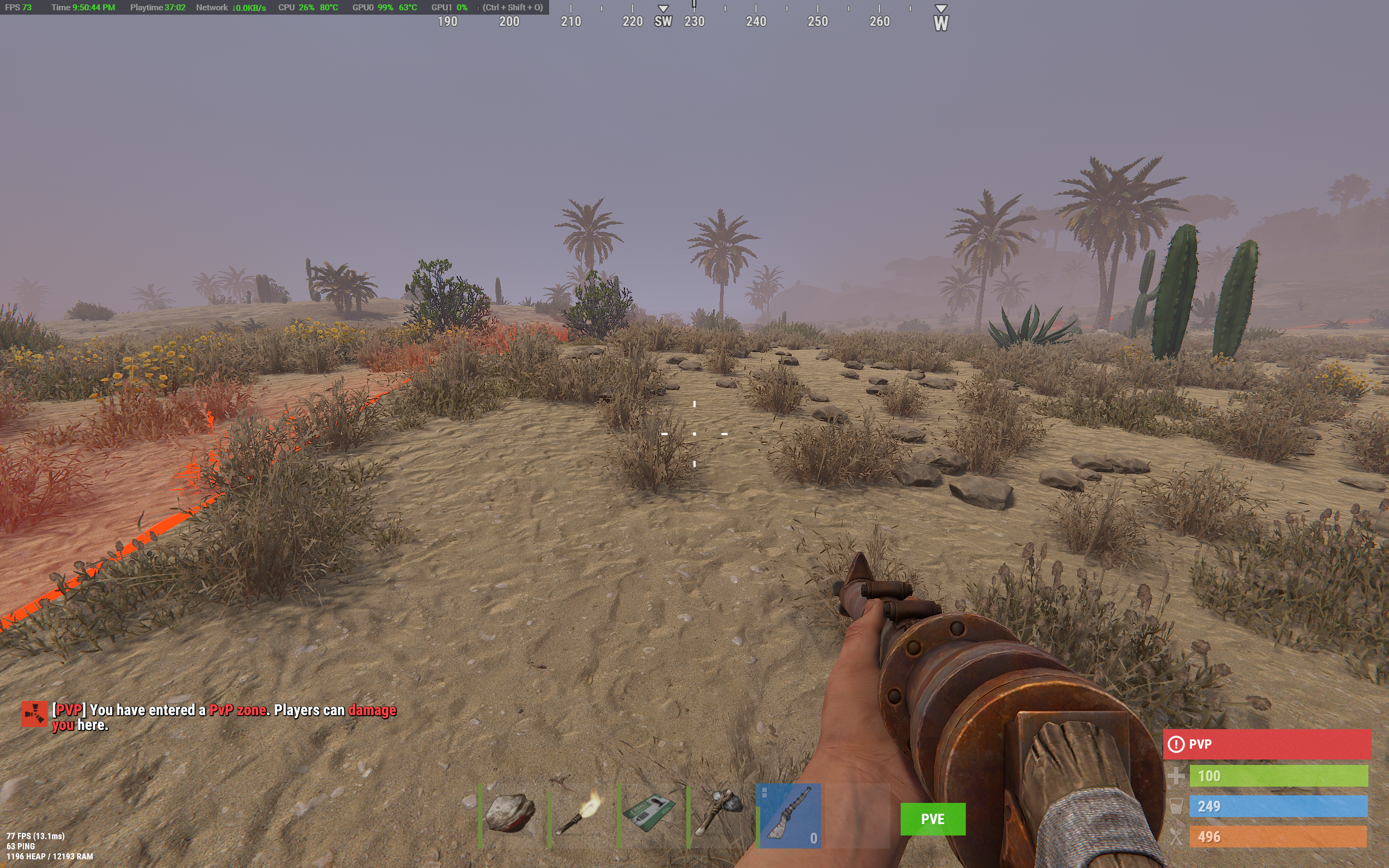
Screenshot attached. The green PVE flag is the one that won't go away, despite all of the status lines in the config being set to "false".

-
The green PVE UI flag next to the hot bar cannot be disabled. Every status is disabled in the config and yet it persists. How can I turn this off?
-
Create multiple webhooks in the same channel so each server will post to the same channel, just change the name of the webhook so you know which is which.
-
RogueDepot plugins are not working again, but I haven’t changed anything.
-
As soon as I unloaded and restarted, the boats righted themselves and haven’t had any more issues after that. I’ll test the recommended fix above soon.
-
Having this issue as well. Had to unload the plugin and restart server to fix.
-
May I humbly request supporting roguedepot.com, please? Thank you!
-
I'm using Stack Modifier to modify my stacks. Stacks are vanilla in the Total Control plugin as I'm not using that part right now. However, even when toggled as "disabled", it's modifying the stacks to vanilla rates. As soon as I unload Total Control, stacks are fixed. Should it not modify at all if disabled? I'm on Oxide.
-
With 2.0.4, stack sizes are modified even with the module disabled.
-
@shady14u This plugin needs updating, too, pleeeeeeeeeeeeeease
-
Sent!
-
My Game4Freak plugins are still showing as “Not Found”, even though they’re set correctly (marketplace and URL). Any suggestions?
-
AlphaLoot 5x Loot Table Advanced Config
Sovereign_Skies commented on fullwiped's file in Customizations
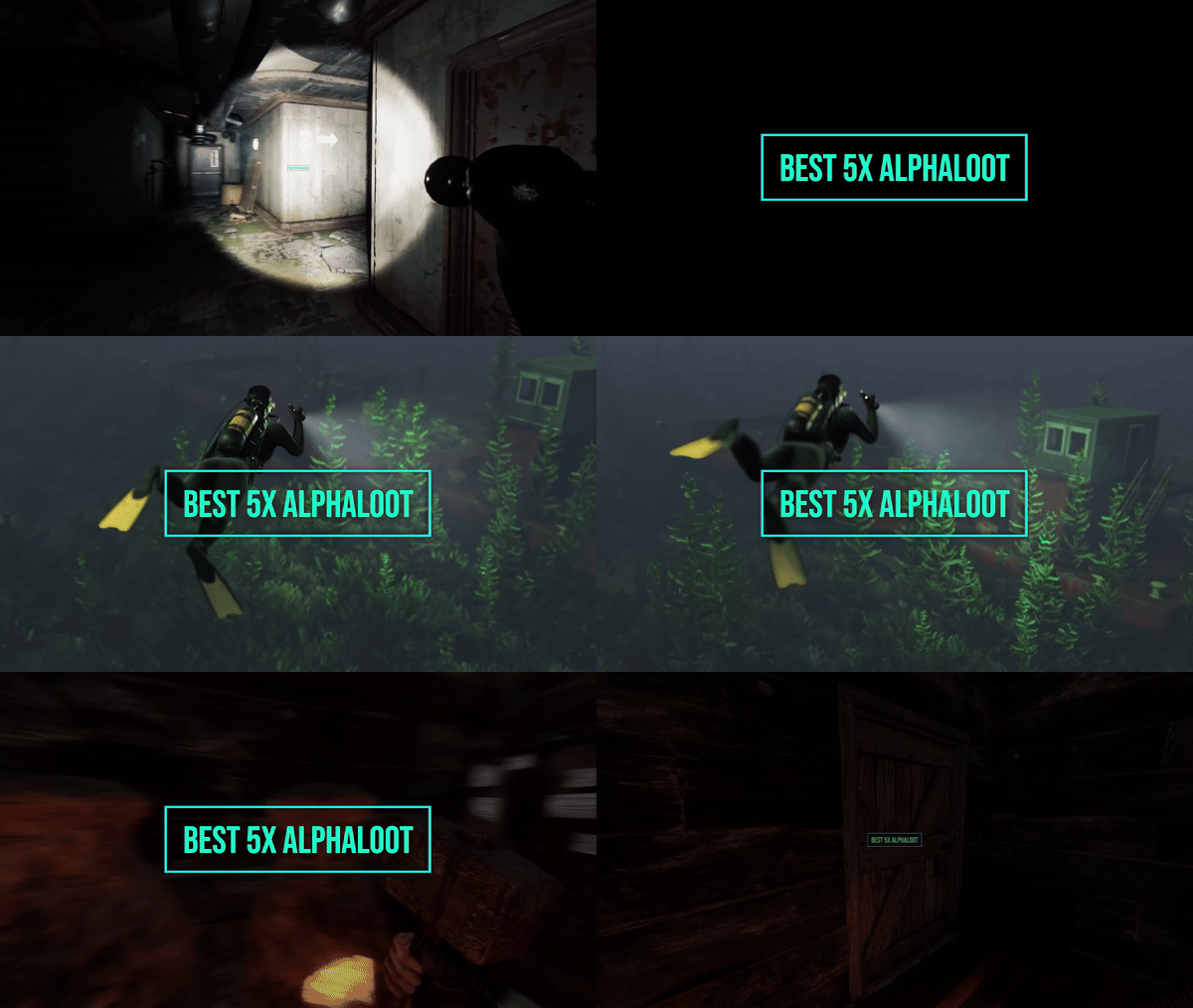 Will this be updated for the new Workbench components?
 -
.thumb.png.bcb832e22f0a48b6833fee517e444bff.png) Highly recommend Deep Sea Options to control Deep Sea instead of Events Manager.
Highly recommend Deep Sea Options to control Deep Sea instead of Events Manager.- 343 comments
-
- 1
-
-
- #eventmanager
- #manager
- (and 5 more)
-
It was mentioned in the patch notes that the deep sea event is like a server event and will be toggled. Do you plan to add it to the event manager so you can schedule it?
-
Are there plans to add the deep sea event to this?