-
Posts
603 -
Joined
-
Last visited
-
Days Won
8
Content Type
Profiles
Warranty Claims
Downloads
Forums
Store
Services
Downloads Plus Support
DOWNLOADS EXTRA
Reels
Everything posted by Brad Copp
-
Will review + respond soon, all non essential work on hold until after the starlight event https://discord.gg/wS6JrEd8x

-
Yes im looking into it. Icon source should not make a difference if using skinID. To confirm, you are on Oxide? Any chance you can DM me your CustomItemManager.json from /data/ folder?
-

Plugin does not work, Will this be Updated? or Abandon
Brad Copp replied to BloodWolfKingz's Support Report in Support
Oxide? Attached corrected versioning. Not sure about epic loot, not used it. Which icon is it? I've only tested this with ItemPerks AdvancedItemCrafting.cs
-
Not sure if it's just a change in the collider height, can't replicate this with the railroad planter or the triangle planters, only the normal large planter 2026-10-08 01-06-45.mp4 StackEverything.json
-
Version 1.0.3
25 downloads
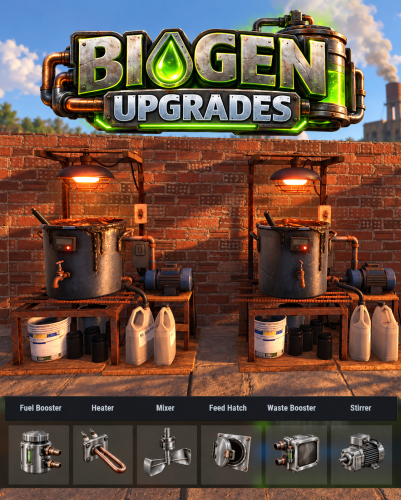
Biofuel Generator Upgrades adds a part-based upgrade system to Rust's biofuel generators. Six part types offer three tiers each, improving fuel yield, processing speed, stirring, and refill efficiency. Players can open the upgrade interface while looking at a biofuel generator and holding a hammer. Install a part by dragging it into its matching slot; remove it to uninstall it. The menu shows every installed part and the resulting stats. The menu button can be set to RELOAD, USE, MIDDLE CLICK, or RIGHT CLICK. Auto Stirrer starts a 10-second stir only when the generator has enough power, material to process, and room for output. Manual stirring takes priority, and an interrupted automatic stir grants no charge. A completion effect plays when a stir finishes. Players can switch the installed stirrer off in the upgrade menu to remove its extra power requirement. Optional loot crate drops can be configured by container and tier. Parts can also be supplied through shops or crafting systems. Part stats, item shortnames, and skins are configurable. English localization is included and can be translated. All 18 parts are pre-configured and ready to use. Permissions biogenupgrades.use - Open and use the biofuel generator upgrade interface. biogenupgrades.admin - Use the admin part-giving command. Command /bgpart - Give one of each of the 18 parts. Add an amount or a player name/Steam ID to give multiple sets or target another player. Pre-Configured Parts Fuel Booster Heater Mixer Feed Hatch Waste Booster Auto Stirrer Default Config$15.99 -
I found the source of the "problem" It's a Skills plugin multiplying components/scrap. Thanks for taking the time to get reply and sorry for false alarm
-
Plugin does not work, Will this be Updated? or Abandon
Brad Copp replied to BloodWolfKingz's Support Report in Support
@BloodWolfKingz AdvancedItemCrafting.cs -
@Magnumk AdvancedItemCrafting.cs
-
@0g.Ghost.7373 AdvancedItemCrafting.cs
-
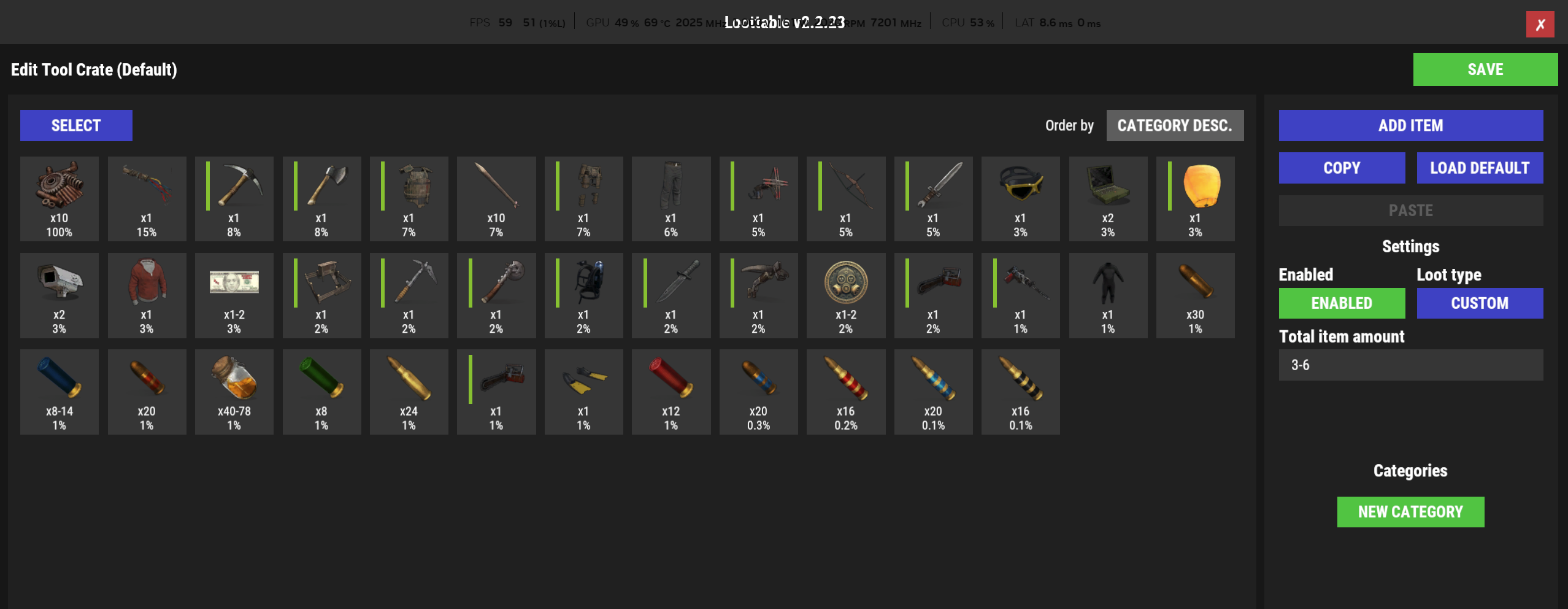
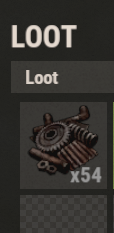
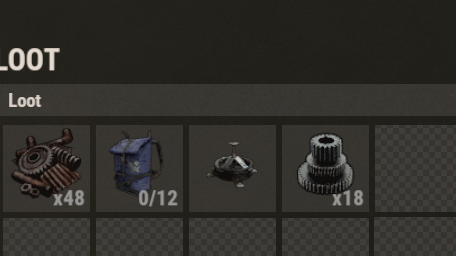
I can reproduce by spawning just a junkpile. It spawns with 6x the configured scrap if i open /loottable and close it to refresh containers, it refreshes the junkpile container to normal amount (about 10 scrap)
-
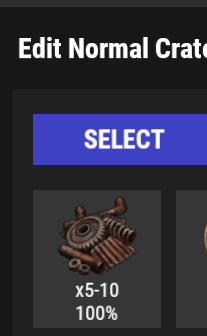
Loot configs done 100% manually using the GUI, since v1 Many other plugins but none touching the crate loot (other than some adding specific extra items when container spawns) Did not have this problem last wipe+ Maybe its the recent StorageContainer update. I will look deeper when time allows unless you have any ideas
-
This is a problem for PVE servers
-
Not sure if it's me, but this is a new problem since update. I do not use anything else to adjust loot. Weird
-
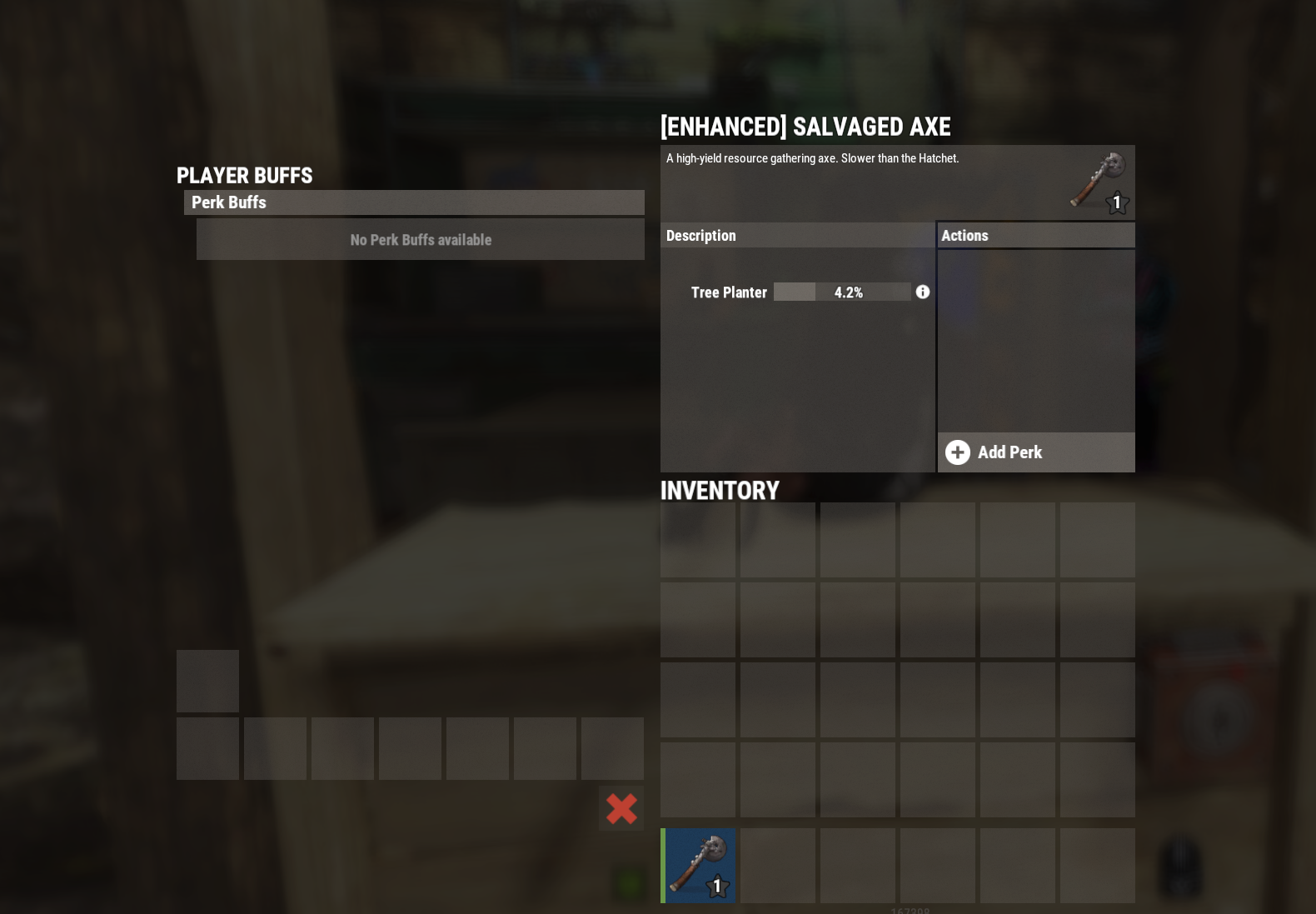
It's the new perks added to ItemPerks possibly causing the problem as they're missing in AIC code @Magnumk @molokatan
-
Hey Scalbox Player just reported they're able to stack planters inside each other (eg, they right click the bottom planter, it stacks on top, right click again, it stacks in the same spot (overlapping)) Not critical. When you get a moment can you test if same result?
-
 (19:37:21) | Loaded plugin GasStationEvent v1.3.9 by KpucTaJl [392ms] 1.3.9 works ( i forgot to update it lol)
- 92 comments
-
- 1
-

-
- #gas station
- #crates
- (and 20 more)
-
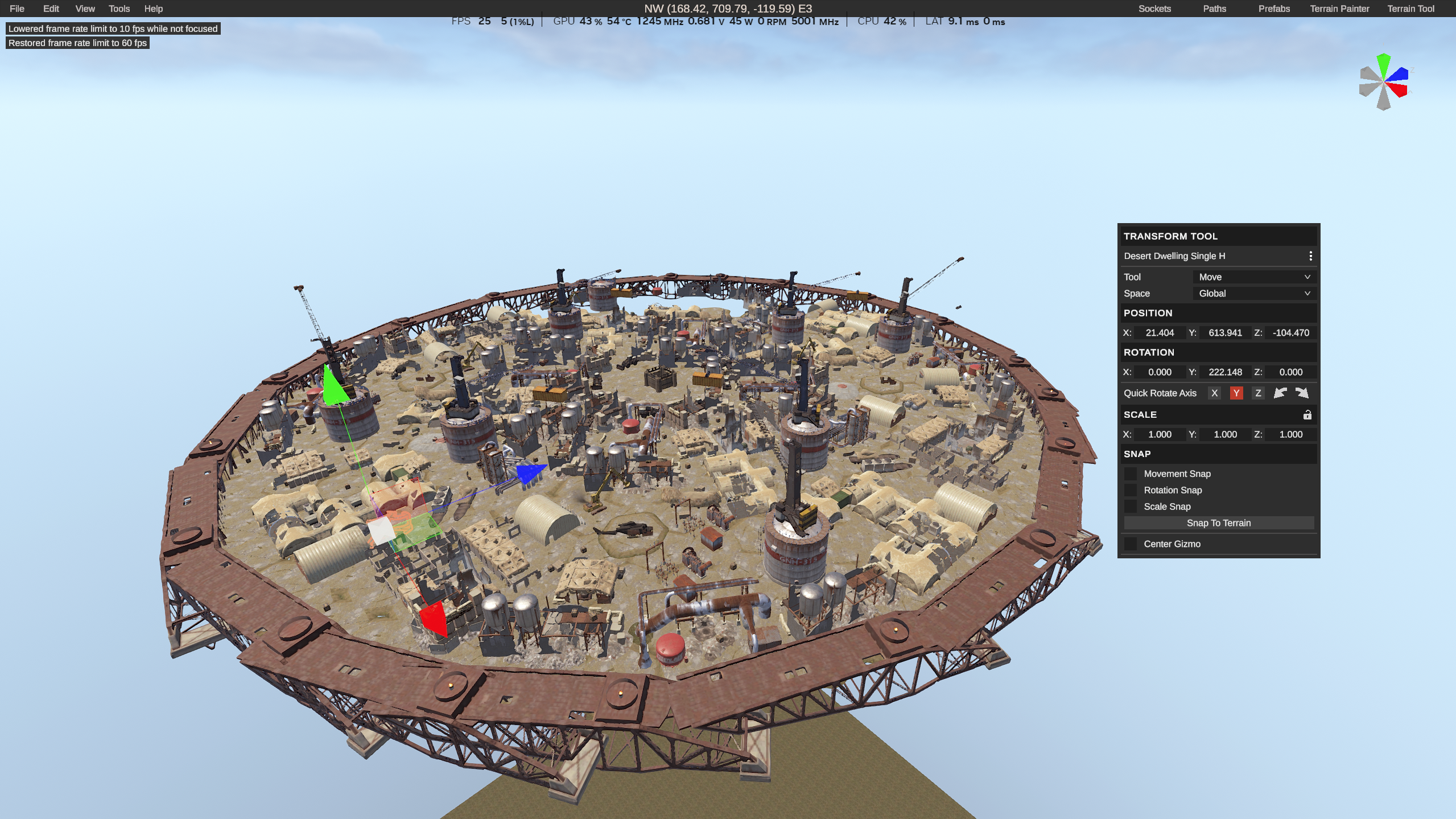
Reason unknown. It's a standard .map file, opens for others using RustEdit v1.2.21
-
Changed Status from Pending to Closed
-
Thank you for confirming! Wish you a great day
-
Hello Art10m At the moment it is not possible to modify the real item description. This plugin can only add an additional description (in the green stripe) for your custom item. As soon as the game developers make changes and permit modifying the real description, the plugin will be updated.
-
Thanks, i hope that is it. It was a very big problem for first week of wipe :]
-
Deepsea opening/closing is vanilla. It's possible you missed the many, many days of investigation of performance problem this wipe in the KPC channel if you are a RustCar customer: https://discord.com/channels/1229482614918877184/1284905549795954790/1549109715705794622 "turn off the feature in RustCar.json - IgnoreTrainTrack setting to false" or install v1.25.1 - then restart server
-
 Is this still functional/supported?