
.jpg.cdea77ef4686015967fe3ee0666b60a1.jpg)
Iftebinjan
-
Posts
1,025 -
Joined
-
Last visited
-
Days Won
2
Content Type
Profiles
Warranty Claims
Downloads
Forums
Store
Services
Downloads Plus Support
DOWNLOADS EXTRA
Reels
Everything posted by Iftebinjan
-
.thumb.jpg.f2f378cbb4943d7036c8a674f8a23b40.jpg)
Commands are not executed after a server restart
Iftebinjan replied to Notz's Support Report in Support
Hi Notz, this is fixed in 1.3.8, which is out now. When the server starts while a purge is active, the "Commands when PVP Purge Starts" now run about a second after startup, so commands from other plugins are already loaded. A plugin reload won't run them again, since they already ran when that purge began. Please update and let me know if it works on your side. -
I have to look on your config and the plugin, is there any modifications you did to the plugin?
-
Hey usally a configuration remove then reloading it fixes this. Can you open a ticket on discord pls
-
Commands are not executed after a server restart
Iftebinjan replied to Notz's Support Report in Support
I will update the plugin, to recheck the purge commands -
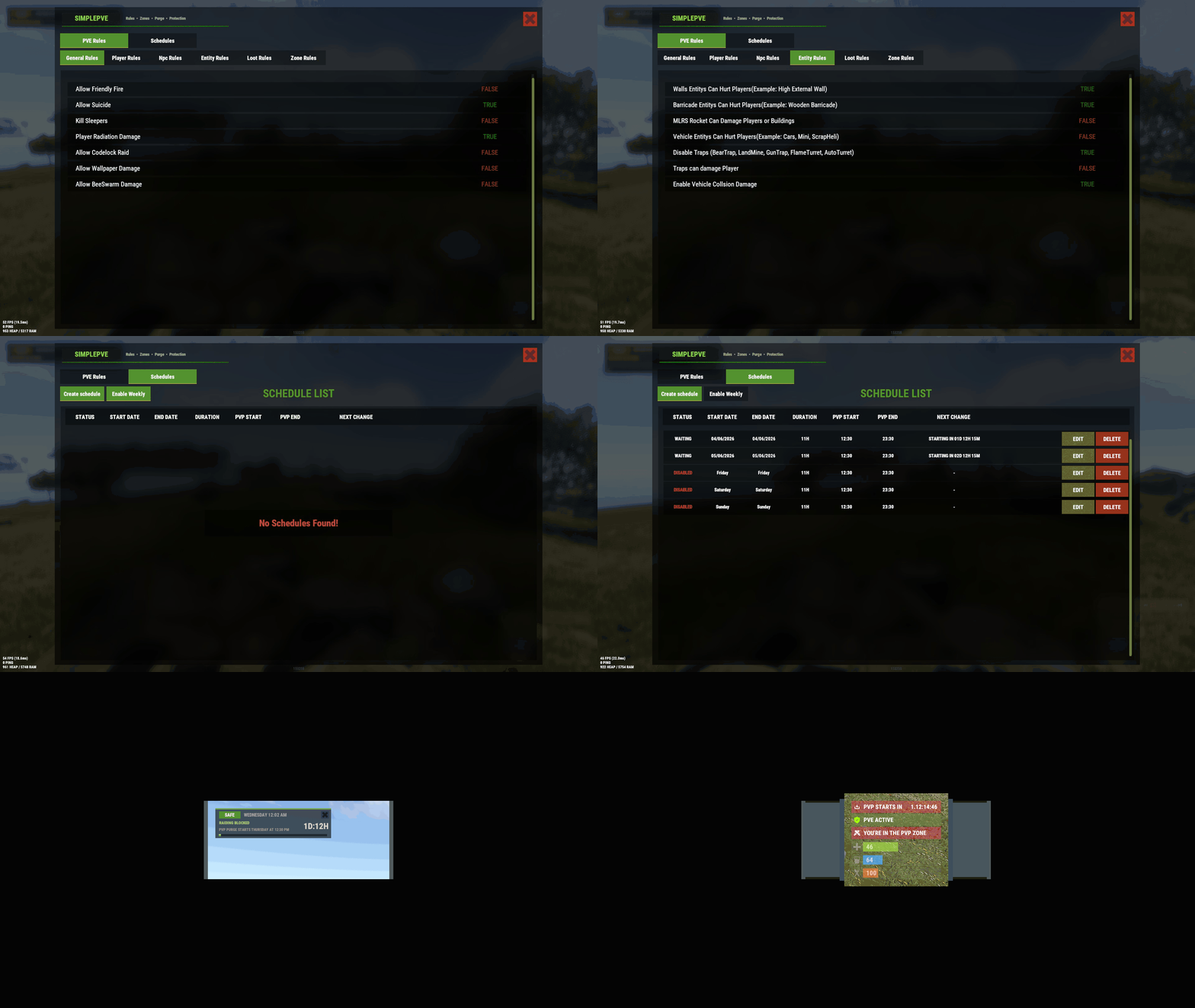 ATTENTION Im aware of rust new Render Pipelines update 12Oct2026 patches messed up the UI. (Admin features still works) I will wait for Rust Update to fix the Blur Background material, if it doesnt come, I will do an update to use new materials or colors
 -
XP Pro - Level UP, Progression, Skills & Abilities
Iftebinjan commented on Iftebinjan's file in Plugins
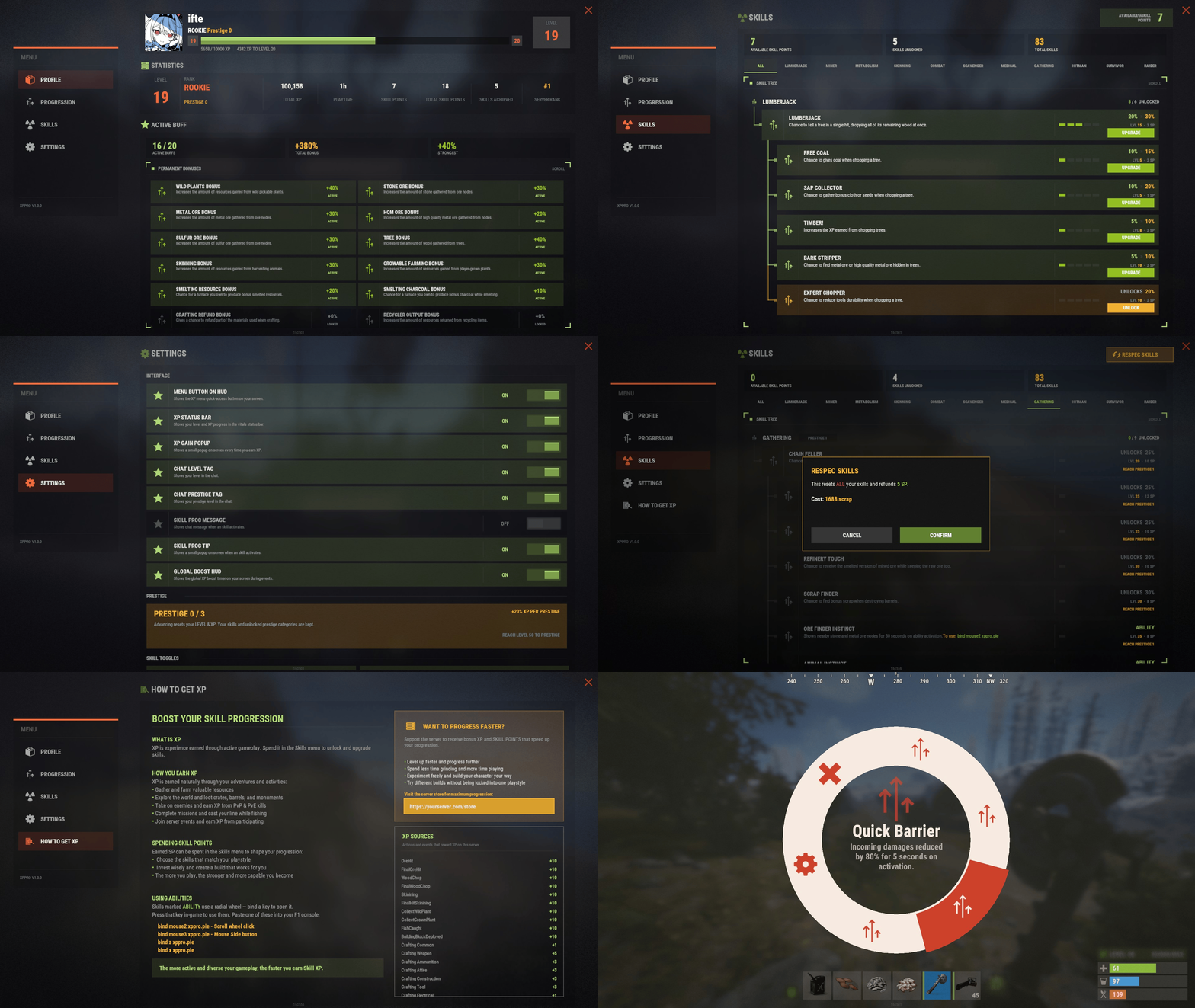 yeah i just check it is, Updating soon
 -
 Share me your config pls
 -
I will check the issue, if its found I will do an update to fix. if you dont want to use this buff then You will need to unload the plugin first o.unload XPPro then edit the BuffsData then load the plugin. That will work
- 1 reply
-
- 1
-

-
Thanks for all these info, I will look into these
-
Its a config error, please reset your config, if you made changes in the config then do a backup of that config first
-
Can you open a ticket pls Also if you can do /spdebug then kill a sheep then check the console logs what it says or send me that screenshot or text of the console pls
-
20261002-1643-44.5650430.mp4 Which animals you are having problem with in ZoneManager zones? If you had opened a ticket, we could have work this out. I think its a problem on your end.
-
@Commo updated now. Thanks for letting me know
-
Use the 1.3.5 I m updating the plugin in a moment
-
can you explain pls, I just dont understand whats the issue about?
-
I dont understand? Authorized players can kill farmable animals when they are in tc range, outside of tc range players can kill farmable animals
-
I think you have god mode on or something?
-
Im taking any feedback or suggestions from this New Profile and Schedule system Update. If you found any bugs or wanna give suggestions, pls let me know.
-
It doesn't allow selecting the following month as the end date in Schedules
Iftebinjan replied to ChisSpito's Support Report in Support
@ChisSpito @wayofthepixel I added a beta version, which you can use now. Let me know if you have any issues or bugs. -
It doesn't allow selecting the following month as the end date in Schedules
Iftebinjan replied to ChisSpito's Support Report in Support
New schedule system should fix this issue -
Upcoming Updates with a new schedule changes and profiles
-
Not possible right now. But I can add this feature in the next update if possible
-
Thank you, I will check it out and do the update.
-
Its a config error, please remove the config file and reload the plugin. that should fix this issue. Sorry for your trouble.
- 1 reply
-
- 1
-
-
Plugin was updated to 1.0.5 on the forced wipe to fix this issue, Please install that version
