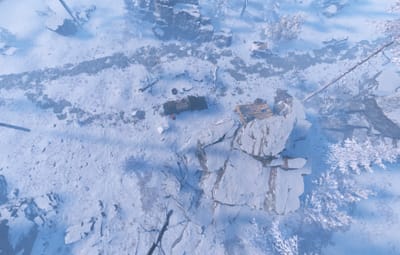

- Prefabs
- 111
- Unique prefab types
- 56
- Placement span (X × Y × Z)
- 42.6 × 2.5 × 46.4 m
- Terrain layers
- heights, splat0, splat1, topology
Loot containers
- Loot Barrel ×3
- Medical Crate
- Oil Barrel
- Wooden Crate

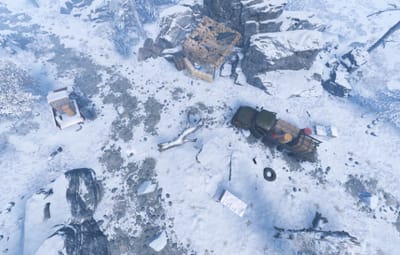
- Prefabs
- 83
- Unique prefab types
- 52
- Placement span (X × Y × Z)
- 56.8 × 5.1 × 59.6 m
- Terrain layers
- heights, splat0, splat1, topology
Loot containers
- Loot Barrel ×4
- Medical Crate
- Oil Barrel ×2
- Wooden Crate

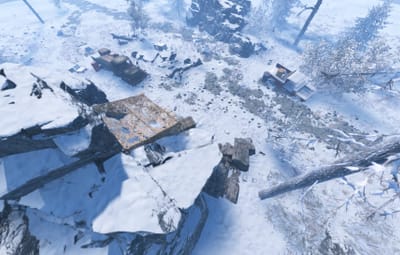
- Prefabs
- 103
- Unique prefab types
- 72
- Placement span (X × Y × Z)
- 88.3 × 5.9 × 76.1 m
- Terrain layers
- heights, splat0, splat1, topology
Loot containers
- Loot Barrel ×4
- Medical Crate
- Oil Barrel
- Wooden Crate

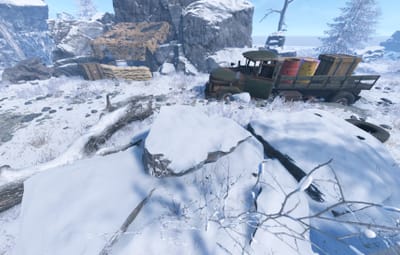
- Prefabs
- 123
- Unique prefab types
- 61
- Placement span (X × Y × Z)
- 80.0 × 8.3 × 77.3 m
- Terrain layers
- heights, splat0, splat1, topology
Loot containers
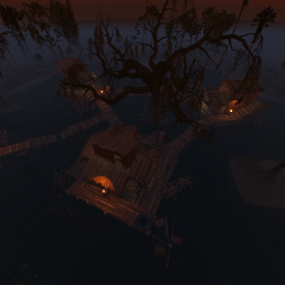
- Fuel Crate
- Loot Barrel ×3
- Medical Crate
- Oil Barrel
- Wooden Crate
Depends on
Required for this file to work correctly.
About Lost Convoy - 4 Prefab Pack
Lost Convoy Series
Four scattered remnants of the same vanished military convoy. Each scene tells a different part of the story, starting at the last organized rally point and ending at the decontamination site where the trail goes cold.
What’s included:
-
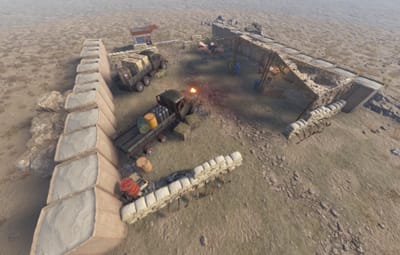
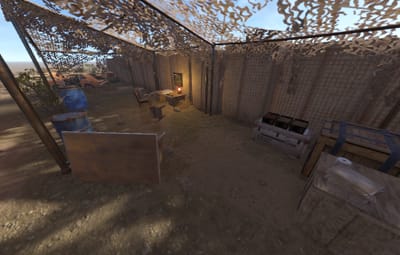
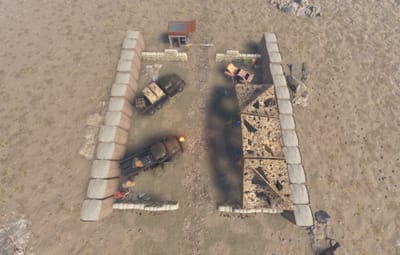
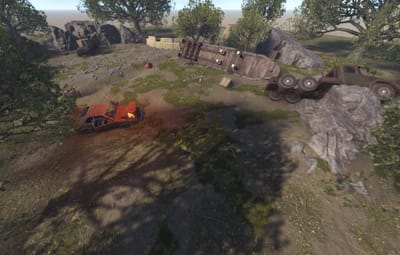
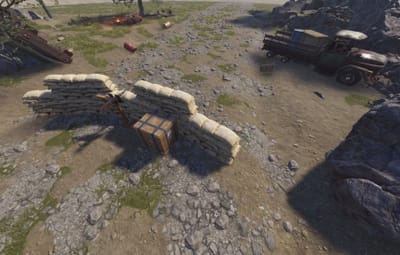
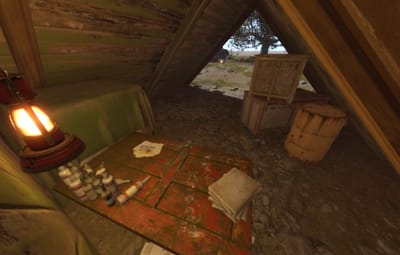
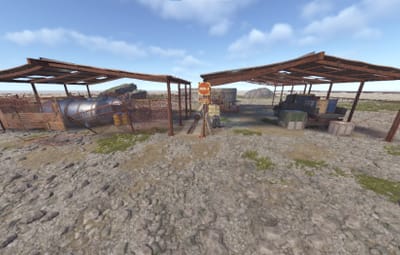
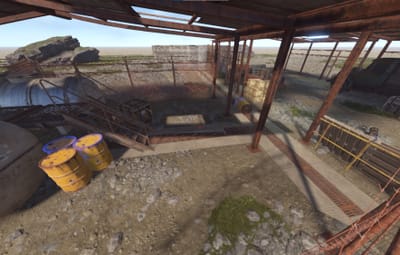
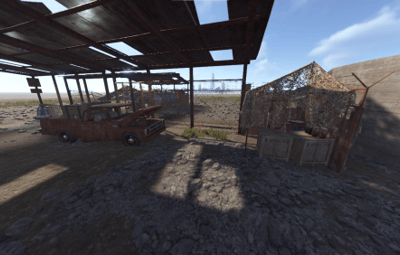
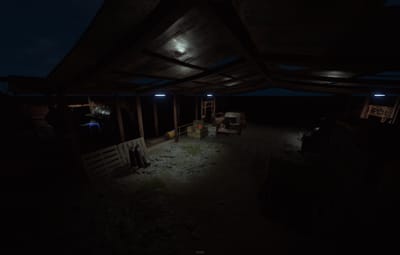
Convoy Rally Point (Desert, 111 prefabs). The convoy’s last organized stop before disaster struck. Camouflage netting, sandbags, and a command tent.
-
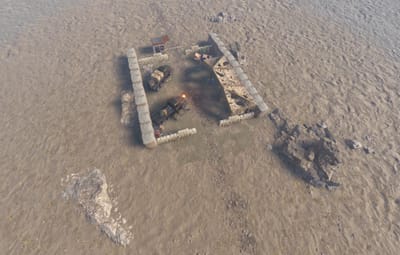
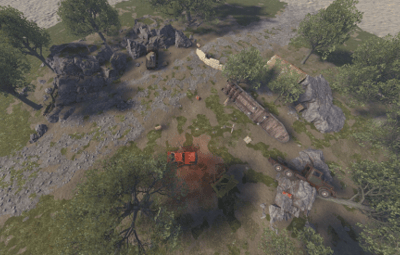
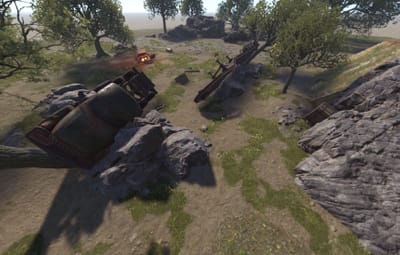
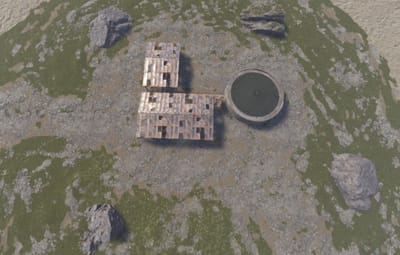
Convoy Ambush Site (Forest, 83 prefabs). Where the convoy was ambushed. A wrecked truck, scattered supplies, and signs of a firefight.
-
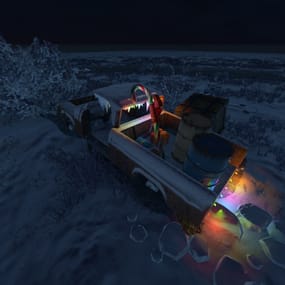
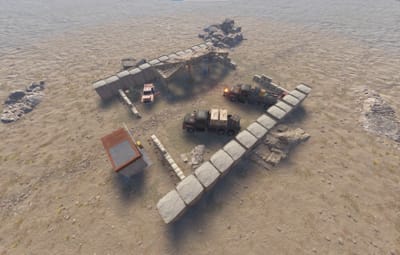
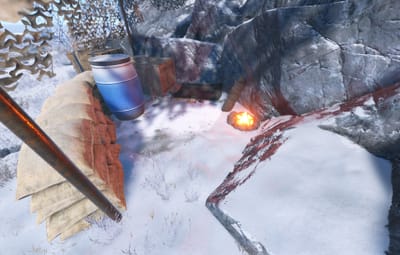
The Stranded Truck (Snow/Arctic, 103 prefabs). A vehicle that got separated from the convoy and ended up stuck in the cold. A makeshift shelter with a working campfire, and a grim reminder of what happened to those who waited too long.
-
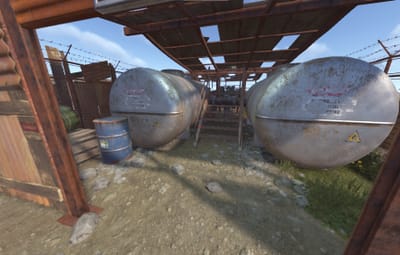
Contaminated Supply Cache (123 prefabs). A hidden supply depot, now abandoned and irradiated.
Features:
- Built entirely with native RustEdit and vanilla Rust prefabs. No custom models.
- Requires the Oxide.Ext.RustEdit.dll extension installed on your server.
- Prevent Building volume included on all 4 scenes.
- Balanced loot across all scenes.
-
Terrain modifiers included (Height, Splat, Biome).
Installation: Place the scene folder(s) you want in your RustEdit/CustomPrefabs/ folder, load RustEdit, and place the prefab on your map. Then select it and apply the Prefab Modifiers (Height, Splat, Biome).
Note: For Contaminated Supply Cache, keep rotation at 90, 180, or 270 degree increments for the best terrain rendering under the walkway.