Jump to content
Message added by ninco90,

MAJOR UPDATE.

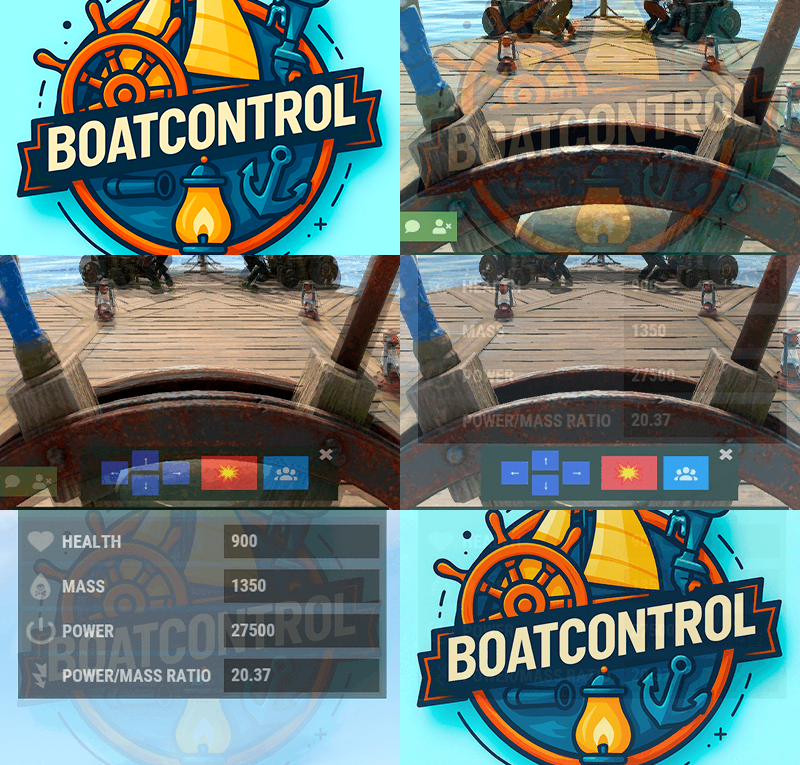
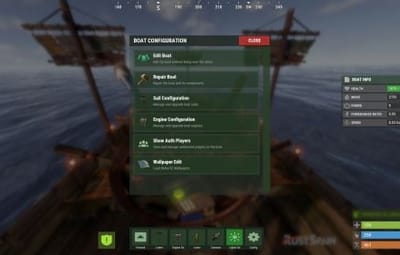
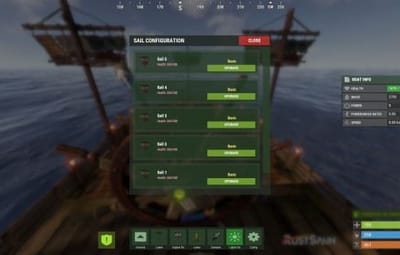
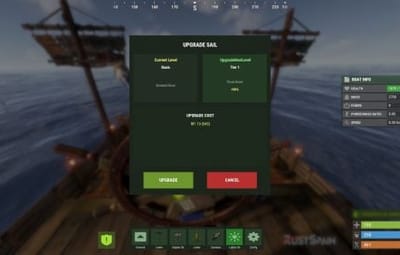
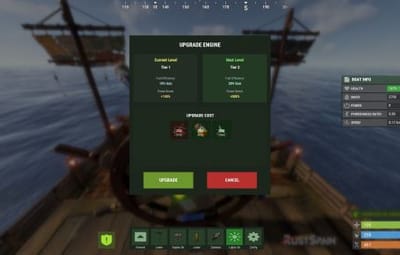
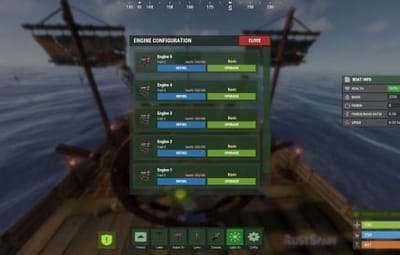
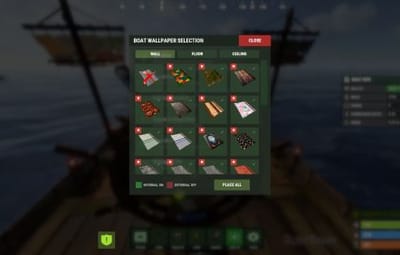
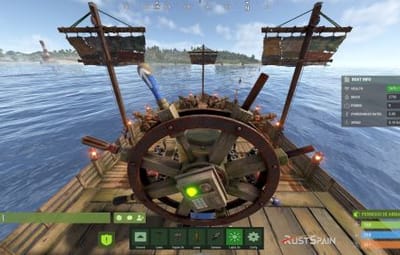
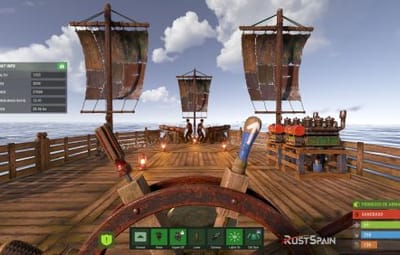
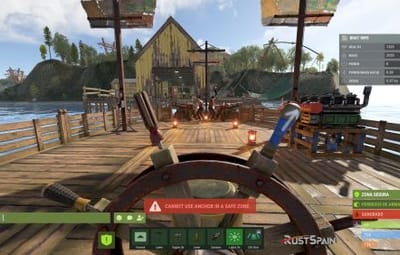
Check out all the new features in version 1.2.0! New features added!

15 Screenshots

  • 3.8k
  • 305
  • 224 kB

This area is for discussion and questions. Please use the support area for reporting issues or getting help.

Recommended Comments


ninco90

Posted

6 hours ago, UncleChester said:

Anyway we can force the UI to the top of the inventory screen? That way we dont have to tab, click and then tab again to use BoatControls UI


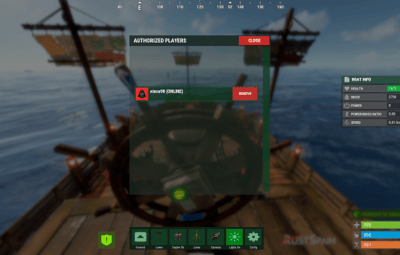
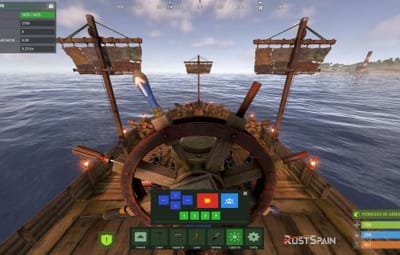
This is something I had to change, because otherwise the plugin's interface was covering the game's gameplay tips.

I also tried to explore the option of closing the player's inventory when opening any plugin menu, but it's not possible since it's client-side.

If I find it too annoying, I'll explore other options.

MisterALX

Posted

17 minutes ago, ninco90 said:

This is something I had to change, because otherwise the plugin's interface was covering the game's gameplay tips.

I also tried to explore the option of closing the player's inventory when opening any plugin menu, but it's not possible since it's client-side.

If I find it too annoying, I'll explore other options.

"I also tried to explore the option of closing the player's inventory when opening any plugin menu, but it's not possible since it's client-side."
I was working on my own plugins and I had the same situation but it works, you can block the in game menu while you have the plugin interface on screen. 
Also, as a suggestion, if you`d like, I have realized that the boat controls are on the keybinds, 1 to 6, I believe it could be possible to use the keys instead of opening pressing Enter to activate the mouse!

I have tested the new update and love the repair button, upgrading the sails and engines! Amazing stuff!

ninco90

Posted

7 minutes ago, MisterALX said:

"I also tried to explore the option of closing the player's inventory when opening any plugin menu, but it's not possible since it's client-side."
I was working on my own plugins and I had the same situation but it works, you can block the in game menu while you have the plugin interface on screen. 
Also, as a suggestion, if you`d like, I have realized that the boat controls are on the keybinds, 1 to 6, I believe it could be possible to use the keys instead of opening pressing Enter to activate the mouse!

I have tested the new update and love the repair button, upgrading the sails and engines! Amazing stuff!

You can overlay the plugin interface on top of the game, as I did before this update. Yes, but that blocks the view of the game tips that tell you if you're out of resources, encountering errors, etc. That's why I had to switch from Overlay to HUD, so the game tips would be visible.

Or how do you say the player's inventory can be closed?

Regarding the numbers, I thought of the same thing, but it's not possible to use numeric keybinds. It would certainly be much more convenient if, while mounted, you could press 2 to interact with the sails, 3 with the engines, and so on. But Rust doesn't allow it.

Create an account or sign in to comment

You need to be a member in order to leave a comment

Create an account

Sign up for a new account in our community. It's easy!

Register a new account

Sign in

Already have an account? Sign in here.

Sign In Now
  • Like 6
  • Love 5

User Feedback

2.2m

Downloads

Total number of downloads.

10.4k

Customers

Total customers served.

150.7k

Files Sold

Total number of files sold.

3.2m

Payments Processed

Total payments processed.

×
×
  • Create New...

Important Information

We have placed cookies on your device to help make this website better. You can adjust your cookie settings, otherwise we'll assume you're okay to continue.