
.thumb.png.9a858ffc9e871cd92cf331261659a017.png)
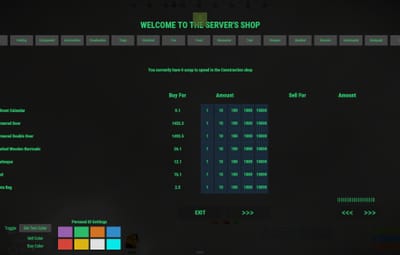
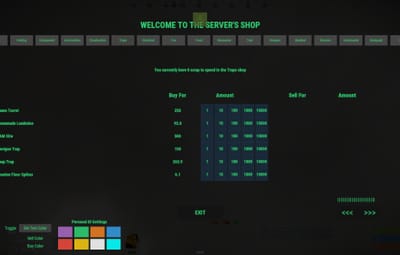
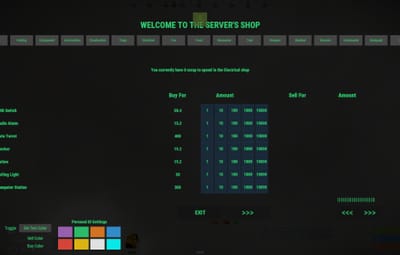
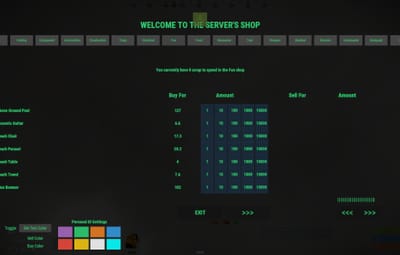
Depends on
Required for this file to work correctly.


Works with
Optional integrations and compatible files.
.thumb.png.a167af6d204c8731865ddb8c7651fe66.png)
About GUIShop Custom Pre-Built Config - Updated 2026
GUIShop Custom Pre-Built Config — Updated 2026
Scrap Economy Configuration for GUIShop
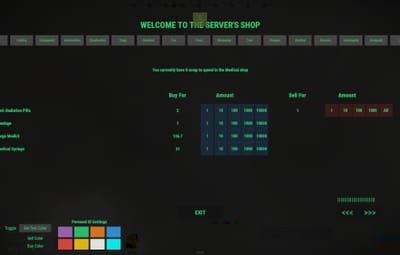
A fully pre-built, progression-conscious Scrap economy configuration for GUIShop by Khan, designed for server owners who want a broad global shop without destroying normal Rust progression.
This configuration has been built around one core principle:
The shop should be convenient — not the best way to play the game.
Players gain reliable access to a wide range of items, but normal gameplay methods such as farming, crafting, monument runs, recycling, looting, and vanilla vending machines remain economically relevant.
The economy has been reviewed, tested, compared, and refined across more than 1,200 current Rust shop entries to create pricing that feels consistent, understandable, and difficult to exploit.
PRICING PHILOSOPHY
Item values are calculated using a combination of:
• Existing Scrap value
• Recycler returns
• Vanilla vending machine prices
• Crafting requirements
• Workbench tier
• Item rarity
• Progression impact
• Convenience value
• Economic exploit potential
Raw material value alone is not enough to determine a fair shop price.
Progression-sensitive items receive additional pricing weight so that powerful or late-game items remain appropriately expensive even when their base crafting materials appear relatively inexpensive.
The result is a shop that acts as a useful fallback and convenience system without replacing normal Rust progression.
WORKBENCH & PROGRESSION PRICING
Workbench requirements are incorporated directly into pricing.
Items requiring higher workbench tiers receive additional value based on the progression required to obtain and craft them normally.
This is especially important for items such as:
• Rockets
• C4
• High-tier firearms
• Advanced components
• Late-game armor and equipment
• Progression-sensitive deployables
A Tier 3 item should not become cheap simply because its raw crafting ingredients produce a low mathematical total.
The configuration instead accounts for the actual progression value of accessing that item.
EXPLOSIVES & RAID MATERIALS
Gunpowder, explosives, ammunition components, and raid-related items receive additional pricing weight.
This is intentional.
Purchasing raid materials directly from a global shop should be possible as a convenience, but it should generally remain more expensive than gathering resources and producing those items through normal gameplay.
This helps preserve:
• Farming value
• Sulfur progression
• Monument activity
• Crafting
• Player risk
• Raid preparation
The shop can help finish a raid loadout.
It should not become the most efficient way to manufacture one.
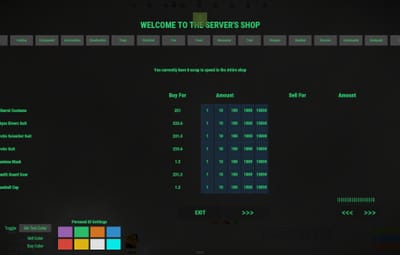
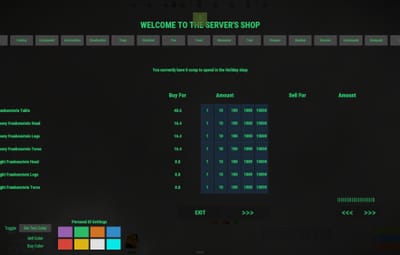
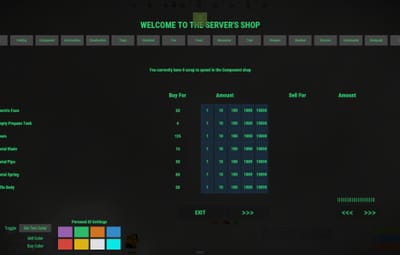
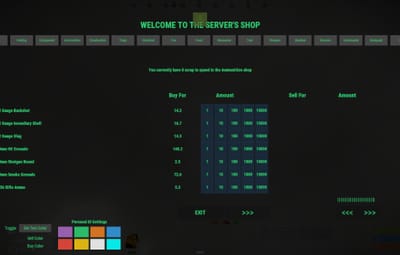
BUYING
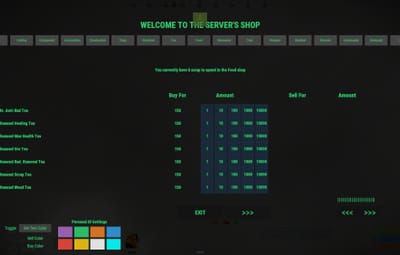
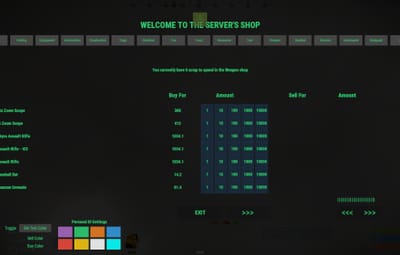
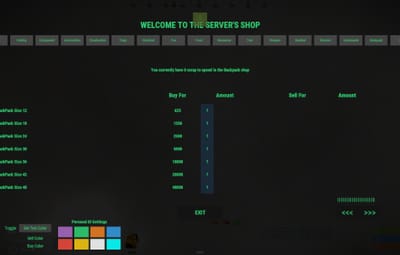
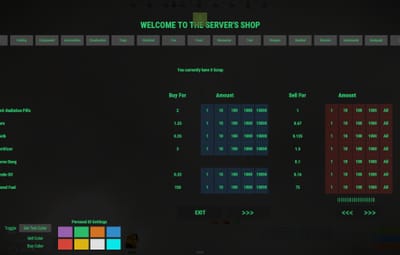
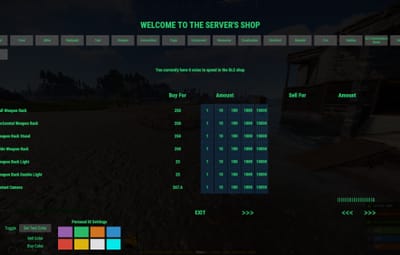
All purchasable items use whole-number Scrap prices.
This keeps purchasing simple, predictable, and compatible with physical Scrap as the primary economy currency.
Pricing has been updated and standardized across 1,200+ current Rust shop entries.
The shop includes broad access to normal Rust items while intentionally maintaining a premium for global convenience.
Vehicles
Vehicles are intentionally excluded from global purchasing.
Vehicles should continue to be:
• Crafted
• Obtained naturally
• Purchased from appropriate vanilla vendors
• Acquired through server-specific vehicle systems
Allowing major vehicles to instantly appear through a global shop undermines several existing Rust systems, so they are deliberately excluded.
SELLING
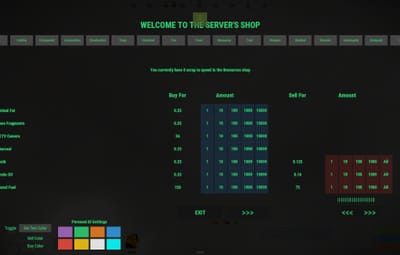
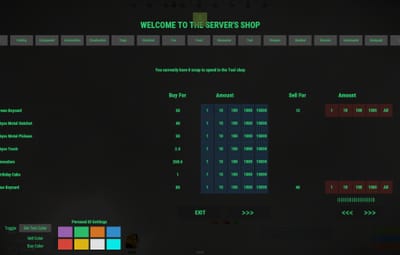
Players can only sell items specifically included in the dedicated Sell category.
This is intentional.
Normal shop items cannot simply be purchased and immediately sold back for Scrap.
Sell prices are kept below purchase value and have been balanced against common conversion methods, including:
• Recycling
• Crafting
• Processing
• Resource conversion
• Vanilla vending machines
• Plugin-based economic systems
Where fractional sell values are necessary, clean values are used instead of awkward numbers such as:
0.163
or
0.665
The goal is to keep the economy understandable while still allowing precise enough pricing to prevent profitable loops.
SPECIAL & SCAVENGER ITEMS
The dedicated Sell category also gives economic value to several unusual, legacy, miscellaneous, or otherwise low-use Rust items.
Examples include:
• Paper
• Research Paper
• Glue
• Sticks
• Batteries
• Blood
• Bleach
• Duct Tape
• Documents
• Tags
• Miscellaneous scavenged items
Many of these items have little or no meaningful use in normal Rust gameplay.
This configuration turns them into useful scavenger loot.
Instead of finding an unusual item and immediately throwing it away, players may now have a reason to bring it home and sell it.
This is particularly useful for modded servers running expanded loot systems.
CUSTOM LOOT COMPATIBILITY
The scavenger economy works especially well alongside plugins or server systems that add custom loot to:
• Monuments
• Static props
• Crates
• Containers
• Furniture
• Vehicles
• NPC loot
• Custom events
• World-generated loot sources
Low-value junk items can become meaningful secondary rewards without needing to be powerful crafting ingredients.
This allows server owners to expand loot diversity while still giving players a practical reason to collect unusual items.
ANTI-EXPLOIT ECONOMY DESIGN
The configuration has been reviewed specifically for common Scrap-generation loops and economic exploits.
Examples include:
• Buy item → recycle item → sell materials
• Buy ingredients → craft item → sell result
• Buy resource → process resource → sell output
• Vendor conversion loops
• Fertilizer conversion loops
• Horse Dung exploits
• Recycler arbitrage
• Buy/sell price inversion
• Cheap progression bypasses
• Resource conversion exploits
Items capable of creating obvious economic loops are:
• Repriced
• Restricted
• Removed from selling
• Removed from global purchasing where appropriate
The objective is straightforward:
The shop should provide convenience.
It should never provide infinite Scrap.
GLOBAL SHOP DESIGN
The default configuration is designed around a global “Amazon-style” shop.
Players can access a broad range of normal items without requiring individually placed shop NPCs or traveling to specific physical locations.
The convenience premium is what keeps the rest of the game relevant.
Players still have economic reasons to:
• Loot monuments
• Farm resources
• Craft items
• Use recyclers
• Explore the map
• Visit vanilla vendors
• Scavenge
• Trade
• Participate in server content
The shop fills gaps in progression rather than replacing progression itself.
ECONOMY GOALS
This configuration is designed to provide:
• Predictable Scrap pricing
• Broad global item access
• Progression-aware values
• Higher pricing for powerful late-game items
• Controlled resale
• Meaningful scavenger loot
• Reduced arbitrage opportunities
• Protection against common Scrap-generation loops
• Continued value for crafting and gathering
• Continued relevance for vanilla vendors
• Convenience without replacing normal gameplay
INSTALLATION
Make sure GUIShop is fully updated.
Install or update any dependencies required by your current GUIShop version, such as ImageLibrary and LangAPI where applicable.
Back up your existing GUIShop configuration.
Download the included configuration file.
Replace your existing GUIShop configuration located at:
server/oxide/config/GUIShop.json
Reload GUIShop or restart the server.
Done.
IMPORTANT
This package is a pre-built configuration for GUIShop.
It does not replace GUIShop itself.
GUIShop must be installed separately.
Server owners should always back up their existing configuration before installing a replacement configuration.
Because Rust, GUIShop, and server economies continue to evolve, individual server owners may still wish to adjust selected values to match their own gather rates, loot multipliers, wipe schedules, or progression speed.
The included values are intended to provide a strong, balanced starting economy rather than force every server into exactly the same progression model.
RECOMMENDED FOR
This configuration is particularly well suited for servers that want:
• Scrap-based trading
• A global GUI shop
• Broad item availability
• Strong progression preservation
• Controlled player resale
• Expanded scavenger economies
• Custom loot integration
• Reduced economic exploits
• Convenience-focused shopping
• A ready-to-use economy foundation
It is especially useful for modded servers where players encounter a wider range of loot than standard vanilla Rust provides.
WHY USE A PRE-BUILT CONFIG?
Building a large GUIShop economy is not difficult because of the JSON.
The difficult part is deciding what everything should actually cost.
A shop containing hundreds or thousands of items creates interconnected economic relationships between:
• Crafting recipes
• Recycler outputs
• Resource values
• Workbench progression
• Vending machines
• Player resale
• Raid materials
• Components
• Custom loot
• Server progression
Changing the value of one item can unintentionally affect several others.
This configuration is intended to eliminate most of that initial balancing work and provide server owners with a ready-to-use economy that can then be adjusted to match their individual server.
Instead of starting with an empty shop and hundreds of pricing decisions, you start with a complete economic framework.
SUMMARY
GUIShop Custom Pre-Built Config — Updated 2026 provides a complete Scrap-based economy for GUIShop with more than 1,200 modernized shop entries, progression-aware pricing, controlled selling, scavenger-item support, and extensive anti-exploit balancing.
It is designed for server owners who want the convenience of a large global shop without turning Scrap into an infinite resource or making normal Rust progression irrelevant.
Convenience without replacing gameplay.
That is the entire philosophy behind the configuration.