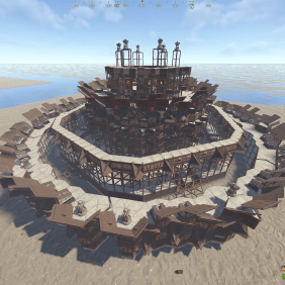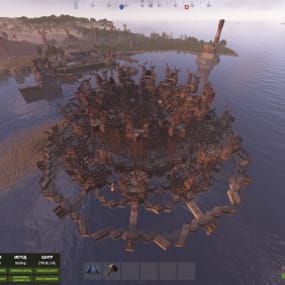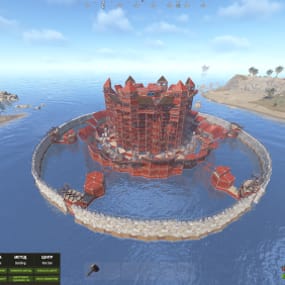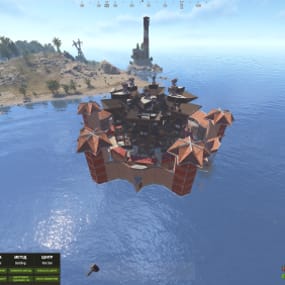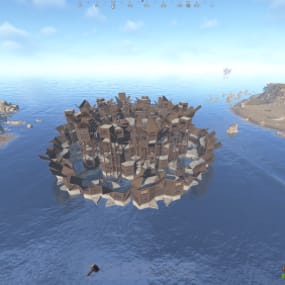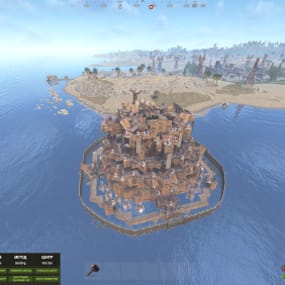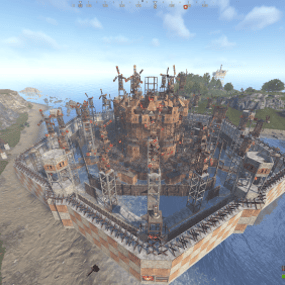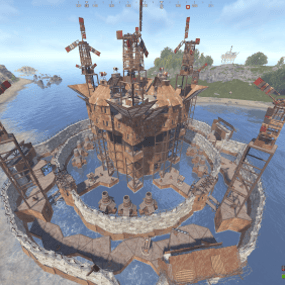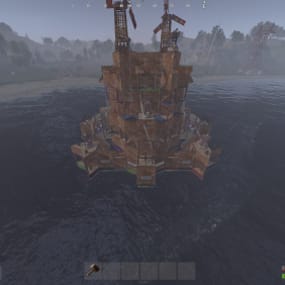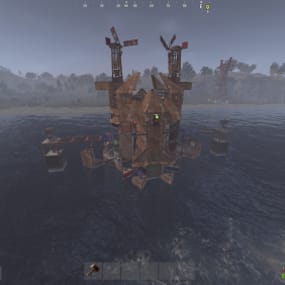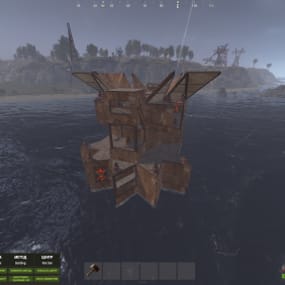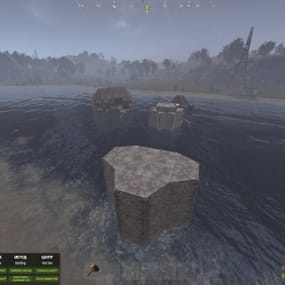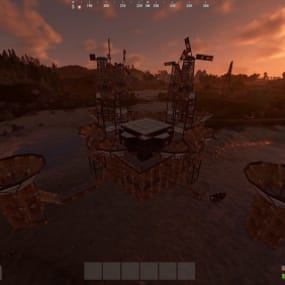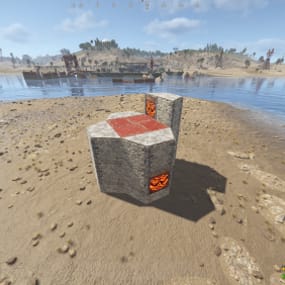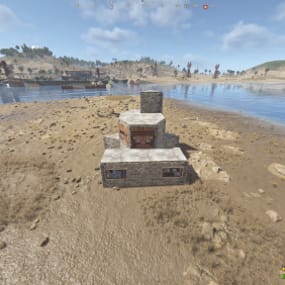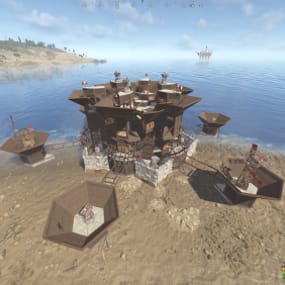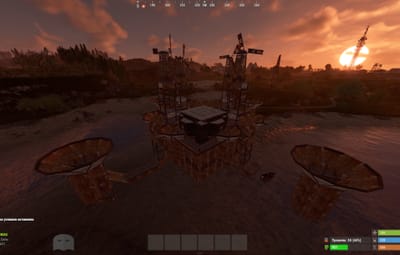
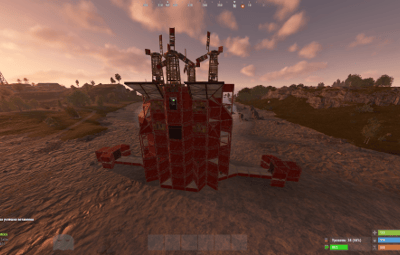
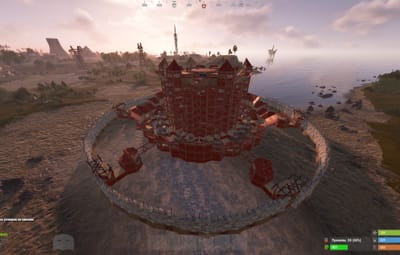
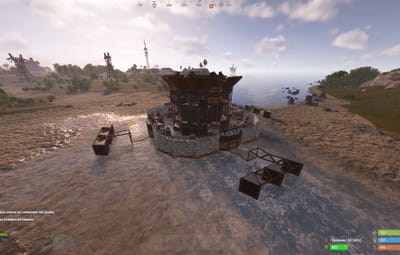
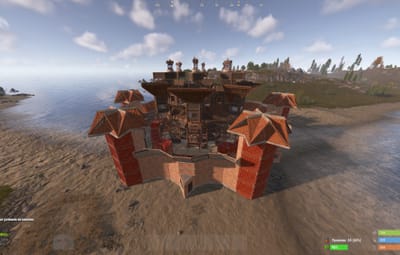
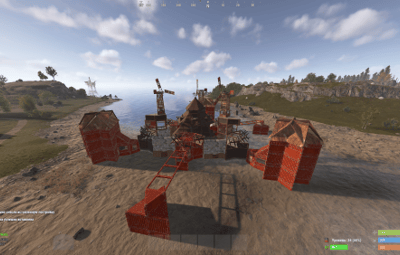
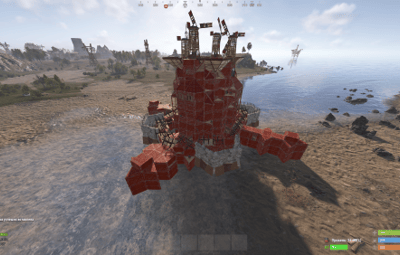
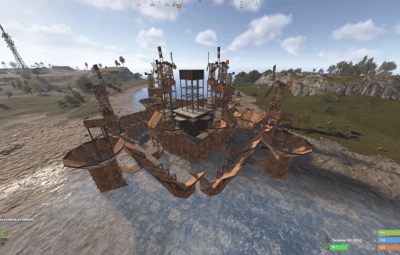
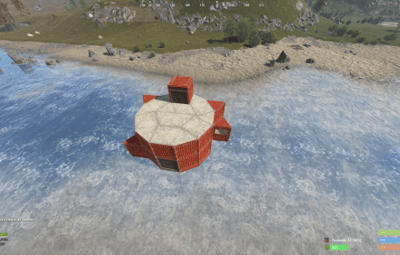
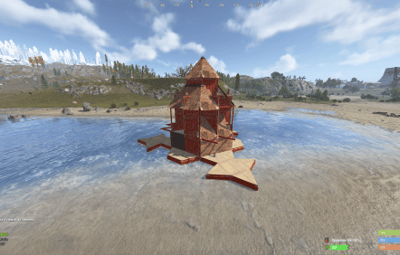
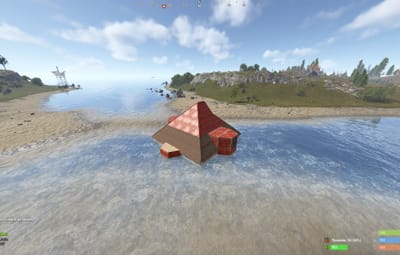
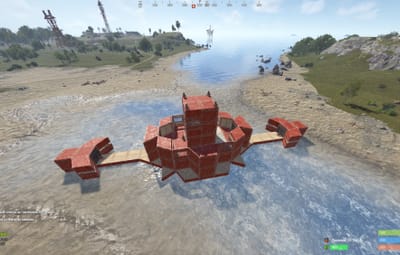
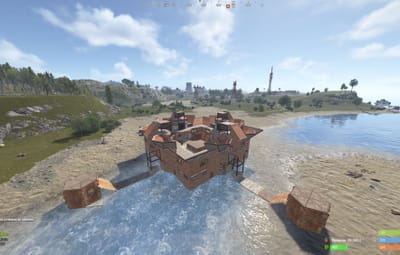
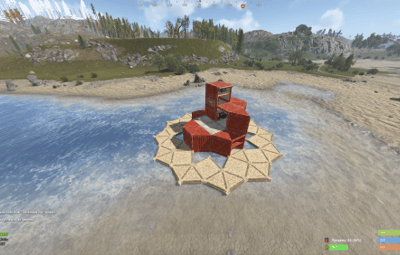
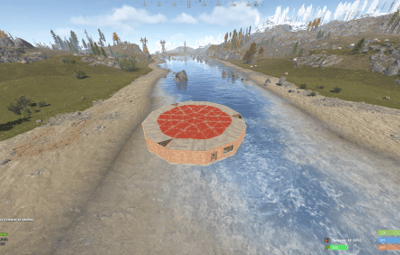
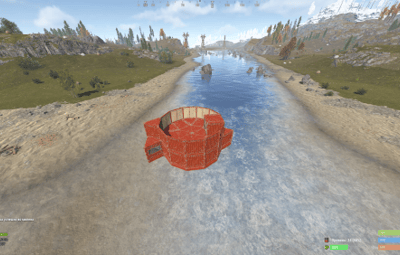
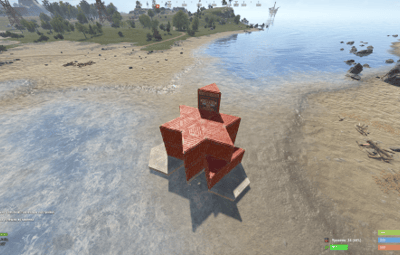
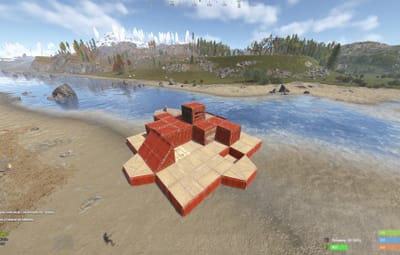
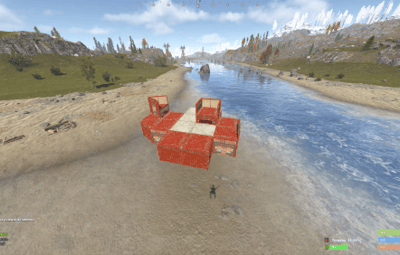
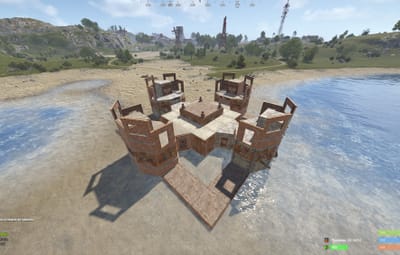
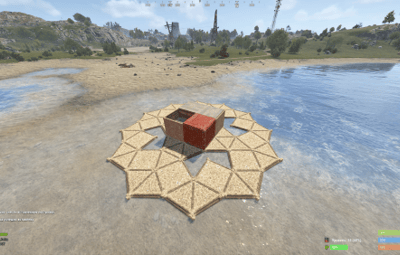
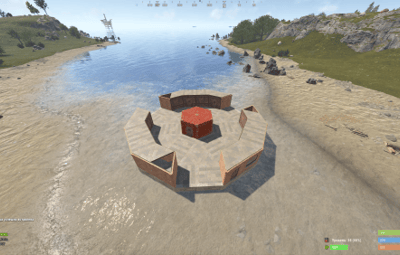
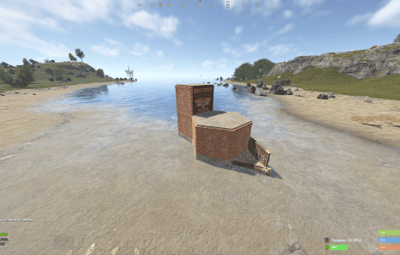
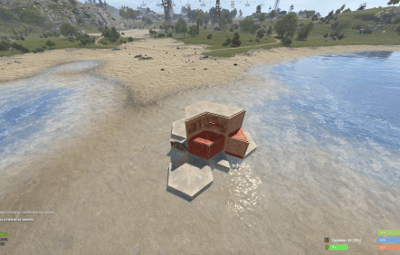
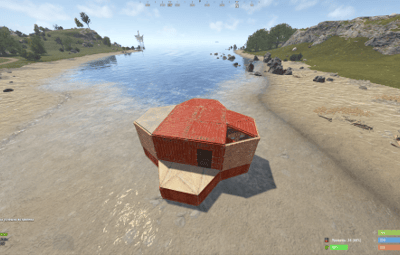
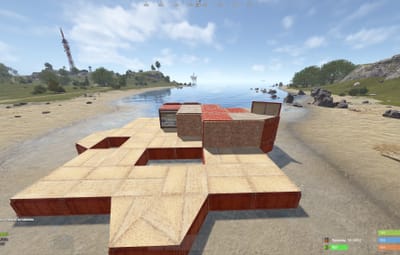
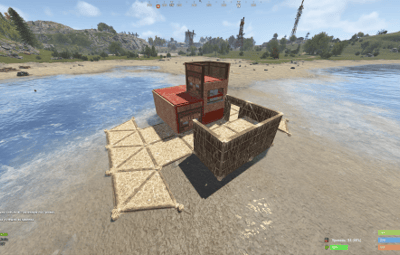
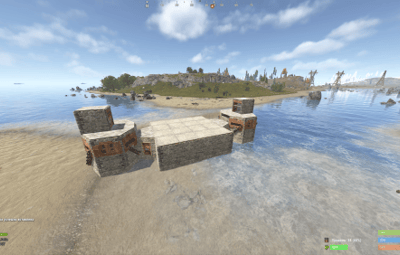


About Pack of 52 Raidable Bases + (Update Settings & Loot Tables) By JaaaaaThomas
Hello everyone!
This is already my second project, and I’ve put a lot of heart into it. My team and I have worked hard to make it as interesting as possible and to include even more bases. Inside, you’ll find very cool features and lifehacks, so I can guarantee that once you purchase this package, you’ll truly enjoy using it.
We have focused on creating more level 4, 5, and 6 bases, as these are the most popular choices!
As mentioned before, this package also includes the acquisition and configuration for the level 6 pack—something brand new that hasn't been seen before. That’s why we highly recommend it!
Setup Guide for Your New Bases
To ensure a clean installation, start by disabling the current plugin. Enter the following command into your server console: o.unload RaidableBases.
If you have used this plugin before, it is essential to clear out any old settings. Please delete the following:
The configuration file: oxide/config/RaidableBases.json
The entire data directory: oxide/data/RaidableBases/
Now, access your server files via FTP and locate the main /oxide/ directory. Inside this download, you will see two folders: config and data. Simply drag and drop these into your server's /oxide/ folder. When prompted by your FTP client, choose "Overwrite" or "Merge" to ensure the new files are correctly placed.
Once the transfer is complete, reactivate the plugin by typing: o.reload RaidableBases. You should see the updated loot tables appearing in the console logs.
To verify that the bases have been recognized, use the command: rb.config list. This will display all the new schematic files now located in oxide/data/copypaste/. If the list appears empty, please double-check your file paths and try the process again.
Thank you for appreciating our work and for standing by us!