

SinKohh
-
Posts
170 -
Joined
-
Last visited
-
Days Won
3
Content Type
Profiles
Warranty Claims
Downloads
Forums
Store
Services
Downloads Plus Support
DOWNLOADS EXTRA
Everything posted by SinKohh
-
 Looking into it now.
 -
 If using TruePVE and "defaultAllowDamage": false: Add pookie_deployed to an entity group that can be damaged by players.
 -
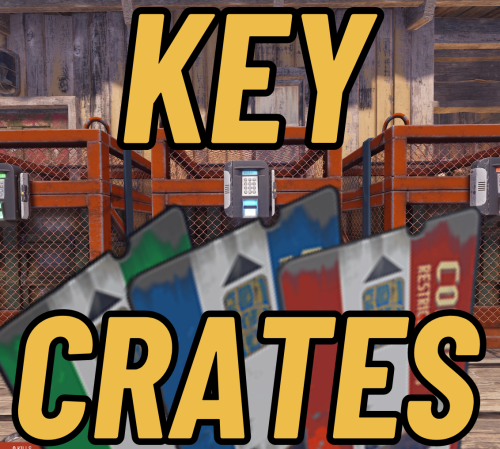 They are the same card they are just skinned to show a different image in the hotbar. There is a config option to allow you to set the skins to whatever you would like it to be.
 -
These are 3 crates with configurable rewards that are set to auto spawn at bandit and outpost(custom location can be set). While a player is out looting they can find Loot Keys in containers. The colored keys can be used at the matching colored reader at these crates to receive a random reward.
-
Version 1.0.1
71 downloads
Are you tired of being LIMITED by the game on how much you can sell and the price in your vending machine? Vending Plus is a plugin that enhances the functionality of user-placed vending machines, allowing players to create custom sell orders with increased stack capacities. Command: /vm - While looking at a vending machine you own, or a teammates (if enabled), running this command will prompt you to hold an item and respond with the quantity that you want to sell as a stack. (ex. Holding scrap and typing '15000' will list the scrap for sell in stacks of 15000) Then you will be prompted to hold the item you want to sell it for and type the quantity. (ex. Holding gunpowder and typing '5000' would create a sell offer in the machine for 15000 scrap for 5000 gunpowder) Features: Increased Stack Capacities: Provides greater flexibility by allowing players to set higher stack quantities for items in sell orders. Team Member Integration: Optionally allows team members to add sell orders to your vending machines, making it easier to manage communal vending machines. This feature can be enabled or disabled through the plugin's configuration file.$4.99 -

Version 1.0.3
66 downloads
The Mystery Loot Bags plugin is a dynamic and engaging addition designed to enhance the gameplay experience by introducing random loot bags that players can find while exploring, fishing, or using a metal detector. This plugin adds an element of surprise and excitement, making resource gathering more rewarding and unpredictable. It aims to keep players engaged by providing various ways to obtain valuable items or execute special commands through randomly awarded loot bags. Features: Random Loot Bags: Players have a chance to find loot bags when performing certain actions such as fishing, using a metal detector, or looting crates. The chance to receive a loot bag is configurable, providing server admins with the flexibility to adjust the plugin's impact on gameplay. Configurable Loot and Commands: Loot bags can contain items from a predefined loot table or trigger commands that reward players with specific items. Each loot bag can be configured with different rarities (Common, Uncommon, Rare, Epic, Legendary), each with its own set of rewards and associated probabilities. Server admins can configure both the items and commands that can be awarded, ensuring that the plugin can be tailored to fit the unique needs and balance of any server. Activity-Based Rewards: Fishing: Players have a configurable chance to receive a loot bag when catching fish. Metal Detecting: Players using metal detectors have a chance to find loot bags upon successfully locating items. World Loot: Loot bags can be configured to spawn in specific loot containers found in the game world, such as crates and barrels. Broadcast and Player Messages: Rewards can be accompanied by customizable messages that notify the player of their reward. A server-wide broadcast can be enabled for higher rarity items, allowing other players to see when someone receives a significant reward. Admin Commands: /mlgive: Admins can use this command to manually give players a specified number of loot bags of a certain rarity. (Usage: /mlgive <useridORname> <rarity> <quantity>) Console Commands: Similar functionality is available through server console commands, allowing admins to manage rewards without in-game presence. (Usage: mlgiveconsole <userid> <rarity> <quantity>) Auto Bag Upgrade: Automatically upgrades lower rarity loot bags to higher rarity ones when a player collects 10 of the lower rarity bags, promoting continuous engagement and reward accumulation. Skin Customization: Loot bags can have customized skins, making them visually distinct and adding an extra layer of personalization to the server. Flexible Configuration: All features and probabilities are highly configurable, allowing server admins to adjust the plugin to their preferred balance and gameplay style. Summary The Mystery Loot Bag plugin offers a versatile and customizable way to introduce random rewards into the game. By providing multiple methods to acquire loot bags and a wide range of possible rewards, it keeps the gameplay fresh and exciting. Server admins have extensive control over the configuration, enabling them to tailor the experience to their specific community. Whether through fishing, metal detecting, or looting, players will enjoy the thrill of discovering valuable items and special rewards as they explore the world of Rust. Example Config Attached MysteryLoot.json$5.99 -
Version 1.1.3
19 downloads
Proper Protection is a robust plugin designed for enhanced server protection with a user-friendly approach. This innovative plugin offers the options of constant online protection, timed offline protection, and a user-friendly way to set which entities are protected. Online protection, when activated, safeguards configured entities for the entire clan while any player in the clan is online. When the entire clan is offline, the protection seamlessly transitions to offline settings. In instances where online protection is disabled, a clan's offline protection can be set to start instantly, or after a specified time, as designated by the "Minutes until Protection after logout" setting in the configuration. Proper Protection prioritizes the needs of PVP, PVE, and Hybrid servers, while providing server administrators easy customization for a balanced protection strategy. Protection settings can be accessed in game through a command for easy access when configuring the plugin to match your servers needs. Key Highlights: 1. Online/Offline Protection: Online – Online protection is configurable to be enabled or disabled. If enabled, no entities listed in the configuration can be damaged while the player or clan members are online. Once the player is logged out, the offline rules apply - see below for offline rules. If online protection is disabled, and a player logs out, their protection will not start until the time specified in the config elapses, which is designated with "Minutes until Protection after logout”. Offline - Player/Clan entities receive protection as long as the entity is in the configuration file and associated player or clan members have logged in within the specified limit of protection (e.g., If "Protection Days": 2 is set in the config, if a player or clan member has been online within two days the base is protected.) 2. Streamlined Operation: Proper Protection seamlessly integrates into your server without interfering with existing PVE settings, offering a hassle-free experience. Entities protected by Proper Protection should also be added to compatible PVE plugins, if used, (e.g., TruePVE, NextGenPVE) for comprehensive protection. Player protection timers are dynamically updated based on player login, logout, or player crashes, ensuring accurate protection status. Configurable pop-up message that notifies the player if a base they have attacked is raidable or protected. 3. Entity-Centric Protection: Protection is tied to each individual entity rather than relying solely on Tool Cupboard (TC) ownership, allowing for a more flexible and targeted defense system. If a player is kicked from a clan or considered abandoned, their assigned entities become susceptible to damage immediately. Need to add that this allows very specific entities to be protected/damageable. If a player has been offline for over the configured amount of time, their assigned entities become susceptible to damage immediately. If an inactive player is removed from clan, the entities they built or placed become susceptible to damage even if the clan is still active. 4. Decay Management: Proper Protection offers robust support for managing decay on protected entities, ensuring they remain in line with server decay settings while still offering protection from explosives, bullets, etc. 5. Admin Settings UI: Included is an easy way to modify the plugins settings without ever needing to open the config file. With the proper permissions you can execute /ppset to get a UI of all the configurable options changeable from in game. Permissions: properprotection.check – Grants the user the ability to use the /pp command to check a players raid status. properprotection.vip - Grants the user extended protection time based on the value set in the configuration file. properprotection.raidable - Any user that has this permission will be raidable no matter the protection settings. properprotection.admin – Grants the user the ability to add and remove prefabs from the configuration with the /ppadd and /pprem commands as well as access to the configuration settings via the /ppset command. Commands: /pp nickname/SteamID: View detailed player or clan status, including online/offline status, clan tag, and remaining protection time. /ppadd: Add the entity prefab you are looking at to the protection list. /pprem: Remove the entity prefab you are looking at from the protection list. /ppset: Opens a settings menu to adjust configuration values in game. /ppraid nickname/SteamID: Grant or revoke raidable permission for a specified player (affects clan if in one).$13.99 -
Version 1.0.1
8 downloads
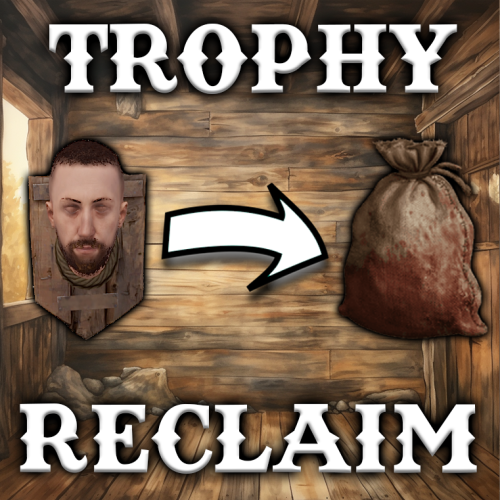
The Trophy Reclaim plugin is a user-friendly and lightweight addition to your Rust server, offering players a convenient way to retrieve mounted head trophies from Hunting Trophies. This plugin requires no special permissions, ensuring easy integration into your server environment. Commands: /rc: This simple command empowers players to modify their Hunting Trophies easily. By using the command while looking at a Hunting Trophy with a mounted head, players can remove associated clothing items. Following the removal, a prompt guides players to replace the head to finalize the changes. Notes: The Trophy Reclaim plugin streamlines the process of managing mounted head trophies, providing a seamless experience for players. No special permissions are required, ensuring accessibility for all players on your server. Enhance the trophy retrieval experience on your Rust server with the straightforward and efficient features of the Trophy Reclaim plugin!$2.99 -
At the moment no, But I will get it added in the next update!
-
 Ill look into adding support for this in the coming update.
 -
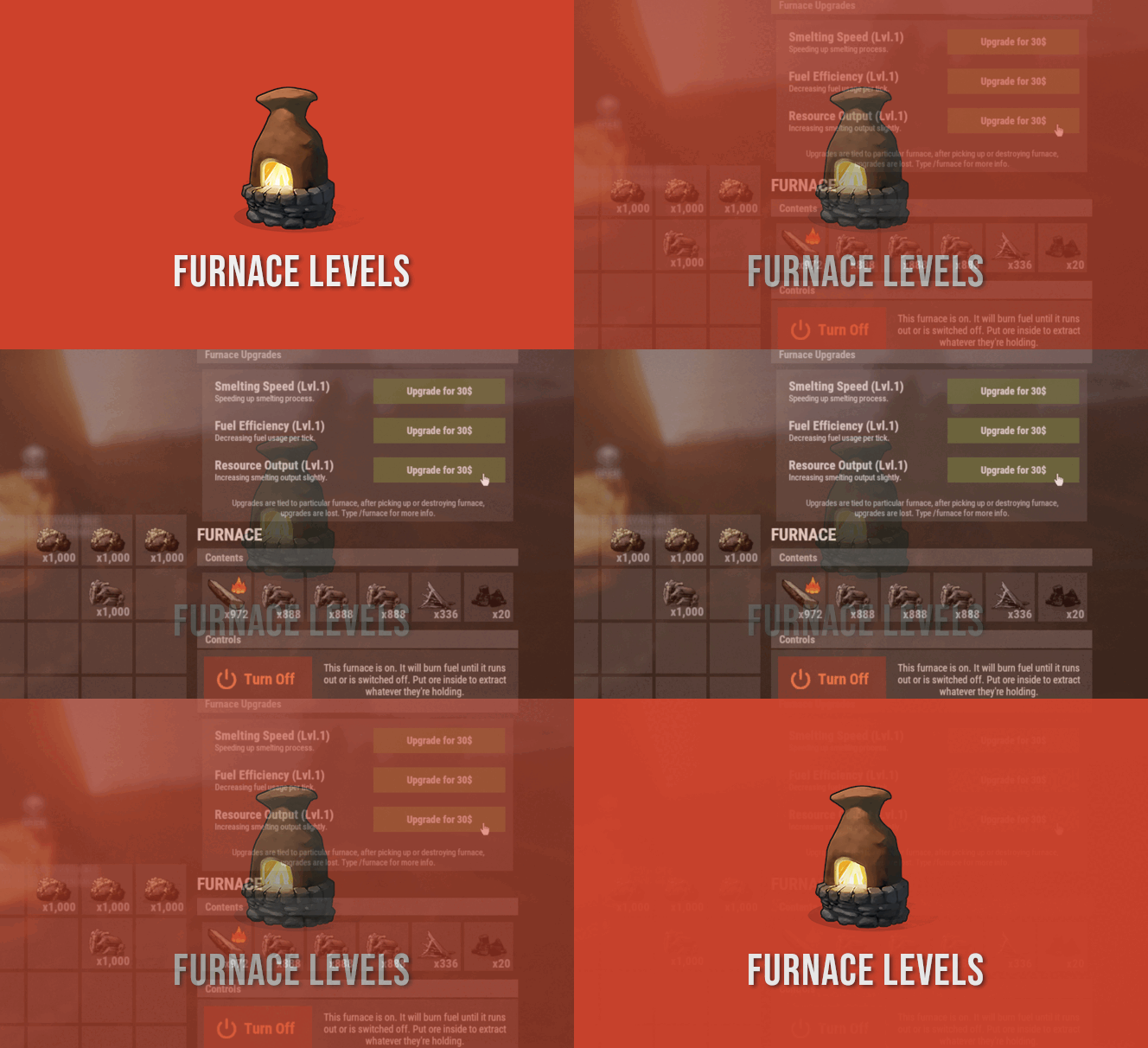 Once I have time to finish it, David will put it up. That way past purchases can still be honored.
 -
Yes I can look into this. I am also wrapping up some testing on your multi VIP request.
-
Im currently in the process of adding a data file that will store roll information. It will have a "Rerolls left:" field. I will add a command to add to that.
-
Patch will be out for you to test in about 2 minutes
-
So in the config you have the Free reroll amount set to 1 and it is not showing as free(1)? Have you already rerolled a container for free? The free reroll is X amount a day as set in config. That is out of all containers not free X rerolls for each container.
-
Ok. I will look into it now. Are you using a loot plugin?