
About Turret Controller
What it does
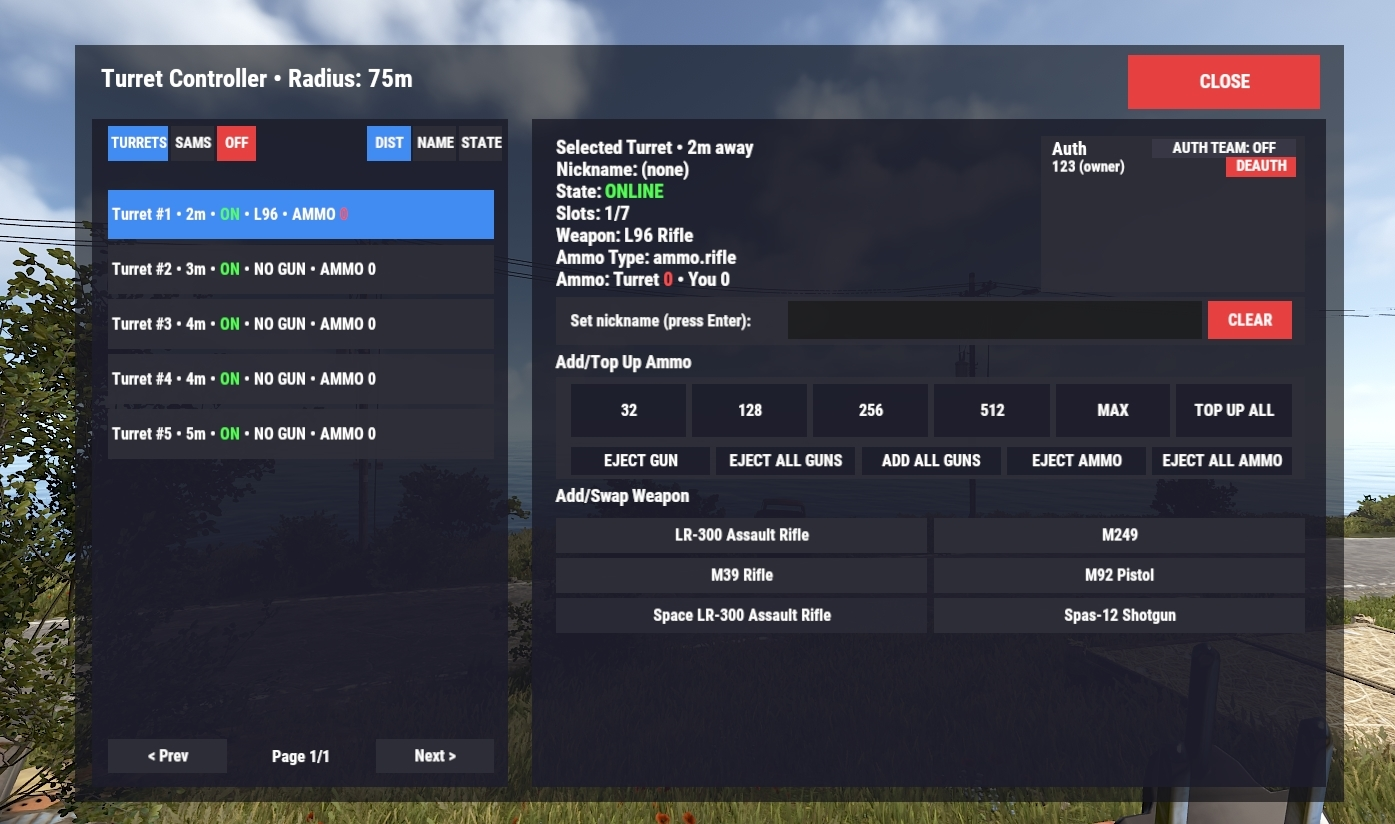
Turret Controller gives players a clean in-game UI to manage their nearby Auto Turrets and SAM Sites
Auto Turret features
- Swap/Add weapons directly from your inventory (quick weapon list in the UI)
- Top up ammo with one click (configurable deposit buttons + MAX)
- Eject weapon back to your inventory (or drop if full)
- Eject ammo / Eject all ammo
- Mass actions
- Top up ALL turrets in range (smart distribution)
- Add guns to ALL empty turrets
- Eject guns from ALL turrets
-
Power ON/OFF all powered turrets in range
Turret Auth management
- View authorized players
- Deauth players from the UI
- Auto-auth your team to the selected turret (toggle in the UI)
SAM AUTH toggle
-
Helpful for preventing your own SAMs shooting you and your team down. (Ignores all players that are authed on the tc

SAM Site features
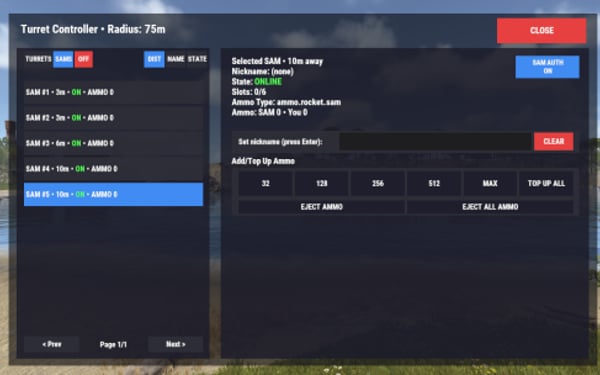
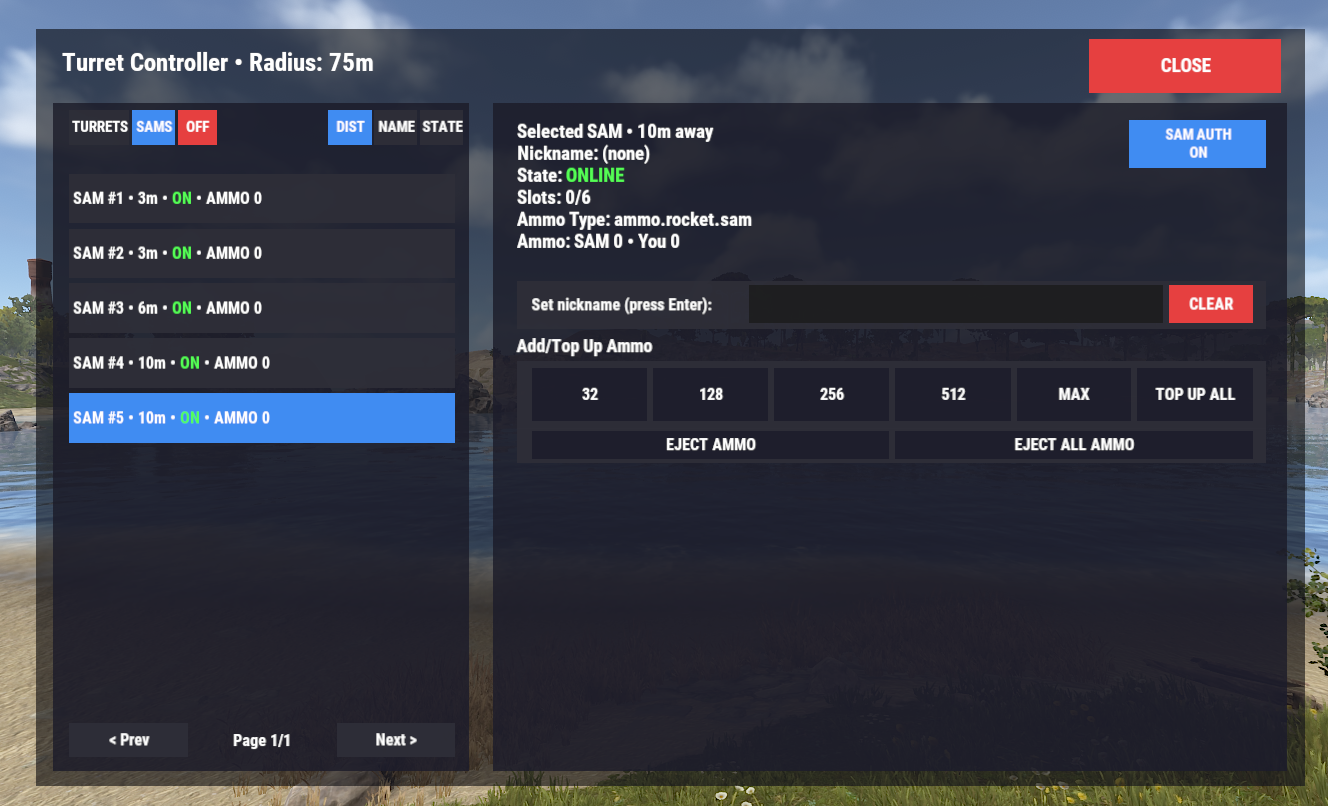
- List & manage SAMs from the same menu (toggle Turrets/SAMs tab)
- Top up SAM ammo with one click (buttons + MAX)
-
Eject SAM ammo / Eject ALL SAM ammo
Quality-of-life
- Nicknames: set custom names for turrets/SAMs so players can identify them easily
- Sorting: sort by Distance, Name, or State
- Safe permissions: requires permission to use
- Raid Block protection (optional): blocks using the UI while raid blocked (hardcoded radius/duration logic included)
Perfect for
- Modded servers, clans, bigger bases, and anyone who wants faster turret/SAM management with less running around.
- Configurable: command name, radius, deposit amounts, header text, weapon nickname labels, raidblock enable/disable.
Permission
-
turretcontroller.use
Command
- Chat command is configurable (Chat command in config)
- Default: /turret